 Catra
Catra


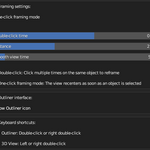
Auto Frame Selected
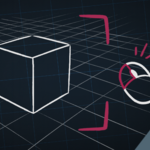
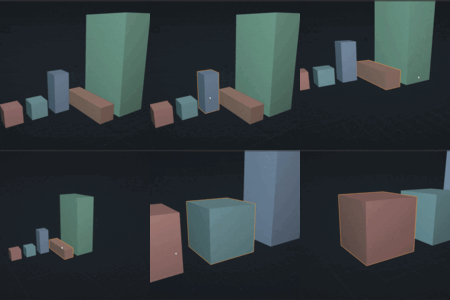
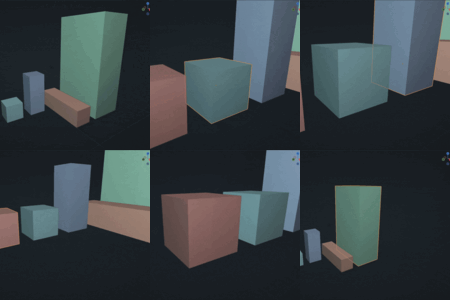
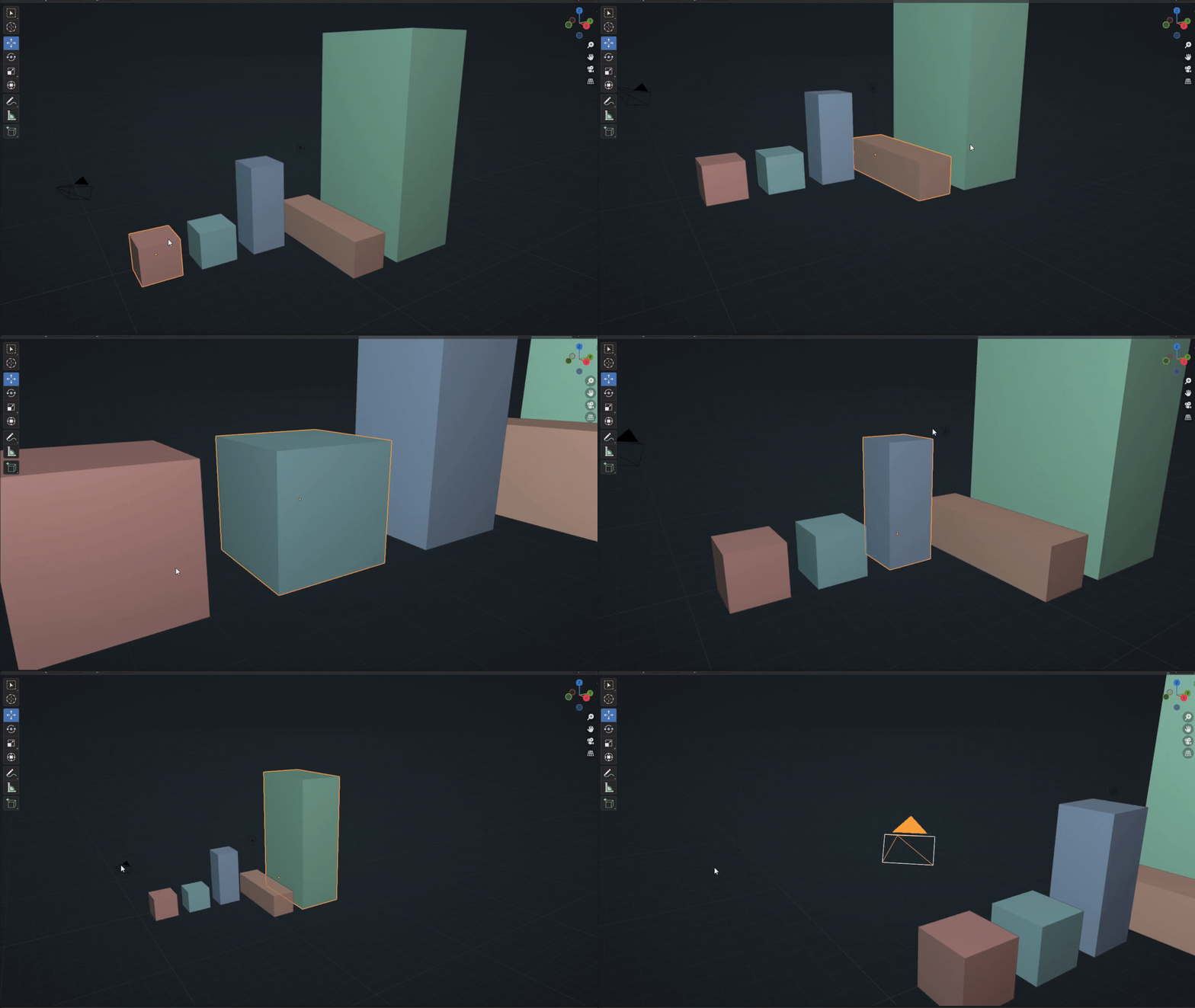
Double-click. Framed. That’s it.
Auto Frame Selected automatically recenters the 3D view on the selected object — with a simple double-click, or even a single click depending on your preferred mode. No more hunting for shortcuts or struggling with navigation: you click, and it’s framed.
Main Features
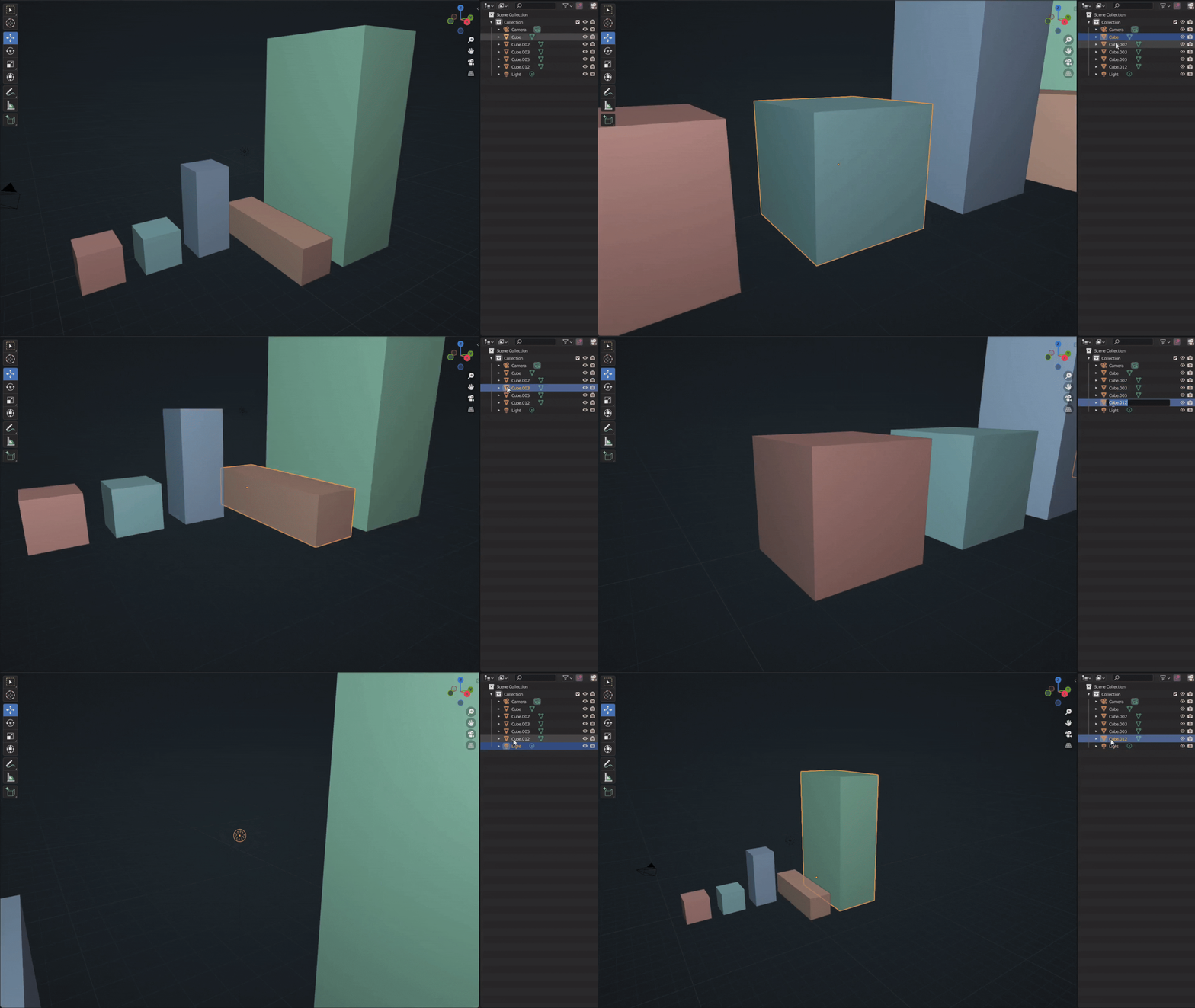
- Frame Selected (3D View / Outliner): double-click to frame the selected object, or a single click in one-click framing mode.
- Dedicated framing settings: accessible via the camera icon in the Outliner.
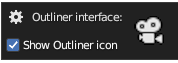
- Camera icon (Outliner): allows you to enable/disable one-click framing (with an option to hide the icon). Single-Click Mode
- Refocus the view on the selected object with a single click, without needing a double-click.
Addon Settings
Single-Click Mode
Refocus the view on the selected object with a single click, without needing a double-click.

Double-Click Time
Set the maximum delay between two clicks for it to be recognized as a double-click (in seconds).

Framing Distance
Control how far the camera positions itself from the object when framing.

Animation Duration
Adjust the duration of the framing animation (in milliseconds). 0 = no animation, instant movement.

Camera Icon in the Outliner
Shows or hides the camera button in the Outliner header to enable/disable one-click framing.
Advantages
- Smoother workflow: navigation becomes natural, especially in production.
- Ultra-easy installation: the addon works immediately with sensible default settings.
- Fully customizable: timing, distance, click behavior, Outliner icon, and more.