Auto Frame Selected - Double-Click
 Catra
Catra


Documentation – Auto Frame Selected
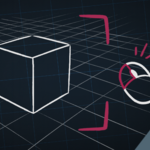
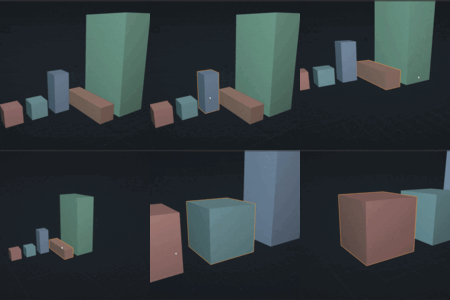
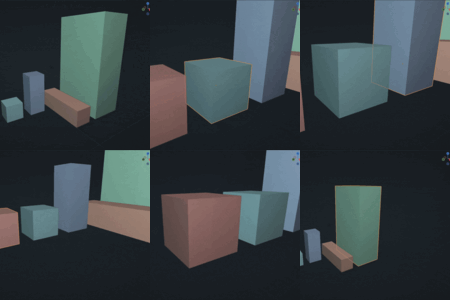
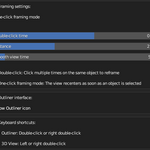
Auto Frame Selected – Double-Click lets you instantly refocus the 3D View on the selected object with a simple double-click, either in the 3D View or in the Outliner.
A “One-click framing” option also allows the view to recenter automatically as soon as an object is selected.
Installation
1. Blender → Edit → Preferences → Add-ons
2. Click Install… and select the .zip file
3. Enable: Auto Frame Selected – Double-Click
How It Works
- Double-click in the 3D View → frames the selected object
- Double-click in the Outliner → same effect
- Optional: One-click framing (instant recentering on single click)
- Settings available in: Preferences → Add-ons → Auto Frame Selected
Main Options
- Double-click timing
- Framing distance
- Animation duration
- Toggleable Outliner icon
Have questions about this product?
Login to message
Discover more products like this
auto Auto Frame Selected - Double-click outliner 3d viewport double click frame selected Automatic