 Soyoyo


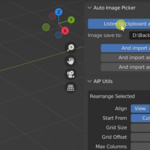
This is a Blender addon that automatically import copied images or screenshots into Blender. It's helpful for collecting images. It saves you a lot of time from some unnecessary steps. This addon works on Windows and Mac OS.
Automatically import images copied from the web pages
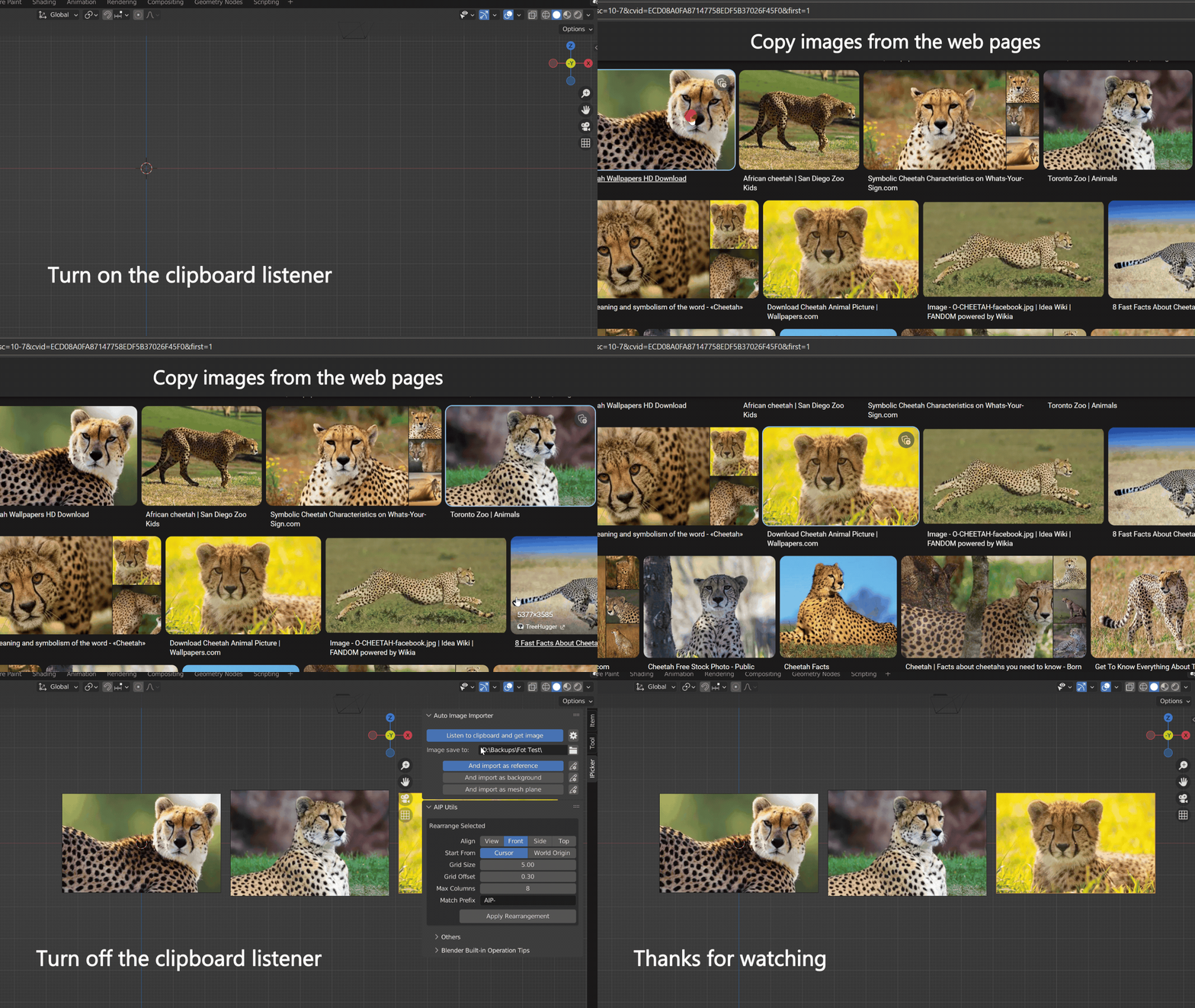
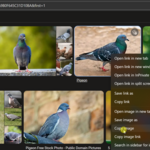
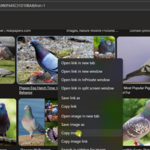
Automatically import images copied from the web pages into Blender. No more downloading, finding where they are, converting format etc. Just focus on your browsing and copying. Because the copied image from browser is raw image data, this addon doesn't care its original format, no matter .jfif or .webp or .jpg etc, all to png and import.
Automatically import your screenshots
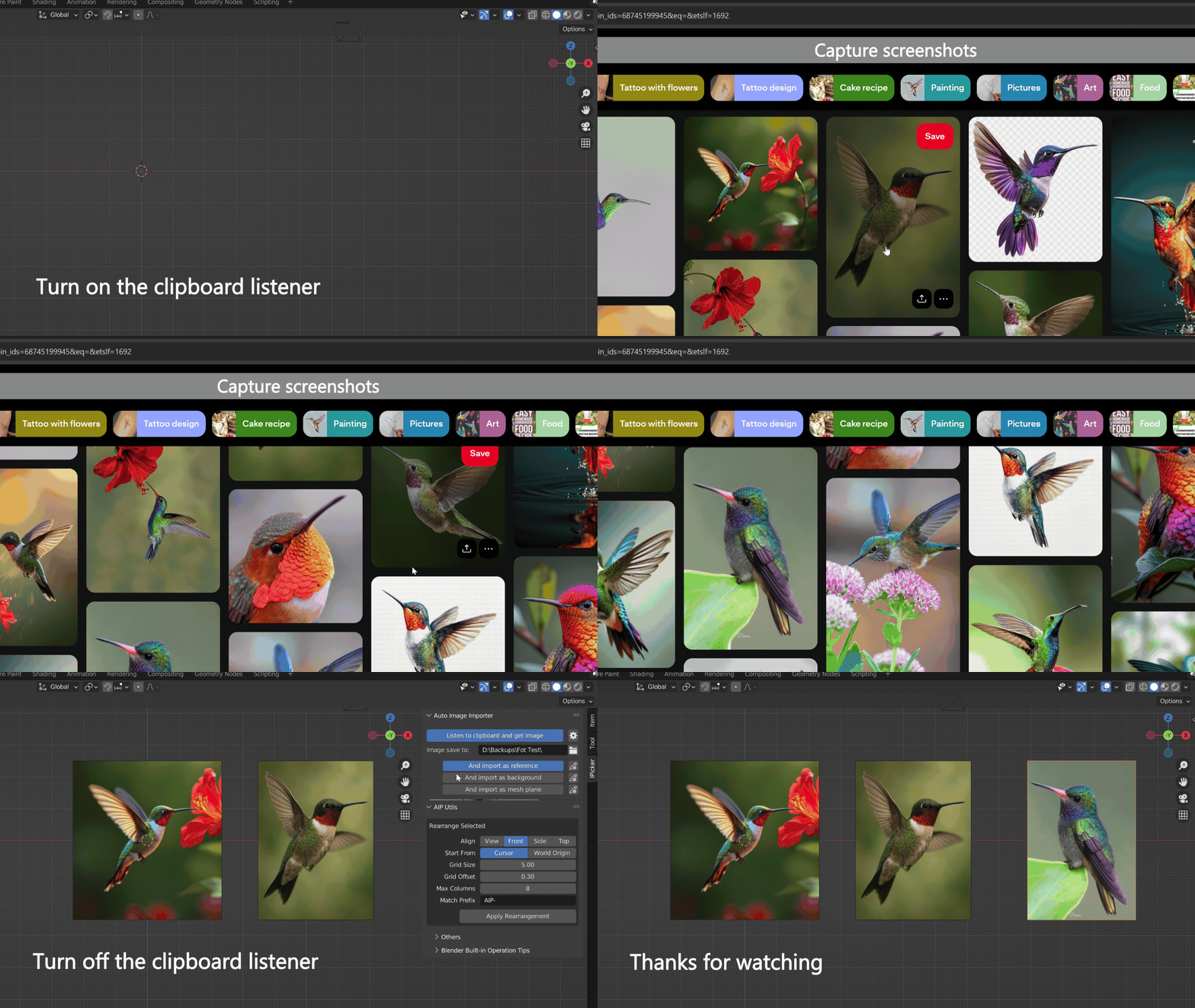
Some websites may prohibit copying images directly, then you can use screenshots to collect images, or for some other similar situations. On Windows, Shift + Win + S key to get a screenshot (OS built-in tool), it will put the raw image data to clipboard, then this addon will get it, handle it and import it. On Mac, Shift + Command + 4 key to get a screenshot (OS built-in tool), but it will not put it to clipboard by default, you can change the option where the captured image shoud goes to by Shift + Command + 5 key. You can also use the third party screenshot tool to captured images, as long as it put the captured image to clipboard, by default or have an option to clipboard.
Automatically import images copied from local
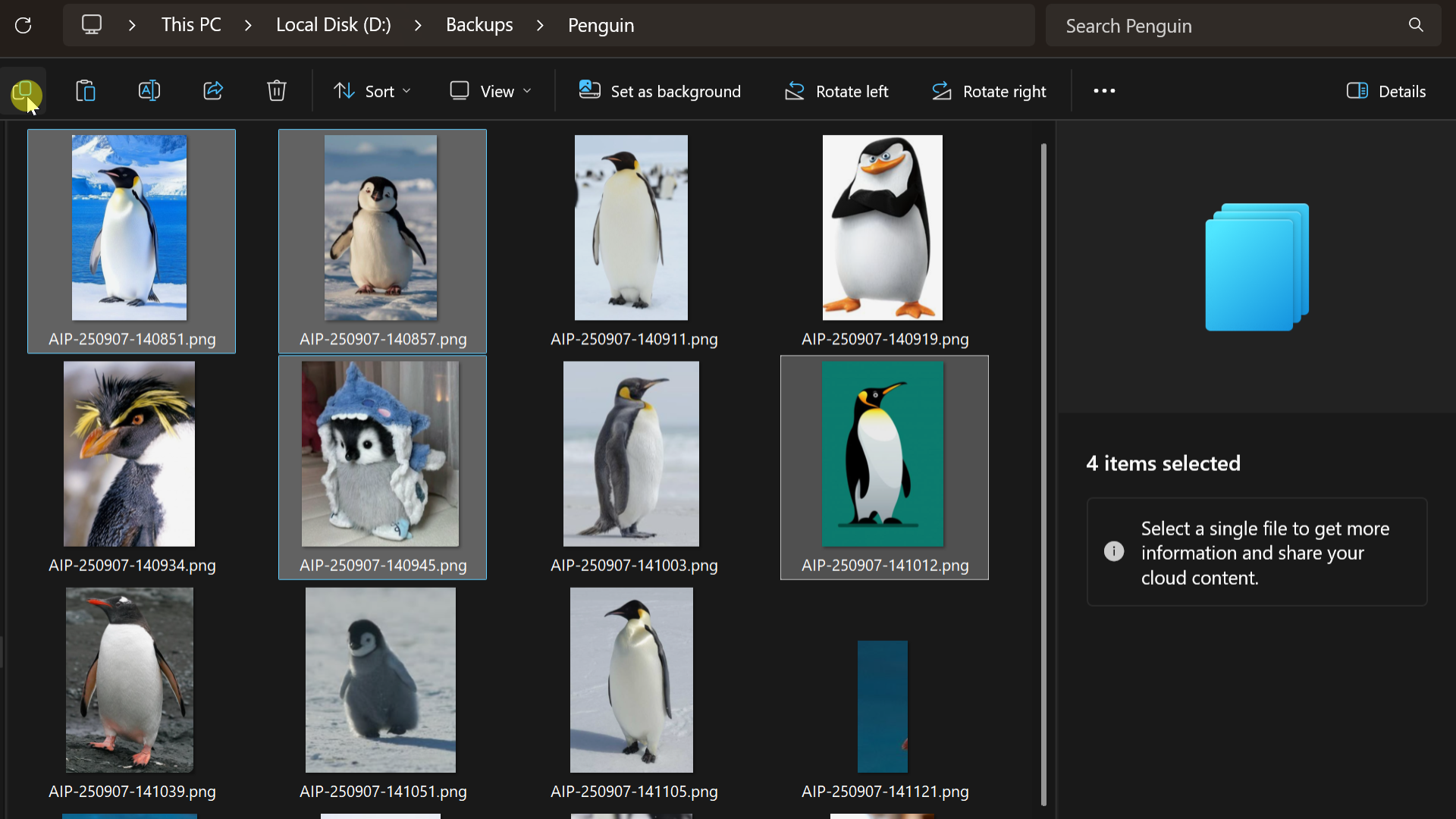
You can also use this addon to import images copied from local file system. When you copy image from local file system, it acutaly put the file urls to the clipboard. This addon will import them according to the file url. It only support .png .jpg .jpeg format for now.
Automatically import images exported from other apps
If the other applications put the images to the clipboad, this addon will also get it and import it (Need Listening On). For example, in Photoshop, you can Ctrl + C or Ctrl + Shift + C to copy image to clipboard. To put entire merged image to clipboard, Ctrl + A to select all visble and Crtl + Shift + C to copy. For more detail on how to put differrent part to clipboard, check its document or search for it.
Notice
- This addon works on Windows and Mac OS, not including Linux.
- This addon supports Blender 3.6, but it's better to use Blender 4.x and above. And you should save your blender file before turning the clipboard listener on and copying image.
- In Blender 4.1 and below, if you want to import image as mesh plane using this addon, you need to enable the addon Import Images as Planes, it's a built-in addon, but not enabled by default. No need to do anything about this in Blender 4.2 and above.
- Remember to turn the clipboard listener off if you stop copying images. Avoid unnecessary image imports.
- Don't use it when rendering or performing heavy tasks in the background.
Contact
If you have any feedback or questions, feel free to contact us via the BlenderMarket's 'Contact the creator' button. Thanks, Enjoy it!