 Ahui Studio


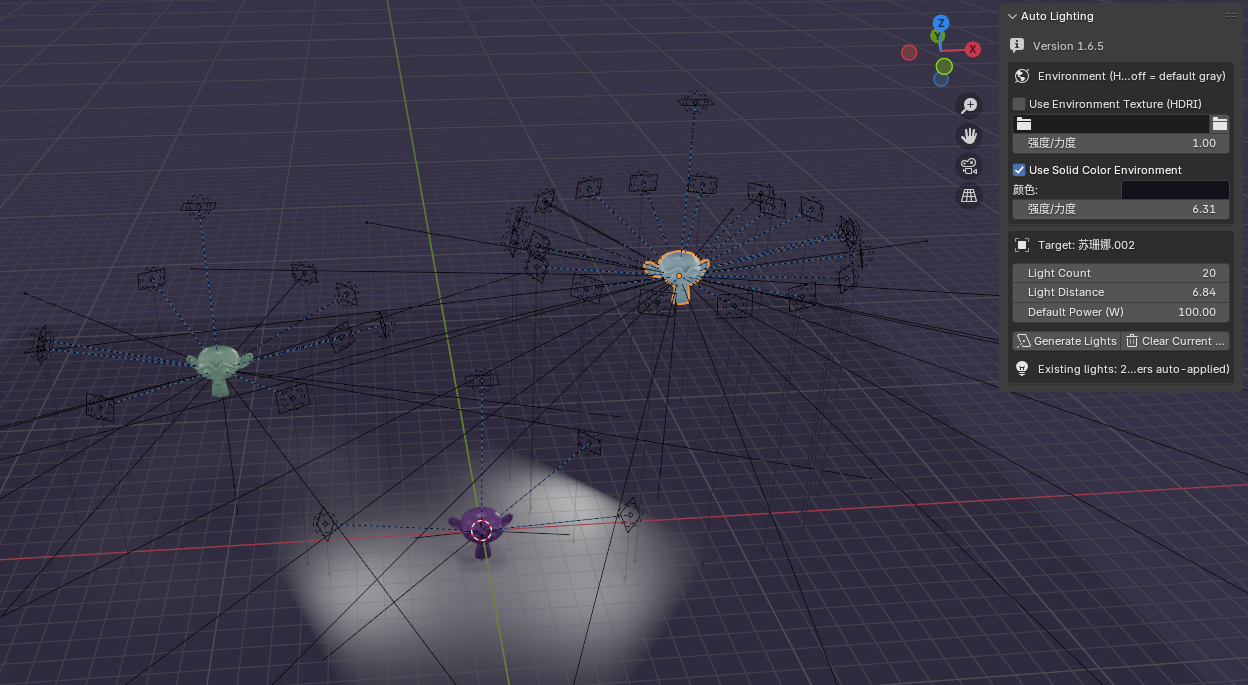
Auto Lighting — Quick Lights (Enhanced) v1.6.5
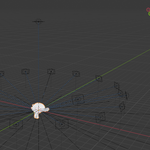
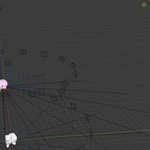
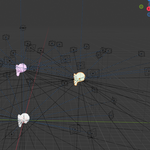
Create a surround lighting rig in one click. Shape your scene with two primary controls—Light Count and Light Distance—updated in real time. All lights automatically Track To the active object. Includes quick world lighting (HDRI or solid background), per-light controls, and a cleanup button.
Why it’s useful
-
Build a usable lighting setup in seconds for products, characters, and look-dev.
-
Iterate fast: add/remove lights and push/pull the whole rig without rebuilding.
-
Keeps scenes tidy with one-click cleanup of add-on lights.
Features
-
One-click Quick Lights surround rig (Area / Spot supported)
-
Live Light Count & Light Distance controls
-
Auto Track To the selected target
-
Per-light controls on selection: energy, size/shape, shadow, spot cone, etc.
-
World lighting: toggle HDRI environment or solid world background with strength
-
Works with Eevee and Cycles
-
Non-destructive and easy to remove with Clear
How to use
-
Select a non-light object (your target).
-
Open 3D View → N-Panel → Auto Lighting and click Generate.
-
Adjust Light Count and Light Distance; fine-tune any selected light.
-
Use Clear to remove the add-on lights when needed.
Compatibility
Designed for Blender 4.0–4.5 ·
What’s included
-
Add-on ZIP (
auto_lighting_quick_lights) -
README.md(installation & usage) -
CHANGELOG.md -
LICENSE(GPL-2.0-or-later)
Demo video
Version
v1.6.5 – Initial Quick Lights release: surround rig + live Count/Distance, per-light panel, cleanup.
