 Joris
Joris
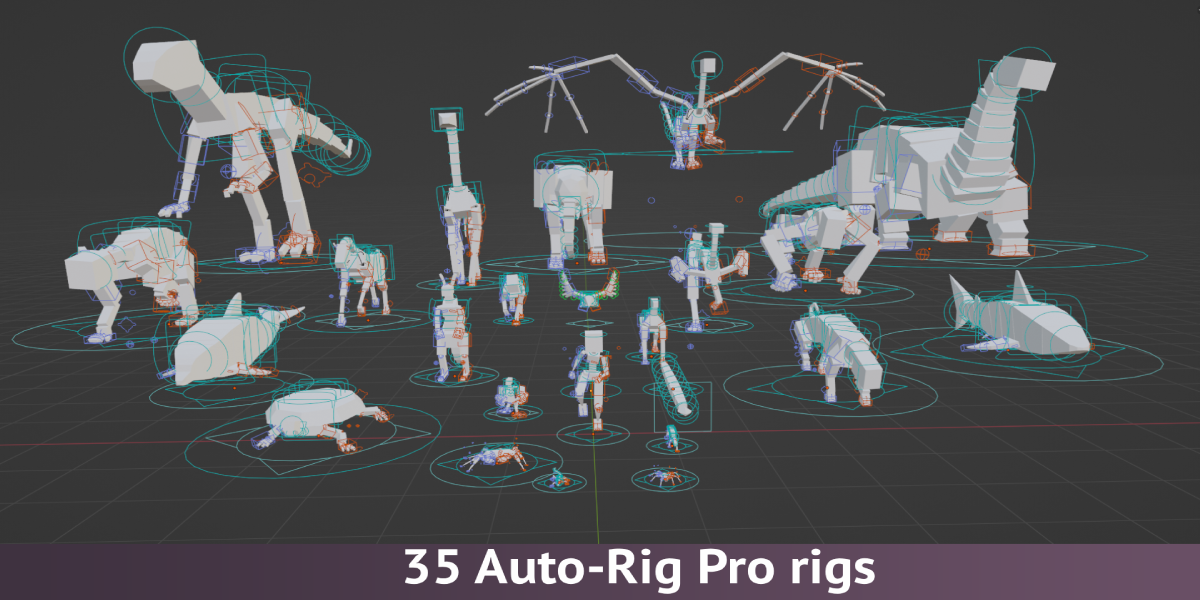
The biggest Auto-Rig Pro rig collection

35 Rigs
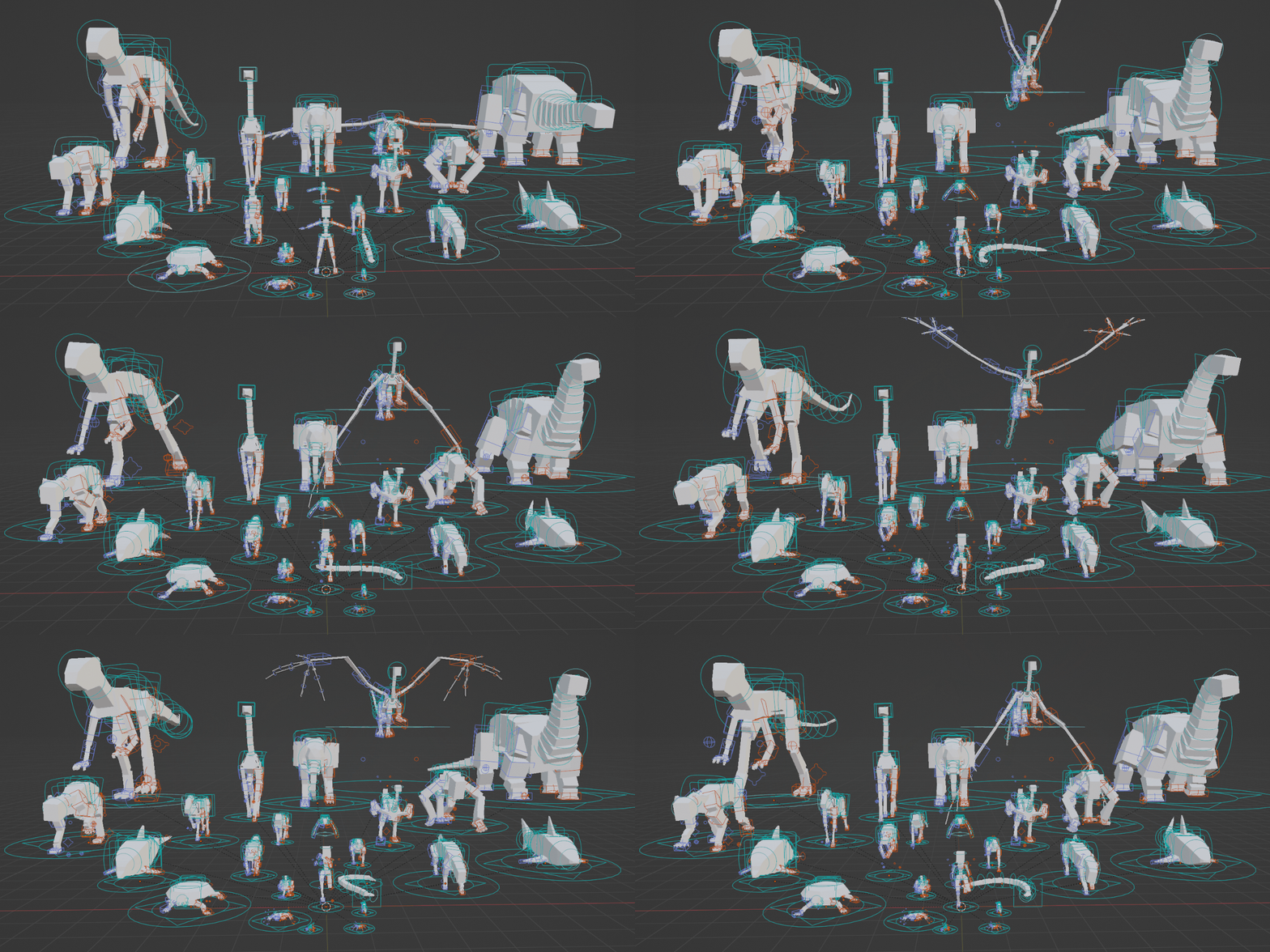
- Allosaur
- Ant
- Apatosaurus
- Bear
- Bee
- Bird
- Butterfly
- Cat
- Chicken
- Cow
- Crab
- Deer
- Dog
- Dolphin
- Dragon
- Duck
- Elephant
- Fish
- Frog
- Giraffe
- Gorilla
- Horse
- Human
- Kangaroo
- Lizard
- Mouse
- Ostrich
- Pig
- Rabbit
- Shark
- Snake
- Spider
- Squirrel
- Tiger
- Turtle
Compatibility
Please check the Version History to see which version of Auto-Rig Pro and Auto-Rig Pro: Rig Library to use for your Blender version.
Installation
- Make sure you have installed Auto-Rig Pro
- Go to your Superhive orders
- Click on the "Downloads" button
- Drag and drop the rig library into Blender
- Restart Blender
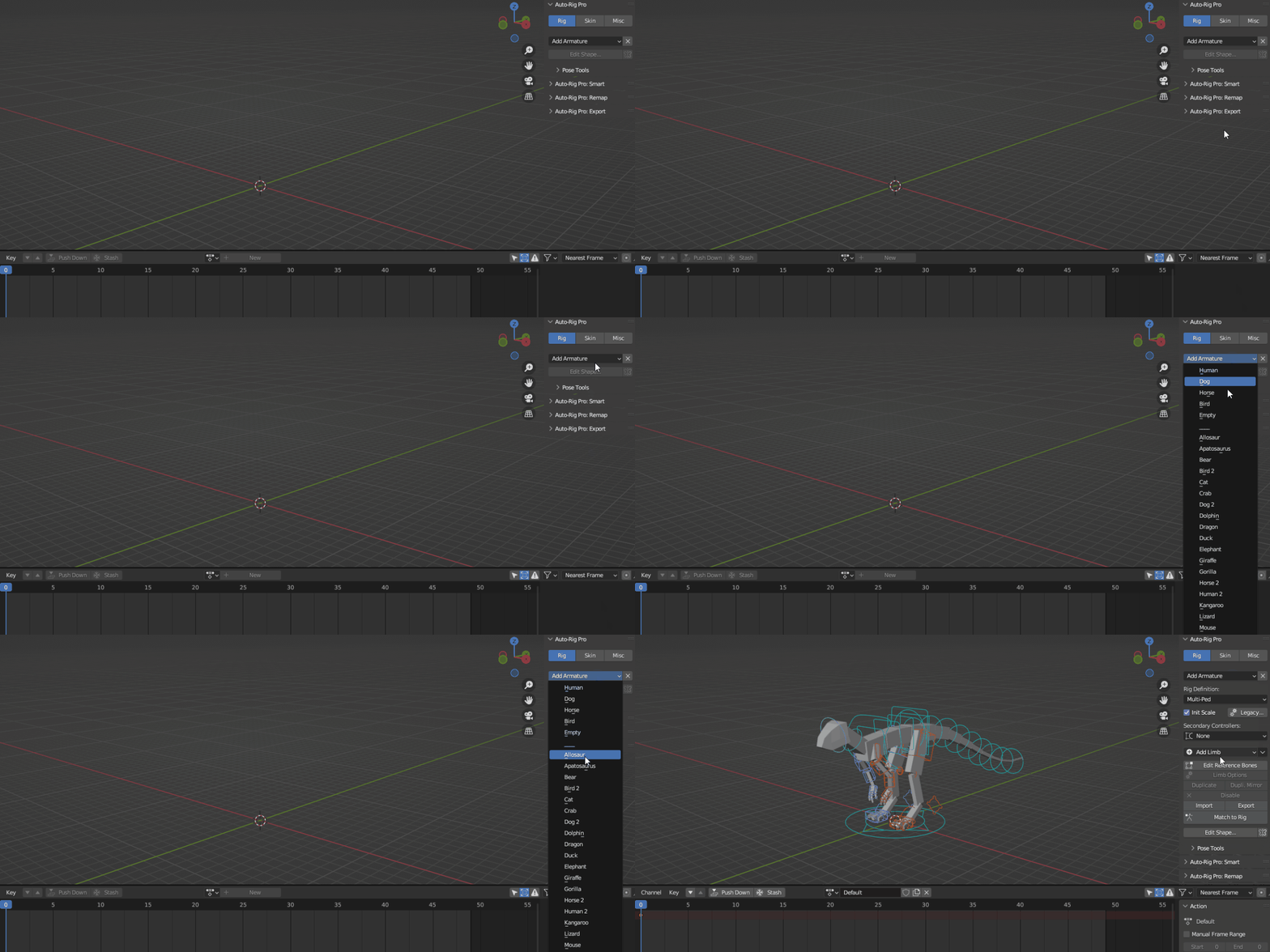
- Go to the Auto-Rig Pro addon -> open the "Add Armature" dropdown menu -> notice the rigs have been added
Easy Workflow
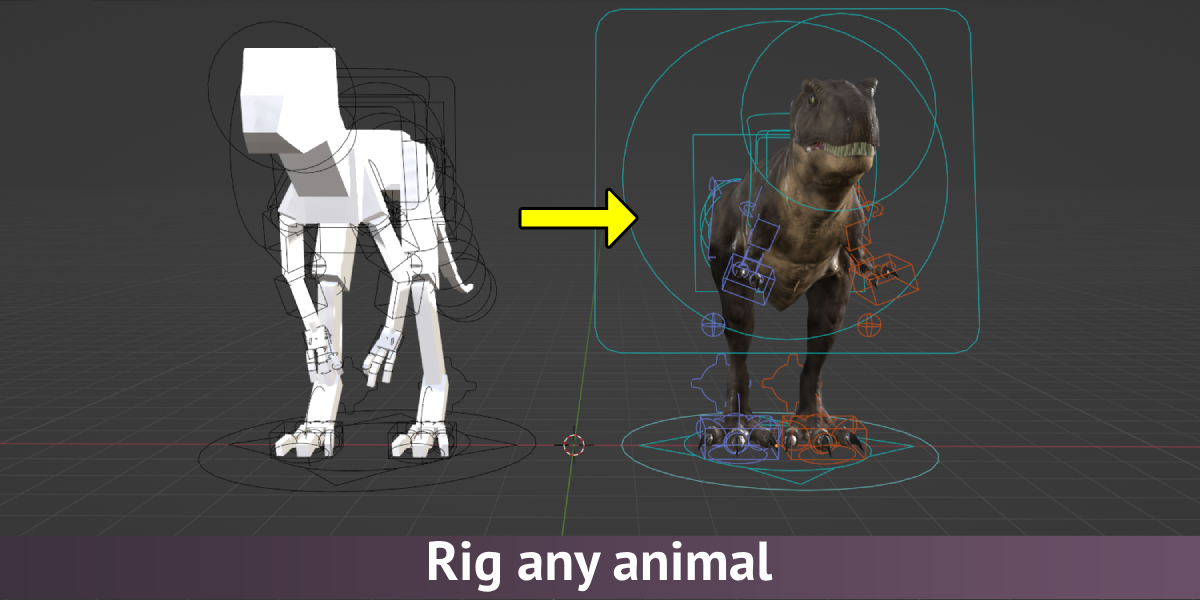
1. Select a rig
2. Scale the rig
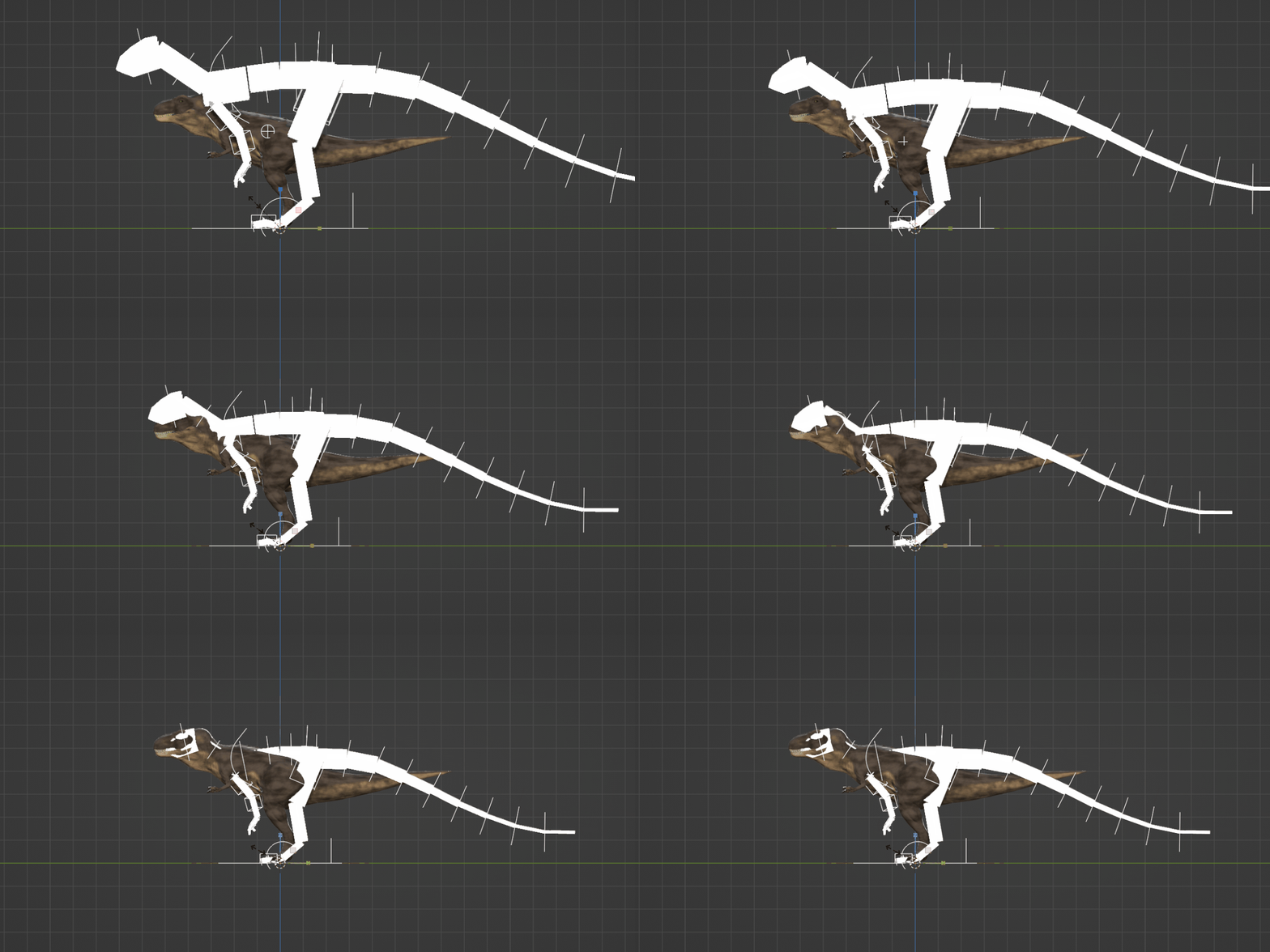
3. Adjust the number of bones
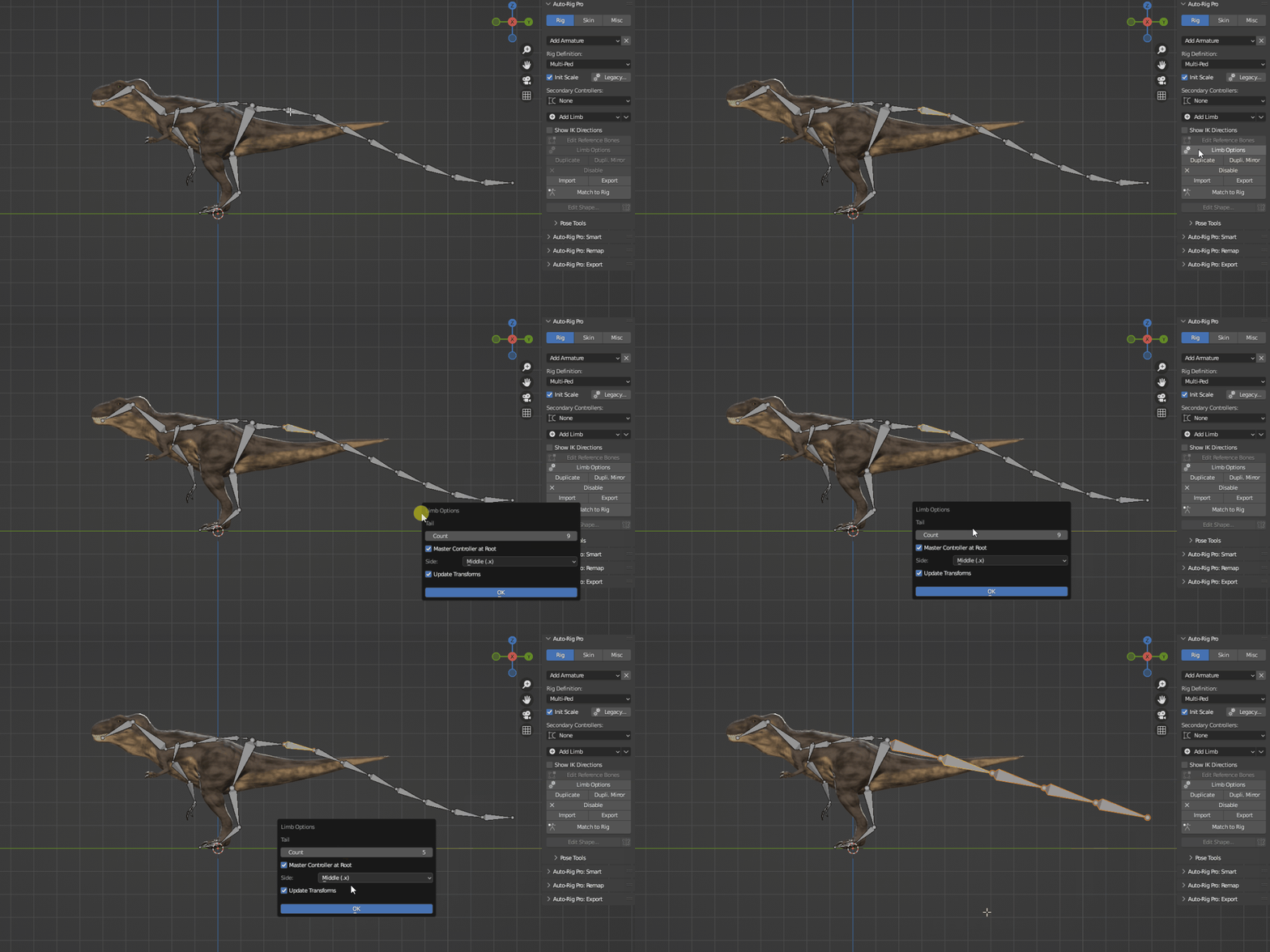
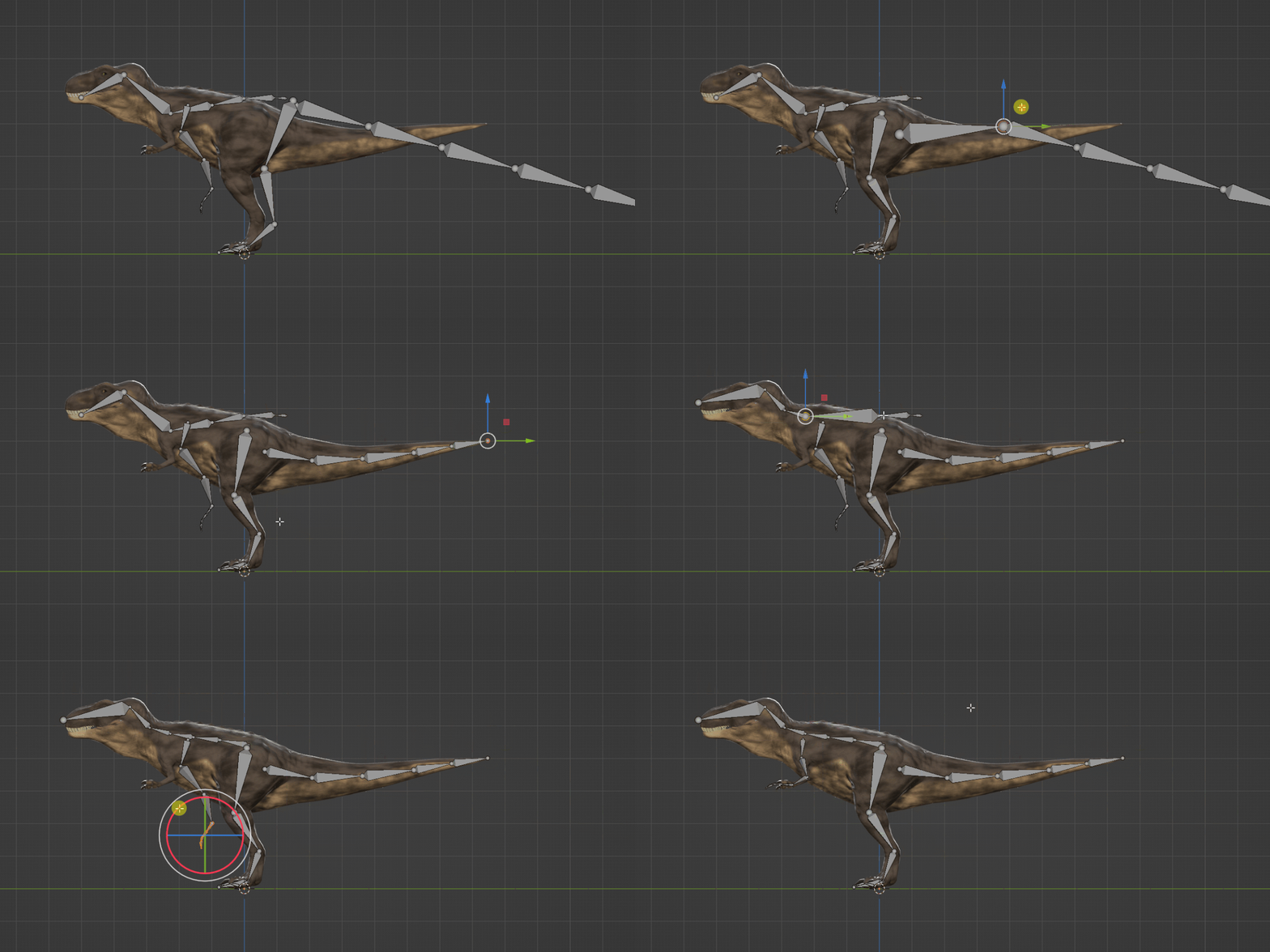
4. Place the bones within your model
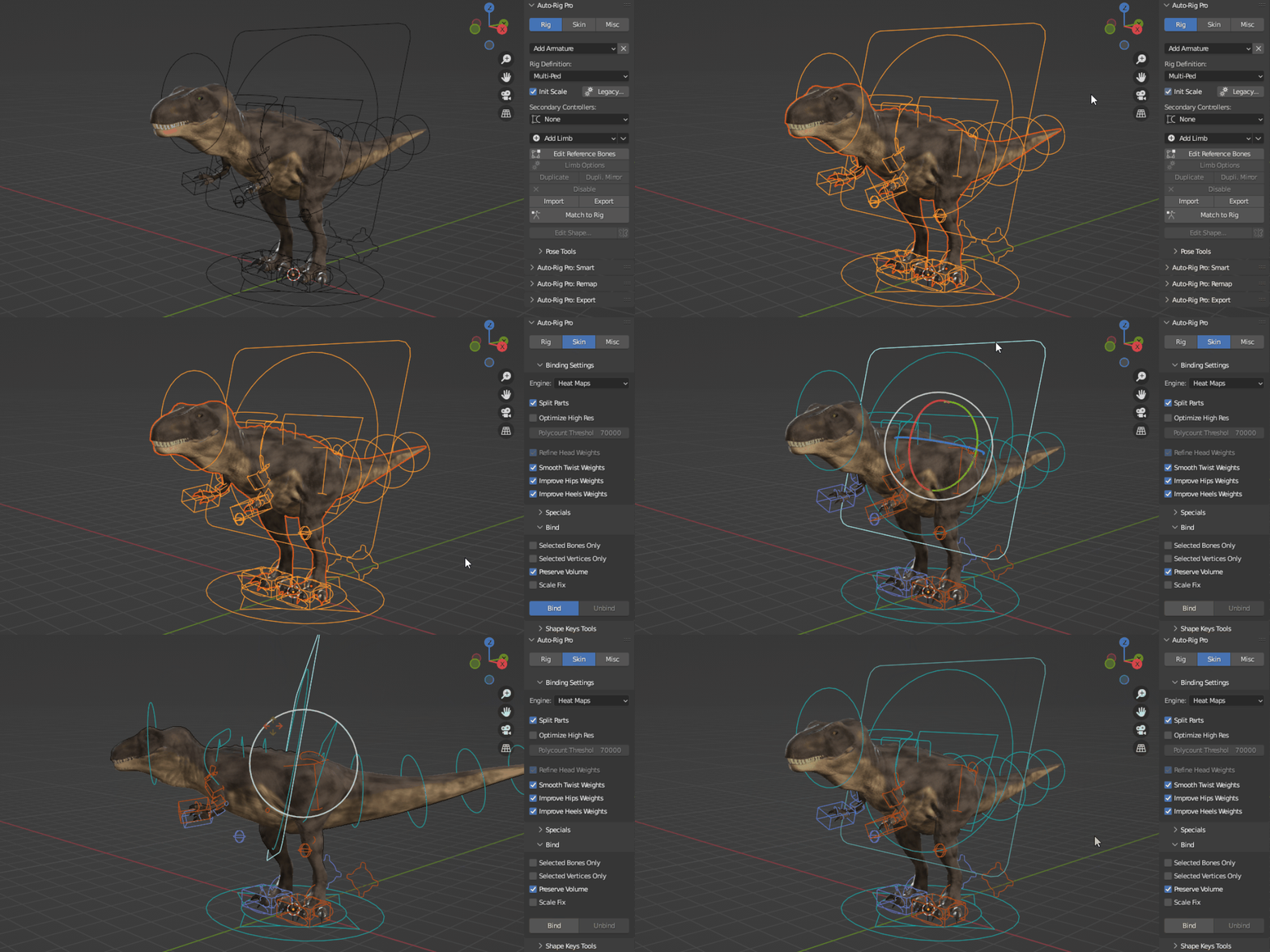
5. Bind your model to the rig
Done!
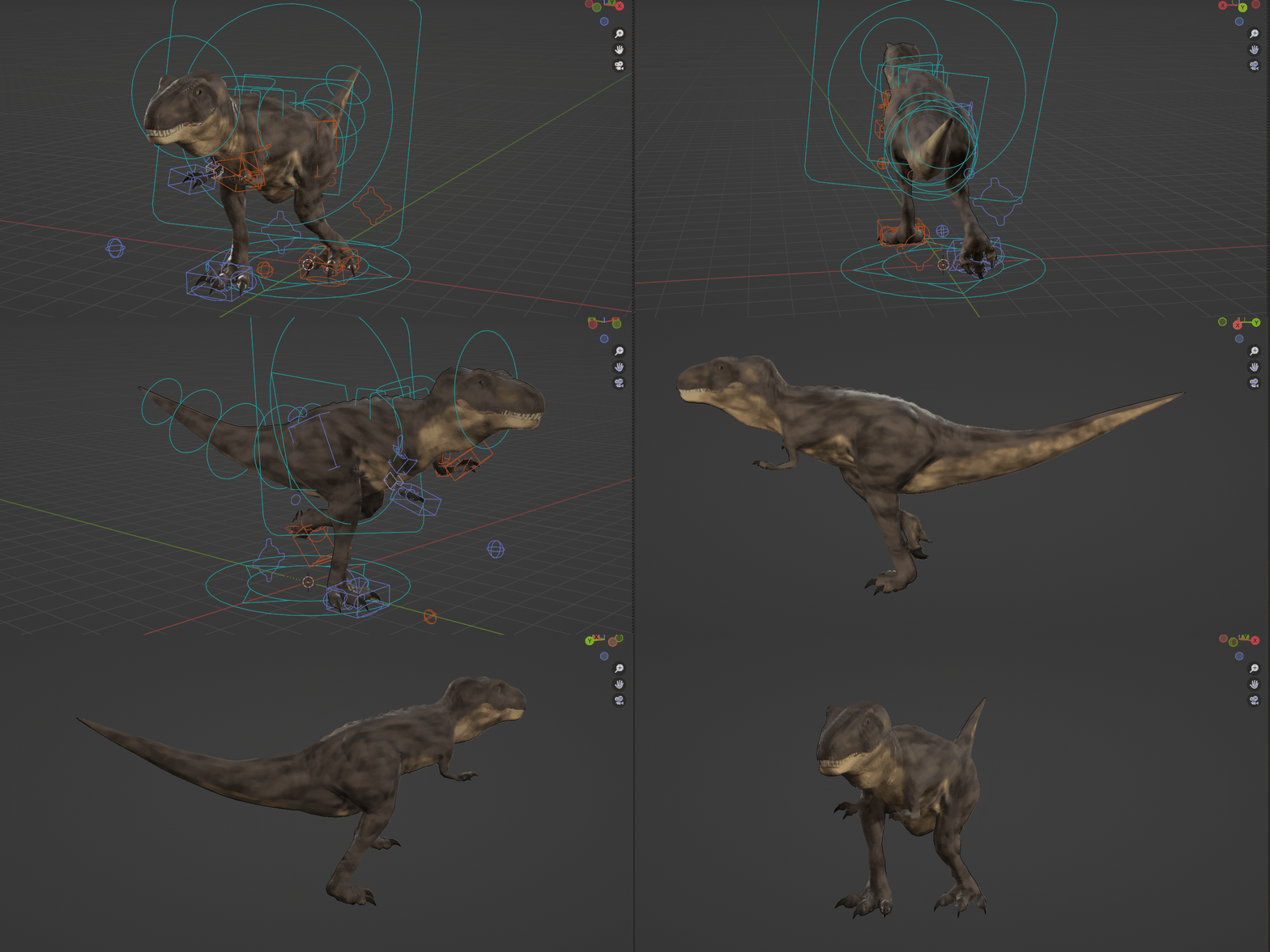
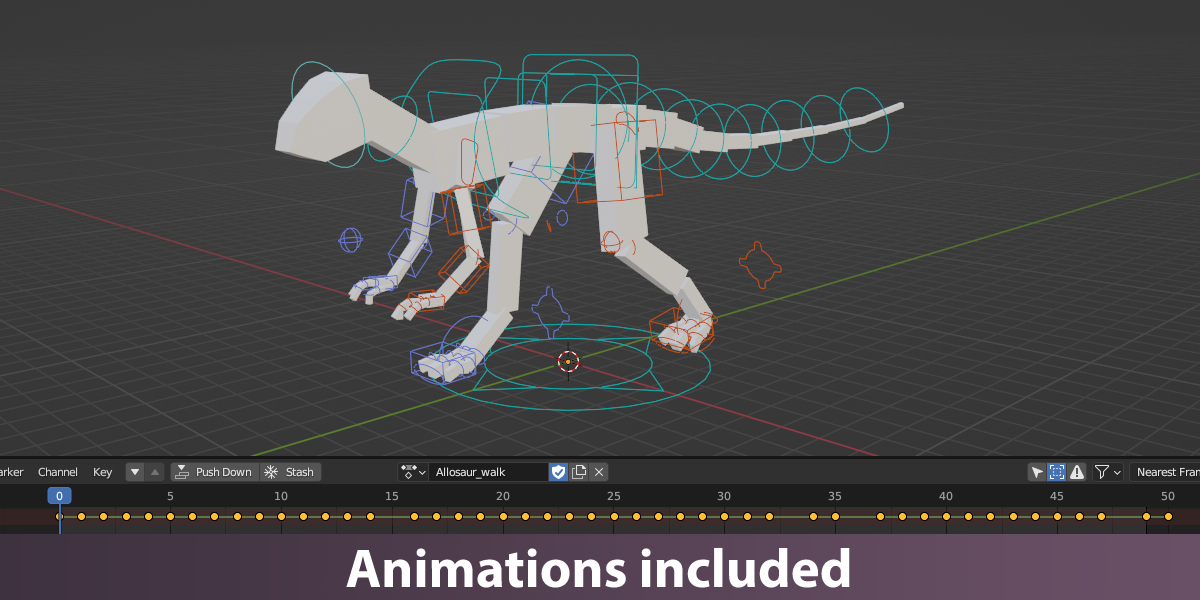
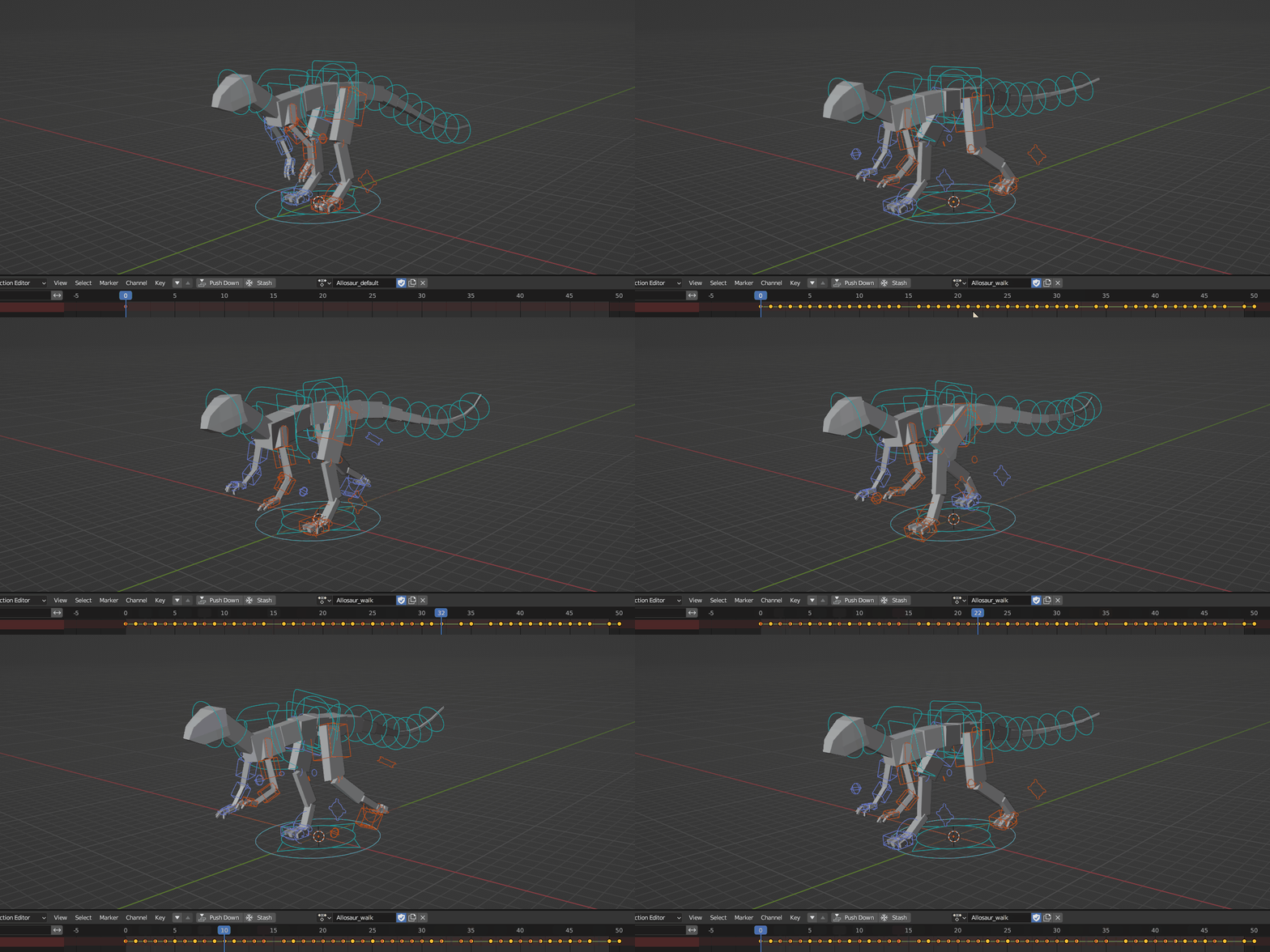
Animations Included
Each rig contains at least 1 locomotion animation (for example walk, run, fly, jump or swim).
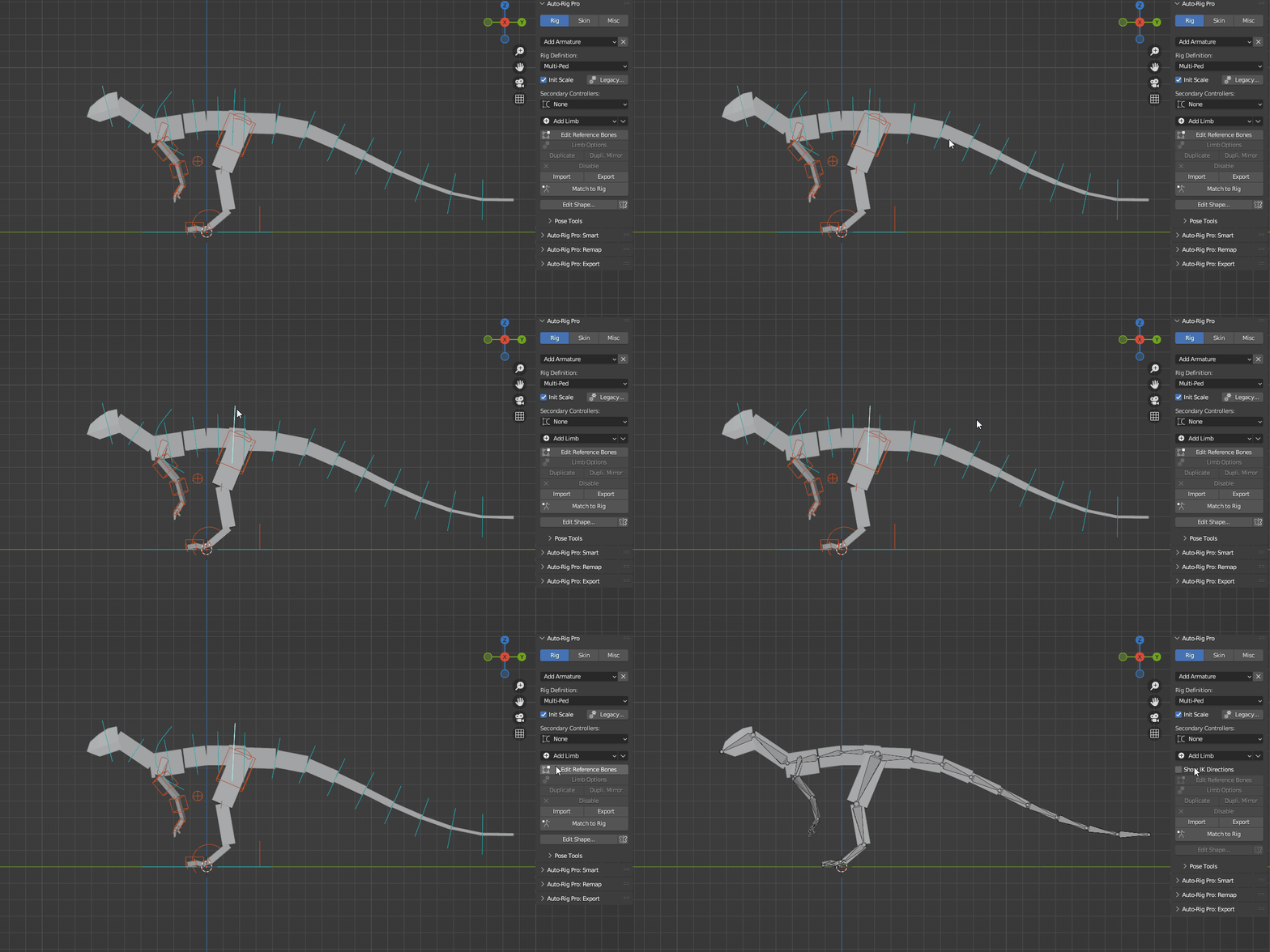
Block Mesh
A block mesh is included, which can be used as a reference for the placement of the bones within your own model. It also acts as a visual guide when scaling the rig.
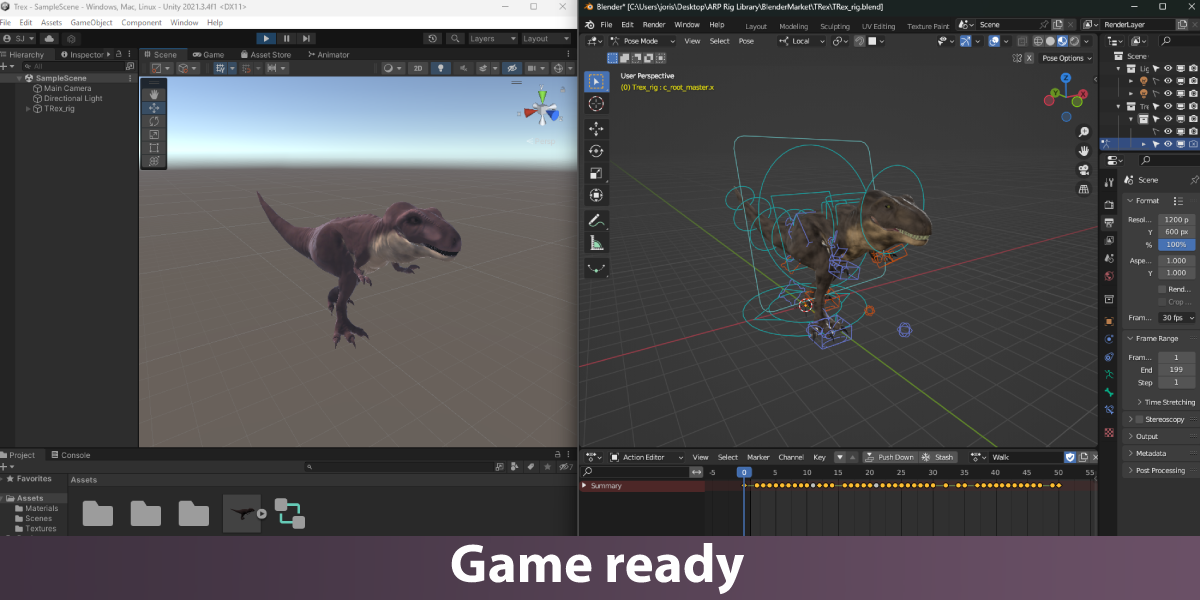
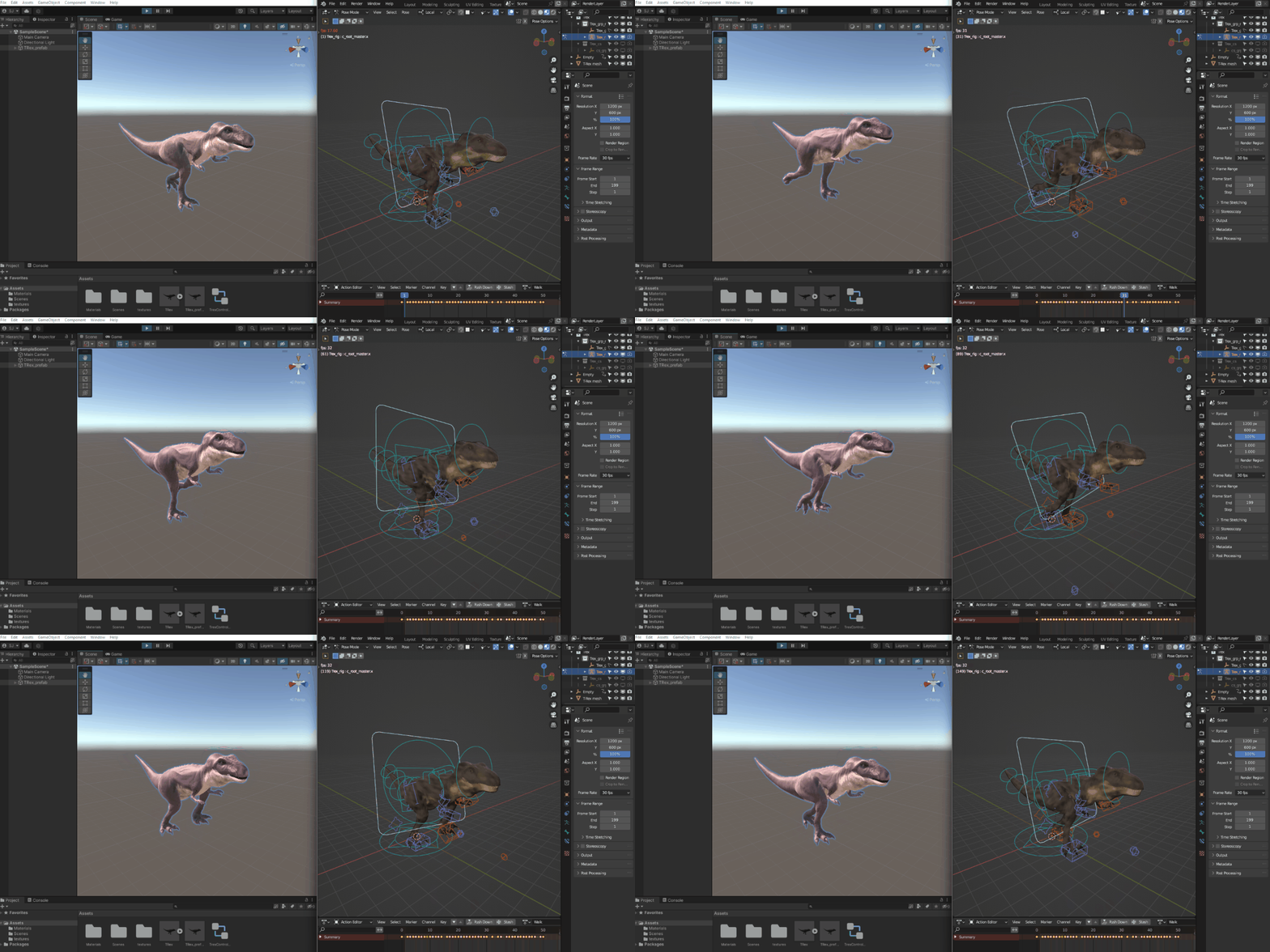
Game Ready
The rigs have been setup with export to a game engine (Unity/Unreal) in mind. All included animations are therefore animated on 30fps.
Questions?
If you're having any issues with the rig library please check the FAQ or have a look at the Youtube channel.