 AnimPal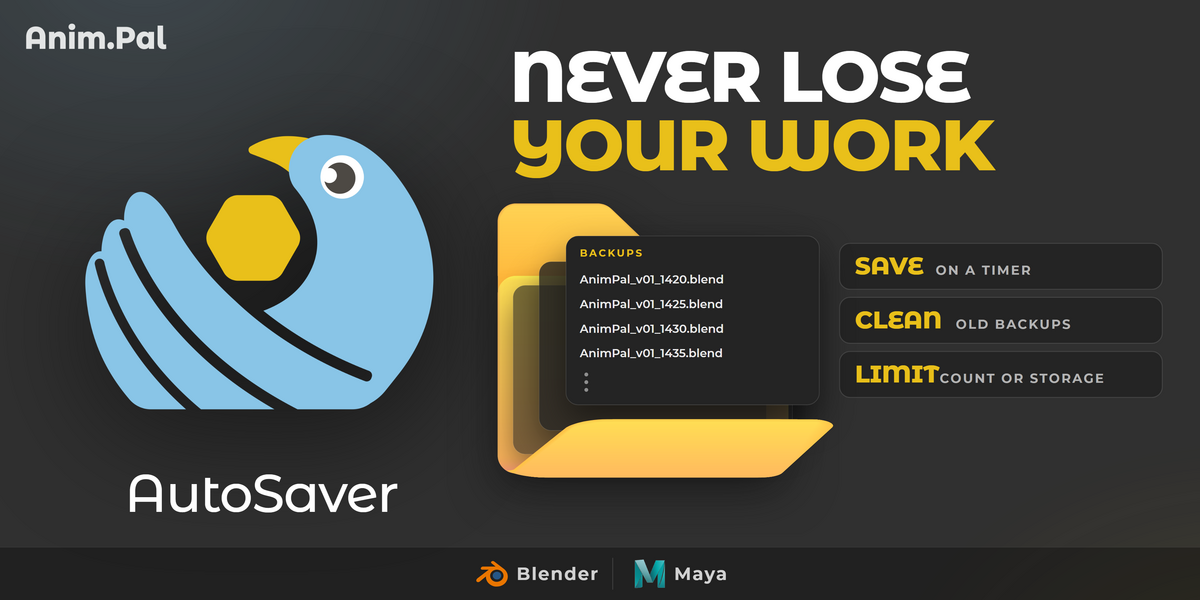

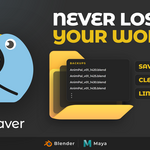

Everyone has lost an afternoon to a crash. You were in the middle of something good, you had not saved for forty minutes, and the software closed. The built-in autosave helps, until you find out it kept one file, overwrote it at the wrong moment, or filled a folder with backups nobody can tell apart.
I built AutoSaver so that never costs me more than a few minutes again. Initiate it once and it saves a clean, versioned copy of your scene on a timer, only when something actually changed, and quietly removes the oldest copies so the folder never grows out of control. It runs alongside the built-in autosave rather than replacing it.
| Blender | 2026.01 | Lower than 1 MB |
Crashes do not wait for a convenient moment. Without a recent backup, the only way back is to redo the work from memory.


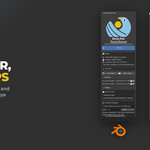
Click Initiate and AutoSaver starts running: the panel shows the state, the session, the last save and a live countdown to the Next Save. When you reach a moment you do not want to lose, Save Now writes a backup immediately, without waiting for the timer.


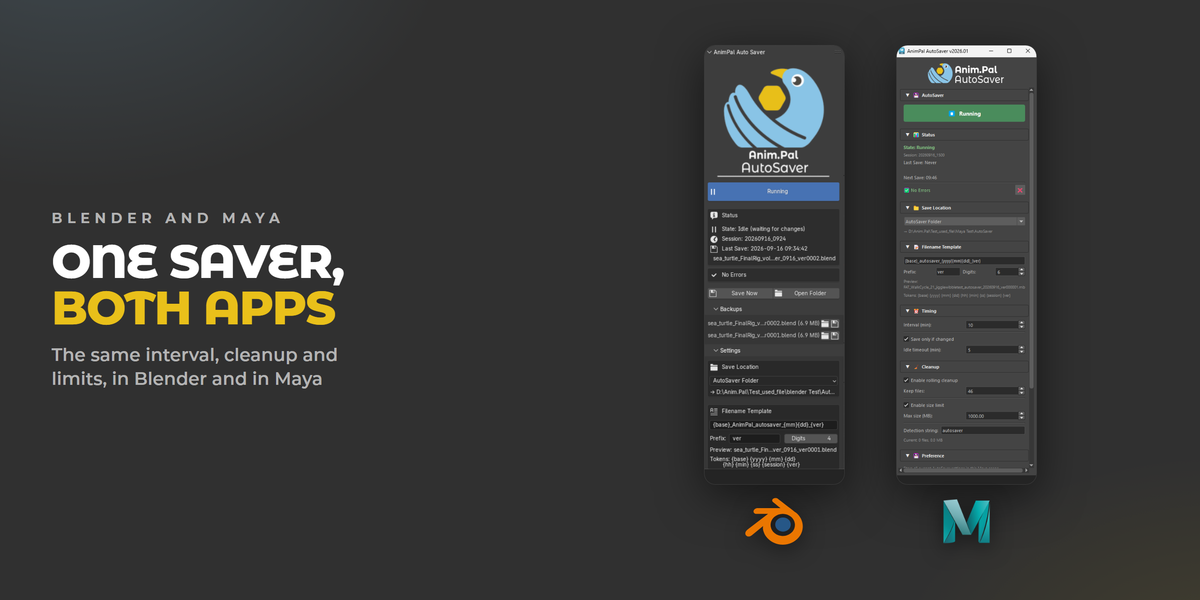
Everything lives in one panel: where backups go, how they are named, how often they happen, and how many are kept.


An autosave that never deletes anything is a folder full of clutter. With rolling cleanup on, AutoSaver keeps the number of backups you choose and removes the oldest one each time a new one is written. Turn on the size limit as well and it keeps the folder under a maximum size in MB. Only files that match its own detection string are ever removed, so your other files are left alone.


Set the interval in minutes to match how you work. Save only if changed skips a backup when nothing happened since the last one, and the idle timeout stops it from saving over and over while you are away from the desk.


Backups are named from a template you control, built from tokens: the scene name, year, month, day, session and version number, for example {base}_autosaver_{mm}{dd}_{ver}. Set the version prefix and the number of digits, and every backup sorts in order and shows the day it was made.

Backups list with the recent files and their sizes, one click to load or open the folder.
Auto-start on file open, so protection is on without having to remember it.
Save location next to your scene, or any folder you choose.
Status panel showing state, session, last save and errors at a glance.
