Auto UV Unwrap
 Blender Procedural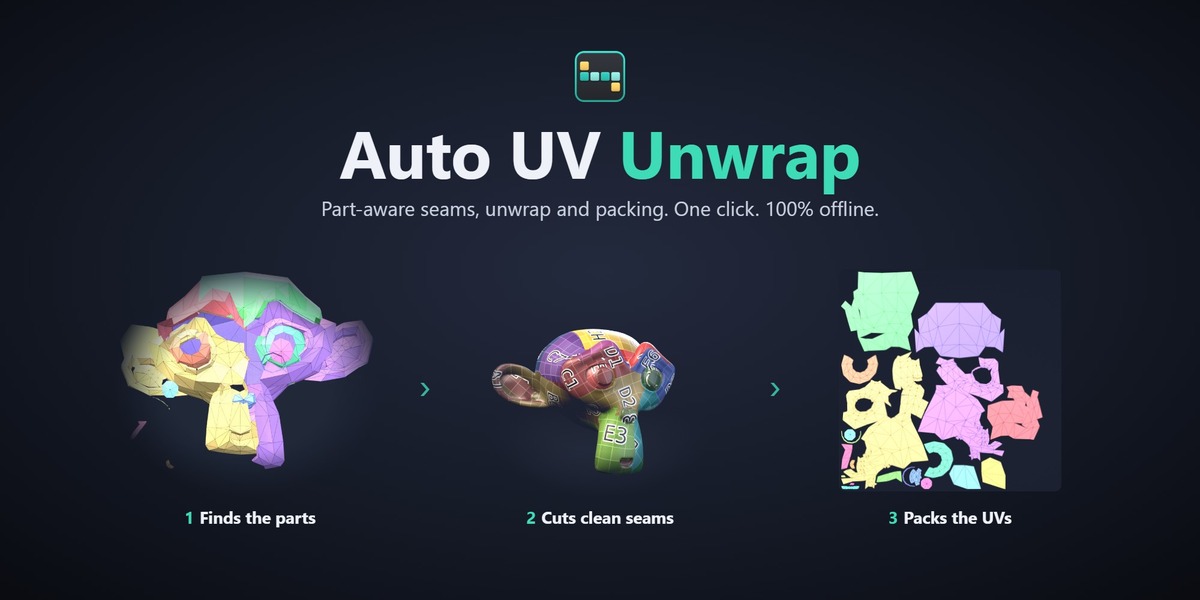
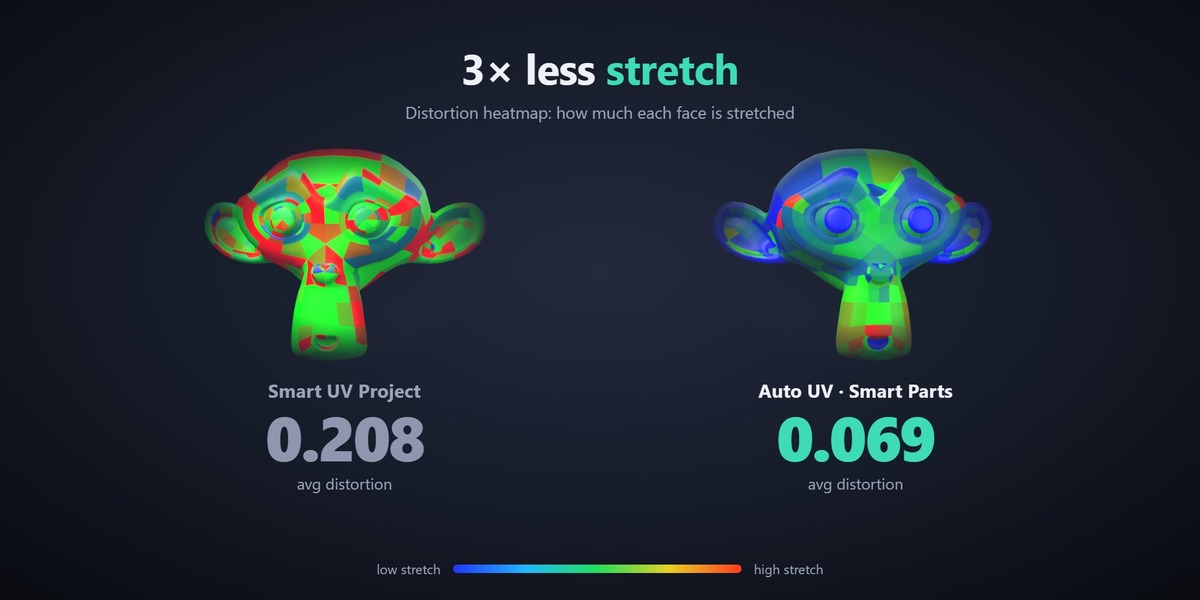
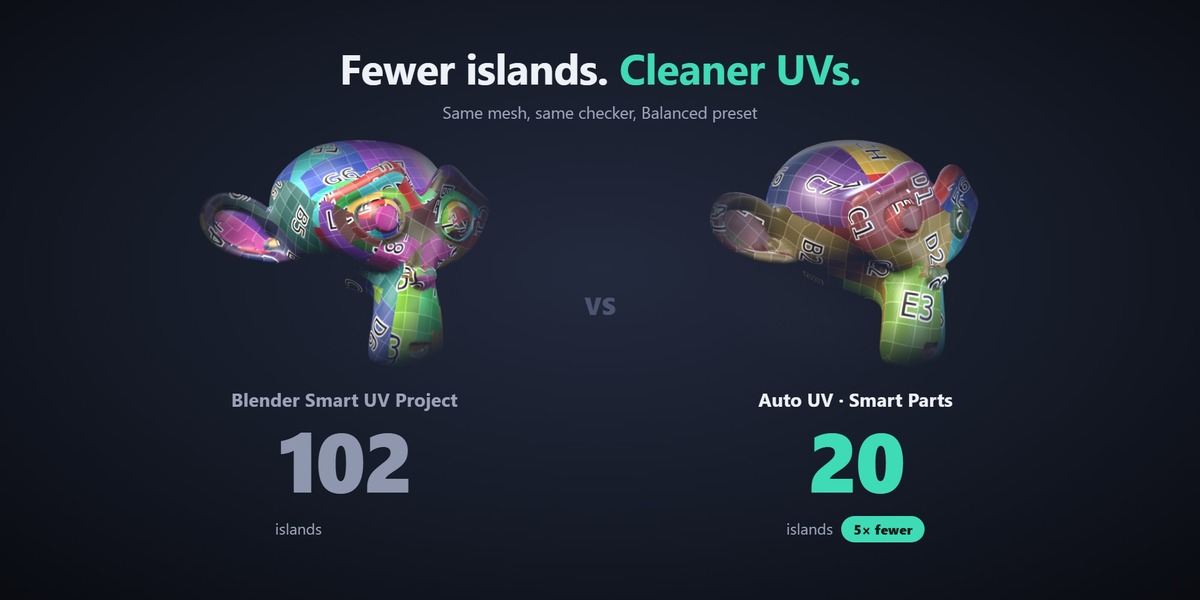
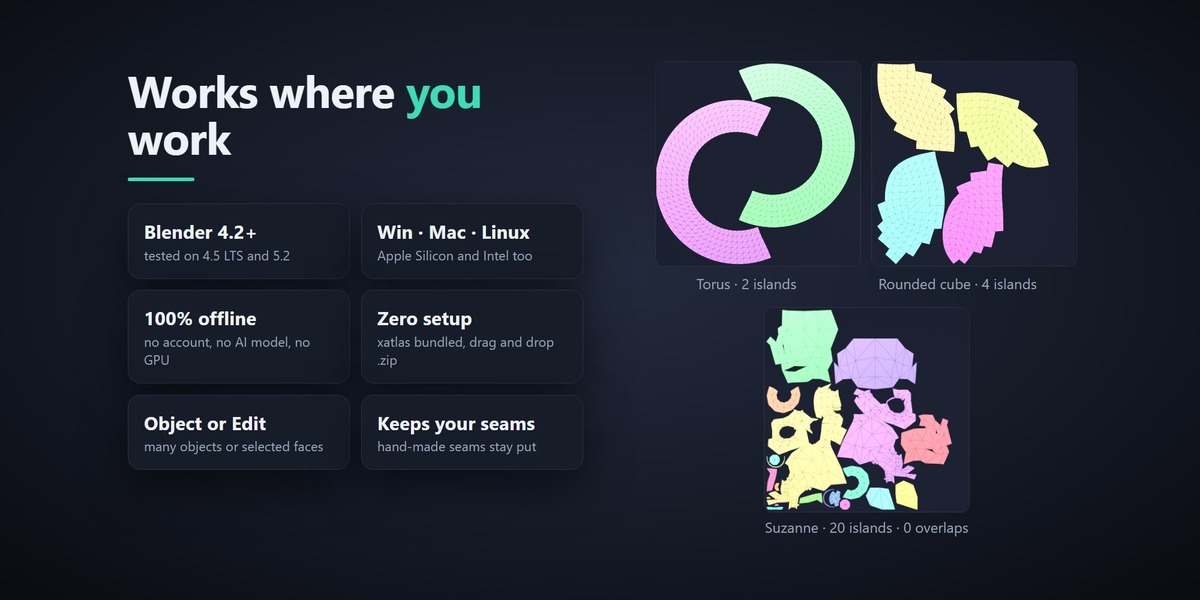

Installation
Auto UV Unwrap is a Blender extension. You get one .zip that works on every supported platform. Do not unzip it.
Open Blender 4.2 or newer.
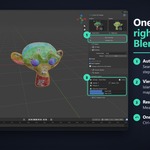
Drag and drop the .zip file onto the Blender window, or go to Edit › Preferences › Get Extensions, open the ▾ menu in the top right and choose Install from Disk…
Make sure Auto UV Unwrap is enabled in the extensions list.
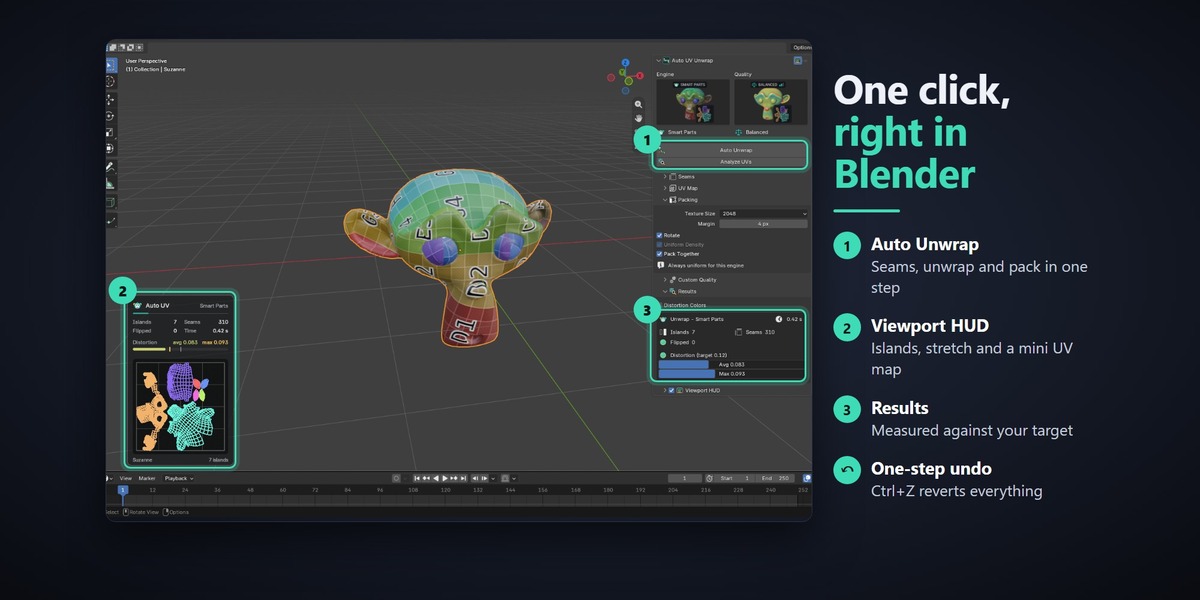
Press N in the 3D Viewport: you will see a new Auto UV tab.
The add-on preferences show whether the bundled xatlas library loaded on your system. Smart Parts and Smart UV Project work without it.
Updating
Install the new .zip the same way. Blender replaces the old version. Restart Blender if the panel does not refresh.
Have questions about this product?
Login to message
| Blender Extension Compatible | Yes |
| Published | about 9 hours ago |
| Blender Version | 4.5 - 5.2 |
| Extension Type | Add-on |
| Render Engine Used | Cycles, Eevee |
| License | GPL |
Discover more products like this
UV Unwrap auto-uv retopology workflow uv mapping automatic unwrap seams blender addon Texturing uv packing Smart UV Project distortion xatlas