 Studio156


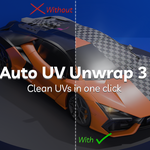
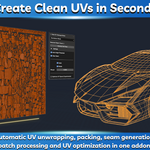
Auto UV Unwrap & Pack 3 is a Blender addon focused on automating the UV workflow. It automatically generates seams, selects suitable unwrap settings, and packs UV islands with minimal user input, allowing you to spend less time preparing UVs and more time creating assets.
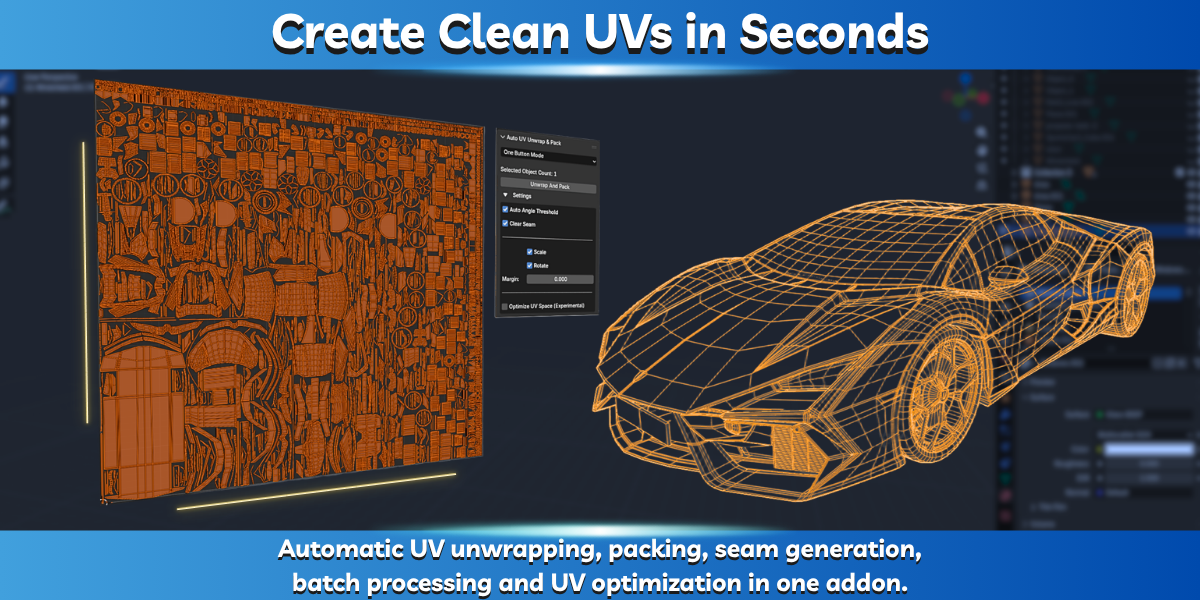
Whether you're working on hard-surface models, props, environments, or characters, Auto UV Unwrap & Pack 3 helps streamline repetitive UV tasks and reduce manual setup.
Real-Time UV Workflow
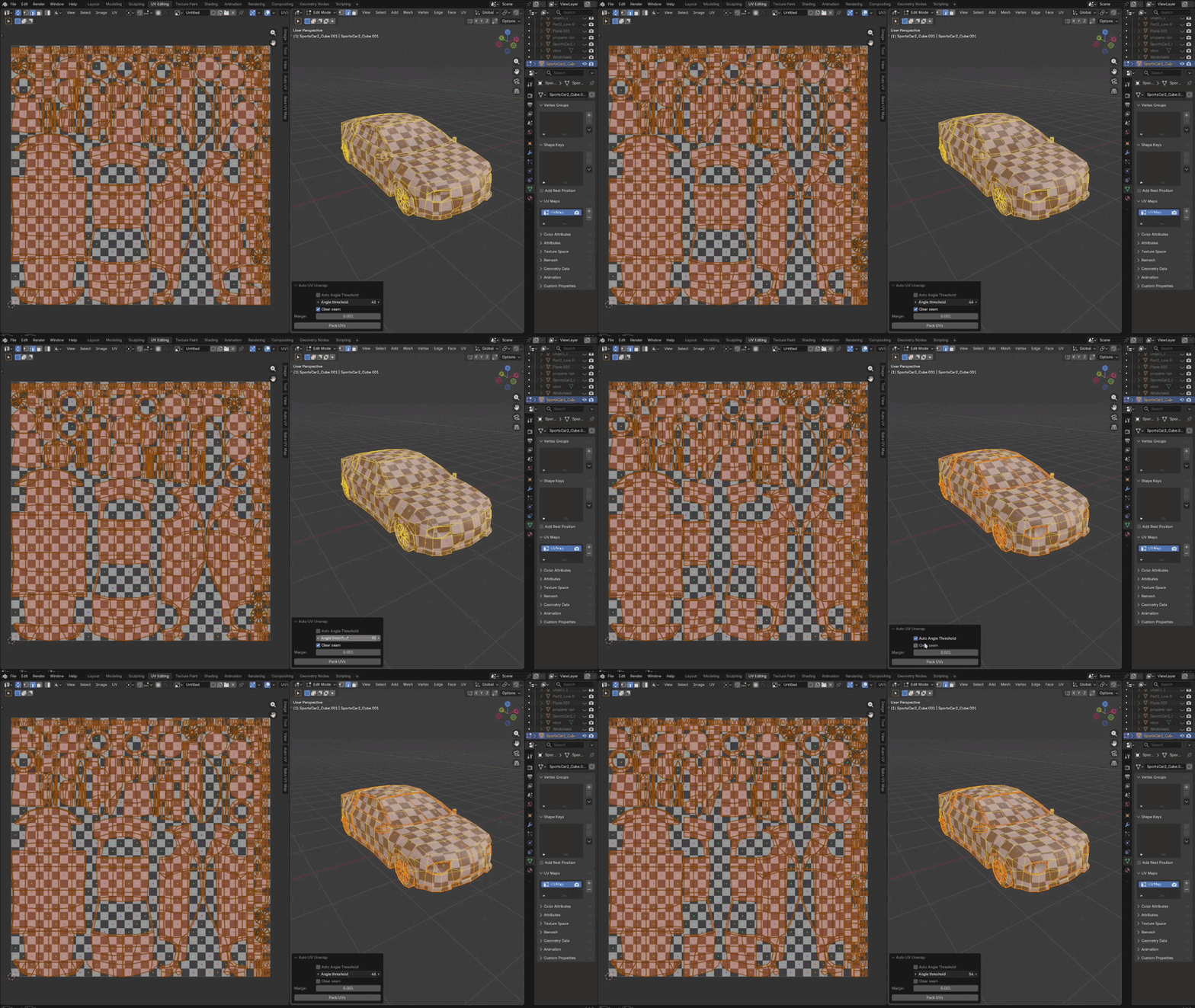
Adjust settings and instantly see how they affect the UV layout without repeatedly running operators or rebuilding UVs manually. This makes it easier to evaluate stretching, seam placement, and overall UV quality while working.
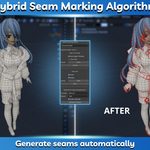
Hybrid Seam Marking Algorithm
Generating good seams is one of the most important parts of the UV workflow.
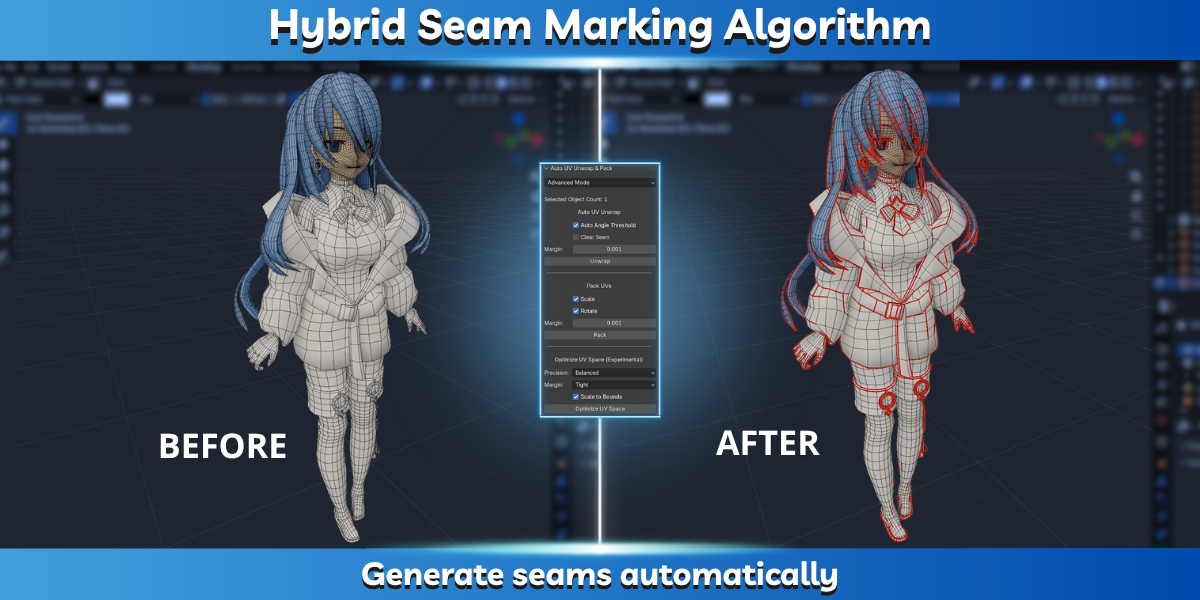
Auto UV Unwrap & Pack 3 includes a hybrid seam-marking system designed to automatically create seam layouts suitable for UV unwrapping while minimizing manual cleanup.
One-Click UV Workflow
The addon automatically:
• Marks seams • Selects suitable unwrap parameters • Unwraps the model • Packs UV islands
This allows you to create usable UV layouts in just a few clicks.
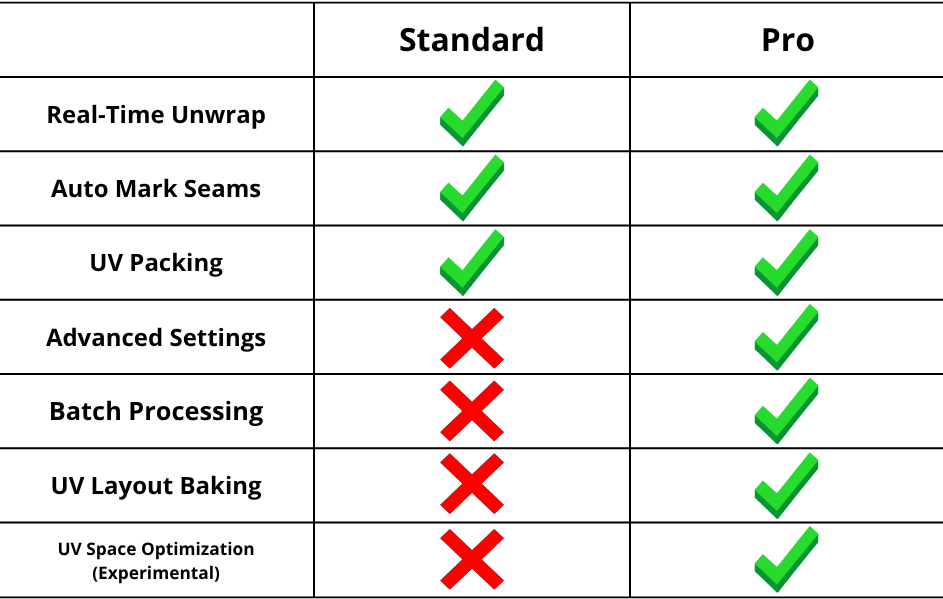
Standard Edition Features
✓ Real-Time UV Unwrapping
✓ Automatic Seam Generation
✓ Automatic Unwrap Parameter Selection
✓ Integrated UV Packing Workflow
✓ Simplified UV Workflow
Pro Edition Features
Everything included in the Standard Edition, plus:
✓ Batch UV Unwrap & Pack
✓ UV Space Optimizer (Experimental)
✓ Multi-Material UV Baking
✓ Advanced Settings
✓ Production-Oriented Workflow Tools
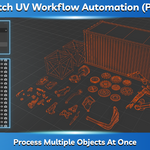
Batch UV Workflow Automation (Pro)
Process multiple objects automatically.
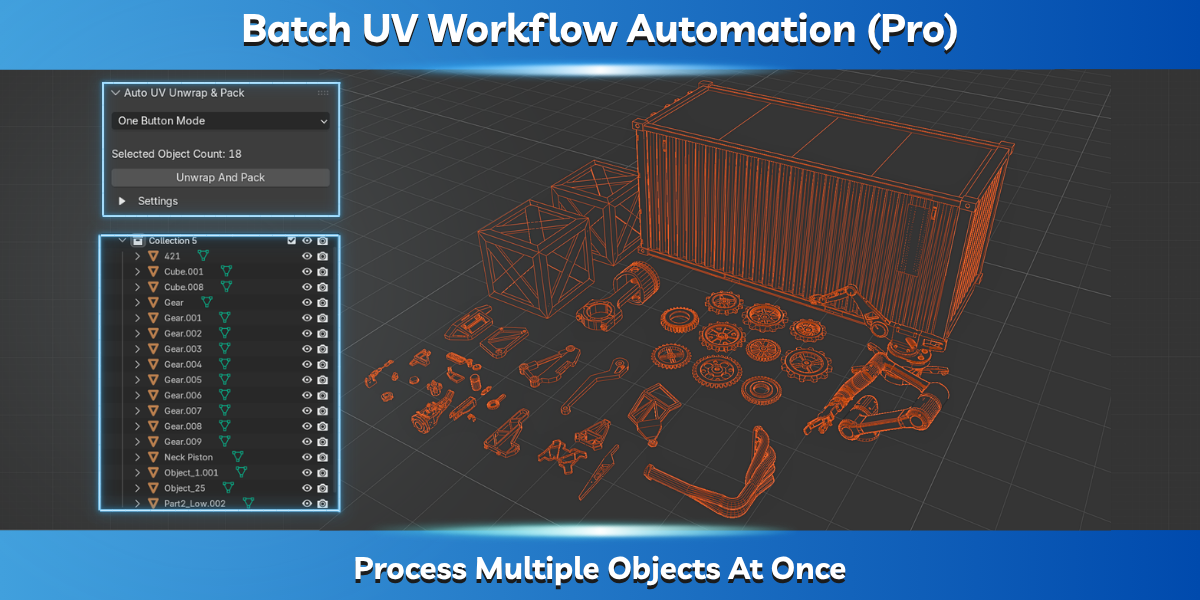
Instead of unwrapping and packing every object individually, the Pro edition can process entire groups of objects in a single operation, making it ideal for larger projects and asset collections.
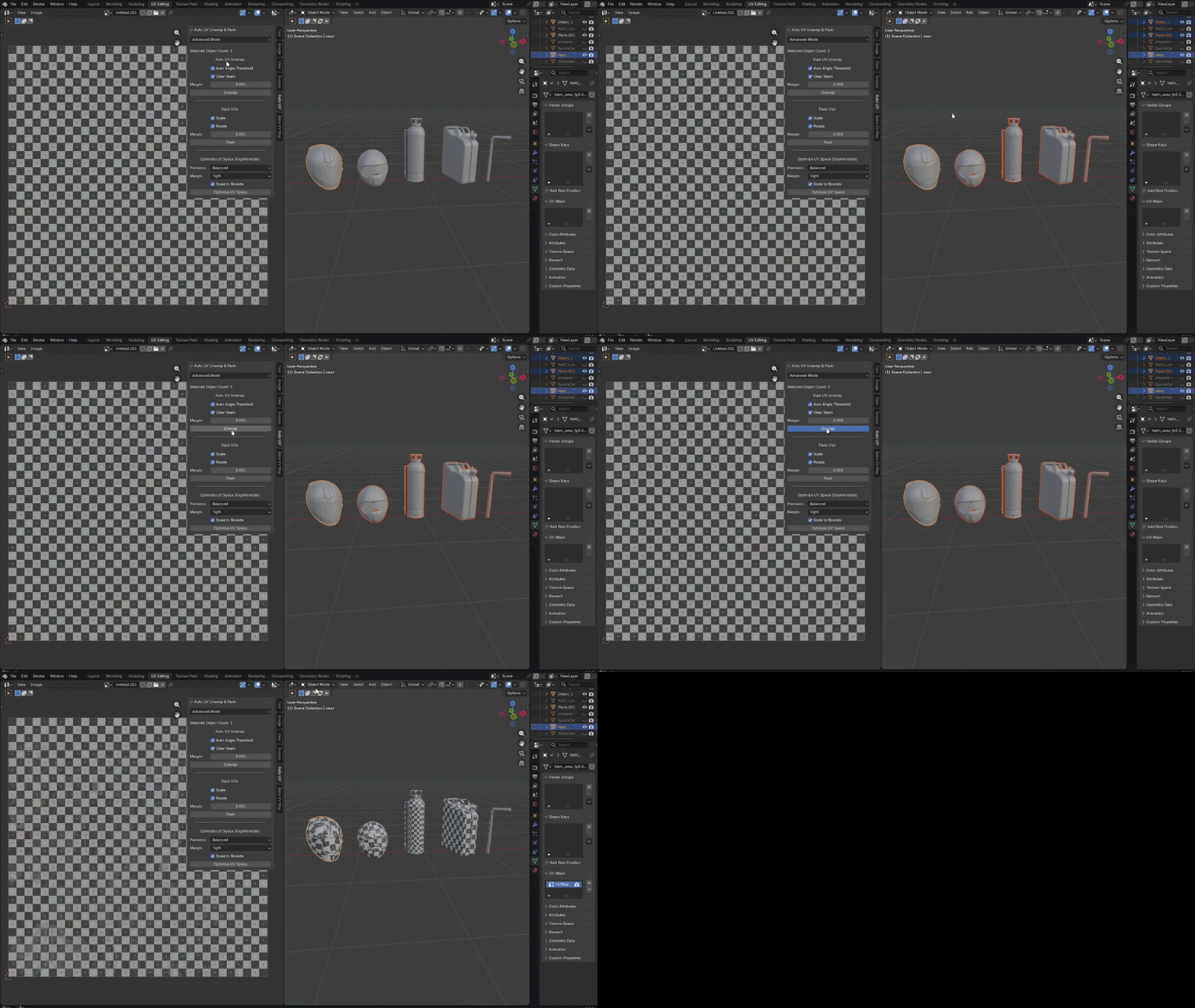
Experimental UV Space Optimizer (Pro)
The Pro edition includes an experimental UV Space Optimizer designed to further improve UV space utilization after packing. This feature analyzes empty regions within the UV layout and attempts to reduce wasted space by relocating UV islands. Because this system is still evolving, results may vary depending on the model and UV layout.
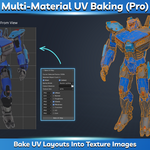
Multi-Material UV Baking (Pro)
Generate UV layout textures and bake multiple texture types automatically.
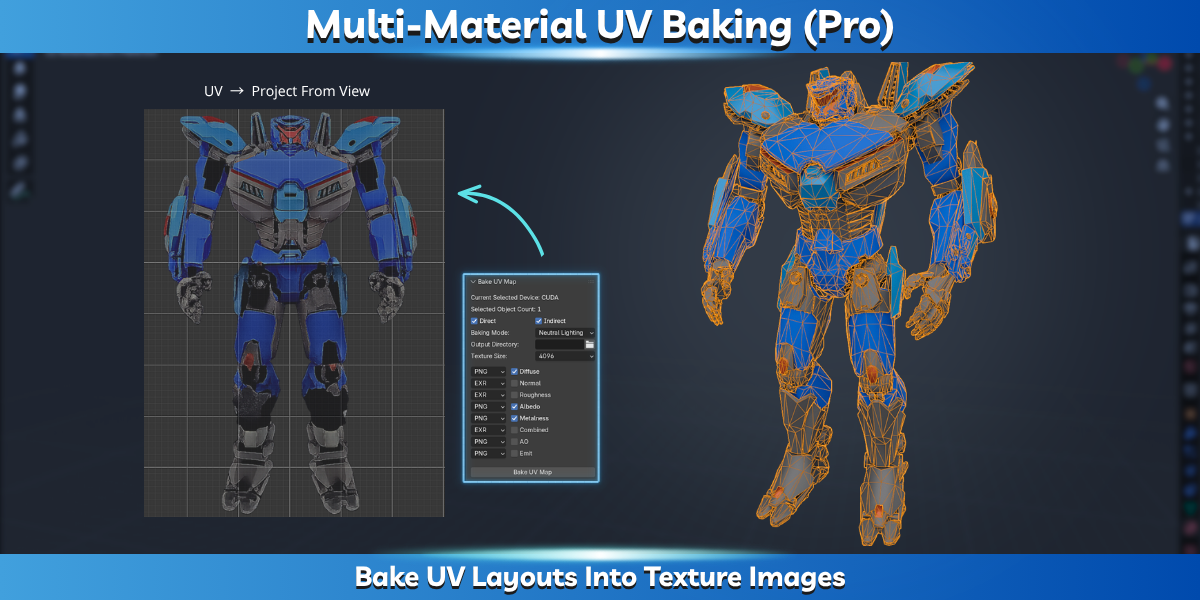
The baking system supports:
• Diffuse • Roughness • Normal • Metalness • Albedo • Additional texture workflows
The addon can generate a single UV layout image containing all materials and can process multiple objects automatically.
What's New In Version 3
Version 3 introduces several major improvements over Version 2:
✓ Real-Time UV Unwrapping
✓ Improved Seam Marking Algorithm
✓ Standard and Pro Editions
✓ Batch UV Processing
✓ Experimental UV Space Optimizer
✓ Redesigned User Interface
✓ Improved Workflow Organization
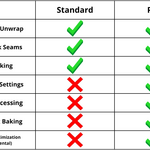
Standard vs Pro
Installation
Open Blender.
Go to Edit → Preferences → Add-ons.
Click Install from Disk.
Select the addon ZIP file.
Enable the addon.
Open Blender.
Go to Edit → Preferences → Add-ons.
Click Install from Disk.
Select the addon ZIP file.
Enable the addon.
The addon is now ready to use.
Usage
Standard Edition
Real-time UV tools are available through Blender's UV workflow menus. Use Auto UV Unwrap to automatically prepare UVs with minimal manual setup.
Pro Edition
The advanced panel is located in the Image Editor N-Panel.
From there you can access: • Batch UV Unwrap & Pack • UV Space Optimizer • Multi-Material UV Baking • Advanced workflow settings