Auto Vertex Painting
 RicardoDev
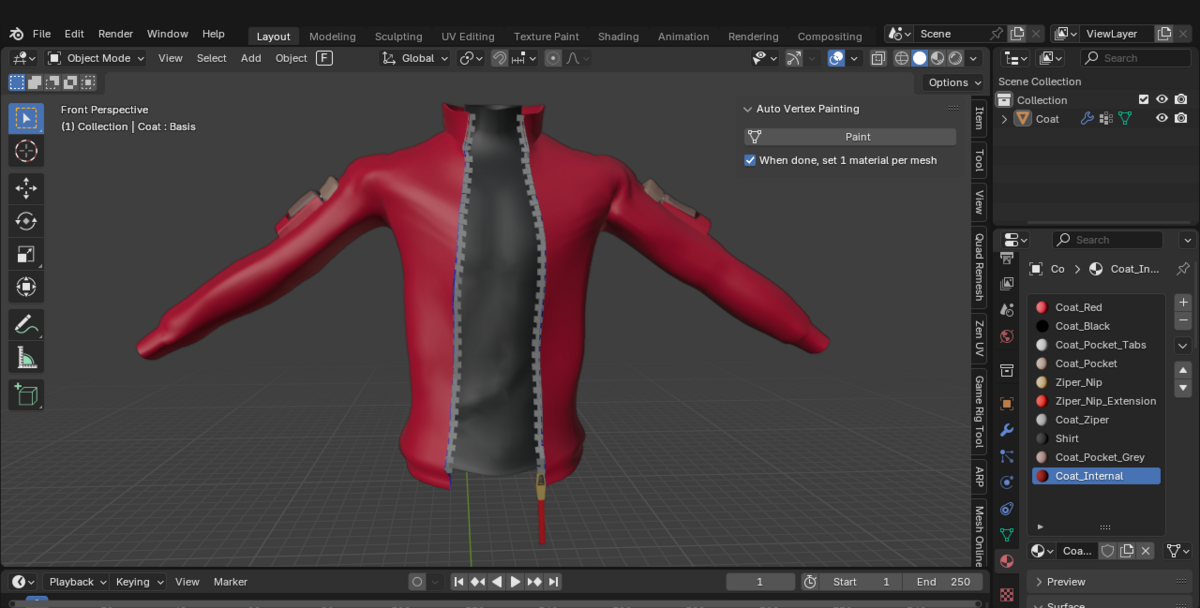
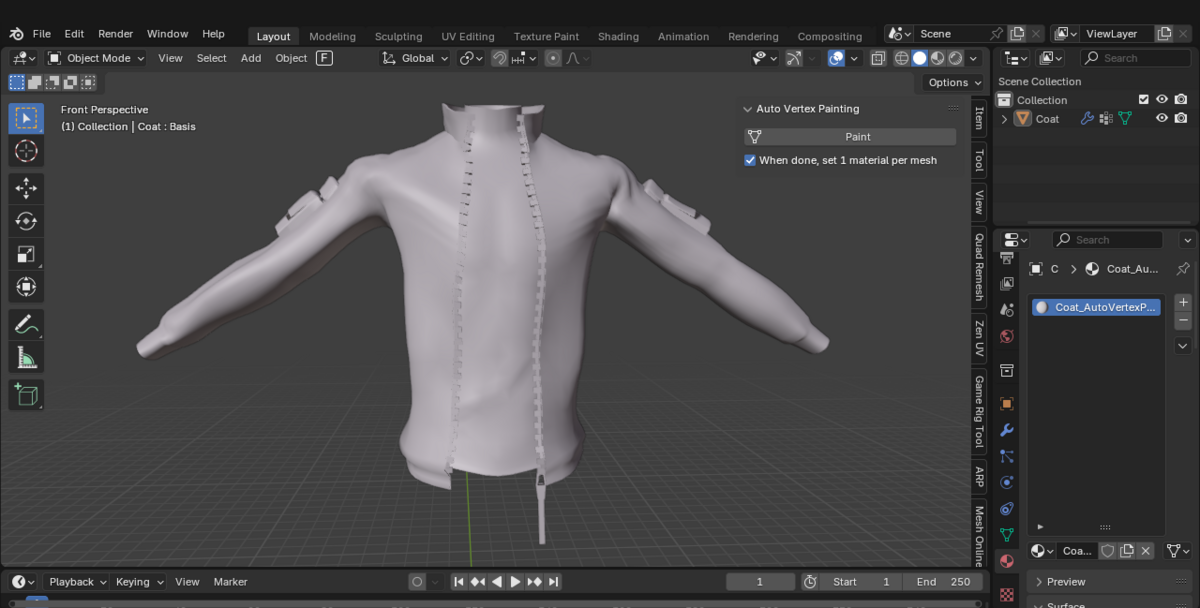

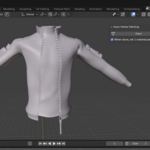
1- Set materials to the faces of your mesh.
2- Hide the meshes you want the add-on to ignore.
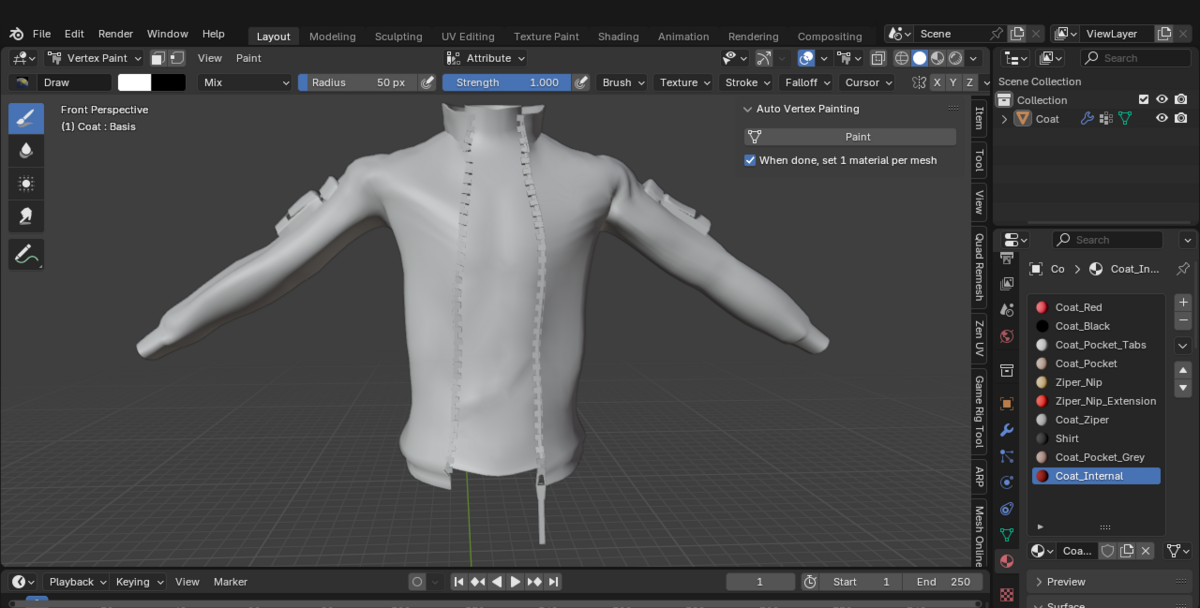
3- Click the Paint button of the Auto Vertex Painting add-on.
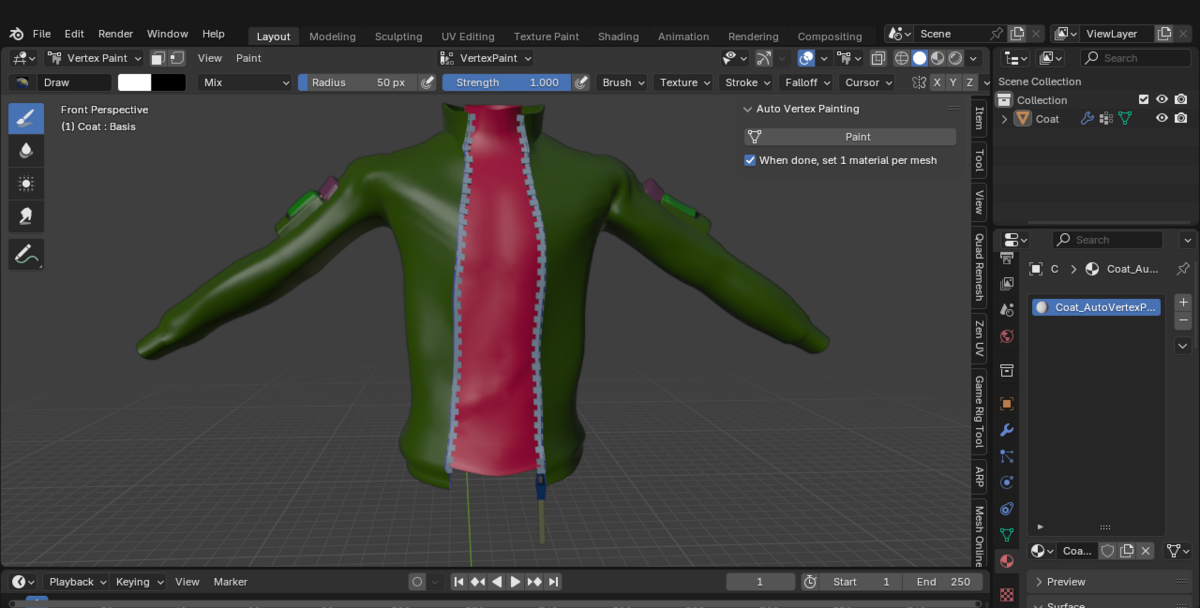
- It automatically set a unique vertex color ID to mesh's faces based on the material assigned to them.
- This is useful to be able to paint the texture independently for each vertex ID, without interfering with each other.
4- Additionally, you can check the additional option, to automatically clean the materials and set 1 material per mesh.
- This is useful to prepare for texturing, since 1 material will generate 1 texture in software programs like Substance Painter.
