 DanilGOE
|
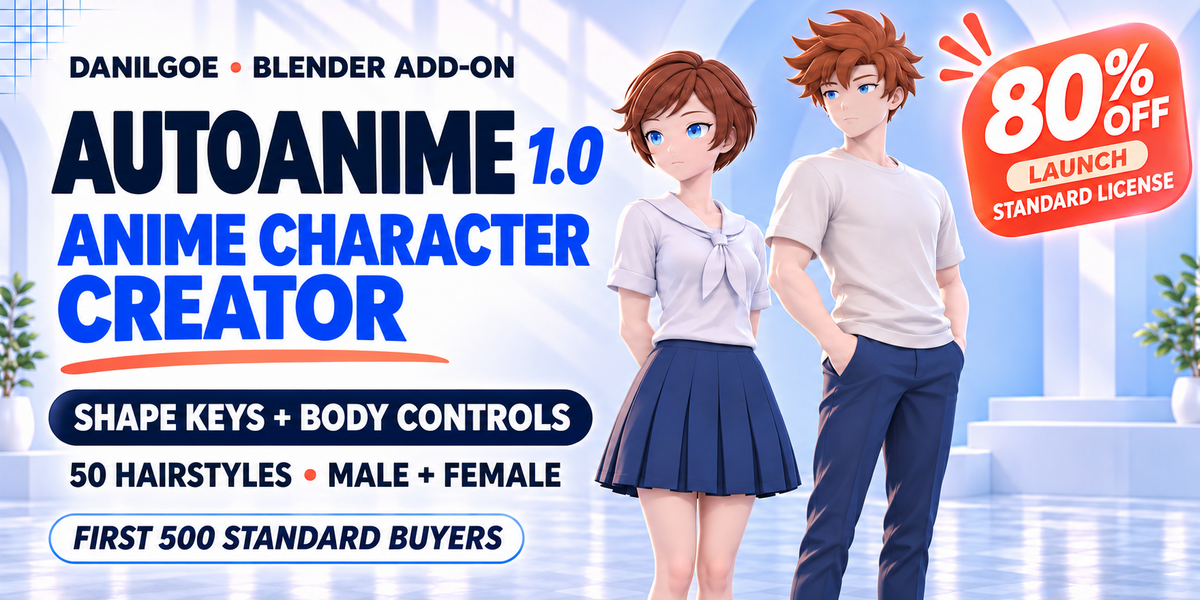
AUTOANIME 1.0 · FOR BLENDER Your anime character.
| ||||
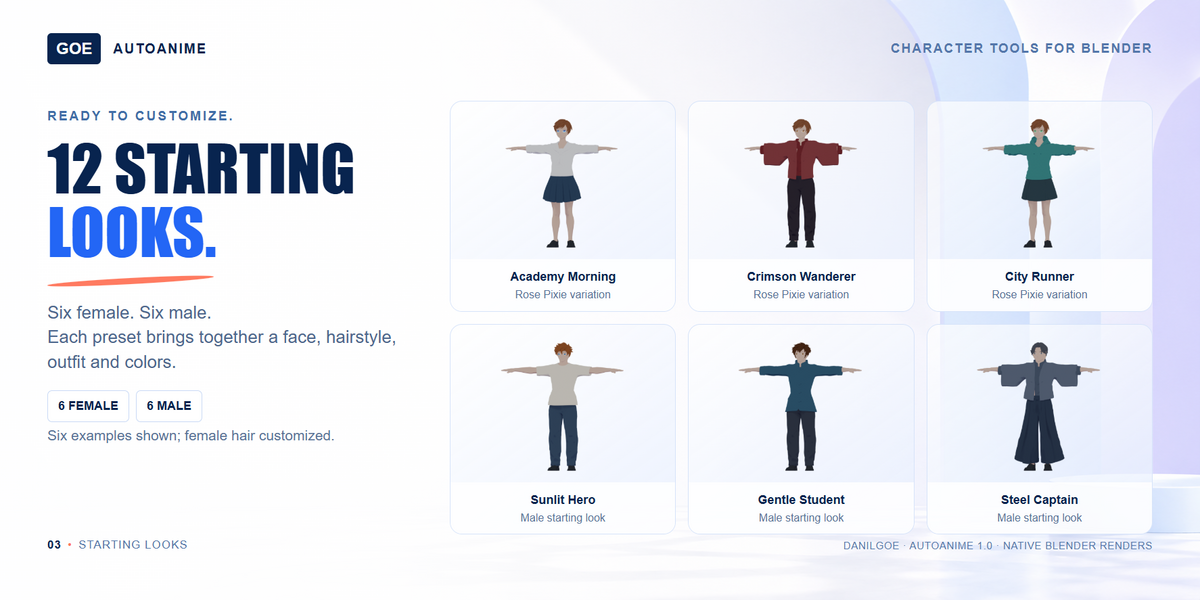
| 7 HEADS50 HAIRSTYLES50 BROW STYLES50 LASH STYLES17 GARMENTS12 LOOKS | ||||
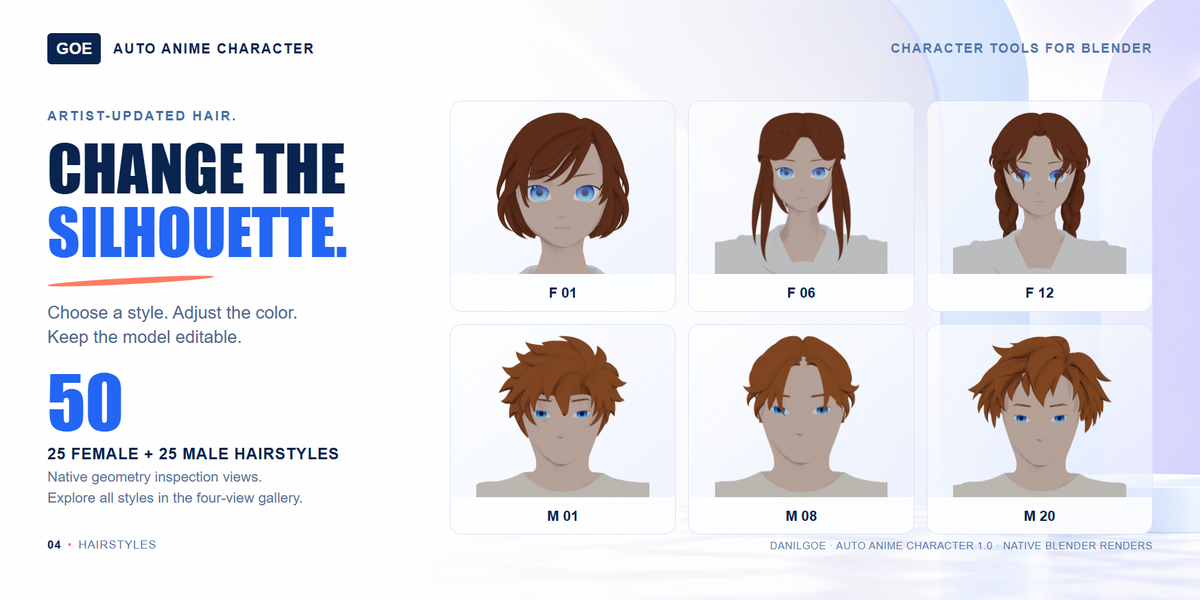
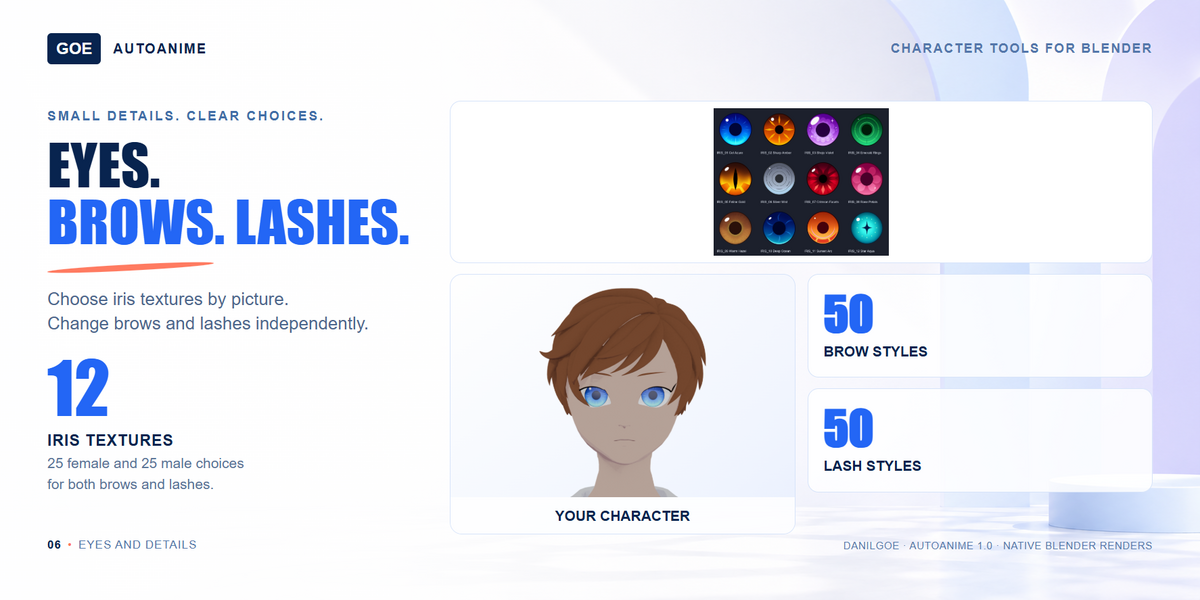
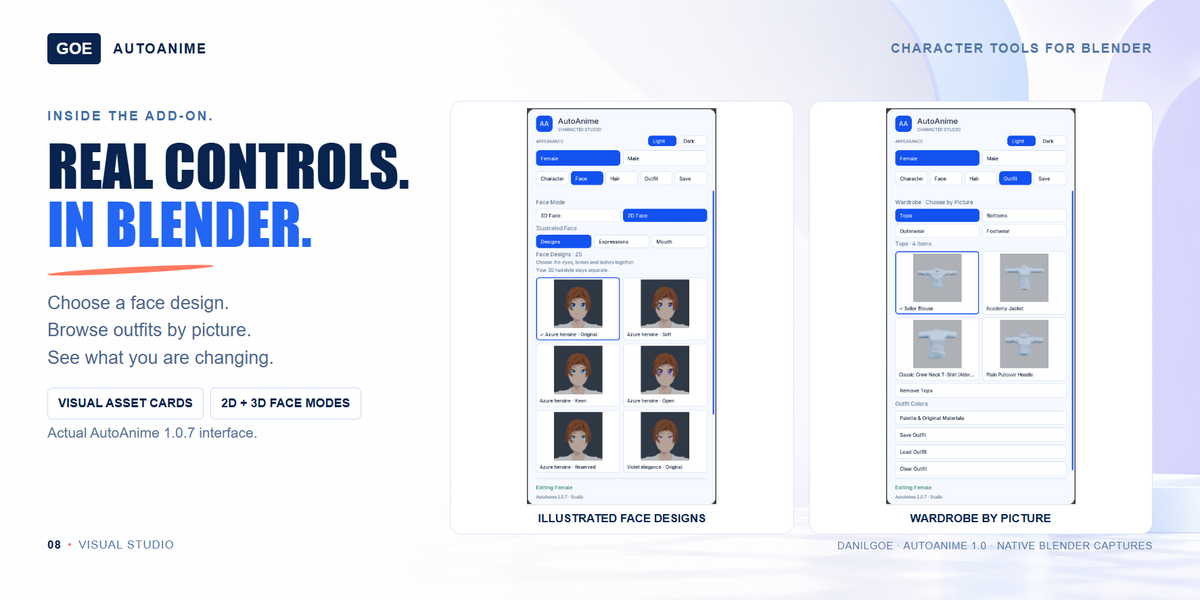
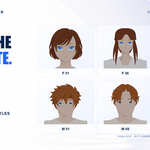
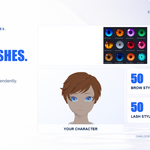
Find your hairstyle.25 female + 25 male styles, selected by picture. In 3D face mode, brows and lashes are separate meshes with 25 styles per character type.
| ||||
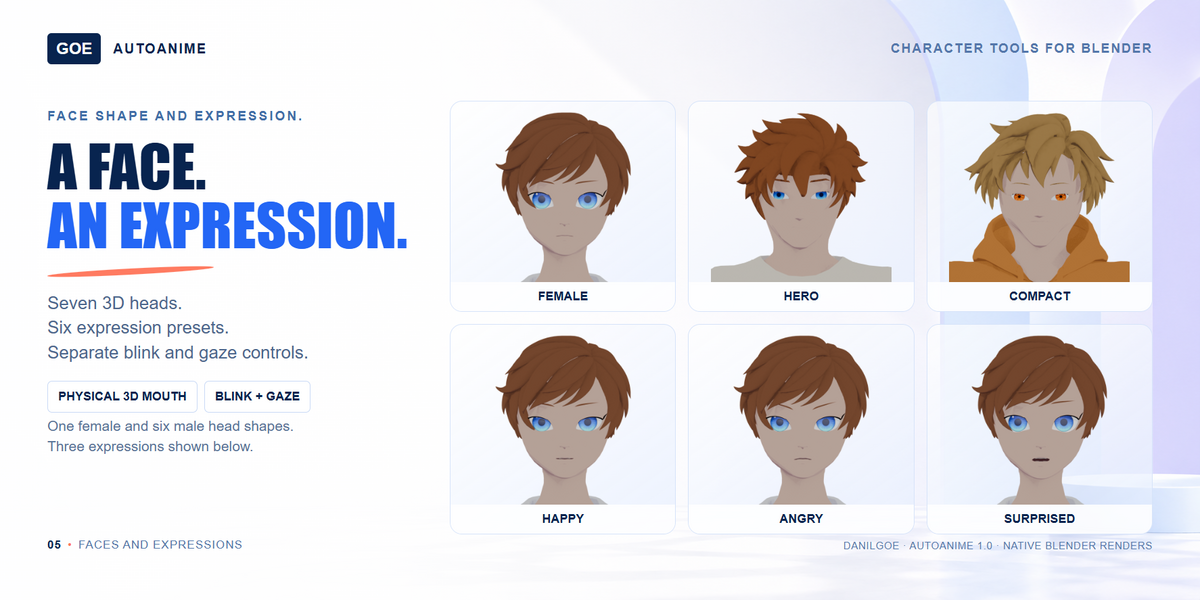
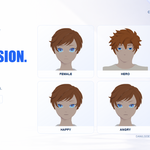
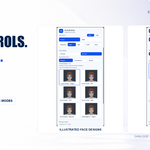
Shape the face. Change the expression.7 three-dimensional heads: 1 female and 6 male. Choose 3D eyes independently, or use an illustrated 2D face design.
2D eyes, brows and lashes belong to the chosen face design. Illustrated mode includes 50 sets from 10 families, 6 emotions and 12 mouth options. | ||||
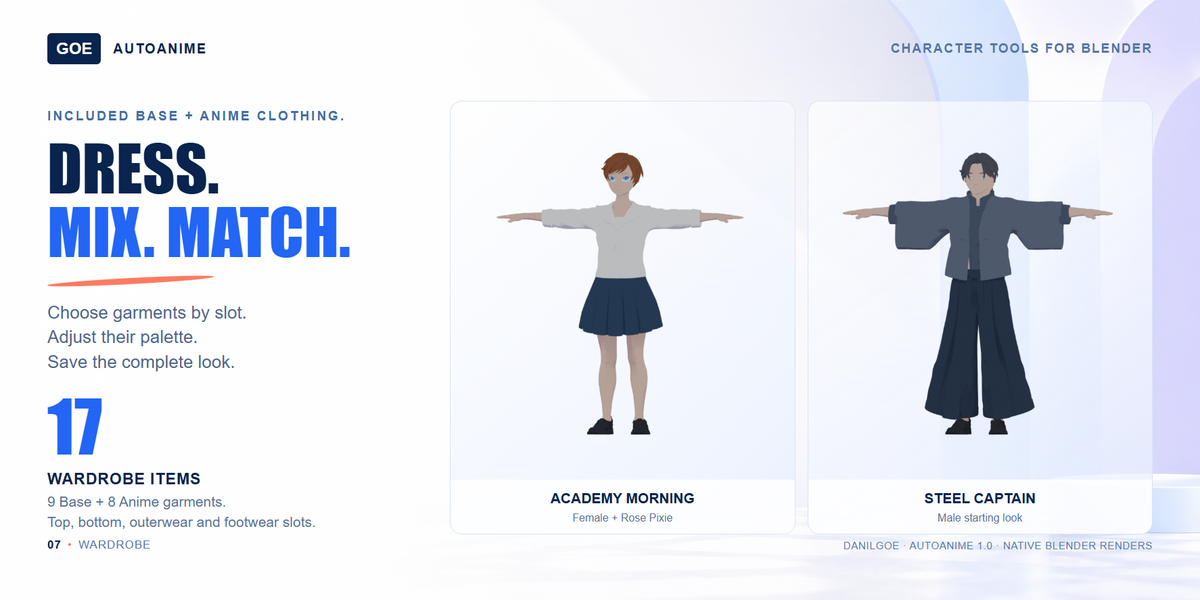
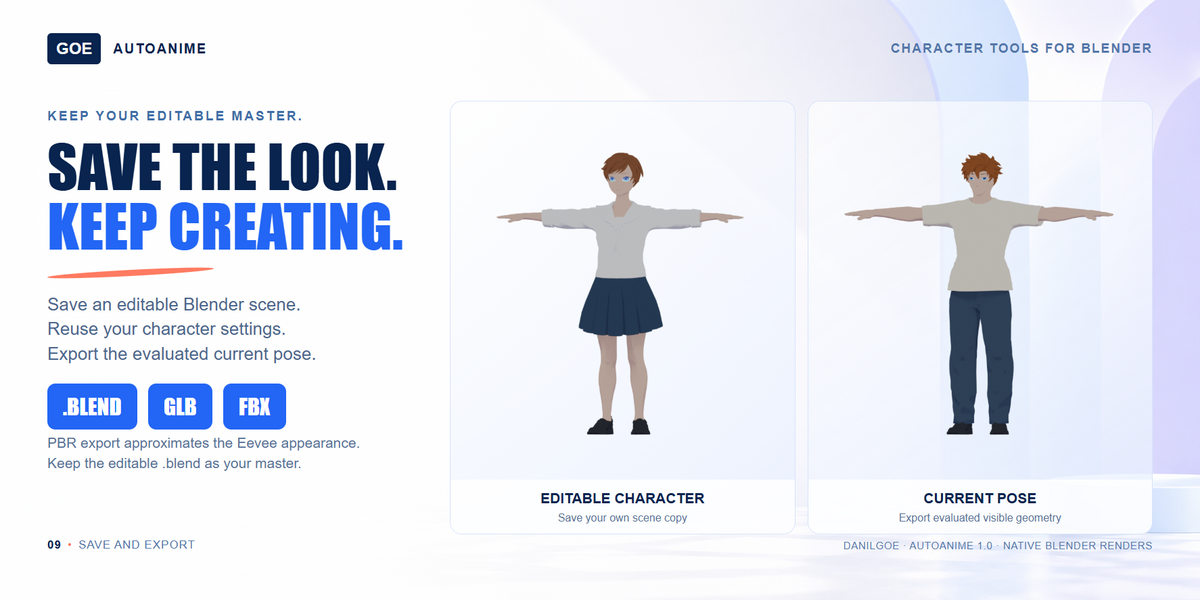
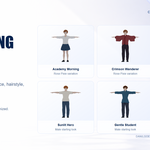
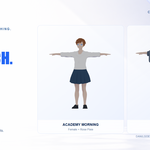
Your shape. Your outfit.Use eight quick body controls or edit body shape keys in Blender. Mix 17 wardrobe items across tops, bottoms, outerwear and footwear.
Strong proportions, layered clothes and complex poses may need manual fitting. | ||||
Make the colors yours.Choose a swatch or a custom color. In 3D mode, brow color can stay independent from the hair.  HAIR  BROWS · 3D  SKIN  CLOTHES | ||||
| ||||
|
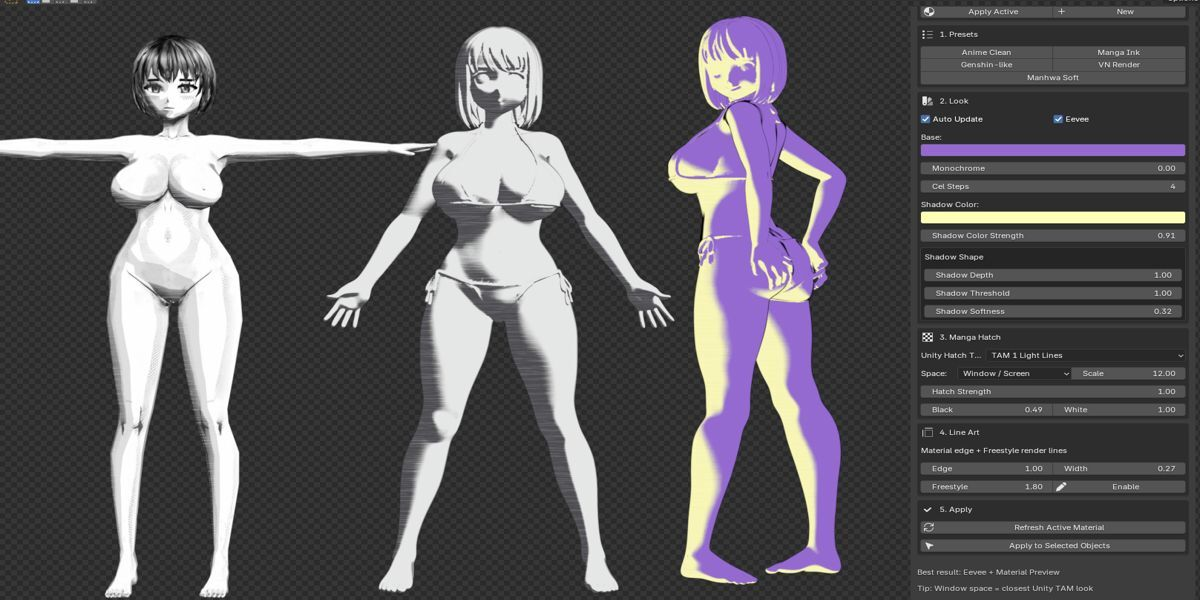
INCLUDED WITH YOUR PURCHASE Anime Shader Studio is your free gift.
Buy AutoAnime and get Anime Shader Studio at no extra cost. After purchase, open Gift.txt in your download for your 100% off coupon and Superhive redemption instructions. Apply the coupon at checkout and confirm the bonus order total is $0. A separate bonus ZIP is also included for direct installation. See Anime Shader Studio → | ||||
Explore the included parts.Female hair first, then male hair, brows, lashes, heads and irises. Search the previews below; edit your character in Blender. | ||||
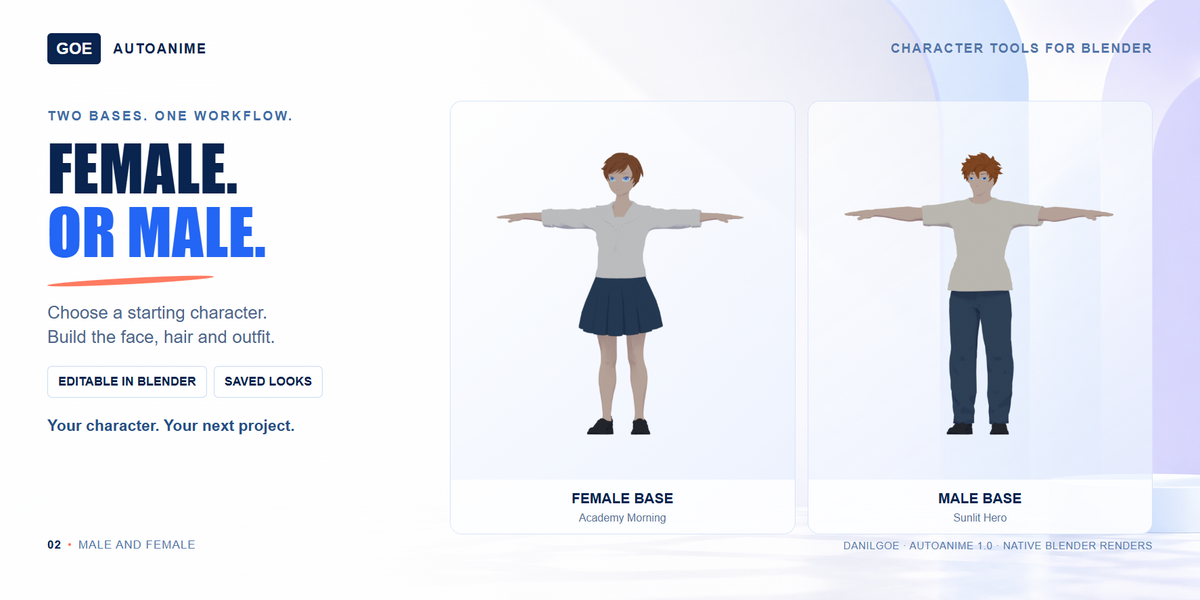
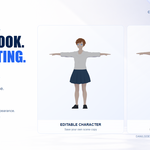
Open. Customize. Save.Included: add-on ZIP with controls and previews, main BLEND with the asset library and packed textures, English PDF guide, 12 reusable starting looks and the Anime Shader Studio bonus. Start: install the ZIP, open AutoAnime_1.0.blend and save a working copy. A clothed female character is ready to edit. To create in another scene, use Choose Product BLEND to select the main file, then Female or Male. Open Product BLEND opens the ready scene. Before you buy: meshes have mixed topology. Complex poses and extreme proportions may need fitting or weight edits. Some mesh changes take several seconds. For Blender 5.2; see the included testing notes for build verification. | ||||
More characters. More ways to create.Explore AutoCharacters for stylized people and AutoCreatures for modular creatures. AutoCharacters →AutoCreatures →All DanilGOE tools → DanilGOE Need help? [email protected] |
AutoAnime : Build & Customize Anime Characters in Blender


Discover more products like this
blender addon male character Character Creator outfits facial-expressions Rigged characters hairstyles anime shape keys Character Customization female character cel-shading
 Included
Includes 12 months of
- Support from DanilGOE
- Product updates
Extend this product’s Support Period +12 months: 100% of product price
Have questions before purchasing?
Login to message
| Dev Fund Contributor | |
| Published | about 11 hours ago |
| Blender Version | 4.2 - 5.3 |
| Render Engine Used | Cycles |
| Misc Data | Uvs-Unwrapped, Manifold-Mesh, Rigged, Normal-Mapped, Textured |
| License | GPL |