 specoolar


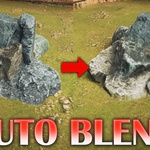
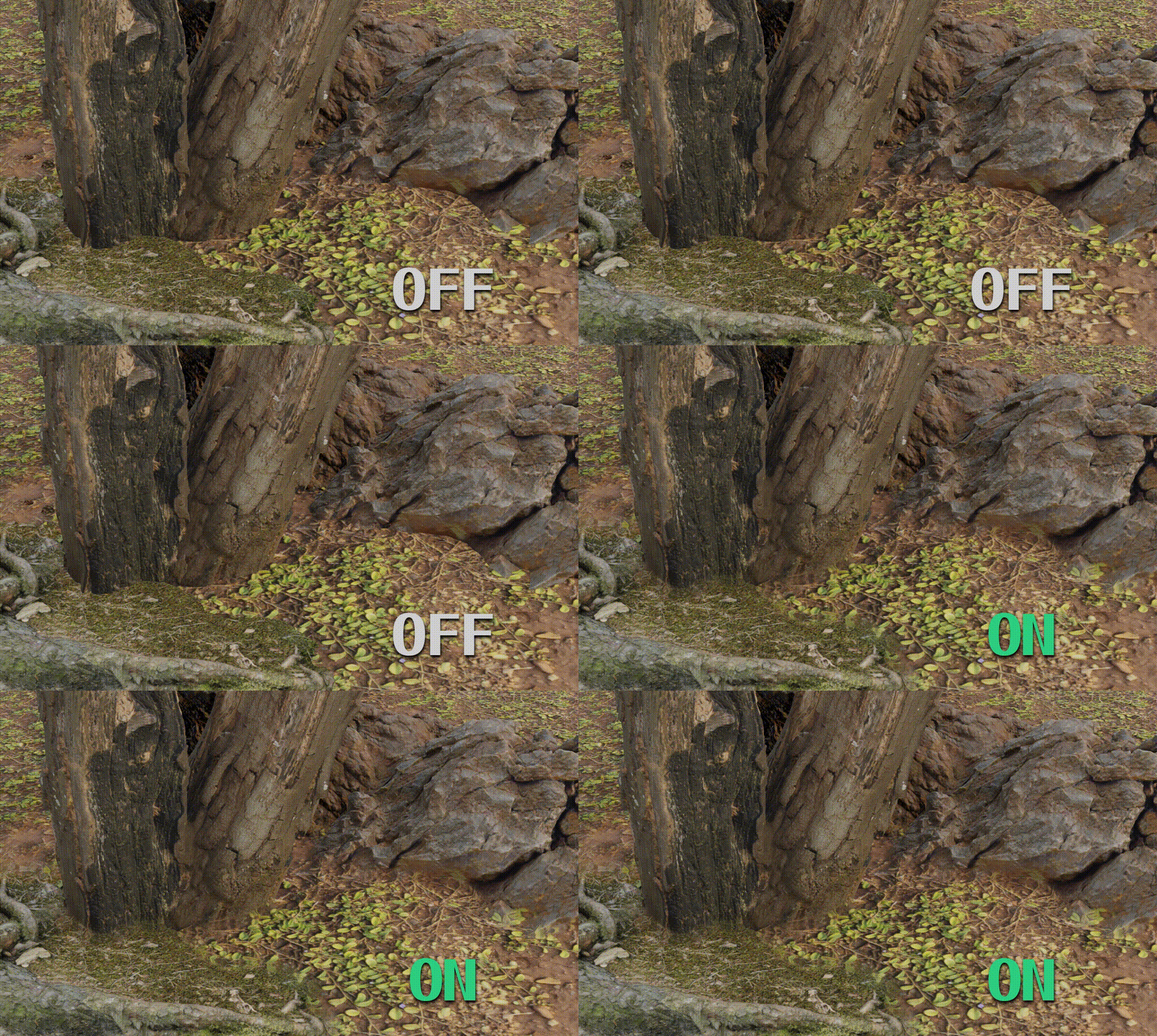
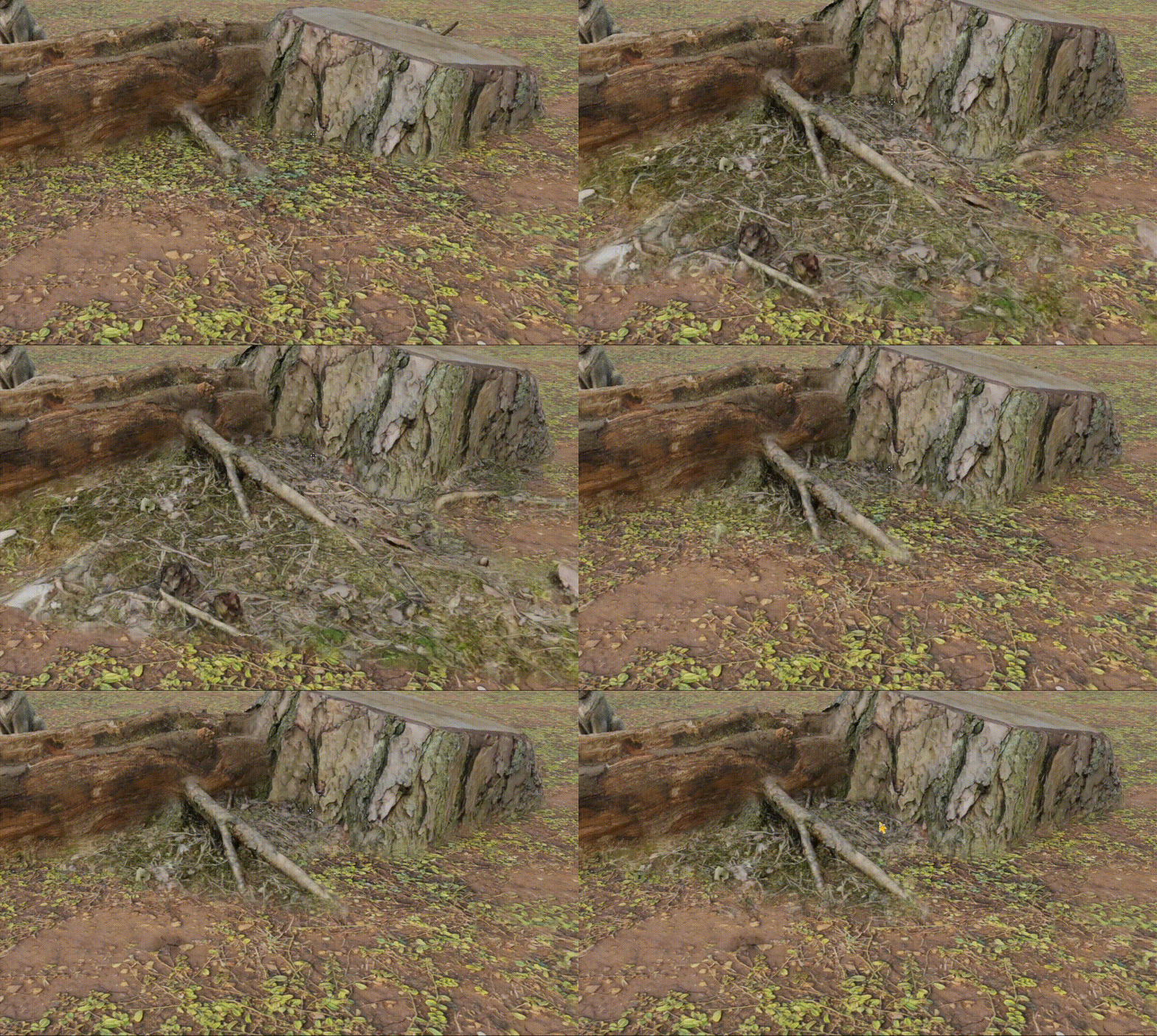
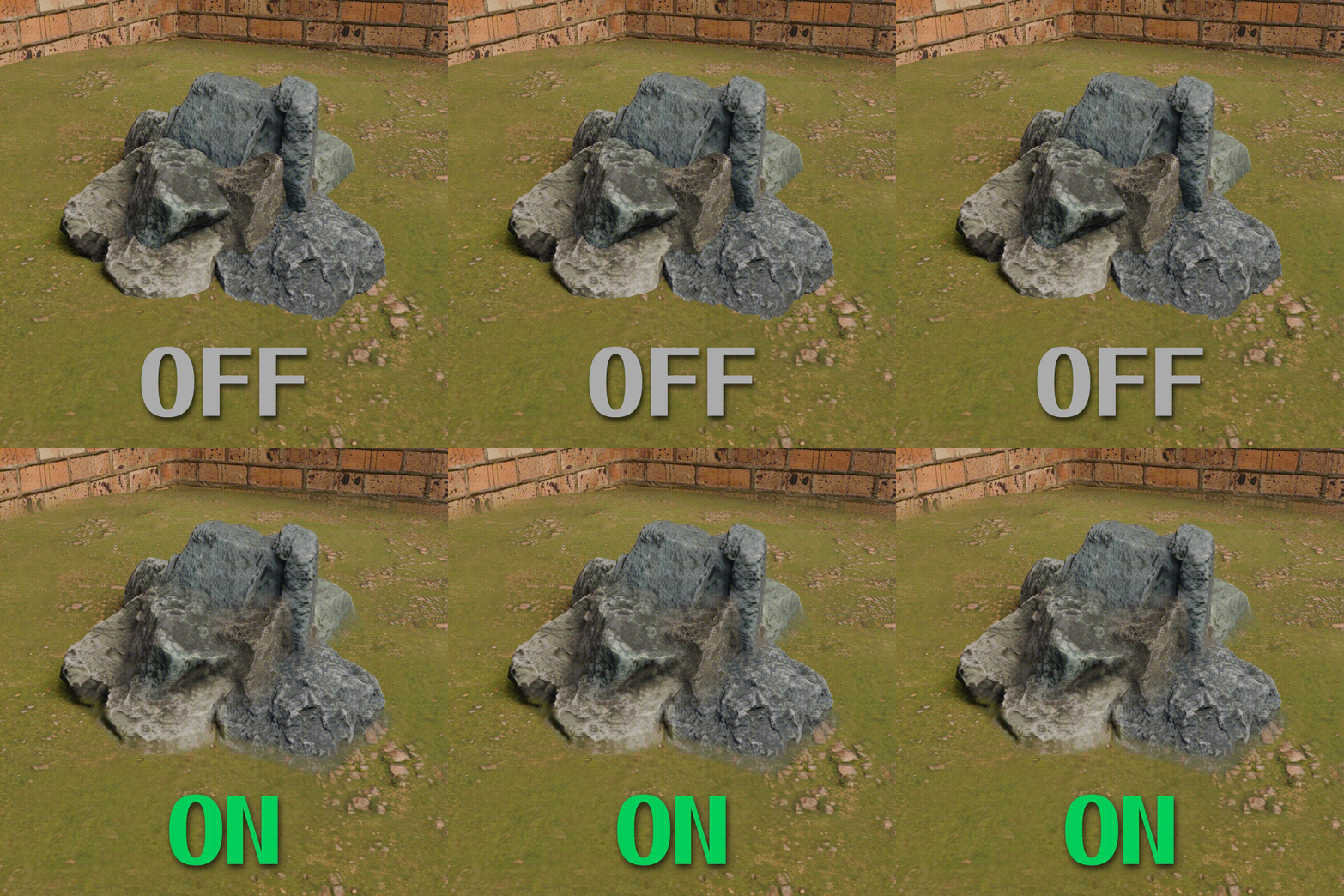
AutoBlend is an addon that helps you to blend objects easily in screen-space. It works using Compositor and Cryptomatte.
Required Blender 4.5 or newer versions
Features:
- It works as a post-processing effect. It is independent from the scene complexity and materials. You can blend any amount of objects and any type of materials (except transparent materials);
- Works with both EEVEE and Cycles (Cycles has some limitations, please read them below)
- No need to modify meshes and materials. You only need to choose which materials to blend.
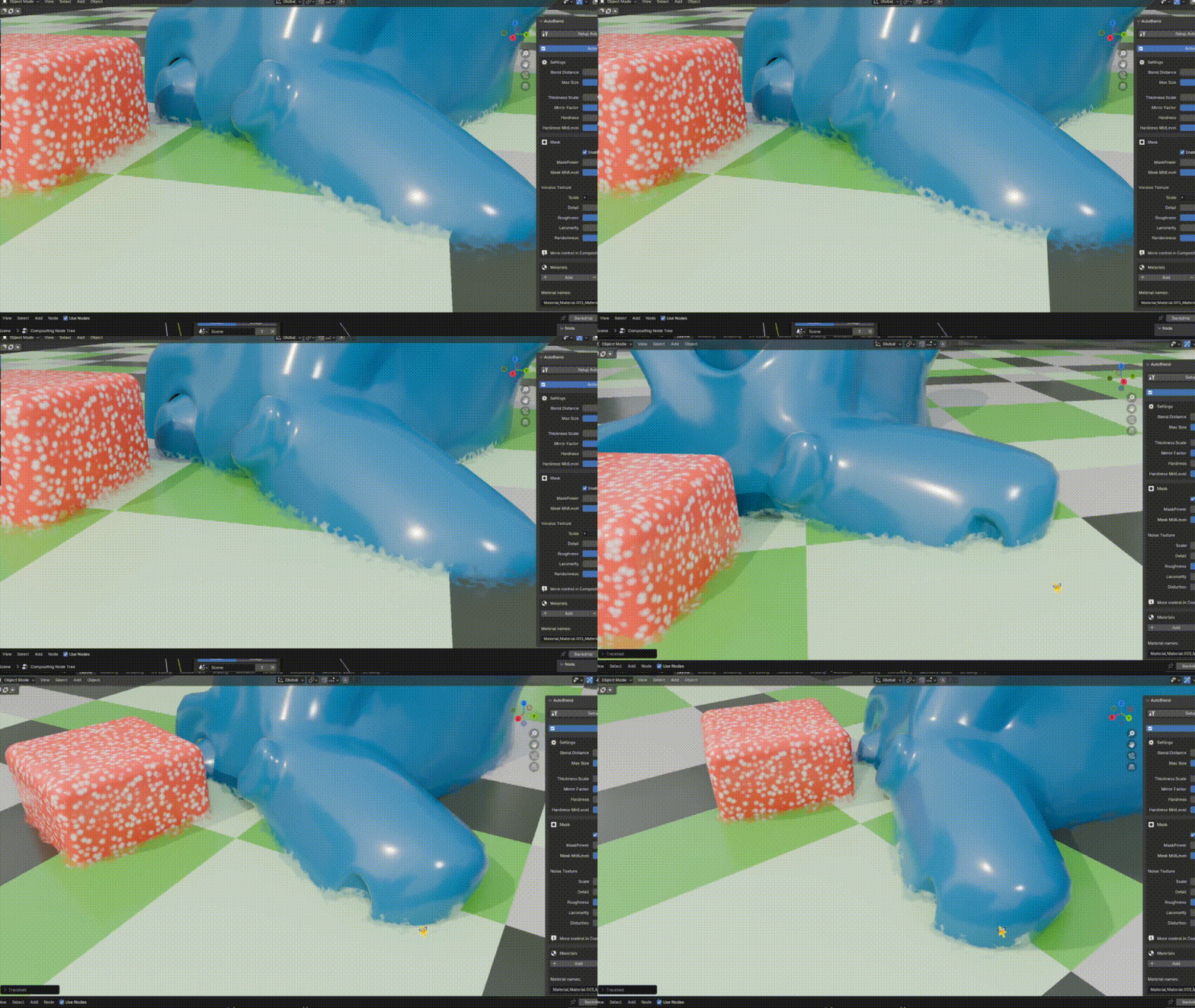
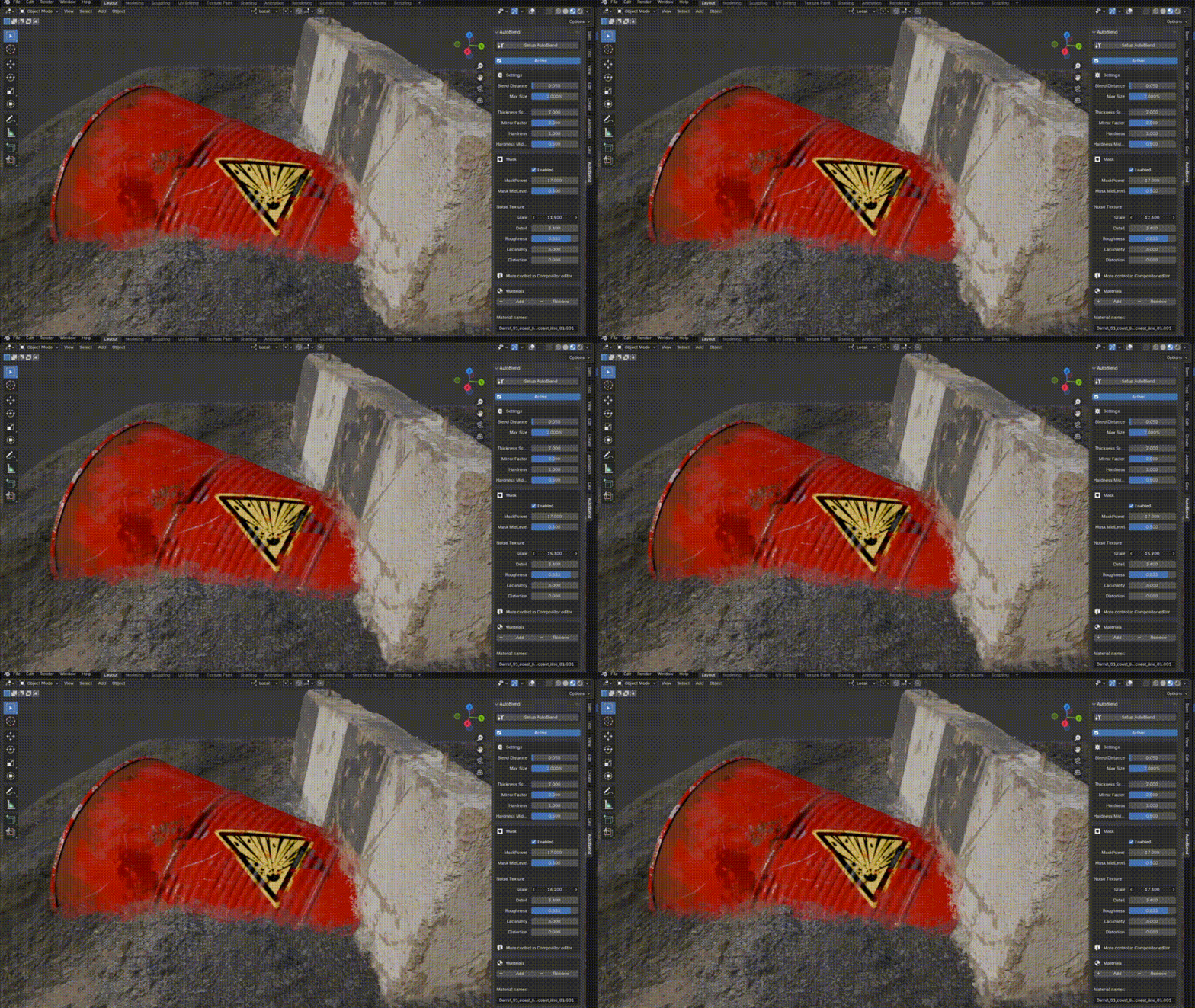
- Noise, Voronoi or other custom masks for blending for more organic results.
Limitations:
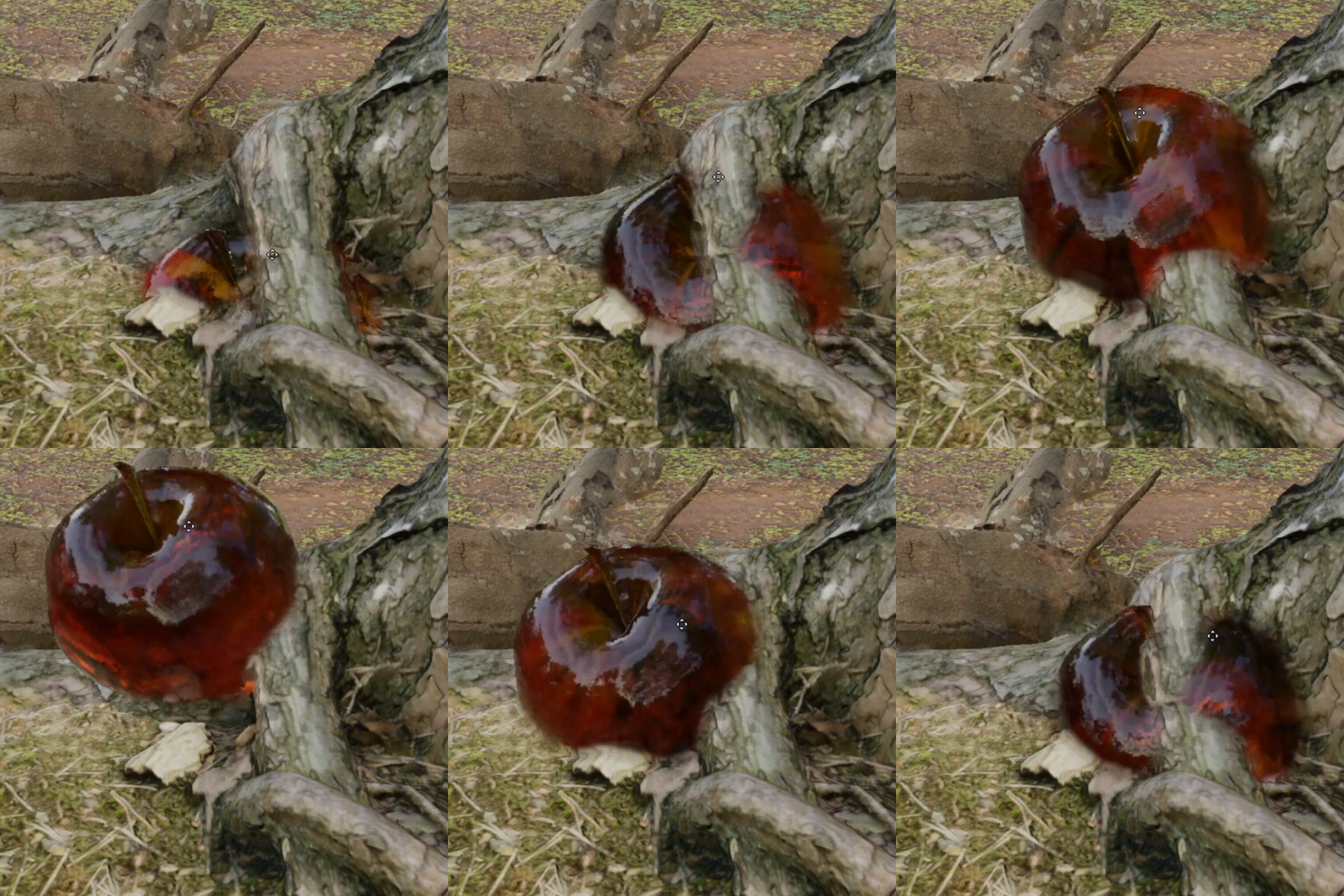
- Transparent materials are not supported;
- In Cycles there are some limitations: Realtime preview, Depth of field and Motion blur are not supported. You can create them in compositor using defocus node for DOF and vector blur node for motion blur.
- As any screen-space effect it can have some visual artifacts like fading out when another object blocks the view, flickering/jittering especially when the Blending distance is too big. It is recommended to keep the blending distance smaller.- It can't be exported to game engines or baked.
- Blending between instances of the same object is not supported.
Read the documentation here
Version 1.1.1:
- Compatibility with Blender 5.0;
Version 1.1:
- Custom mask for blending;
- Auto setup Noise and Voronoi mask;
- Minor fixes and changes;
