 DanilGOE
|
AUTOCHARACTERS 3.0 · FOR BLENDER Create your own
| |||||
|
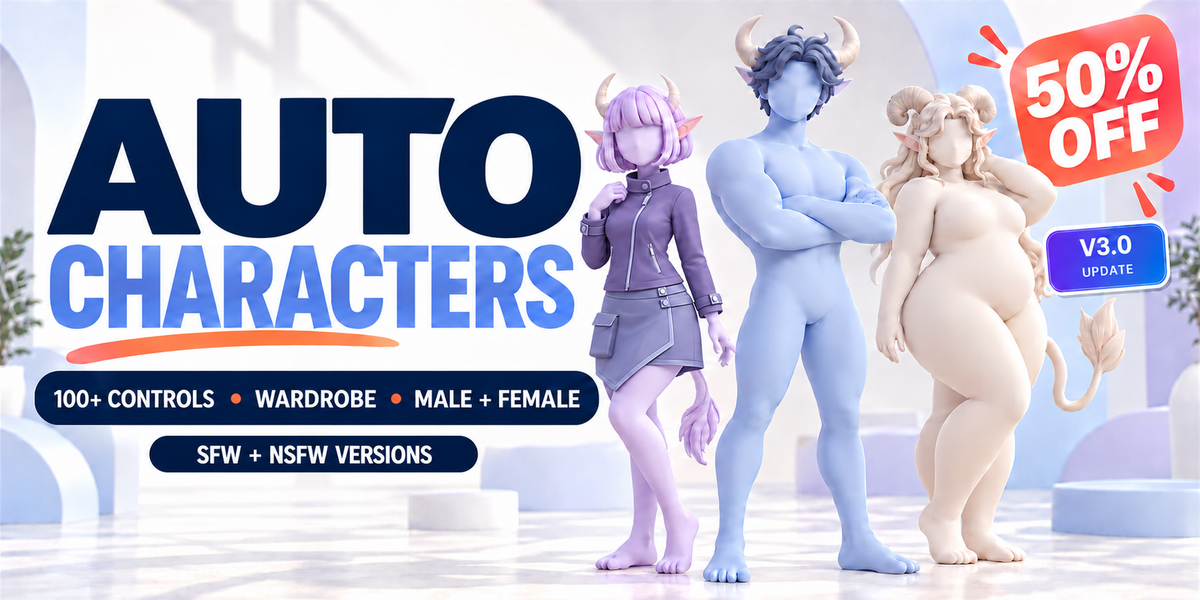
CHOOSE YOUR CONTENT Base or Complete. The same 3.0 workflow.Base is the core AutoCharacters product with a limited content update for existing Base owners. It is a paid product, not a free edition. Complete = Base + Expansion adds the full clothing, pose and accessory collections.
Both editions use AutoCharacters 3.0. | |||||
|
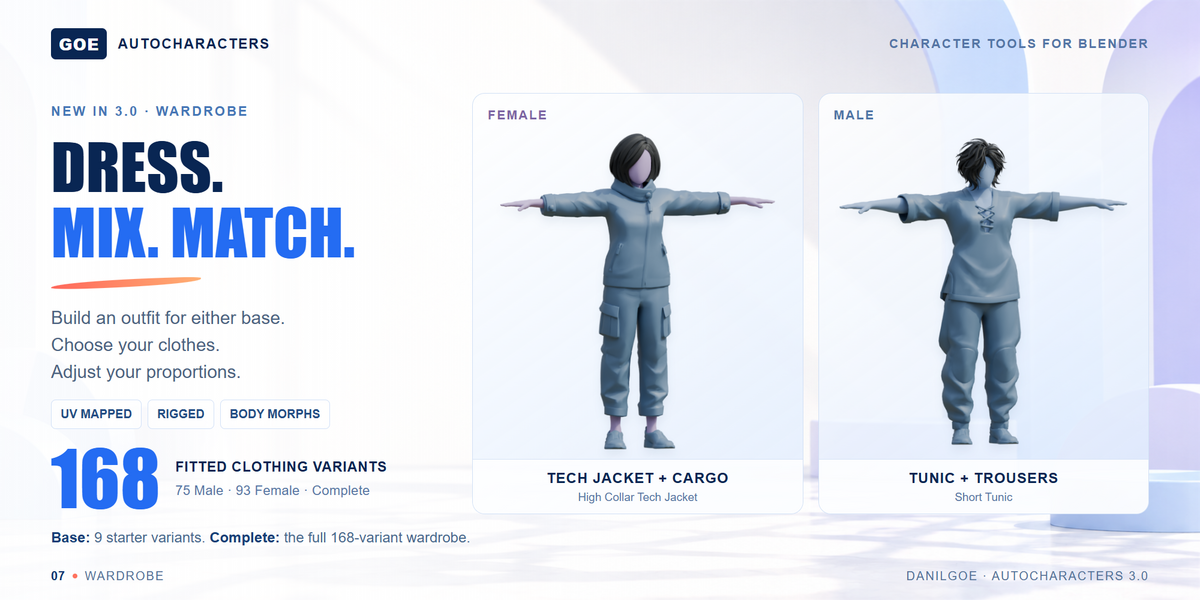
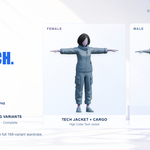
NEW IN 3.0 · WARDROBE Find an outfit. Make it your own.Choose Male or Female, open Wardrobe, and browse clothing by category and readable name.  Complete includes 168 fitted clothing variants: 75 Male and 93 Female. 
| |||||
|
EXPLORE THE CLOTHING LIBRARY Browse before you build.Search by name, filter by gender, clothing slot or edition, and open an item for front, back and side views. Each item is UV mapped. Save favorites in this browser. Triangle counts describe the source mesh before subdivision and other modifiers. Fitting your outfit. Some asset combinations can clip when used together. Small manual adjustments are a normal part of fitting a custom outfit. In your working .blend copy, select the affected garment and adjust its Basis shape key (base shape) in Edit Mode. Check the result with your chosen body proportions and pose. | |||||
|
ANIME HAIRS · NEW Ten new styles, ready to switch.5 Male + 5 Female Anime Hairs are included in both Base and Complete. The Hair tab keeps regular Hair and Anime Hairs as separate, simple selectors with previous, next and remove controls. The small blue NEW badge identifies the new collection. 
| |||||
|
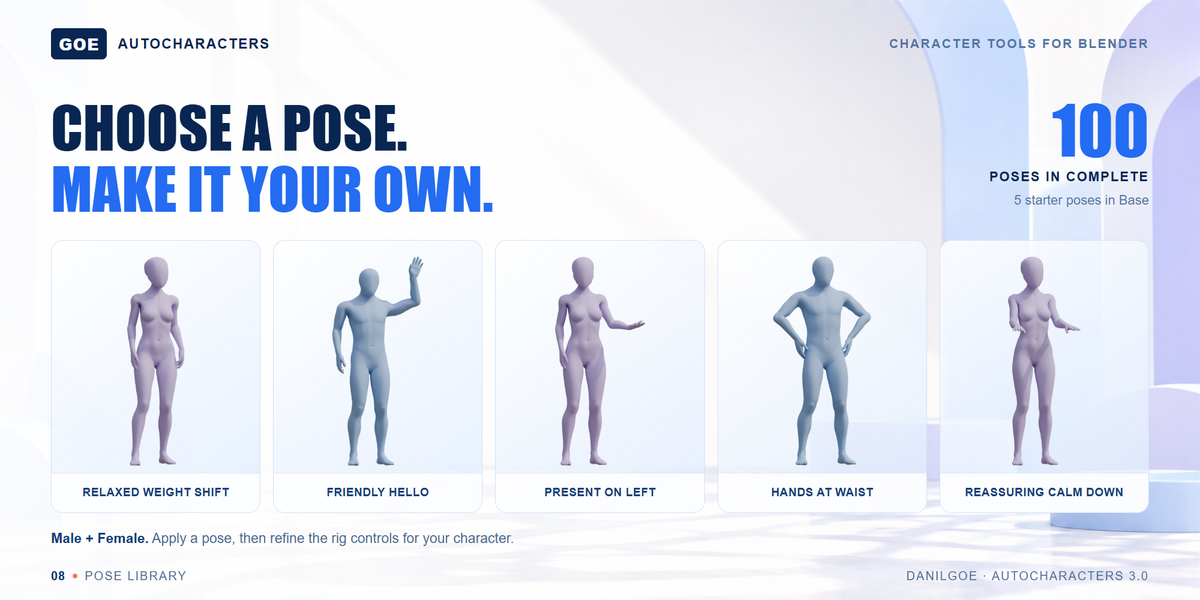
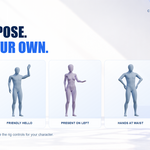
POSE LIBRARY Choose a pose. Refine the controls.Open Poses from the top of the interface. Base includes Neutral Listening, Friendly Hello, Hands At Waist, Fashion Step and Seated Explanation. Complete includes the full 100-pose collection. 
| |||||
|
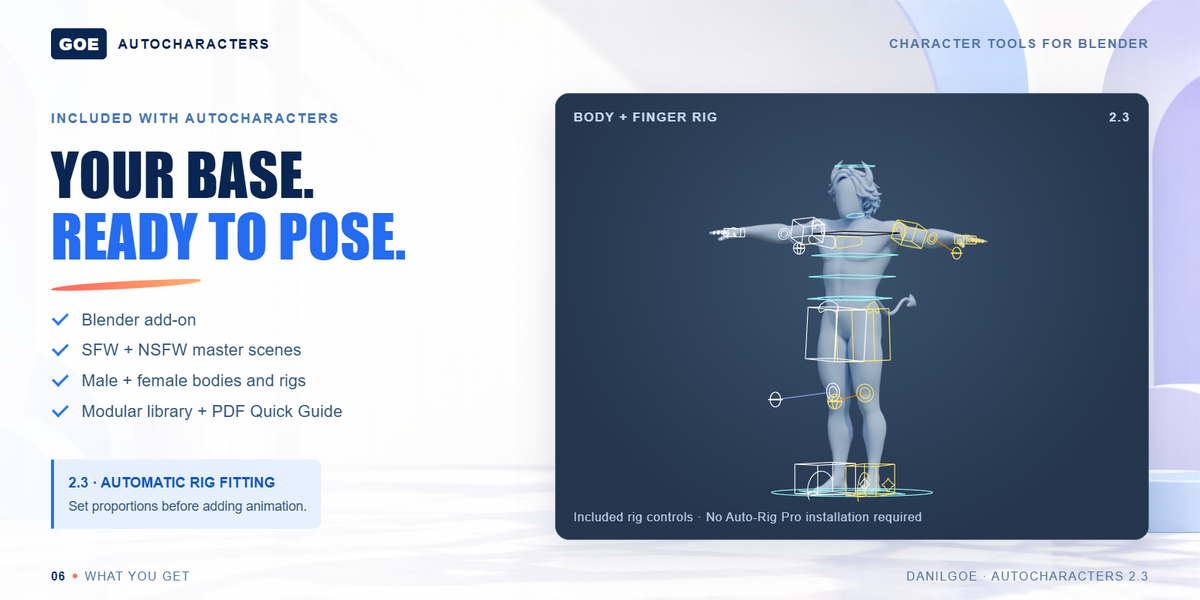
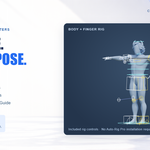
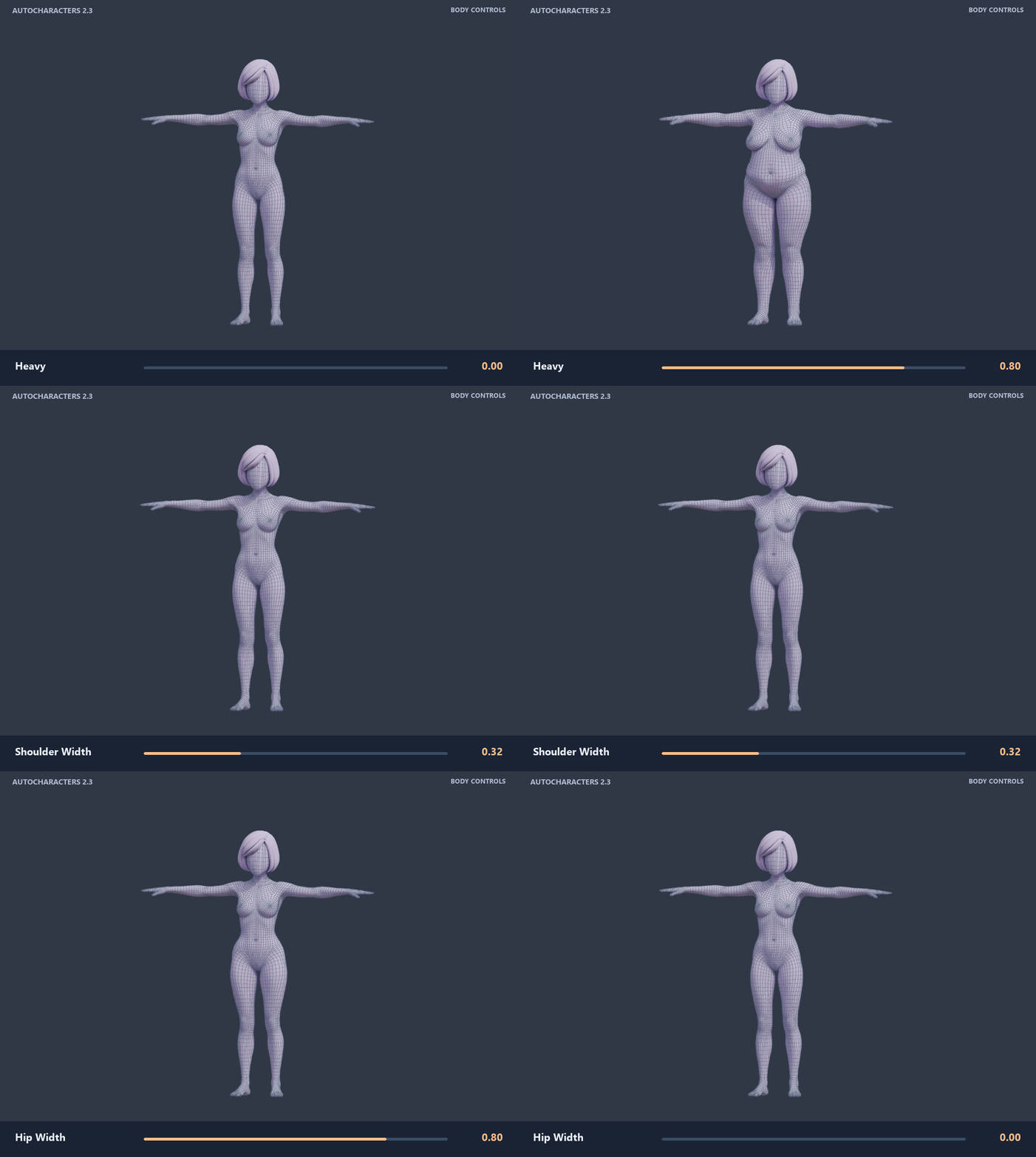
RESHAPE · THEN POSE Body proportions. Hand sizes. Connected rig.Adjust proportions such as Height, Leg Length, Torso Length and Neck Length. AutoCharacters 3.0 fits the rig to supported changes and updates hand and finger alignment, including separate Left and Right controls. Hair, ears, noses, horns and tails stay attached as those proportions change. Use the included body and finger controls to pose the result. 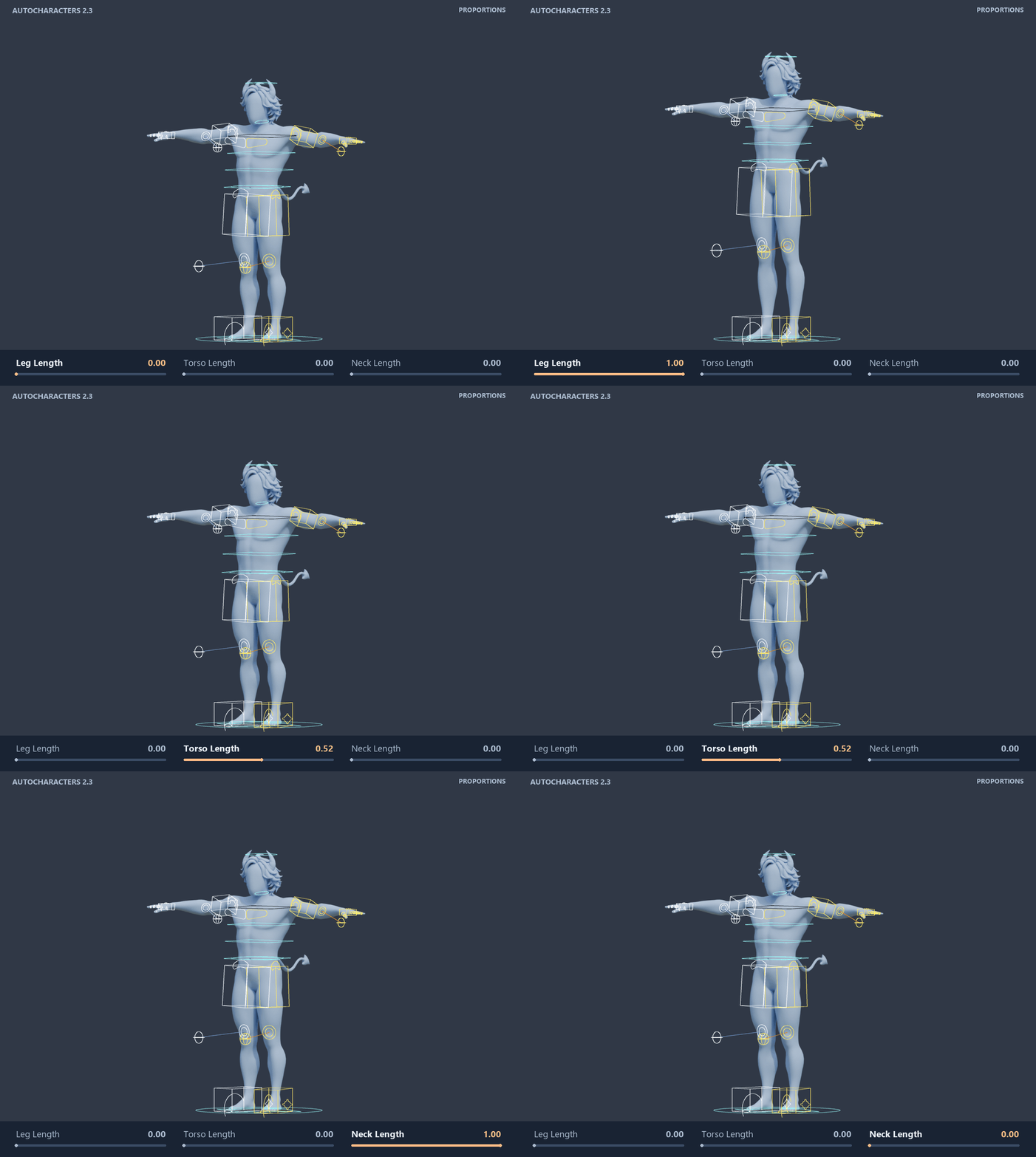 Leg, torso and neck proportions — the rig follows, and modular parts stay attached. Resize the hands. Keep the fingers aligned.Change hand scale, palm scale and finger length. The included controls follow the new proportions, with separate Left and Right settings. 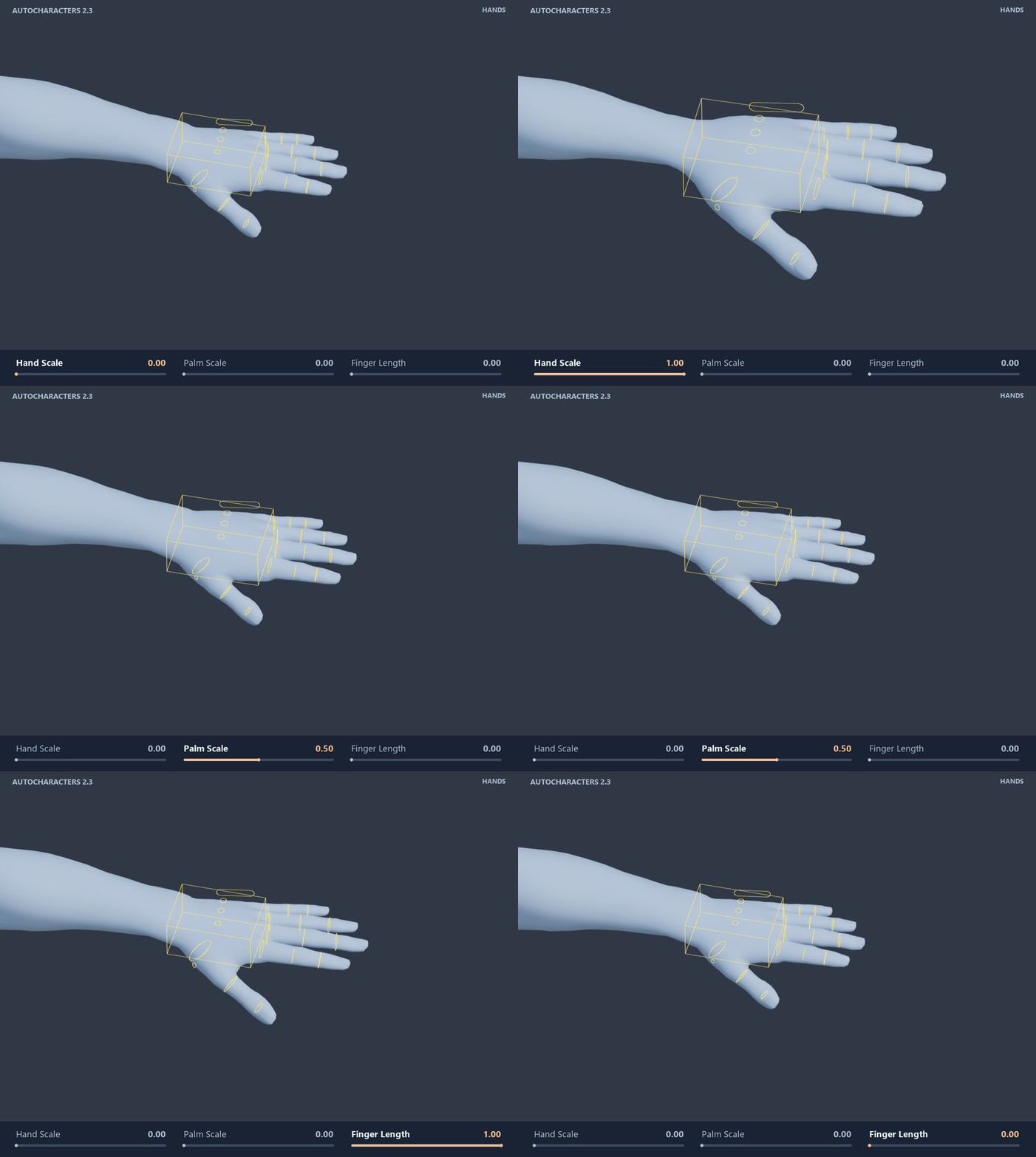 Hand, palm and finger sizing with the character’s actual rig controls. Workflow tip: set body and hand proportions before adding animation. Automatic fitting is for character setup, not reshaping an already keyed animation. | |||||
|
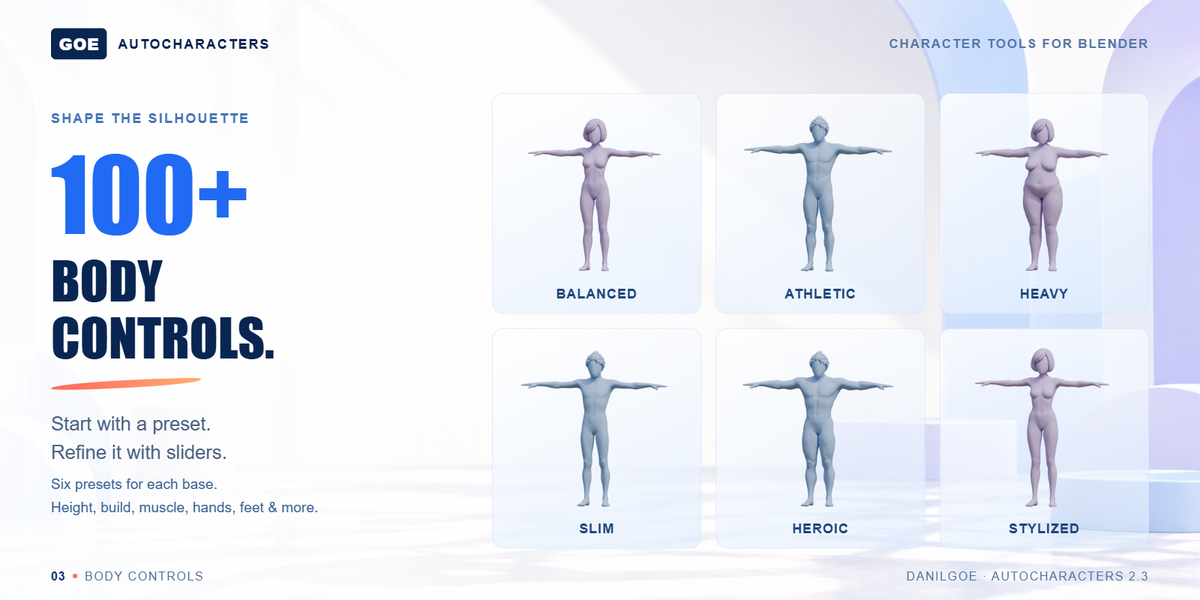
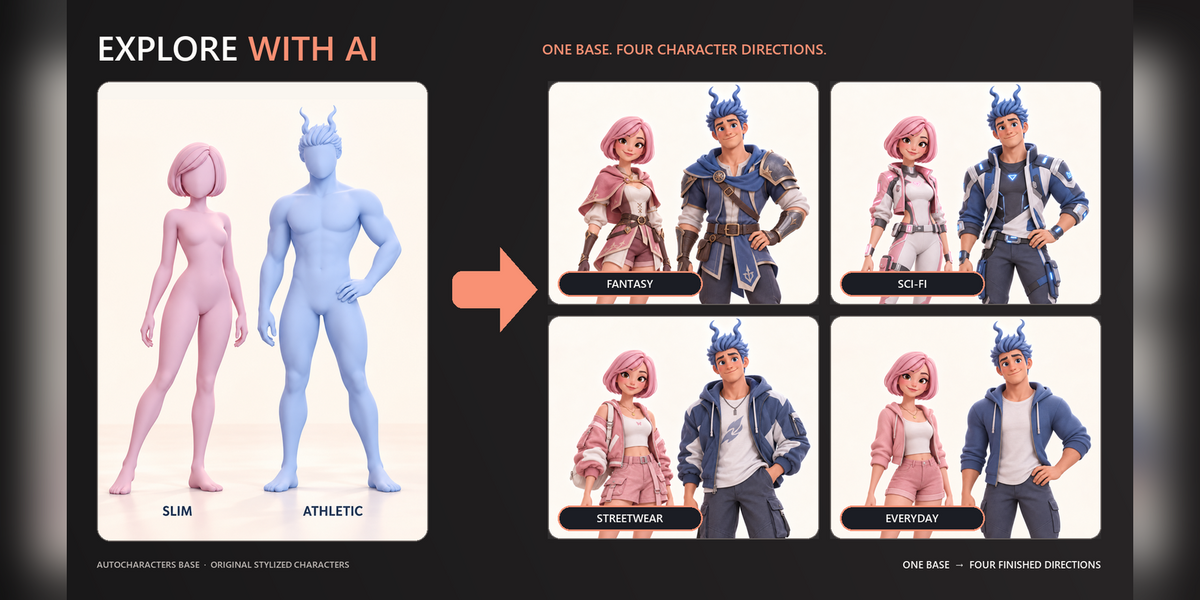
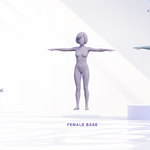
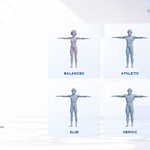
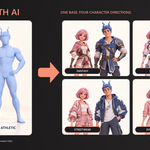
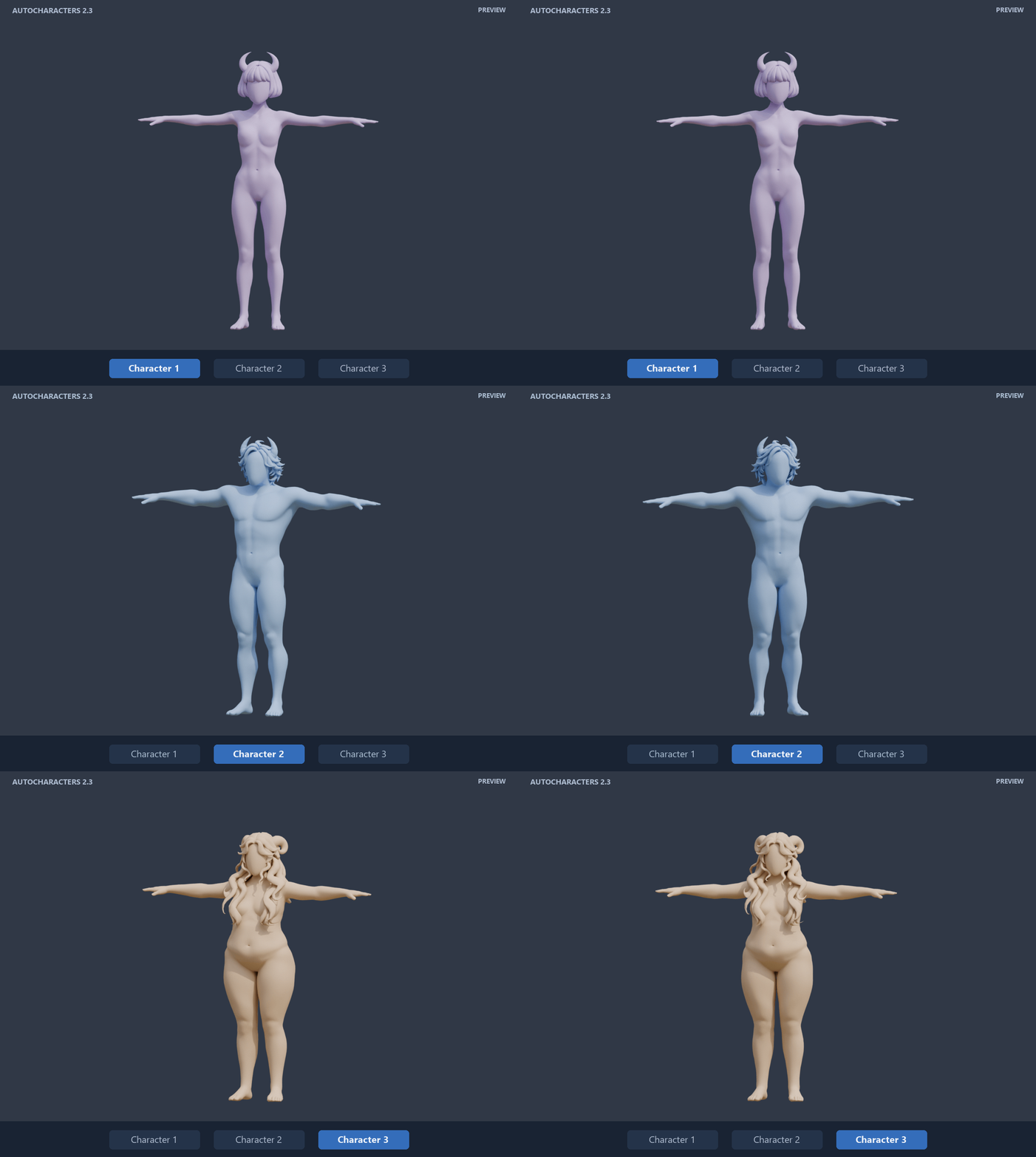
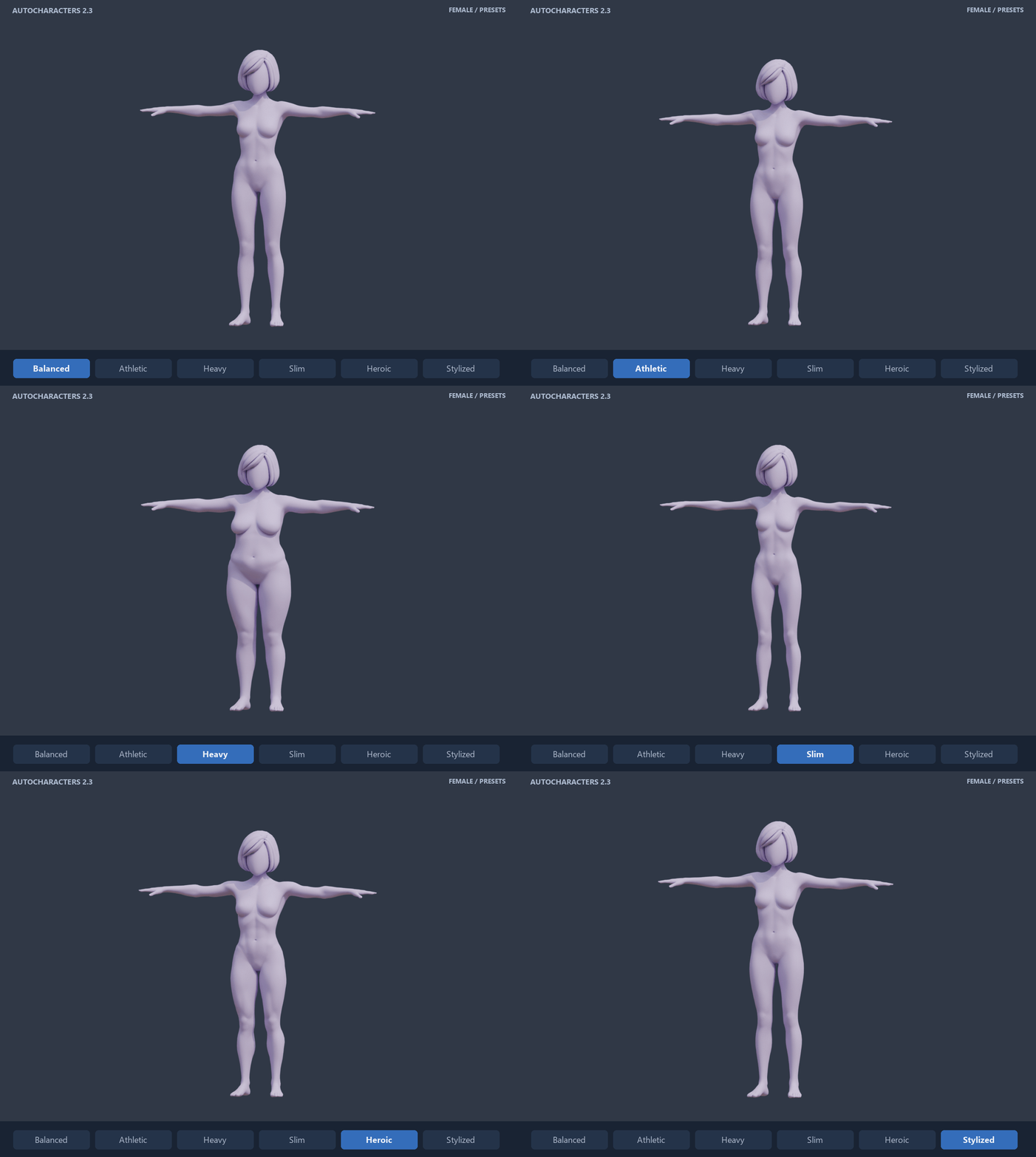
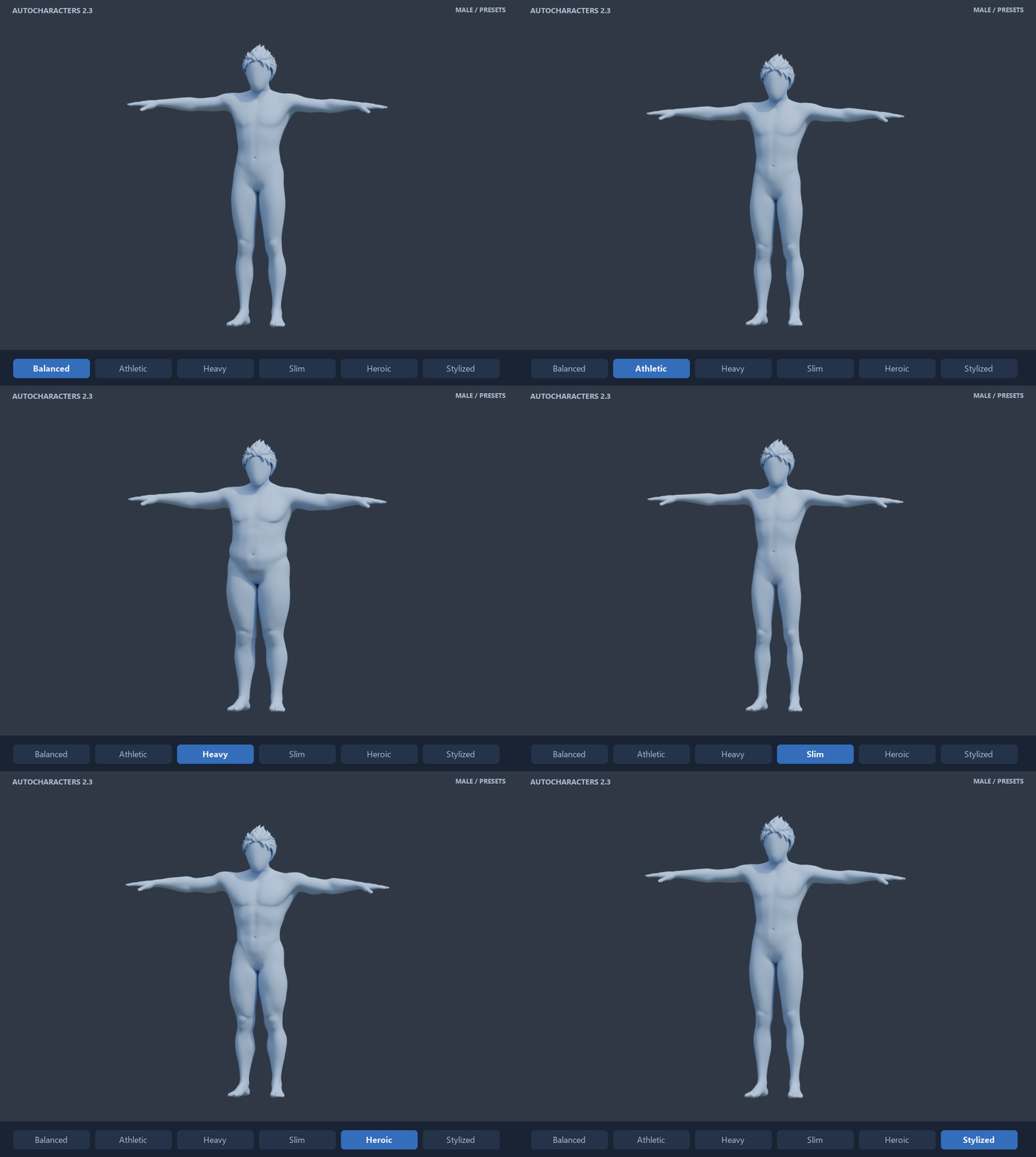
EXPLORE BODY TYPES Body presets. Your own proportions.Choose from five body presets, six stylized presets and three styled Character presets, or build directly from the male and female bases. Use the primary Body sliders for broad changes and Details for individual controls. Clothing follows the selected body through its authored morphs and rig weights.  BODY TAB Pick a starting point.
| |||||
|
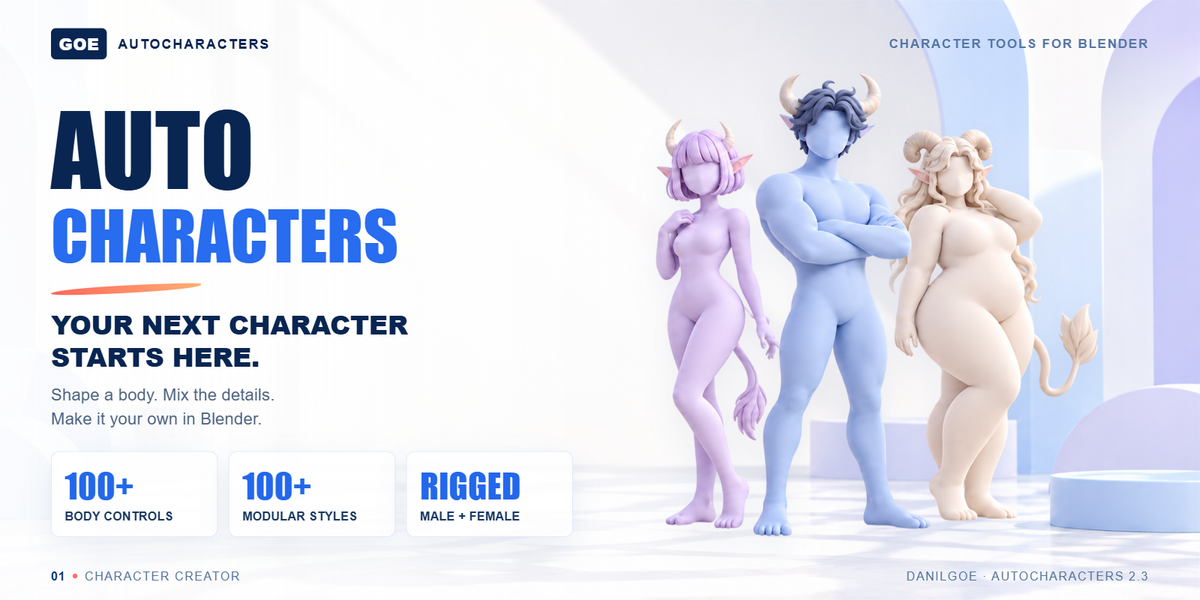
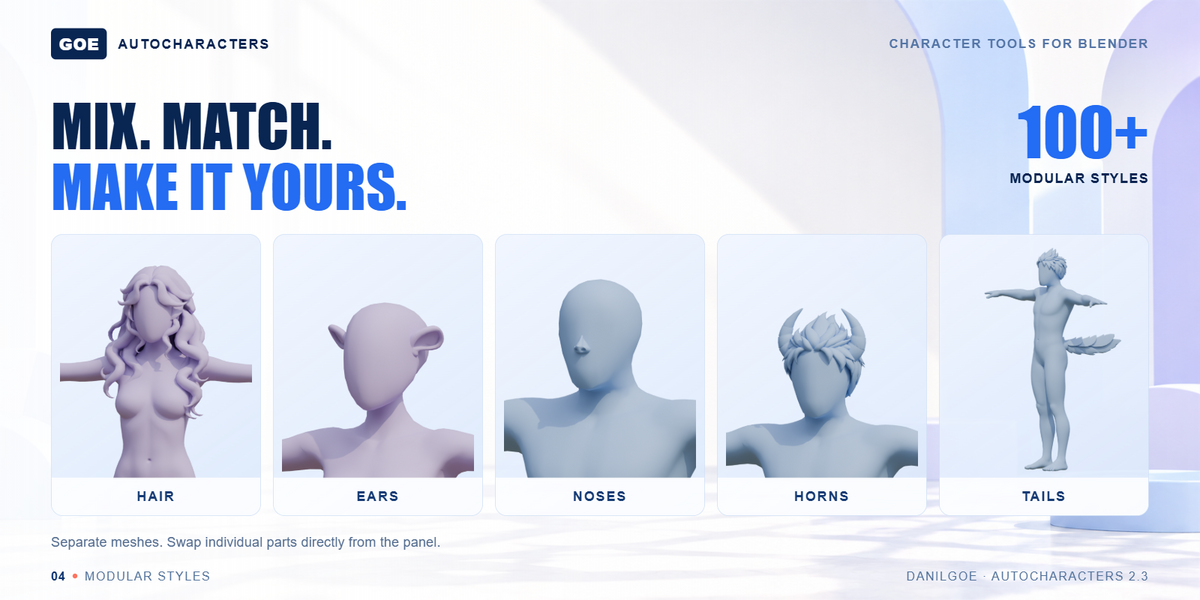
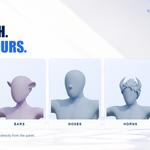
BUILD YOUR CHARACTER’S STYLE Mix the details. Change the silhouette.Choose hair, ears, horns, noses and tails directly from the panel. These are separate modular meshes, so you can change one part without replacing the whole character. Core library: 20 ears, 20 noses, 20 horns, 20 tails, 10 female hairstyles and 10 male hairstyles, plus the 3 hairstyles and 3 horn variants introduced in 2.2. 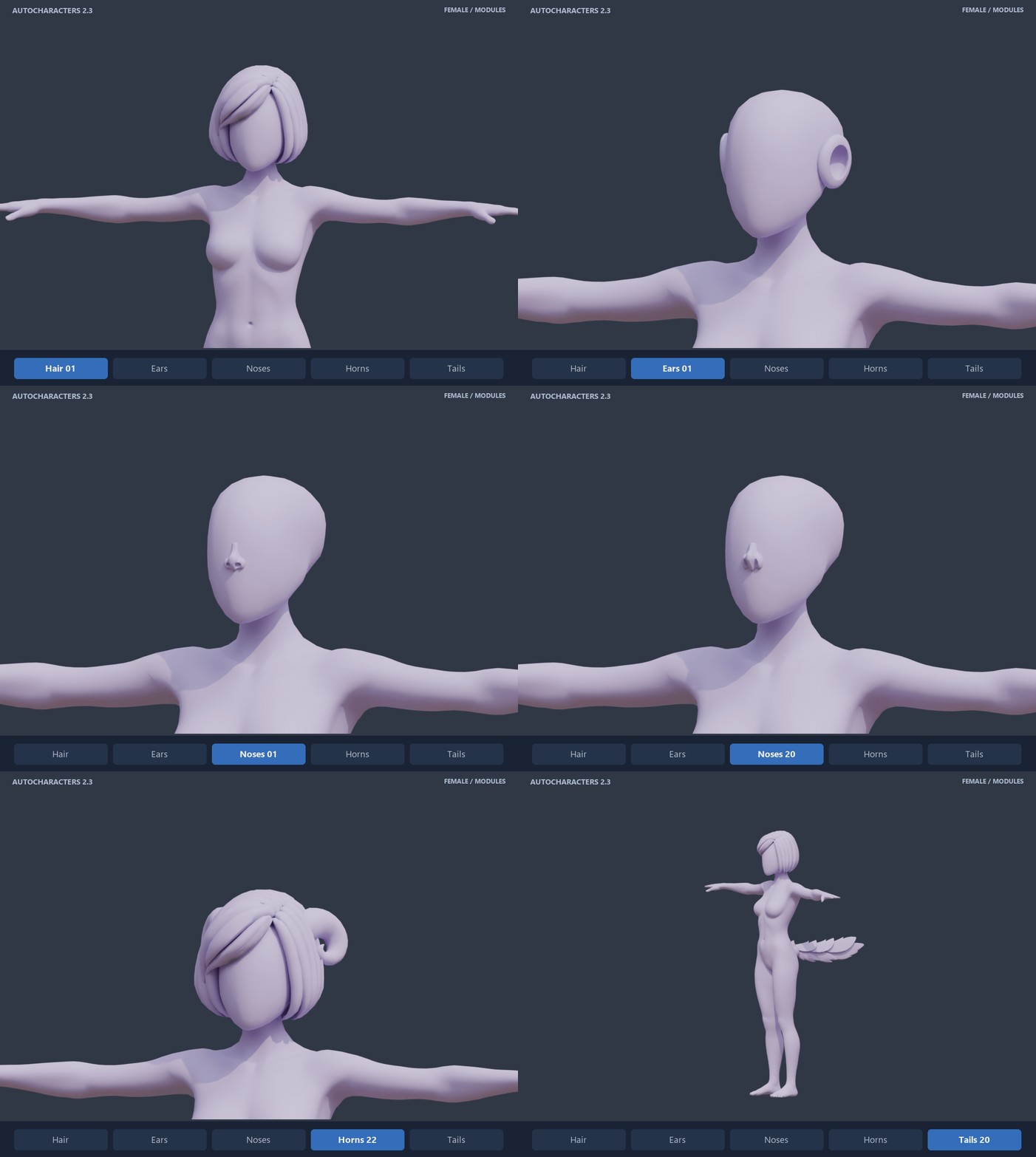 FEMALE MODULAR STYLES 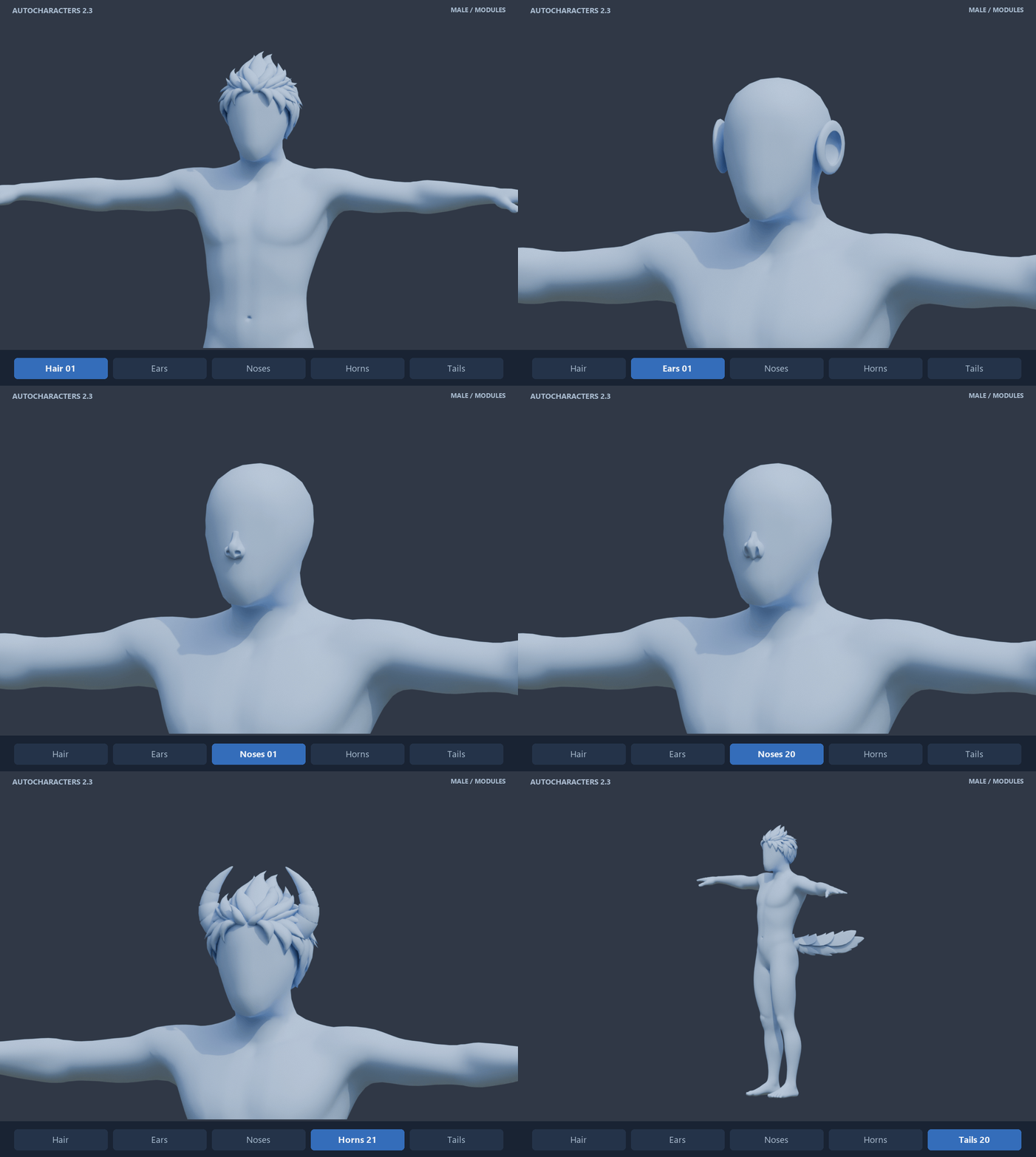 MALE MODULAR STYLES | |||||
|
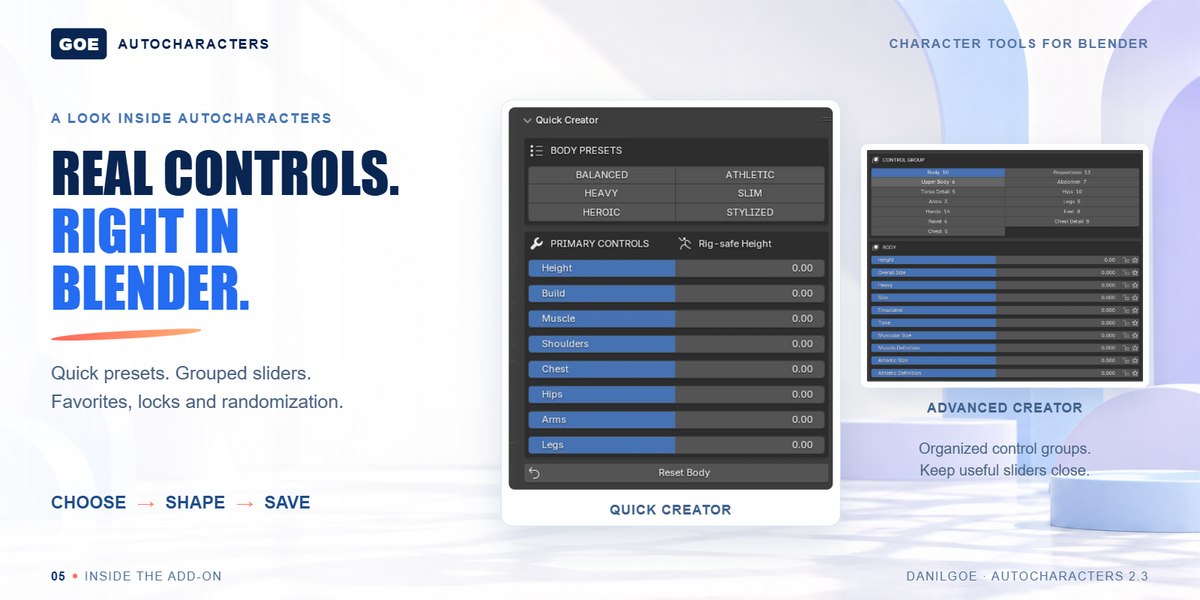
REFINE YOUR BASE Broad proportions to smaller details.Work through organized body groups instead of a long unsorted list of shape keys. Adjust the torso and limbs, refine hands and feet, and tune the body details you need for your design.  DETAILS TAB Find the control.
| |||||
|
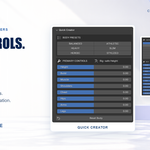
TRY MORE DIRECTIONS Randomize, refine and save what works.Generate a new variation, lock the values you want to keep, and refine the rest. Favorites keep useful controls close; JSON presets let you save character settings for reuse. 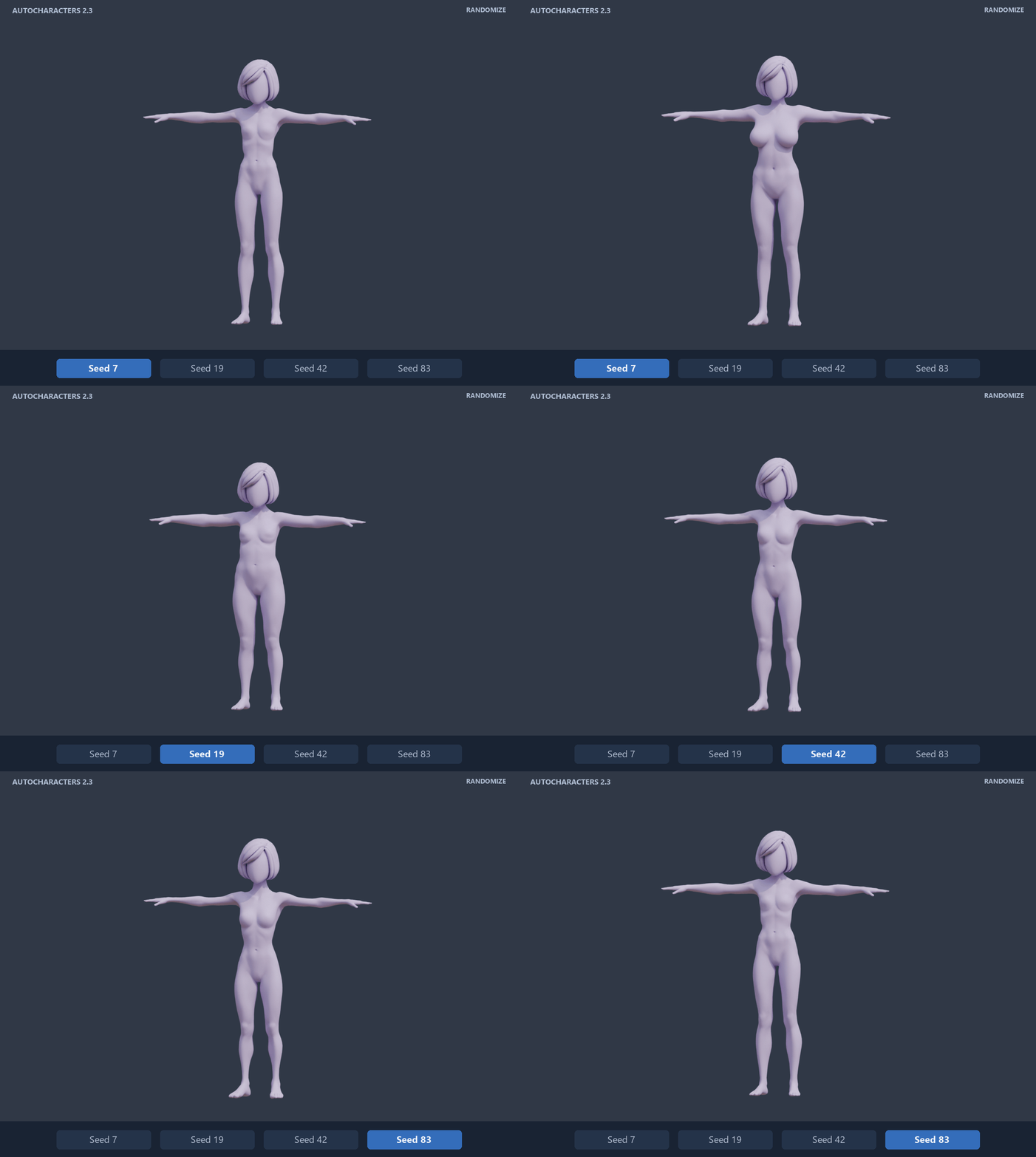 FAVORITE CONTROLSLOCK CHOSEN VALUESSAVE JSON PRESETS | |||||
|
A CONSISTENT LOOK Coordinate your character and wardrobe.Shared materials keep hair, brows, beards and mustaches consistent. Clothing uses one cloth material across the wardrobe. Adjust the shared material to recolor the collection, or make a material single-user when you want one item to differ. 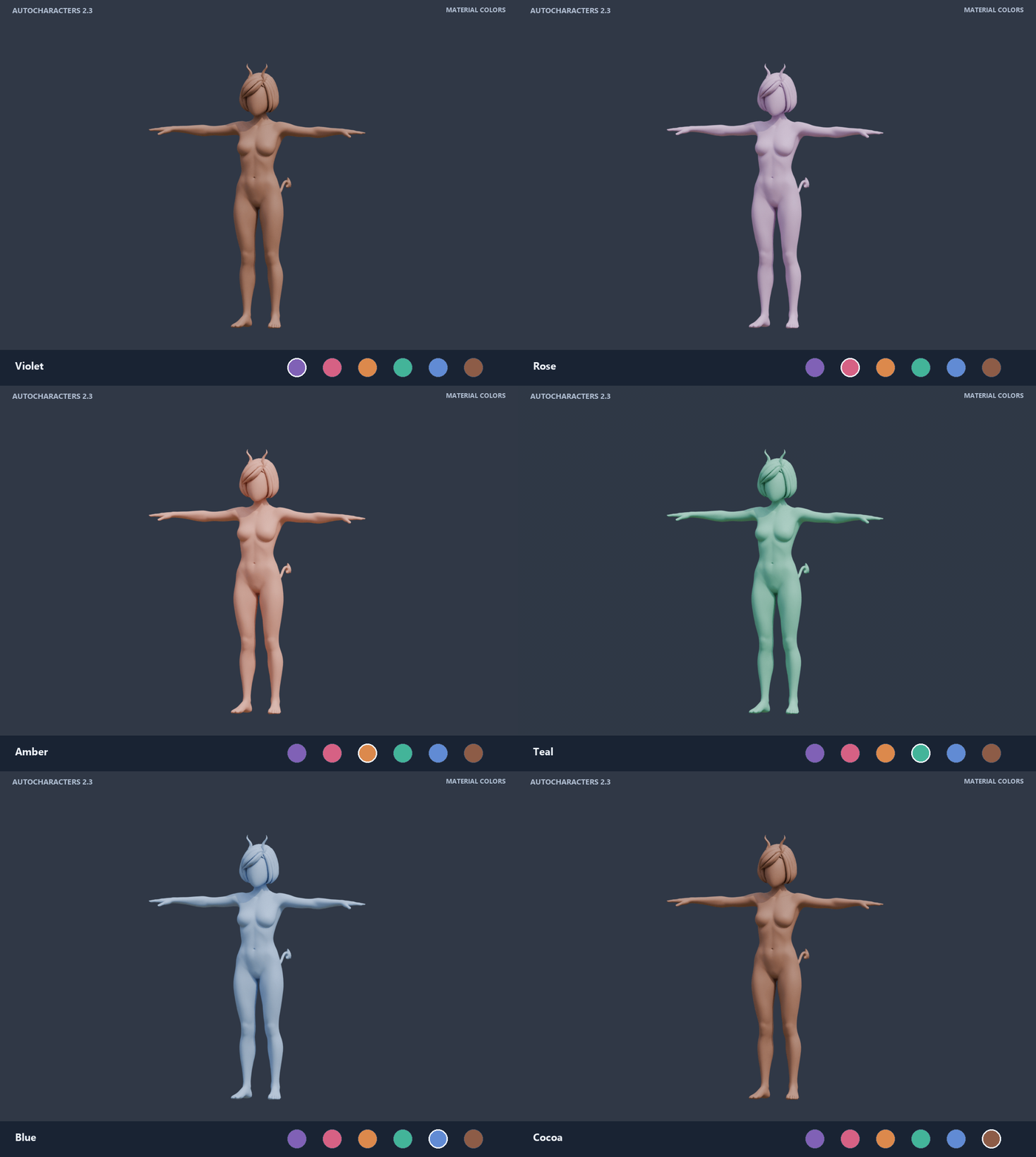
| |||||
|
BUILD ON YOUR BASE Keep an editable master. Work on a copy.Use the body as a starting point for further modeling or sculpting, or pose it for drawing and comic references. Finalize a separate copy when you are ready to continue production. 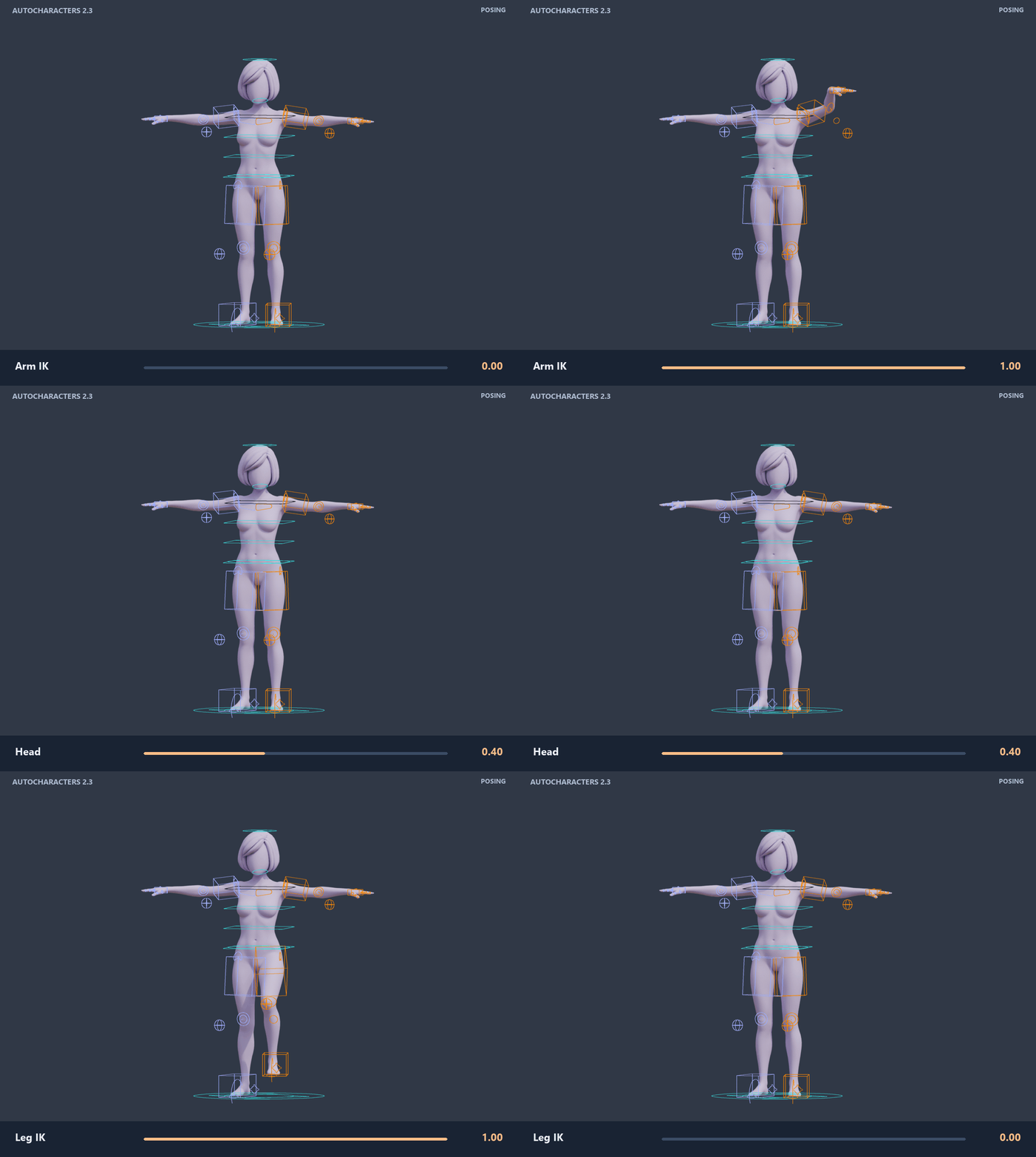 Optional GLB export is available. Exported characters may need additional material, rig or project-specific setup in the destination application. | |||||
|
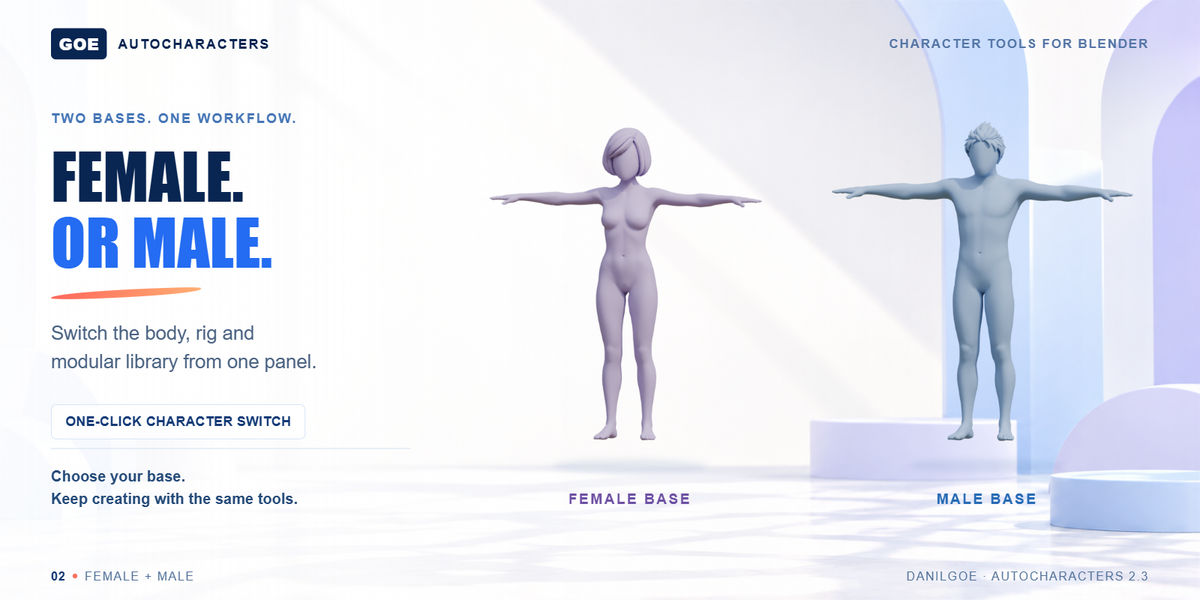
WHAT YOU GET One add-on. Two master scenes.Both master scenes contain male and female bases, the rig and the modular library. Choose the body version that suits your project.
| |||||
|
BEFORE YOU START A few useful answers.Which license do I need for a monetized channel or game?Under the revised product terms, a Commercial license is required for your monetized YouTube or VTuber channel, commercial game, or client work. Standard is for personal, educational and non-commercial use; Studio covers up to 10 users. You may distribute finished videos and games, not the underlying assets or editable character files. Existing purchases retain the rights granted at purchase; the applicable marketplace license also remains in effect. Can I share or resell the character assets?No. Do not share, sell or redistribute the supplied .blend files, meshes, rigs, textures, modular parts or presets as standalone or editable assets, including modified versions. Finished videos and games may be distributed under the appropriate license, but the assets must not be offered as reusable source content. In games, use reasonable measures to prevent extraction and reuse. The add-on code is licensed separately under the GPL. How do I start?Choose Standard or Legacy for your Blender version, then Base or Complete for your purchased edition. Install the add-on ZIP from that download, restart Blender and open its matching SFW or NSFW scene. Legacy downloads include a separate setup note; the Quick Guide explains the character workflow. Which master scene should I open?Choose SFW for the non-explicit body or NSFW for detailed adult anatomy, then match the Base or Complete suffix to your edition. For the Legacy add-on, use a scene with Legacy_3.6-4.5 in its filename. All four scene choices include male and female bases and start without clothing selected. Are the preview hairstyles and horns included?Yes. The current masters include the three added hairstyles and three horn variants, with matching body and module presets in Body > Character presets. Promotional lighting and poses are separate from the preset settings. What should I expect from the wardrobe and poses?The wardrobe contains fitted, rigged clothing with UVs and body morphs. It is not a cloth simulation. Extreme combinations, layered garments, seated long robes and hand-to-body contact can require local adjustment. Set proportions first, choose clothing, then apply a pose and refine the controls. | |||||
|
Need help with installation, rig fitting, clothing or poses? Your proportions. Your style. Your next character.Choose a base, shape it, dress it, add the details and pose the result — then keep building your own character. | |||||
| |||||
What's new3.0 - Light and dark interface, gender-aware wardrobe, readable asset names, 10 Anime Hairs, shared hair and cloth materials, and an integrated pose library. Complete includes 168 fitted clothing variants and 100 poses. Separate SFW and NSFW scenes contain the content of each edition. 2.3 — Automatic rig fitting for body proportions and hand/finger size controls, including separate Left/Right settings. Fixed modular parts drifting during proportion changes. Works with both SFW and NSFW masters. What's next3.1 · Planned — Support for adding your own assets and integrating them into your AutoCharacters project. Modular body sections will let you hide covered areas beneath clothing, reducing body-through-clothing clipping where fitting alone is not enough. |
AutoCharacters: Male & Female Body Presets Base
Discover more products like this
base mesh modular sculpting #Character Modeling Mannequin Blender Character Customization female base mesh male-base-mesh poses pose
 Included
Includes 12 months of
- Support from DanilGOE
- Product updates
Extend this product’s Support Period +12 months: 100% of product price
Have questions before purchasing?
Login to message
Includes an Asset Library with select variants
268 drag-and-drop assets for Blender’s Asset Browser.
Browse included assets| Sales | 700+ |
| Rating | 14 ratings |
| Dev Fund Contributor | |
| Published | about 1 month ago |
| Blender Version | 3.6 - 5.2 |
| Render Engine Used | Cycles |
| Misc Data | Uvs-Unwrapped, Rigged, Animated, Textured |
| License | Creative Commons |