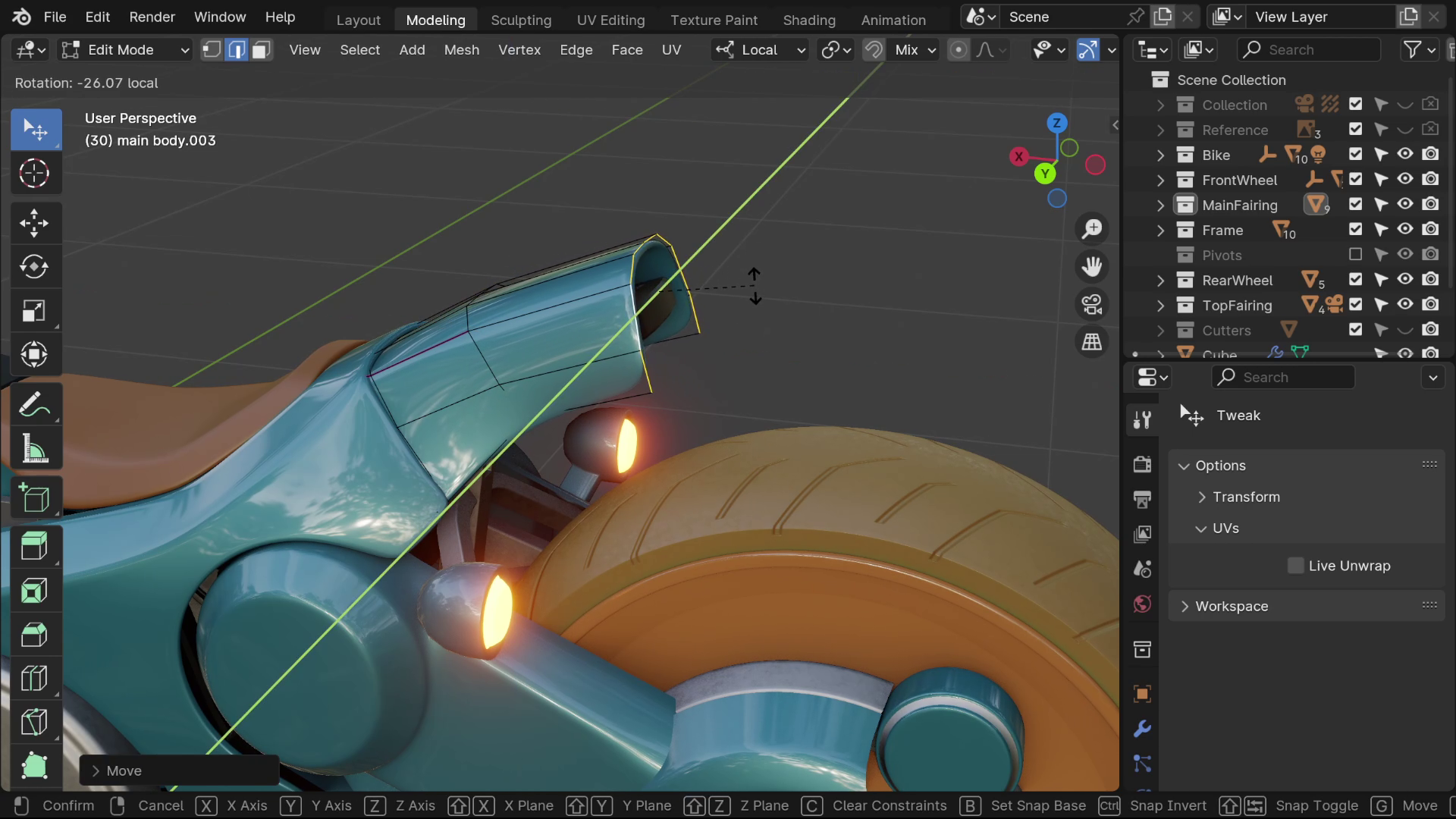
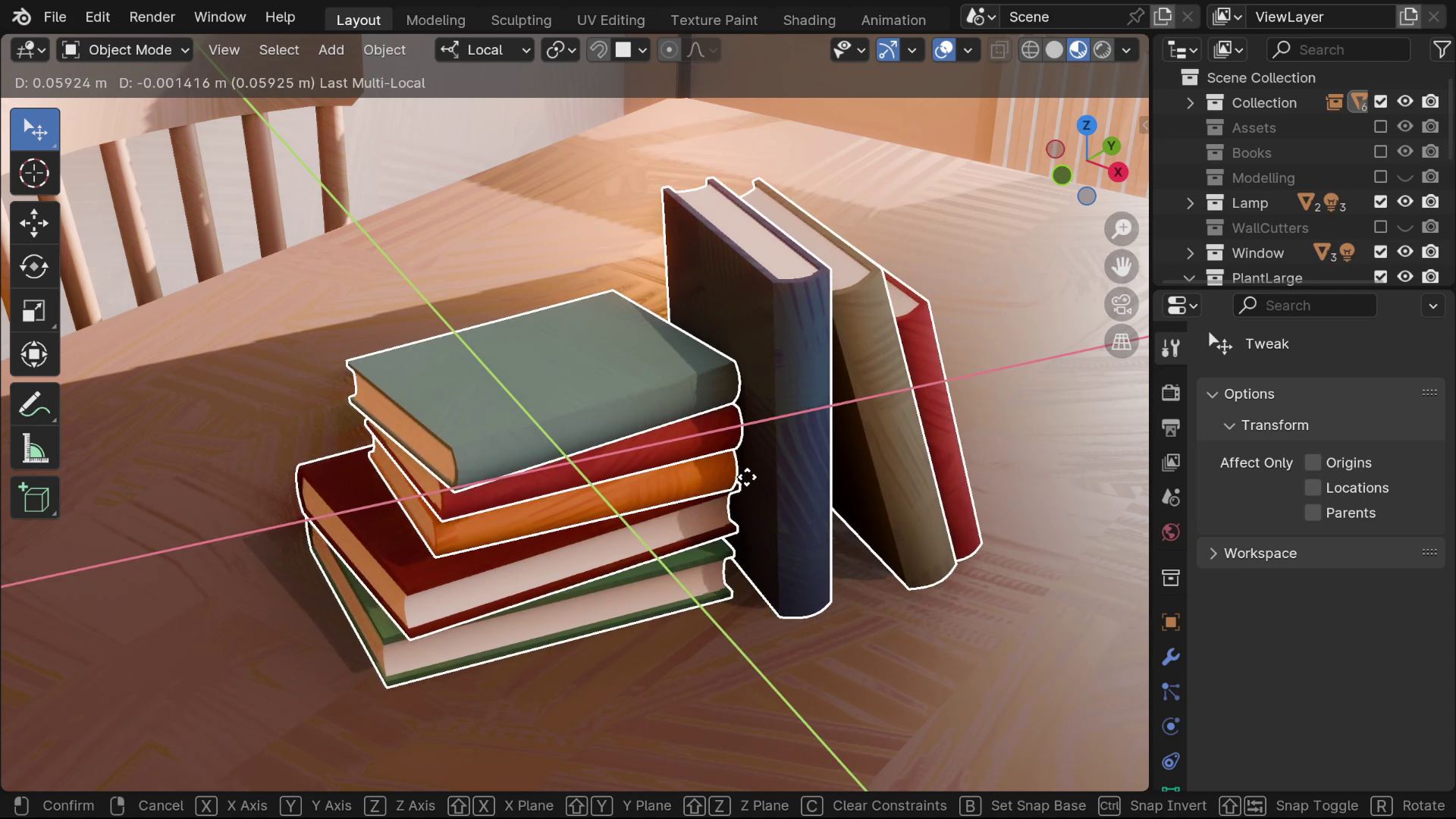
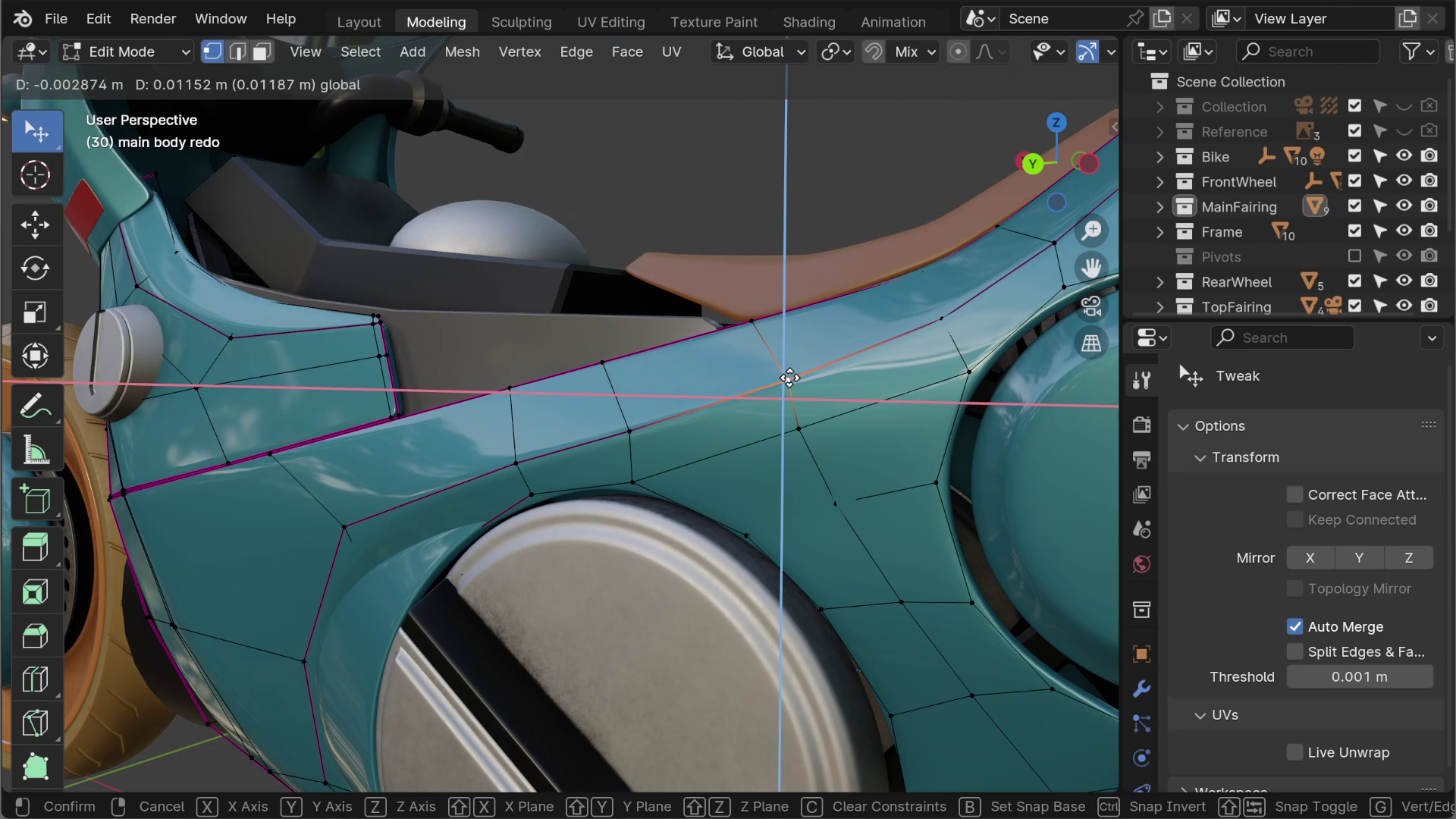
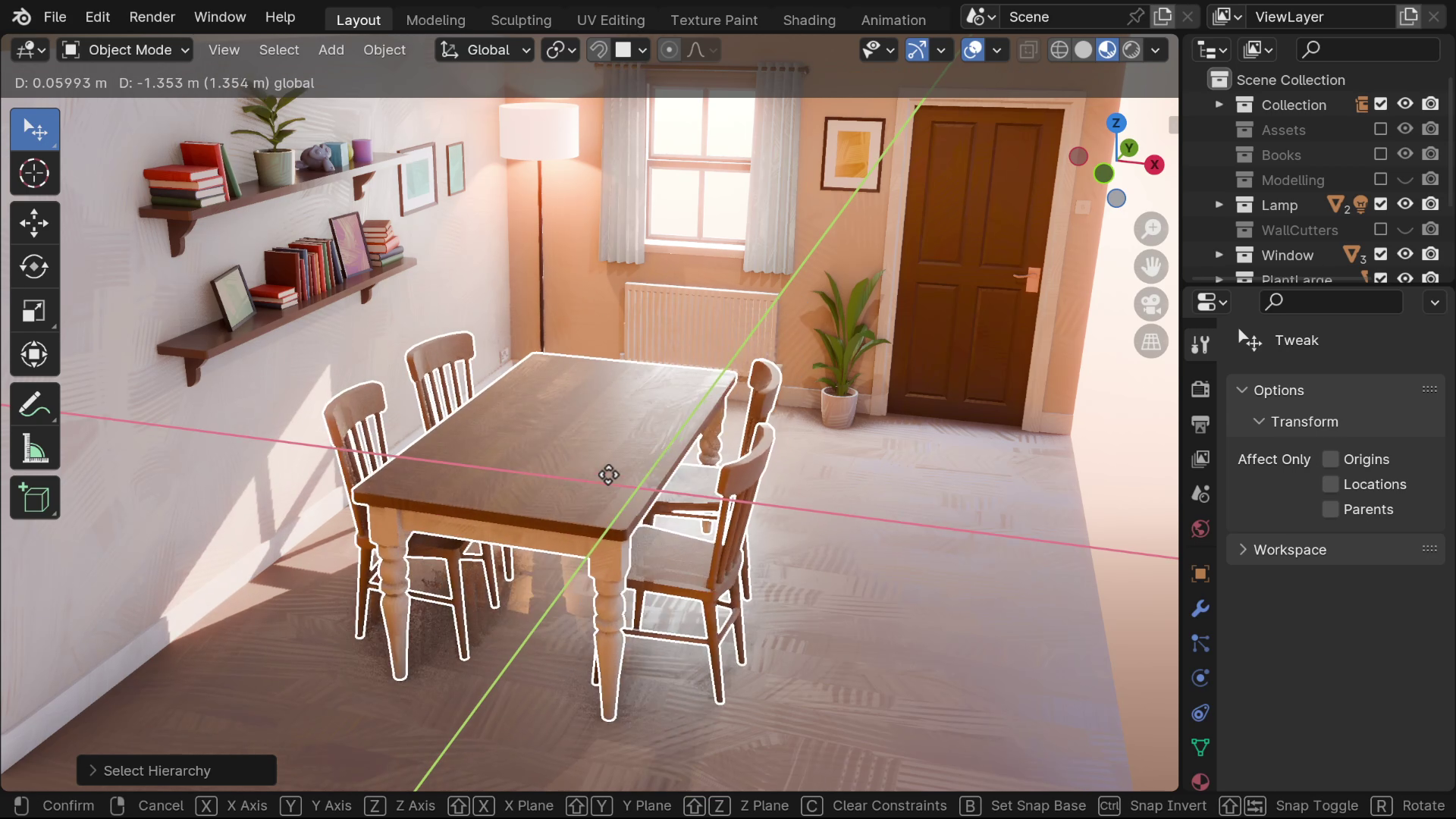
Auto-Constraints: Effortless 2D Constraints for 3D Tools

SpaghetMeNot in Rigging


Item Rating

This item has an average rating of 5 from 13 ratings by the community.

93%
8%
0%
0%
0%

Purchase this item to leave a review!

  • Alexey
    over 2 years ago

    This is one of these addons that feels like it should've been the native Blender feature. Thanks to the great UI/UX of the addon it feels very unintrusive and very native to the Blender experience. It's not necessary a must-buy if you've got used to the hotkeys but in certain workflows it's a great time saver and is definitely a well worth buy.

  • John Fowler
    over 2 years ago

    This is an immediate "how was I living without this" kind of thing

  • Arda
    9 months ago

    Brilliant idea implemented in a decent way. The idea part makes you wonder why all 3D tools don't work this way by default. The tool itself is very easy to use, but it has one major shortcoming that keeps it from being a 5-star add-on: Unless you're looking at your screen more-or-less from the side, top, or bottom, that is, whenever you view your scene at more diagonal angles, you cannot tell what 2D plane you're operating on until after you start an operation. If the developer adds any visual clue for the operational 2D plane that updates whenever the viewport angle changes, that would make this a 5-star tool.

    • SpaghetMeNot

      9 months ago

      Thanks for the review. I've been prototyping a "workplane" grid for this exact reason! Still quite early in development but watch this space
  • For an individual user

    $10
  • For use in a professional studio by up to 5 users

    $45
  • For use in a professional studio by up to 10 users

    $80
  • For use in a professional studio by up to 20 users

    $150
$10

Have questions about this product?
Login to message

Details
Blender Extension Compatible Yes
Sales 400+
Rating
13 ratings
Dev Fund Contributor
Published over 2 years ago
Blender Version 3.3 - 5.0
Extension Type Add-on
License GPL