Auto-Constraints: Effortless 2D Constraints For 3D Tools

SpaghetMeNot in Rigging


Item Rating

This item has an average rating of 5 from 12 ratings by the community.

92%
9%
0%
0%
0%

Purchase this item to leave a review!

  • Hayden Tremblay
    3 months ago

    Exactly what i was searching for!

  • Nerthazul
    4 months ago

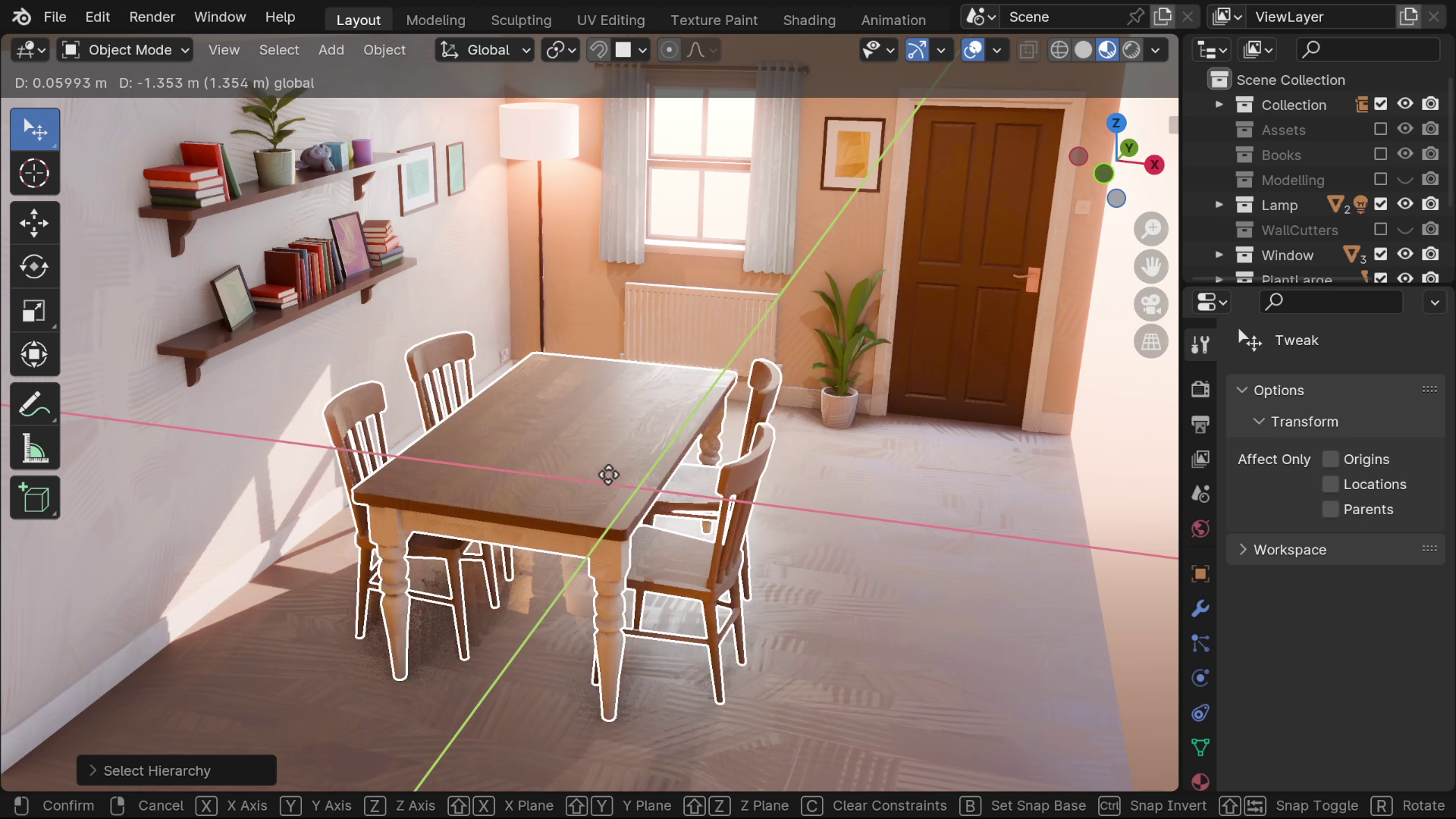
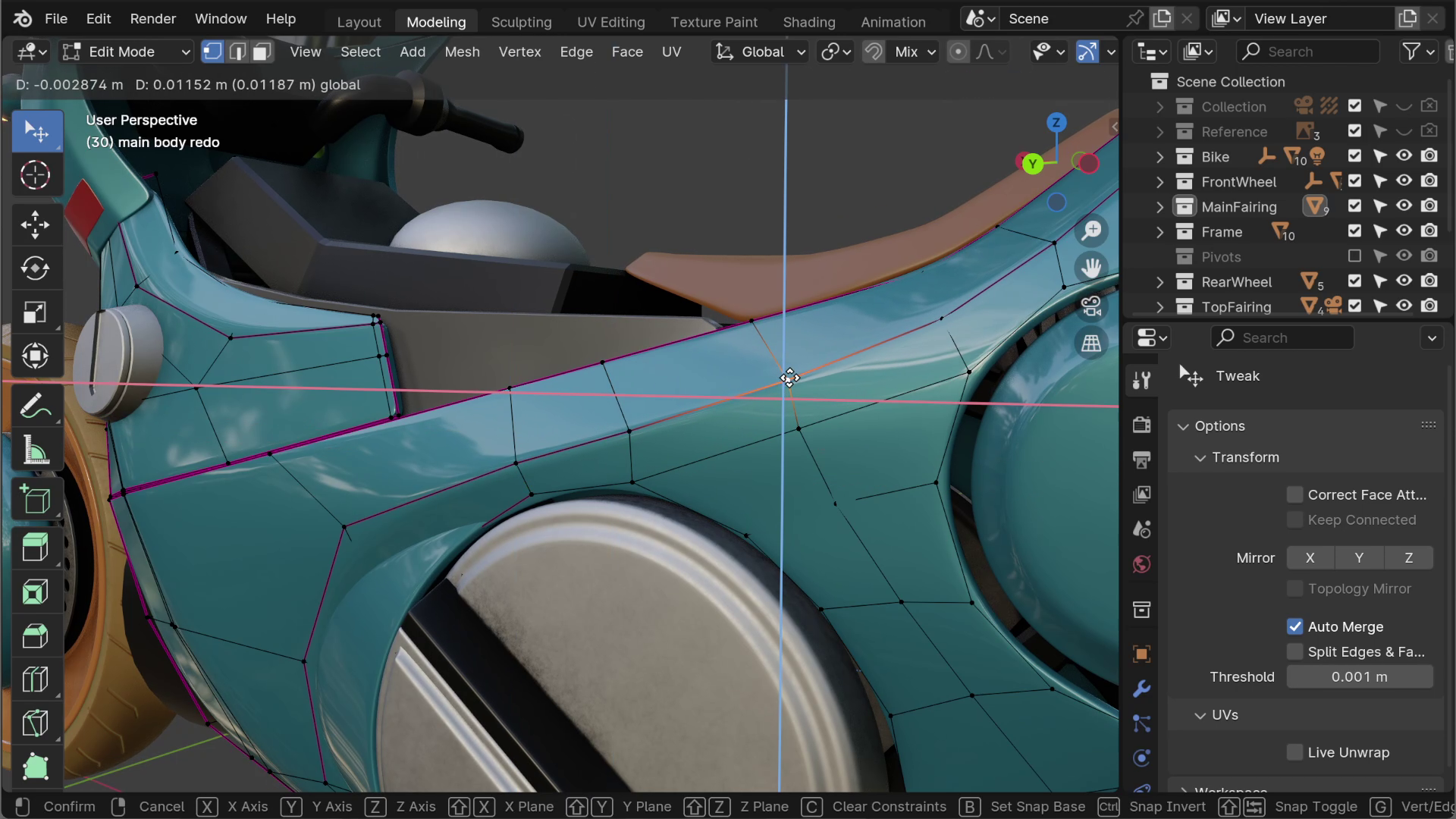
    Super simple addon which makes Blender work the way it should by default. Just transforming along the axis plane you are looking instead of all 3 axes.

    Perfect: 10/10

  • Henrik Cederblad
    9 months ago

    Special recognition must be given to the developer for extraordinary usability design. This little tool, which I admit I won't use all the time but rather now and then, could not have been designed any better. I love the ergonomic choice of Shift-Alt-X to quickly toggle autoContraints on and off.

  • Toni Bratincevic
    almost 2 years ago

    Great tool and an amazing integration into the UI! So useful in many situations where you just need to lock your transforms to a two axis plane. I just wish there is a simple way to switch between these different planes (XY,XZ etc.). Maybe a tool that activates directly in the 3D viewport where you can visually select what plane you want to constrain to... something like a Hardops>Mirror modifier implementation. But otherwise, amazing work from the developer, thank you so much!

  • TR4
    almost 2 years ago

    is so good ( ꈍᴗꈍ)

  • Gustav
    about 2 years ago

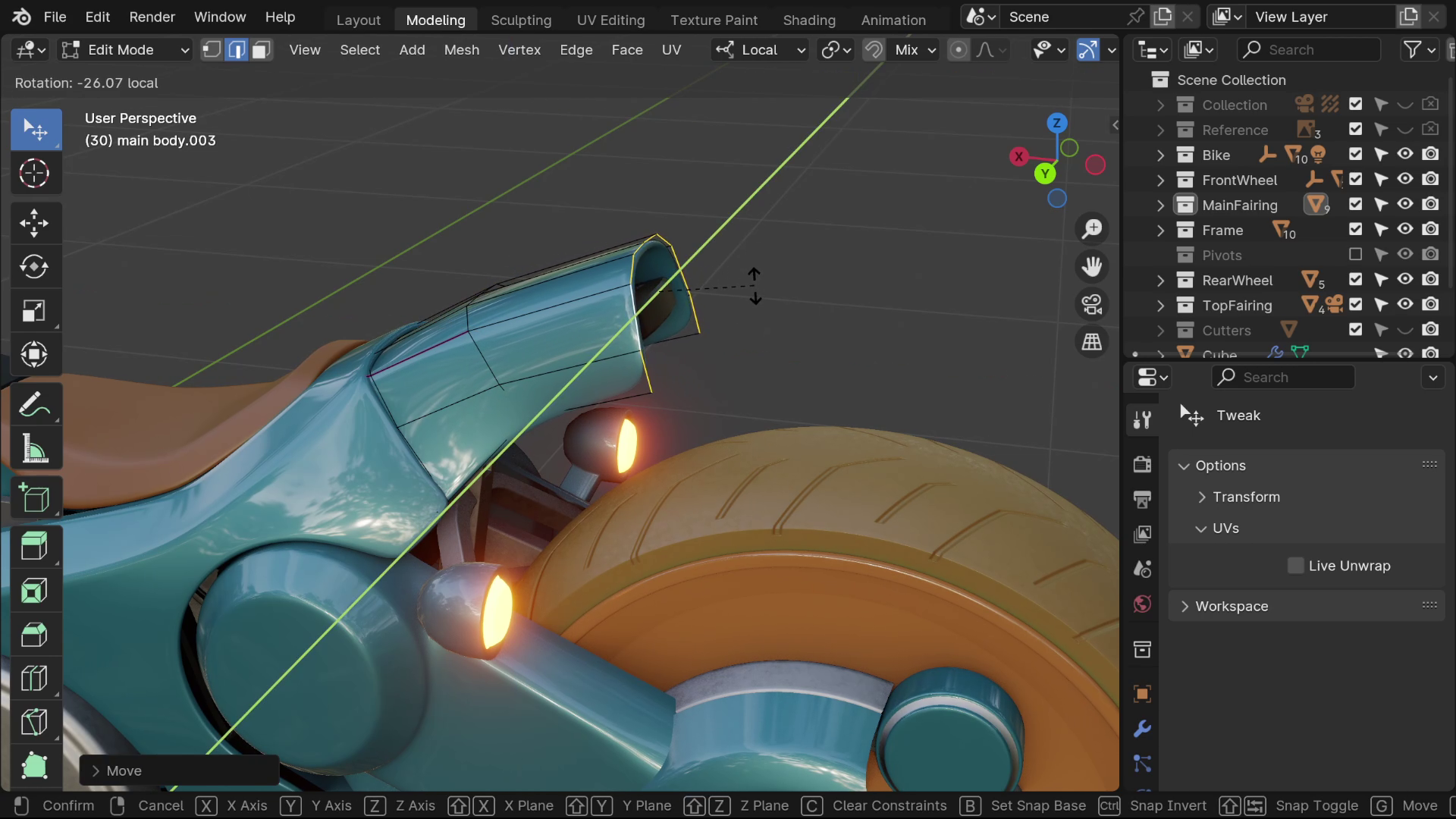
    An unexpected advantage from this addon is that modeling vertex by vertex is finally enjoyable and convenient with this addon. The SpaceMouse was never very suitable for Blender, and VR is still not fully implemented, but with this you can just move a mesh without getting carpal tunnel syndrome

  • Stefano
    about 2 years ago

    It's crazy that this isn't default available in Blender. You are a life saver! Thank you

  • Joe
    over 2 years ago

    Lifesaver. I'm amazed that this isn't in the basic functionality of Blender, but thank you so much for making this.

  • Marko
    over 2 years ago

    Wow!!! :)

    It took me something like 10 to 15 seconds, trying out the free Demo Version of "Auto-Constraints"; then I immediatly opened up the Webbrowser and bought the Full Version via BlenderMarket!!! :)

    I was litterally instantly Blown Away!!! :))

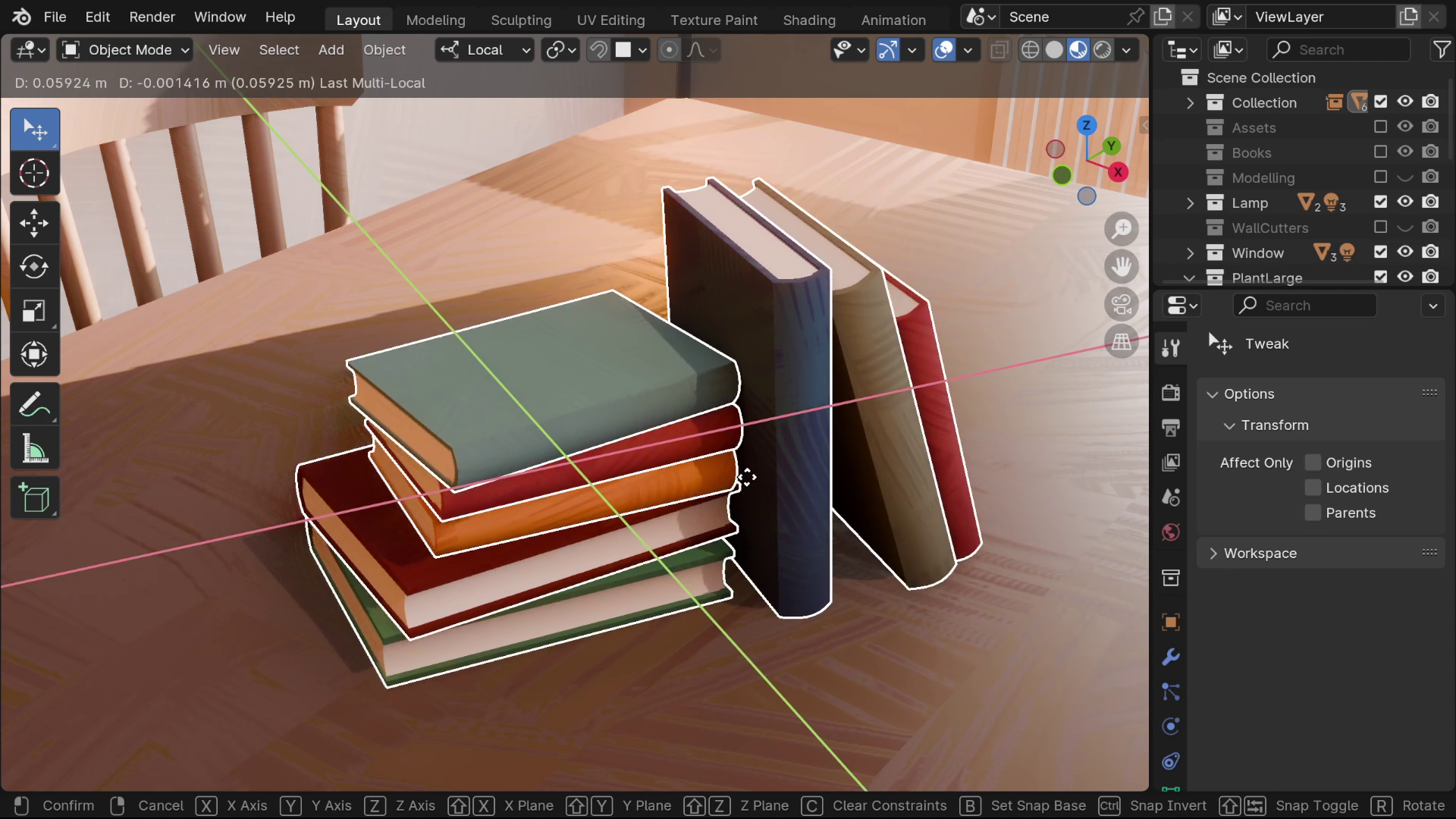
    You can move litterally Anything (Objects, Verts, Edges, Faces...) in any Mode, the Way You want it; in Perspective and Orthogonal View.. without any 3D Guessing where the Moved Object is going actually to be.. or the Hussle of Pressing the "X/Y/Z" or "Shift + X/Y/Z"; Everything is taken good Care of!!!

    I didn't actually change the Settings (but you could); and I'm Very Happy with the Precision & Peace of Mind it provides me; with every Move I make; I Just change a little the Vewing Angle, to Choose the Moving Plane!!!

    Thanks for the Great Addon!!! ;)

  • Alexey
    over 2 years ago

    This is one of these addons that feels like it should've been the native Blender feature. Thanks to the great UI/UX of the addon it feels very unintrusive and very native to the Blender experience. It's not necessary a must-buy if you've got used to the hotkeys but in certain workflows it's a great time saver and is definitely a well worth buy.

  • For an individual user

    $10
  • For use in a professional studio by up to 5 users

    $45
  • For use in a professional studio by up to 10 users

    $80
  • For use in a professional studio by up to 20 users

    $150
$10

Have questions about this product?
Login to message

Details
Blender Extension Compatible Yes
Sales 400+
Rating
12 ratings
Dev Fund Contributor
Published over 2 years ago
Blender Version 3.3 - 5.0
Extension Type Add-on
License GPL