 DanilGOE
How do I install AutoCreatures 1.0?
In Blender 5.2 or newer, open Preferences > Add-ons > Install from Disk, select AutoCreatures_Addon_1.0.zip and enable AutoCreatures. Open the matching AutoCreatures_1.0.blend, save your own working copy, then open View3D > Sidebar > Creature Studio (AutoCreatures panel). Restart Blender after replacing an earlier installation.
What is included in the asset library?
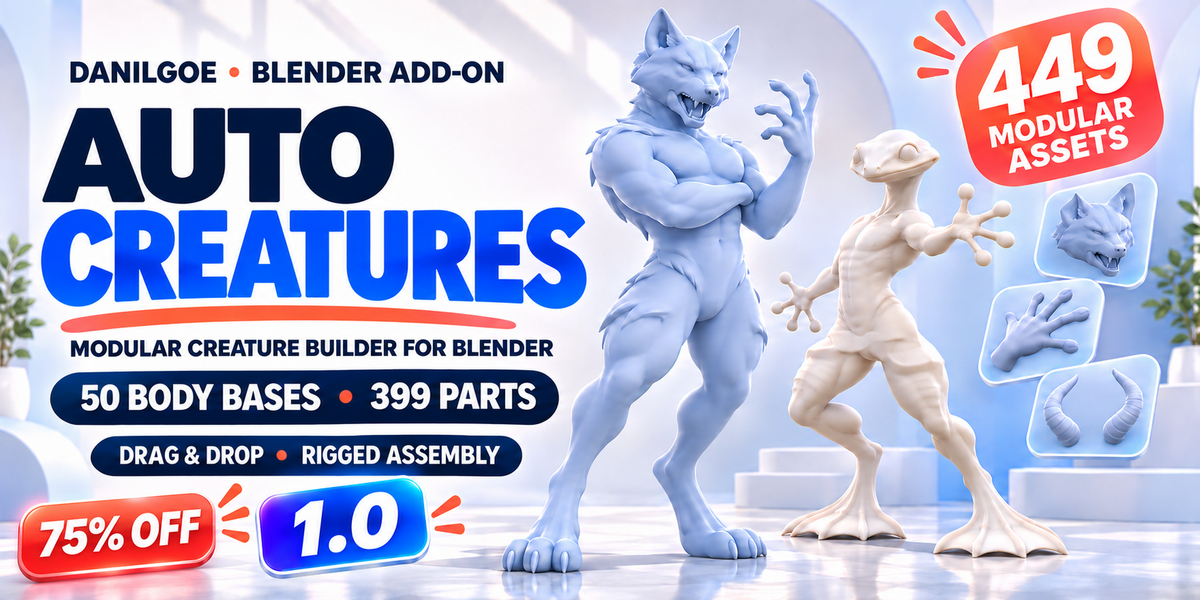
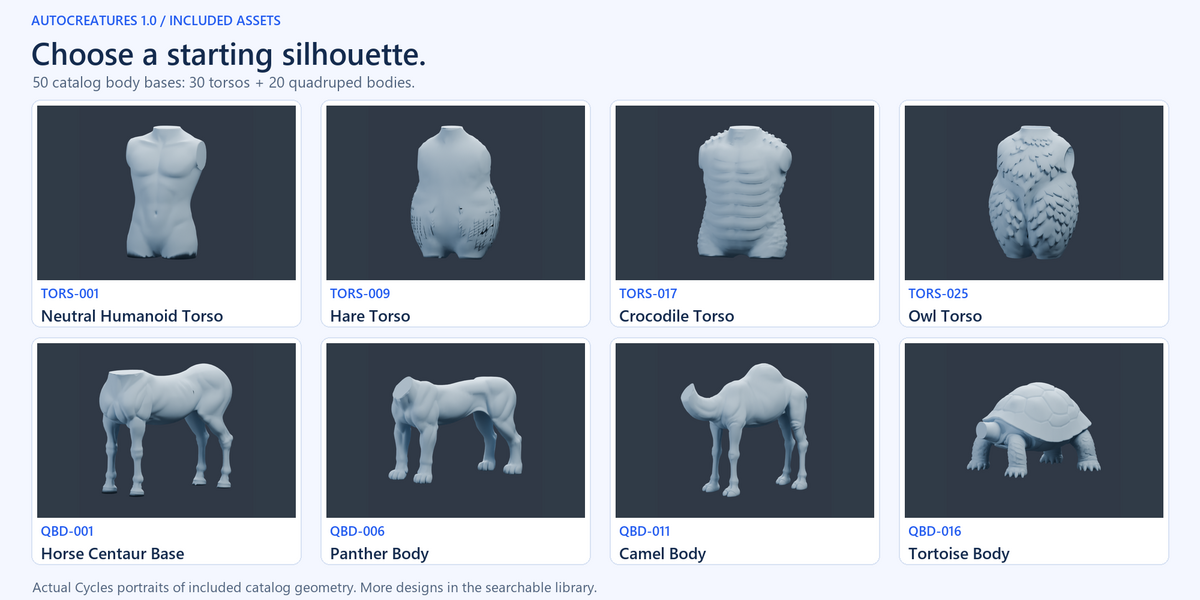
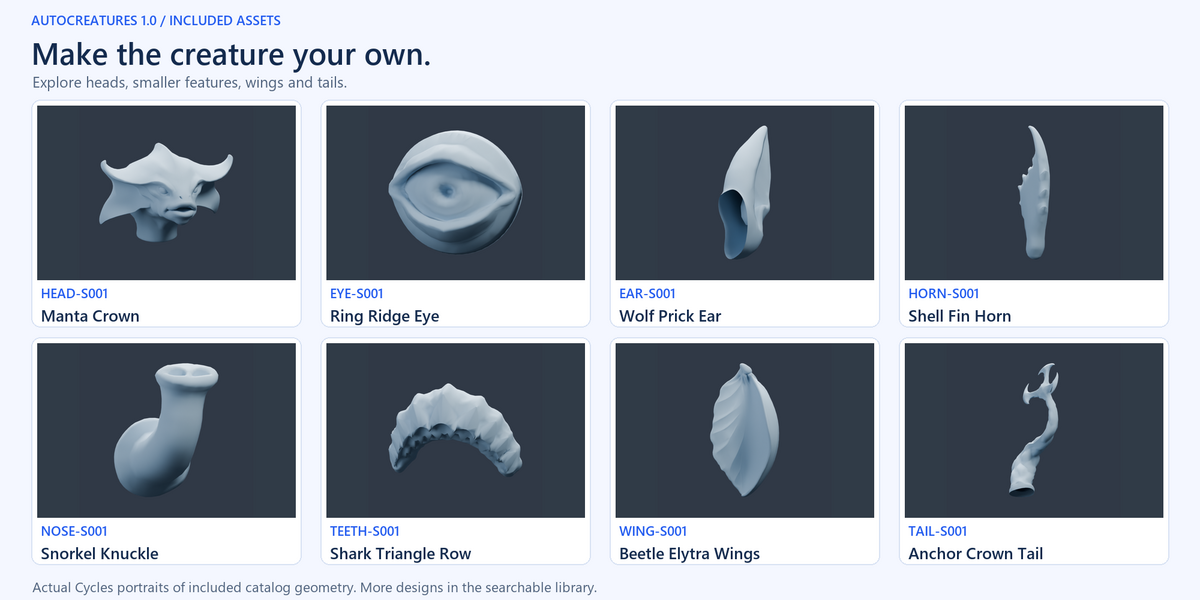
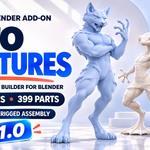
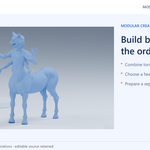
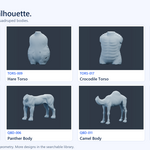
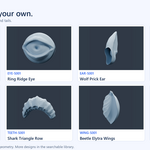
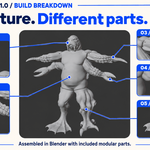
The catalog contains 50 body bases (30 torsos and 20 quadruped bodies) and 399 other modular parts: 449 physical templates. Another 14 face controls bring the gallery to 463 entries; those controls require Sable Humanoid, HEAD-S031. Original Male and Original Female are additional documented starting choices. A 27-page English User Guide and editable workflow examples are included.
Can I pose extra limbs independently and control Randomize?
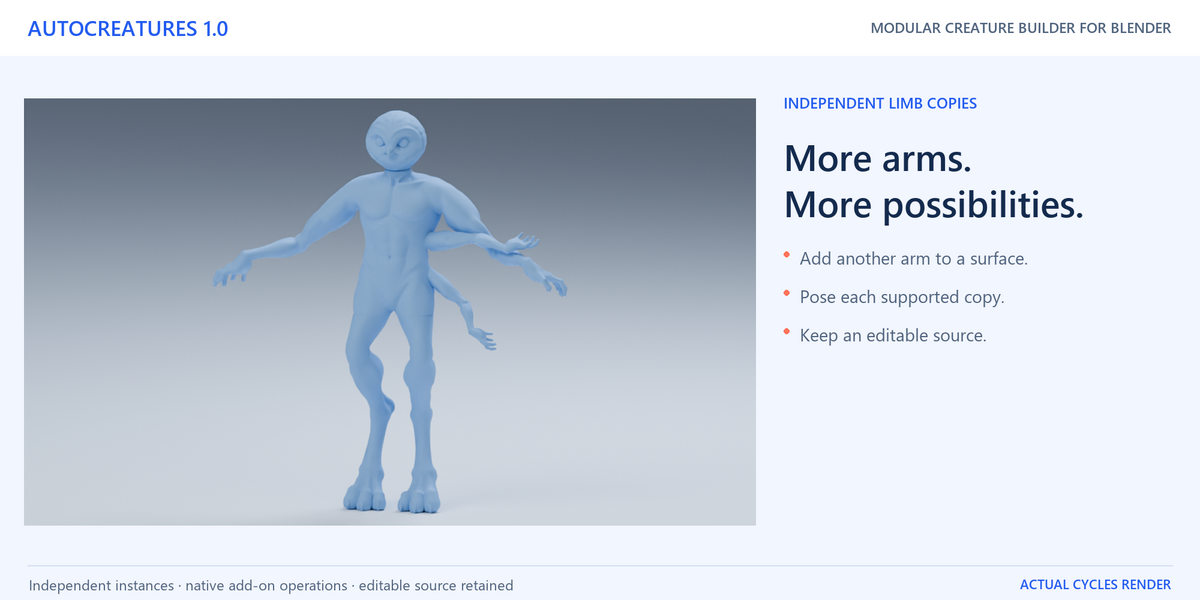
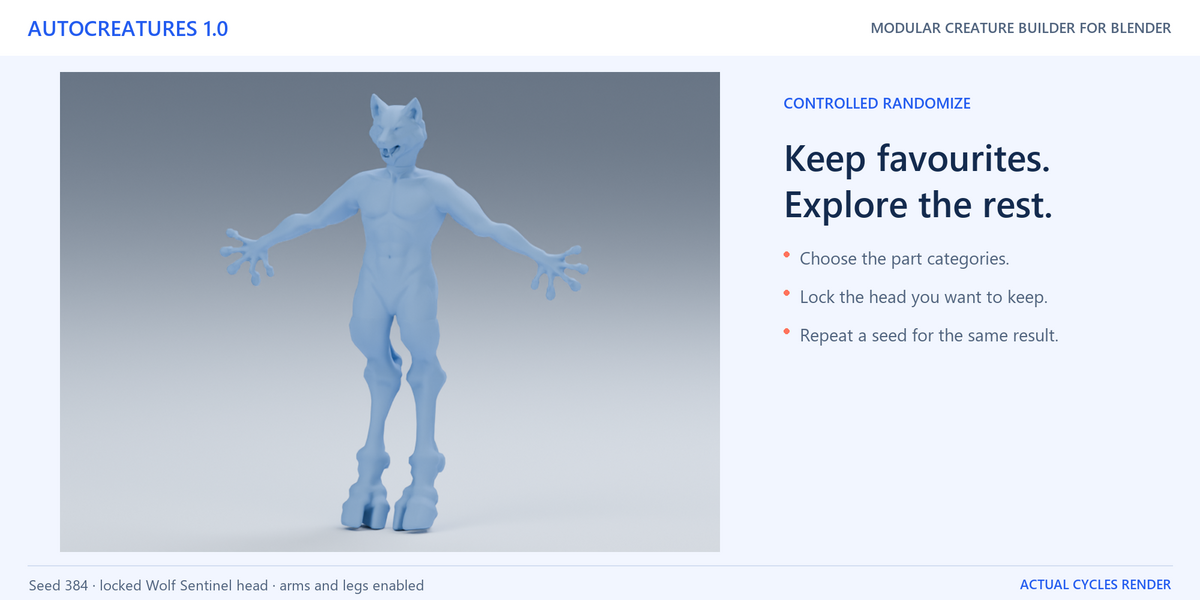
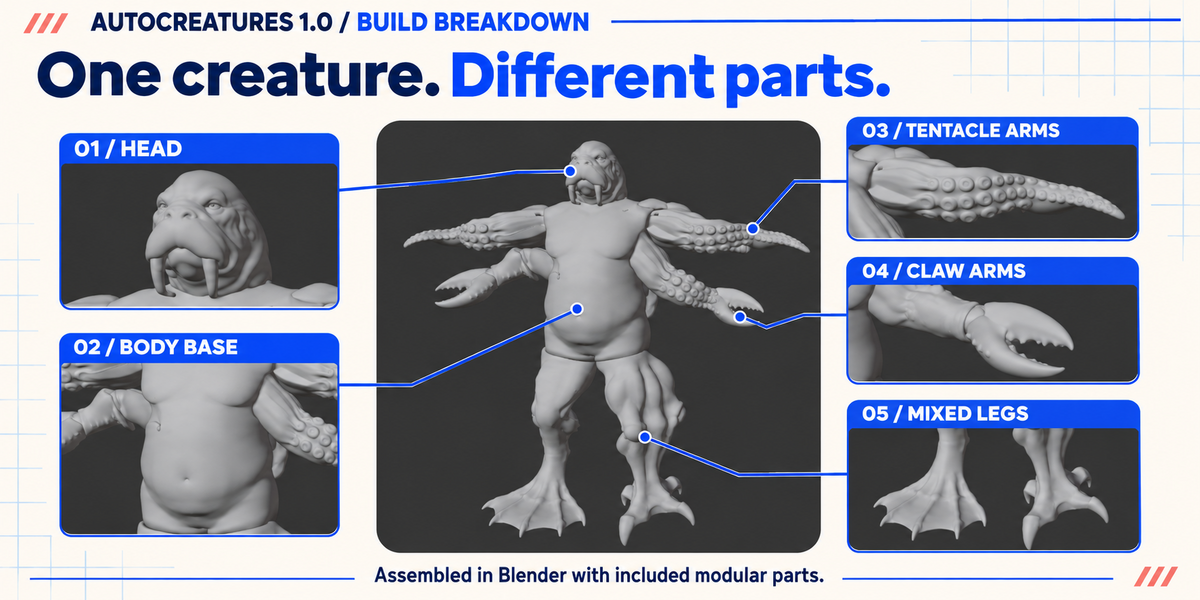
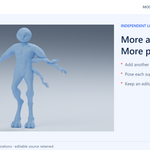
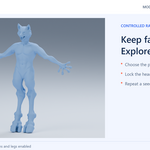
Yes. Add extra copies with Drag to surface > Add a copy, then select each instance in Installed to adjust its size, local seam fitting and pose. Randomize uses category choices, a repeatable Seed and Lock for Randomize. It preserves the body, proportions and protected branches. Existing extra limbs are considered only when enabled; new surface mounts are not added automatically.
Does Check Character fix problems automatically?
No. It reports PASS, WARN or ERROR for the selected scope, with issue counts and selection tools to help you inspect problems. Make your changes and run a fresh check. Open boundaries can be intentional in an editable modular assembly; a local connection check and complete surface closure are separate results.
What do Prepare for Sculpt and Prepare for Game produce?
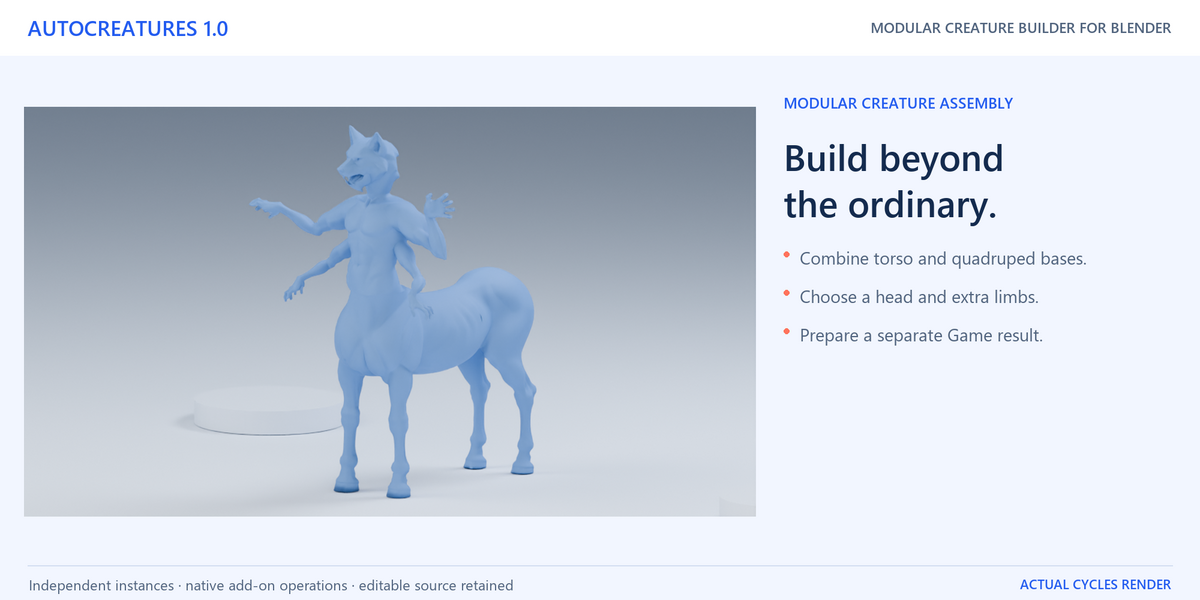
Sculpt creates a separate voxel surface for further sculpting. Game creates a separate deform copy with one skeleton and a result report, with welding for supported requested connections. Both preserve the editable source assembly. Inspect fit, thin details, connections and bent-pose deformation, and test exported FBX in your destination project. Further cleanup, retopology or materials may be needed for your design.
Which license should I choose?
Both options include all release features and content. Standard is for one individual user and personal/non-commercial use. Commercial License is for one user working for a business or client, under the supplied asset terms. The add-on code is GPL-3.0-or-later; supplied non-code Product Assets are licensed separately. Read LICENSE_ASSETS.txt and LICENSE_ADDON_GPL.txt included with your purchase.
 Included
Includes 12 months of
- Support from DanilGOE
- Product updates
Extend this product’s Support Period +12 months: 50% of product price
Have questions before purchasing?
Login to message
Discover more products like this
asset library rigging modular kitbash creature creator creature Randomizer anatomy extra limbs character-builder blender addon Character Creator