 DanilGOE
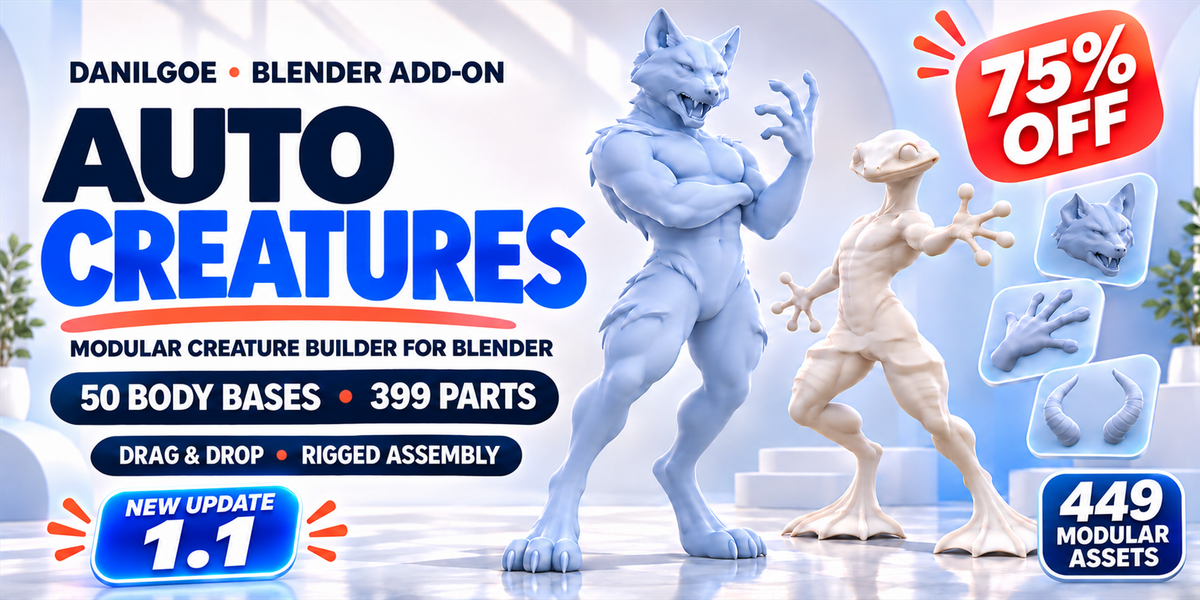
|
NEW UPDATE · 1.1 Build your next creature
|

|
Find and apply parts faster.
Visible categories, Left / Right targets, Install pair, Mirror and hover hints keep common actions close.
|
|
Place parts your way.
Double-click in Auto attachment, or drag a card onto your character in Free placement. Magnetic arms have separate local Seam and Distance controls.
|
|
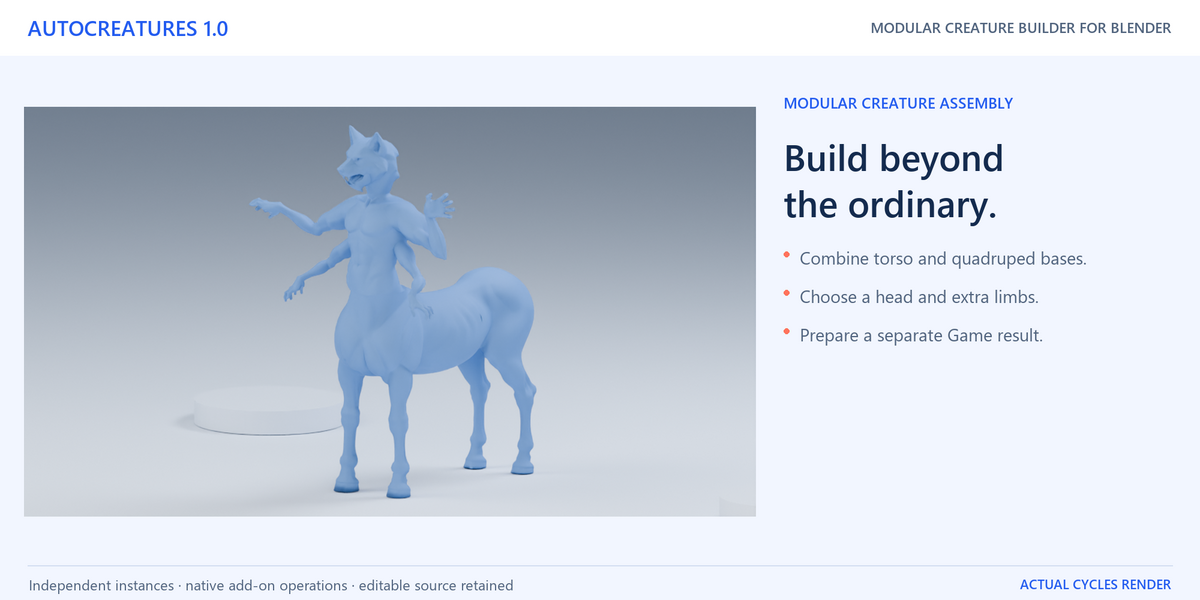
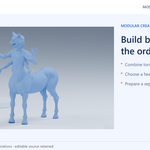
Build more four-legged hybrids.
Add or replace an upper torso on any of the 20 quadruped bases, with 26 compatible torso choices.
|
|
Follow a clearer workflow.
Body, Parts, Shape & Pose, Check & Output
|
AUTOCREATURES 1.1 · FOR BLENDER
75% launch offer
Standard: $59.96 $14.99 launch · 1 individual, personal/non-commercial
Commercial License: $319.96 $79.99 launch · 1 user, business/client work
Both offers include all features and content.
Build your own creature.
Keep every part editable.
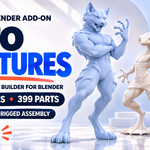
Choose a body, combine heads and limbs, then add wings, tails and smaller features. Build a sculpt starting point or explore a creature concept. Keep the parts you like and an editable source assembly as you try new combinations.
50 BODY BASES399 MODULAR PARTSINDEPENDENT LIMBSSEEDED RANDOMIZE


449 physical assets = 50 body bases + 399 modular parts
Plus 14 compatible face controls · 463 gallery entries in total
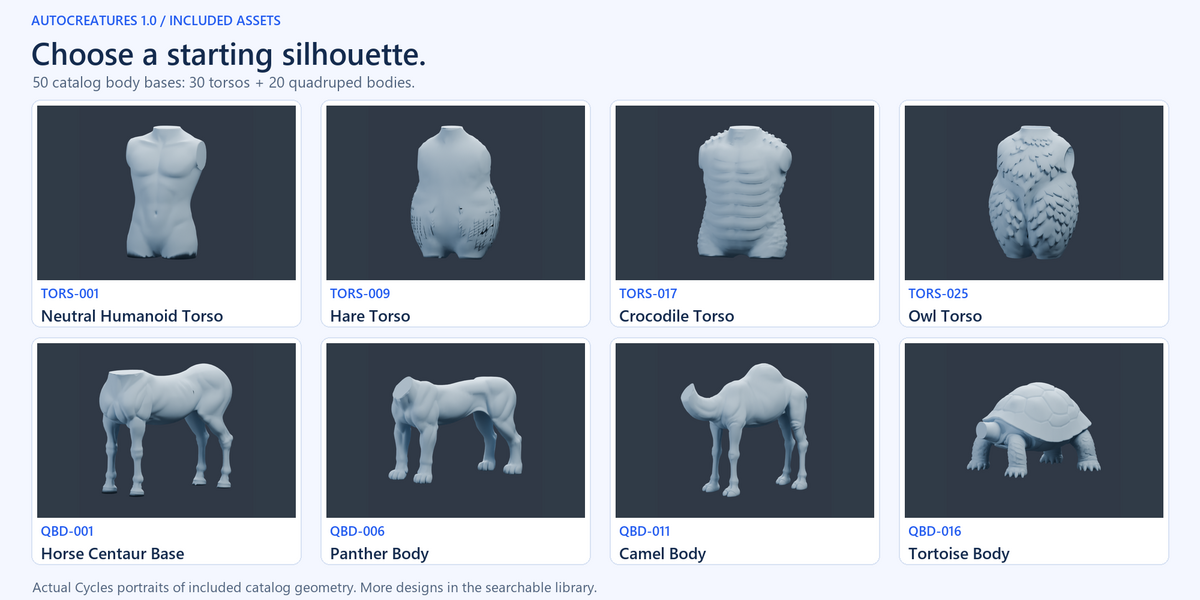
CHOOSE YOUR STARTING FORM
Humanoid, quadruped
or something of your own.
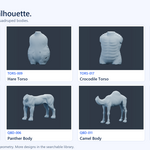
Start with one of 30 torsos or 20 quadruped bodies. Original Male and Original Female are additional documented starting choices, with supported body proportion controls.

A selection of included heads, body bases and quadrupeds — 18 designs shown.

BUILD THE ANATOMY
Mix limbs.
Add character.
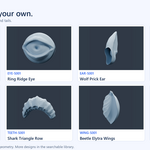
Explore included arms, legs, hands and feet, then extend the silhouette with wings, tails, horns and surface details. Auto attachment uses compatible head targets for facial parts. In Free placement, eye meshes can also be placed on visible torso or limb surfaces.

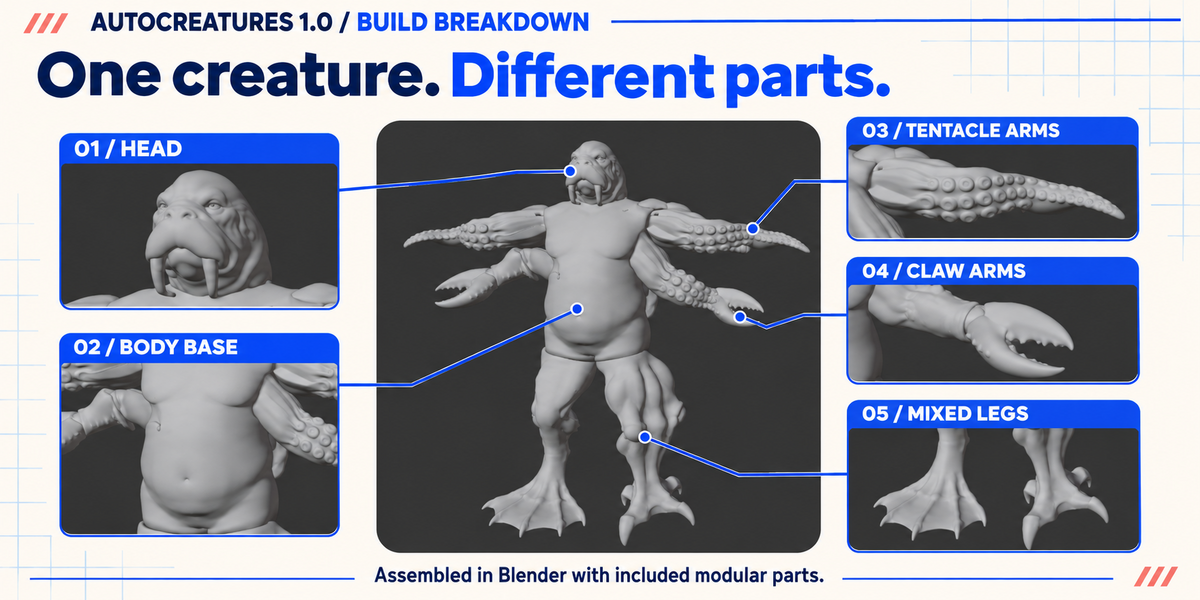
MODULAR ASSEMBLY
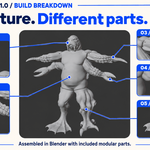
See how the parts come together.

An illustrated breakdown of a modular creature assembly, based on a Blender viewport example.
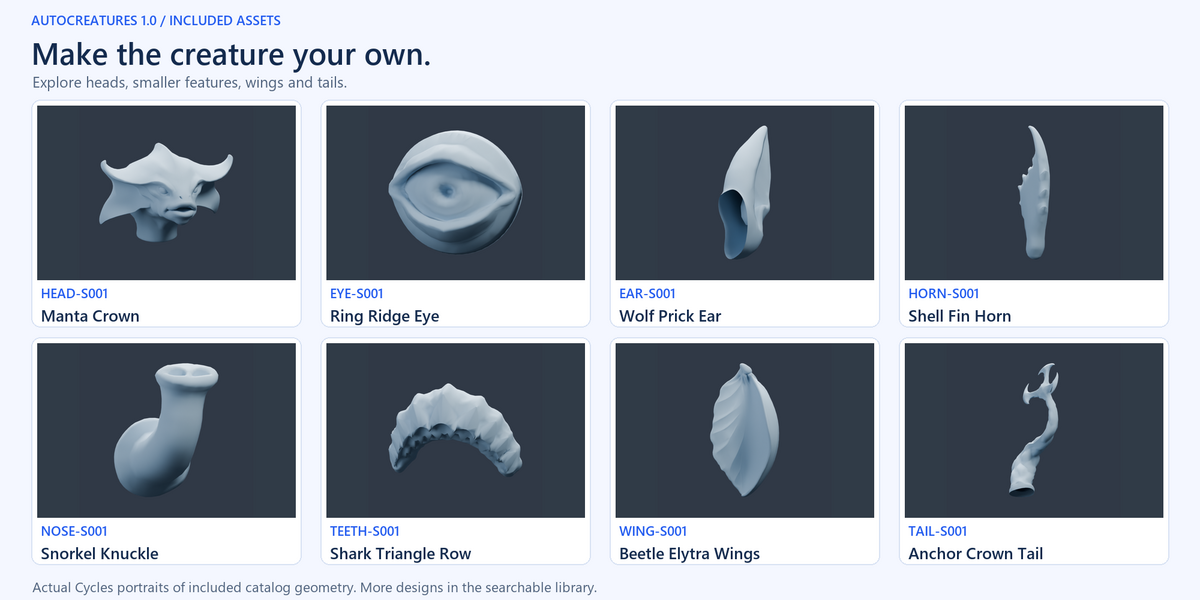
EXPLORE THE INCLUDED LIBRARY
Find the next part of your creature.
Browse the library below. The collection includes heads, arms, legs, hands, feet, wings, tails and more.
For a larger view, open the full catalog in a new tab.
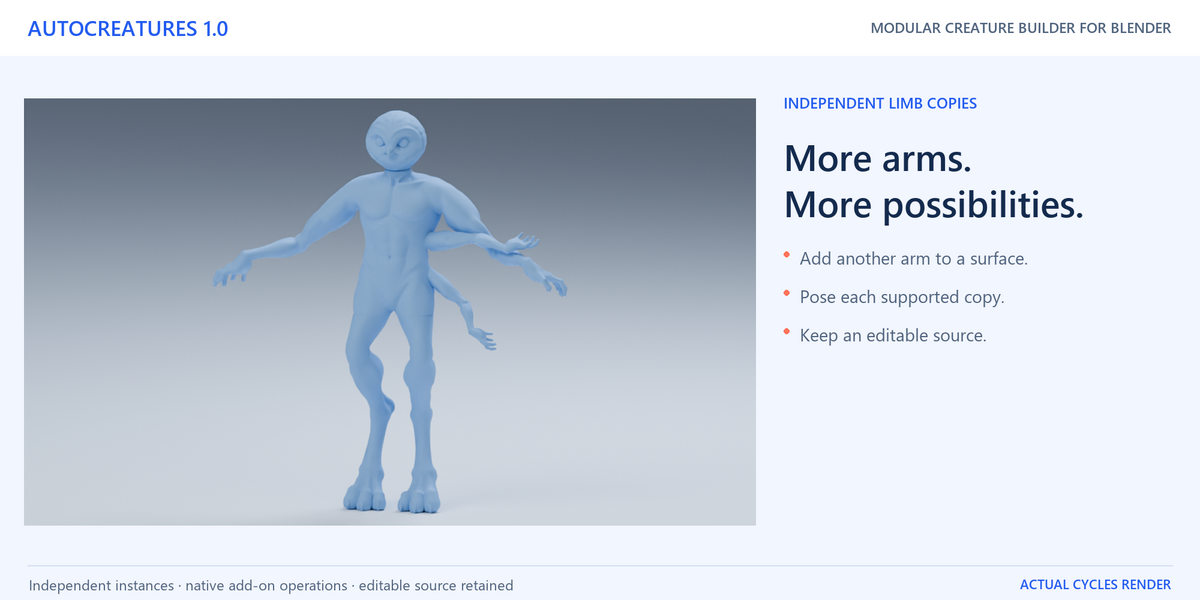
INDEPENDENT LIMBS
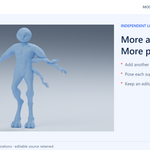
Add another arm.
Give it its own pose.
Replace a main limb through a compatible slot, or drag another copy onto a surface. Select each instance in Installed to adjust its size, local seam fitting and pose controls.


An assembled creature with mixed limbs, alongside the AutoCreatures Parts browser.
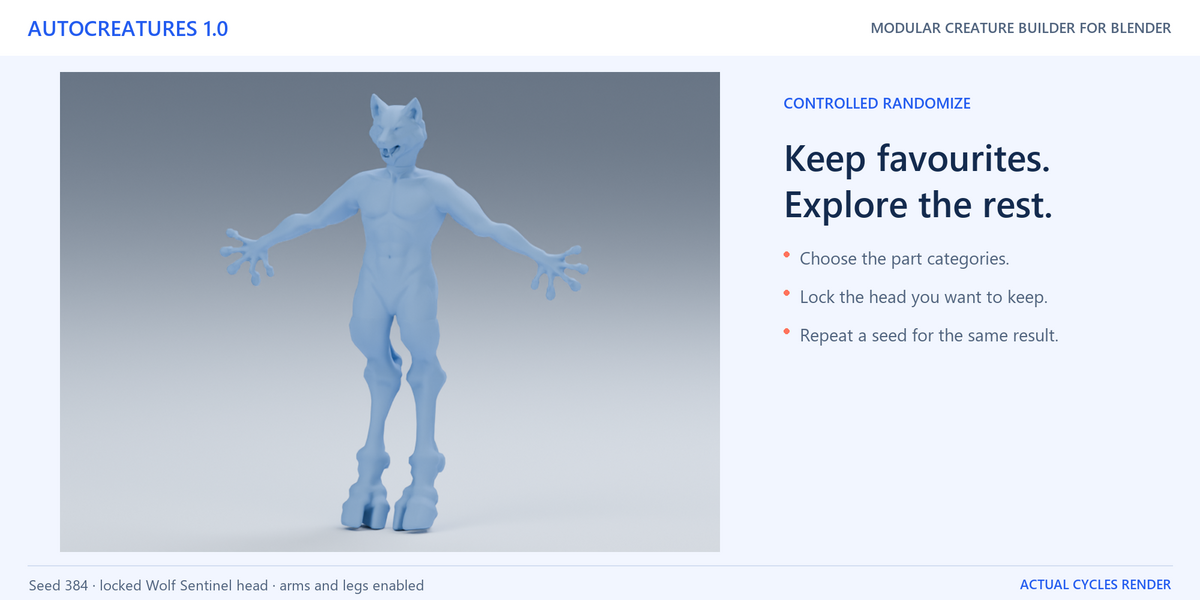
CONTROLLED RANDOMIZE
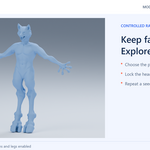
Keep your favourite parts.
Explore the rest.
Lock a part, choose the categories and use a repeatable Seed. The body and its proportions stay in place while compatible enabled choices are replaced. Protected branches stay intact, and repeated choices do not accumulate extra copies.

Existing extra limbs are considered only when enabled; new surface mounts are not added automatically.
REFINE THE IDENTITY
Horns, eyes, ears.
The details change the design.
Explore surface modules, noses and mouth parts, including dentitions, gums and tongues. An optional anatomy category is also included.

The 14 face controls require Sable Humanoid, HEAD-S031. They are counted separately from the physical assets.
CONTINUE YOUR WORKFLOW
Check, prepare and keep building.
|
Check Character
Read PASS, WARN or ERROR with a scope and issue count.
|
|
Prepare for Sculpt
Create a separate voxel surface for further sculpting
|
|
Prepare for Game
Create a deform copy with one skeleton
|
The source keeps independent modular parts. Fit, cleanup and thin-detail preservation depend on your chosen combination and output settings.
INSIDE THE DOWNLOAD
Your workspace and the guide to use it.
AutoCreatures add-on ZIP
Matching Blender master
11-page illustrated English guide, release notes and two license files
A few useful answers.
Which Blender version do I need?
Blender 5.2 or newer. Release validation used Blender 5.2.3 LTS. Install the matching add-on ZIP, open its master scene and save your own working copy.
Is every combination ready for a finished game?
AutoCreatures is a modular starting point. Refine the fit and deformation for your design, and plan any project-specific sculpting, retopology or materials. Local connection checks and complete surface closure are separate results.
How are the assets and software licensed?
The add-on code is GPL-3.0-or-later. The supplied non-code Product Assets have a separate license. Read LICENSE_ASSETS.txt and your purchase terms for permitted uses and authorized users.
Questions?
Contact [email protected] with your Blender version, body/part IDs and a screenshot or result report.
Choose a base.
Explore your next creature.
Explore the AutoCreatures catalog
AutoCreatures 1.1 · Modular Creature Builder for Blender
YOU MAY ALSO LIKE
More from DanilGOE
Explore more character tools and asset libraries. Sold separately.
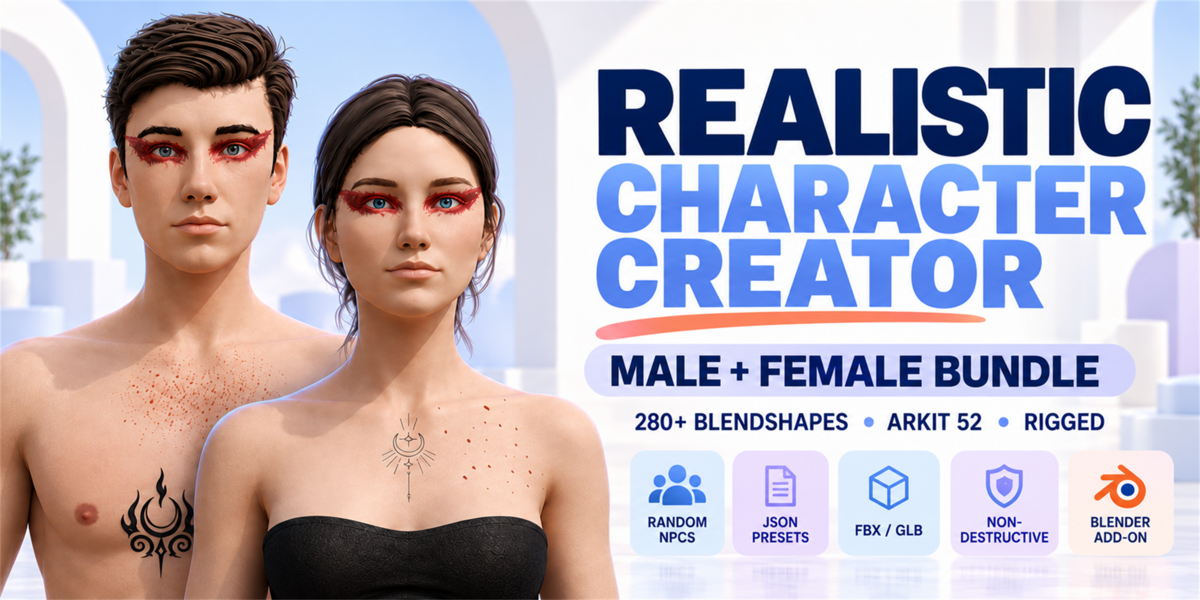 Realistic Character CreatorMale + Female Bundle |
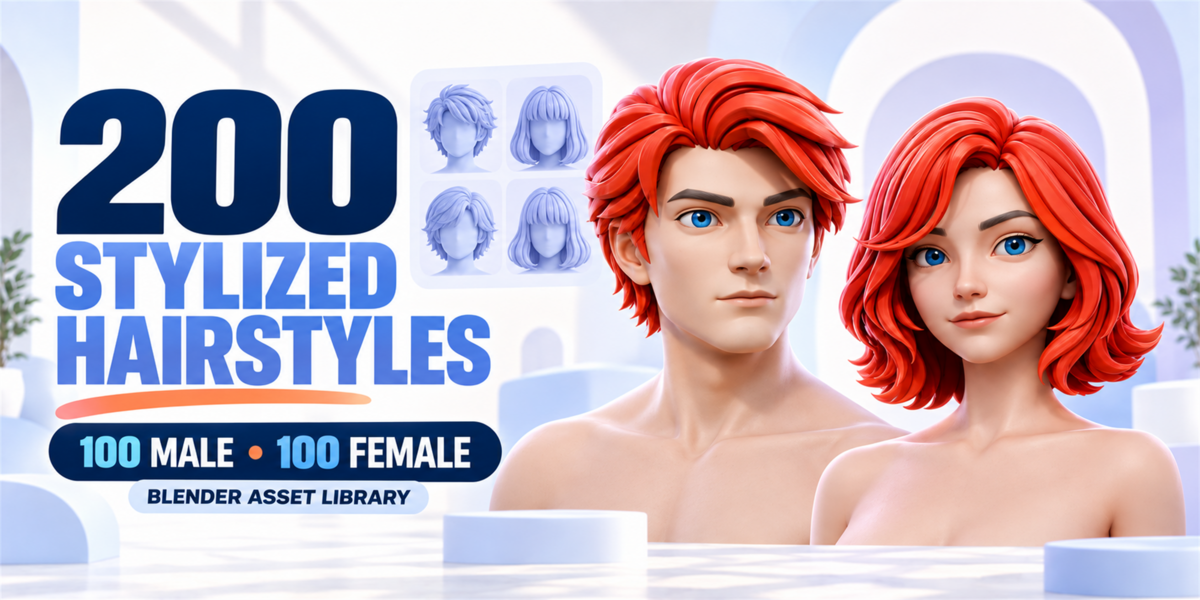 Stylized Hair Library100 Male / 100 Female / 200 Bundle |
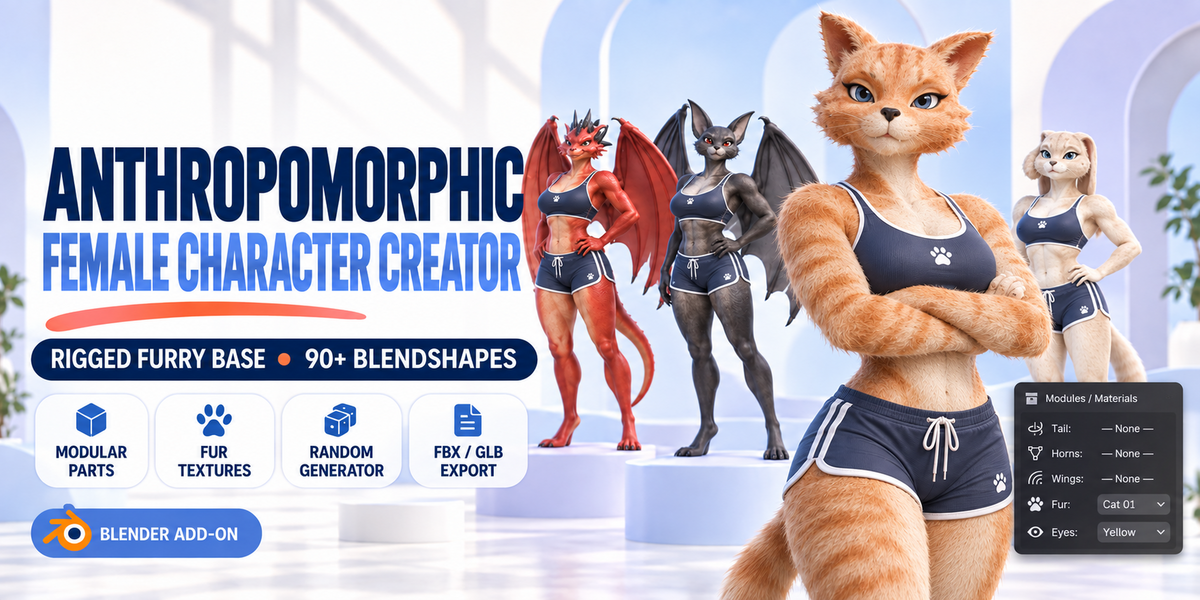 Anthropomorphic CreatorFemale Furry Base · NSFW |
DanilGOE
Character assets & tools for Blender
What's new
1.0 · Launch release
50 body bases, 399 modular parts, independent extra limbs, controlled Randomize and Check Character. Separate Sculpt and Game preparation keeps the source assembly editable.
