 blenderVfxMaster


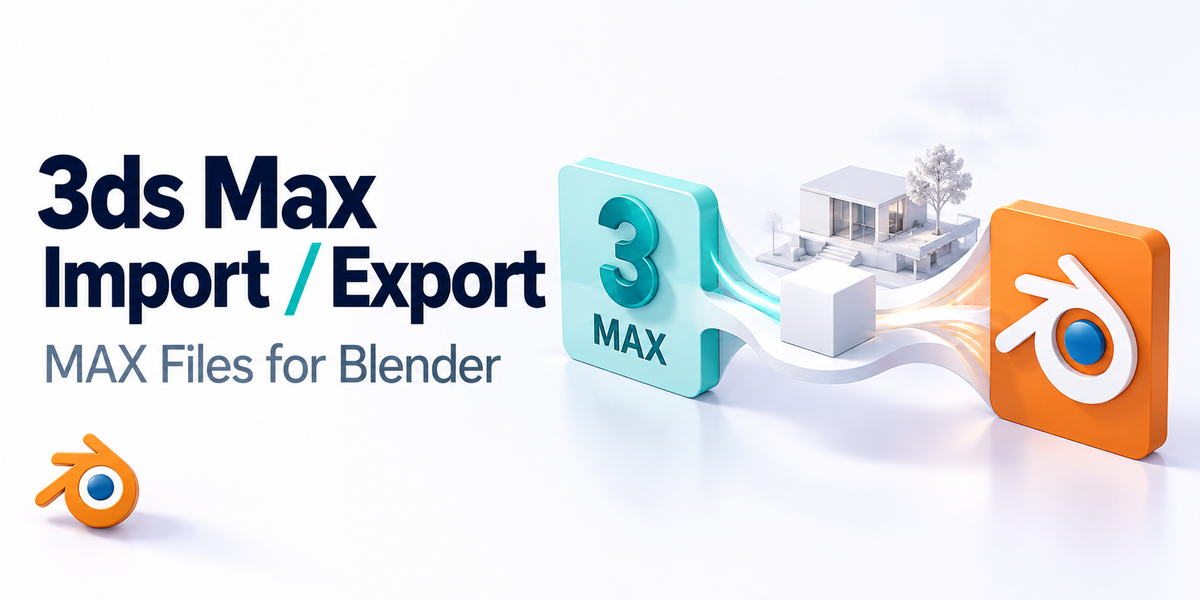





Autodesk 3ds Max File Import-Export for Blender
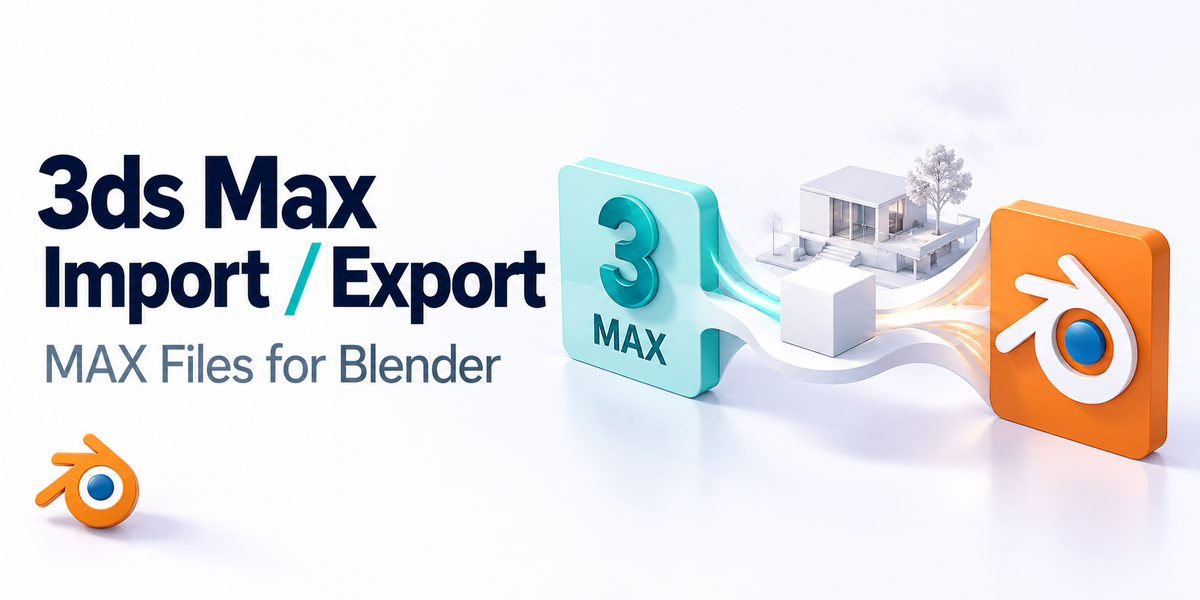
Seamlessly bridge the gap between Blender and Autodesk 3ds Max with this powerful import/export addon.
This professional-grade tool enables direct workflow integration between two of the industry's most popular 3D applications by providing native .max file support in Blender.
✨ Key Features
🔄 Bidirectional File Support
-
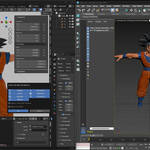
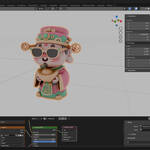
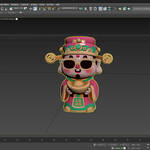
Import .max files directly into Blender with full scene integrity
-
Export Blender scenes to .max format for 3ds Max compatibility
-
High-fidelity data transfer ensures models, materials, and animations are preserved
⚙️ Advanced Import Options
-
Selective asset import: models, lights, cameras, splines, animations, materials, armatures
-
Automatic coordinate system adjustment (X-axis 180° rotation option)
-
Scale conversion support (0.01x scaling for unit compatibility)
-
Customizable default import settings for a streamlined workflow
🎯 Smart Export Controls
-
Filter export by object type: meshes, lights, cameras, curves, animations
-
Selection-only export for targeted asset transfer
-
Preserve material assignments and animation data
-
Maintain scene hierarchy and object relationships
🔧 Intelligent 3ds Max Detection
-
Automatic registry-based detection of 3ds Max installations
-
Support for multiple 3ds Max versions (2020–2026+)
-
Flexible Python path configuration
-
Comprehensive error logging and troubleshooting
💼 Professional Workflow Integration
-
Drag-and-drop .max file support for instant imports
-
Comprehensive preference system with per-project settings
-
Detailed logging system for debugging and workflow optimization
-
Windows platform optimized with full registry integration
🖥️ Technical Specifications
-
Blender 4.2+ compatibility
-
Windows platform support
-
Requires Autodesk 3ds Max installation (2023+)
-
Uses native 3ds Max Python API & MAXScript for reliable conversion
-
Ensures broad compatibility and preservation of scene features
🎯 Perfect For
-
Studios working with mixed 3ds Max/Blender pipelines
-
Freelancers collaborating across different 3D applications
-
Asset conversion and migration projects
-
Educational environments teaching multiple 3D platforms
-
Technical artists optimizing cross-platform workflows
🚀 Why Choose This Addon?
This addon eliminates the complexity typically associated with 3ds Max file conversion, providing a one-click solution that maintains scene integrity, material assignments, and animation data.
Whether you're migrating existing projects or establishing a cross-platform workflow, this tool provides the reliability and functionality demanded by professional 3D production environments.
👉 Experience seamless interoperability between Blender and 3ds Max – download now and streamline your 3D workflow today!