 AHK
AHK


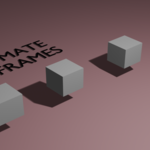
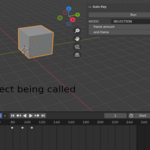
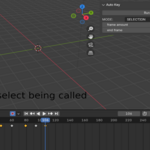
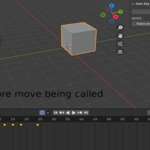
Autokeyframe
This automates key selection in blender for more info also check product page tab
installation
download the zip file, in blender go to edit preferences, addons next find the install from disk found in the drop down at the top right corner select install from disk and select the downloaded zip file search for the name and enable it if it dose not have a check mark on it already.
CURRENT Scope
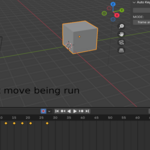
- selection of key frames that are spaced. with offset_amount this sets the offset for the next frame to be selected.
- moving each frame selected with move_amount this sets the amount of frames the keyframe should be move by careful this can over lap frames and there for delete info on frames that overlap
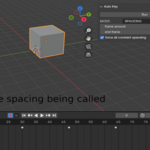
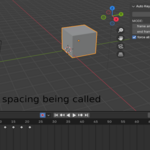
- spacing this allows you to add or remove space between each frame with in a range with spacing, then you can force equal spacing for all frames with force_all_constant_spacing, this can also cause overlapping frames so be careful when using it
- EASING MODE IS NOT IMPLEMENTED YET BUT INCLUDED THIS SHOULD DO NOTING ON THE CURRENT VERSION
$2
Have questions about this product?
Login to message
| Dev Fund Contributor | |
| Published | about 1 year ago |
| Blender Version | 4.0 - 5.0 |
| Extension Type | N/A |
| License | GPL |

Discover more products like this
dope sheet Keyframe Automation Dopesheet animation keyframe control KeyframeAnimation Keyframe animation dopesheet