 Domenas




 Create Exploded Views and Assembly Animations Faster
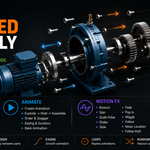
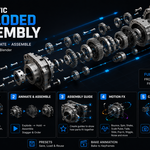
Automatic Exploded Assembly is a Blender add-on for creating exploded views, assembly animations and step-by-step assembly guides without having to keyframe every part from scratch.
Select your parts, choose how they should separate, adjust the explosion amount and create the animation.
Exploded Views
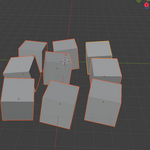
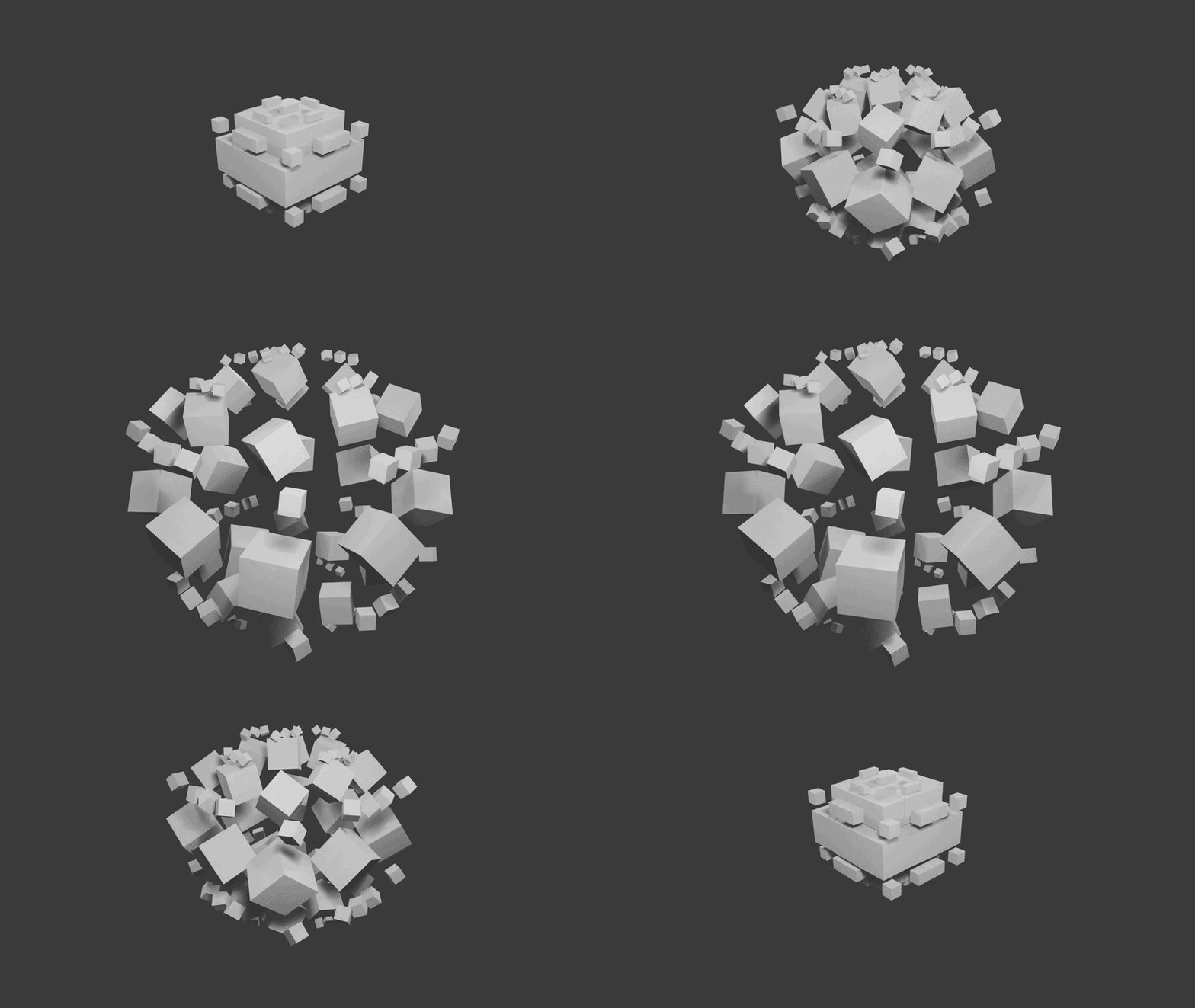
Quickly create exploded views from selected objects.
Choose the explosion direction, distance, center and part order. You can also add rotation and scale changes to the exploded parts.
Use the Explosion Amount control to preview and adjust the exploded state before creating the animation.
Assembly & Explode Animations
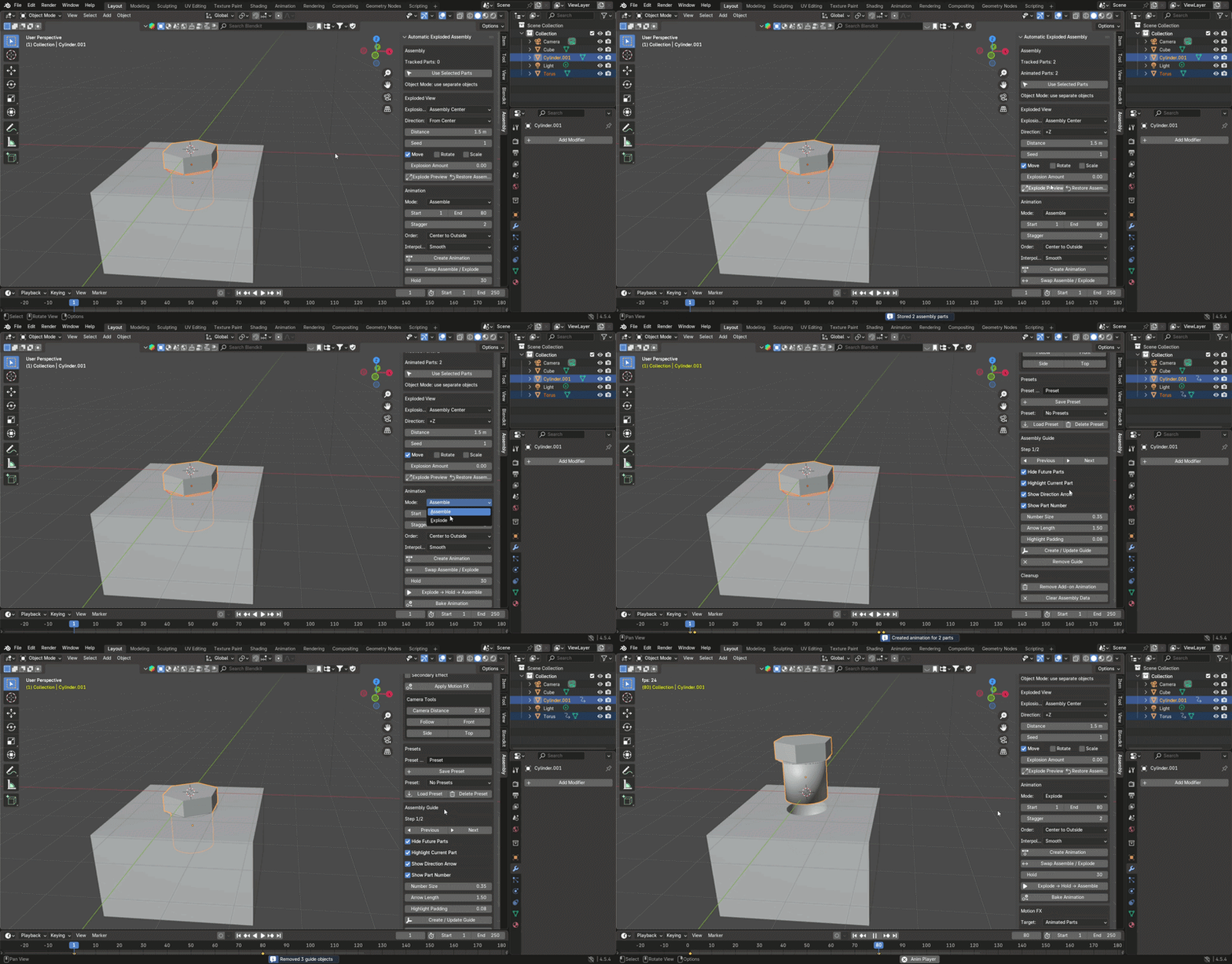
Create:
- Explode animations
- Assemble animations
- Explode → Hold → Assemble sequences
- Staggered part animations
- Custom part order
Animation order can be based on distance, axis position, object name, random order or your own custom order.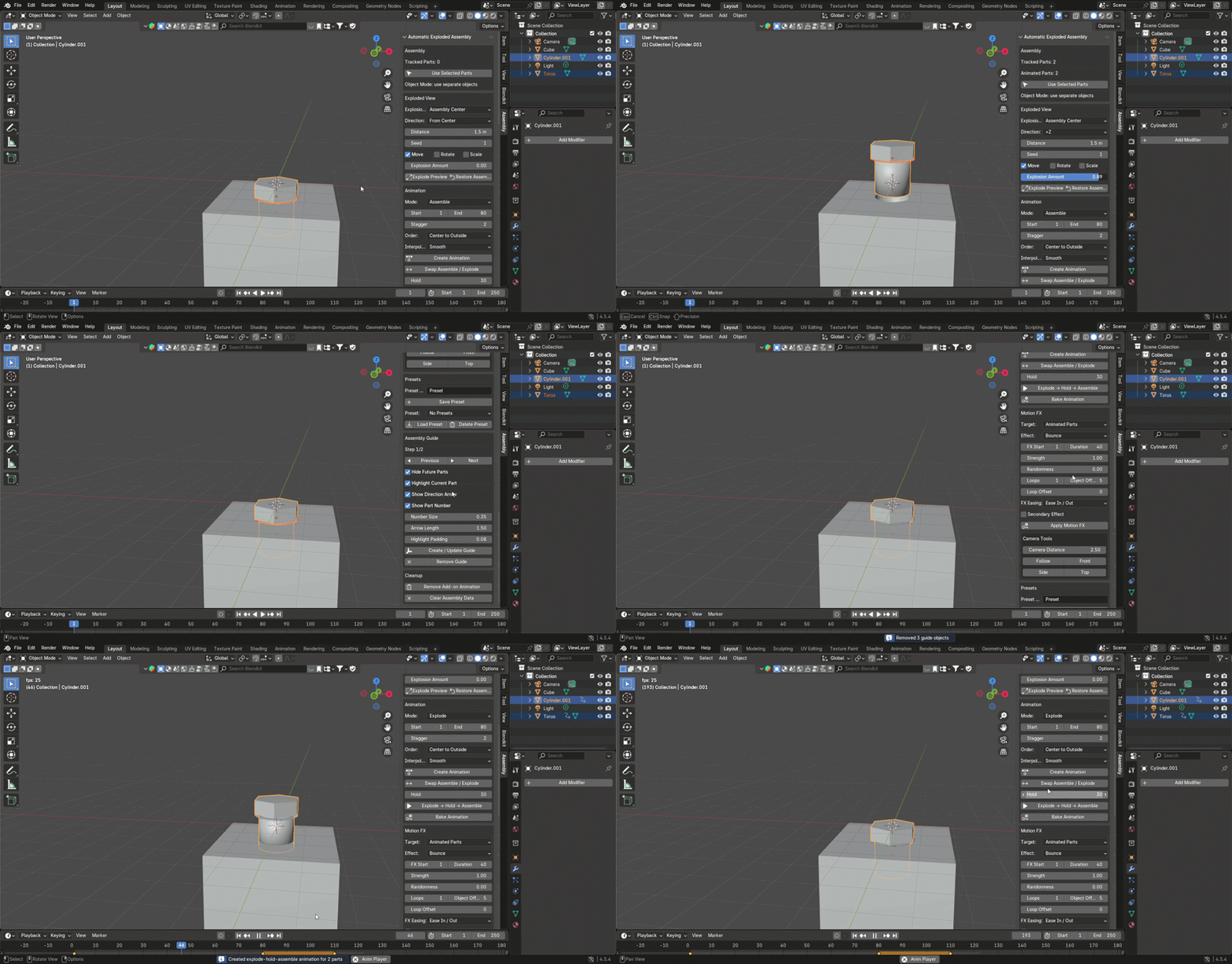
Animate Selected Mesh Parts
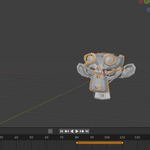
You can also work with selected mesh parts directly in Edit Mode. Select the part of the mesh you want to use and create animation for that part without separating it into a different object first.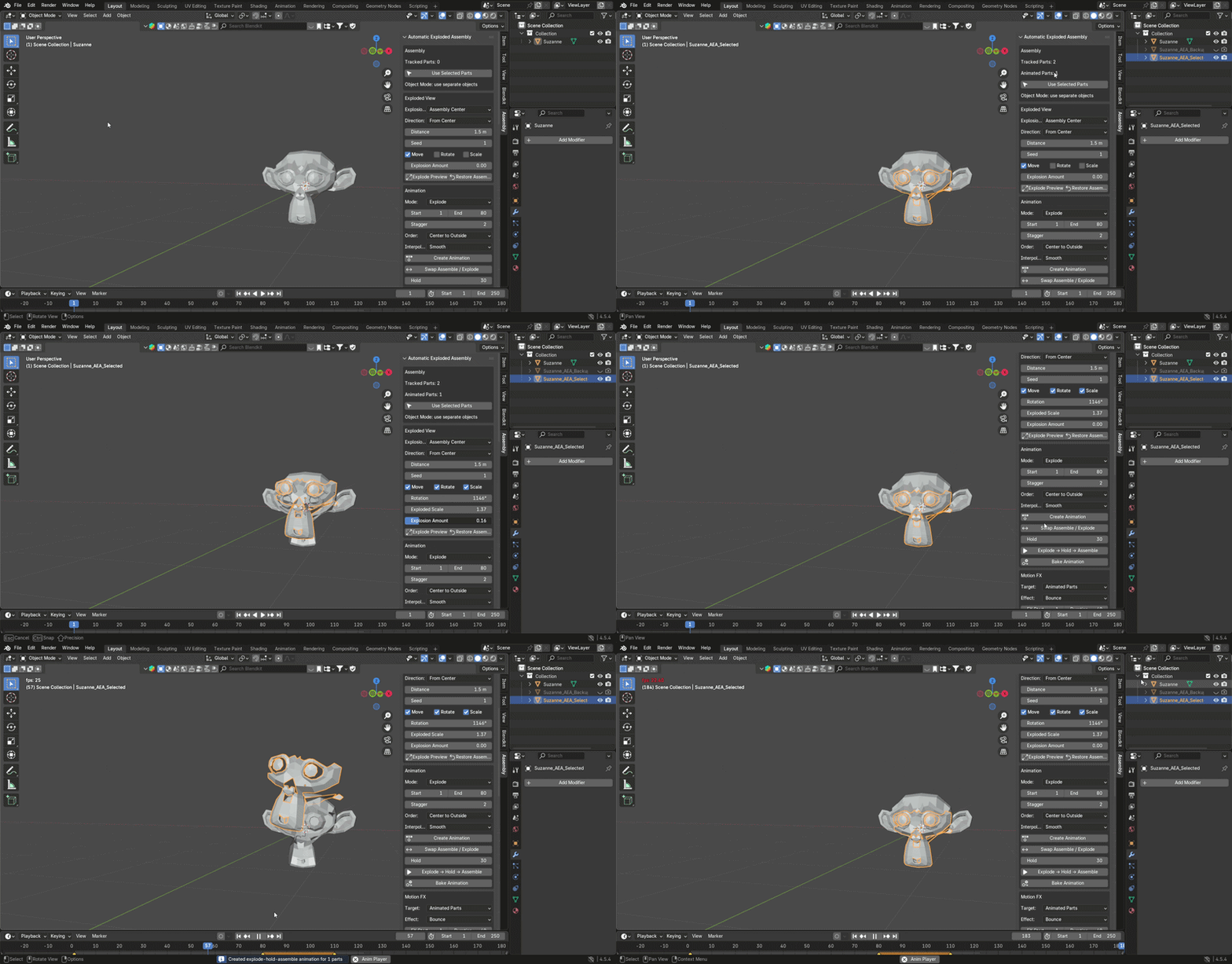
Motion FX
Add additional motion to selected parts:
- Bounce
- Spin
- Scale Pulse
- Shake
- Slide
- Fade
- Pop In
- Wiggle Rotation
- Follow Controller
- Noise Location
- Camera Shake
- Follow Path
These effects can be used to add movement and variation without setting up every keyframe manually.
Follow Path
Animate selected parts along a Curve path. This is useful when a component needs to follow a specific route instead of moving in a straight line.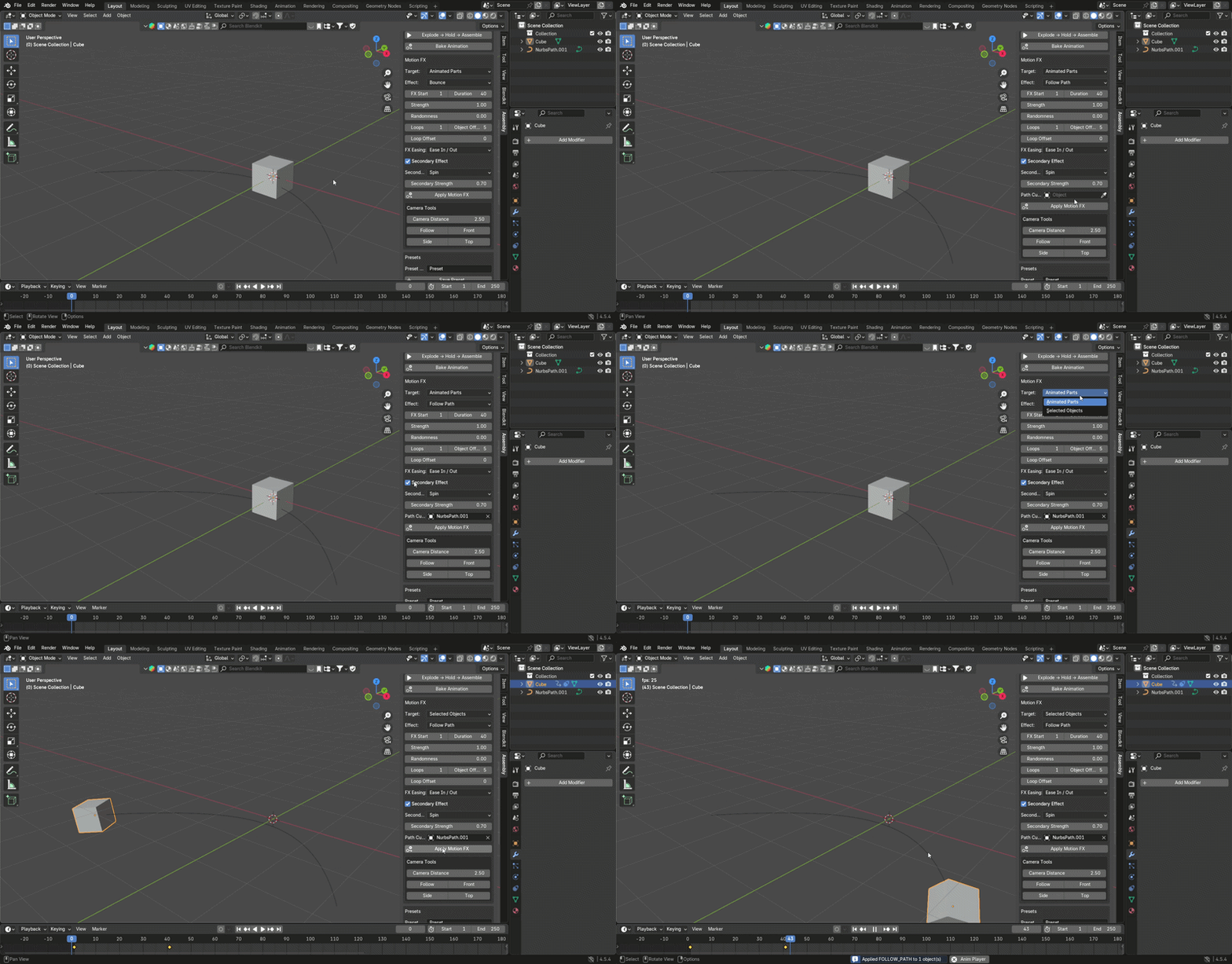
Assembly Guide
Create step-by-step assembly sequences directly in Blender.
Use Previous and Next controls to move through the assembly steps. Upcoming parts can be hidden while the current part is highlighted.
The guide can also display part numbers and direction arrows, making it useful for assembly instructions and technical presentations.
Camera Tools
Quickly set up Front, Side and Top camera views, adjust camera distance or use the Follow option to keep the assembly in view.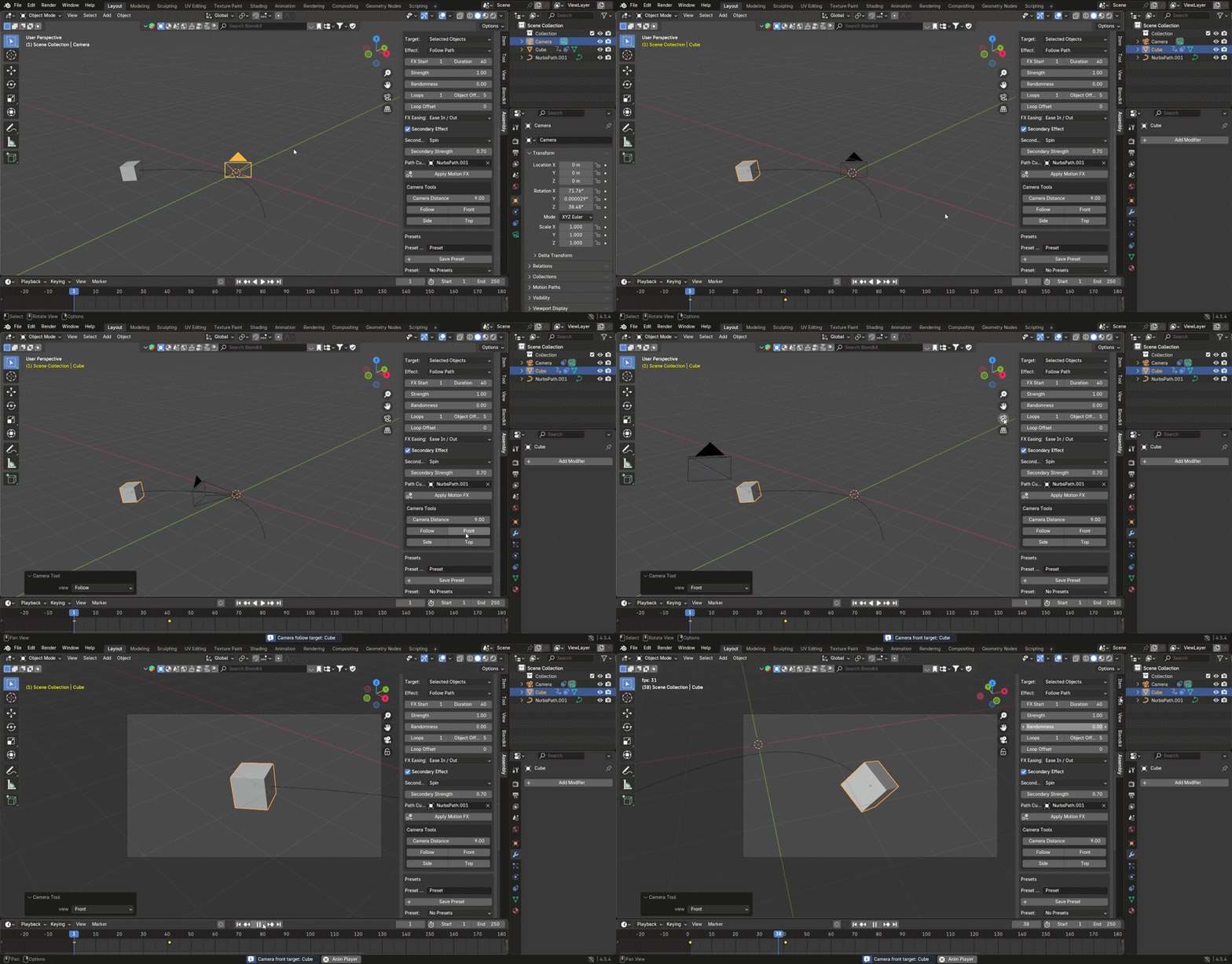
Presets
Save your exploded-view and animation settings as presets inside the Blender scene and reuse them later.
Bake Animation
Bake the generated animation into regular Blender keyframes when you want to continue editing it with Blender's standard animation tools.
Everything in One Panel
Exploded views, assembly sequencing, Motion FX, camera controls and assembly guide tools are available from one add-on.
Create the basic assembly animation quickly, then continue adjusting it with Blender's standard animation tools if needed.
Compatible with Blender 4.2 and newer.
3D models shown in the promotional images and videos are not included with this product.
