 Ocelot VFX
AutoMorph
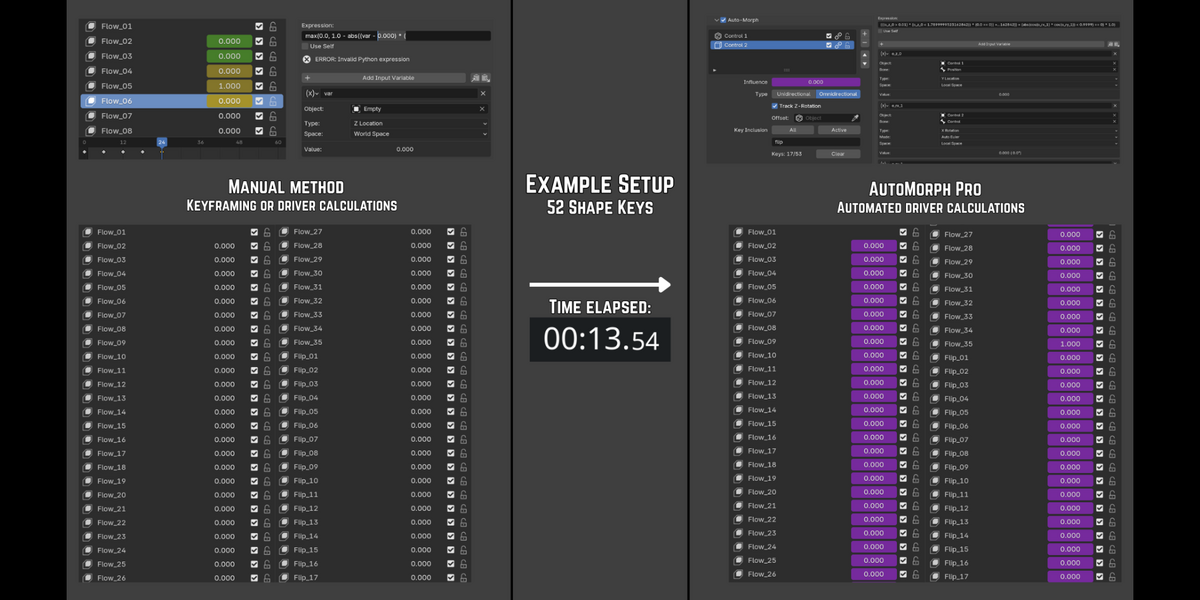
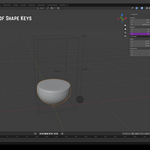
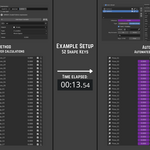
Manually rigging shape keys with drivers is repetitive and slow... especially if you aren't familiar with scripting expressions, or need to make changes down the road. Seconds can turn into hours... unless there's a way to automate it.
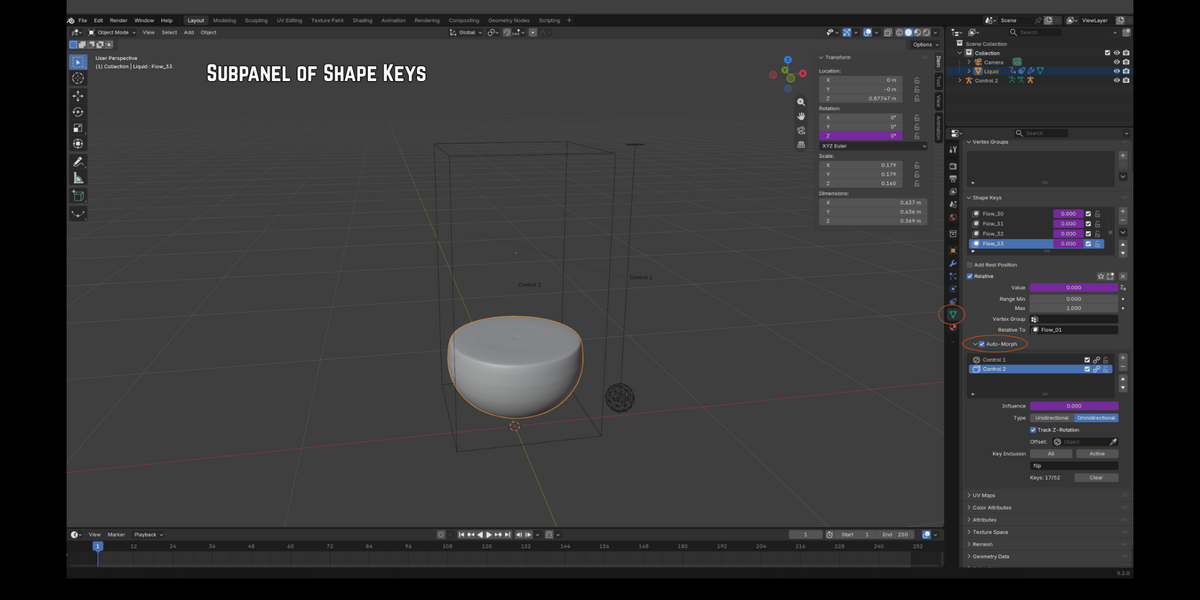
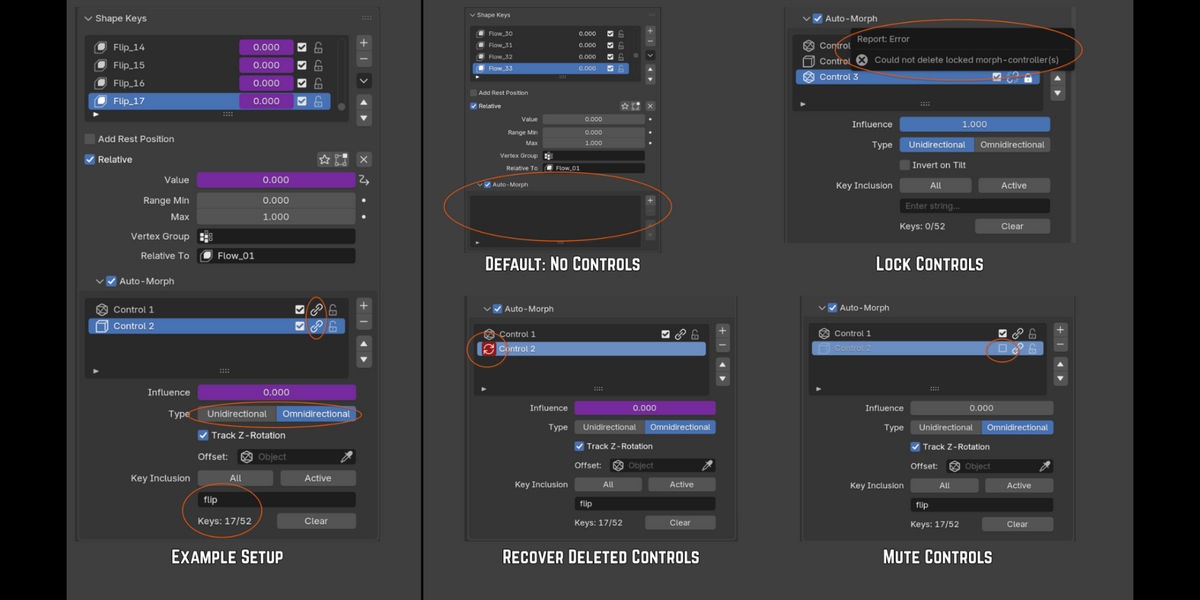
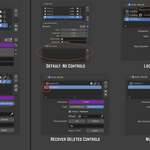
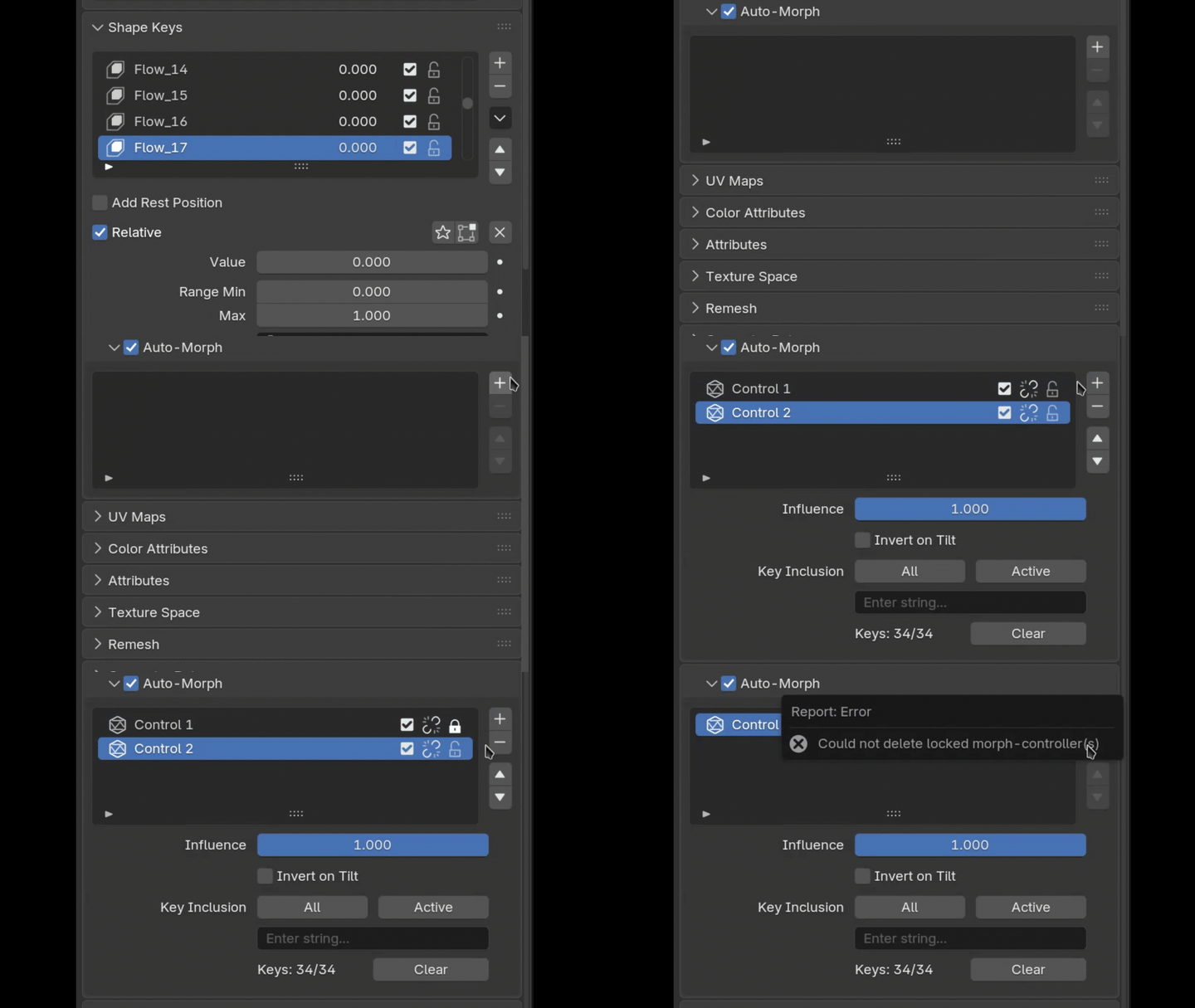
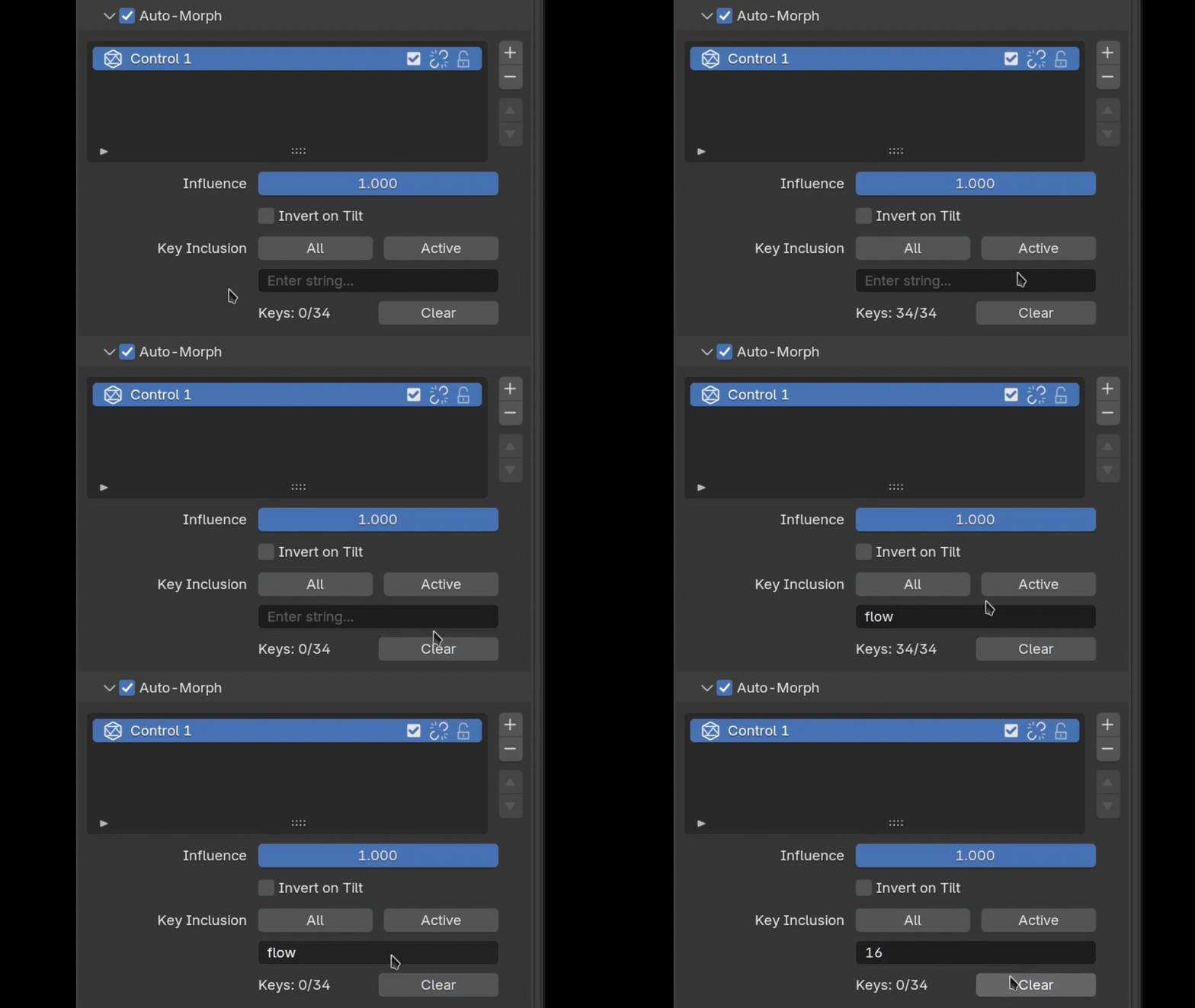
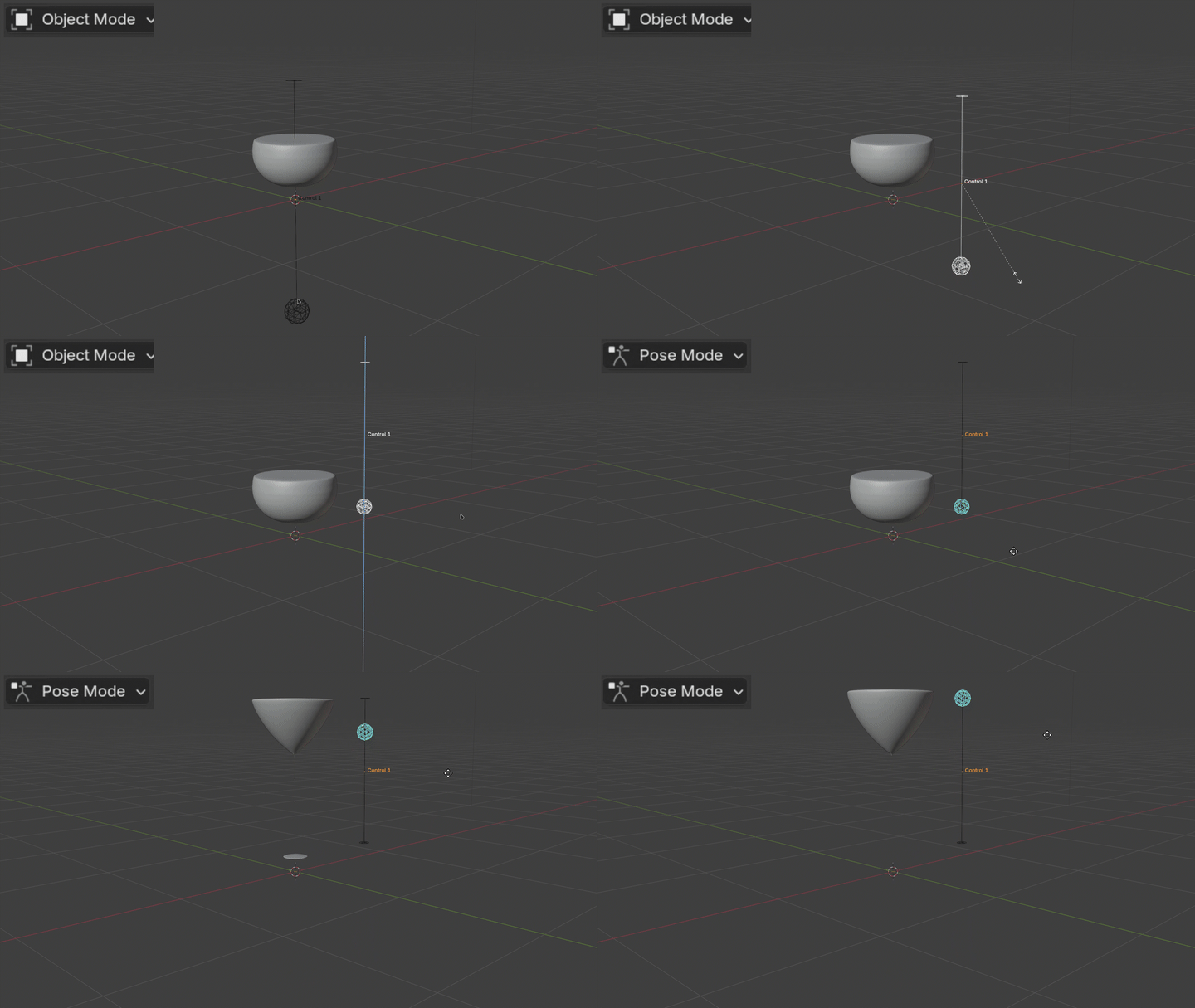
AutoMorph handles that, generating the driver formulas and control objects in real-time.
Demo Video #1: General Features
https://ocelotcode.github.io/OcelotVFX-Uploads/AutoMorph_Demo_1.mp4
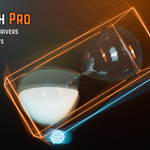
Demo Video #2: Usage Example (Hourglass)
https://ocelotcode.github.io/OcelotVFX-Uploads/AutoMorph_Demo_2.mp4
Key Features
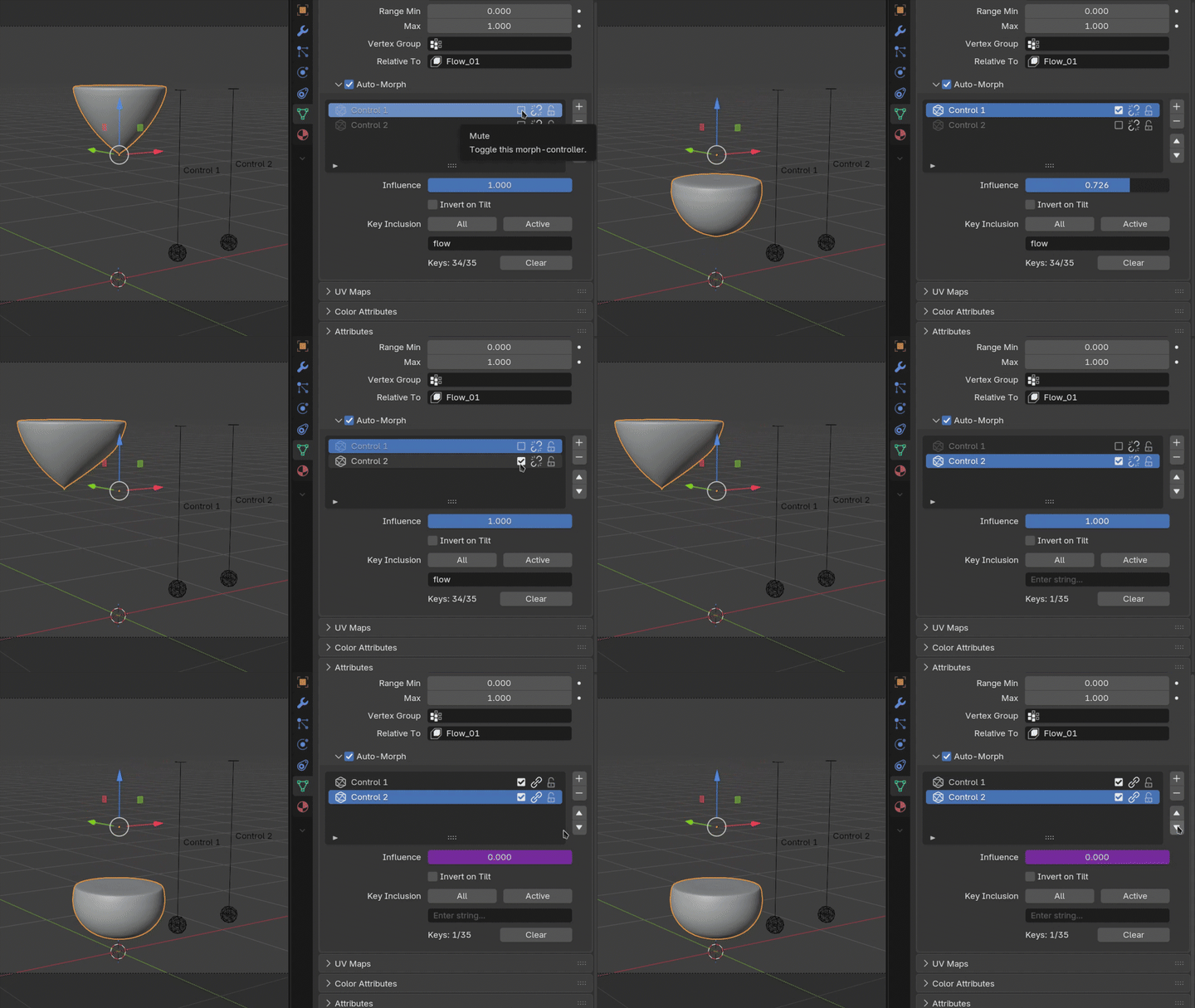
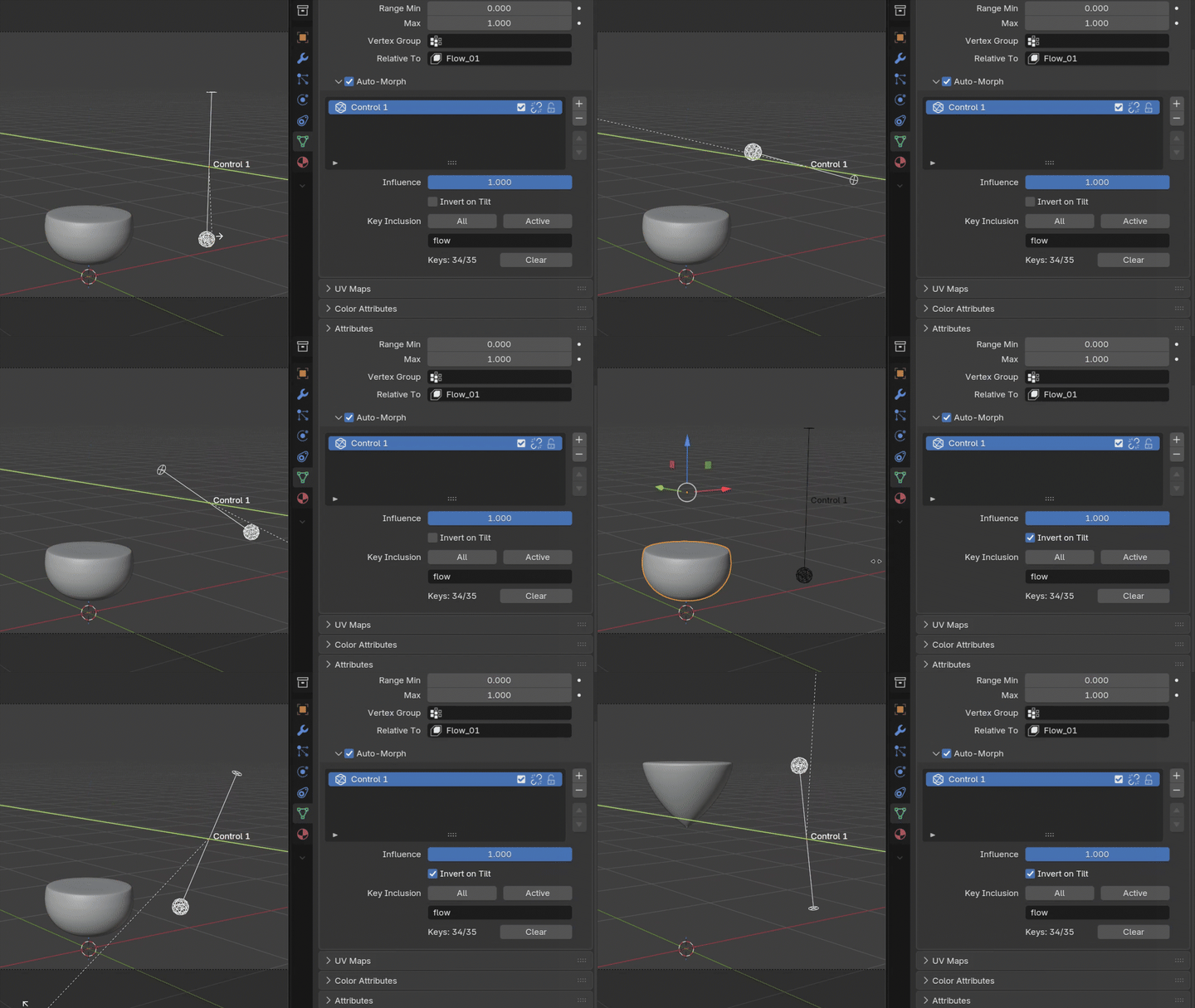
Pro-Only Features
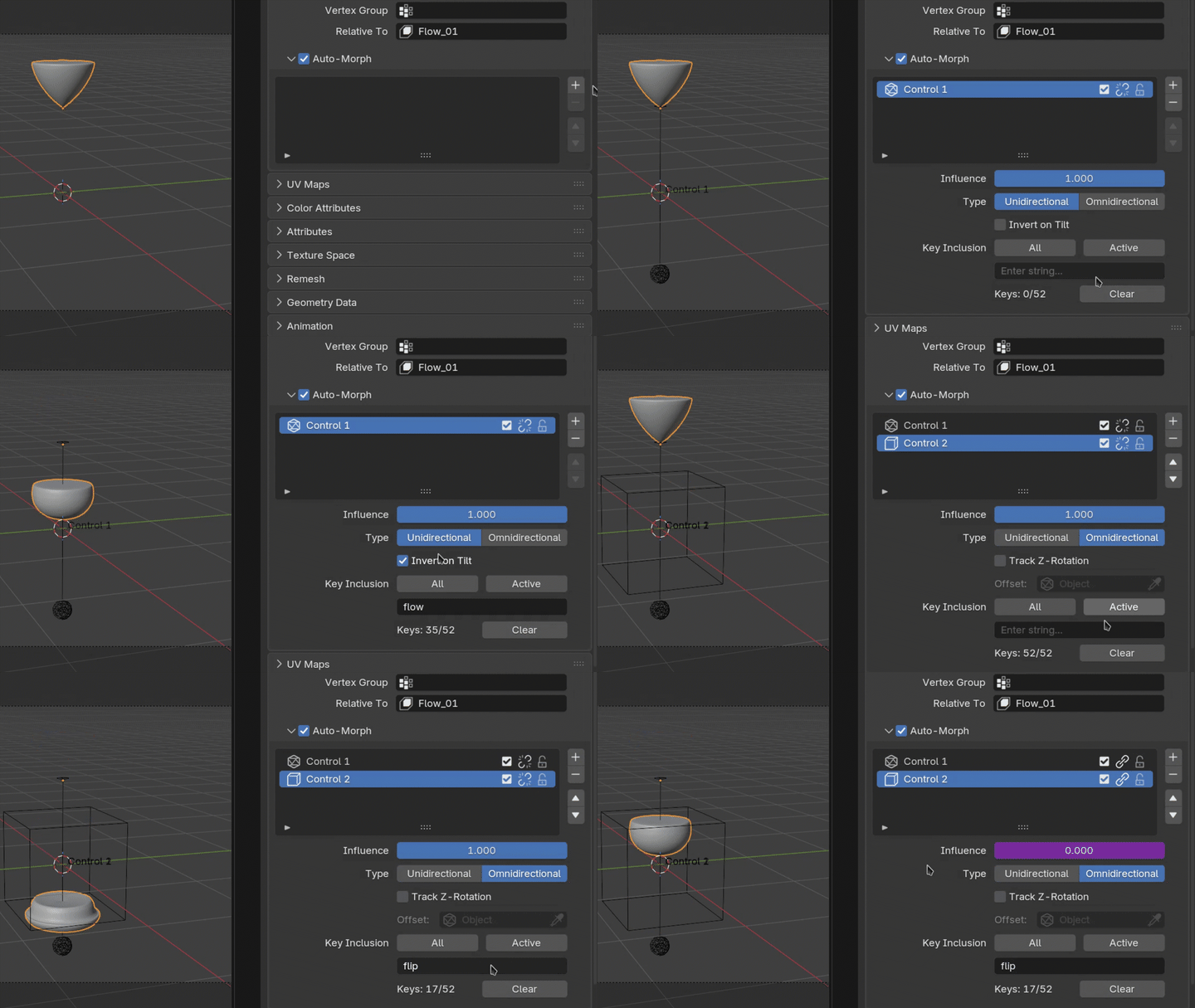
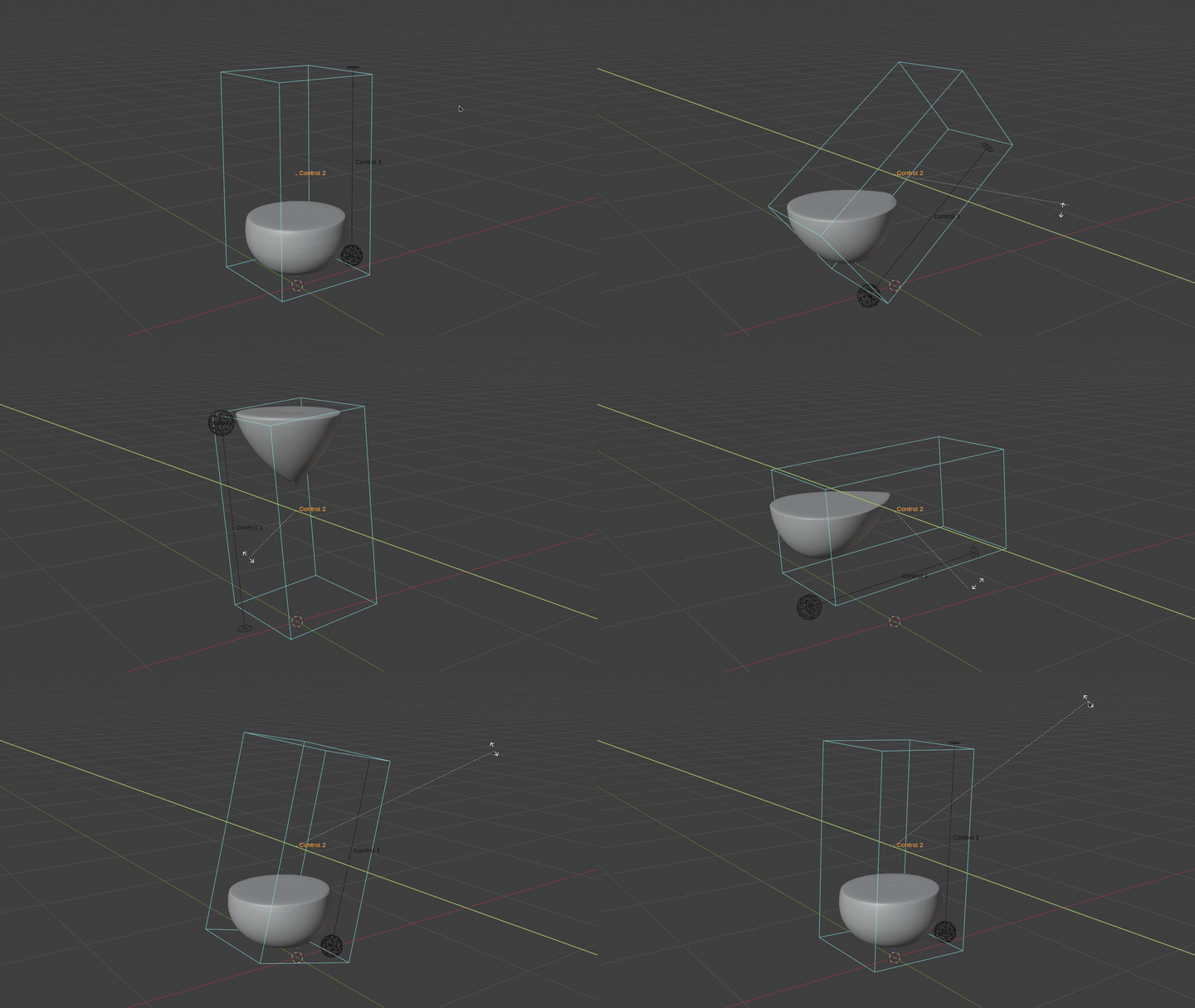
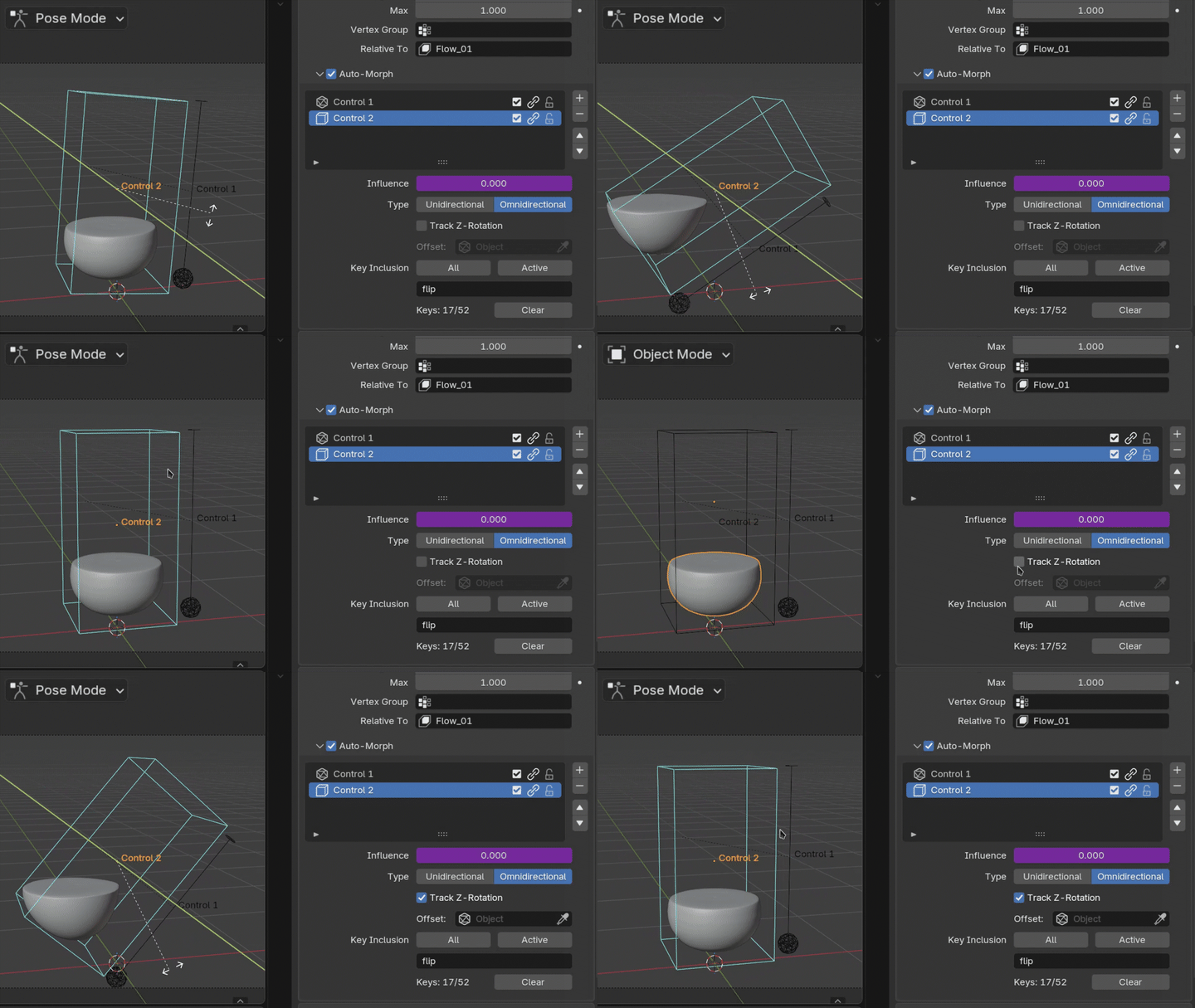
Predictable Behaviour
Two Variants
AutoMorph Lite
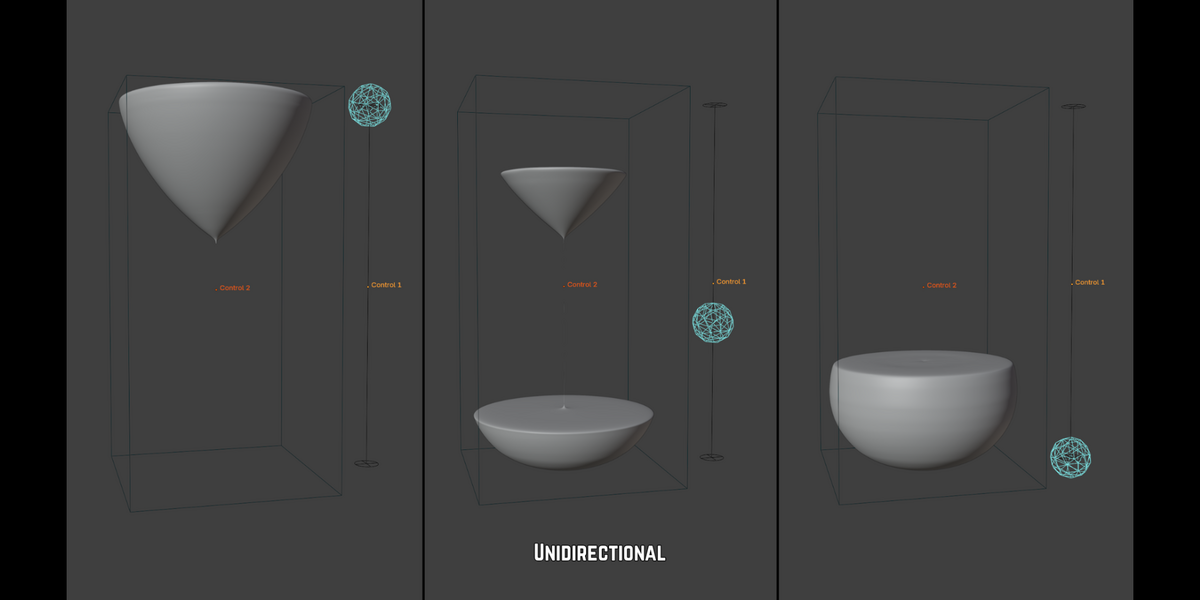
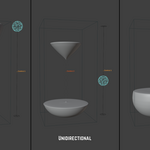
Unidirectional, linear workflows | Drag a single axis to interpolate between shape keys.
- Rigging UI Boards: Build a panel of Controls where moving the slider up/down blends sequentially through the assigned shape keys.
- Skeletal Corrections: Parent the Control to a single-axis bone to drive surface deformation.
- Hard-Surface: Mechanical arrays such as sliding panels, opening vents, or retracting landing gear.
- Environmental States: Transition between scene variants, or act as a damage slider for props.
AutoMorph Pro
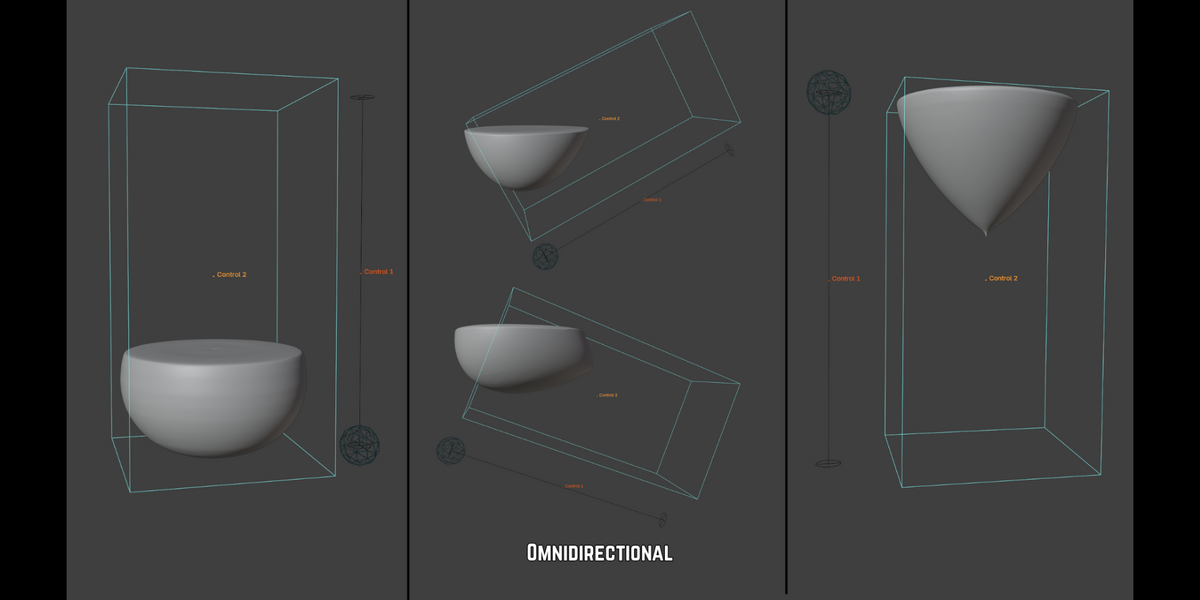
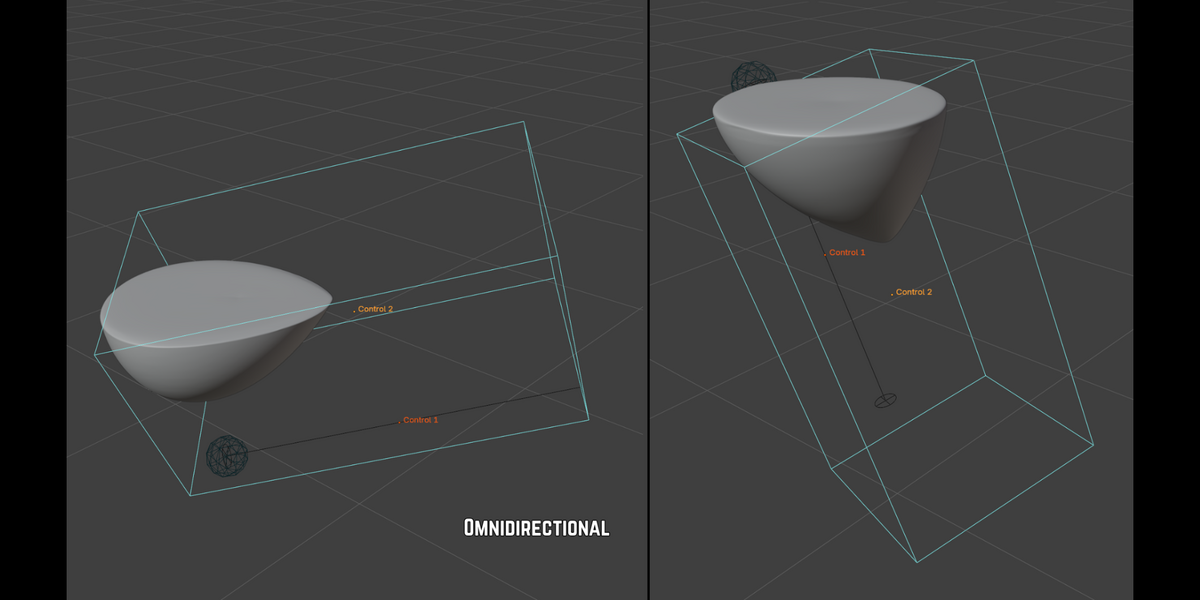
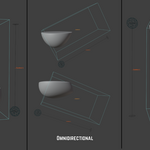
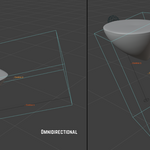
Expands on Lite with Omnidirectional, multi-axis workflows | Rotate the Control in any direction to interpolate between shape keys.
- Organic Creature Rigging: Breathing mechanics driven by the multi-axis rotation of a spine or shoulder.
- Organic Joint Corrections: Parent the Control to a shoulder or wrist for surface correction.
- Simulated Interaction: Parent the Control to a rotating object to deform a surrounding object as it turns.
- Fluid & Particulate Levelling: Parent the Control to a container to approximate sand or liquid settling; the level will stay relative to gravity regardless of how the parent itself is rotated.
