AutoMorph Lite

Ocelot VFX in Rigging


AutoMorph Launch Sale
30% off all products
Starts
Friday 23rd October @ 03:30 CDT
08:30 UTC
Ends
Friday 30th October @ 05:00 CDT
10:00 UTC

AutoMorph

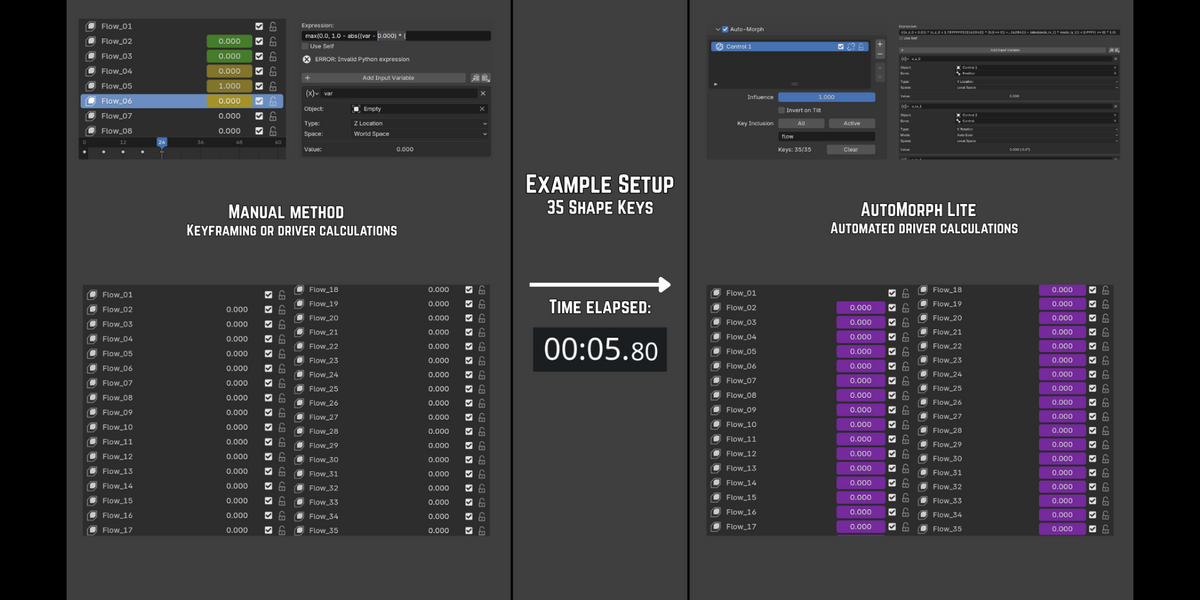
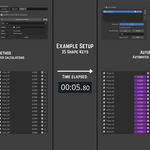
Manually rigging shape keys with drivers is repetitive and slow... especially if you aren't familiar with scripting expressions, or need to make changes down the road. Seconds can turn into hours... unless there's a way to automate it. 
AutoMorph handles that, generating the driver formulas and control objects in real-time. 

Demo Video #1: General Features

https://ocelotcode.github.io/OcelotVFX-Uploads/AutoMorph_Demo_1.mp4


Demo Video #2: Usage Example (Hourglass)

https://ocelotcode.github.io/OcelotVFX-Uploads/AutoMorph_Demo_2.mp4

Key Features
Clean Workflow

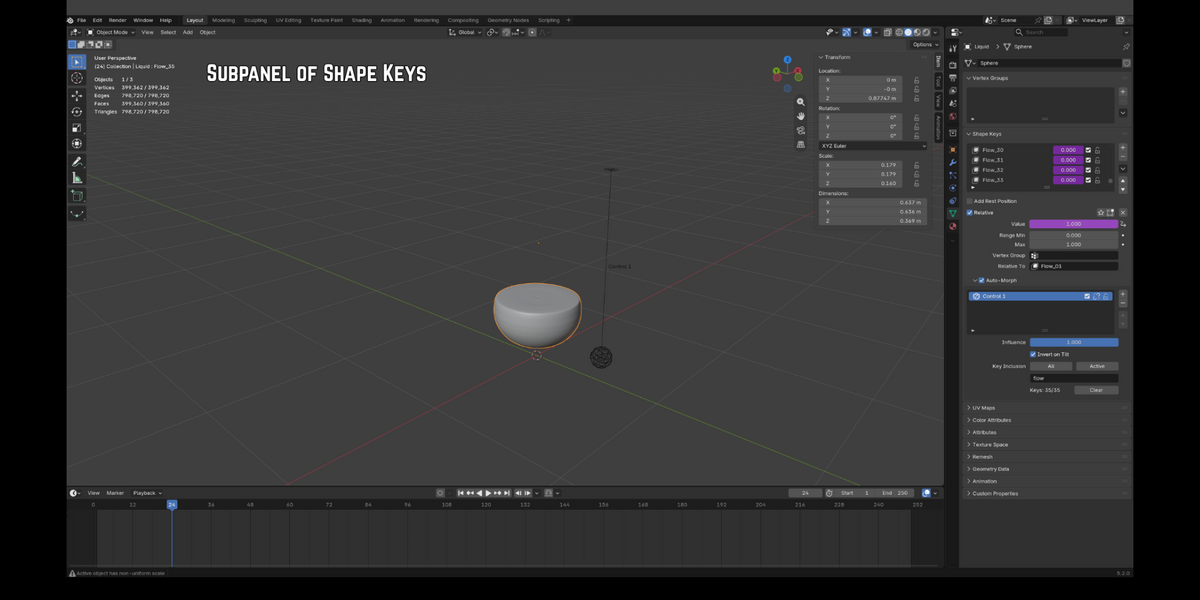
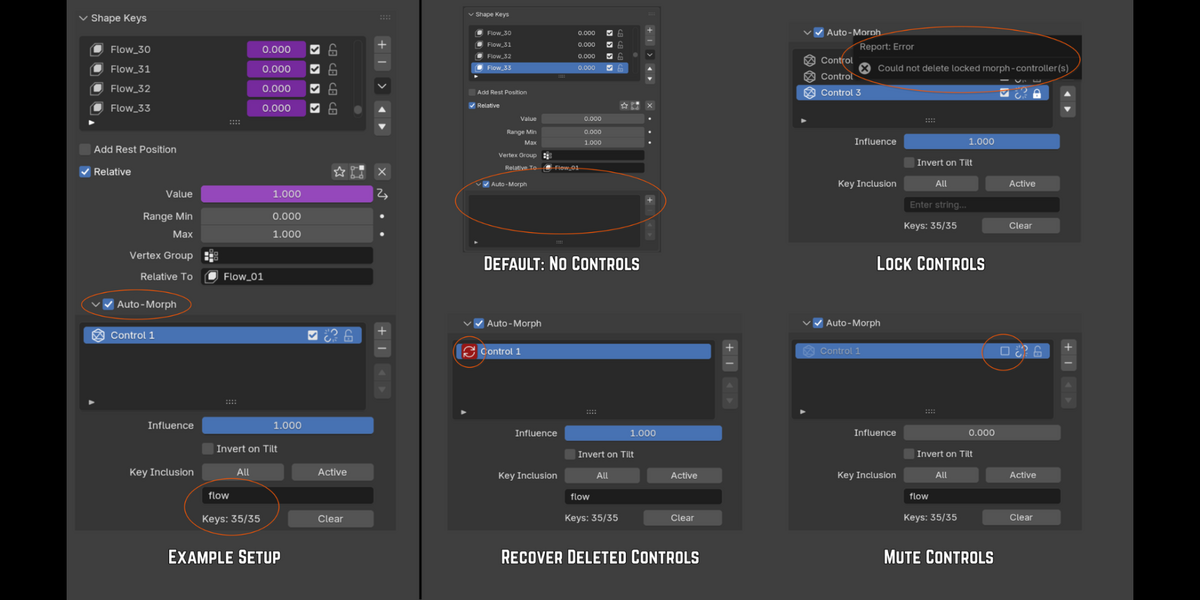
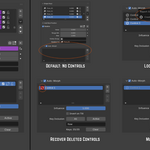
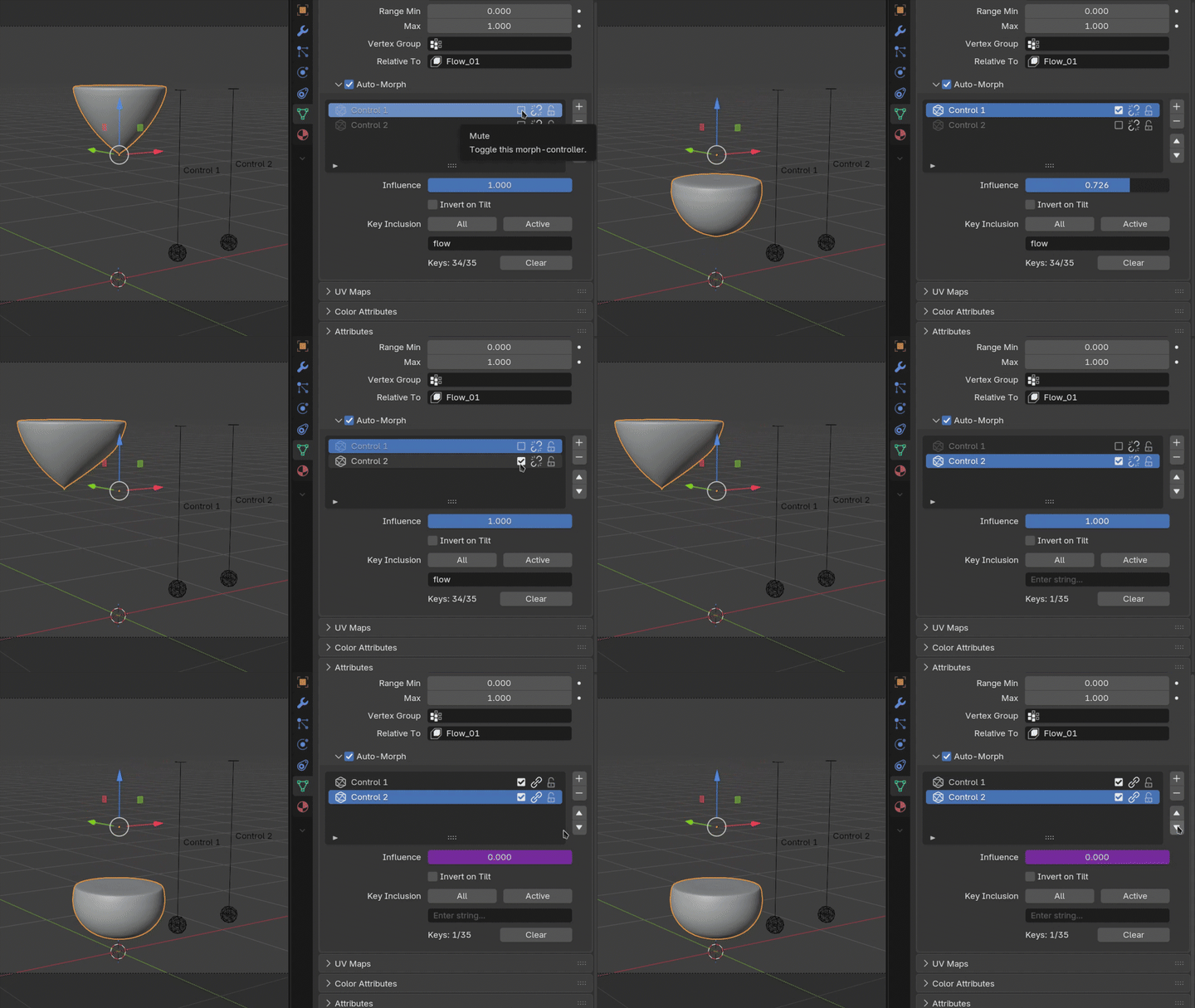
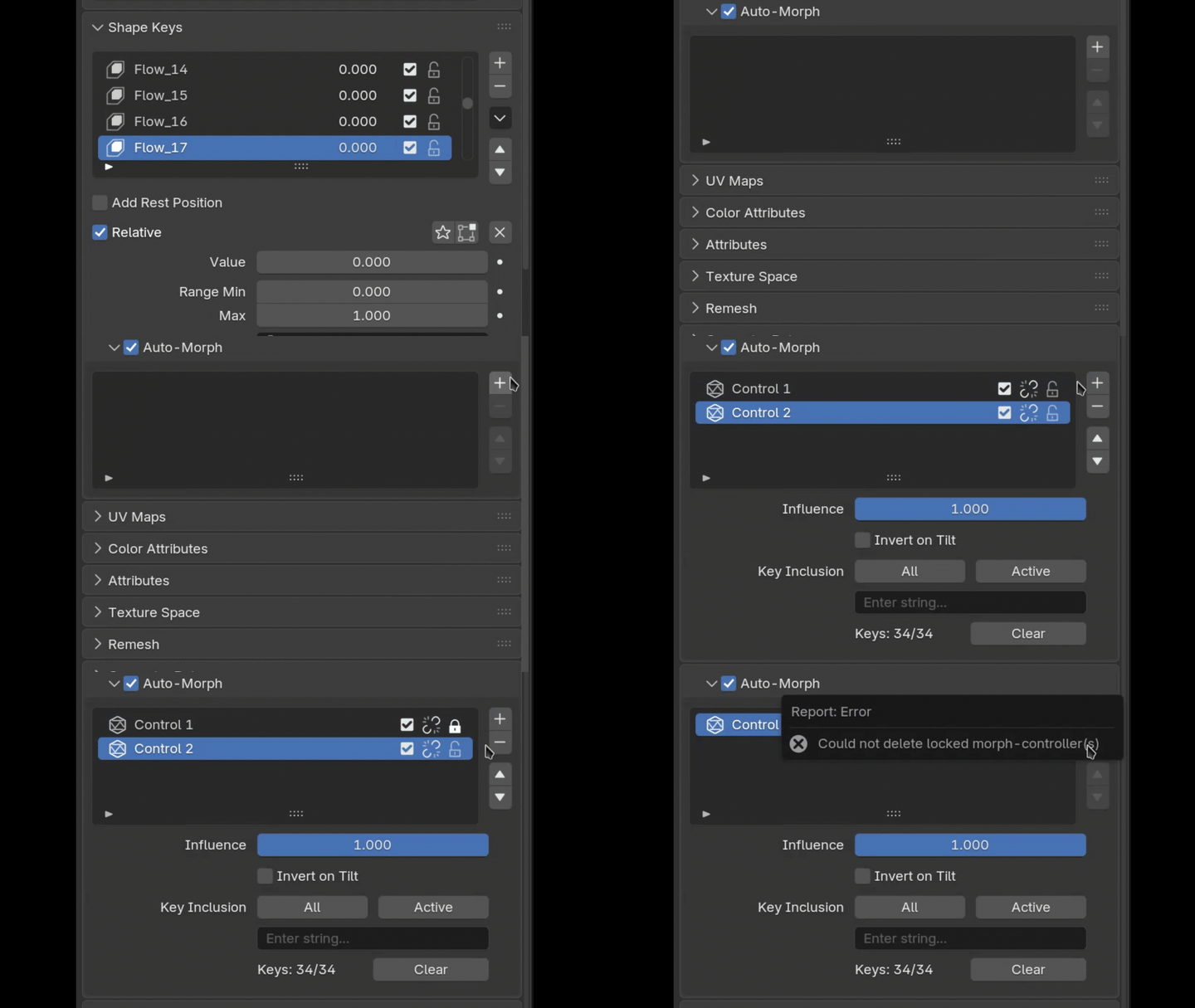
The layout is designed to replicate the native Shape Key panel, with familiar icons to add, remove, reorder, and lock Controls in the list.

Batch Selection

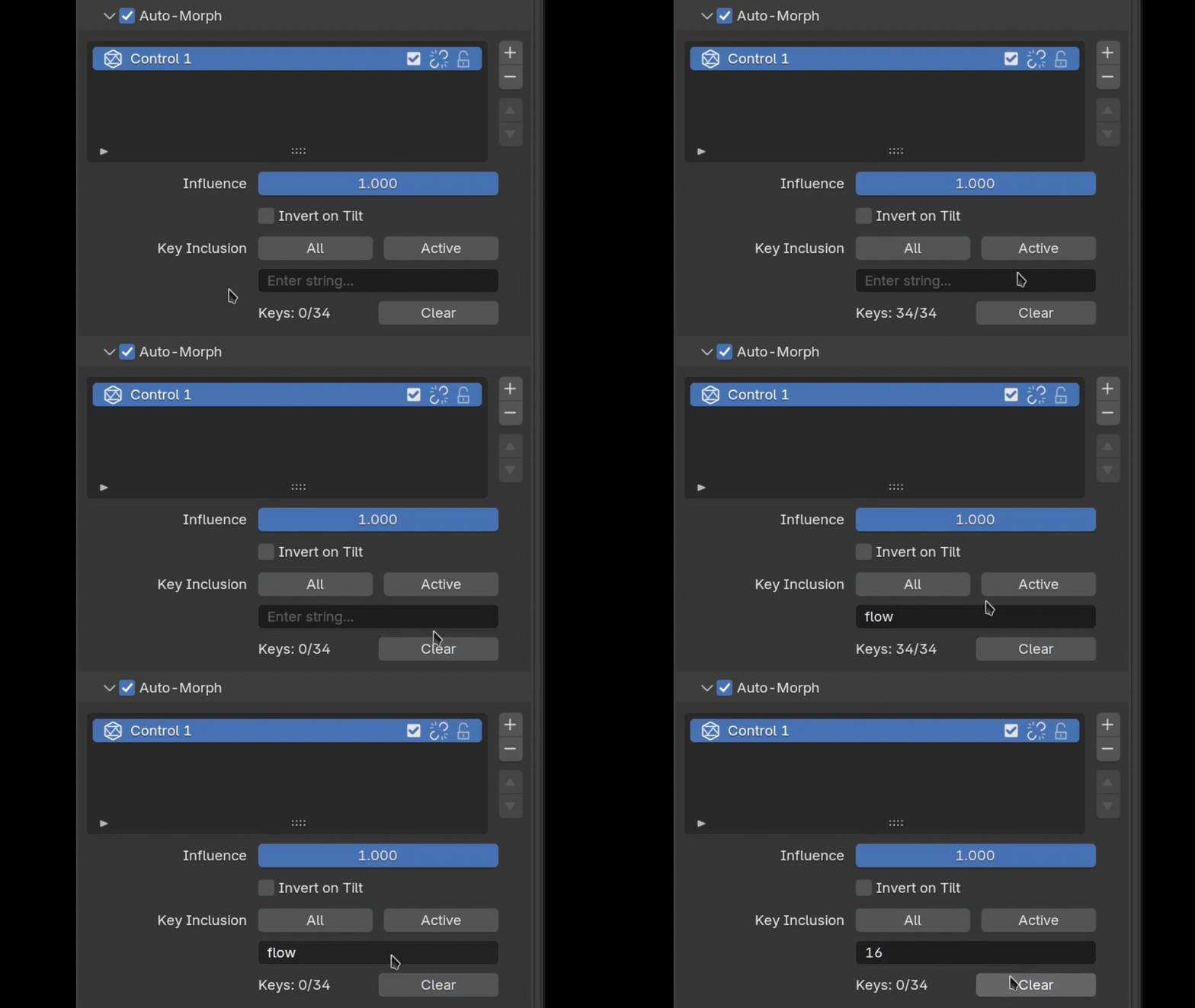
Assign Shape Keys individually or via a string for naming-convention workflows.

Real-time Viewport Feedback

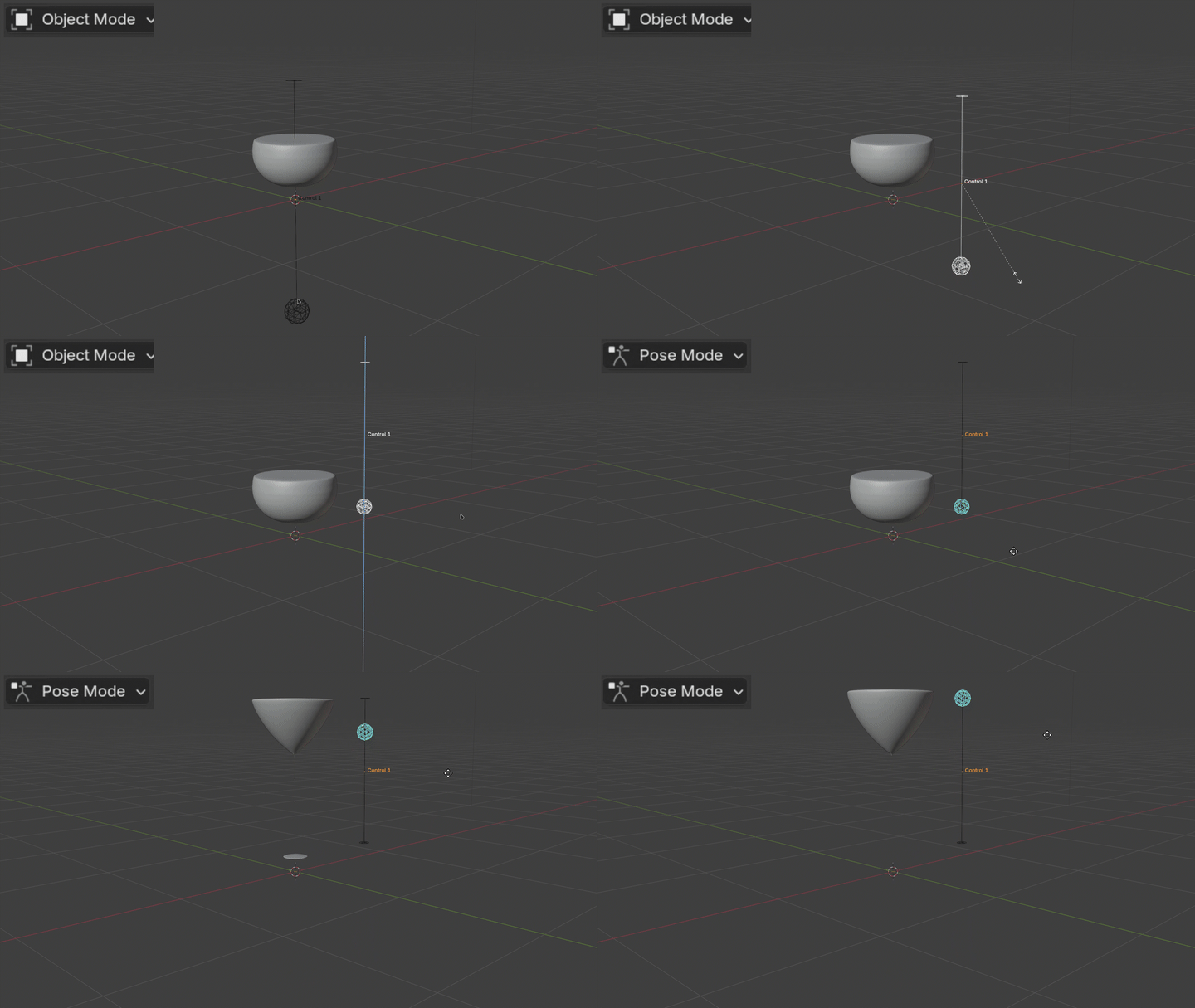
Watch changes update live in Pose Mode, no baking required.

Control Influence

Adjust the overall influence of each Control via the slider or mute icon; alternatively, delegate the task to the Linked feature, which automates priority based on hierarchy. Note: This feature requires Auto-Run Python Scripts to be enabled.

Lock/Unlock World Orientation

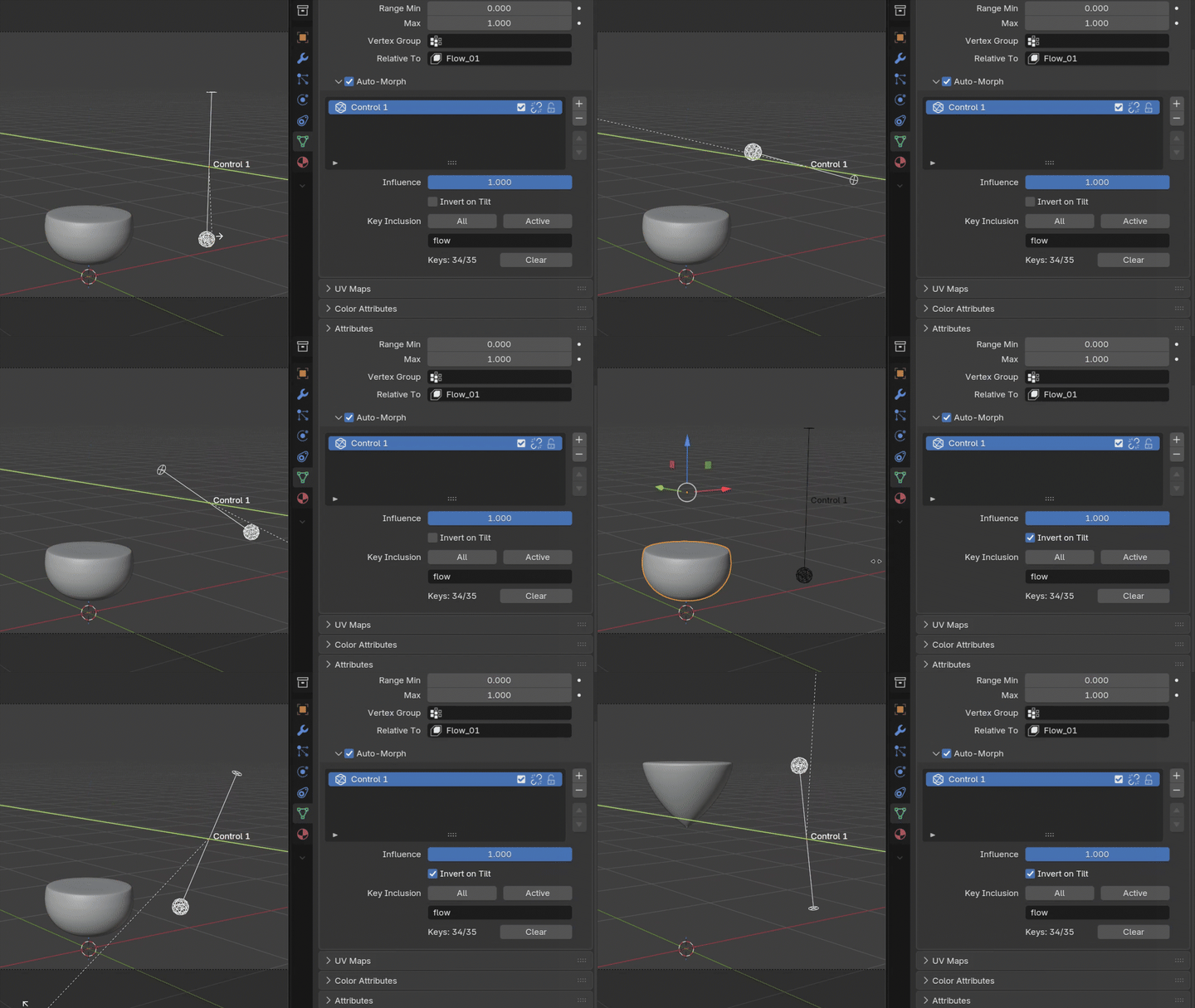
By default, a Control interpolates in the same order regardless of its orientation. Invert on Tilt flips that behaviour once the Control crosses the hemisphere line, automatically alternating the direction of interpolation.


Predictable Behaviour

Deletion Recovery
If a Control is accidentally deleted in the viewport, the Regenerate button will rebuild it with the Shape Key selection remaining intact.
Universal Actions
Rename a Control from the panel, viewport, or outliner, and the change propagates everywhere.
No Restrictions
Use a Control standalone, or parent it to another object, bone, or empty to indirectly drive the morphing process.


Two Variants

AutoMorph Lite

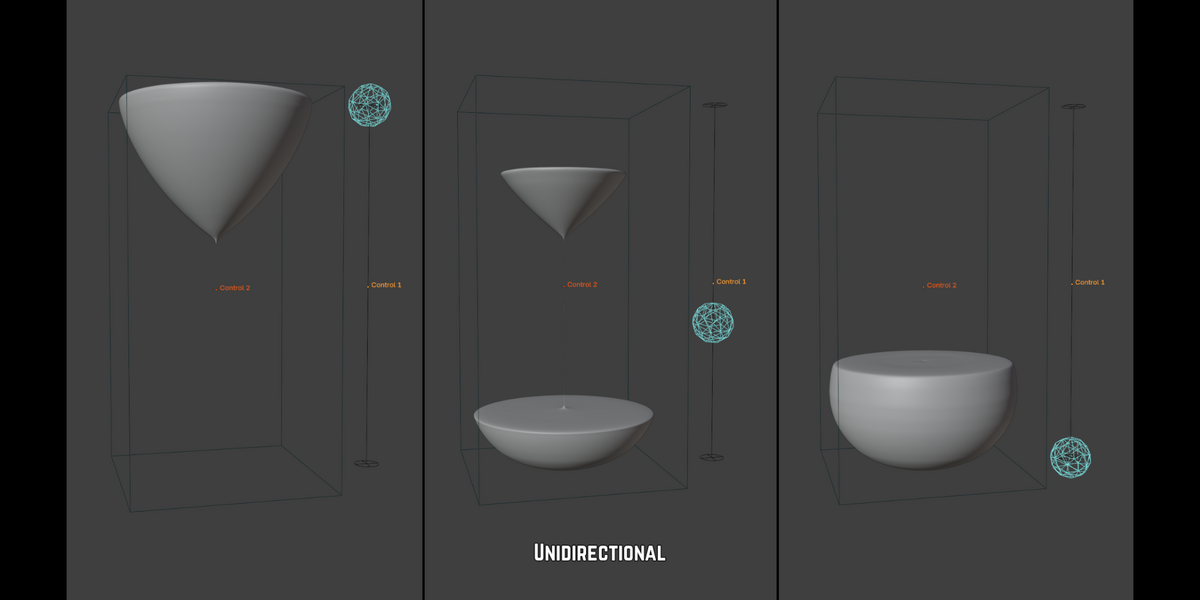
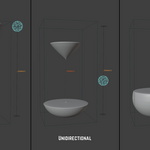
Unidirectional, linear workflows | Drag a single axis to interpolate between shape keys.

  • Rigging UI Boards: Build a panel of Controls where moving the slider up/down blends sequentially through the assigned shape keys.
  • Skeletal Corrections: Parent the Control to a single-axis bone to drive surface deformation.
  • Hard-Surface: Mechanical arrays such as sliding panels, opening vents, or retracting landing gear. 
  • Environmental States: Transition between scene variants, or act as a damage slider for props.

AutoMorph Pro

Expands on Lite with Omnidirectional, multi-axis workflows | Rotate the Control in any direction to interpolate between shape keys.

  • Organic Creature Rigging: Breathing mechanics driven by the multi-axis rotation of a spine or shoulder.
  • Organic Joint Corrections: Parent the Control to a shoulder or wrist for surface correction.
  • Simulated Interaction: Parent the Control to a rotating object to deform a surrounding object as it turns.
  • Fluid & Particulate Levelling: Parent the Control to a container to approximate sand or liquid settling; the level will stay relative to gravity regardless of how the parent itself is rotated.
Visit Product ➤

Discover more products like this

extension interface control rigging automation tool shape keys

  • For individual artists, students, or indie creators with UNDER $100,000 USD in annual revenue. Valid for unlimited personal or commercial projects within this revenue cap.

    $14 $20
  • For freelancers, studios, or corporate entities with OVER $100,000 USD in annual revenue, or teams requiring multi-seat access. Valid for unlimited commercial gain with no revenue restrictions.

    $28 $40
$14

Support Period Included

Includes 12 months of

Extend this product’s Support Period +12 months: 25% of product price

Have questions before purchasing?
Login to message

Details
Blender Extension Compatible Yes
Published about 3 hours ago
Blender Version 5.2
Extension Type Add-on
Render Engine Used Cycles
License GPL