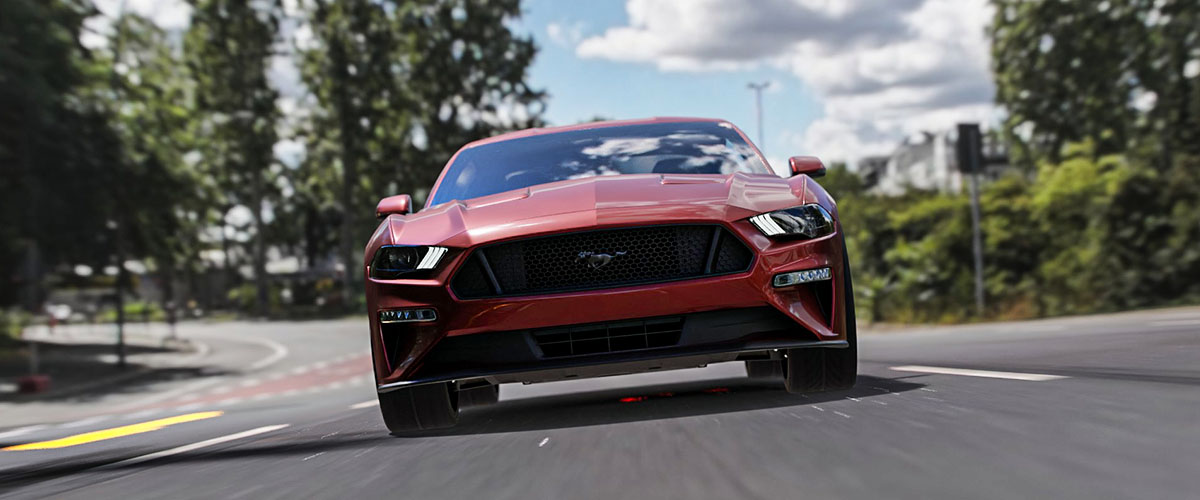
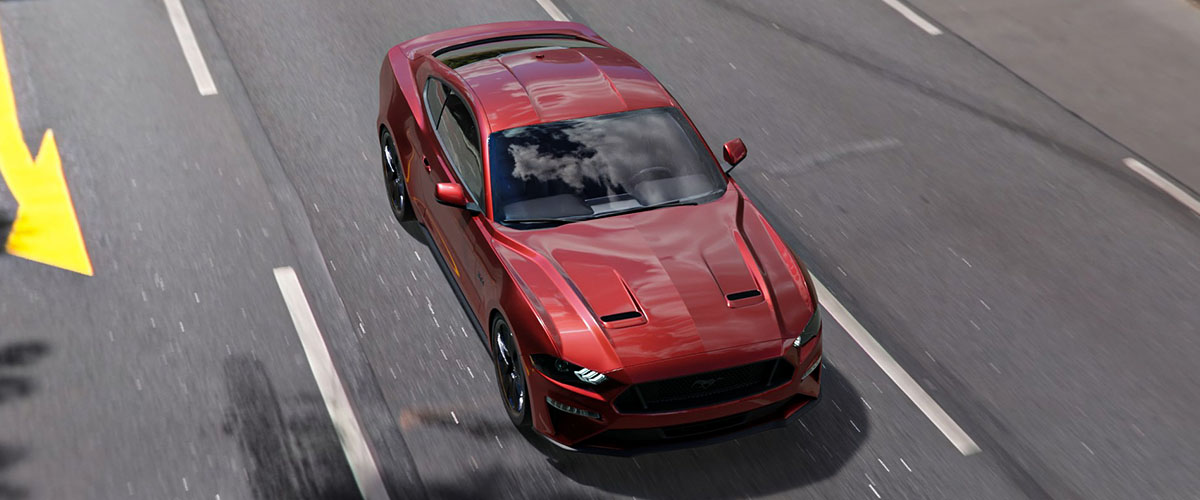
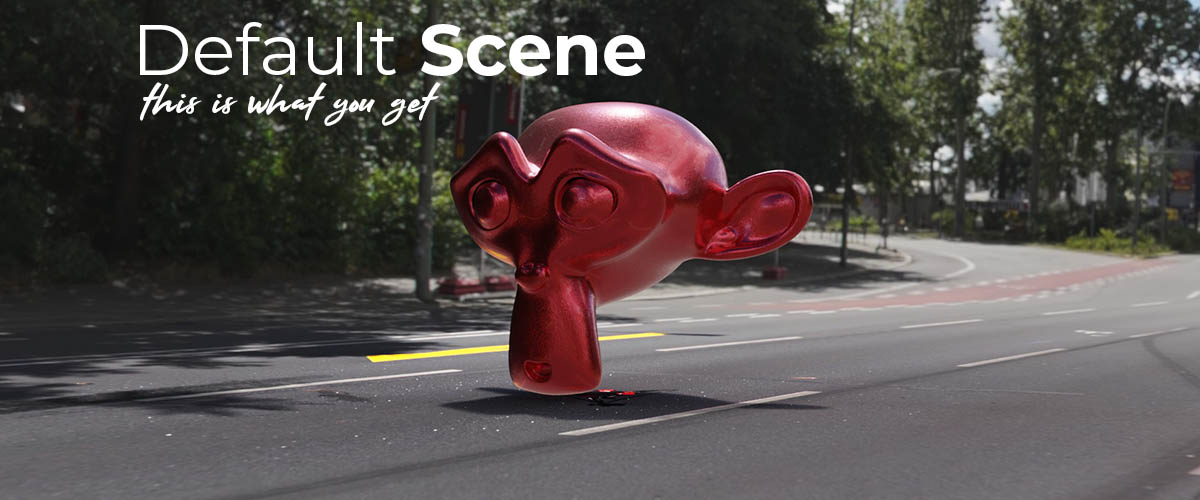
Automotive Halfdome
 Damian Mathew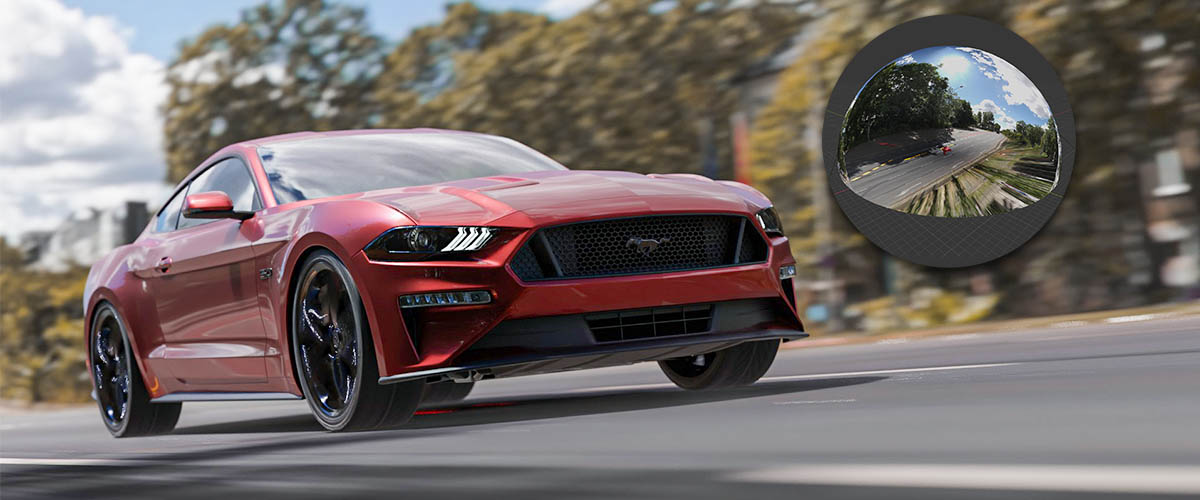
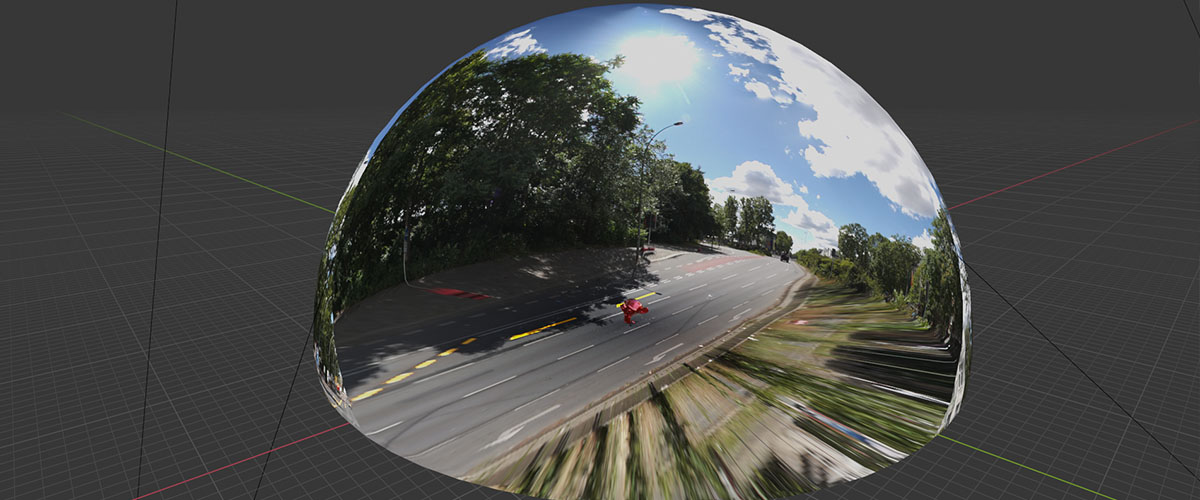
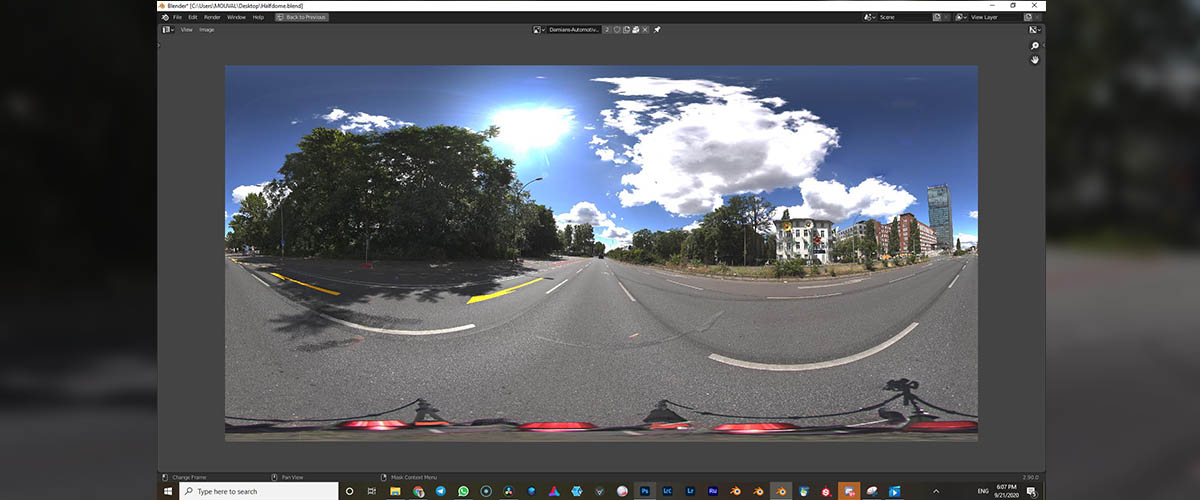
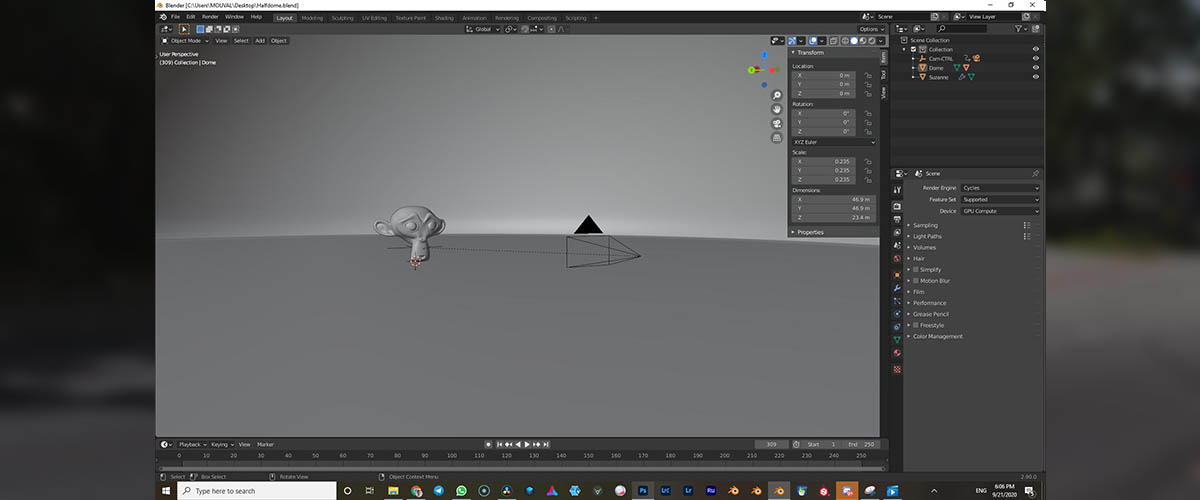
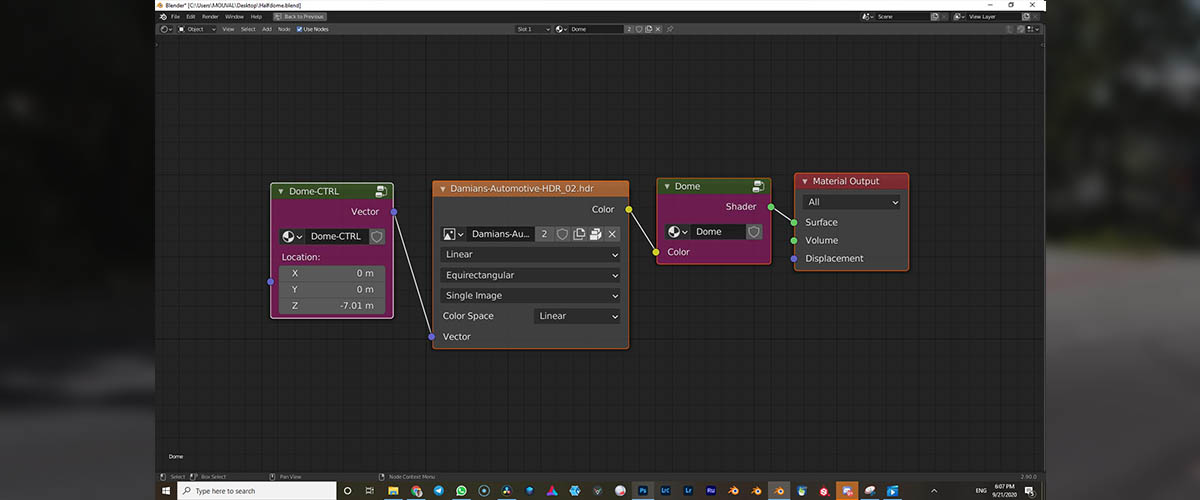
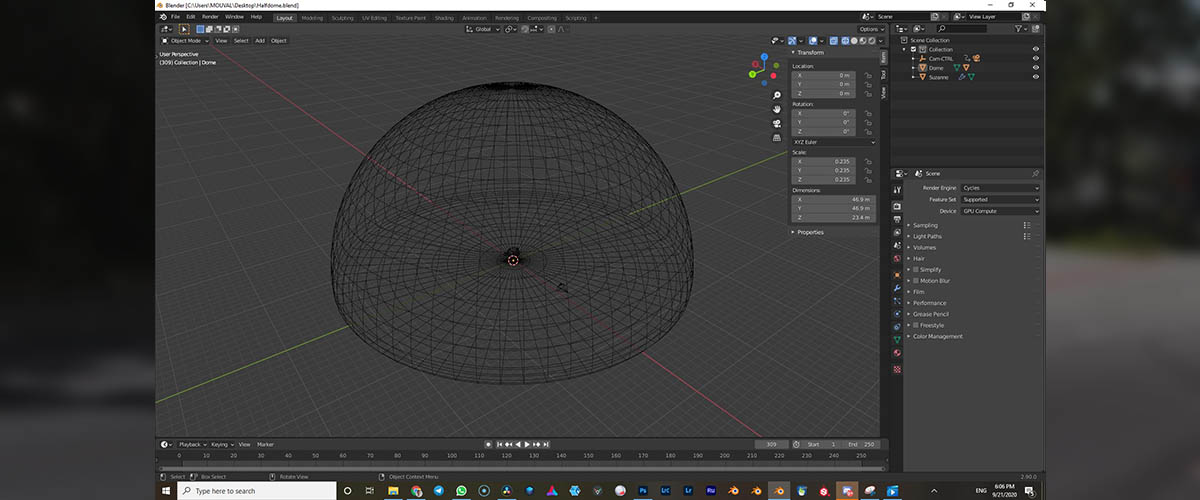

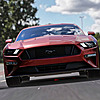

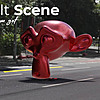
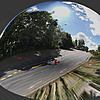
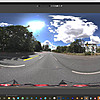
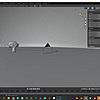
1. Add an HDR as usual to the 'World Properties' on the right.
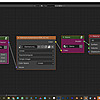
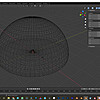
2. Select the Halfdome Object and open the 'Shader Editor' Window and add your HDR
3. Done.
Tipp: You can Keyframe the Halfdome along X or Y to create a Motion Blur render.
$25
Have questions about this product?
Login to message
| Sales | 40+ |
| Dev Fund Contributor | |
| Published | about 6 years ago |
| Blender Version | 2.9 |
| License | Royalty Free |