AxisLatch — Stop Chasing the Gizmo
 Li Shoujing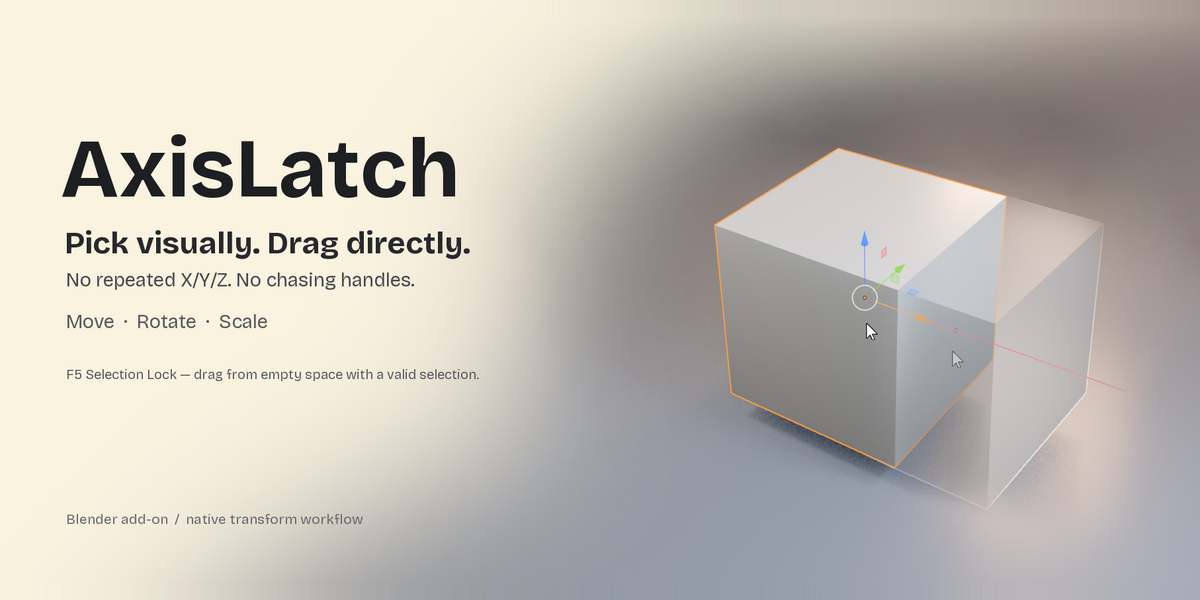
AxisLatch 1.0
Traditional Blender add-on. Offline operation; no third-party dependencies. License: GNU GPL v2 or later (GPL-2.0-or-later).
Compatibility — check before installing
Windows x64 only. Registration checks Windows, AMD64/x86_64 and a 64-bit Python runtime. Allowed versions: 4.2.19 up to, but not including, 4.3.0, or 5.1.0 up to, but not including, 5.2.0. These are two separate ranges; intervening release series and other platforms cannot enable this release. There is no build-hash lock.
Tested builds: Blender 4.2.19 LTS (12a2dfa84963) and Blender 5.1.0 (adfe2921d5f3) on Windows x64. Other patch releases in the allowed ranges can enable but have not each been tested.
Public API implementation and stability
AxisLatch draws its axis, plane, center and trackball handles through Blender's supported Python/RNA and Gizmo APIs, and uses Blender's native transform operators. It does not read or write process memory, use private structure offsets, or modify Blender installation files.
Platform and version checks cannot guarantee freedom from crashes or display problems in every configuration. Save frequently and try a non-critical scene copy first, especially on a patch release not individually tested. Contact the creator with your Blender version, build and reproduction steps if a problem occurs.
Install and get started
- Check your platform and Blender version against the two allowed ranges above.
- In Blender Preferences → Add-ons, use Install from Disk to select the ZIP without extracting it, then enable AxisLatch.
- Activate Move, Rotate or Scale using your configured native transform shortcuts (G / R / S with the default keymap).
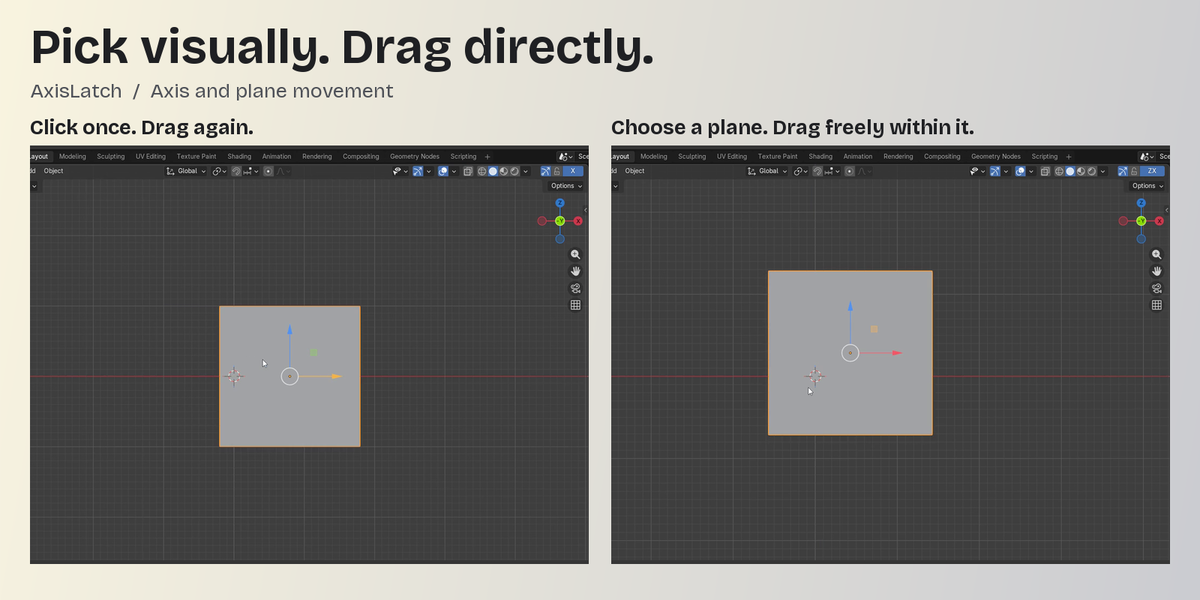
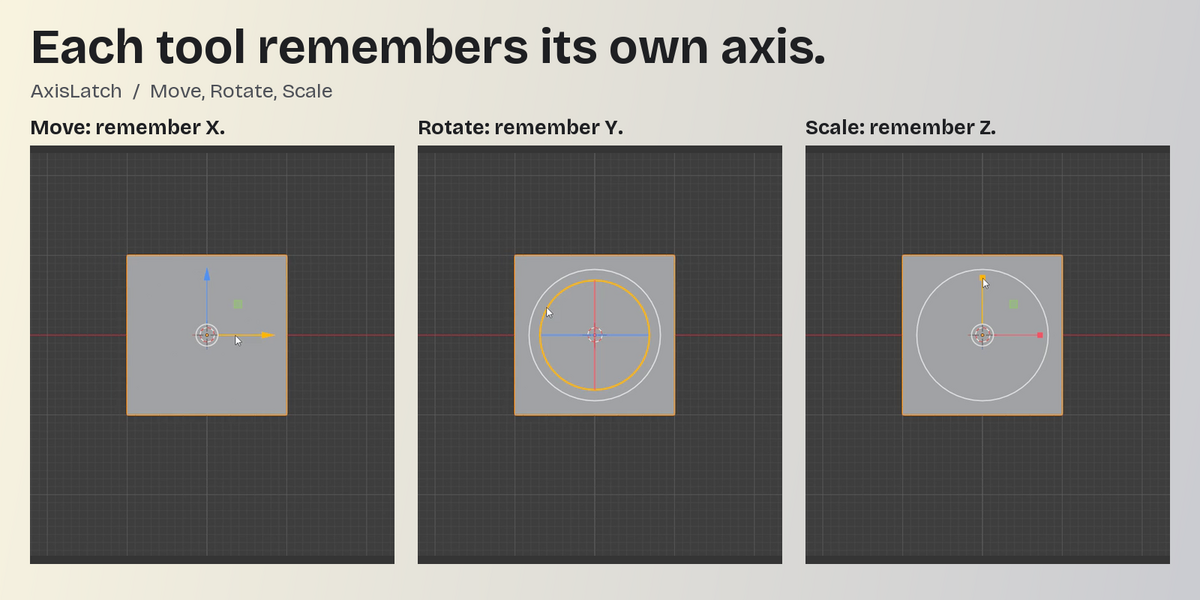
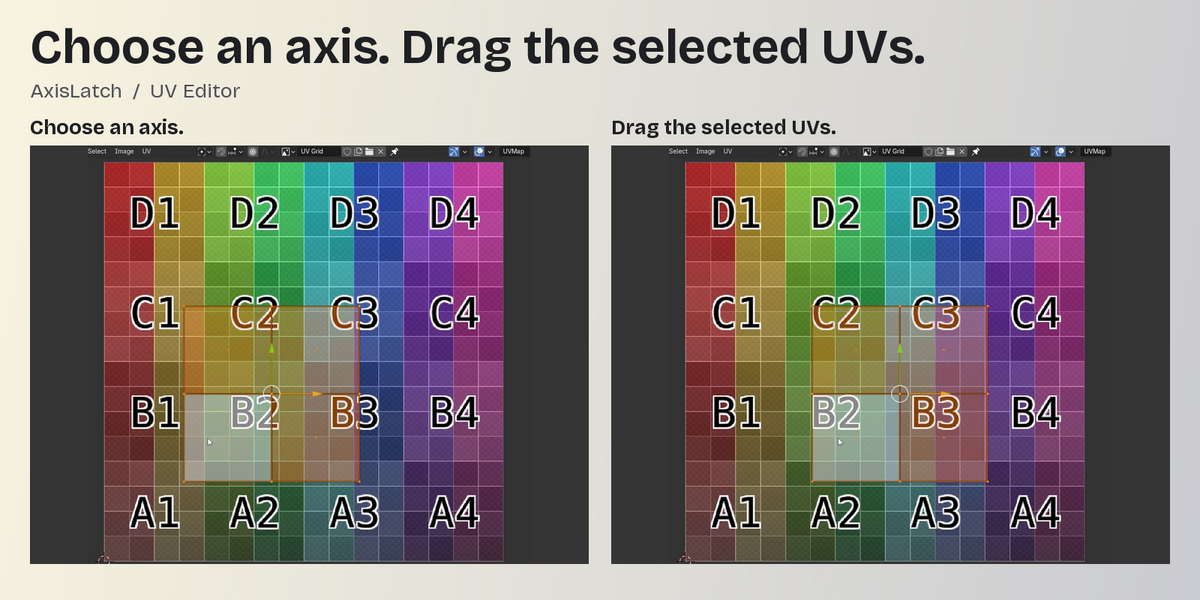
- Hover an AxisLatch handle for a temporary yellow preview. Click it to remember the constraint, even without moving it. The committed handle stays yellow after the pointer leaves.
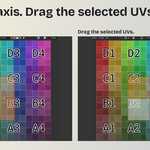
- Drag directly on your selected content using that constraint. Each tool remembers its own handle, separated by editor and mode.
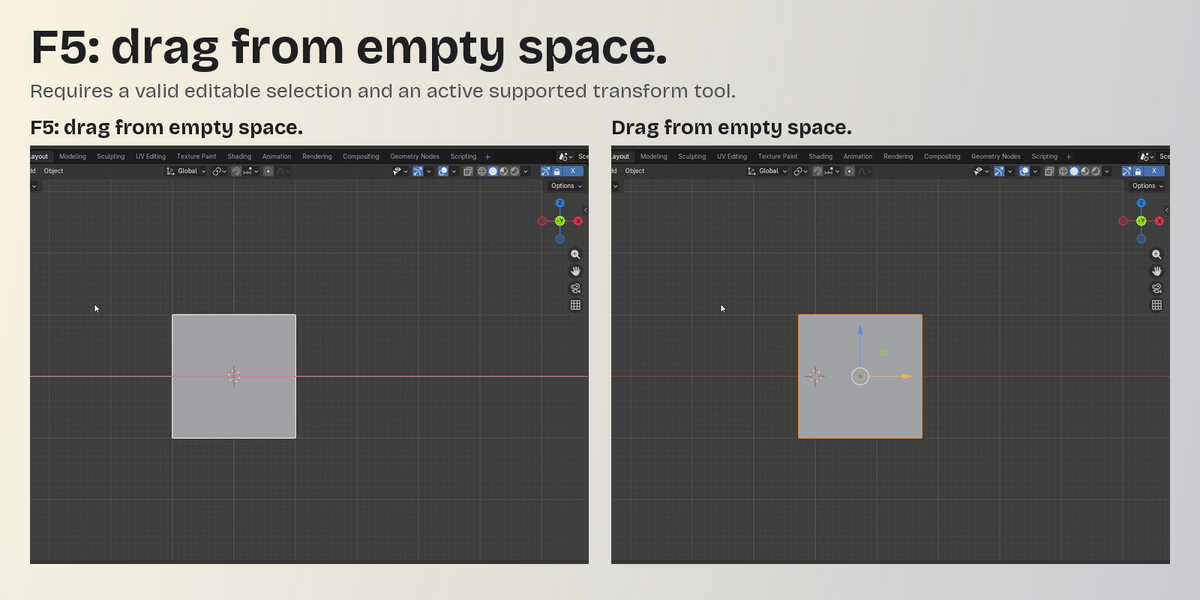
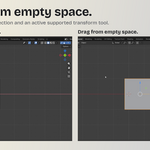
- With a valid editable selection, enable Selection Lock using the header lock icon or F5 to drag from empty editor space. Change F5 in the add-on preferences if needed.
- Click another handle to change the constraint, click its name in the header to clear it, or use the top Gizmo toggle to turn AxisLatch off.
Disable and uninstall earlier development test packages before installing; their settings are not migrated. Re-enable the add-on or restart Blender after updating it in an already-open session. No N-panel setup is required.
Editors and limits
The add-on includes the 3D View, UV Editor, Blender 5.1 Mask Editor and the Sequencer's separate Preview mode. Available handles depend on the tool, editor and mode. Blender 4.2 Mask editing and 2D Transform Cage handle memory are not supported. Mask feather points retain native interaction; deformed or tracking-parented masks do not have an equivalent hit-detection guarantee. Sequencer text uses an estimated hit area. Non-mesh editing uses conservative selection hit detection; full interaction coverage is not equivalent across every mode or complex multi-object setup.
README_zh_CN.md contains the Chinese usage guide and further mode-specific limits. Please contact the creator through the marketplace if you need help.
Copyright © 2026 Li Shoujing. AxisLatch is independently developed and is not affiliated with or endorsed by the Blender Foundation, Autodesk or 3ds Max.
Have questions about this product?
Login to message
| Published | about 4 hours ago |
| Blender Version | 5.2 |
| Extension Type | N/A |
| Render Engine Used | Cycles |
| License | GPL |
