AxisSnap — Axis Control & Quick Snapping for Blender
 Li Shoujing
Do I need a separate AxisLatch add-on?
No. AxisSnap includes AxisLatch axis memory and Quick Snap. Disable older duplicate add-ons before enabling it.
Why does G behave differently when axis memory is on?
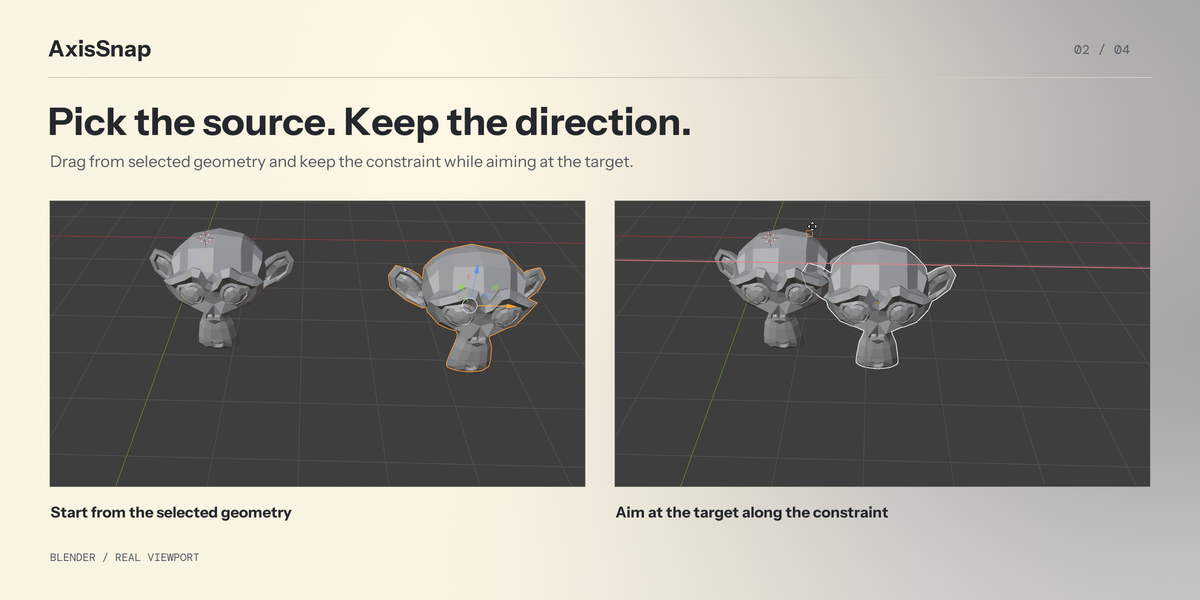
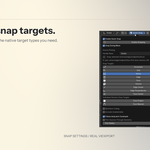
With axis memory off, G enters source selection when snapping is active. With axis memory on, G activates Move; use direct dragging from selected geometry to snap along the remembered constraint.
Can I combine snap types?
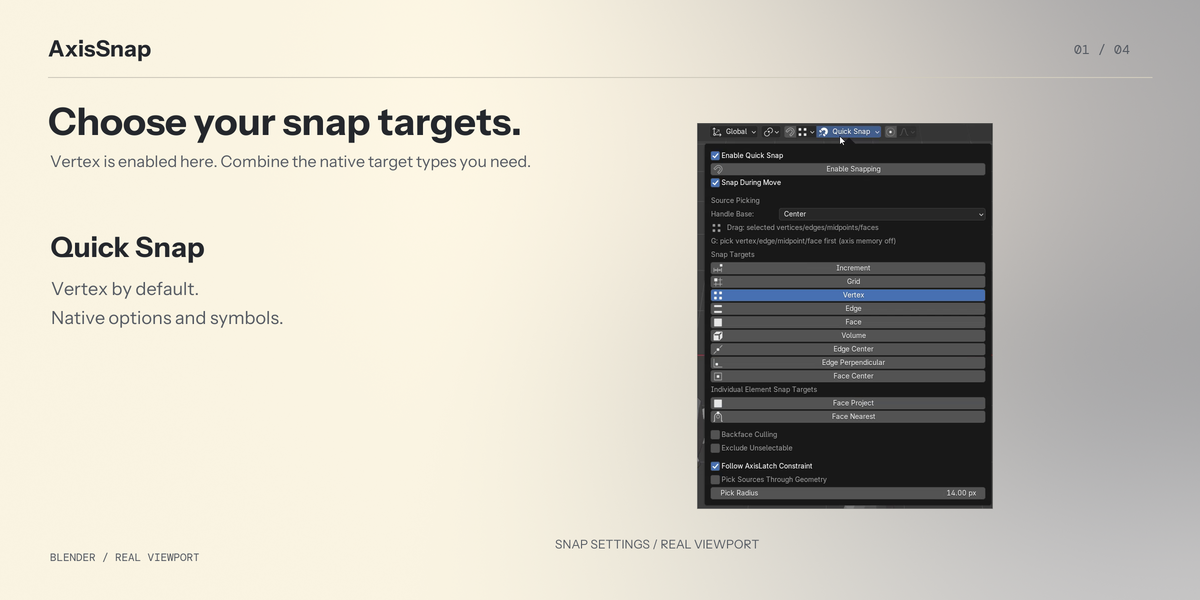
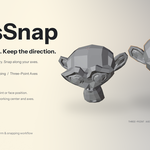
Yes. Target choices can be combined, with only Vertex enabled by default and at least one choice retained. Geometry sources are vertices, edges, edge midpoints and faces; other native target types are not additional source types.
Does defining three-point axes move the cursor or the object?
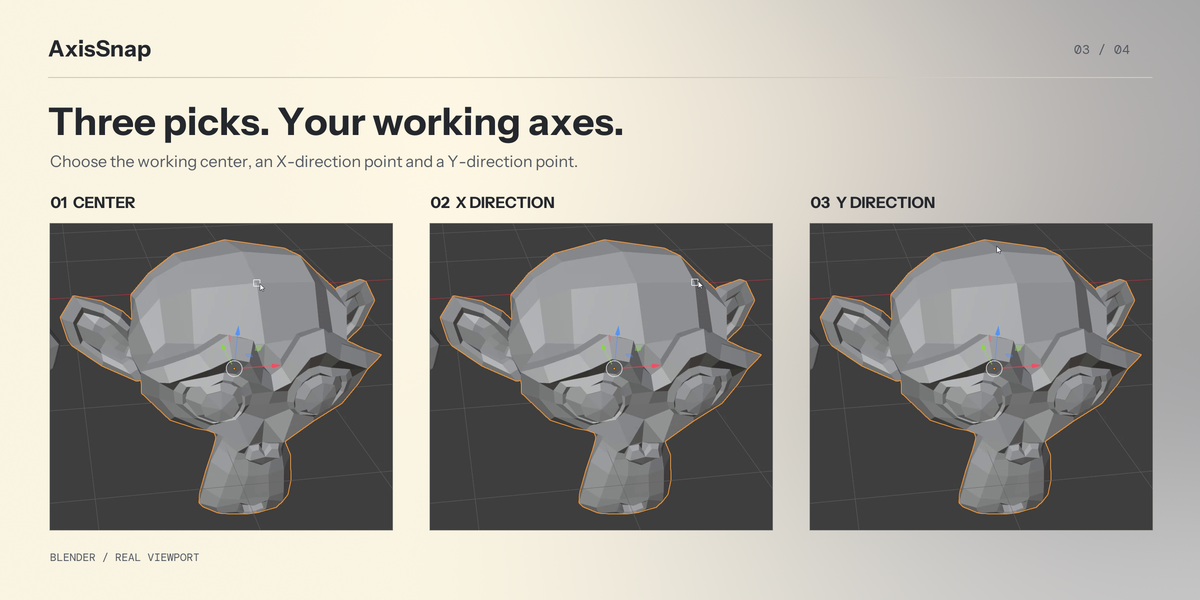
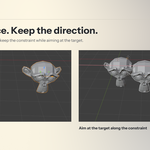
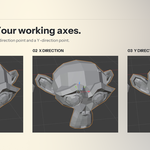
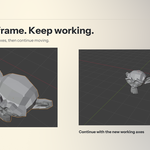
No. The three points define the working axis direction. In Object Mode, the first point also becomes its center; in Edit Mode, the center follows the current selection and Blender's pivot rule. Defining the frame preserves the cursor, object transforms and origins, geometry, selection, pivot setting and active tool identity. Subsequent rotation and scaling use the mode-dependent center; Mesh Edit Mode's Individual Origins retains separate element centers.
Why does a saved scene's handle ignore the header orientation?
The scene may retain an independent tool-orientation override. Choose World Axes once, then select the desired header orientation, such as Local, and save the scene. Redefining the three-point frame also makes Move, Rotate and Scale inherit the shared header orientation. Independently chosen tool orientations otherwise retain Blender's native behavior.
Does the free-move preview support every native transform option?
No. Before source picking, the G free-move preview does not insert automatic keyframes, merge geometry or correct face attributes; confirming retains its result. After source picking, the final move is handled by Blender's native transform. Quick Snap movement disables proportional editing.
Why are the default X and Y axes not perpendicular?
Edge-aligned mode follows both picked edges and preserves their actual angle when defined. Use the dropdown beside Three-point Axes to choose Orthogonal Axes. Nonuniform scaling on oblique axes can introduce shear and change edge angles; Object Mode is also subject to Blender's native TRS limits.
Does it support modifiers?
Evaluated mesh sources and mesh Geometry Nodes instances are supported in Object mode. Edit mode uses selected control geometry, or eligible evaluated geometry with On Cage. Non-rigid evaluation and Mirror clipping can prevent exact final coincidence.
Are the snap symbols native, and do they change color?
They are Blender's real native symbols. They retain Blender's theme colors; AxisSnap does not recolor or recreate them.
Does it contain surface alignment?
No. QuickAlign supplies the separate surface-alignment workflows. AxisSnap can be used without it.
Is the custom interface available in English?
Yes. Controls, tooltips and operation messages follow Blender’s English or Simplified Chinese language and translation preferences. English and Chinese usage instructions are also included. Other languages use the English source text.
Is it guaranteed to be smooth on very dense meshes?
No. Evaluation and cache rebuilding can cause delays. Performance depends on the scene, modifiers and hardware.
Have questions about this product?
Login to message
| Published | 1 day ago |
| Blender Version | 4.0 - 5.2 |
| Extension Type | N/A |
| Render Engine Used | Cycles |
| License | GPL |
