 BlenderGilads




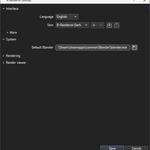



NOTE
1) Currently, there are builds for Windows and Ubuntu (both 64 bits) available. If you want to buy B-renderon but are on a different platform/linux distribution, please check with me via p.m. first.Thanks
2) For now, B-renderon is incompatible with Blender installations from the Microsoft Store. Please use the official Blender.org version, portable builds, or the Steam version instead.
Why I created it?
I work every day at a small animation studio, using Blender (among other software), and then I come home and use Blender some more for personal projects. Both at my job and at home, I found that I, and the other animators I work with, were relying more and more on command line scripts to render, both because of performance improvement (i.e. less memory consumption, less rendering-crashes with some add-ons, and generally faster renders) and because we often times need to leave multiple blend files to render overnight or over the weekend.
But writing command line scripts can be quite tedious and error prone (typing errors are often times lead to a render missed). That's why I developed B-Renderon, a standalone program with a nice and handy graphical interface to render multiple blend files from command line, without bothering with (or even seeing, unless you want to) the command line.
While developing it, several ideas came to mind to expand and improve upon it, and it ended up being something definitely cooler and more useful than I had envisioned.


Who can benefit from it?
In my opinion, pretty much everyone using Blender on the supported platforms, and making renders with it, would benefit from using B-Renderon. In my experience, once you have adopted a tool like B-Renderon in your rendering workflow, it ranges from being handy to feeling indispensable, depending on the projects you are dealing with. Simply dragging and dropping a bunch of blends onto B-Renderon, hitting render, and coming the next day to see them all rendered is just satisfying. And the flexibility of being able to easily batch render blends scenes / cameras / viewlayers or different blends with different blender versions, or to quickly set up different frame ranges and render them, to name a few, turns tedious processes into a breeze. It can also help immensely in systems with multiple GPUs, to speed up rendering using different gpu's in parallel instances rendering different frames at the same time.
With B-renderon you can
• Batch render blends, scenes, view layers, cameras
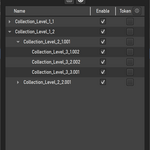
• Toggle specific collections on/off for each job
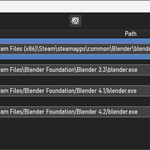
• Assign different blender versions to different jobs in the queue
• Render different jobs with different devices in parallel where supported
• Create different named queues and quickly switch between them
• Check persistent log file for each queue with useful information such as Start and End time and date of every render, average rendering time per frame, total queue processing time, scene name and amount of rendered frames for each job.
• See Blender's live log per job during and after rendering
• Quickly open blends in your queue with the appropriate blender version, or browse the blend path or the output path.
• Add extra command-line arguments, in case you want to, for example, change the render engine, resolution, execute a python command, etc.
• Assign external blender rendering scripts to each job.
• Automatically shutdown the pc after all renders are completed.
• During rendering, the STOP button has a context menu with options to stop after the current item in the queue is completed or after the current frame is saved.
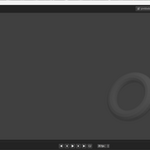
• Use the built-in image viewer to check rendered frames / sequences, or set an external viewer Set automatic render start and or end times.
• Pause renders and resume them later, starting from the next frame after the last saved one
• Set output file path patterns with tokens. This feature is independent from blender's 4.5+ builtin file path pattern feature, it works on any blender version and can be combined with the built in feature. There's a big variaty of tokens available. Patterns can be turned into presets.
• Set folders as "watchfolders" so any new blend files that get added to those folders get automatically picked up by B-renderon and rendered
• Automatically detect failed renders (i. e. blender crashes, or runs out of gpu memory, etc) and try to resume them (optional setting).
• Create your own rendering modes to automatically set up the parameters you need to newly added jobs
• During rendering, see relevant info of the selected job's current progress in the statusbar, such as average rendering time per frame, estimated time remaining, total rendering time for already completed jobs, etc.
• Drag and drop toolbars to reorder them to your liking, hiding those you don't need
• Reorder queue columns, hiding the ones you don't need
• Create your own themes


How does it work?
B-Renderon doesn’t actually open your blend files*. It just manages the settings and parameters that you set up throughitss interface, and, when you hit “Render”, it starts spawning background blender instances, with the settings you choose as command line arguments, waiting for each of them to finish before starting the next one. During rendering, it extracts useful info from blender’s live log for storing in B-Renderon’s log and to know the amount of frames rendered so far at every moment.
Notice that, since the actual rendering is done by Blender, you need to have it in your computer in order to render.
 https://assets.superhivemarket.com/cache/29193a1501f6bd0485d8c81d74477002.png


Suported Platforms and Languages
Currently, builds for Windows and Ubuntu are available. If you would like to use B-renderon on some other distribution, please send me a p.m.
The interface language can be set English, Spanish or Chinese
Updates
Version 1.1:
- Added Chinese support (Many thanks to 只剩一瓶辣椒酱 for his help with the tranaslation!)
- Corrected a little bug that caused that, when finnishing rendering in "frames" mode for an item that had previously been interrupted while rendering, only the number of frames rendered since the last interruption would be reported on the item status instead of all of them
- A few other minor improvements to the interface and inner workings
Version 1.4:
- Added a setting to choose weather, in "Frames" mode, you wish to specify the a frame or list of frames to be rendered, or just render frame 1
- Added a new mode for adding files, besides "Frames" mode and "Animation" nodes, that let's you choose external blender rendering scripts to be run by blender and manage the rendering.
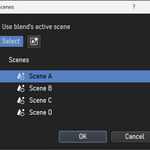
- New scenes selection workflow! Added an option to let B-renderon read the Blends you add to the queue to find out the scenes present in it so you can choose which of them you wish to add to the queue via a dropdown list.
- A few other minor improvements to the interface
Version 1.49:
- Fixed a couple of bugs, including one with the Blender Live log that caused that, when activated, on occasions it would make B-renderons interface become sluggish or even freeze for a while
- Added navigation buttons to the Live log that allow jumping to the beginnings of the different blends in the log
- Previously, on some systems, the O.S would go to sleep even while rendering. Now, when possible, B-Renderon while make sure to keep the system awake while processing the queue.
Version 1.5:
- Added per frame rendering time report to the log for the frames mode (in addition to the already reported average time)
- Improved the UI for selecting different blender builds for different items in the queue
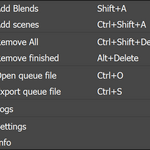
- Added the ability to recover the previous session's queue, and to export/import queue files. This options can be found in the context menu (Via right click on the queue or hitting spacebar)
Version 2.0:
- UI overhaul. Options are now better exposed and some confusing elements where removed
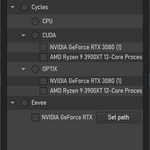
- Added option to choose rendering devices for Cycles per file
- Added toggle in the interface to have B-renderon shutdown the pc after all rendering is completed. (On some linux systems, B-renderon must be launched with priviledges for this option to work)
- Added a new option to stop processing after current frame is rendering. Access it via the STOP button context menu (right click) during rendering.
- Internal refactor and several minor fixes and polishes
Version 2.1:
- Added useful information to the status bar during rendering (frames remaining, average rendering time per frame, estimated time remaining for current blend)
- Added option to set a timer to start rendering later
- Added option to play a sound when processing is completed
- Added option to always startup with last session
- Columns can now be hidden and reordered and reset and it will be remembered
- Added support for dropping of queue files
- Added option to relocate blends missing when loading queue files, usefull when switching to a different pc
- Other smaller improvements and bug fixes
Version 2.2:
- New preference to render multiple files in parallel
- New "distribute" option in the devices and in the blender versions windows, to automatically assign different render devices or blender versions to different items in the queue.
- Fixed issue on Windows when dealing with blends on special paths such as network paths
- Revamped the extra arguments window with some useful presets and arguments
- Other smaller improvements and bug fixes
Version 3.0:
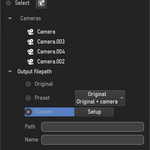
- Added ability to read blend's camera and choose which ones to use for rendering
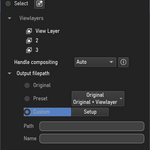
- Added ability to read blend's viewlayer and choose which ones to use for rendering
- Added ability to set output paths and filenames with tokens / wildcards. Including presets
- Added watchfolders feature, that let's you choose folders as "watchfolders" so any new blend files that get added to those folders get automatically picked up by b-renderon and rendered
- Many other fixes and improvements and updates for blender 3.0
Version 3.1:
- New named queues management workflow, allowing the user to quickly switch between different named queues
- The text log is now per-named queue
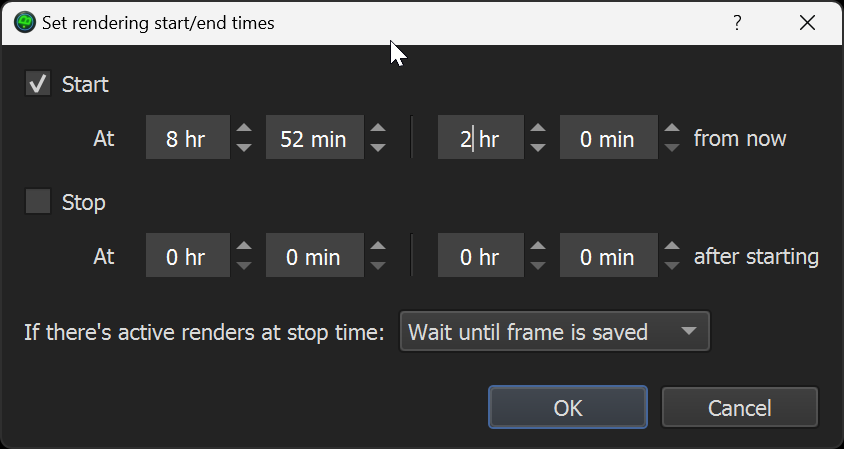
- New render scheduler, allowing the user to set start and or end times to automatically start/stop renders.
- When multiple jobs are selected in the queue, the scenes, viewlayers and cameras windows will now allow you to read all blends and show combined results and choose from that
- Added total queue processing time to the status bar and text log
- Added settings to choose which program to view the renders with for videos and images / sequences
- Some third party add-ons don't let blender close after rendering via command line. In previous versions of b-renderon this could cause that users with those addons enabled would have b-renderon render an item and never proceed to the next one because it didn't get the signal that the render finished. The solution was to activate the setting "use factory settings" to bypass 3rd party addons, but that wasn't always ideal. Now, B-renderon will detect when a render is complete and if Blender isn't closing by itself, B-renderon will close it and proceed with the next element in the queue.
- New context option to change the alignment of the contents of a queue column
- The "open blend" button will now respect the blender version assigned the selected job
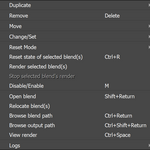
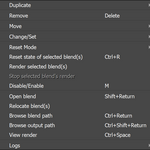
- New context option to enable / disable items in the queue to omit them when rendering. (Also accessible via the shortcut M)
- Added "extra arguments" feature to watch folders, especially useful for using the "overwrites off - place holders on" preset in home network renders
- Lots of fixes and improvements everywhere
Version 3.1.1:
- Fixed regression in 3.1 that could cause the UI to freeze when rendering heavy blends
- Added option in the settings to keep the pc awake while rendering, on by default. This was already the behavior previously, but there was no way to disable it.
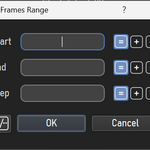
- Fixed crash in the frame range window when entering frame limits to an empty field
- Fixed issue for systems with multiple displays with different scaling that occasionally caused the UI to look weird when them monitors came back from standby
- Various other smaller fixes
Version 3.1.2:
-
Fixed regression in 3.1.1 that caused wrong number of rendered frames reporting for scenes with file output nodes
Version 4.0:
Big overhaul. Too many changes and fixes to list here. Main focus was customizability, both in terms of look and workflows. Most important updates are:
Look
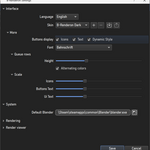
- Complete overhaul. Icon based interface. Trees based secondary windows. Main queue split between jobs properties and jobs rendering status columns.
- Rearrangeable toolbars
- Custom skins editor
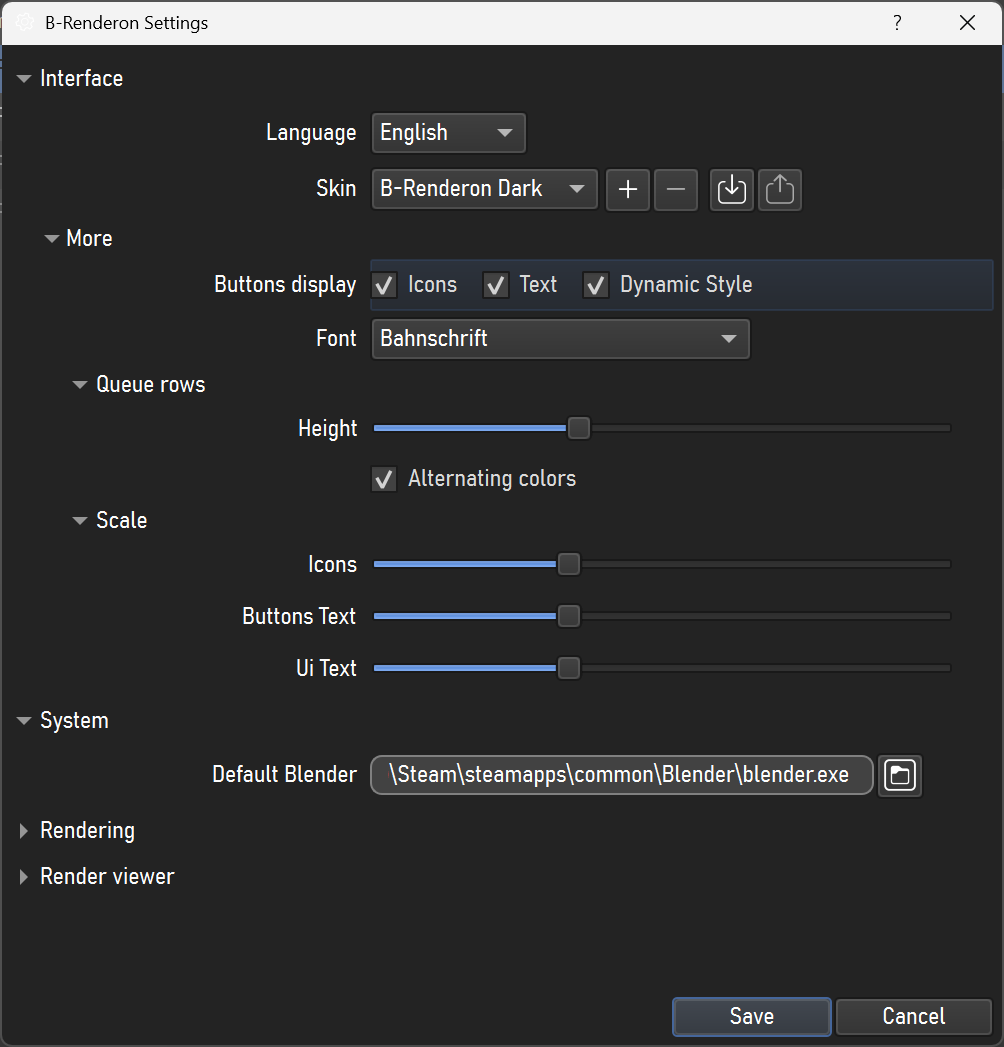
- Customizable UI scaling: adjust icon size, text size, and queue row height
Workflow
- Custom modes: users can create and edit modes to define which properties are set and how for jobs added to the queue. For example, create a mode such that all jobs added in that mode use a certain output file path pattern, run a certain python script, etc. Related to this, there's now optional extra modes available for download. Currently, these include TurboTools modes for users of said add-on, to render scenes that use it.
- New collections toggling feature, including dynamic token assignation for output file path patterns
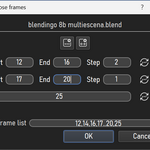
- Revamped frames/frame ranges selection windows
- Render viewer window was rewritten
- Users can now assign a custom app for viewing stills, image sequences and videos
- Users can set the auto-shutdown feature to either shutdown or suspend the system
- Livelogs are now persistent and have handy navigation widgets
Version 4.12:
- Fixed bug that made B-renderon freeze for some users
- Improved compatibility with Shot Manager
- Improved compatibility with TurboTools