B-Skin: Wrap Base Mesh Topology Onto Scans and Sculpts
 blenderustad
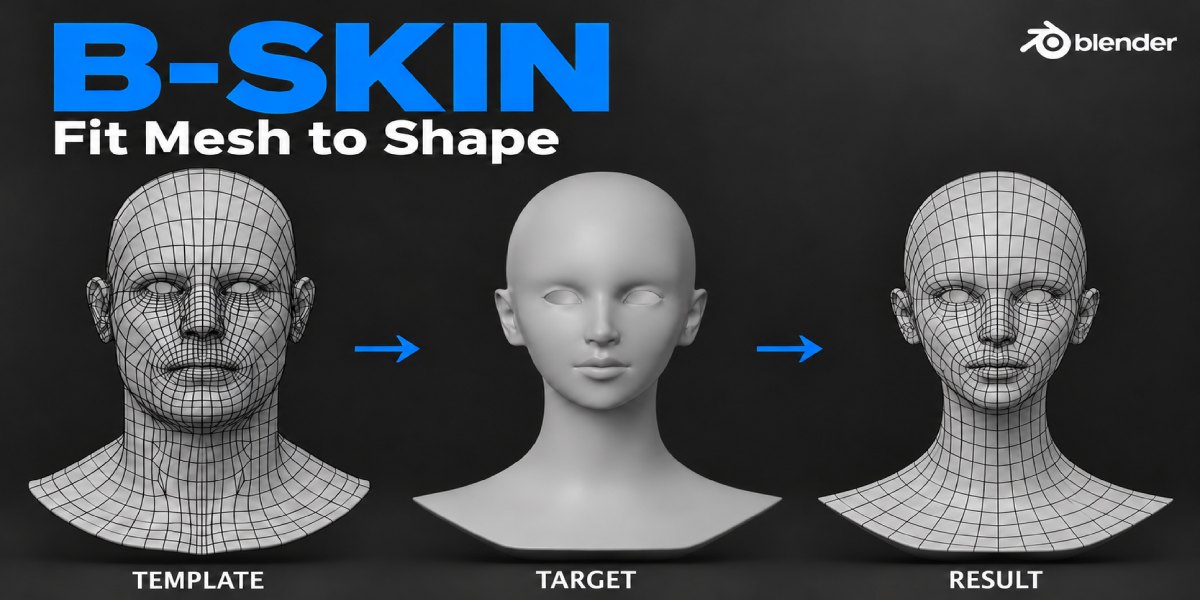
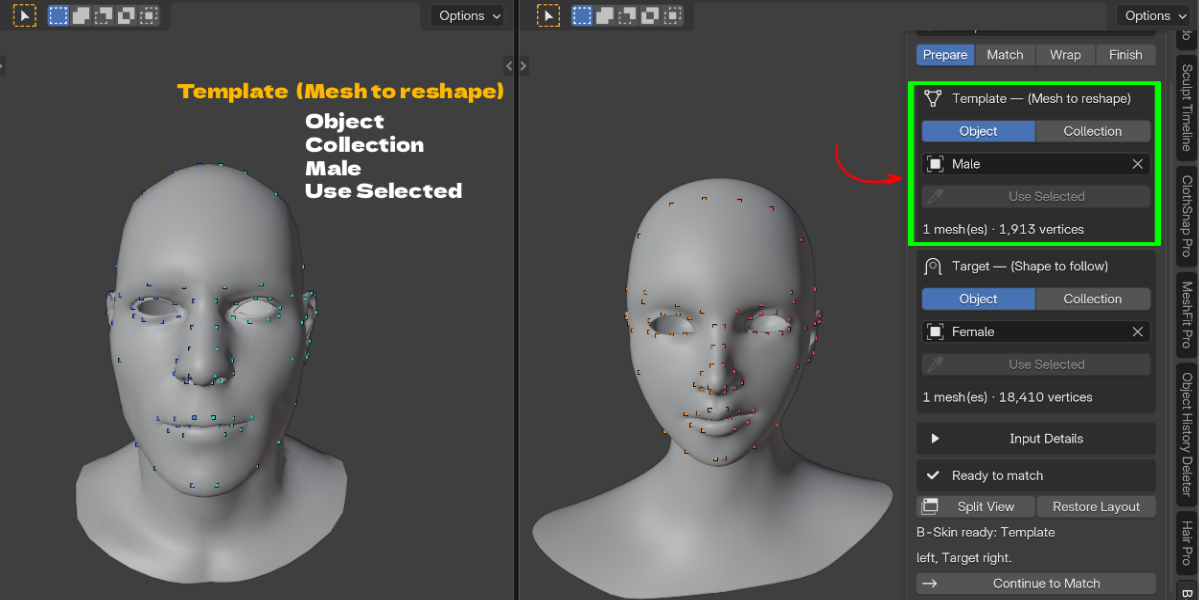
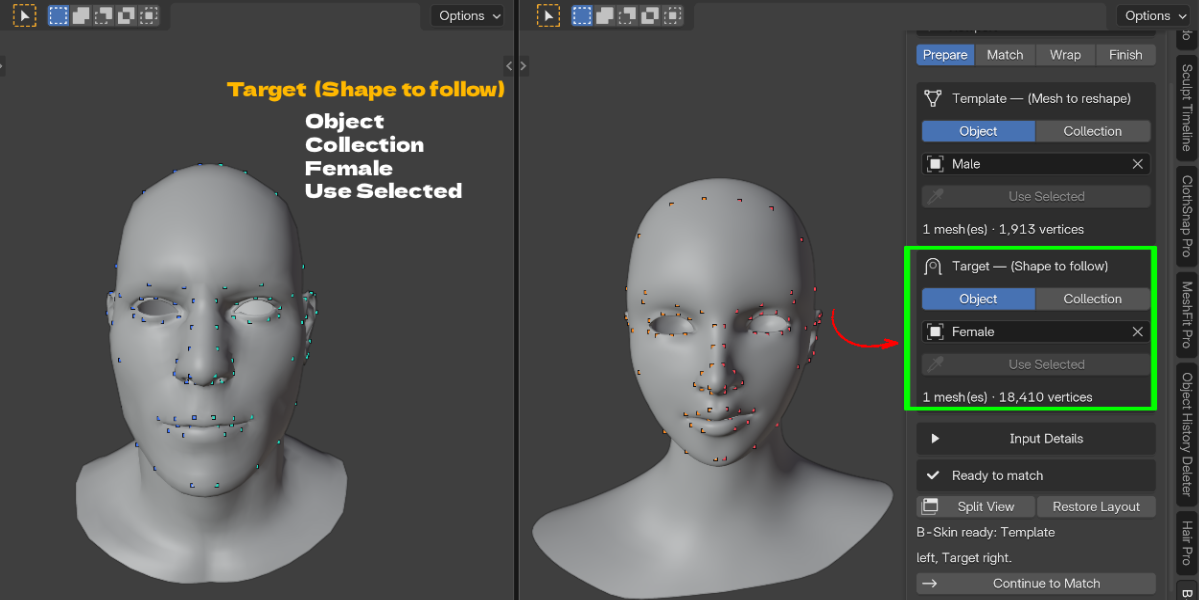
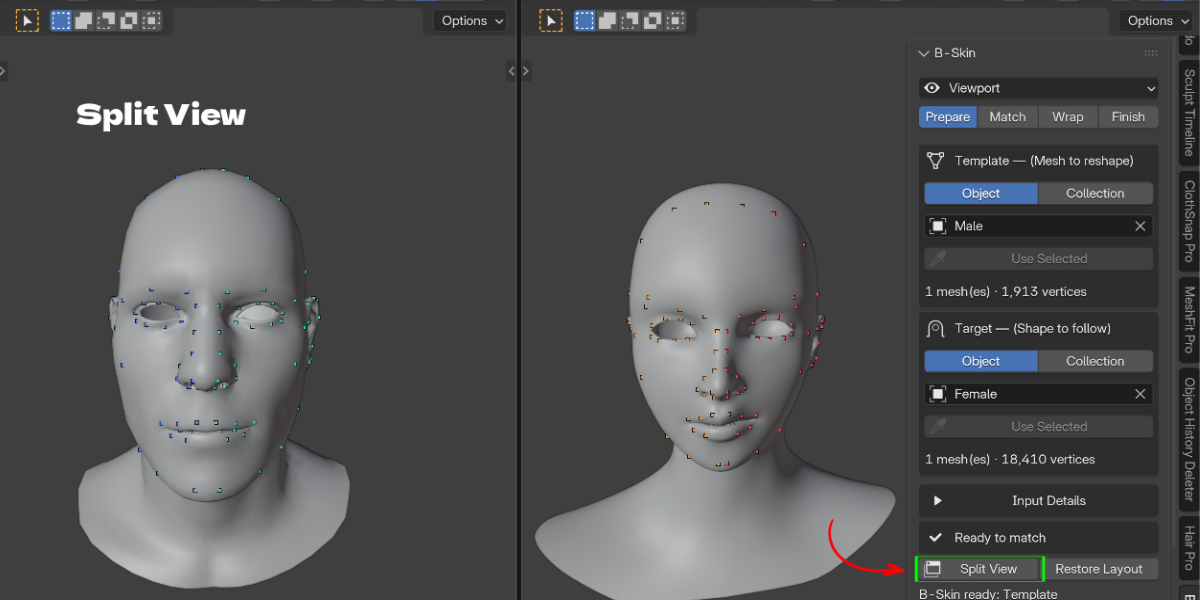
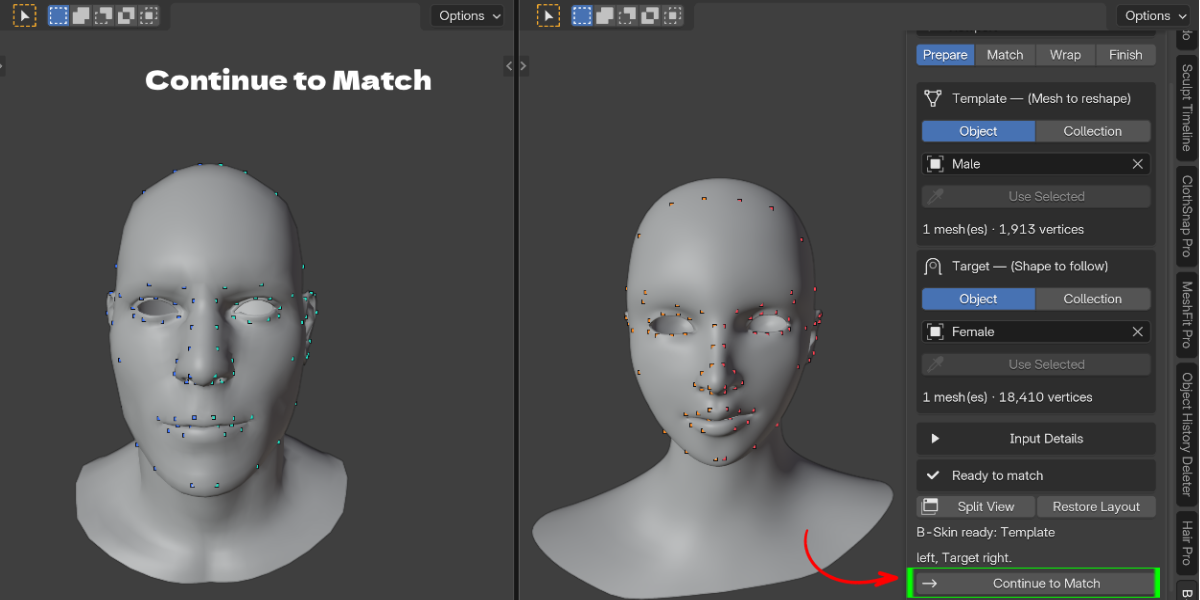
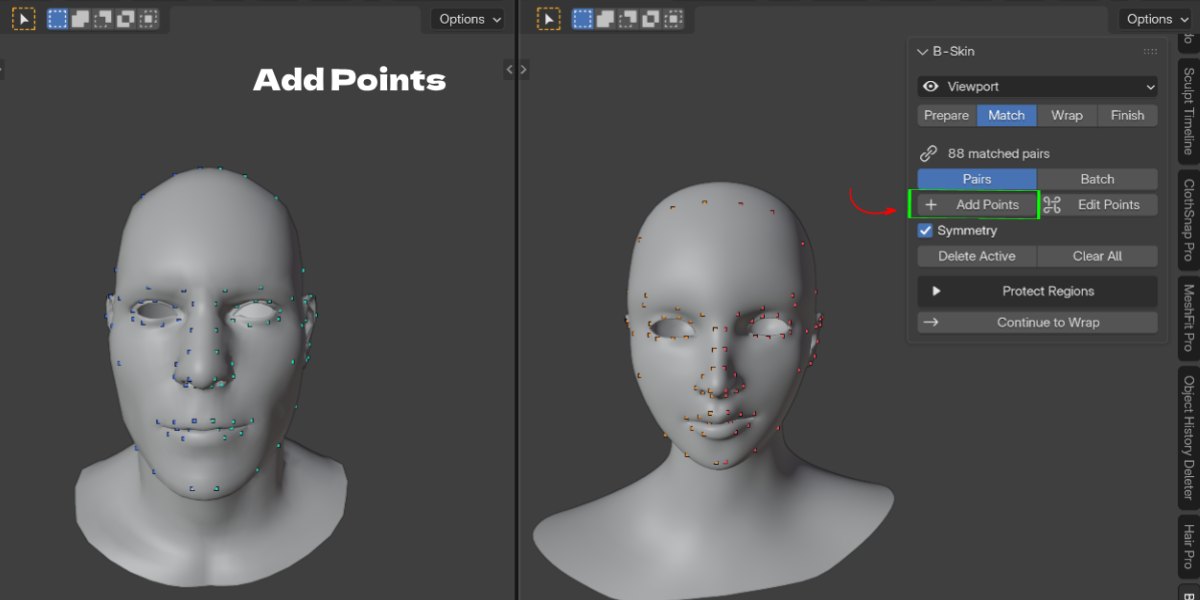
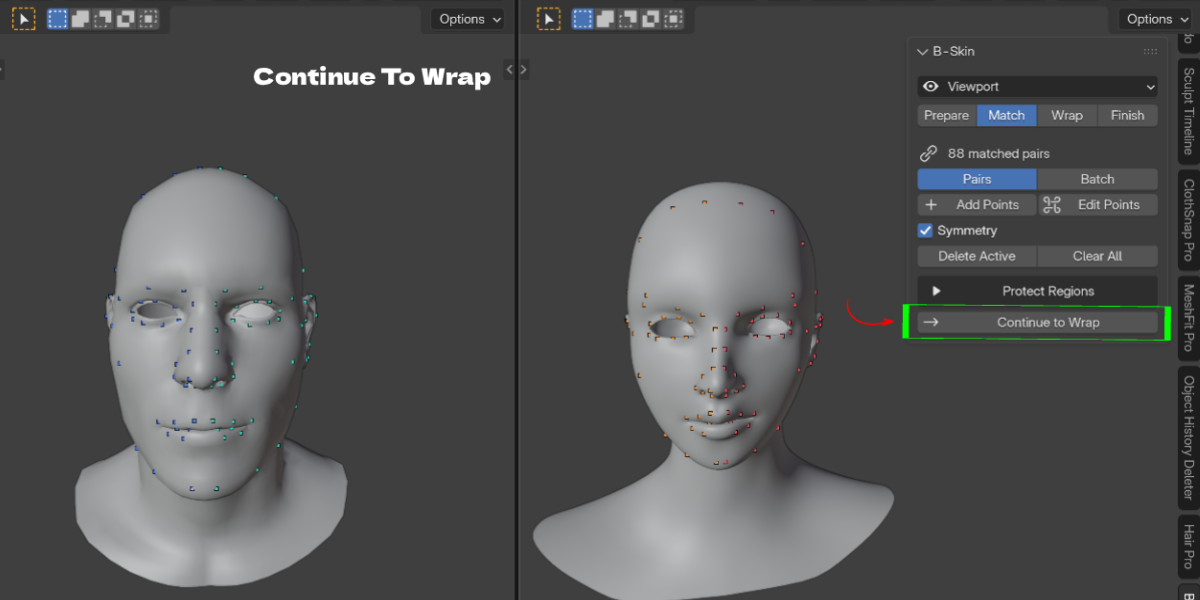
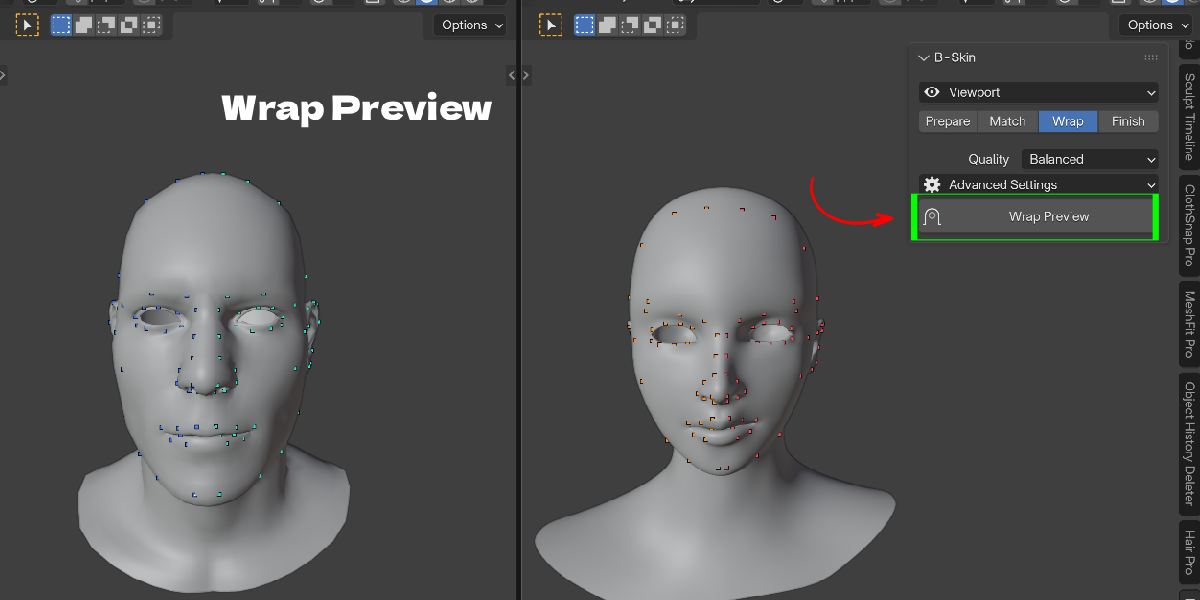
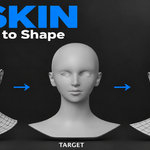
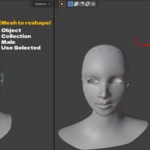
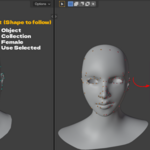
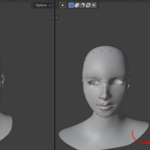
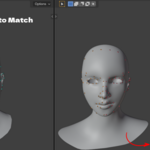
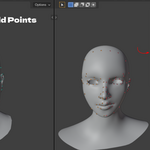
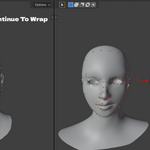
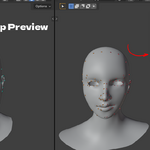
Install B-Skin, set your clean mesh as Template and the scan as Target, place a few matching points, then click Wrap Preview. Finish with Create Copy.
Yes. Only vertex positions change. UVs, vertex groups, materials and attributes stay on the mesh.
No. The wrap is an editable preview with a Result Blend slider. Nothing is applied until you choose a Finish option, and Create Copy leaves the original Template untouched.
Yes. Use more landmark pairs and try Progressive Elasticity in Detail Preservation for very large shape changes.
Yes. Bake Texture, Vertex Color, Normal Map or Cavity from the Target onto the Template's UVs, up to 8192 pixels.
Yes. Use Collection mode for Template or Target, and Keep Seams Together to keep parts connected.
No. B-Skin fits the neutral mesh. Rigs, expressions and facial rig data are not retargeted.
Blender 4.2 and newer. Automated checks were run in Blender 5.2.1.
Wrapping is mesh editing and does not depend on the render engine. Baking uses B-Skin's own transfer, not Cycles bake.
Email [email protected] or message Blender Ustad through Superhive.
Have questions about this product?
Login to message
| Blender Extension Compatible | Yes |
| Published | about 3 hours ago |
| Blender Version | 4.2 - 5.2 |
| Extension Type | Add-on |
| Render Engine Used | Cycles, Eevee |
| License | GPL |

Discover more products like this
fit mesh to sculpt character base mesh topology transfer landmarks 3D Scan mesh-wrap retopology photogrammetry Head texture transfer wrap base mesh to scan