 빌장
빌장



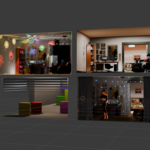
Bake any 3D interior into a single plane
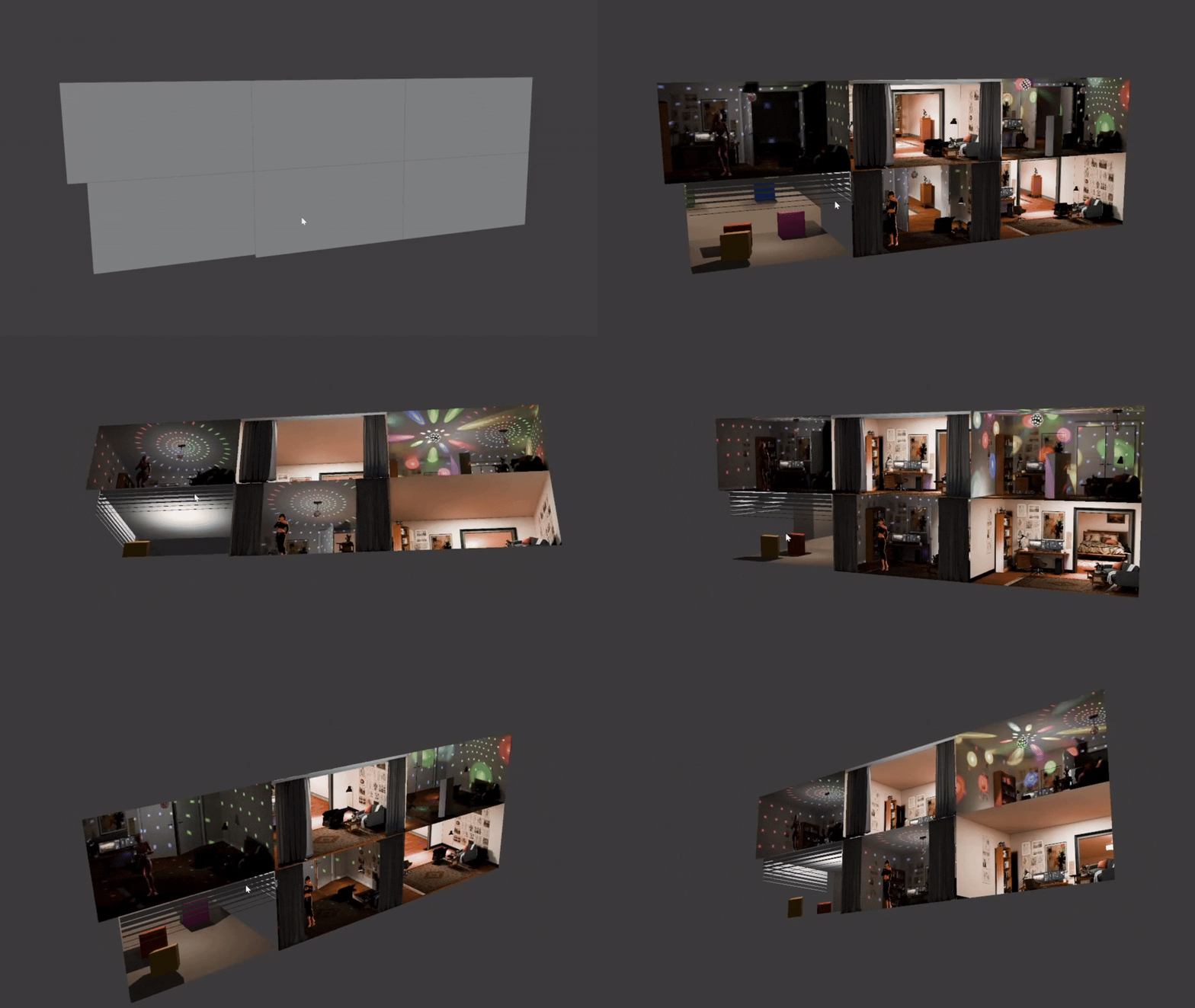
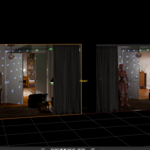
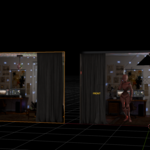
B_Parallax is not an asset pack and not a shader node group — it's a baker. Build a room in Blender with your own models and materials, press Bake, and get a fake-interior card that renders the whole room from a single plane and a single atlas texture. Front and back rooms, animated doors, moving characters with shadows, and animated lighting all bake down into the same card.
One room = one card + one atlas texture. No interior geometry in your final scene. Fill a city block with lit interiors for the render cost of a few textured planes.
Why another interior mapping product?
Every interior mapping product on the market today is one of two things:
- An asset/texture library — beautiful pre-made rooms, but they're someone else's rooms. You can't put your own furniture, your own signage, your own lighting in them.
- A shader node group — you get the parallax math, but you're on your own for producing the actual interior textures, and forget about doors or animation.
B_Parallax is the third thing that didn't exist: a full baking pipeline. It captures your actual 3D scene — your models, your materials, your lights — packs it into an atlas, and auto-builds the complete interior-mapping shader. No hand-authored atlases, no node wrangling.
The workflow
-
Add Room — one click creates the capture box and wall setup. Adjust room size to fit your scene.
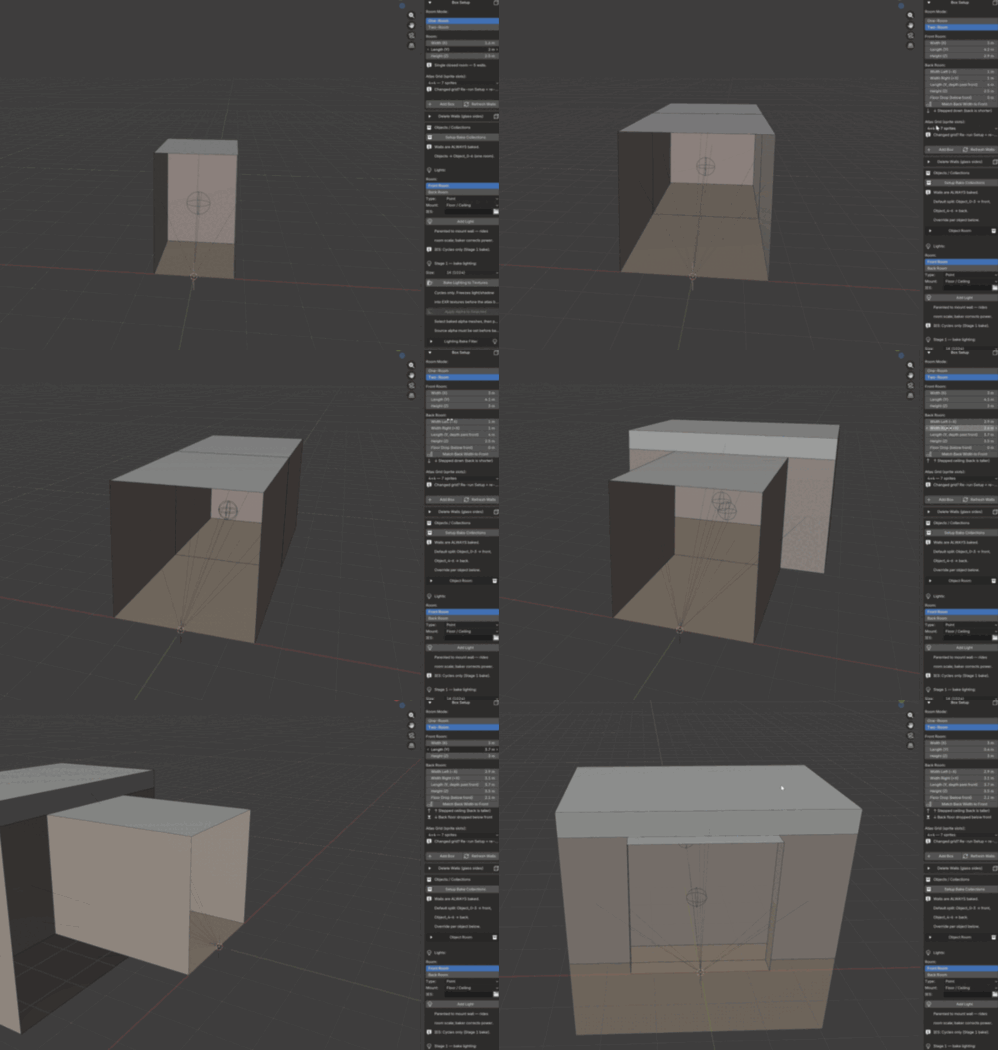
- Furnish it — drop in your own models, materials and lights. Blender-native, nothing special to learn.
- Bake — the addon captures every wall, packs the atlas, and builds the shader.
- Done — a single plane that fakes the entire interior with true parallax depth. Duplicate it across a whole skyscraper if you like.
Feature highlights
Two-box rooms with real depth. Front room + back room capture in a single atlas. The parallax doesn't stop at the first wall — you see through to a second space behind, like real architecture.
Doors — and they open. Swing doors (single and double-leaf), sliding automatic doors, and glass doors (including double glass doors with handles and frames). Bake them static at any angle, or as an animation flipbook. Light from outside the room pours through the doorway and casts real shadows across the interior walls and floor — and as the door swings open, the shadow sweeps with it, baked per angle into the card.
Animated objects with moving shadows. Put a character on a motion path inside the room, bake a flipbook, and the card plays it back — including the moving shadow it casts on the walls and floor.
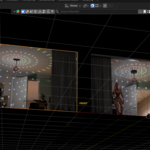
Animated lighting. The atlas separates albedo from irradiance, so lighting itself can animate: flickering fixtures, party lights, and a spinning mirror ball / disco system (dome and disco models included).
Interior detailing. Wall moldings (crown, floor, door casing), mid-walls, auto-generated corridors (straight / L / T), multi-room layouts, emissive surfaces (monitor glow survives the bake), and object-fit helpers that seat your props correctly in the capture box.
From Blender to Unreal & Unity. Importers for Unreal Engine 5 and Unity (URP, experimental HDRP) are included. Export atlas + JSON from Blender, run the importer from the engine's Tools menu, and the interior-mapping material is rebuilt for you — no manual shader work. Every animated feature plays back in both engines: door flipbooks, mirror-ball spin and lighting animation.
Both engines in Blender. Everything — including the animated-lighting flipbooks — bakes and renders in both EEVEE Next and Cycles.
Tuned defaults. A one-click "Apply Render Settings" button writes a fully tuned GPU bake configuration into your scene — no accidental slow CPU bakes.
Who is it for?
- Environment artists filling cityscapes, train stations, malls — anywhere you need dozens of lit interiors that will never be entered.
- Archviz — populate background buildings without modeling their guts.
- Game developers — bake in Blender, then bring it straight into Unreal Engine or Unity with the included importers.
- Animation — this is the rare fake interior that moves: doors, characters, lights.
What it is not
- Not an asset library — it ships no pre-made rooms. It turns your rooms into cards.
- Not a POM/depth-map node group — the shader is generated per-bake, wired to your atlas automatically.
- Interiors are an illusion on a plane: the camera can't go inside a baked room. All lighting — including exterior light spilling through the doorway and its moving shadows — is captured at bake time; a new light you place in front of the card afterwards won't re-light the interior. That's the trade that buys you the performance.
Requirements & licensing
- Blender 5.0+ · EEVEE Next & Cycles · installs as a standard Blender Extension.
- Unreal importer: UE 5.x. Unity importer: Unity 2022.3 LTS+ with URP (HDRP experimental).
- The Blender add-on is GPL, like all Blender add-ons. The bundled Unreal/Unity importers are licensed under their own EULA: use them freely in your commercial and personal projects and ship the results in your games — redistribution of the importer itself is not permitted.
ROADMAP & SUPPORT
Planned Free Update — Day/Night Cycle (Unity & Unreal runtime)
Drive all your baked interiors with a single time-of-day parameter.Windows switch between day and night lighting as game time passes,light animations loop within their own time range, and animatedobjects can be set to appear only during the hours you choose.Per-instance random offsets make each window turn its lights on andoff at a slightly different time — so a night city never lookscopy-pasted. Set up and bake in Blender as usual; the real-timeday/night switching runs in your game engine.
Actively Maintained
This is an actively developed tool. Bug fixes, stabilityimprovements, and compatibility updates are shipped regularly andincluded free for all owners. If you run into an issue or hit anedge case, report it and it gets looked at — your feedback directlyshapes the next update.
All future updates are free for existing customers. Prices may riseas major features land, so the current price locks in everything tocome.
Try it free
Want to see the parallax depth with your own eyes before buying? Download the free test version on ArtStation, bake a room in five minutes, and come back when you want doors, animation, and the Unreal/Unity importers:
→ B_Parallax Free on ArtStation