Babel 2.0: Addon For Blender
 Egret Studios LLC
Babel 3 - User Documentation (New Update+)
Introduction
Babel 3 is a professional Blender addon that transforms pristine 3D models into realistically aged and weathered assets using intelligent procedural algorithms. With its unique Boolean-Controlled Deformation System, Instant Weathering capabilities, Enhanced Detailing Mode, and Precision Masking Controls, Babel 3 revolutionizes how artists approach mesh aging and weathering.
System Requirements
- Blender 4.0 or later
- Mesh objects (any polygon count)
- Windows, macOS, or Linux
Installation
- Download the Babel 3 addon file (.zip)
- Open Blender and go to Edit > Preferences
- Navigate to Add-ons tab
- Click "Install..." and select the Babel 3 .zip file
- Enable "Babel 3" in the addon list
- Find the Babel 3 panel in the 3D Viewport sidebar (N-panel) under the "Babel" tab
Getting Started
Basic Workflow
- Select any mesh object in your scene
- Open the Babel 3 panel in the sidebar
- Click "Generate Aging" to apply instant weathering
- Adjust settings in real-time (optional)
- Click "Apply Aging" to finalize the effect
Your First Aged Mesh
- Add a default cube (Shift + A > Mesh > Cube)
- With the cube selected, open the Babel 3 panel
- Click "Generate Aging"
- Watch as the cube develops realistic wear patterns
- Click "Apply Aging" when satisfied
Core Features
Instant Weathering
Transform any mesh from pristine to perfectly weathered with a single click. No complex setups required - just select your object and click "Generate Aging."
How to use:
- Select mesh object
- Click "Generate Aging"
- Aging is applied automatically with intelligent edge detection
Boolean-Controlled Deformation System
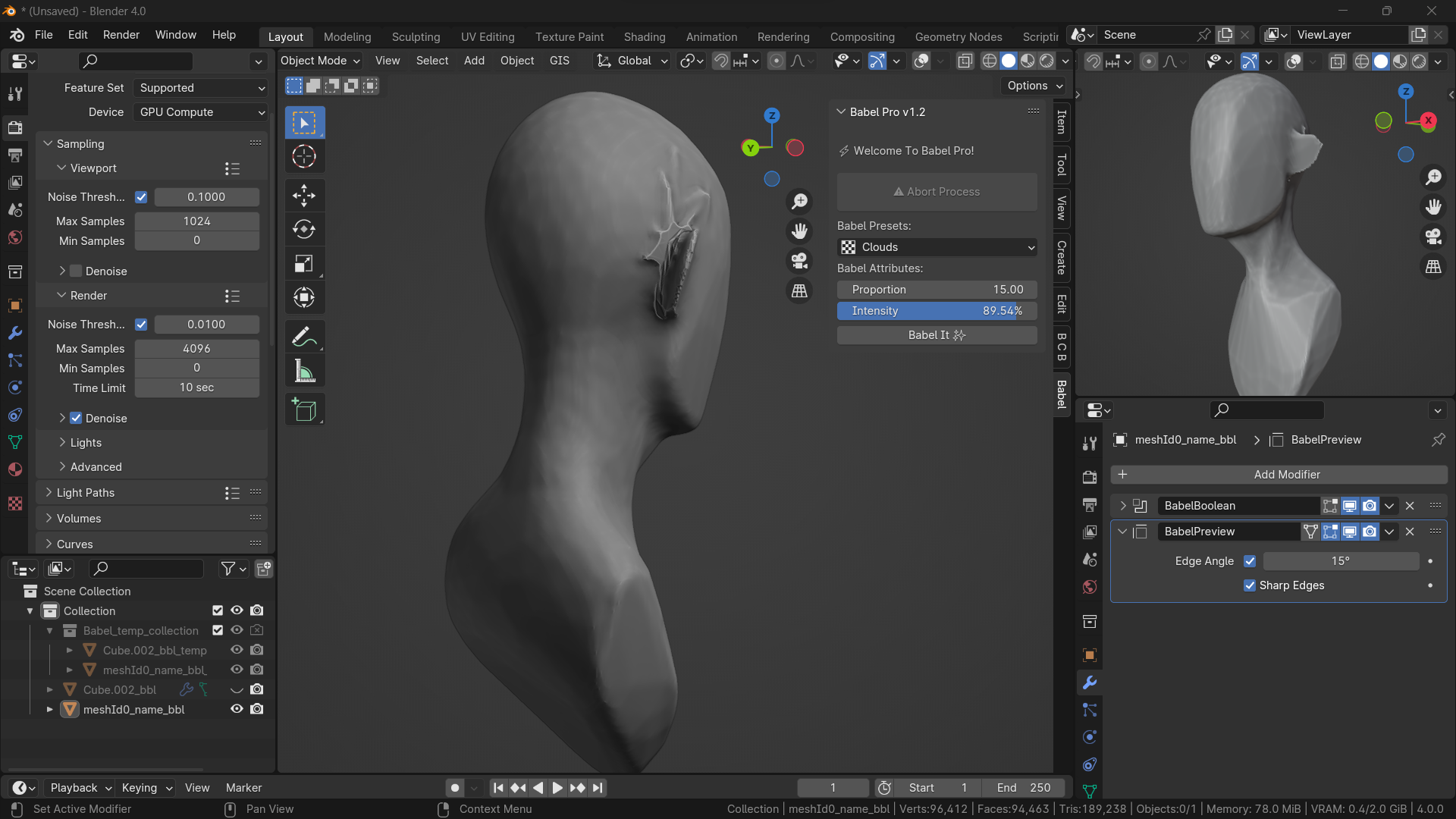
After applying aging, you gain spatial control over the weathering effect through Boolean operations. Scale, position, and manipulate the aging area in 3D space.
How to use:
- Apply aging to your mesh
- The system creates a Boolean controller object
- Transform the controller to adjust where aging appears
- See results update in real-time
Enhanced Detailing Mode
Hold Ctrl while clicking any Babel 3 button to access superior quality processing with additional surface refinement.
Detailing Mode includes:
- Subsurface subdivision for smoother results
- Secondary displacement textures
- Micro-surface variations
- Ultra-realistic weathering effects
How to use:
- Hold Ctrl + Click "Generate Aging" for instant detailed aging
- Hold Ctrl + Click "Apply Aging" for enhanced final quality
Precision Masking Controls
Advanced vertex group masking and edge-based aging provide surgical precision over weathering placement.
Vertex Group Masking:
- Create vertex groups on your mesh
- Paint weights where you want aging
- Enable "Use Vertex Groups" in Babel 3
- Select your vertex group from the dropdown
- Aging will only affect painted areas
Edge-Based Aging:
- Enable "Edge-Based Aging" checkbox
- Adjust "Edge Intensity" slider
- Sharp edges and corners receive intensified weathering
- Creates realistic wear patterns
Advanced Controls
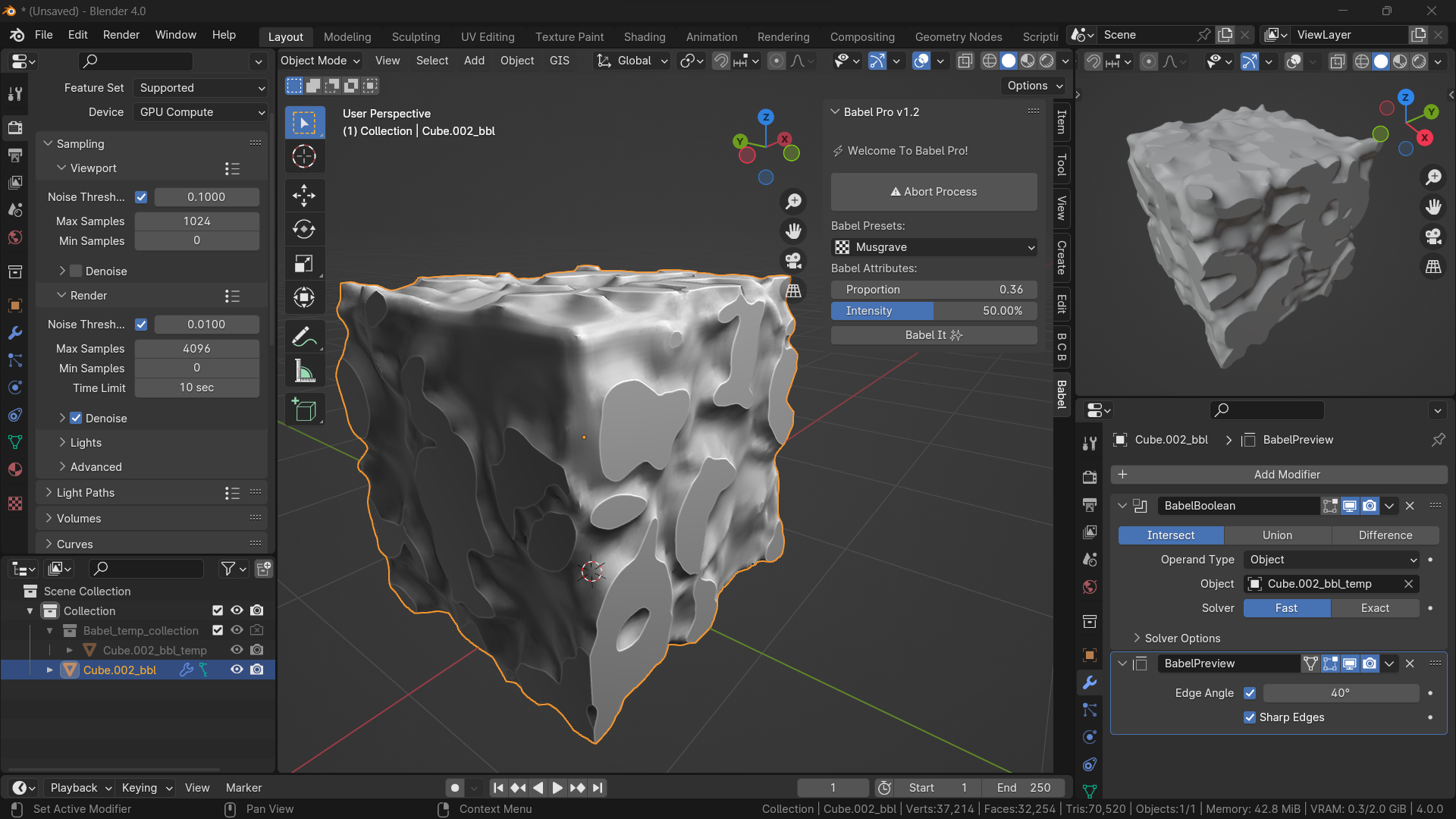
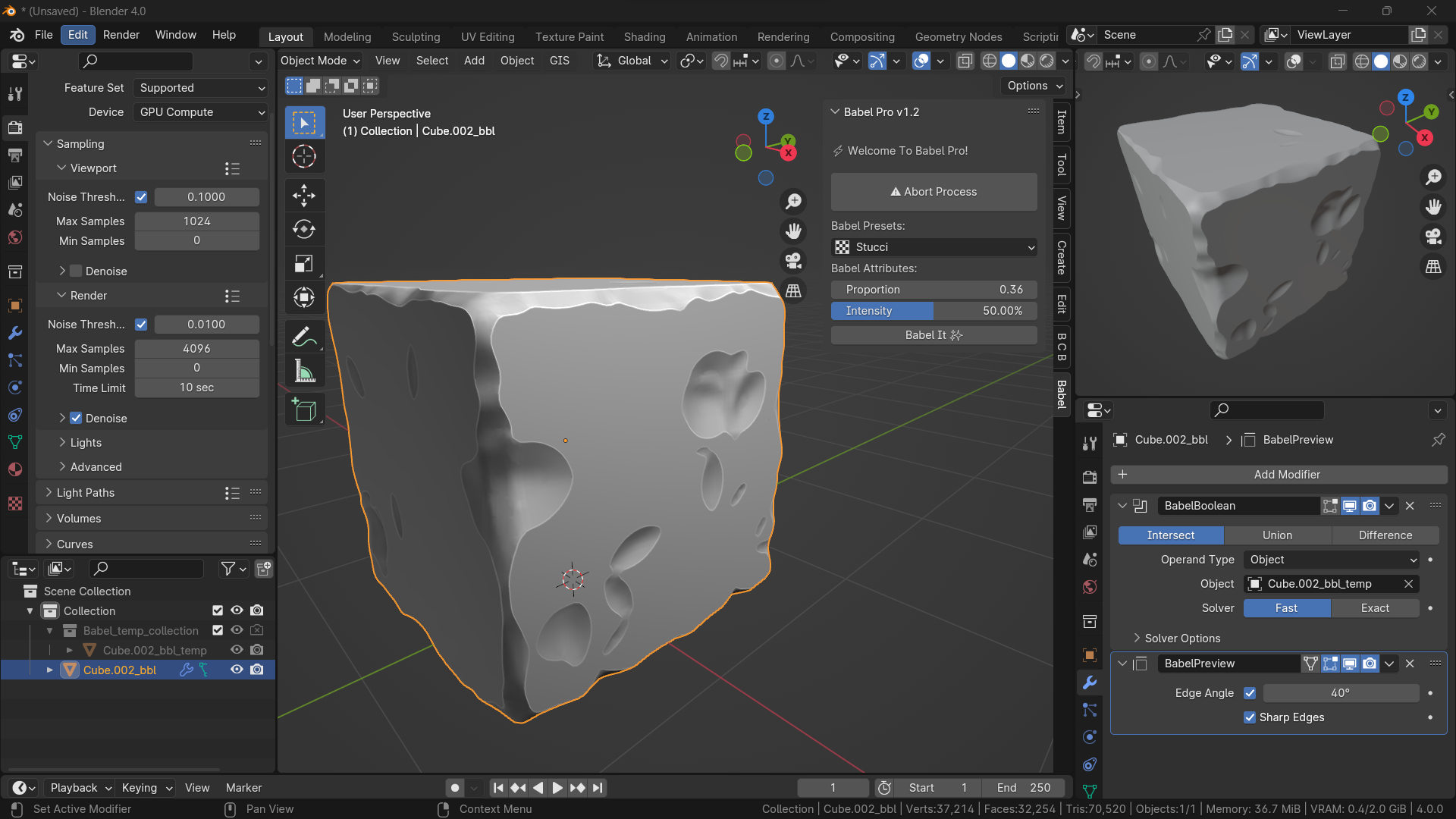
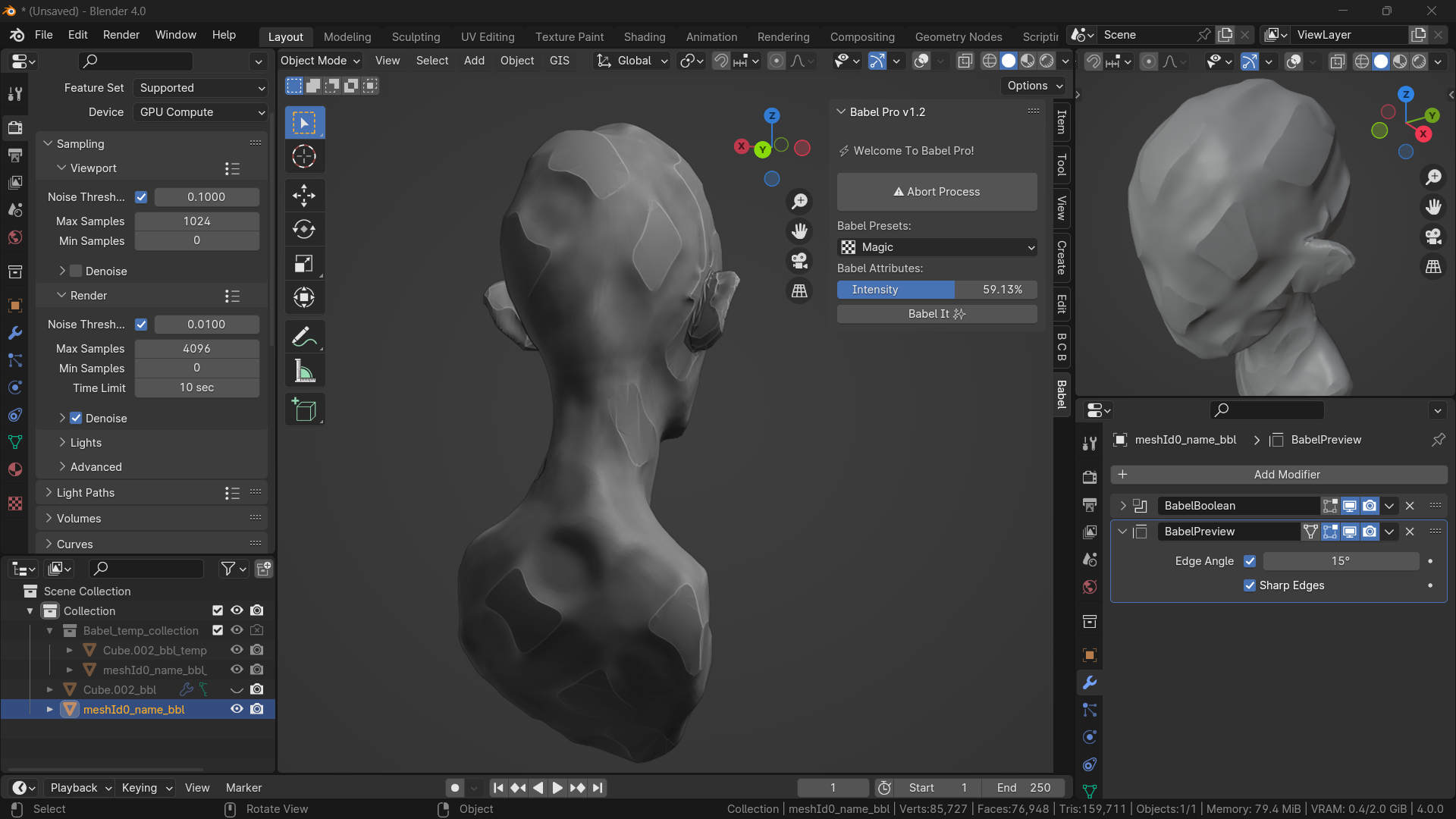
Babel Presets
Control the underlying texture patterns that drive the aging effect.
Pattern Types:
- Musgrave: Organic, natural weathering patterns
- Clouds: Soft, flowing aging effects
- Noise: Sharp, chaotic damage patterns
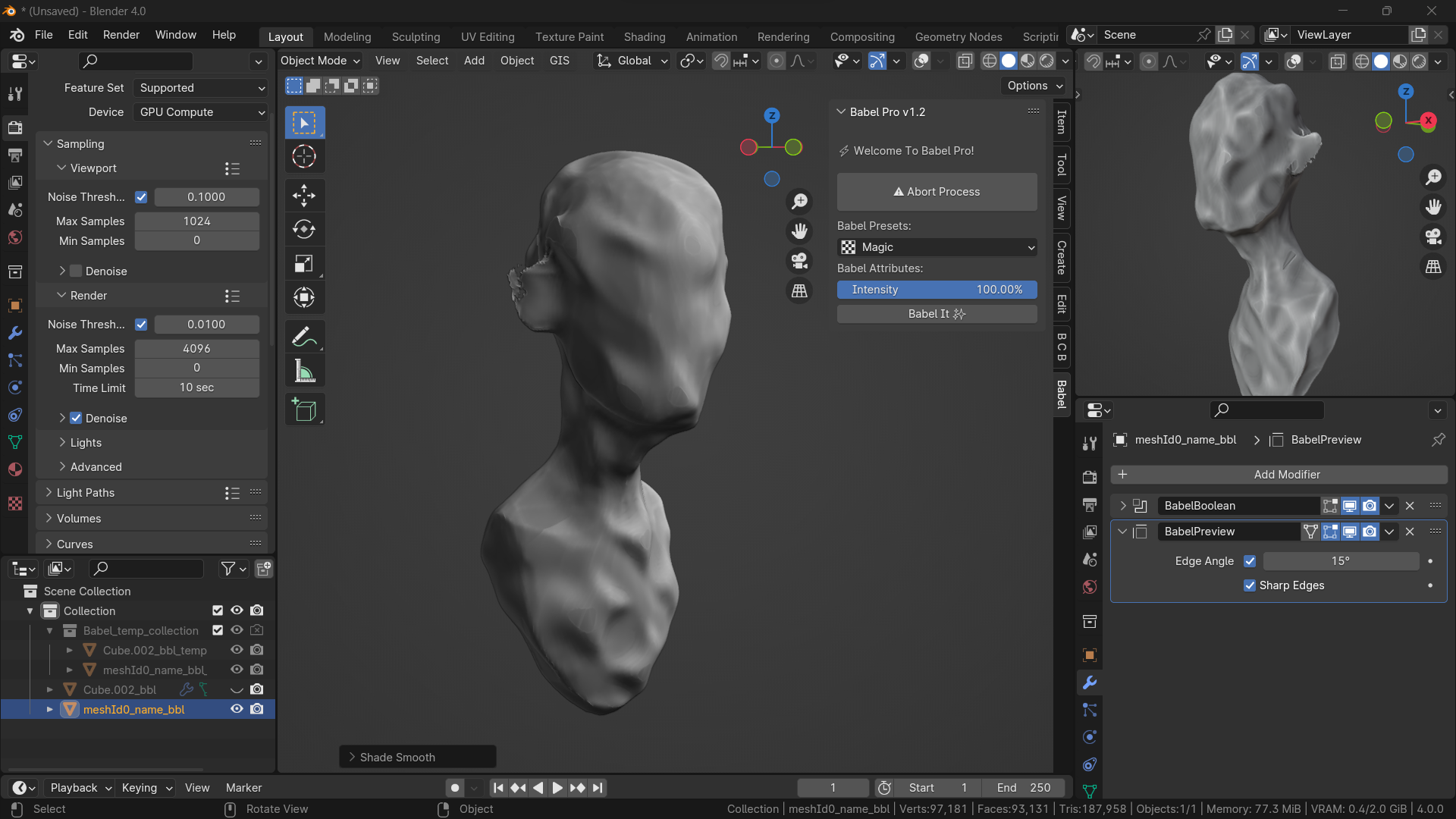
- Magic: Complex, varied surface textures
Babel Attributes
Proportion Slider:
- Controls the scale of aging patterns
- Lower values = fine detail aging
- Higher values = large-scale weathering
Intensity Slider:
- Controls overall aging strength
- 0% = minimal aging
- 100% = extreme weathering
- Real-time preview updates
Processing Options
Standard Mode vs Enhanced Detailing:
- Standard: Fast processing, good for iteration
- Enhanced (Ctrl+Click): Slower but higher quality results
Apply vs Instant:
- Interactive Mode: Generate > Adjust > Apply workflow
- Instant Mode (Ctrl+Click Generate): Direct application without preview
Workflow Tips
For Game Development
- Use Standard Mode for rapid iteration on multiple assets
- Apply Enhanced Detailing Mode for hero props and featured objects
- Use Vertex Group Masking to protect specific areas (clean handles, pristine logos)
- Experiment with different Pattern Types for varied damage styles
For Architectural Visualization
- Use Edge-Based Aging to simulate natural building wear
- Apply low Intensity with high Proportion for subtle weathering
- Use Boolean-Controlled Deformation to concentrate aging on specific building sections
- Combine multiple aging passes for complex deterioration patterns
For Character/Creature Work
- Use Vertex Group Masking to age clothing while preserving skin
- Apply Edge-Based Aging to armor and hard surface elements
- Use low Intensity settings for subtle wear on organic surfaces
- Experiment with Clouds pattern for natural, flowing damage
Advanced Techniques
Procedural Cross-Sectioning:
- Apply aging to your mesh
- Duplicate the aged object (Shift+D)
- Position the duplicate to intersect where you want a cut
- Apply aging to the intersecting duplicate
- Creates perfect procedural cutaway views
Animation:
- Keyframe the Boolean controller's transform properties
- Animate aging progression over time
- Create dynamic damage sequences
Layered Aging:
- Apply initial aging pass
- Use "Restore Mesh" to access original mesh
- Apply different aging settings for variation
- Combine multiple aged versions for complex effects
Troubleshooting
Common Issues
"No Object Selected" Error:
- Ensure you have a mesh object selected
- Panel only works with mesh objects, not curves, cameras, etc.
Aging Not Appearing:
- Check that Intensity is above 0%
- Verify object has sufficient geometry for displacement
- Try increasing Proportion value for more visible effects
Performance Issues:
- Use Standard Mode instead of Enhanced Detailing for complex meshes
- Apply aging to lower-resolution proxy meshes first
- Consider using Vertex Group Masking to limit processing area
Boolean Controller Not Responding:
- Ensure you're in Object Mode when transforming
- Check that the controller object exists in the scene
- Try refreshing by toggling Edit Mode on/off
Error Messages
"Cannot apply to multi-user object":
- This happens when mesh data is shared between objects
- Babel 3 automatically handles this - the error should resolve itself
- If persistent, manually make mesh data unique (Object > Relations > Make Single User > Object Data)
"Context missing active object":
- Ensure an object is selected and active
- Try deselecting all objects and reselecting your target mesh
Performance Optimization
For Large Scenes:
- Process objects individually rather than in batches
- Use lower Intensity values on high-polygon meshes
- Consider applying aging to lower-resolution versions first
For Real-Time Preview:
- Disable Edge-Based Aging during adjustment phases
- Use lower Proportion values while tweaking
- Apply final settings only when satisfied
Keyboard Shortcuts
- Ctrl + Click any button = Enhanced Detailing Mode
- Ctrl + Click "Restore Mesh" = Duplicate original mesh
- G/R/S = Transform Boolean controller (when selected)
Support
For technical support, feature requests, or bug reports, please contact: [email protected]
Babel 3 v3.0.0 - Transform time into your creative advantage

Discover more products like this
free edge wear bcon24 bcon23 3dblender addon tear babel Generator procedural loveblender advanced sculpting blender procedural