 fffaaa12
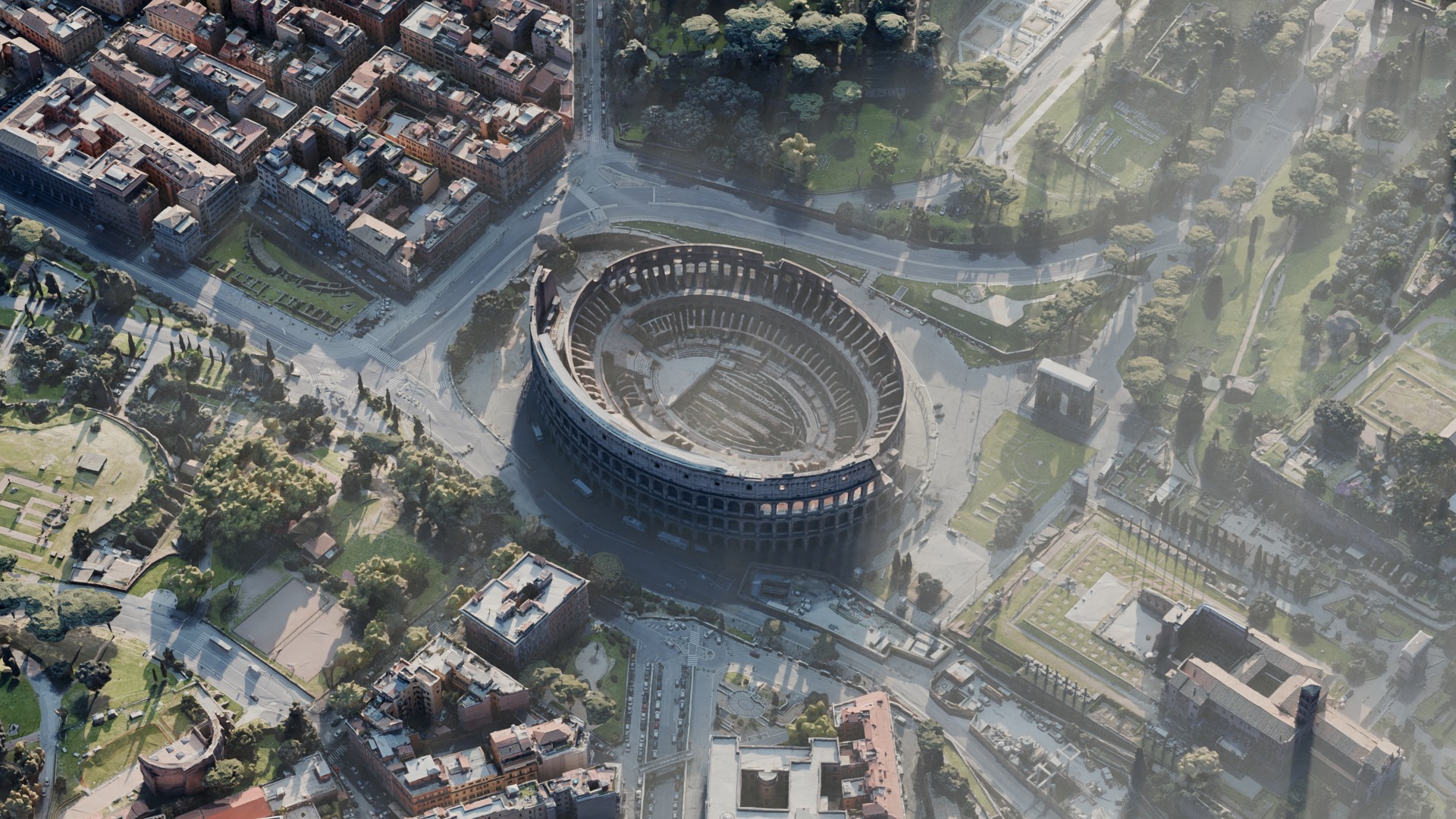
Installing the asset:
1.Unzip the archive.

2.Open the blender. Go to Edit - Preferences.

3.Open the File Paths. Then assets libraries, and click on +

4.Select the archive folder. Then Add Asset Library

5.Save Preferences

6.Go to the section: Asset Browser

7.Go to the section: Back Scapes
8.Drag and drop the asset you need

Have questions about this product?
Login to message
| Sales | 300+ |
| Rating | 6 ratings |
| Published | over 2 years ago |
| Blender Version | 4.1, 4.0, 3.6 |
| Render Engine Used | Cycles, Eevee |
| License | Royalty Free |
Discover more products like this
3d city asset city street 3D City Visualization arhitectural 3dcity city city street models