 Studio Speets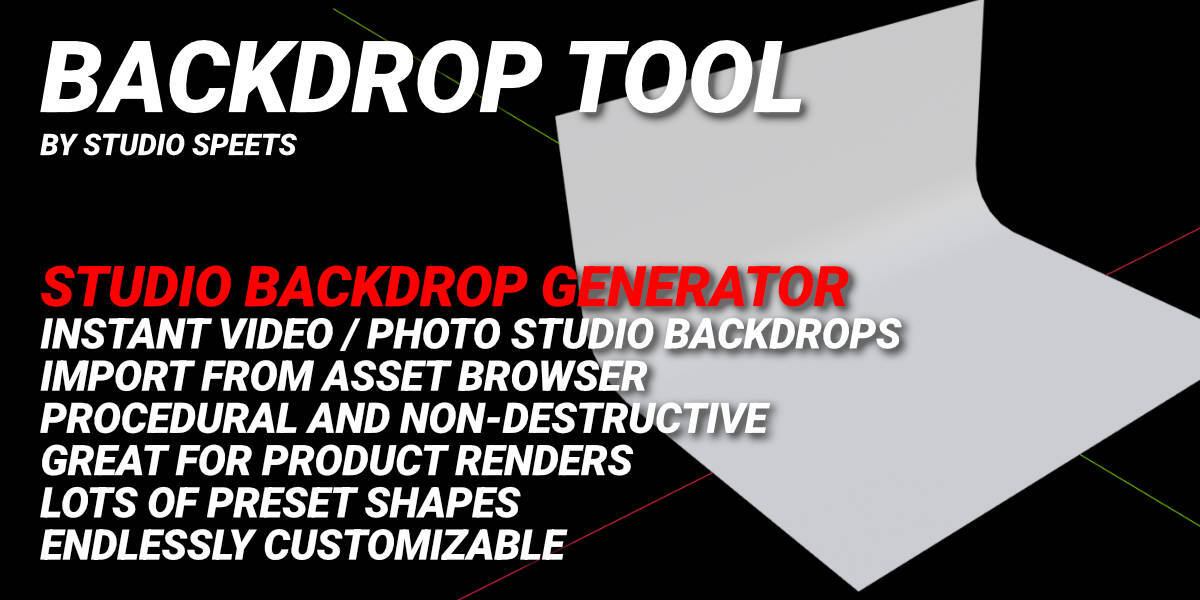
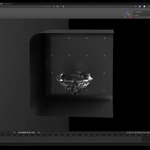
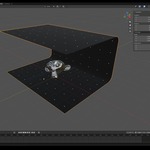
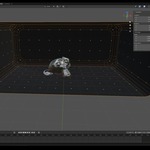
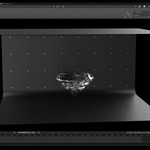
Backdrop Tool for Blender
Build a studio backdrop in seconds.
Need a clean studio setup for your next product render or animation?
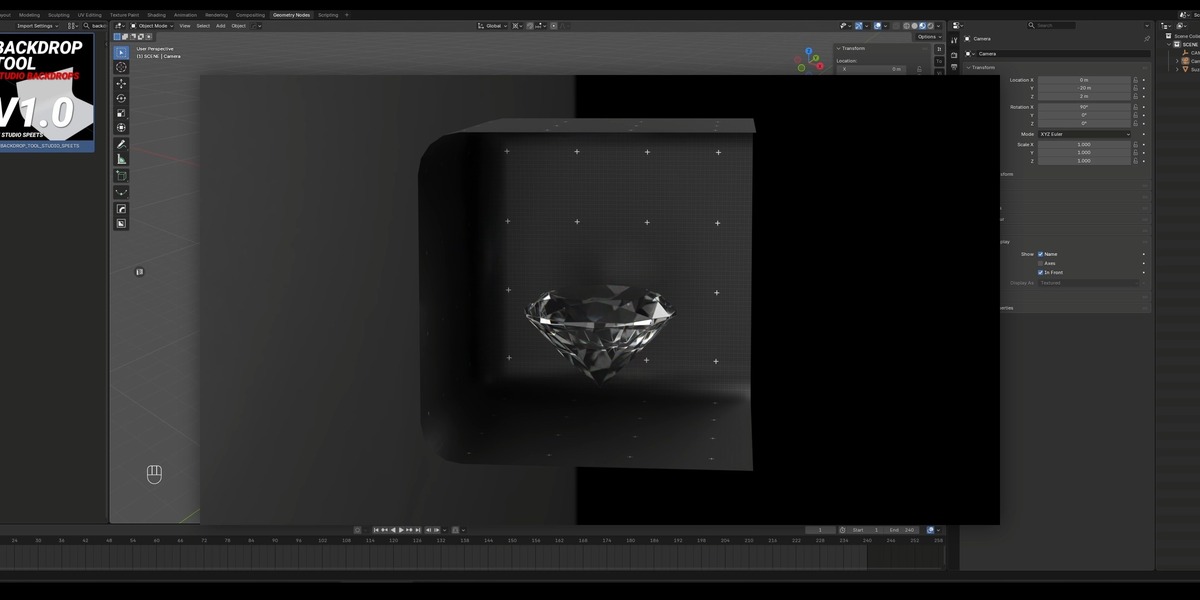
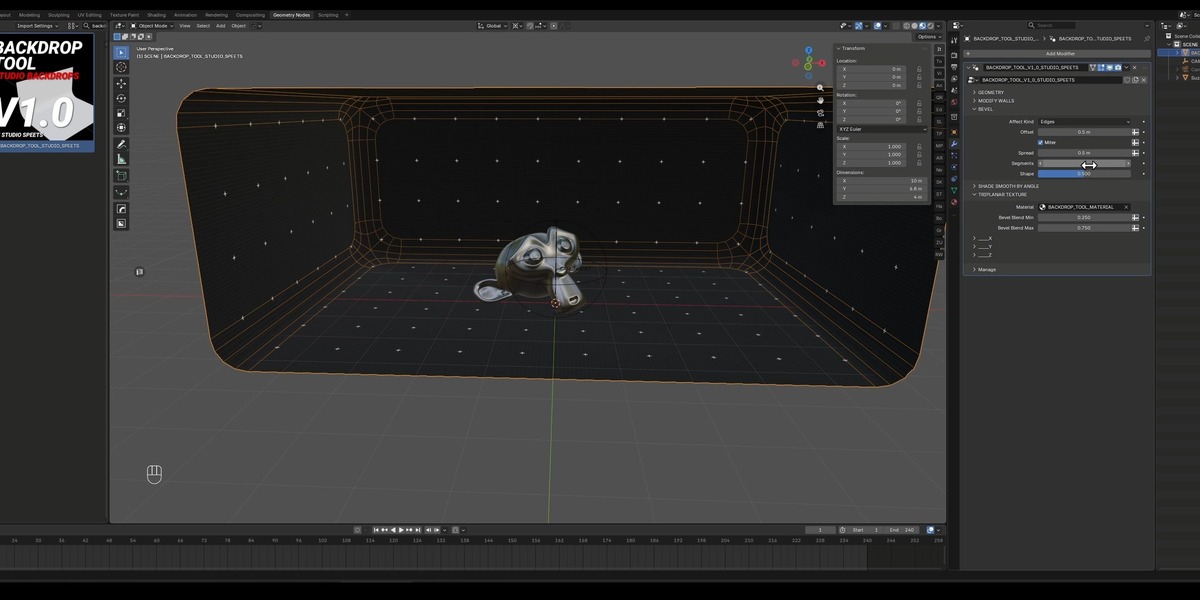
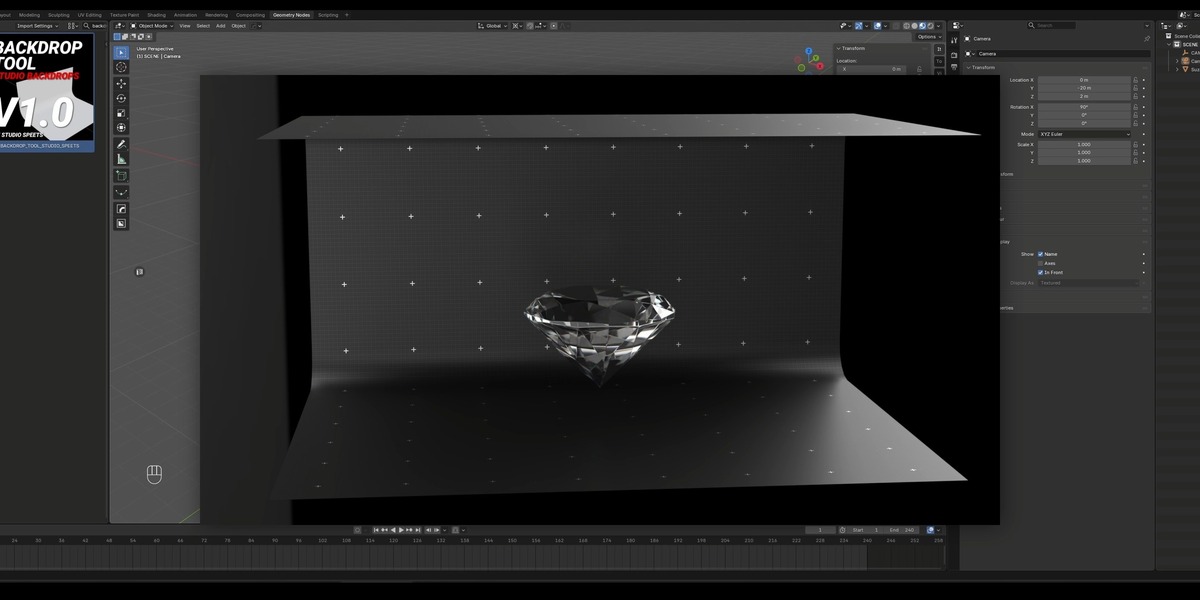
Backdrop Tool lets you quickly generate professional photo and video studio backdrops directly in Blender — without manually modeling floors, walls, curves, and transitions.
Pick a preset, adjust the parameters, and you're ready to shoot.
⚡ Create. Customize. Shoot.
Start with one of the included backdrop presets, then make it your own.
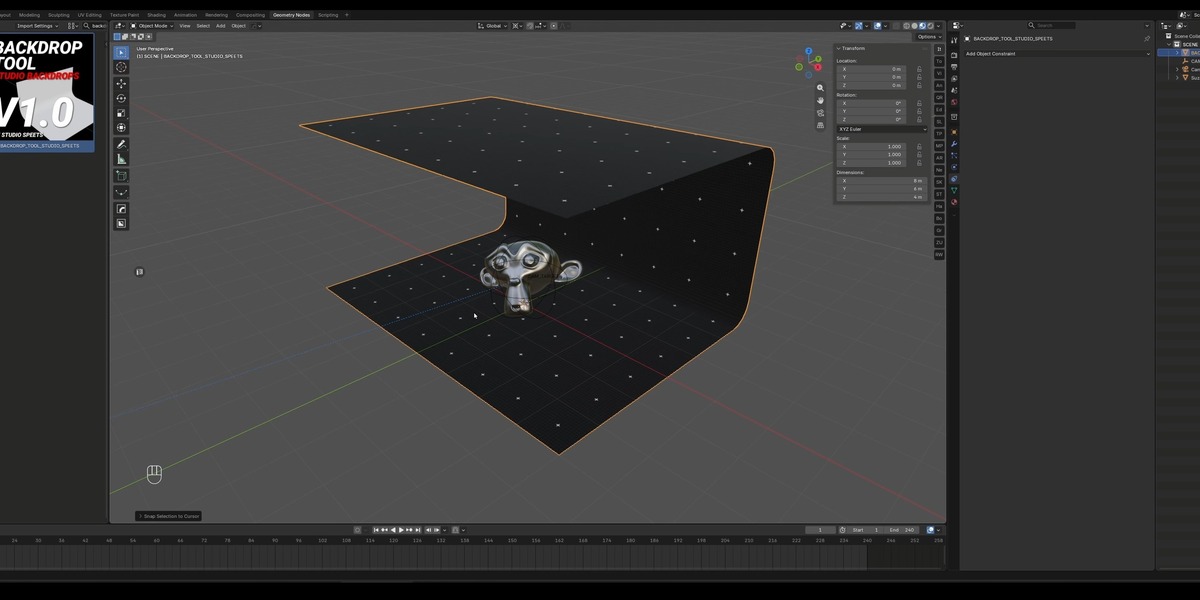
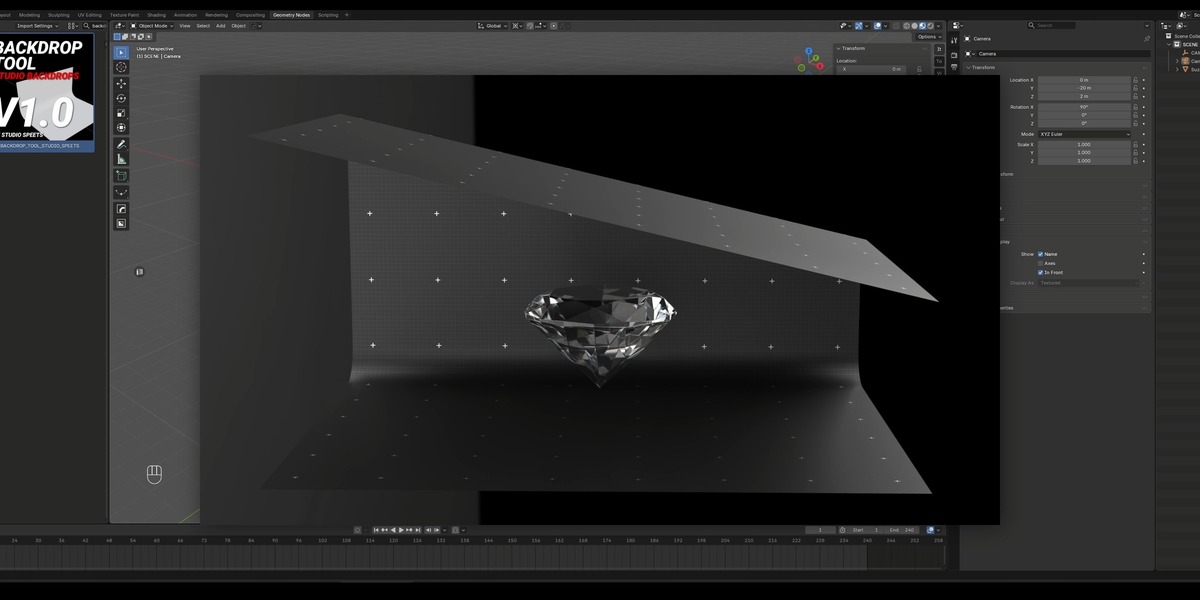
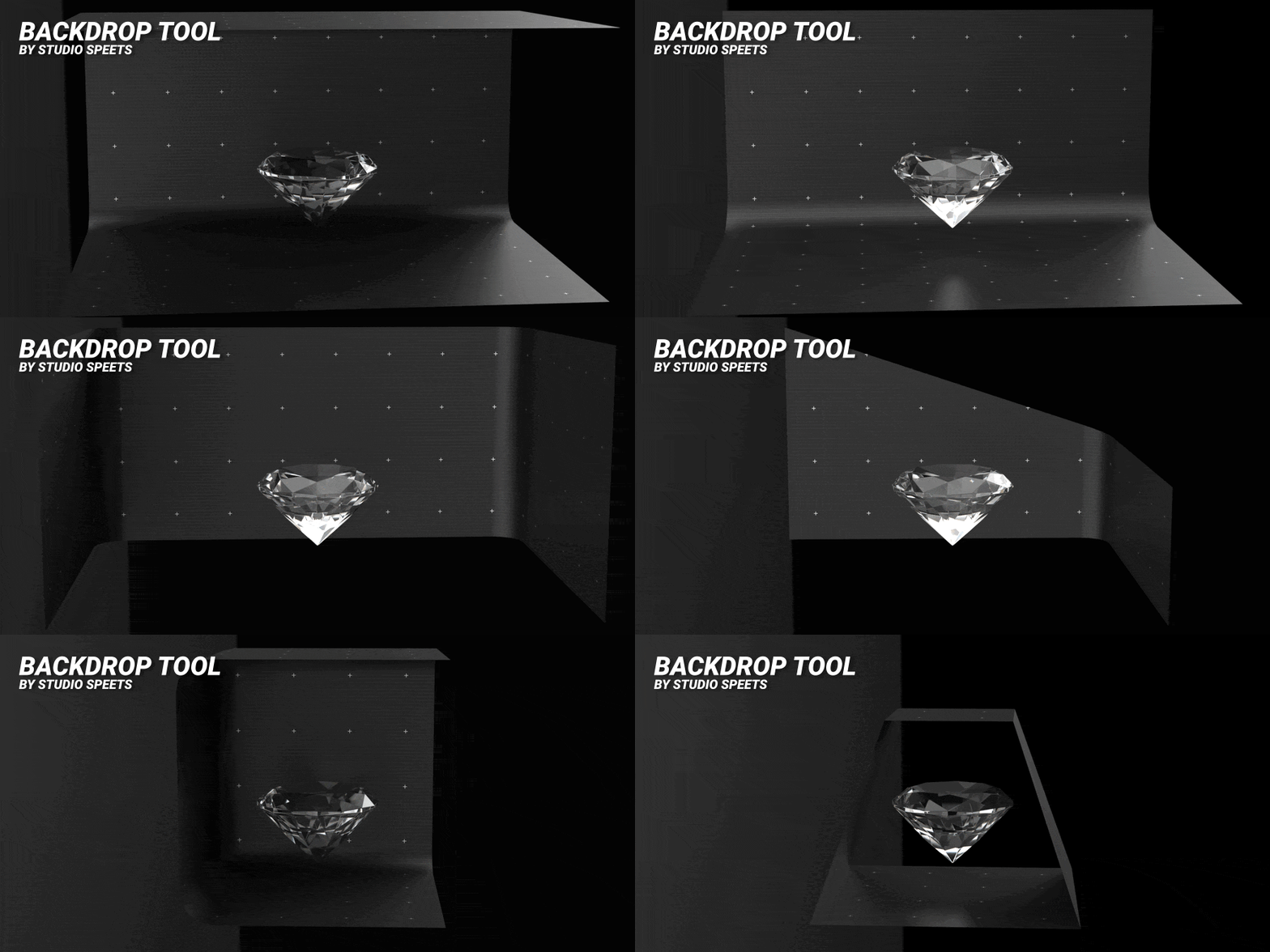
Scale the floor, walls, and roof independently to create anything from a simple studio cyclorama to completely unique backdrop designs.
Because everything is procedural, you can keep tweaking your backdrop until it fits your scene perfectly.
Key Features
-
Procedural backdrops — Generate studio environments without manual modeling.
-
Multiple preset shapes — Start with a range of ready-to-use backdrop designs.
-
Independent surface scaling — Scale every wall, floor, and roof individually for more unique designs.
-
Fully customizable — Modify the presets and create your own backdrop variations.
-
Adjustable size — Easily change the overall dimensions to fit your scene.
-
Subdivision control — Choose the amount of geometry you need.
-
Corner bevels — Create smooth, seamless transitions between surfaces.
-
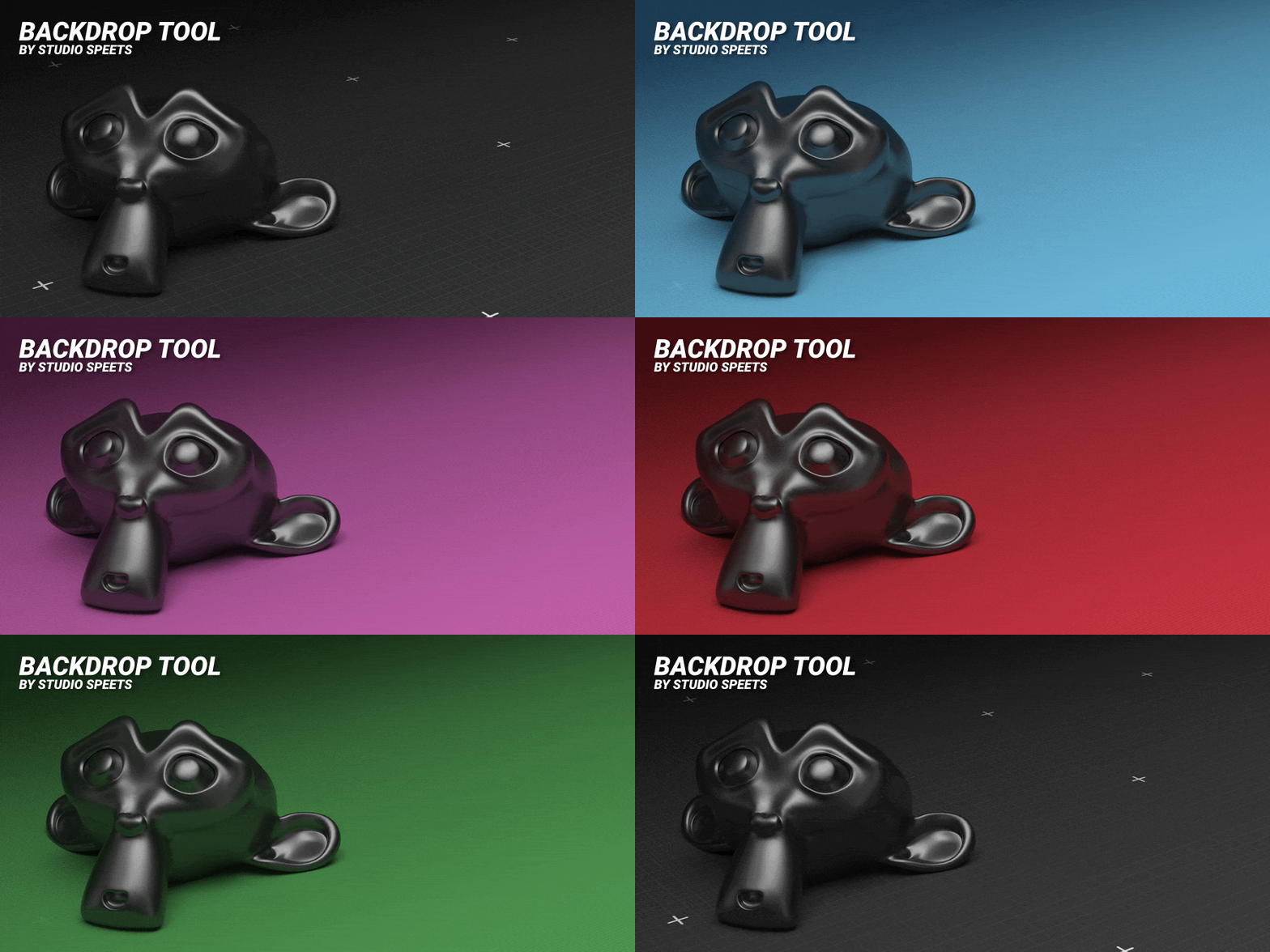
Triplanar mapped — Backdrops are automatically triplanar mapped, so your materials and textures stay properly mapped across the geometry.
-
Non-destructive workflow — Keep adjusting your backdrop at any time.
-
Made for product visualization — Perfect for product renders, animations and advertising.
Perfect for
📸 Product Photography
🎥 Product Videos
🖥️ Product Visualization
🎬 Commercial Animation
📢 Advertising & Marketing
✨ Studio Renders
No more rebuilding your studio set.
Instead of spending time modeling a backdrop every time you start a new project, Backdrop Tool gives you a flexible procedural studio setup you can reuse and customize.
Change the shape.
Scale individual surfaces.
Adjust the corners.
Fine-tune the geometry.
Apply your materials.
And thanks to automatic triplanar mapping, your textures are ready to go.
Your virtual studio, built in Blender.
Backdrop Tool — create professional studio backdrops faster.
