 ZEG
ZEG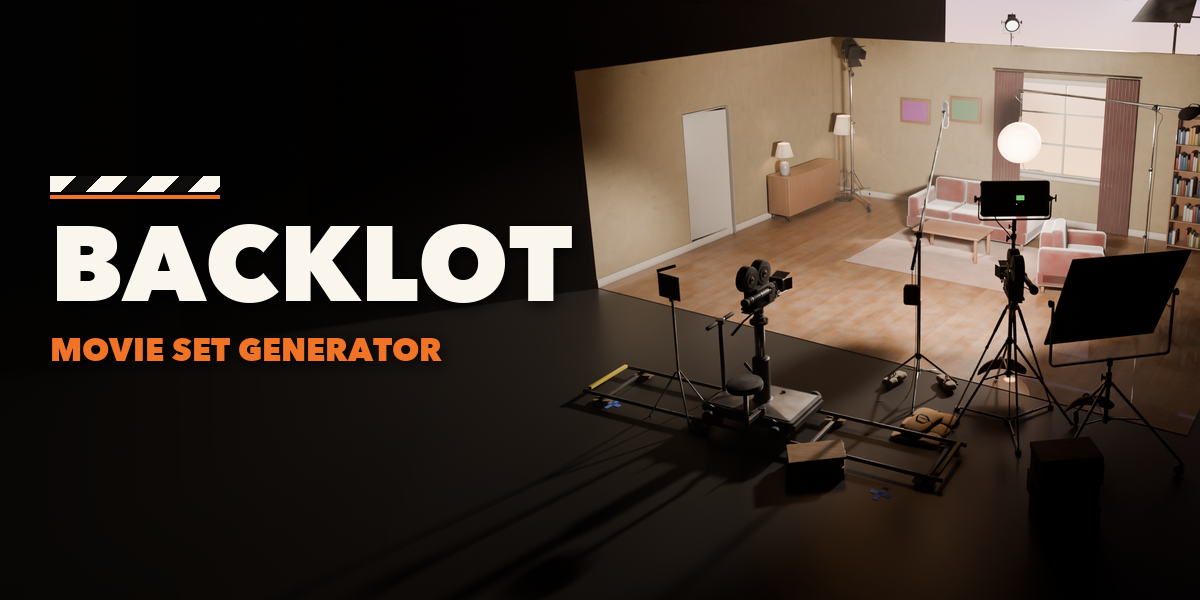
Installation
In Blender open Edit, Preferences, Get Extensions, then use Install from Disk and pick the zip.
Usage
- Open the sidebar (N) and the Backlot tab, or use Shift+A, Movie Set.
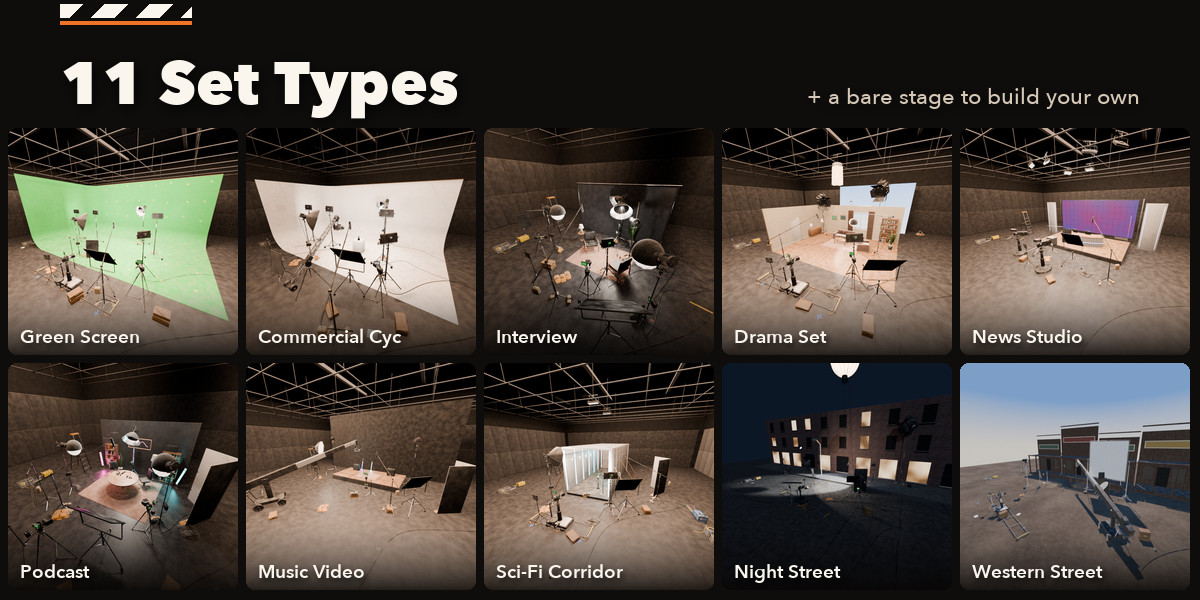
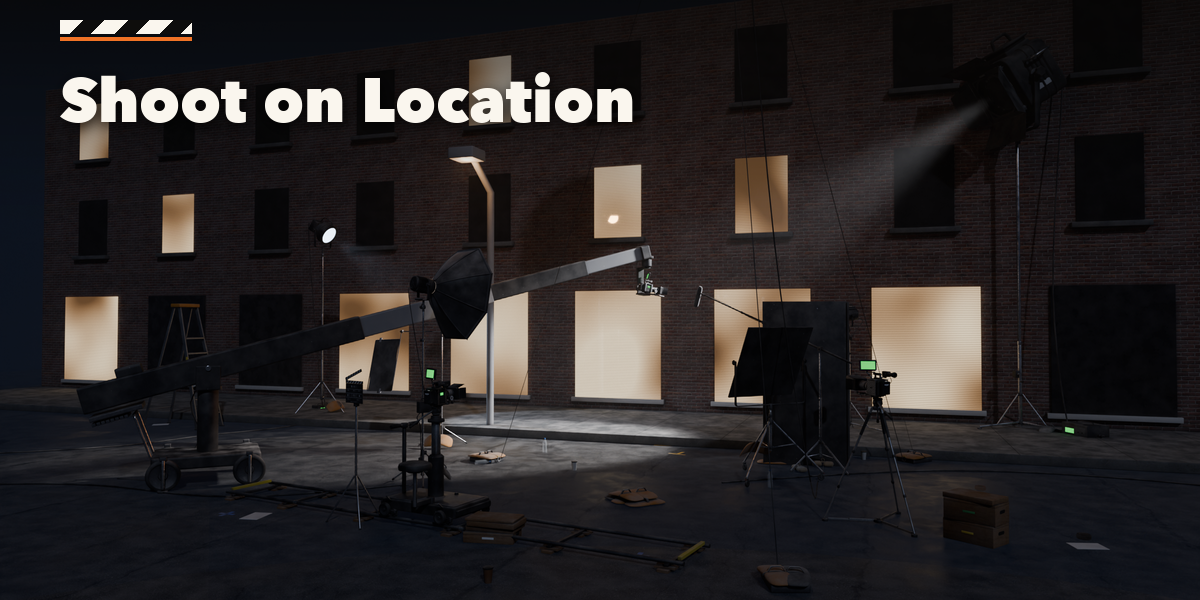
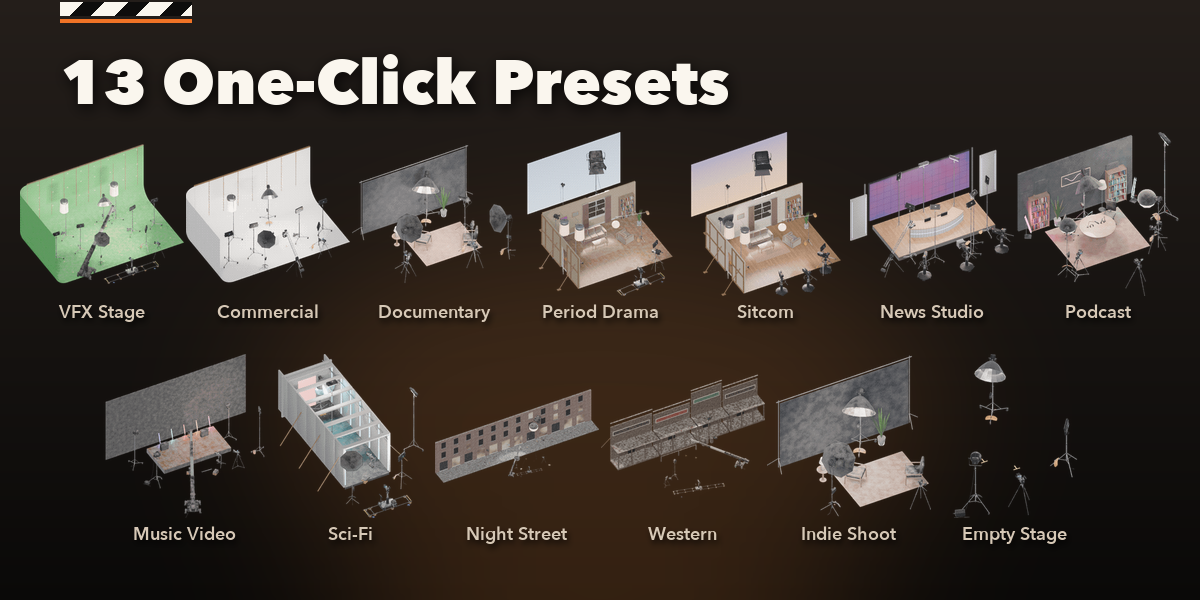
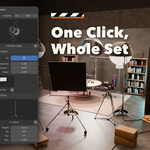
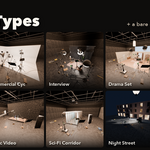
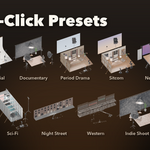
- Pick a preset picture and click Add Movie Set.
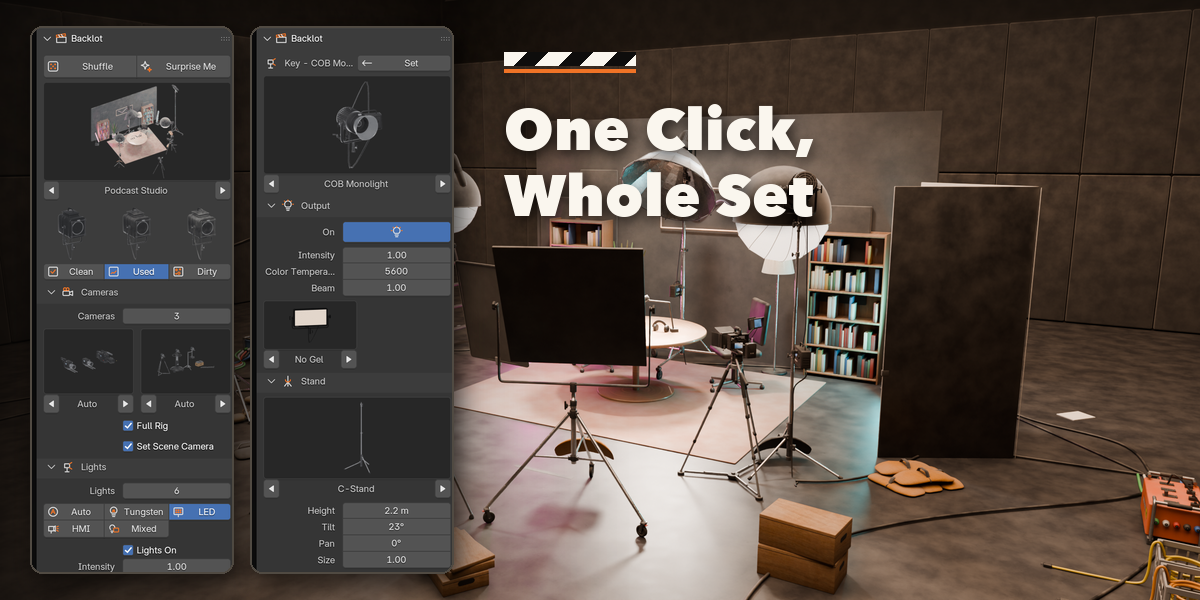
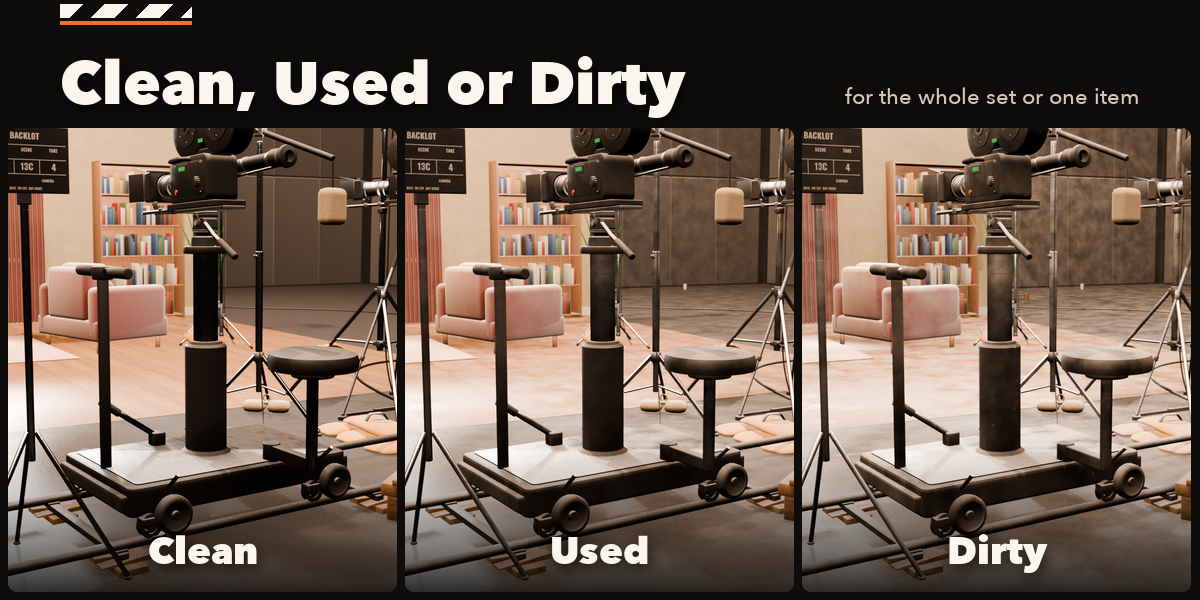
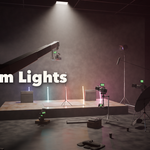
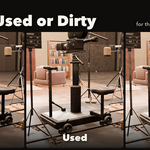
- With the set selected: change the set type, condition, number of cameras and lights, light family, colors. Shuffle gives a new layout.
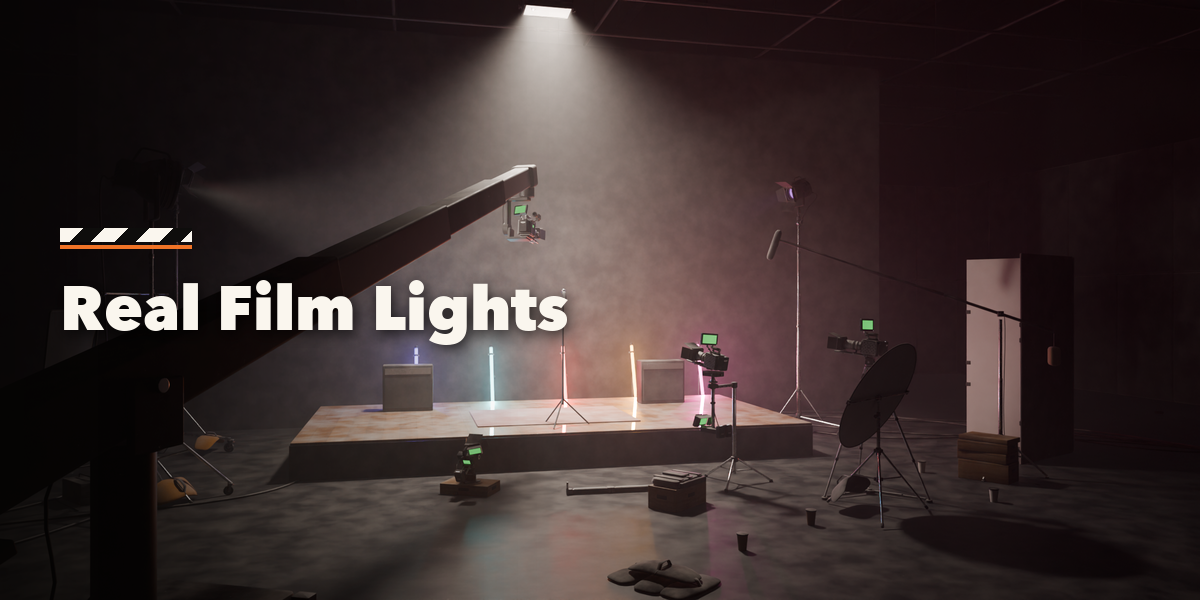
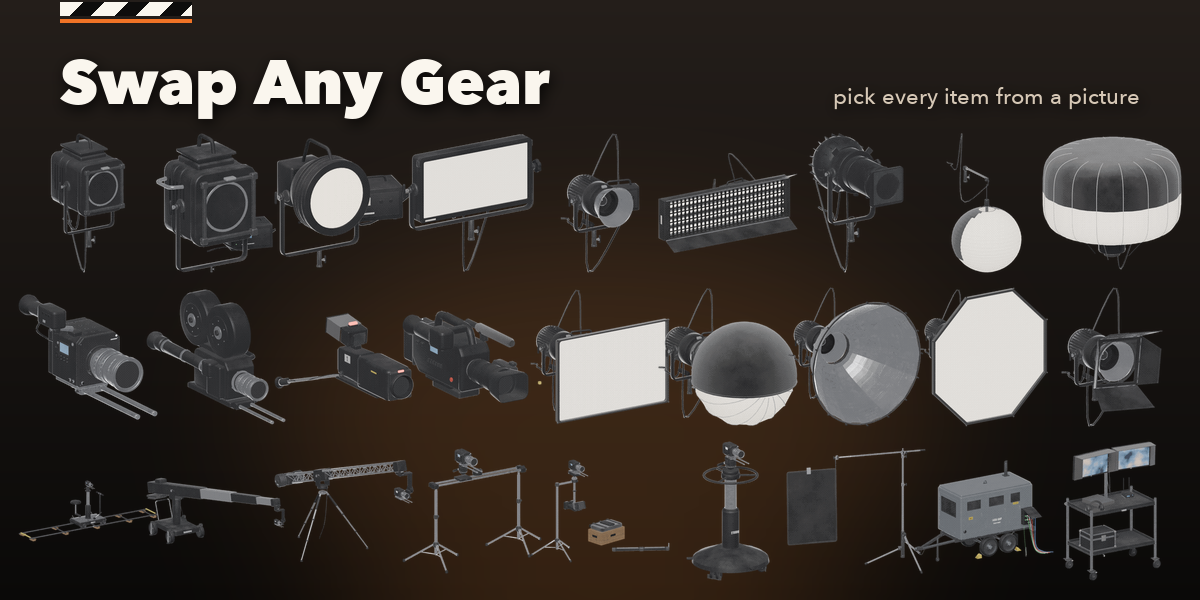
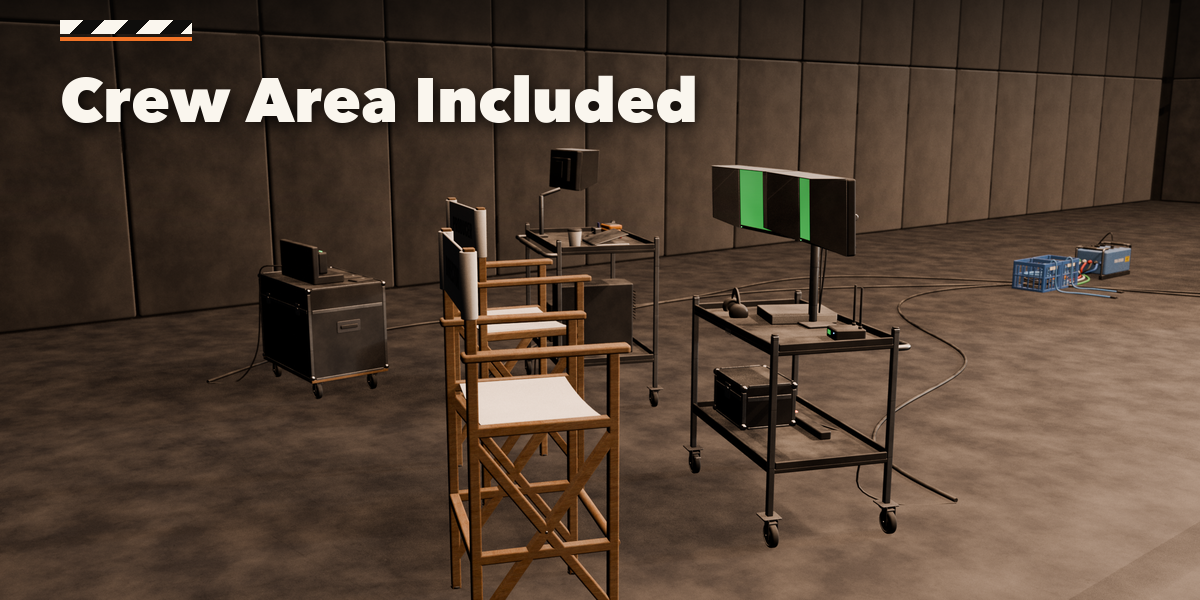
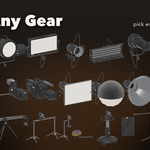
- Click any camera, light or piece of gear to swap its model, stand, support or modifier from the picture galleries and set its height, tilt, gel, Kelvin and brightness. Look Through makes a camera the scene camera.
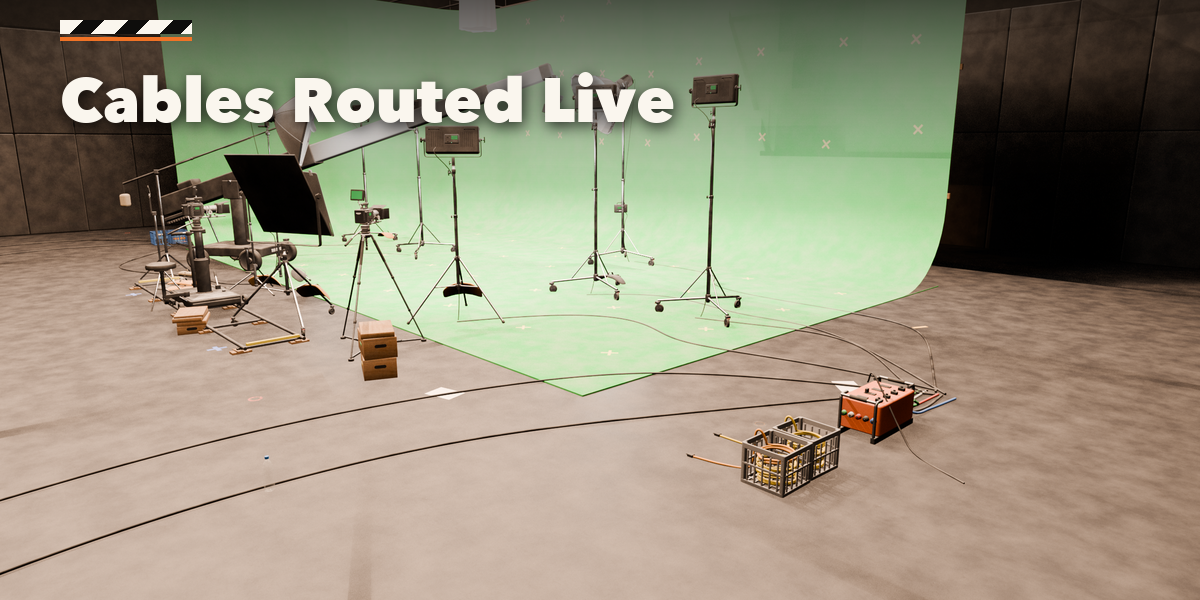
- Move gear freely; cables reroute. Keep Position pins an item, Remove from Set keeps it removed when the set rebuilds.
Have questions about this product?
Login to message
| Blender Extension Compatible | Yes |
| Published | about 12 hours ago |
| Blender Version | 4.2 - 5.2 |
| Extension Type | Add-on |
| Render Engine Used | Cycles, Eevee |
| License | GPL |

Discover more products like this
film-lights film-studio film-set Movie set behind the scenes props procedural Lighting green screen soundstage cinema camera Generator