 ZEG
ZEG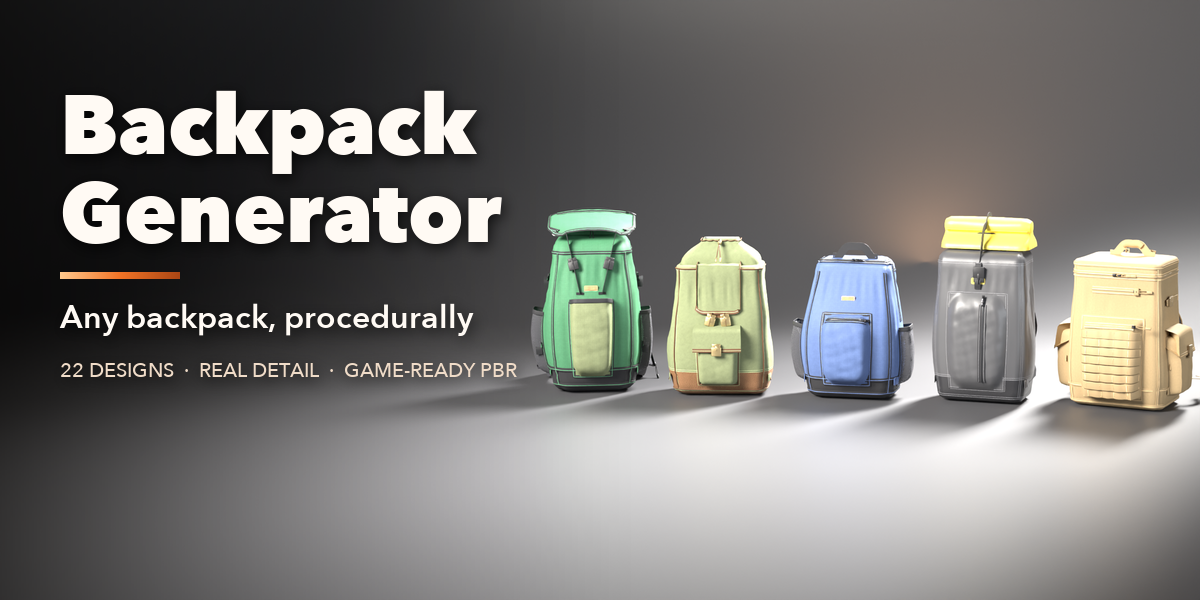
Installation
In Blender open Edit, Preferences, Get Extensions, then use Install from Disk and pick the backpack_generator zip.
Usage
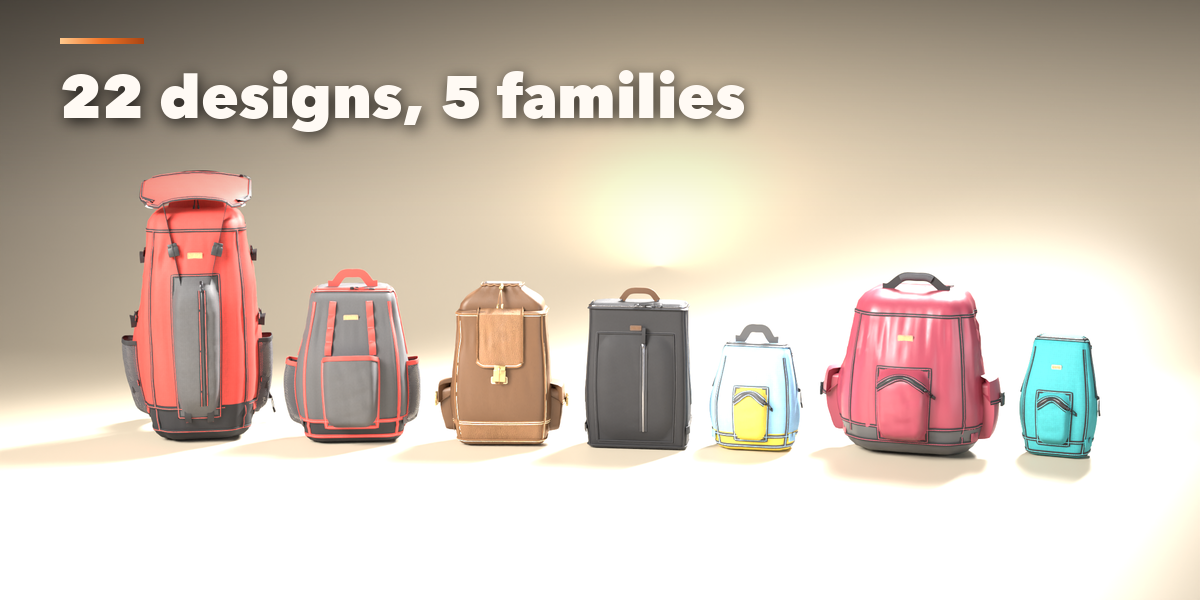
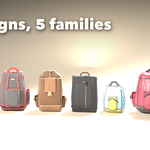
- Open the Backpack tab in the 3D viewport sidebar (N). With no pack selected, click the picture to choose one of the 22 designs, or browse the five families, and add it at the 3D cursor. You can also use Shift+A, Mesh, Backpack.
- The card at the top shows the design, its size in cm, its rough volume in liters and its face count. Surprise makes a new random pack, Vary changes the current one a little, the palette button picks a random finish and the arrow resets the design.
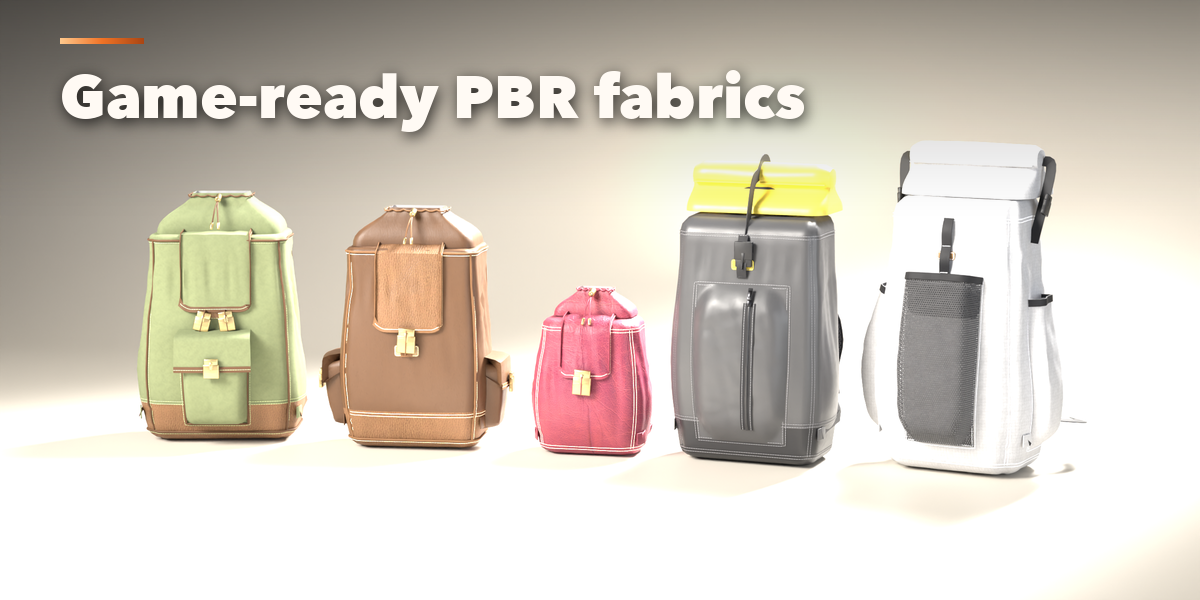
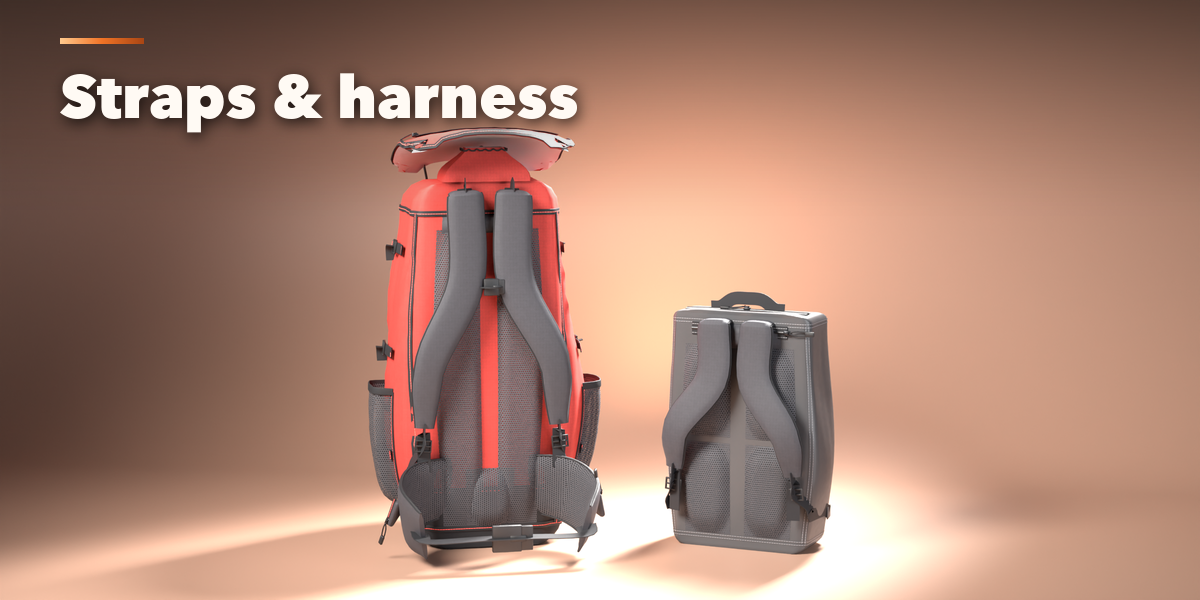
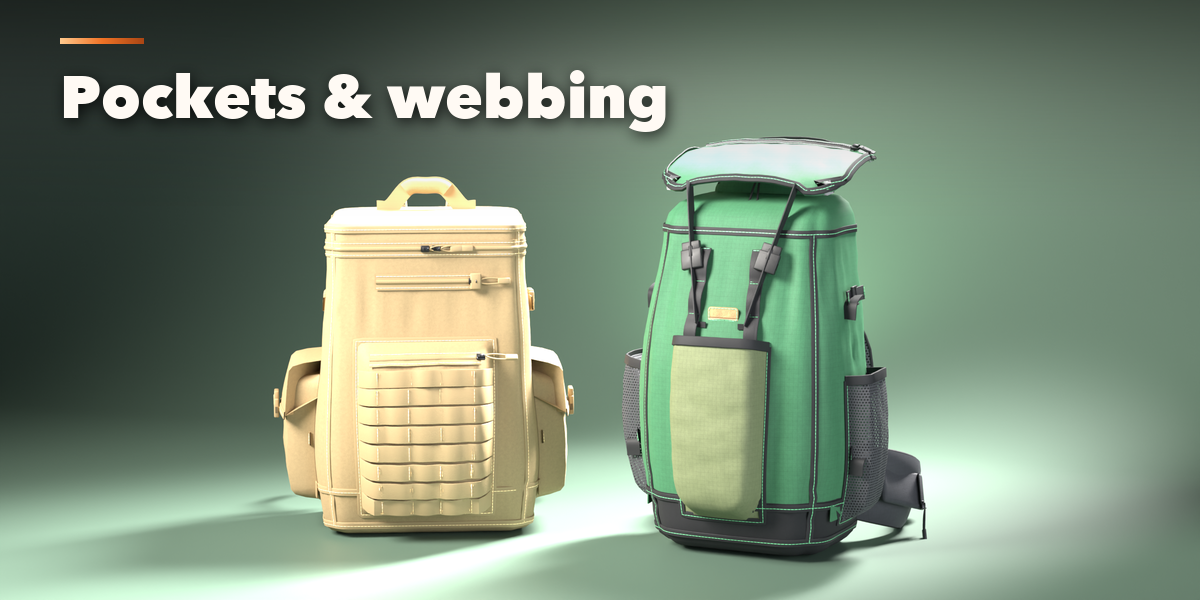
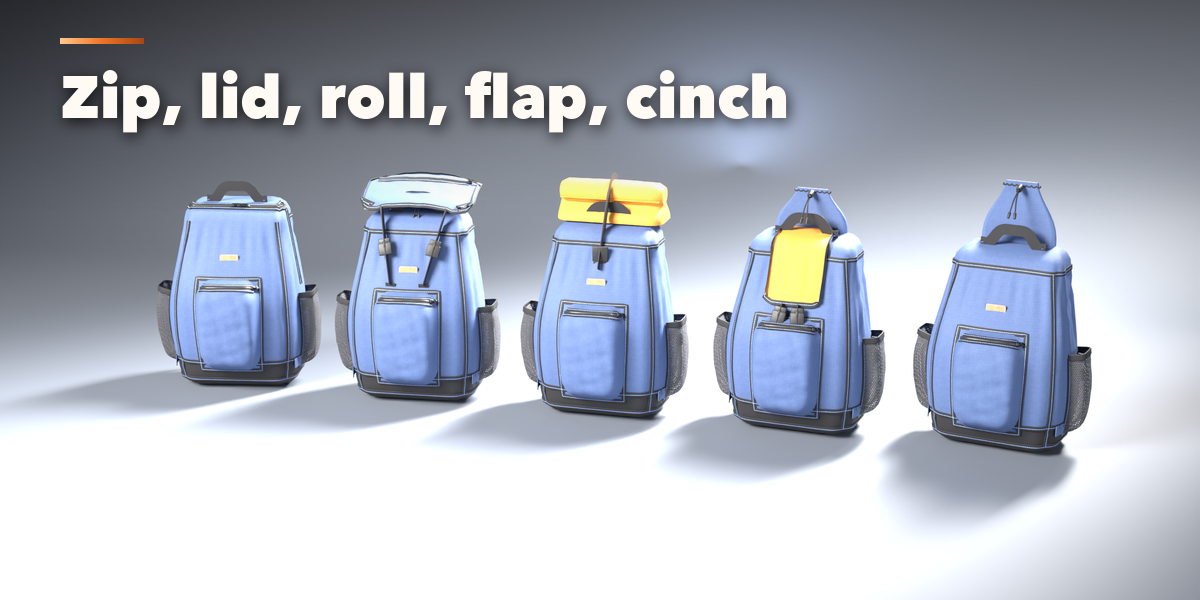
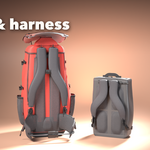
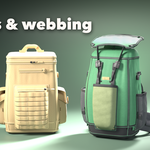
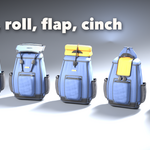
- The icon tabs hold every setting: Shape (size, profile, rounding, stuffing, base, seams), Closure (zipper, lid, roll-top, flap, drawstring), Pockets (front, side, quick, laptop, logo), Carry (shoulder straps, sternum, handle, hip belt), Webbing (compression, daisy chains, PALS, back padding), Finish (fabrics, colors, hardware, stitching) and Parts & Export (part visibility, detail, seed, Photo Studio, Convert to Mesh, Delete).
- Every picture choice opens a gallery: click the picture next to a setting to see all its options.
Low detail is game-ready; High detail is for close-up renders. Photo Studio adds a seamless backdrop, softboxes and a camera ready to render.
Have questions about this product?
Login to message
| Blender Extension Compatible | Yes |
| Published | about 23 hours ago |
| Blender Version | 4.2 - 5.2 |
| Extension Type | Add-on |
| Render Engine Used | Cycles, Eevee |
| License | GPL |
