Andrej
over 2 years ago
Hi! Thank you!
Can you please contact me and explain idea for "convert geometry node mesh into shakekey"?
This item has an average rating of 5 from 6 ratings by the community.
Purchase this item to leave a review!
Absolutely incredible addon! This is especially great if you need to export animations with deforms intact to other engines. I consider it essential for every project that I do, and the seller is amazing as well! They addressed a serious complication with Blender Version 4.4, and now I can finally get back to work :)
Exactly what i was looking for
Amazing. it makes my work flow short a lot. thank you. I love you for making this addon. such a great great great addon. I didn't find any errors while using this. simple and best.
I wish you would make another addon for "convert geometry node mesh into shakekey"
anyway, thank you!
Andrej
over 2 years ago
Hi! Thank you!
Can you please contact me and explain idea for "convert geometry node mesh into shakekey"?
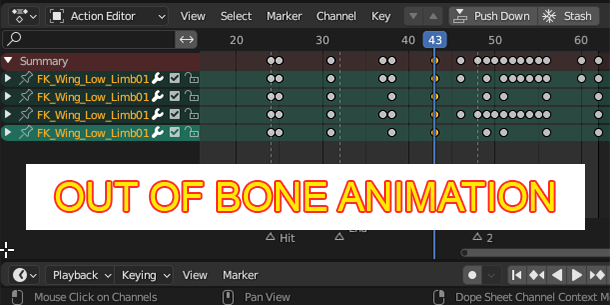
It helped me a lot when I exported the completed armature animation to Unity, because some armature animations with constraints would have various problems when they were exported into Unity, but ShapeKey not. Sometimes the object would be offset after the conversion, I haven’t figured out the reason yet, but in any case, this plug-in is very useful and great. I hope the author can continue to maintain and update it!
Andrej
almost 3 years ago
Hello! Can you contact me on the offset matter with some example how to reproduce? We can try to solve it.
This is really cool! Shapekeys getting triggered on timeline with "Relative" option turned on is a blessing in disguise! I tested it out with having shapekeys on object getting triggered on timeline and it replaces them with new set of shapekeys all over. Works wonderfully!
Thank you Andrej, for quick help and support with the addon!!!
Love this Item. I will see what use it is but functionally, it is very interesting. My suggestion, be able to determine the nummber of shapekeys per nummber of keyframes(as of now it is 1:1?). This would be interesting. Thank you for the project.
Andrej
over 3 years ago
Thank you for feedback.
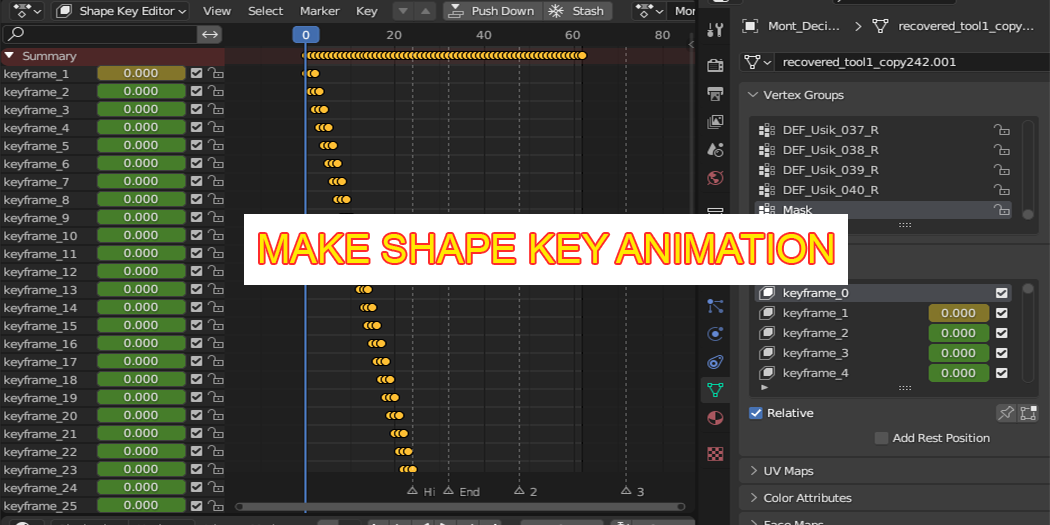
It seems that can be achieved just by scaling keyframes on the timeline before baking them to shape keys - just select keyframes, set current frame to your first frame, then S X 2 and then bake, that way you'll have 2 shape keys per each keyframe.
(feel free to contact me to give more details)
baking fbx Export 3d animation bfcm23 bones keyframes shapekeys spring24 Unreal Engine