BakeBridge: The One-Click Texturing Pipeline
Stop wasting hours on manual exports, baker configuration, and node-wiring.
Every time you texture a 3D asset, you go through the same tedious loop: naming and organizing low/high meshes, cleaning them up, exporting FBXs, setting up baking in Substance Painter, exporting textures, then manually importing and wiring every sRGB and Non-Color map back into Blender's Shader Editor.
If you texture just 5 assets a week, you waste hours on repetitive clicks.
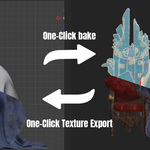
BakeBridge pays for itself on your very first asset. It connects Blender and Substance Painter in a seamless, automated, bidirectional loop. One click exports your clean geometry and triggers the bake. One click sends the textures back and builds your material node trees instantly.
📺 Feature Showcase
🚀 One-Click Export & Setup
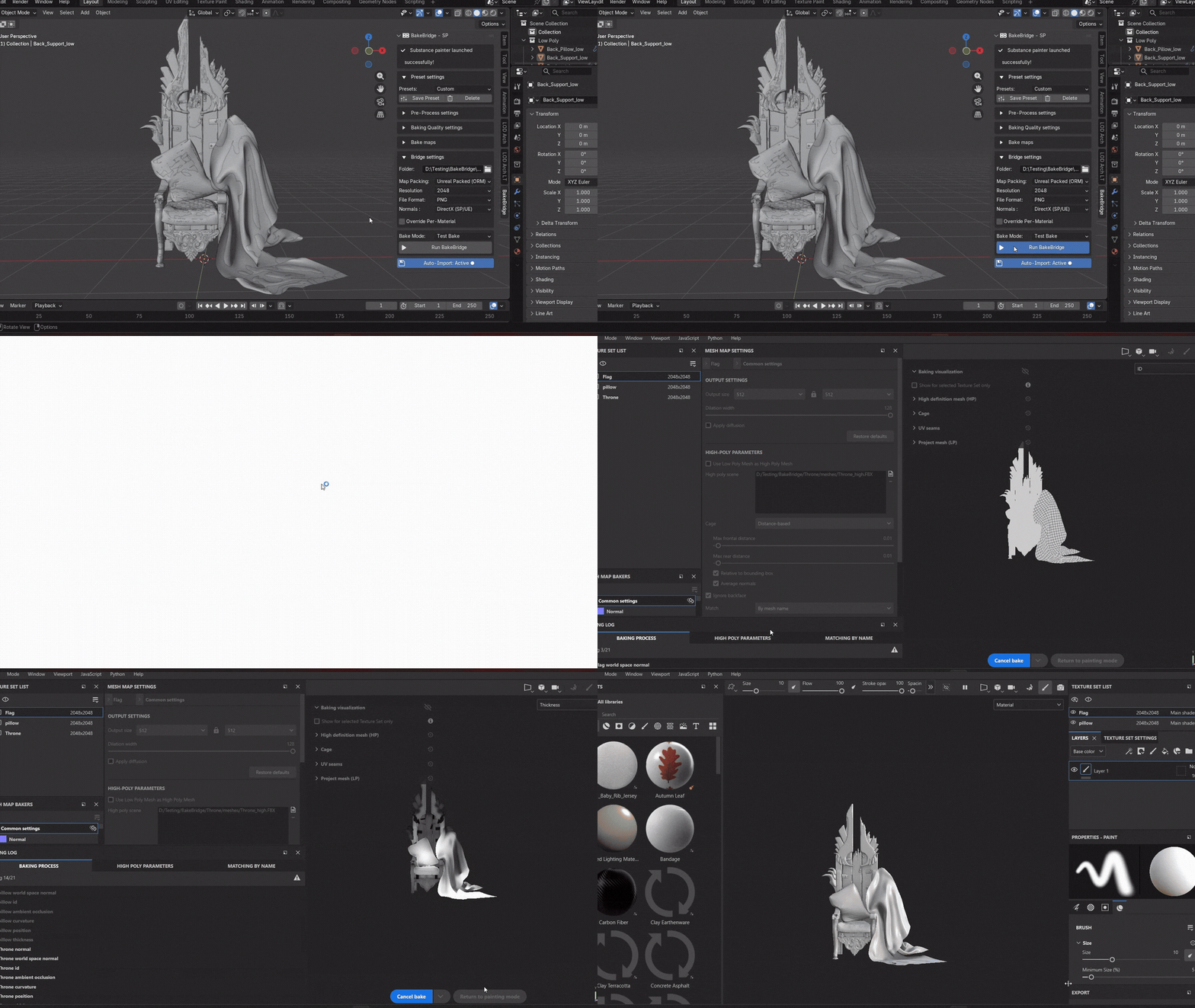
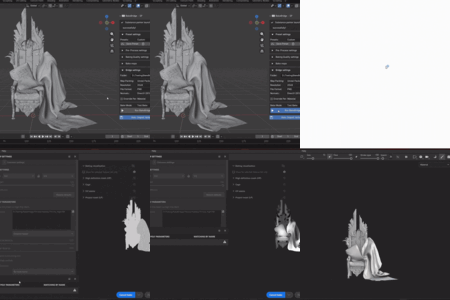
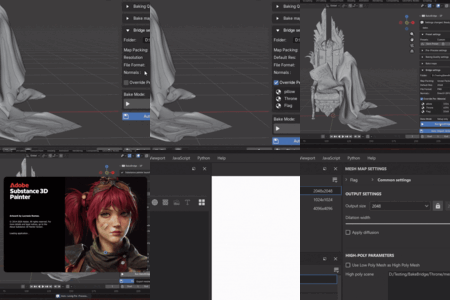
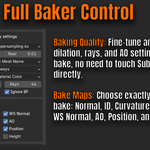
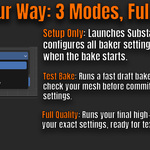
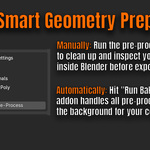
Auto-save, clean up geometry, and boot up the baker in a single click. Select Setup Only(Set Substance for you) or Test Bake (512px draft bake) or Full Quality in Blender and hit "Run BakeBridge." The addon applies rotation/scale, cleans up double vertices, recalculates normals, adds a non-destructive Triangulate modifier, exports the FBX files, opens Substance Painter, and runs the bake automatically.
📏 Per-Material Resolution Overrides
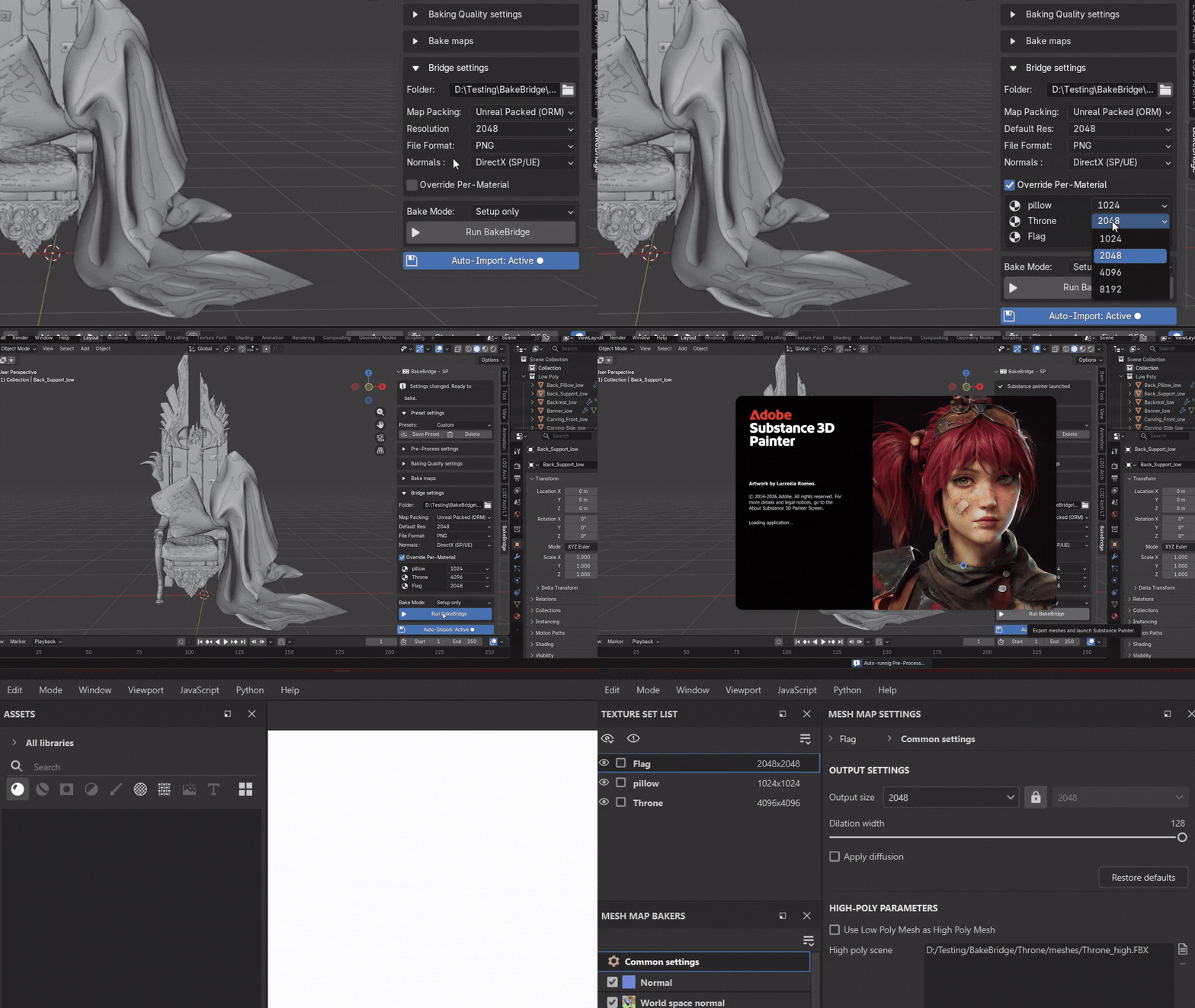
Configure custom resolutions per material slot directly inside Blender. No need to manually adjust texture set sizes in Substance Painter. Set different resolution overrides in your Blender N-Panel (e.g. 1K for accessories, 4K for the main body), and the bridge configures the Substance project structure for you behind the scenes.
🔌 Auto-Shader Setup (Auto-Wiring)
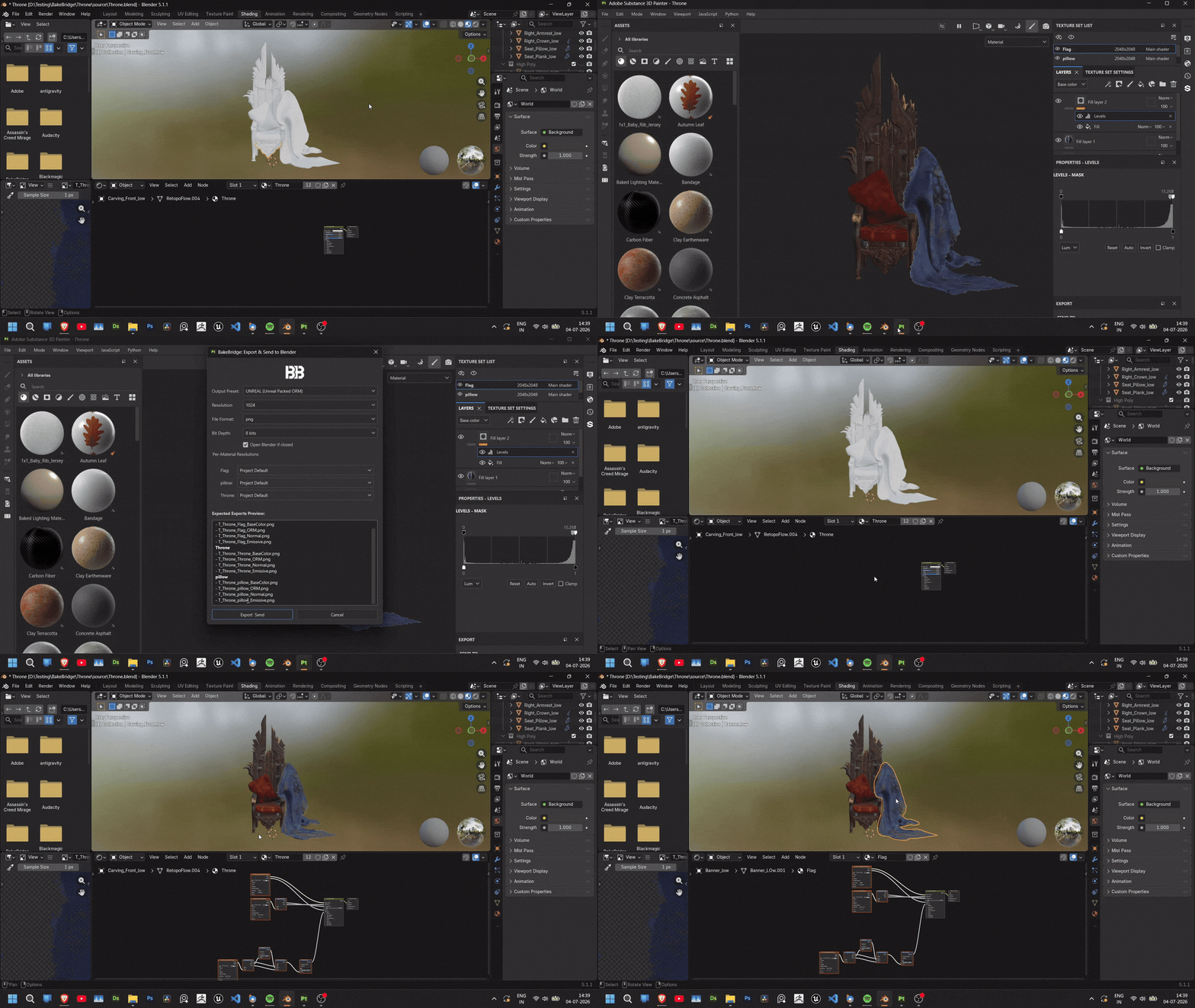
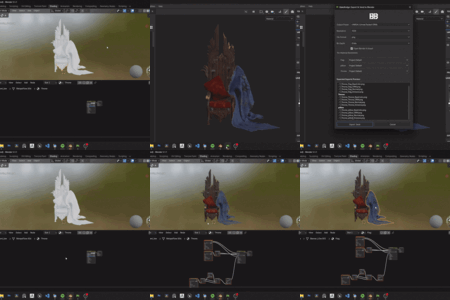
Click export in Substance and watch your node graph build itself. When you're done painting, click the custom BB button on your toolbar. BakeBridge exports your maps, opens your Blender file if closed, imports the textures, sets the correct color spaces (sRGB for Base Color, Non-Color for Normal/Roughness/Metallic/ORM), and wires them directly into the Principled BSDF node.
⚡ Quick Setup
Installs in under a minute. Drag-and-drop the Blender extension, point BakeBridge to your Substance Painter executable, and you're ready to bake. Full installation guide in the Documentation tab.
💰 Why it's worth it:
-
Zero Pipeline Friction: never drag and drop files or dig through File Explorer again.
-
Instant Iteration Loop: found a shading error after baking? Fix the mesh in Blender, click Run BakeBridge again, and it reloads and re-bakes automatically.
-
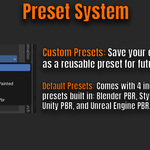
Smart Map Packing: full support for standard PBR, Unreal (Packed ORM), and Unity (Universal Metallic/Specular) export templates.
📦 What's Included:
- BakeBridge-SP Blender Extension (v1.0.0
- BakeBridge Substance Painter Python Plugin (v1.0.0)
- Full Documentation & Quick Start Guides
⚙️ Compatibility & Specifications
- Blender: 4.2 LTS | 4.5 LTS | 5.1
- Substance Painter: 10 | 11 | 12
- OS Support: Built for cross-Platform use on Windows, macOS, and Linux. Actively tested and verified on Windows. macOS and Linux support is untested on my end, community bug reports are welcome via Github.
🐛 Need Help?
Recent Updates
v1.0.1 (Latest)
- Blender 5.2 Compatibility: Fully tested, and confirmed to work with the latest Blender 5.2 Build
- Substance Painter 12.1+ Compatibility: Fixed all internal Python API deprecation warnings for a completely clean console log.
View Full Changelog
 colosyn