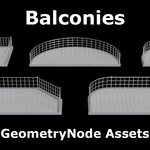
Balconies – Geometry Node Assets
 RaWiLOGIC


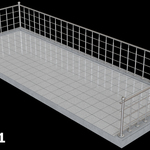
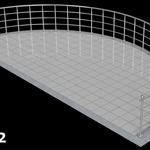
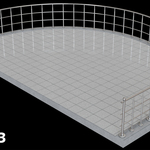
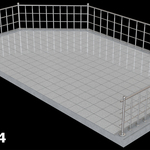
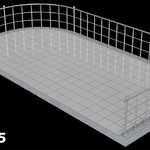
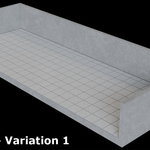
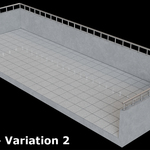
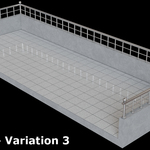
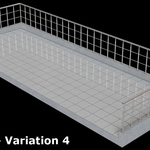
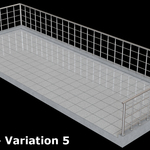
Why does a second object (called “Top‑Element‑Sphere”) appear when I insert a balcony into my scene?
This object is the top element of the corner balusters. It is referenced inside the Geometry Node modifier, which allows you to replace it with any object you want. The size of the object does not matter, because you can scale it inside the modifier.
If you do not want to use the top element, simply disable it in the modifier and delete the object.
Why can I change the number of vertices of the cylinders?
If you set the number of vertices to 4 the cylinder becomes a cube. The additional Z‑rotation parameter allows you to rotate this cube correctly.
Examples: Set vertices to 4 → rotate to 45°, set vertices to 6 → rotate to 30°, set vertices to 8 → rotate to 22.5° and so on.
Can I use my own materials?
Yes. Every component (sockets, cylinders, balusters, cross‑balusters, handrail, etc.) has its own material slot, allowing you to assign any material you want.
What should I generally keep in mind?
The balcony assets also have a bevel modifier, which is set to a value of 0.0025 m. Therefore, you should avoid values below 0.005 m, as the bevel modifier no longer works correctly below this limit. If it is necessary to work with small dimensions, the bevel value must be adjusted and reduced accordingly.
Have questions about this product?
Login to message
| Dev Fund Contributor | |
| Published | 5 months ago |
| Blender Version | 5.1 |
| Render Engine Used | Cycles |
| License | Royalty Free |