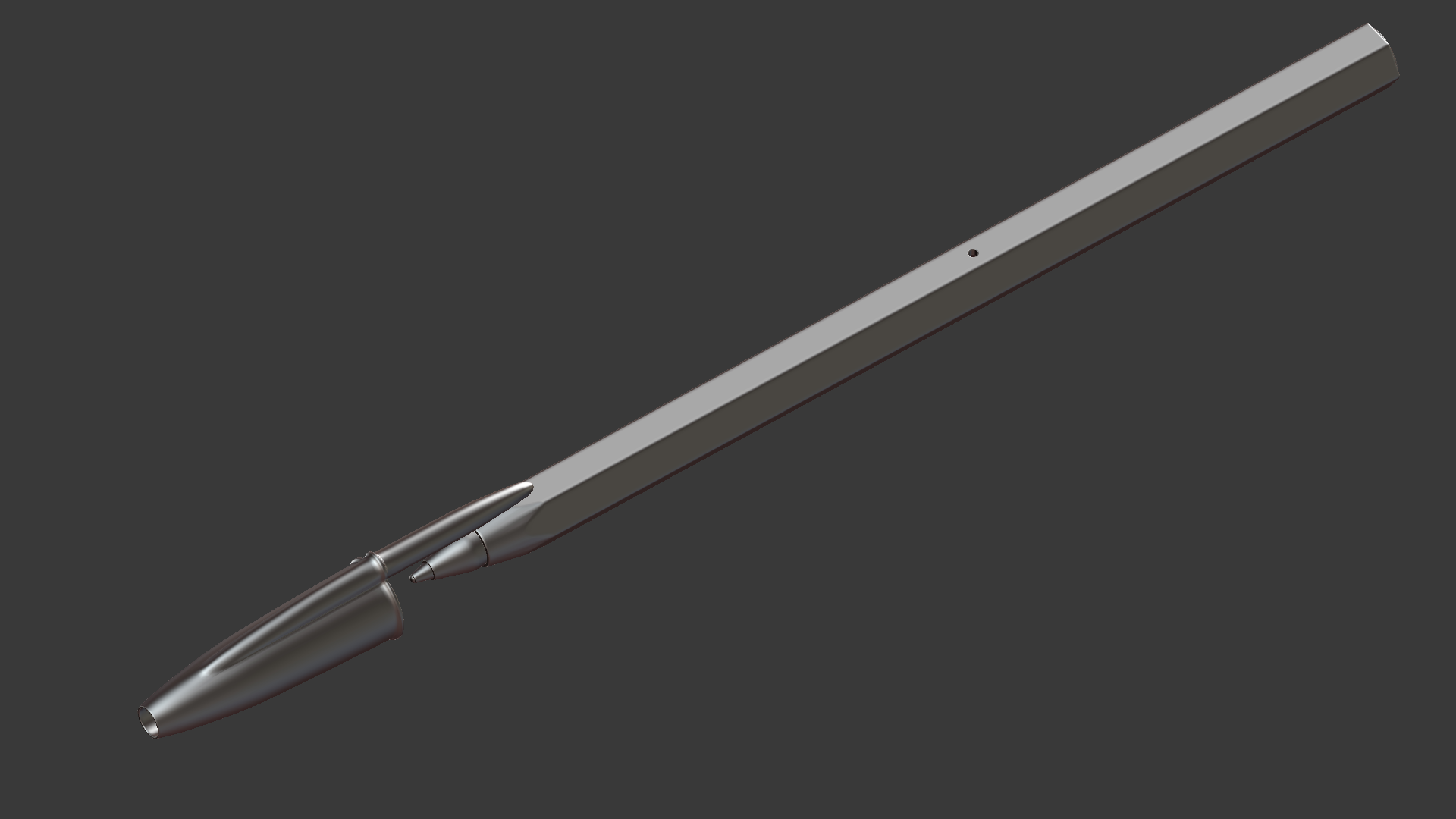
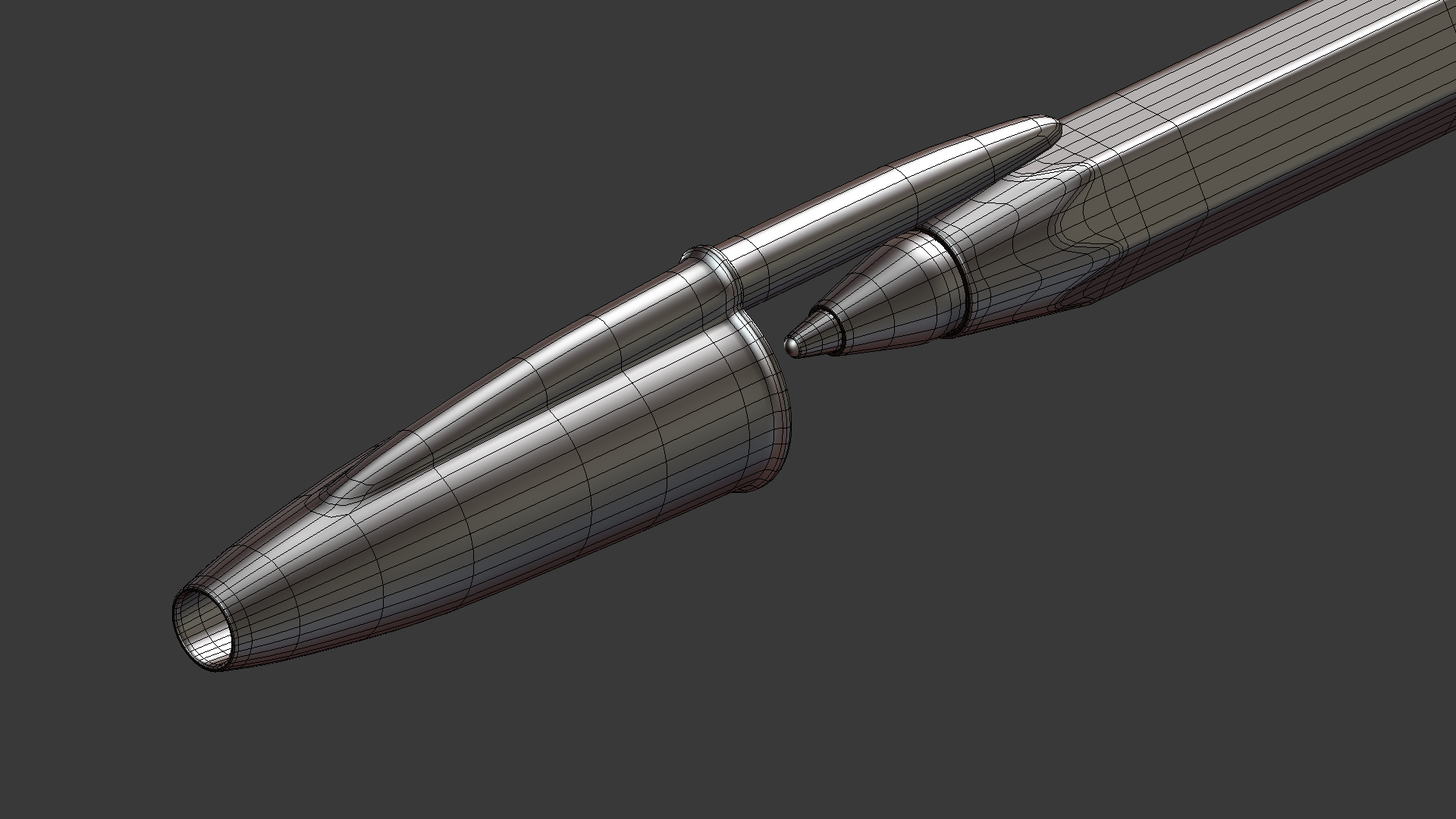
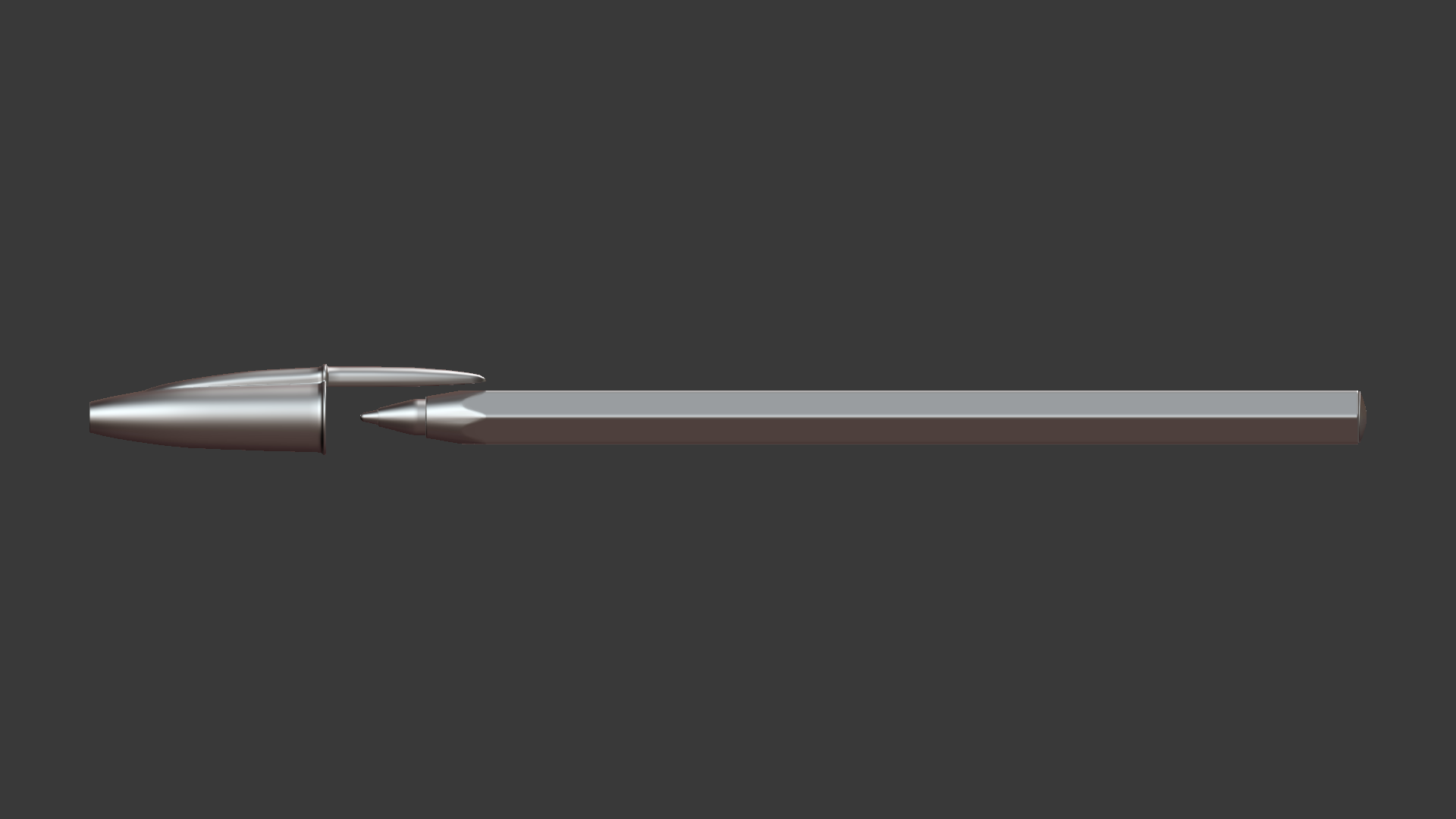
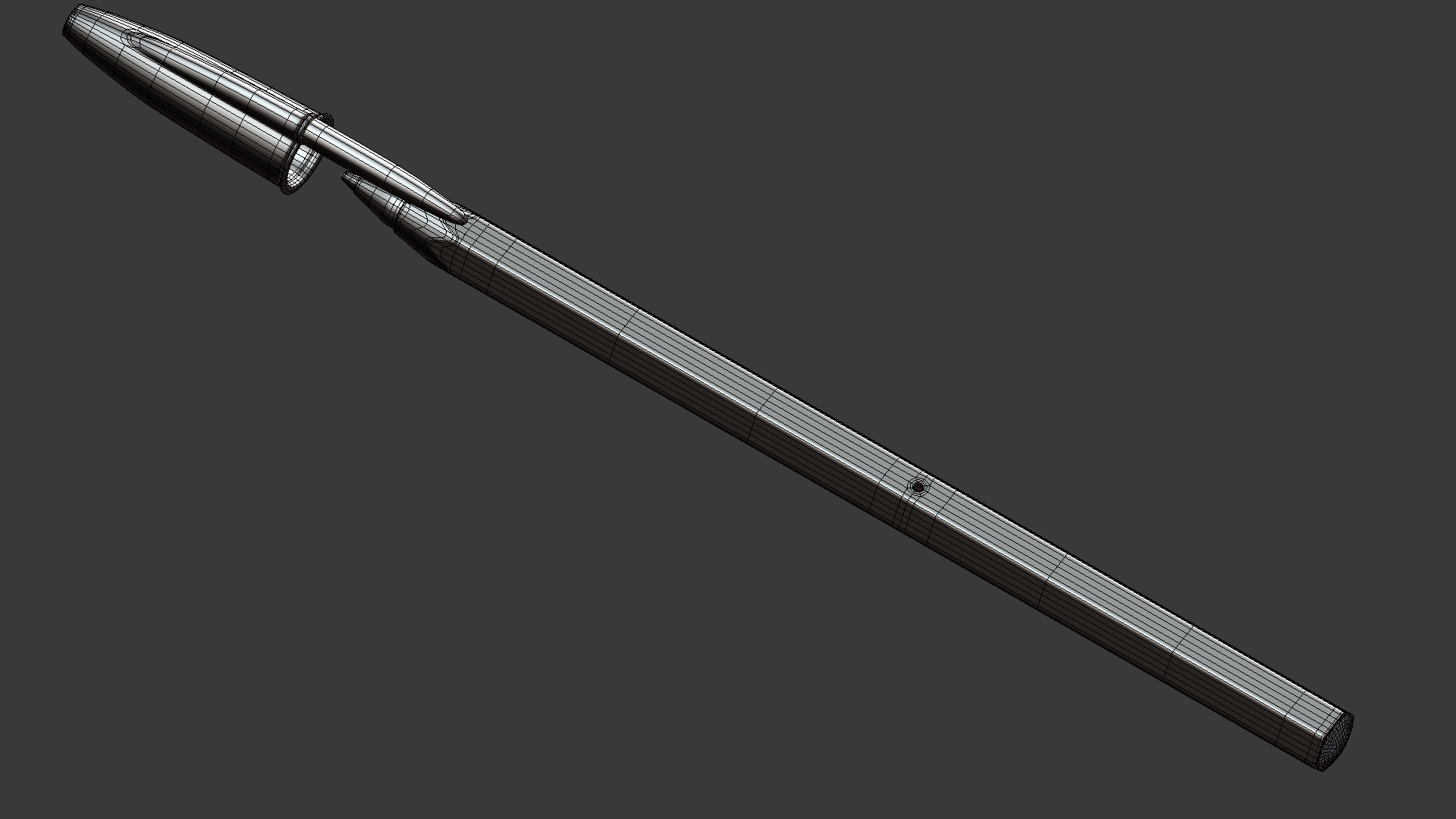
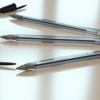
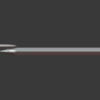
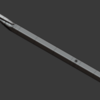
Ballpoint Pen 3D Model
 dannymax5 Shop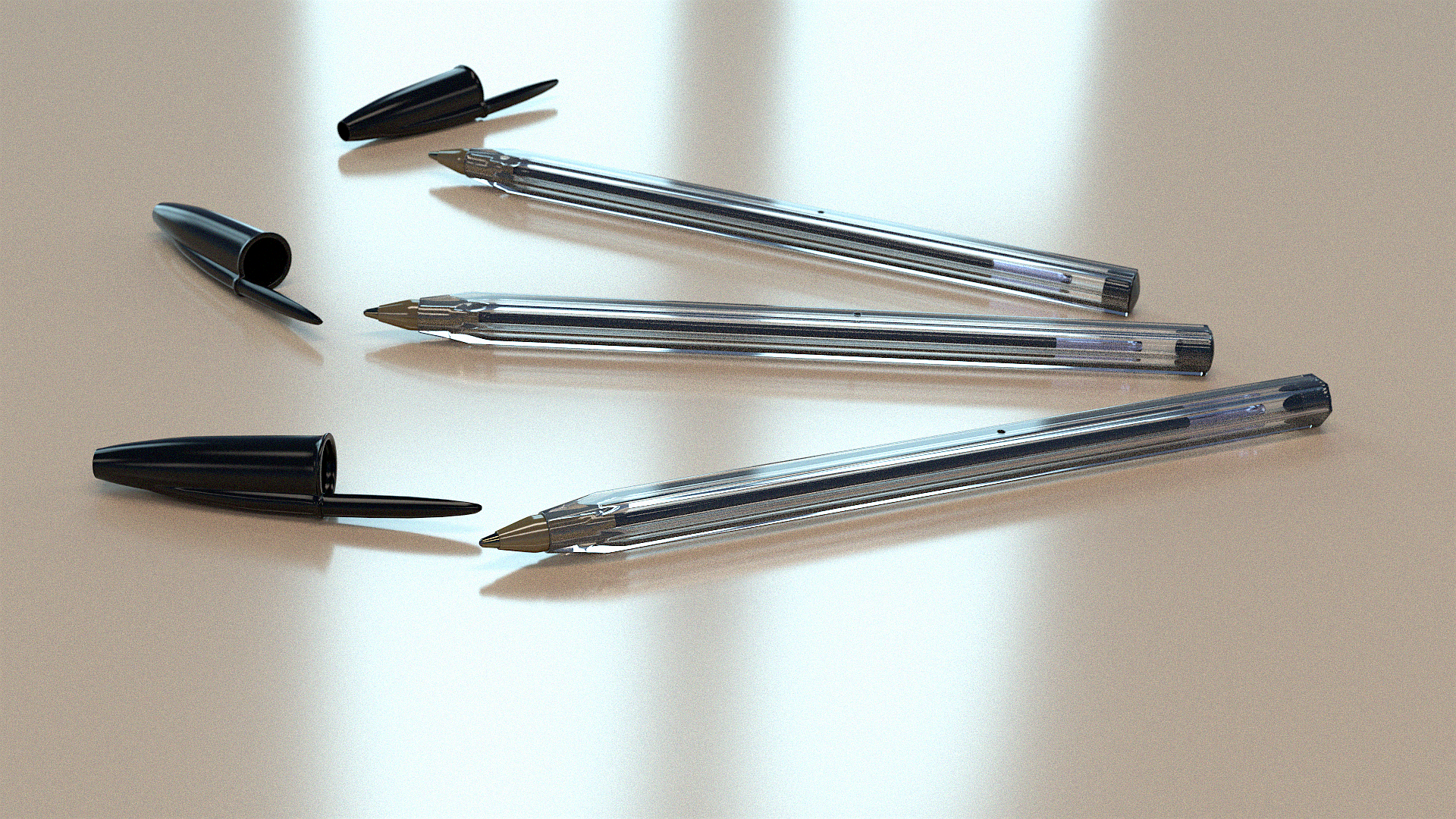
--- Appending into a Scene ---
1 Open the .blend file of your scene
2 press Shift F1 or File -> Append
3 find this .blend and select it
4 go into Group
5 select Ballpoint_Pen
6 press "Link/Append from Library"
$2.99
Have questions about this product?
Login to message
| Sales | 30+ |
| Dev Fund Contributor | |
| Published | over 10 years ago |
| Blender Version | 4.5 |
| Render Engine Used | Cycles |
| License | Creative Commons |
