 CERA
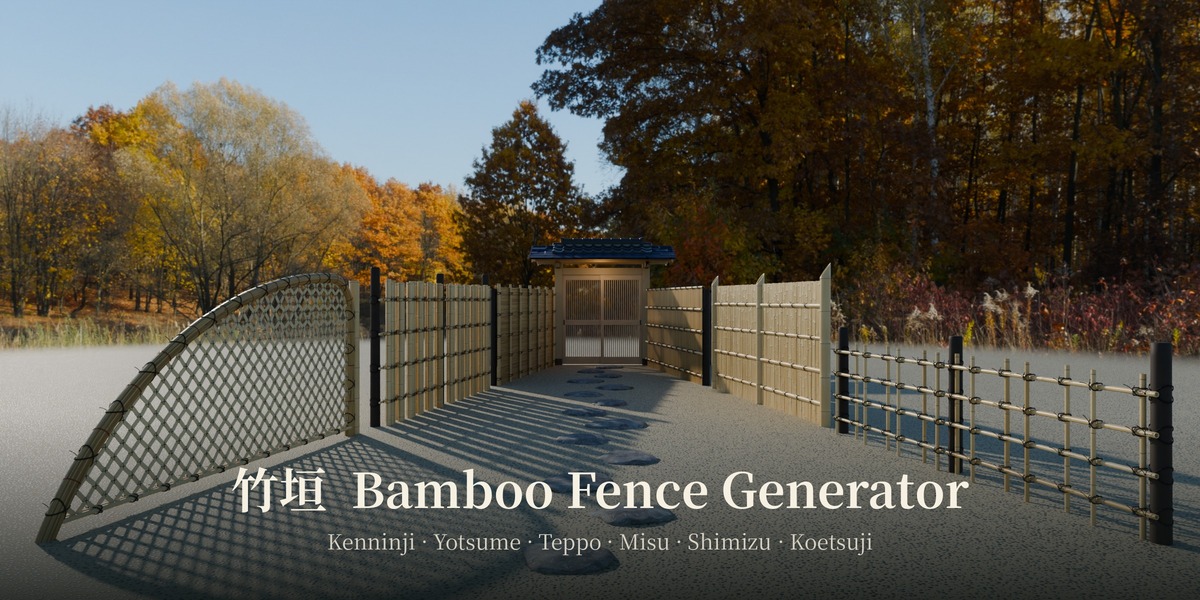
Traditional Japanese bamboo fences, built the way craftsmen build them
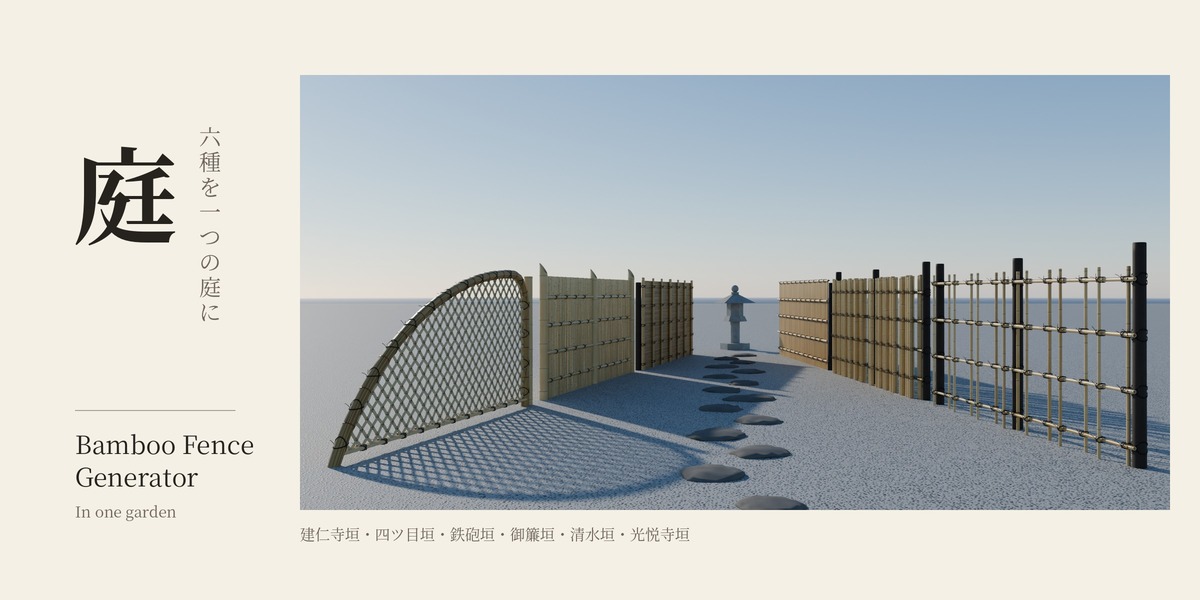
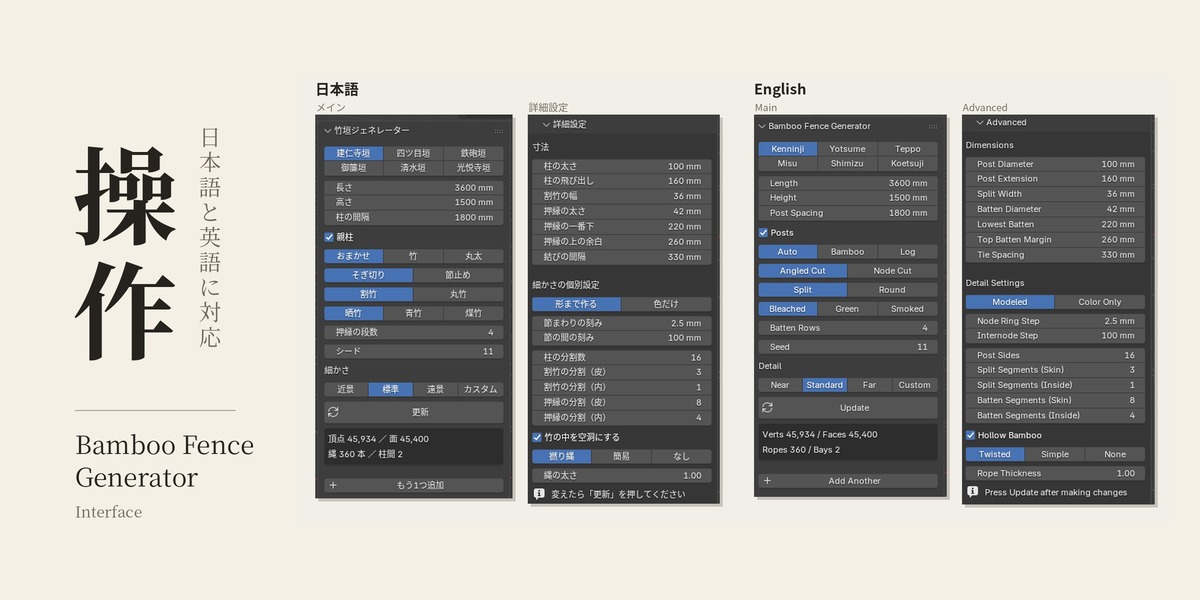
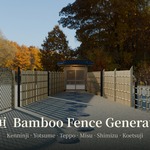
Bamboo Fence Generator is a Blender add-on that creates six classic Japanese bamboo fences (takegaki). Set the length and height, press Update, and the fence is built with the right post spacing, bamboo layering and rope ties for its type.
It is made by an architectural drafter and perspective artist in Japan, based on fences drawn in real projects and seen on site. Use it for Japanese gardens, ryokan and temple scenes, tea houses, or any archviz project that needs a fence that looks right up close.
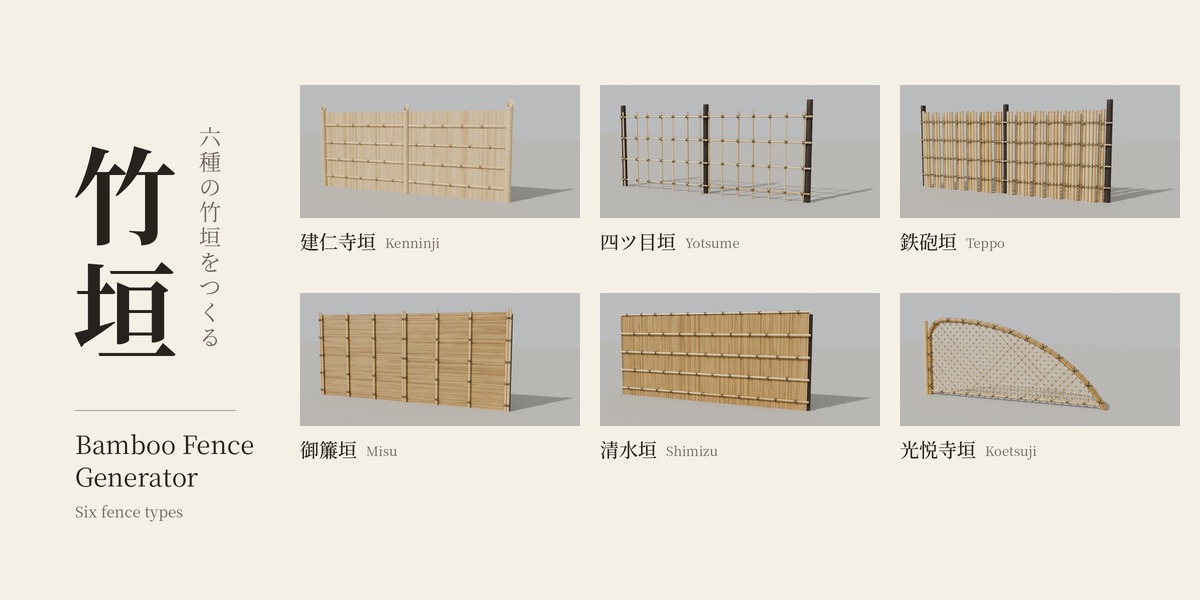
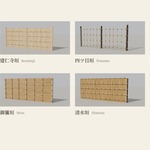
Six fence types
-
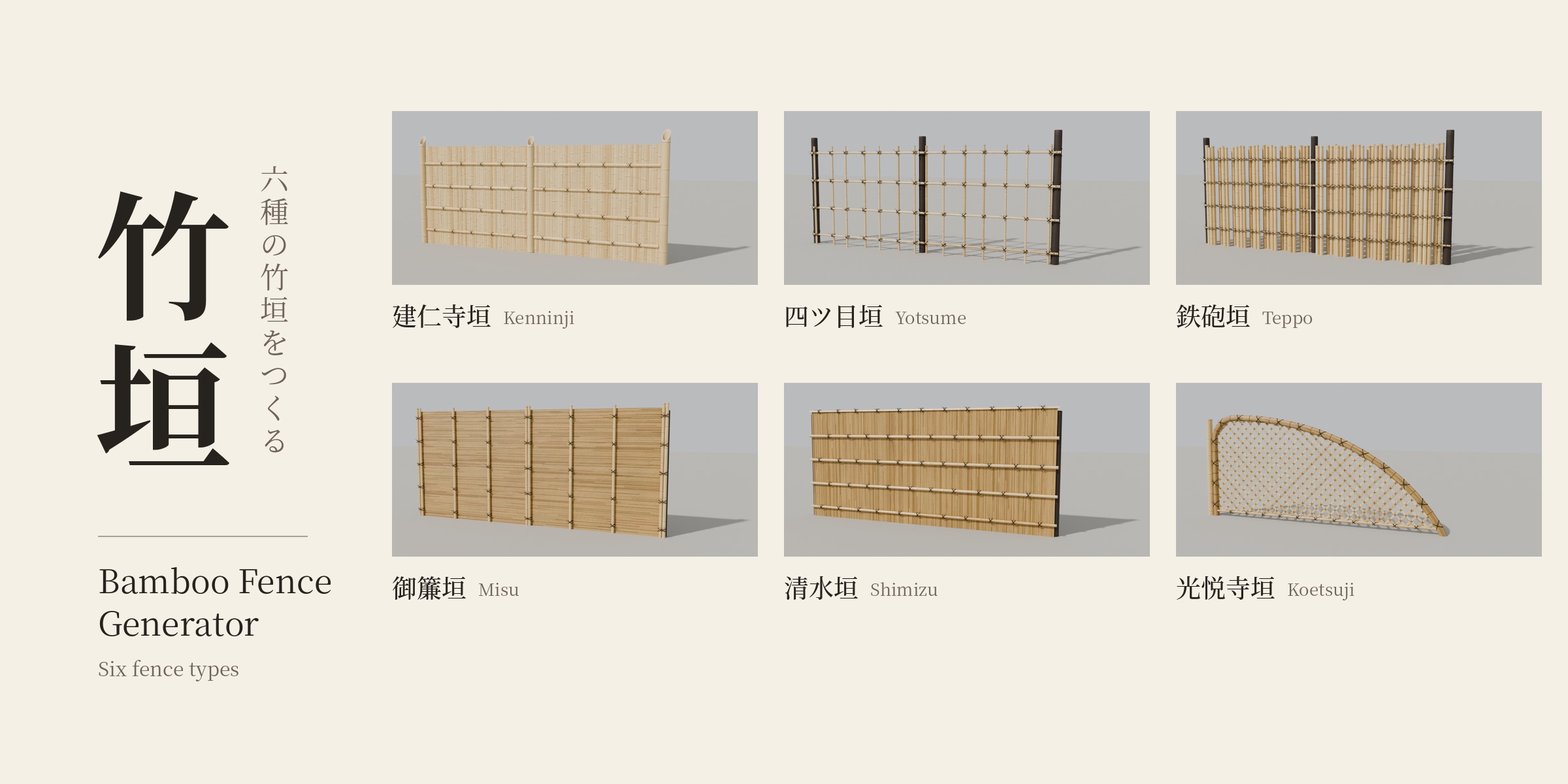
Kenninji (建仁寺垣) – A solid screen of split bamboo held by horizontal battens. The most common privacy fence in Japanese gardens.
-
Yotsume (四ツ目垣) – An open lattice. Uprights are tied alternately to the front and back of the rails, leaving square openings.
-
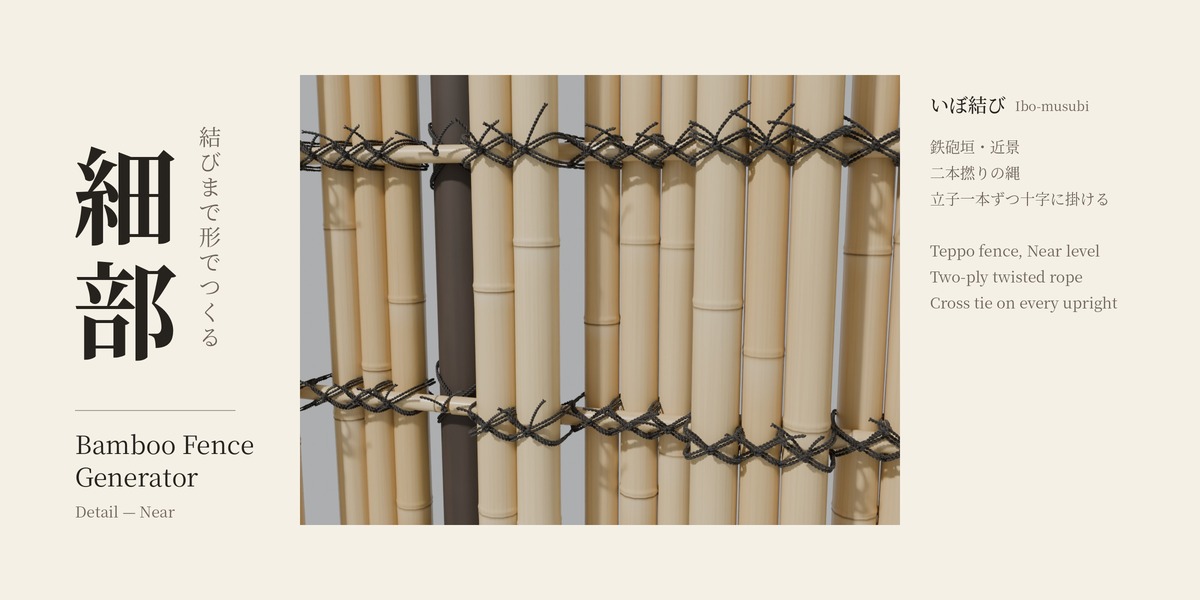
Teppo (鉄砲垣) – Thick round bamboo in groups, fixed alternately to the front and back of the rails.
-
Misu (御簾垣) – Thin bamboo laid horizontally, held by vertical battens. Calm and refined.
-
Shimizu (清水垣) – Thin bamboo set vertically, held by horizontal battens with a cap along the top.
-
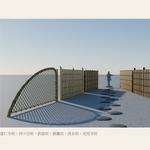
Koetsuji (光悦寺垣) – A diamond lattice of split bamboo framed by a thick arching bundle.
Choosing a type fills in suitable sizes, so you get a believable fence right away.
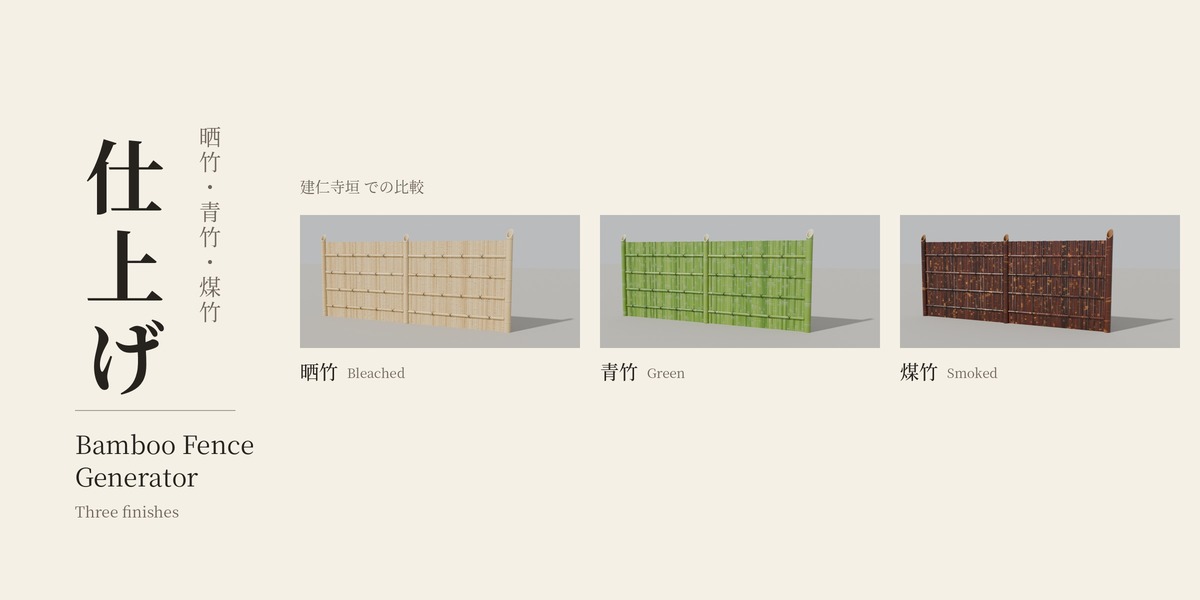
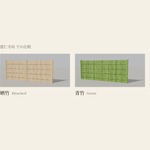
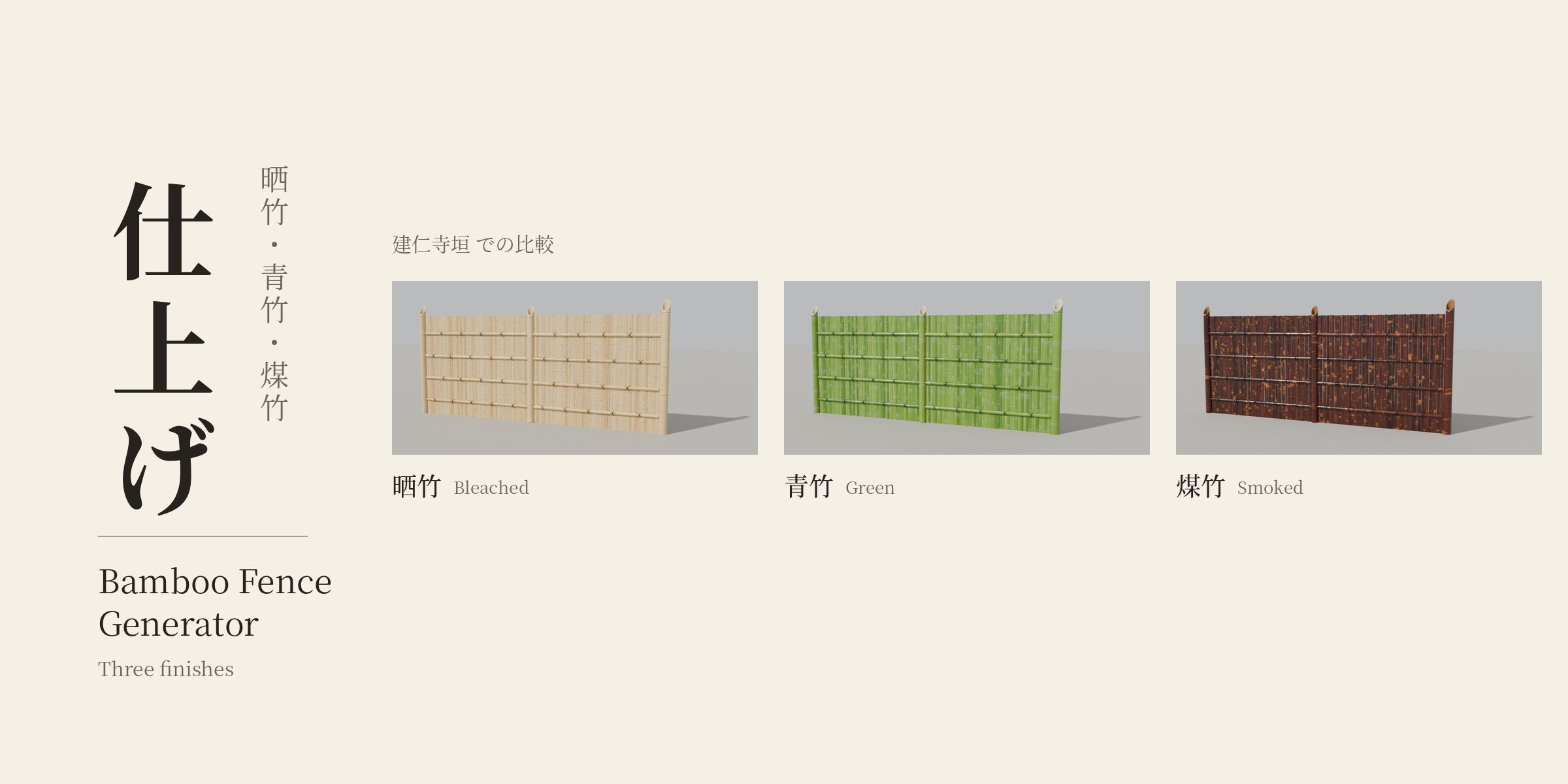
Three finishes
-
Bleached (晒竹) – Pale, dried bamboo. The classic look.
-
Green (青竹) – Fresh green bamboo.
-
Smoked (煤竹) – Dark, smoked bamboo with mottled patterns.
Details that matter up close
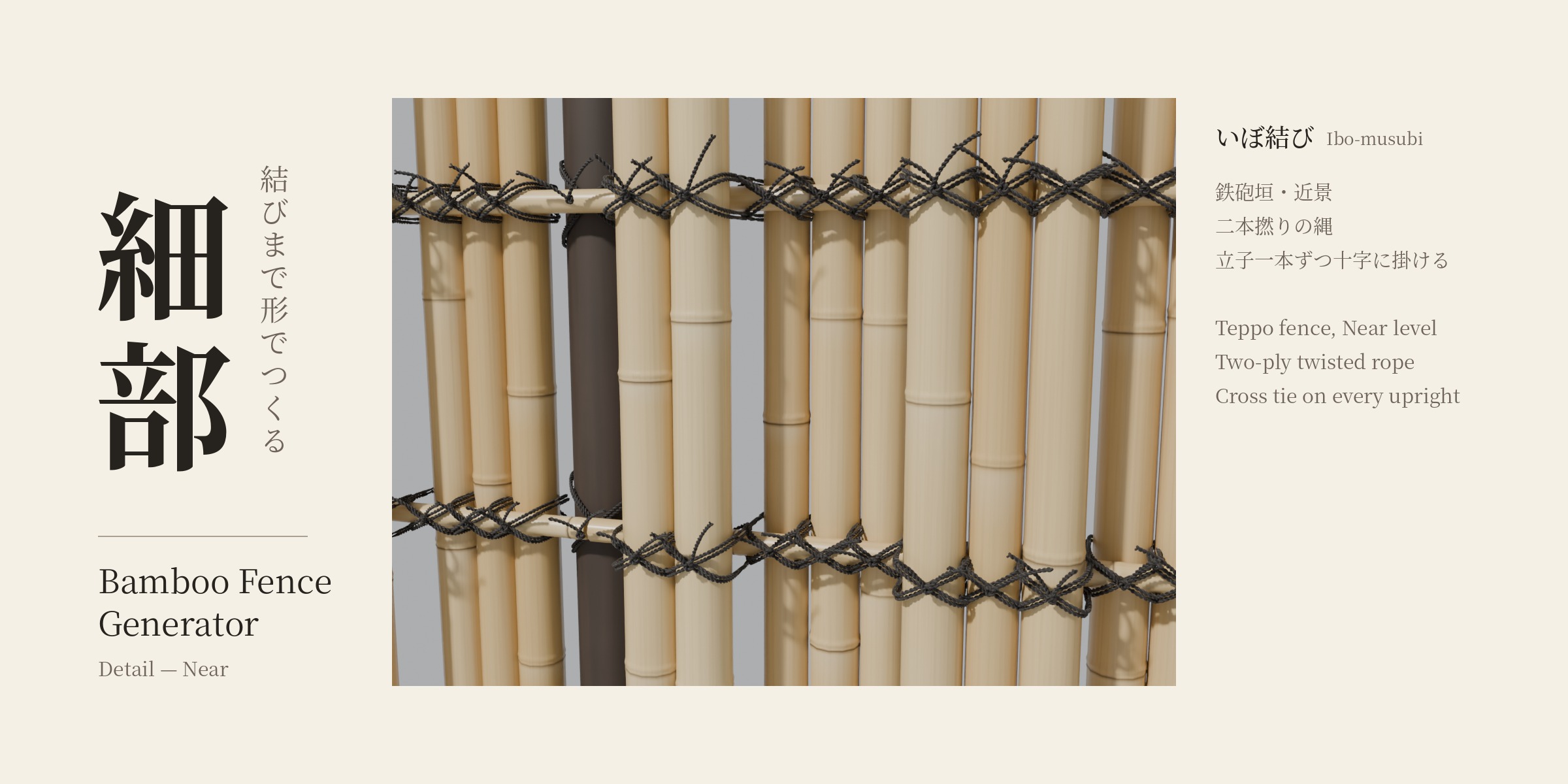
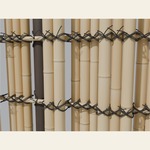
- Rope ties are modeled, not painted. Teppo uses a cross tie on every upright, and you can switch to two-ply twisted rope for close-ups.
- Node rings and internode steps are modeled at the Near level.
- Posts can be bamboo or charred log. Bamboo posts can have an angled cut or a node cut at the top.
- Split or round bamboo, and an option for hollow bamboo.
- A seed setting changes the random placement of bamboo and nodes, so long runs don't repeat.
Detail levels for large scenes
-
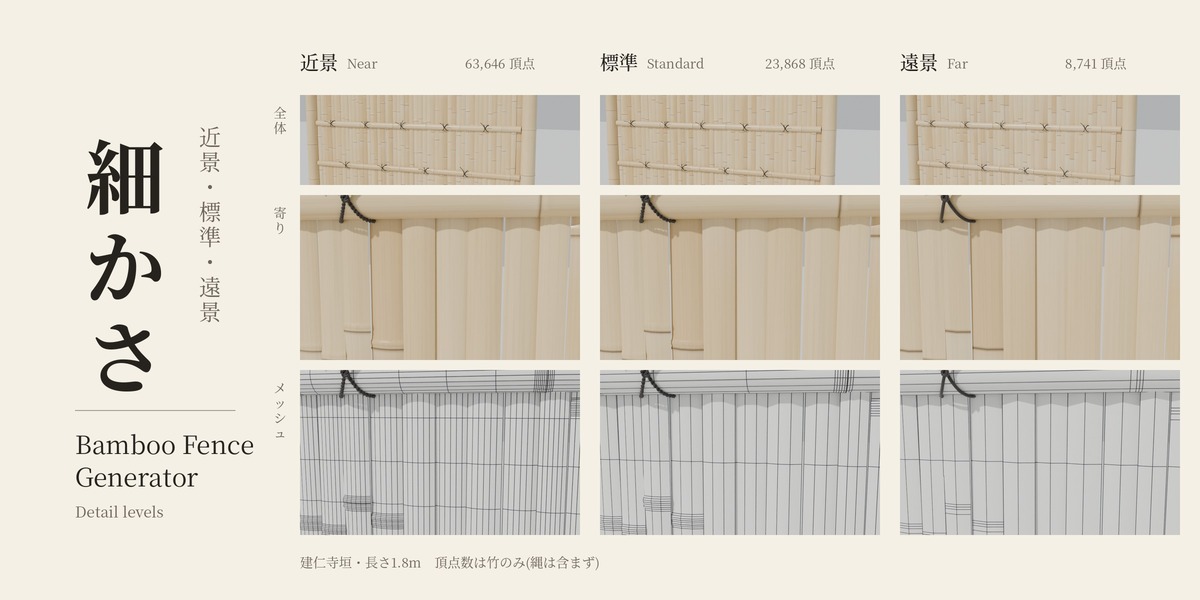
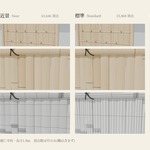
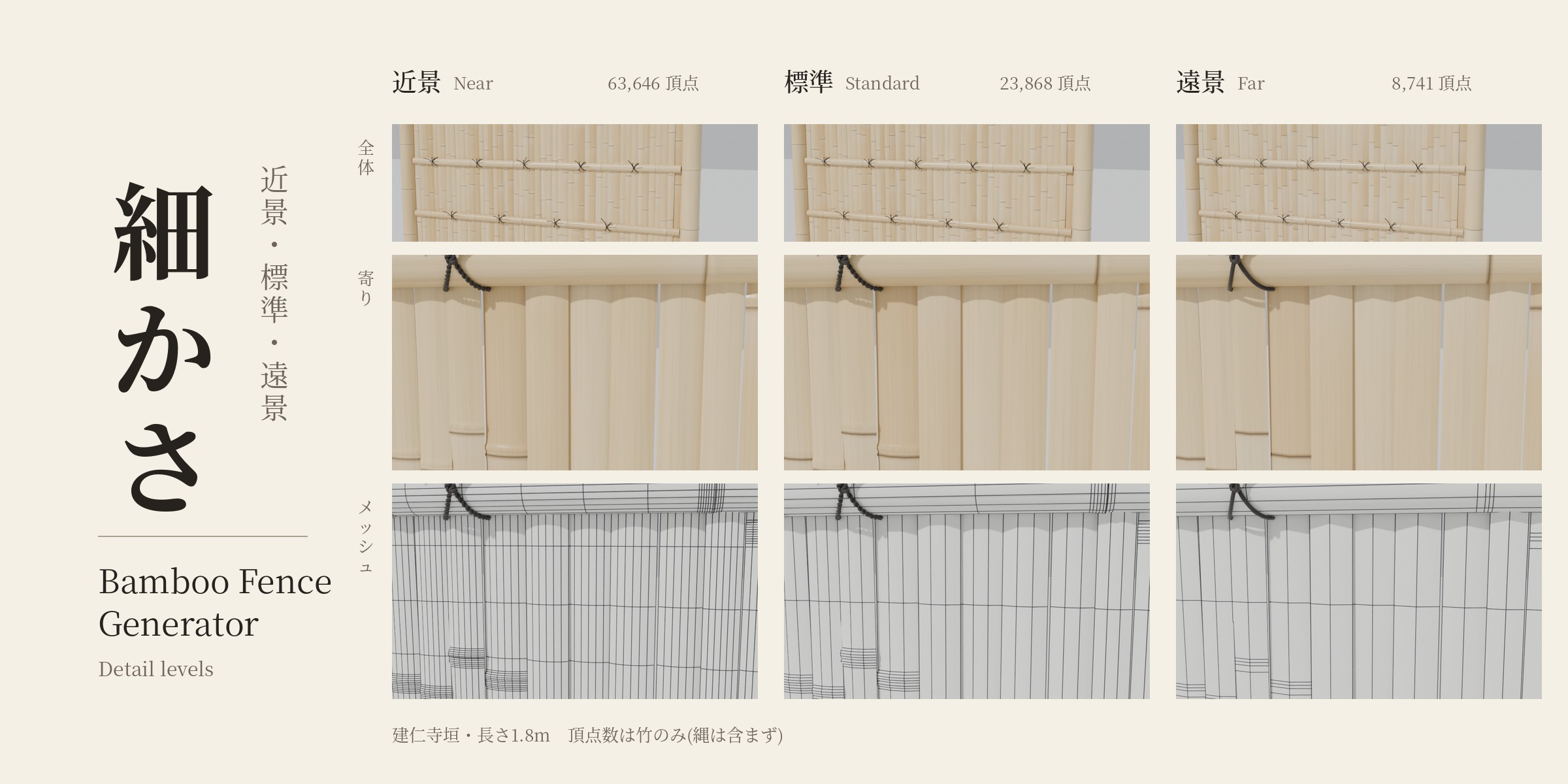
Near – Close-ups. Node shapes and rope twist in full detail.
-
Standard – Everyday use.
- Far – Distant shots. Nodes as color only, simple rope.
From a normal viewing distance, all three look almost the same. Vertex counts for a 1.8 m Kenninji fence (bamboo only): Near 63,646 / Standard 23,868 / Far 8,741.
For a long fence, build the part near the camera at Near and the rest as separate fences at Standard or Far.
Materials
- Procedural materials for bamboo, rope and thin cane, sized in real-world meters. No UV unwrapping needed.
- Existing materials are reused and never overwritten, so your own edits survive an Update.
How it works
- Place the 3D cursor where the fence should start.
- Add > Bamboo Fence, or open the sidebar (N) and use the Bamboo Fence tab.
- Choose a fence type, then set Length, Height and Finish.
- Press Update. Use Add Another for a second fence with its own settings.
Requirements
- Blender 5.2 or later (installed as an Extension)
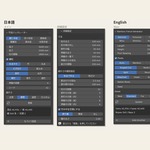
- English and Japanese interface, following Blender's language setting