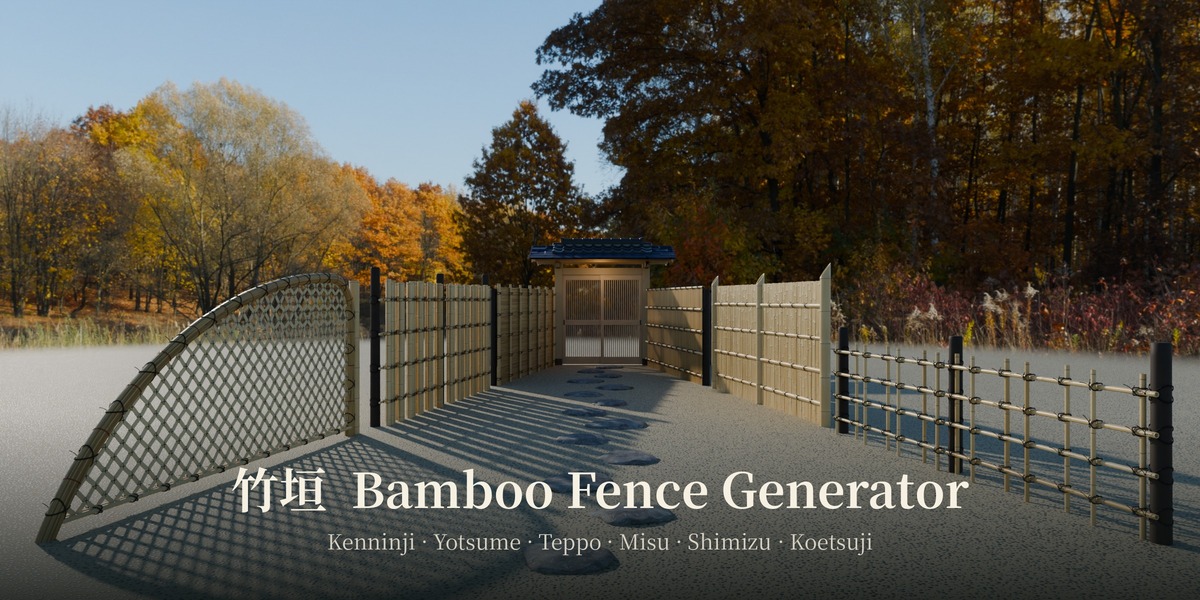
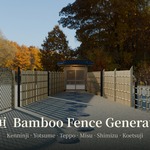
Bamboo Fence Generator
 CERA
Requirements
- Blender 5.2 or later
Installation
- Download the zip file. Do not unzip it.
- In Blender, open Edit > Preferences > Get Extensions.
- Open the menu at the top right, choose Install from Disk..., and select the zip.
Quick start
- Place the 3D cursor where the fence should start.
- Use Add > Bamboo Fence, or open the sidebar (N) and go to the Bamboo Fence tab.
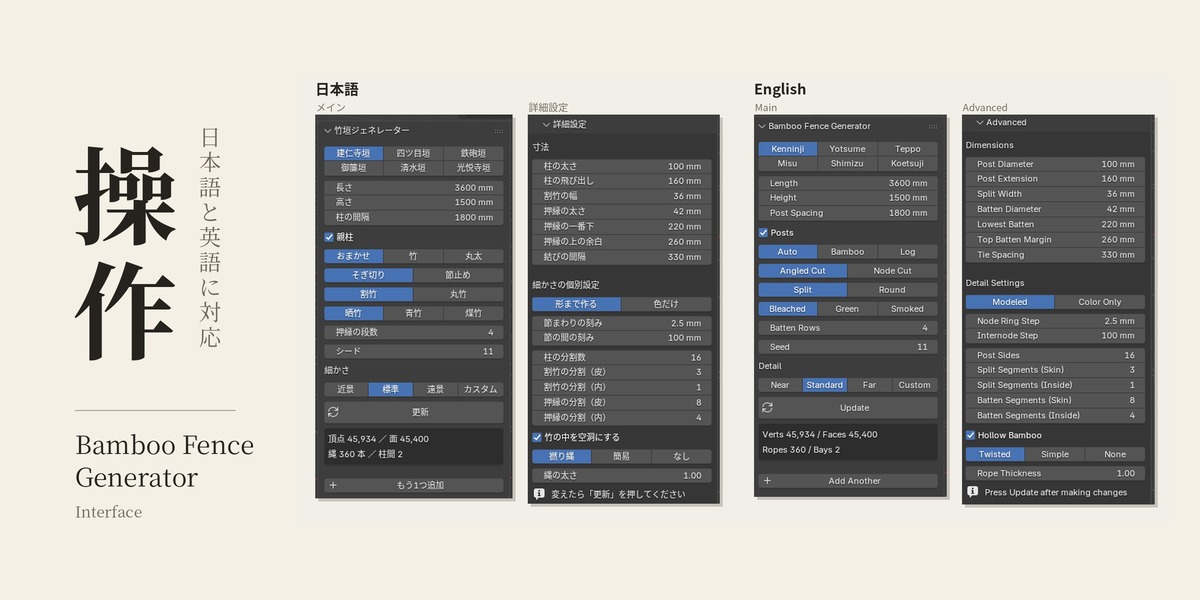
- Choose a fence type, then set Length, Height and Finish.
- Press Update after changing settings.
Add Another creates a second fence at the 3D cursor. Each fence keeps its own settings.
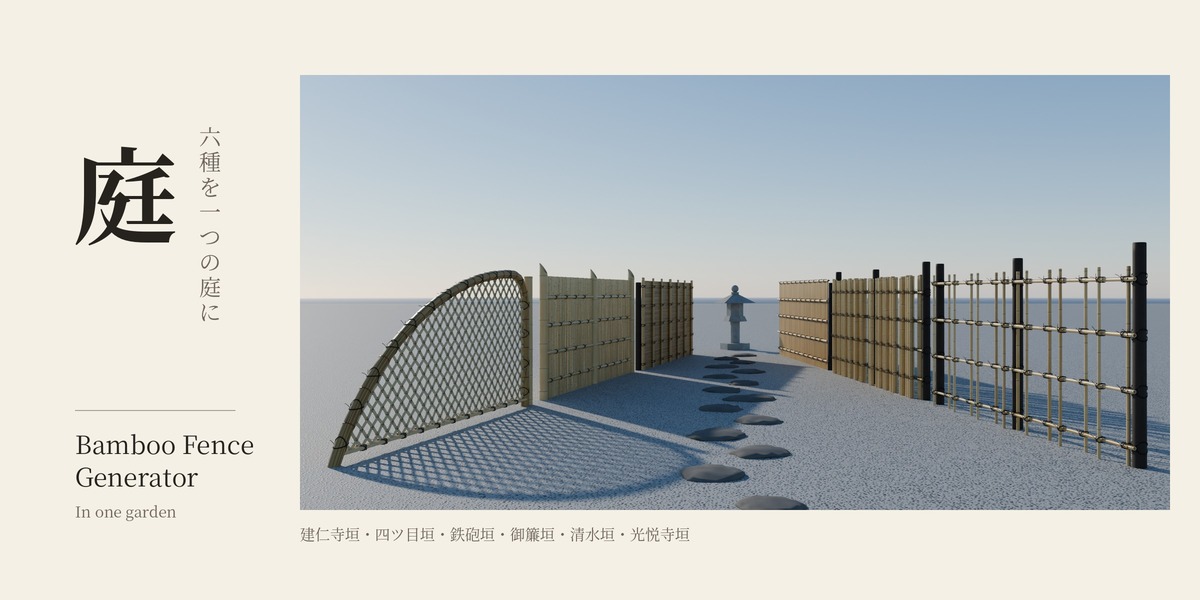
Fence types
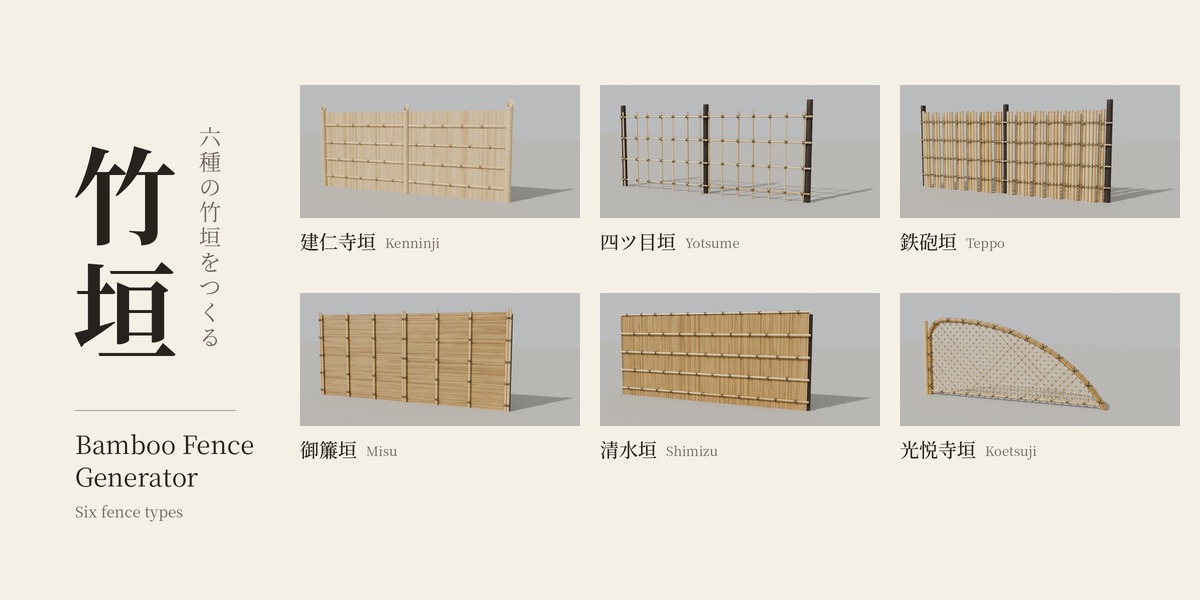
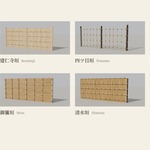
- Kenninji: solid screen of split (or round) bamboo, held by horizontal battens
- Yotsume: open lattice, uprights tied alternately to the front and back of the rails
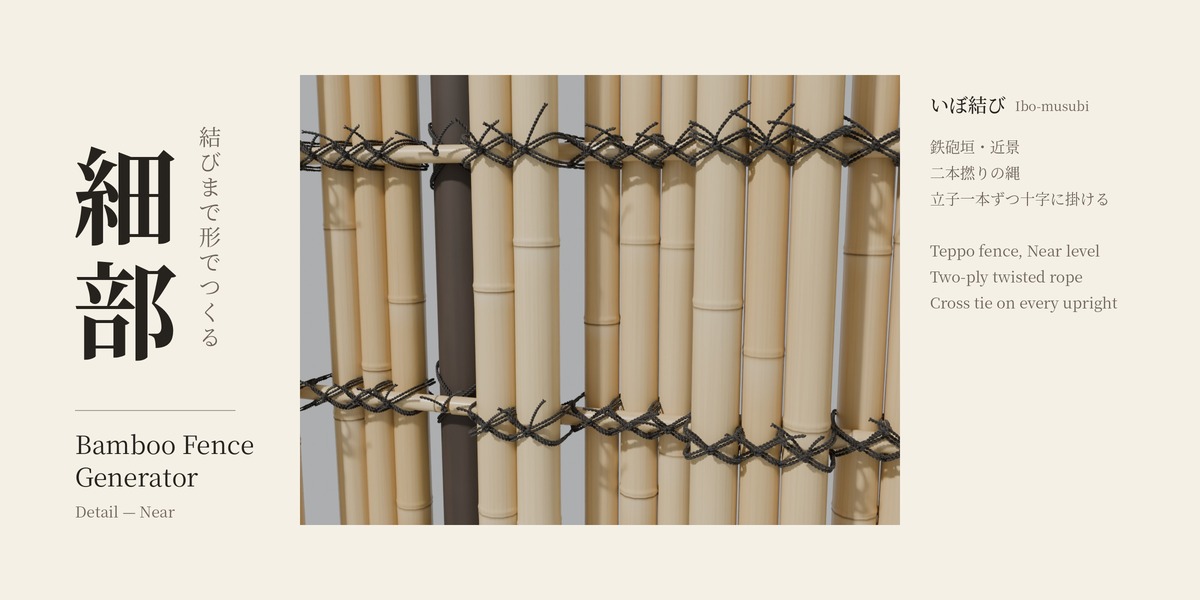
- Teppo: thick round bamboo in groups, fixed alternately to the front and back of the rails
- Misu: thin bamboo laid horizontally, held by vertical battens
- Shimizu: thin bamboo set vertically, held by horizontal battens and a cap along the top
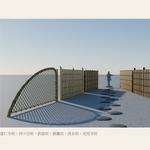
- Koetsuji: diamond lattice of split bamboo, framed by a thick arching bundle
Main settings
- Fence Type: choosing a type fills in suitable sizes.
- Length / Height / Post Spacing: posts are spread evenly to fit the length.
- Posts: bamboo or charred log. Auto picks what suits the fence type.
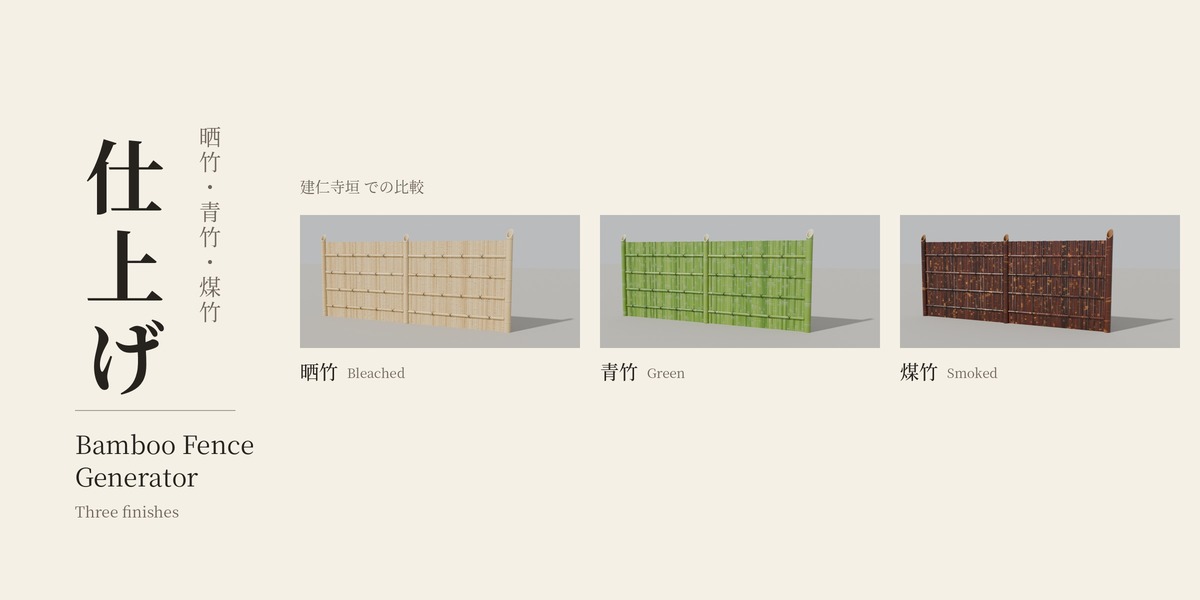
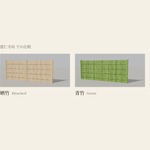
- Finish: Bleached, Green or Smoked bamboo.
- Seed: changes the random placement of bamboo and nodes.
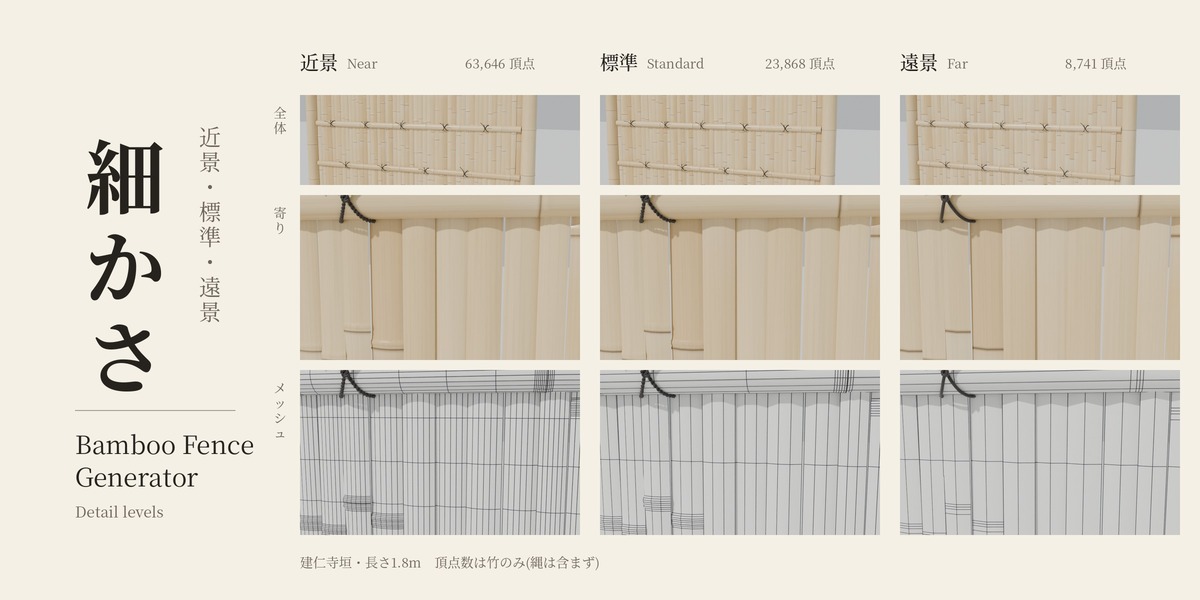
Detail levels
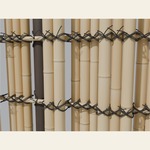
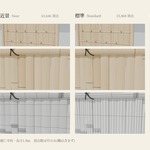
- Near: close-ups. Node shapes and rope twist in full detail.
- Standard: everyday use.
- Far: distant shots. Nodes as color only, simple rope.
- Custom: set automatically when you change the detail settings yourself.
Vertex counts for a 3.6 m × 1.5 m fence at Standard (bamboo only, ropes not included):
Kenninji ~46,000 / Yotsume ~12,000 / Teppo ~31,000 / Misu ~5,800 / Shimizu ~6,800 / Koetsuji ~40,000.
For a long fence, build the part near the camera at Near and the rest as separate fences at Standard or Far.
Notes
- Teppo ropes: Teppo has hundreds of ties, so the presets use simple rope. Choosing Twisted gives full two-ply rope with double wraps. It looks great up close but is very heavy (about 2.4 million rope vertices for 3.6 m).
- Materials are procedural and use object coordinates in real meters, so no UV unwrapping is needed. Existing materials with the same name are reused and never overwritten, so your own edits survive an Update.
- Scale: keep the fence object at scale 1. If the scale is negative, the panel shows a warning. Apply the scale with Ctrl+A.
- Scene units: lengths follow the scene unit scale.
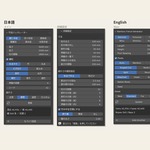
- Language: the interface follows Blender's language setting (English or Japanese). Object and material names use the language active when they were created.
Support
Questions or bug reports: [email protected] / X (@cera_arch3d)
Have questions about this product?
Login to message
| Blender Extension Compatible | Yes |
| Published | 2 days ago |
| Blender Version | 5.2 |
| Extension Type | Add-on |
| Render Engine Used | Cycles, Eevee |
| License | GPL |