 ZEG
See all my Blender addons on Superhive >
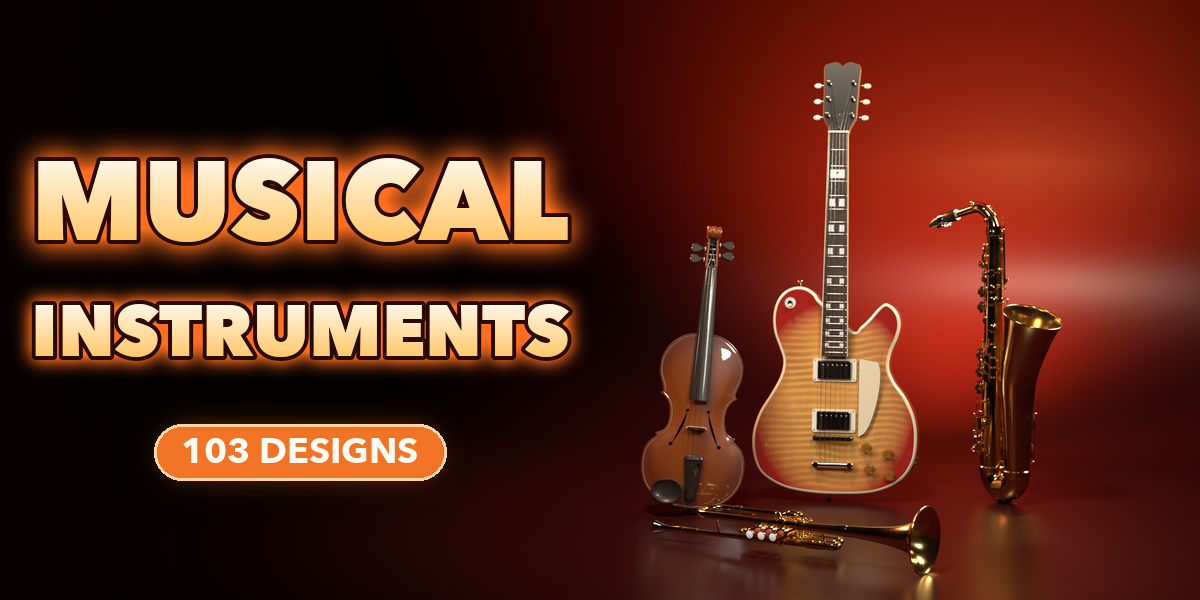
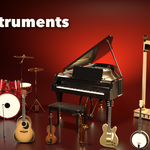
Bandstand builds real-scale musical instruments in one click: 103 ready-made designs across 33 kinds, from acoustic and electric guitars to drum kits, grand pianos, violins, harps, trumpets, saxophones and flutes. Pick a design by its picture and the instrument appears, with strings, frets, keys, valves, pads and hardware in place.
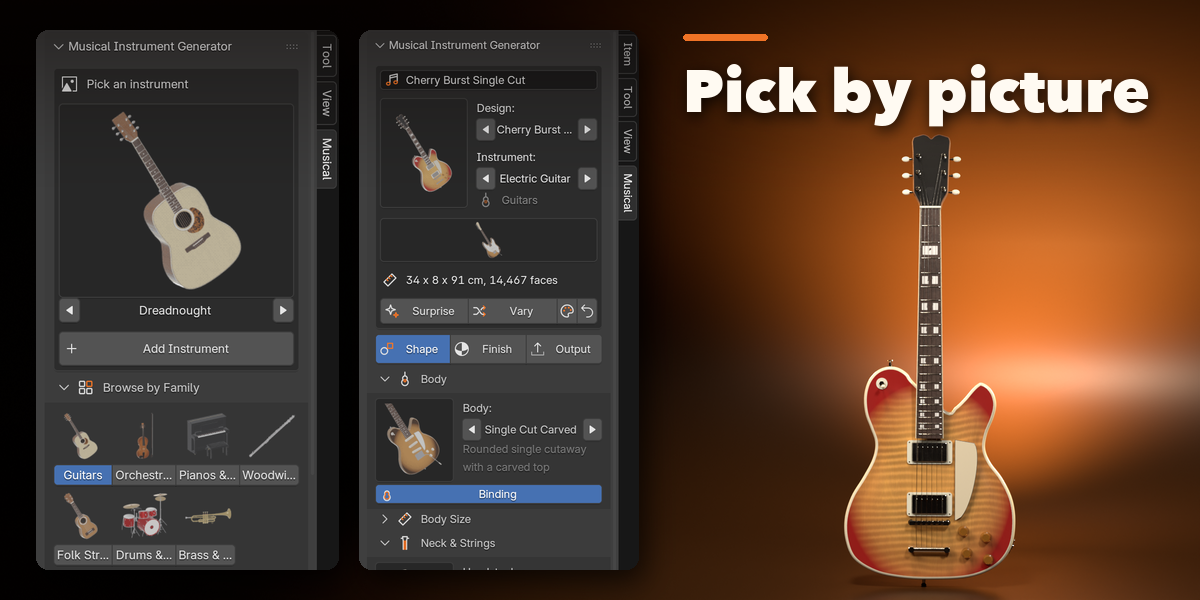
Every instrument stays editable. Change the body, neck, pickups, drum sizes, piano lid, trombone slide or finish in the sidebar and the model rebuilds live.
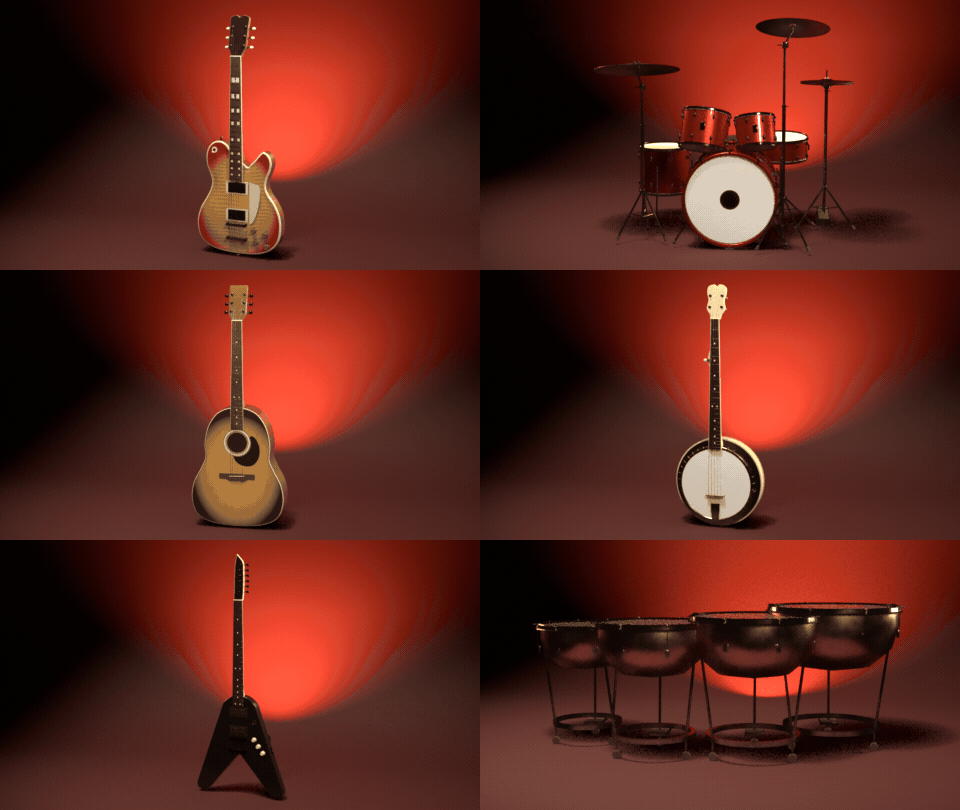
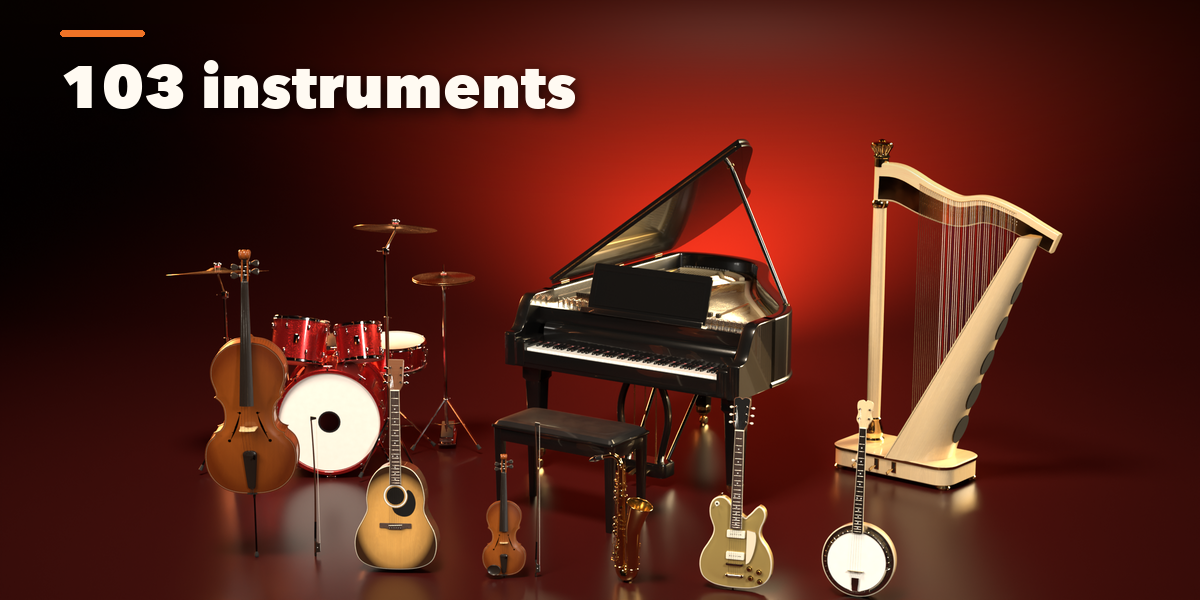
103 instrument designs
Guitars, violins, drum kits, grand pianos, horns and harps. Pick one and it appears in one click.

Surprise me
One click builds a random instrument with a random finish, ready to drop into your scene.
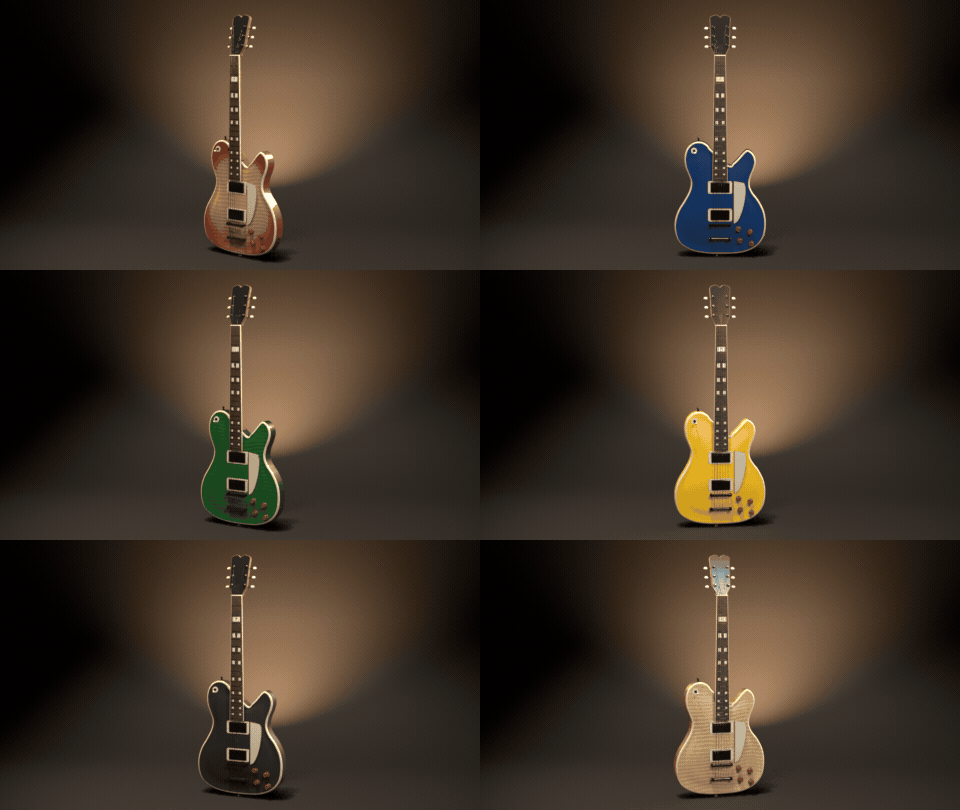
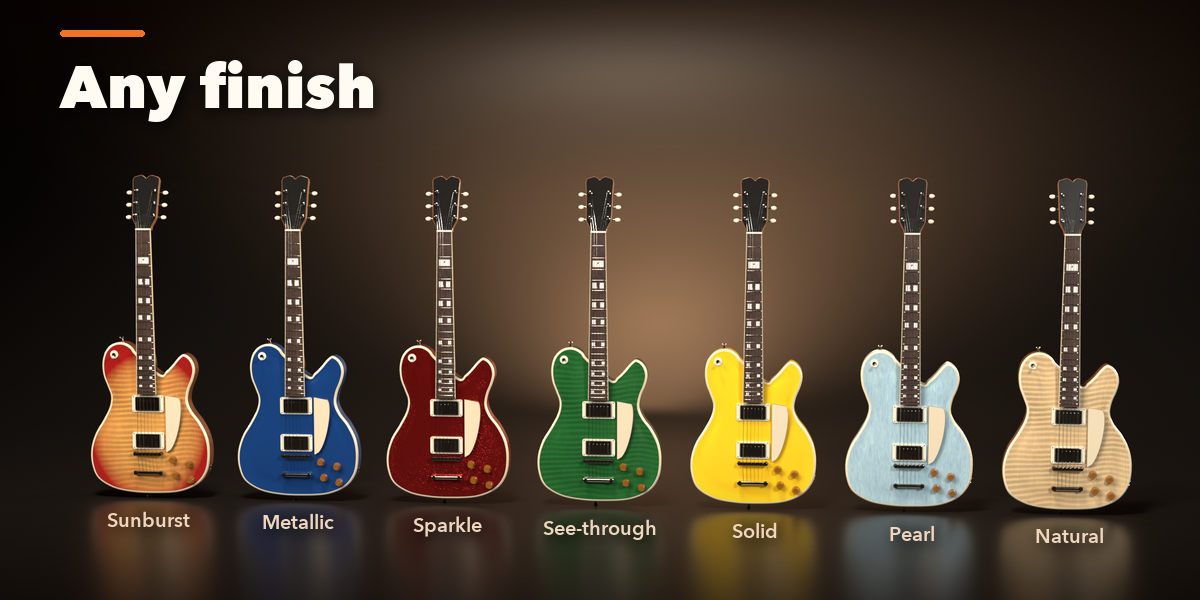
Any finish
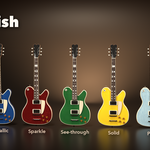
Sunburst, metallic, sparkle, see-through, solid, pearl and satin over real wood.
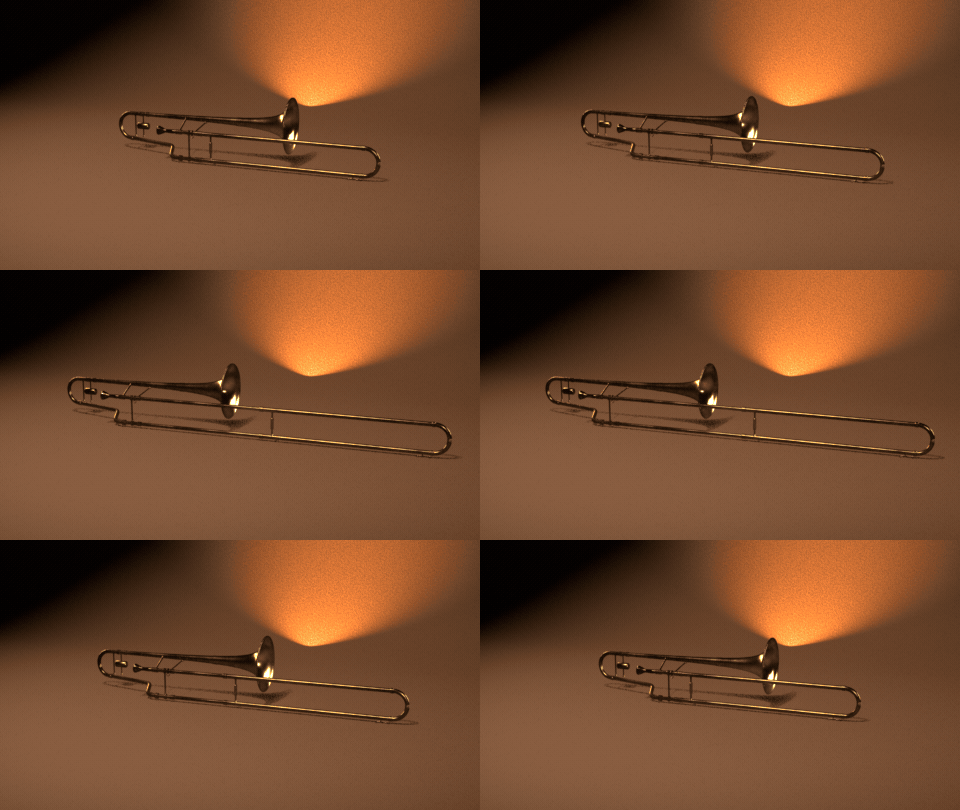
Live sliders
Every setting rebuilds the instrument live, like the trombone slide here.
What you get
- 103 designs in 7 families: guitars, folk strings, orchestral strings, drums and percussion, pianos and keys, brass and saxophones, woodwinds
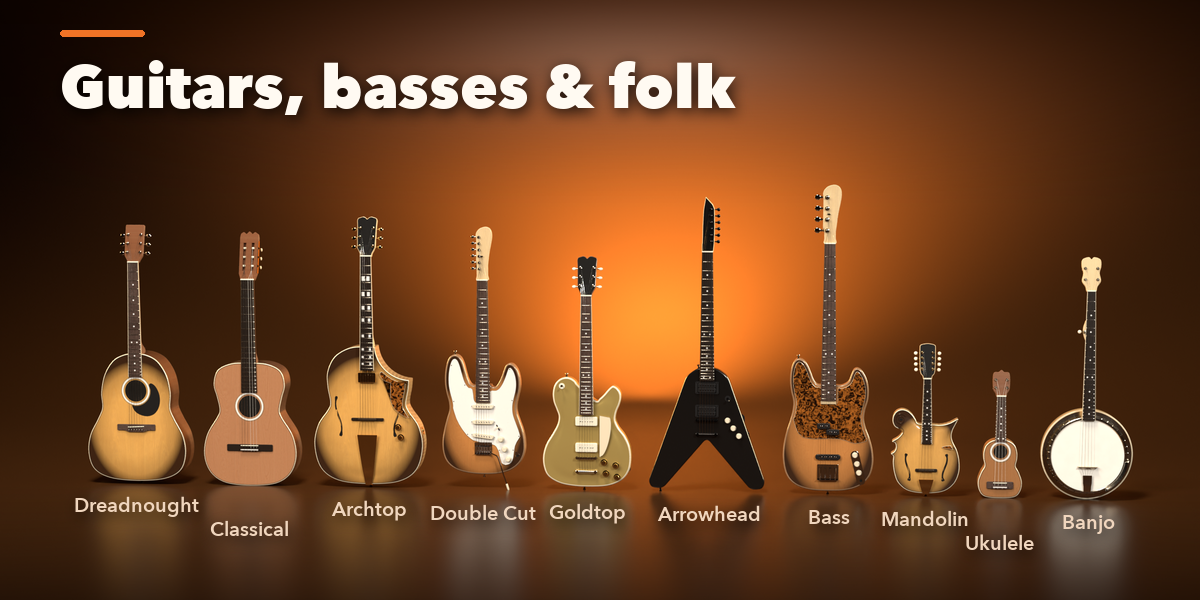
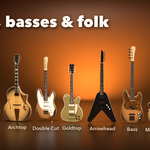
- Guitars: dreadnought, jumbo, parlor, classical, flamenco, archtop, semi-hollow, double cut, single cut, offset, superstrat, arrowhead, headless, 4 and 5-string basses
- Ukuleles, mandolins (A and F style) and banjos with paired strings and resonators
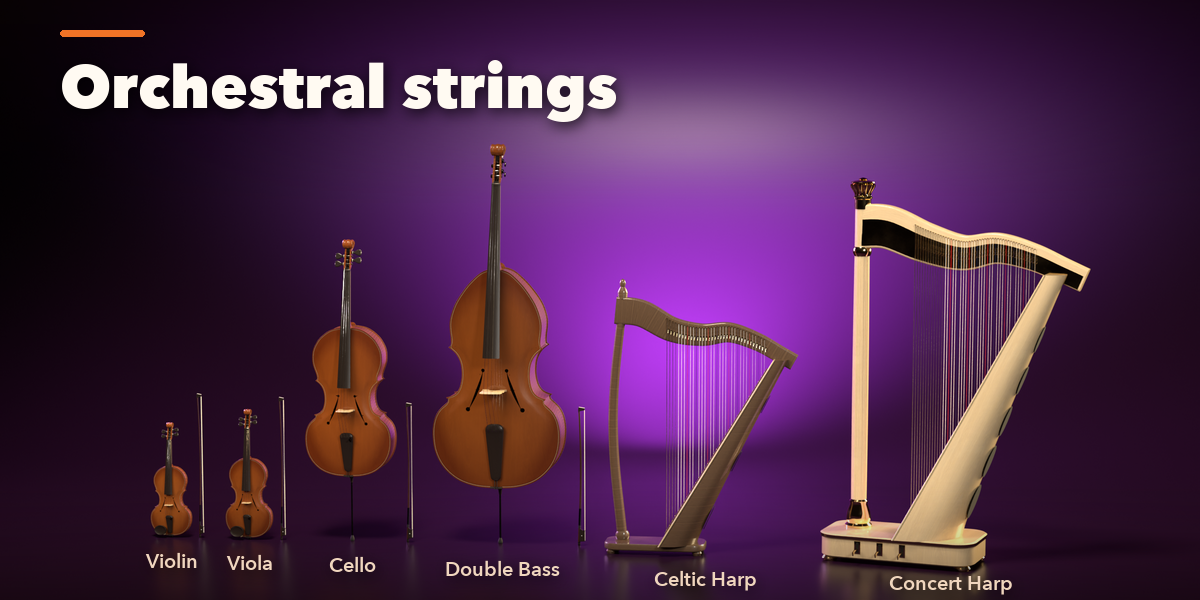
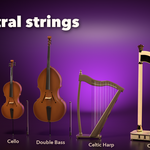
- Violin, viola, cello, double bass with bows, Celtic and concert harps
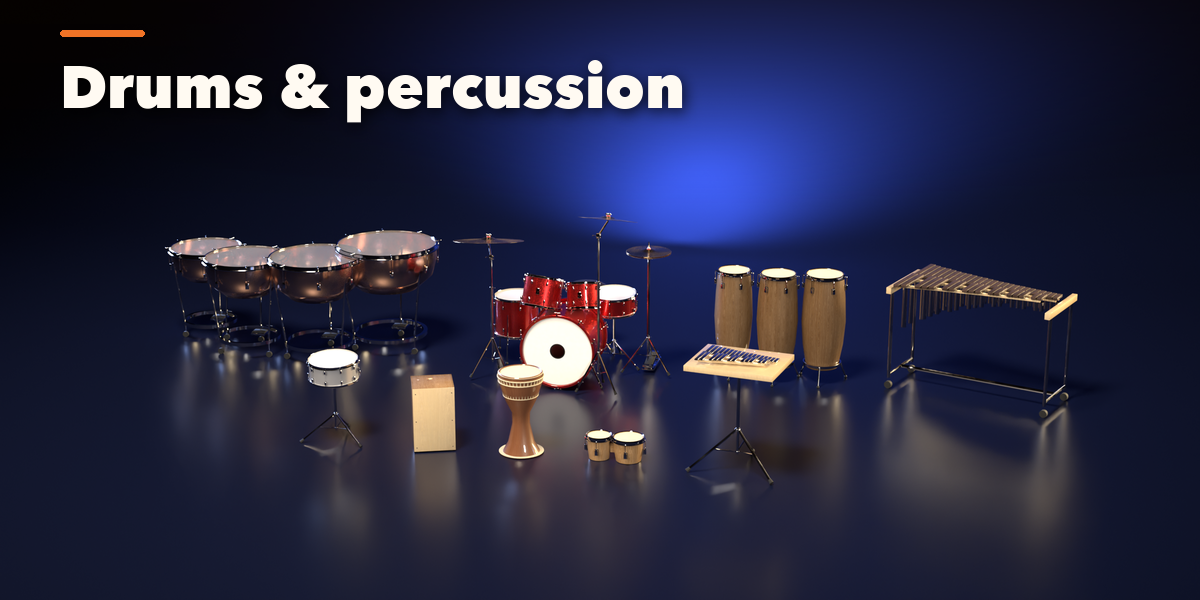
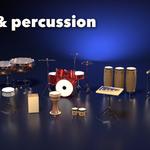
- Drum kits (rock, jazz, fusion, double kick), snares, congas, bongos, djembe, cajon, timpani, xylophone, marimba, vibraphone, glockenspiel
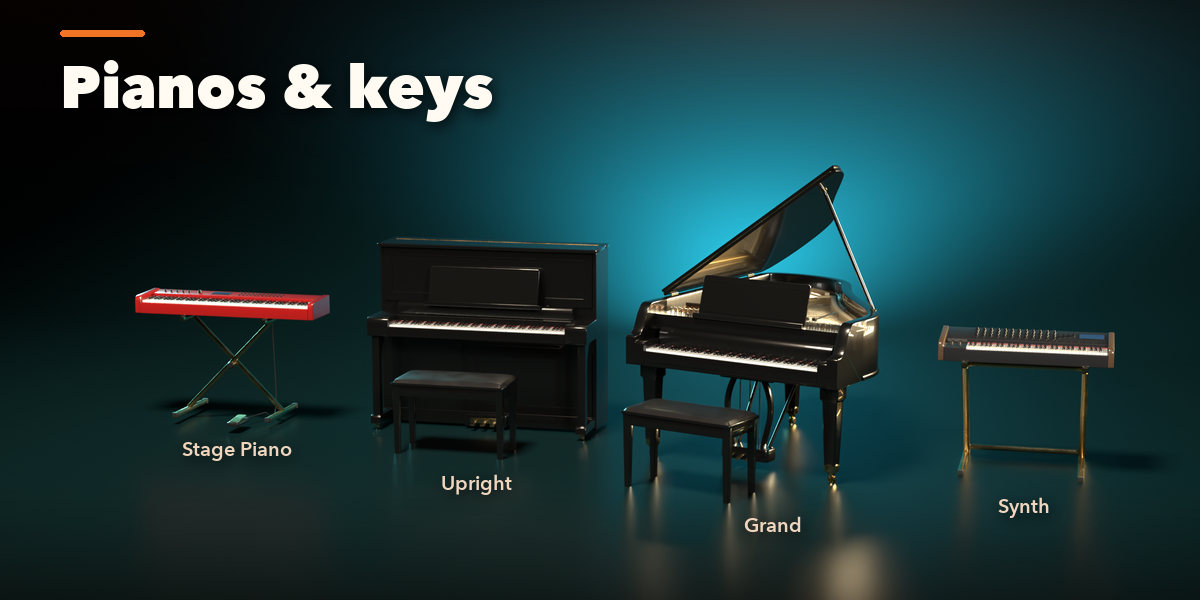
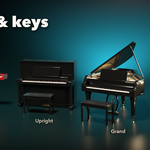
- Upright, baby, parlor and concert grand pianos, stage piano, synthesizer and digital console
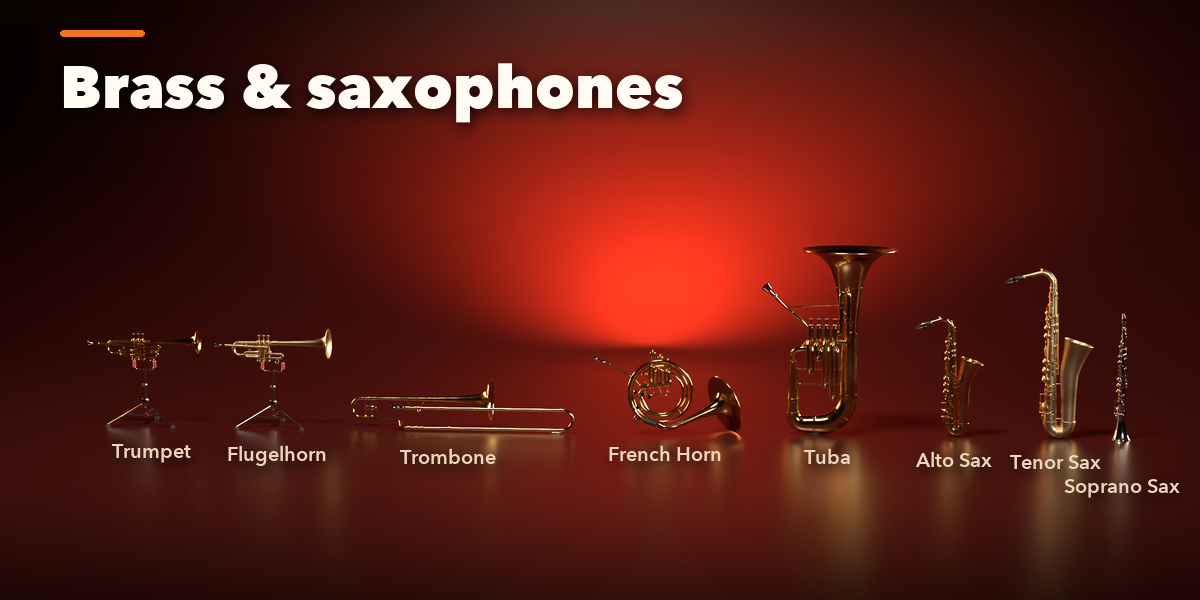
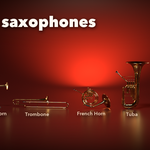
- Trumpet, cornet, flugelhorn, trombone, French horn, tuba, euphonium and four saxophones
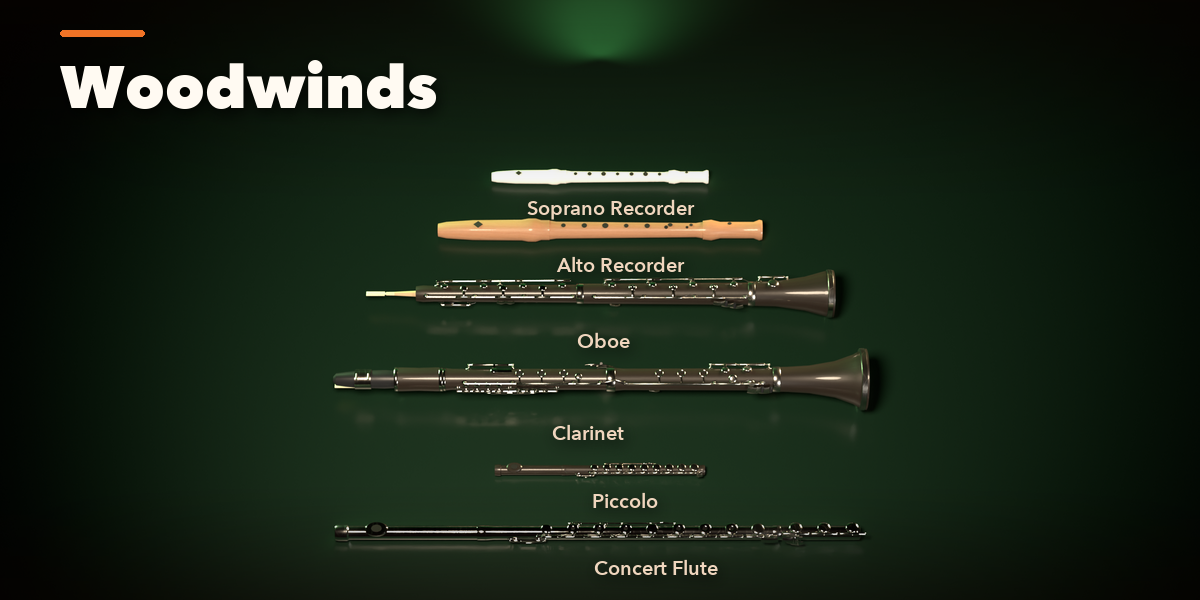
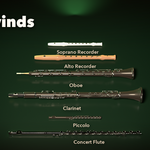
- Flute, piccolo, clarinet, oboe and recorders
- Finishes: sunburst, see-through, solid, metallic, sparkle, pearl wrap and satin over real wood textures; chrome, nickel, gold and black hardware; lacquer, silver and raw brass
- Surprise for a random instrument, Vary for a new take on the current design
- Editing one instrument never changes another, Shift+D and Alt+D copies included
Easy to use
Open the Musical tab in the sidebar, click the picture of a design and press Add Instrument. Every option with a visual choice has its own picture gallery. Convert to Mesh keeps the result as ordinary meshes, optionally split into parts.
Requires Blender 4.2 or newer. Tested on Blender 4.2, 4.5 and 5.2 LTS.
