 ZEG




Installation
In Blender open Edit, Preferences, Get Extensions, then use Install from Disk and pick the musical_instrument_generator zip.
Usage
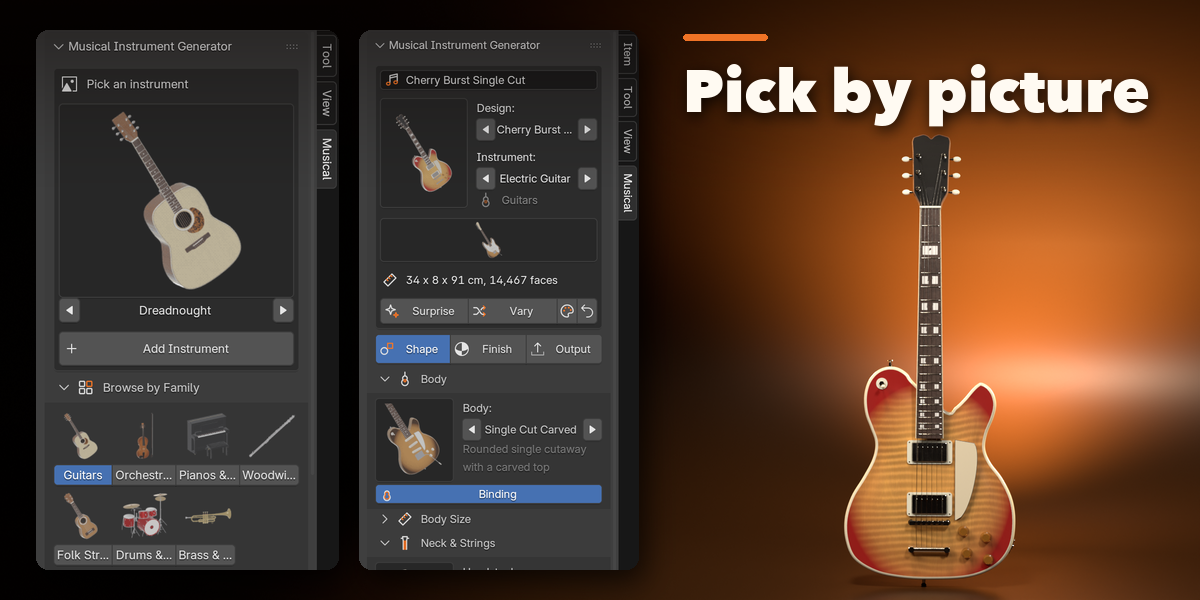
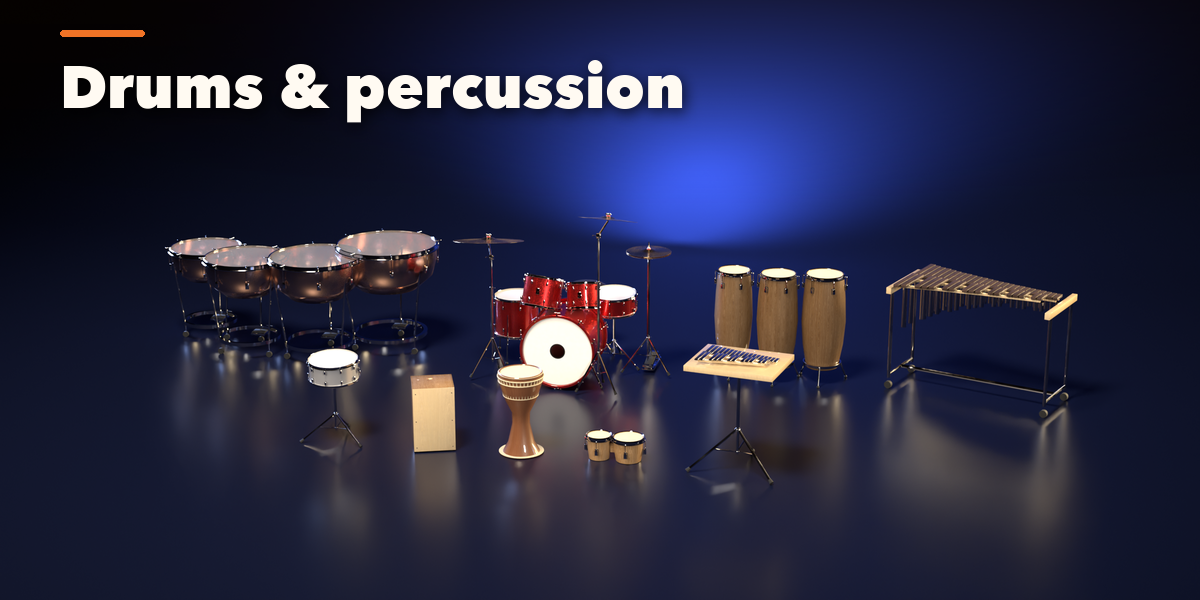
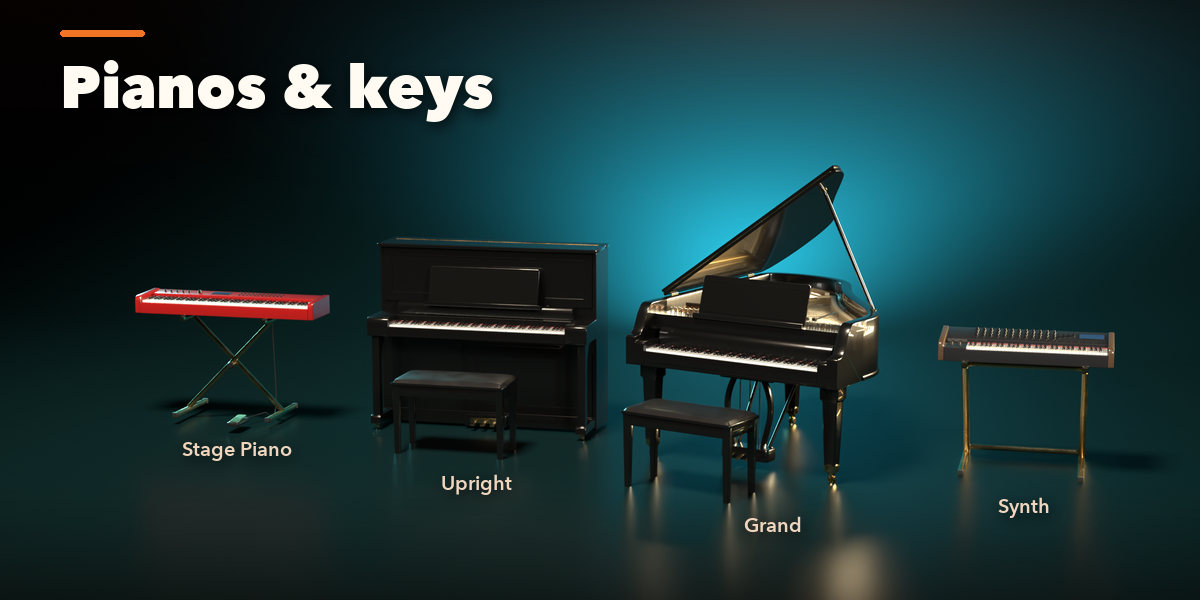
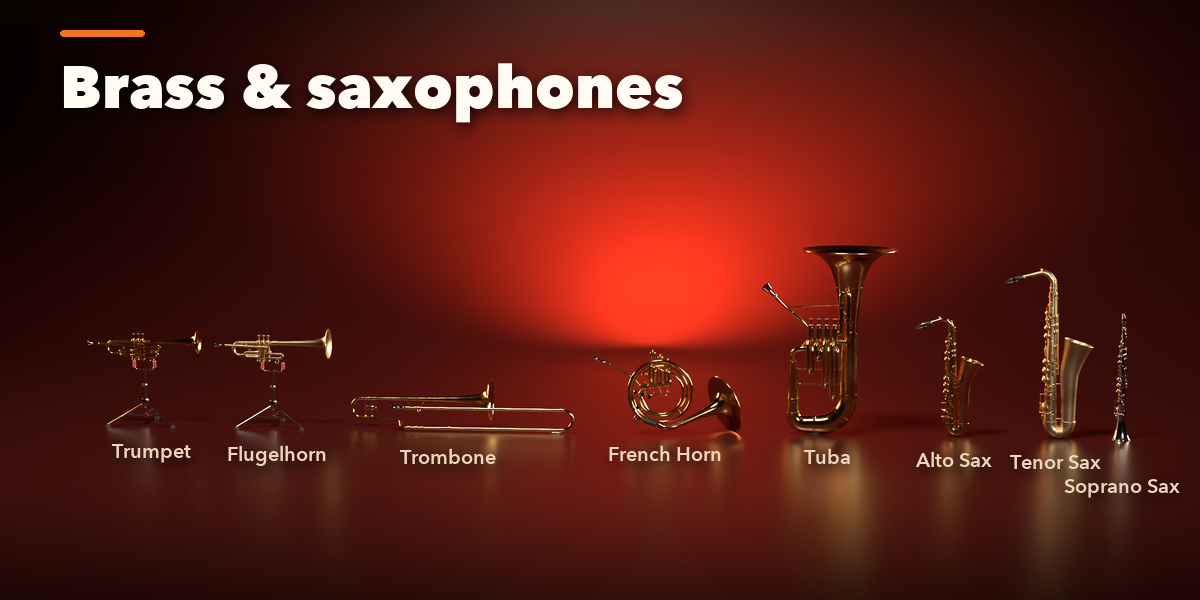
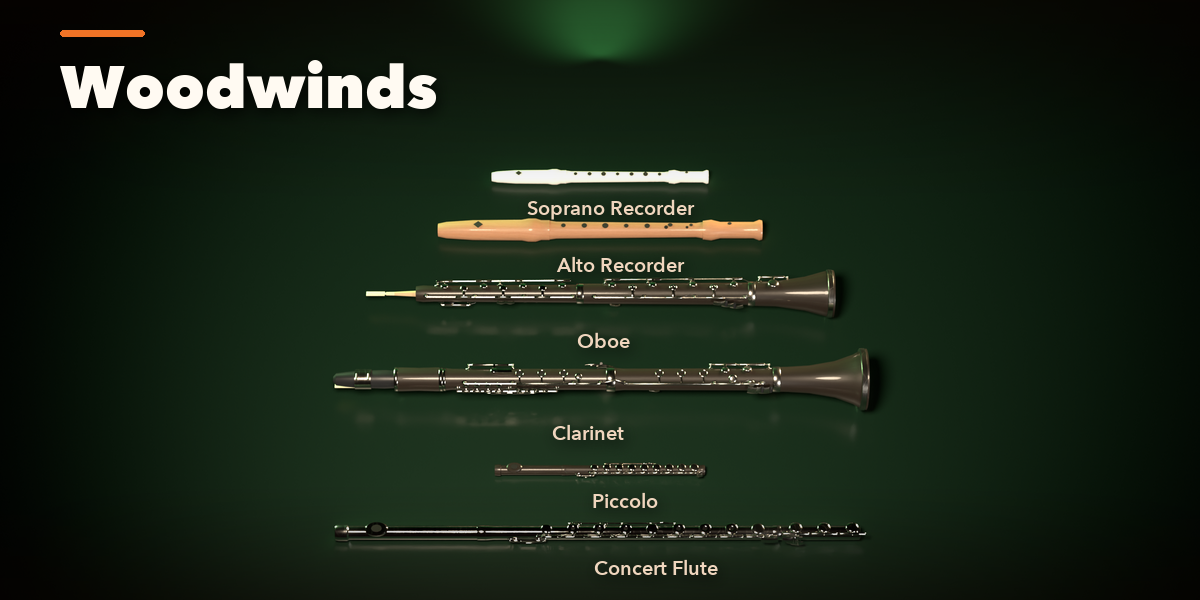
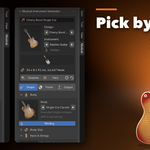
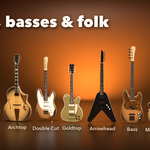
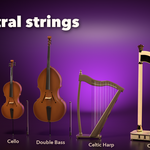
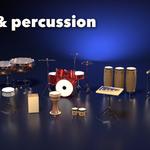
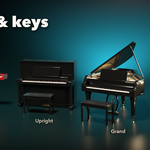
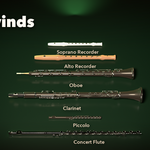
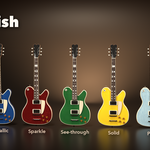
- Open the Musical tab in the 3D viewport sidebar (N). Click the big picture to open the design gallery, or browse by family, then press Add Instrument. It appears at the 3D cursor. Shift+A, Musical Instrument works too.
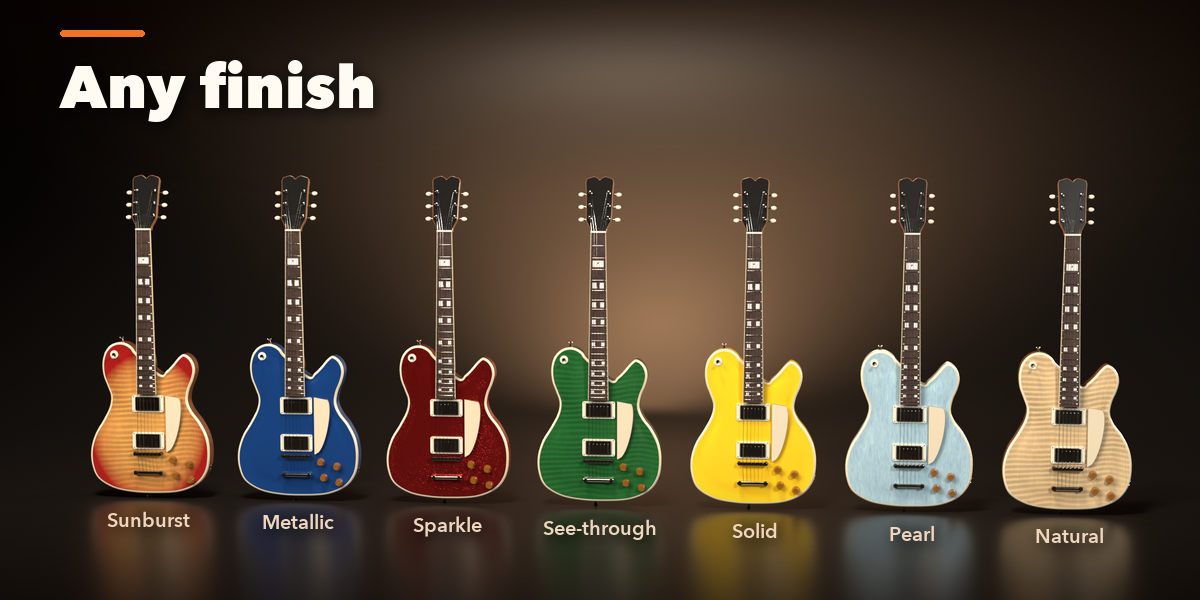
- With the instrument selected, the Shape tab changes its parts (body, neck, strings, pickups, drums, keys, valves...), the Finish tab its paint, woods and metals, and the Output tab the detail level and conversion.
- Surprise builds a random instrument; Vary gives a new take on the current design; Reset returns to the picked design.
- Convert to Mesh keeps the result as ordinary meshes, optionally one object per part. Delete Instrument removes it.
Have questions about this product?
Login to message
| Blender Extension Compatible | Yes |
| Published | about 14 hours ago |
| Blender Version | 4.2 - 5.2 |
| Extension Type | Add-on |
| Render Engine Used | Cycles, Eevee |
| License | GPL |
