Barcane - Liquid & Ice Generator for Drinks
 Vertex Wizards
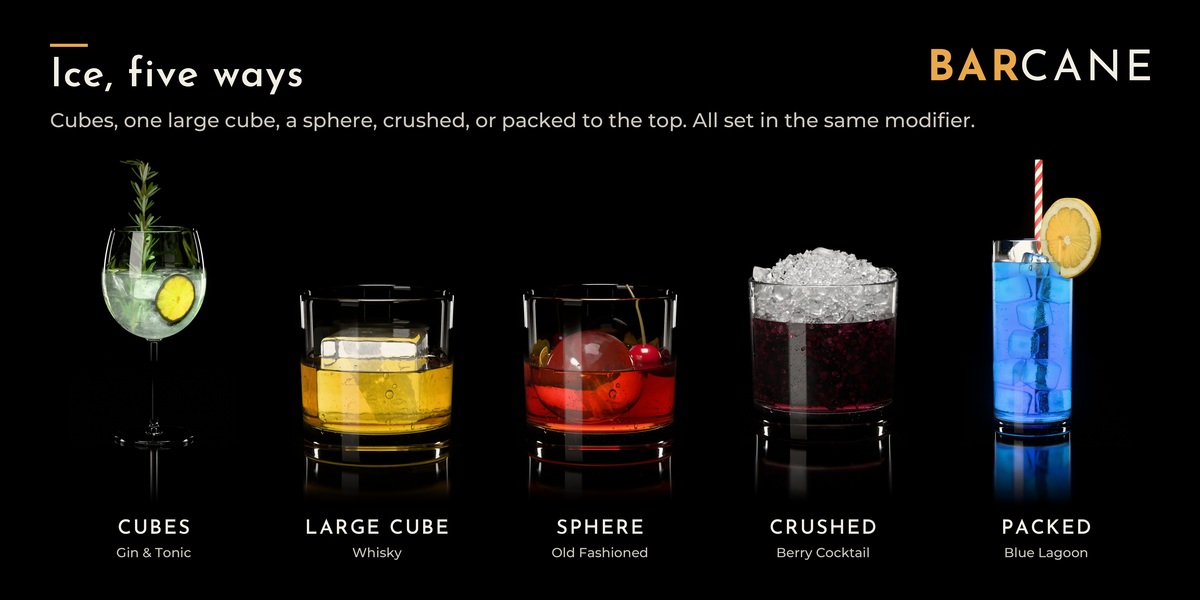
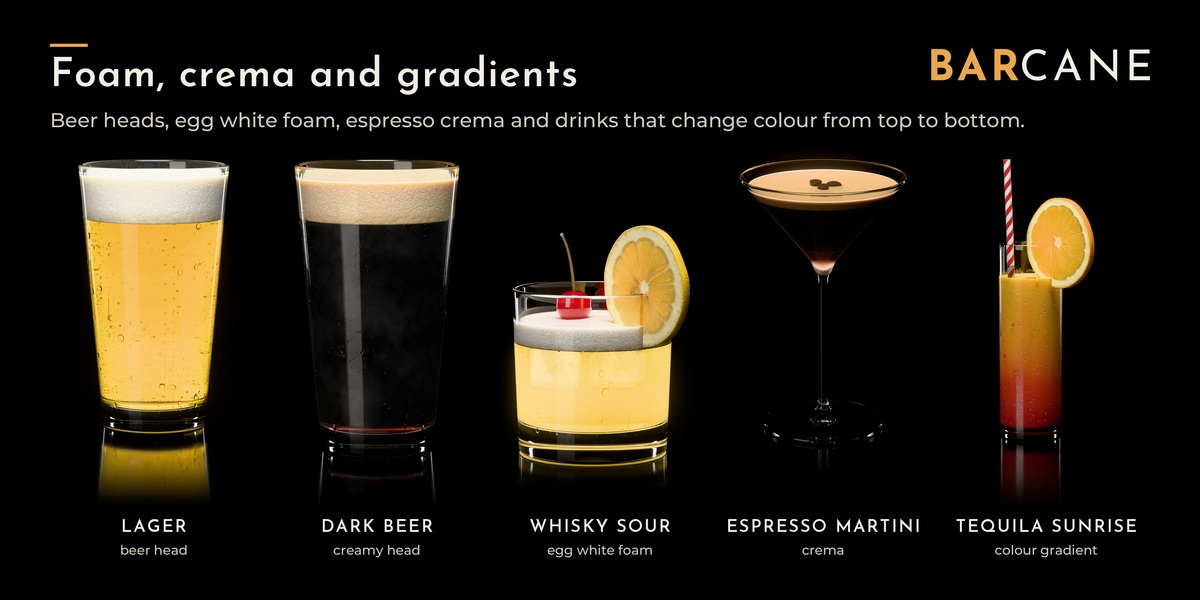
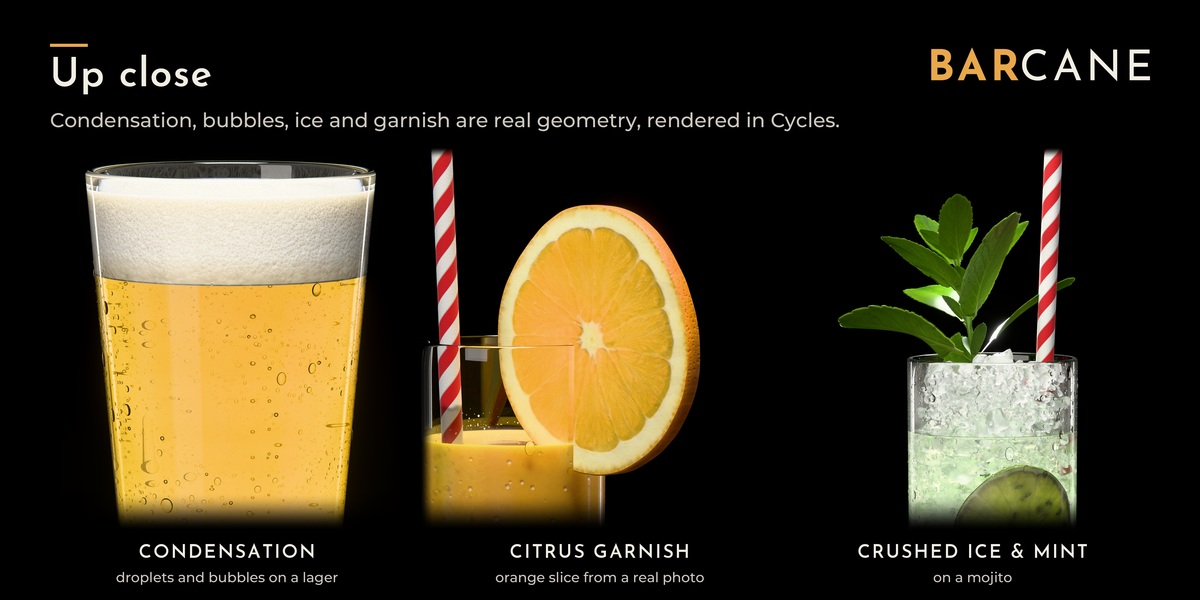
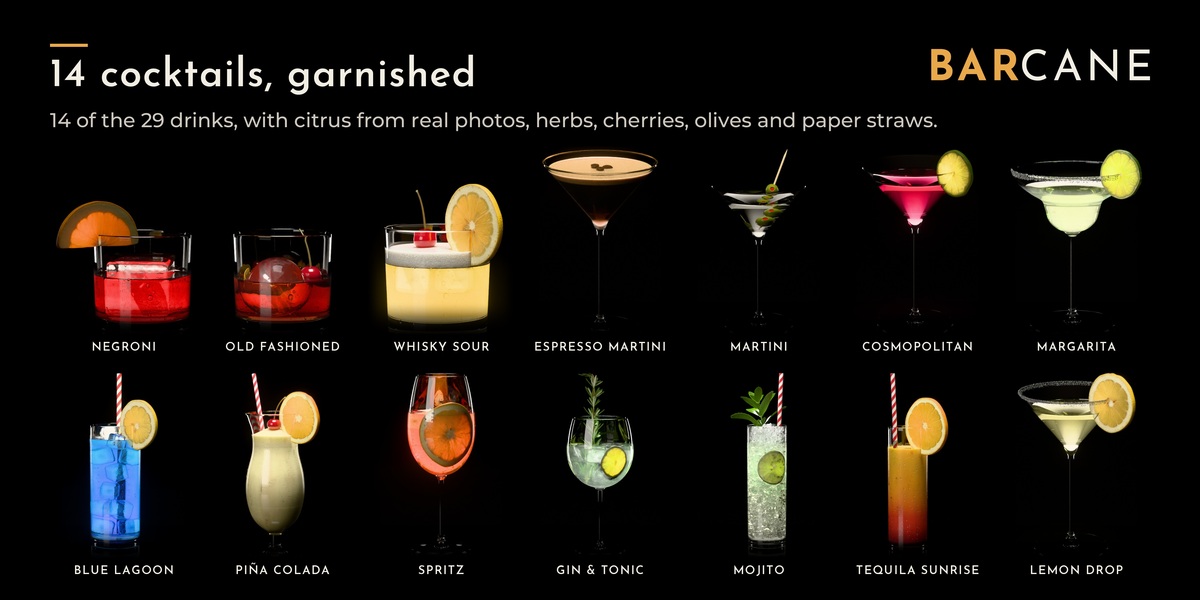
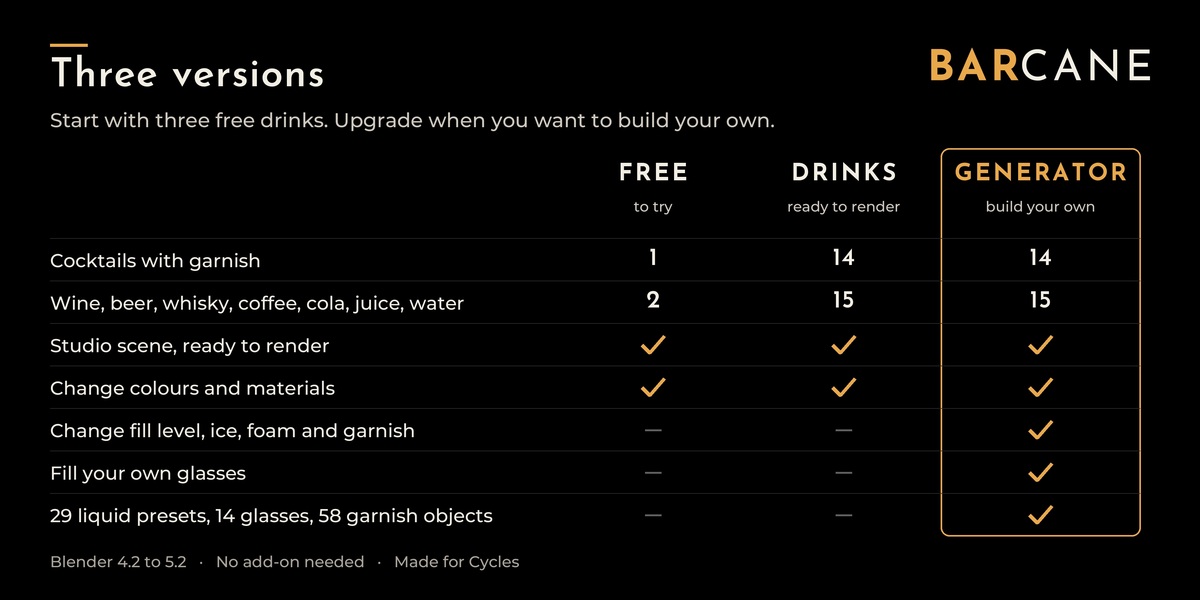
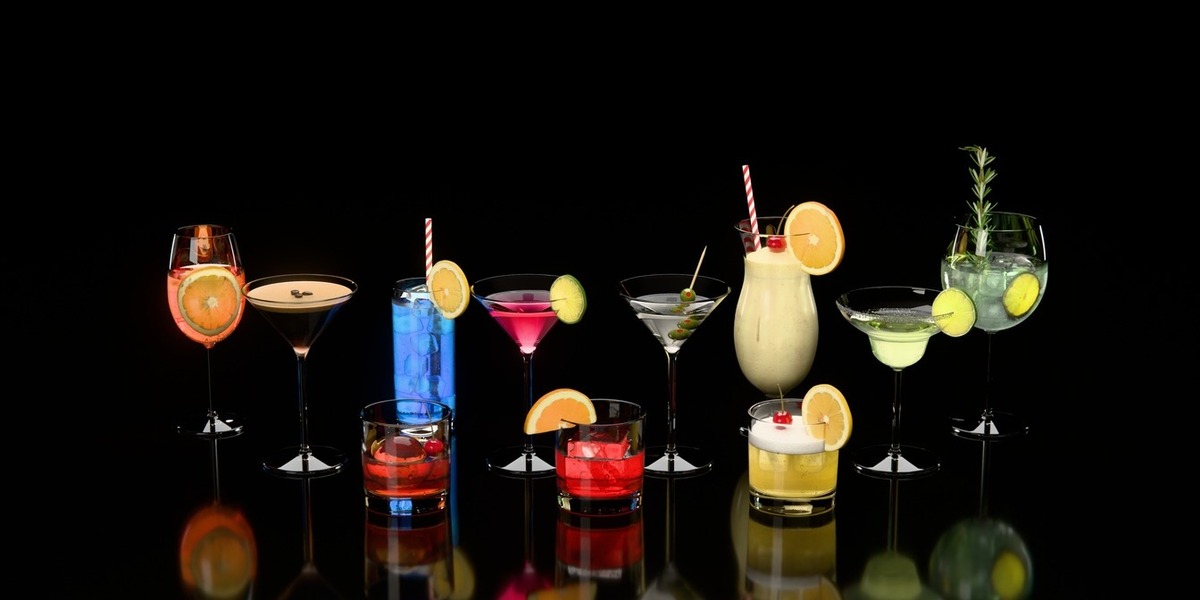
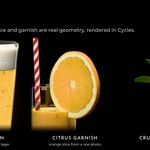
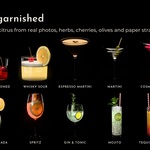
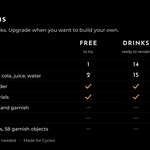
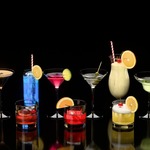
Install (all versions)
- Unzip the folder anywhere. Keep the .blend and blender_assets.cats.txt together. This is the folder you will need to append.
- In Blender open Edit > Preferences and add the unzipped folder with "+" in the list of asset libraries: Blender 4.2 to 5.1 under File Paths > Asset Libraries, Blender 5.2 and newer in its own section "Asset Libraries".
- Blender 5.0 and newer only: in the same list set "Default Import Method" of the new library to "Append". Do this before you drag anything in. With the default "Pack" the assets arrive linked and cannot be changed.
- Open an Asset Browser and choose the library (or "All"). Everything is in the catalog "Barcane".
If you own more than one Barcane version, add only one of them as a library: they contain the same drinks under the same names. You can also work directly in the .blend file.
Quick start: the .blend opens in the scene "Barcane 1 - Studio Demo". Press F12 to render it with Cycles at 1920 × 1080 and 256 samples: about a minute on a current GPU, much longer on a CPU. For a quick look, lower the resolution % in the Output properties.
Use a finished drink (Free, Drinks)
- Drag a drink from the Asset Browser into your scene. It arrives as one object (a collection instance) at real-world size that you can move, rotate, scale and duplicate.
- To change materials or parts, untick "Instance" in the Adjust Last Operation panel (bottom left of the 3D Viewport, or F9) right after the drop. If you missed it, delete the drink and drag it in again.
- Without "Instance" you get " - Glass", " - Drink" and, if the drink has ice, condensation or bubbles, " - Drops & Ice". They are parented to the glass: move the glass and everything follows.
The geometry of these drinks is final. Colours, ice clarity, condensation and glass are regular materials you can change.
Use a finished drink (Generator)
Same as above. Without "Instance" you get " - Glass" and " - Drink". Select " - Drink": fill level, ice, foam, bubbles, garnish and condensation are in its modifier "Barcane Generator". The cocktails keep their garnish pieces hidden in " - Garnish Sources"; leave them there.
Fill your own glass (Generator)
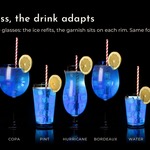
- Have a glass in the scene: your own model, or drag one in from the catalog "Glasses".
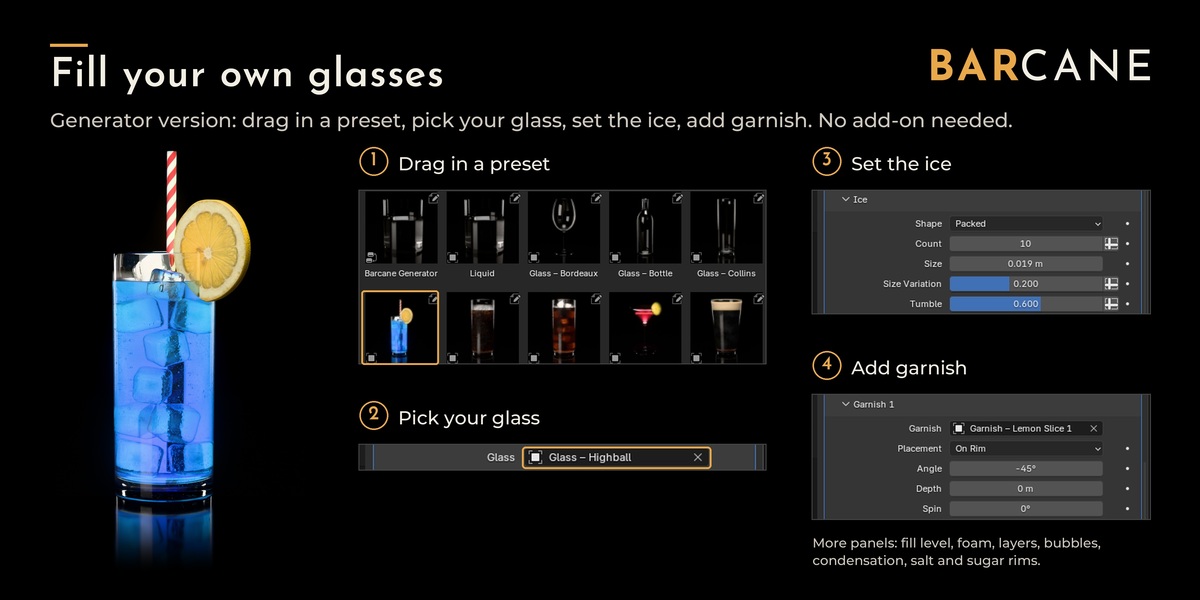
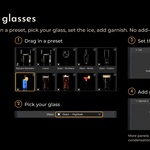
- Drag "Liquid" (catalog "Generator") or a liquid preset (catalog "Liquid Presets", e.g. "Liquid - Negroni") into the scene. A preset is only the liquid: no glass and no garnish. Until it has a glass it shows in a placeholder glass.
- With the liquid selected, open the Modifiers tab and pick your glass in the "Glass" field of "Barcane Generator".
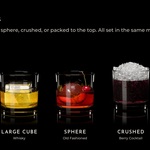
- Fill level, ice, foam, layers, bubbles, condensation and rim are in the panels of the same modifier. Cubes, spheres and packed ice need "Ice Count" above 0; crushed ice uses "Crushed Level" instead.
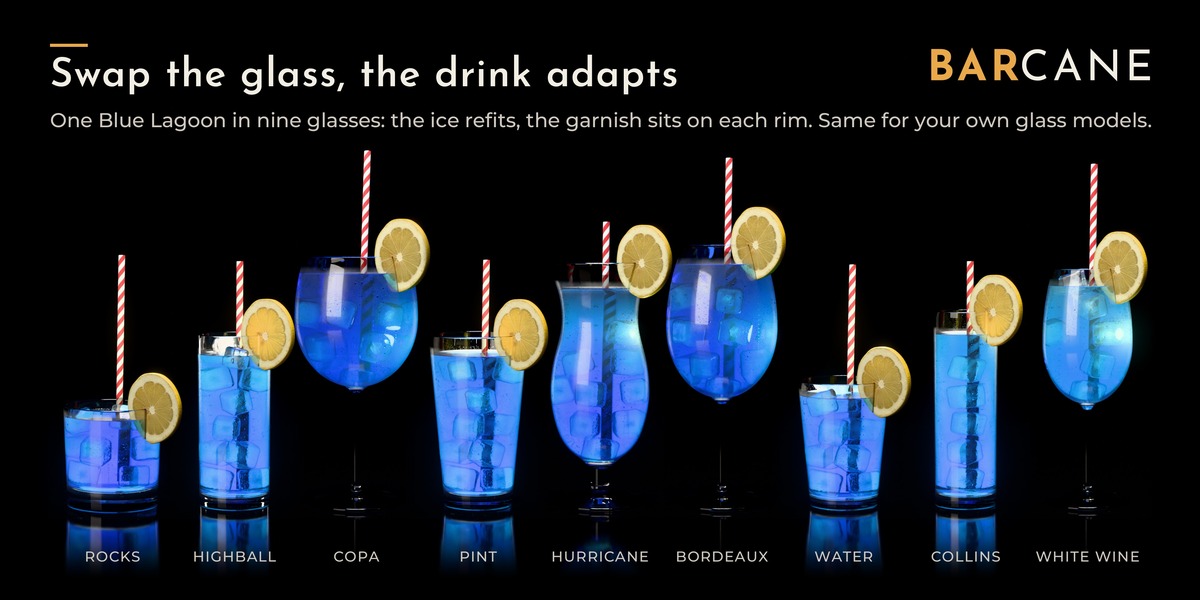
Your glass should be open at the top, have a floor and be modelled at real-world size (metres). Tilted glasses work as long as the liquid can still cover the floor without spilling. Glasses with a handle (mugs): turn on "Use Origin as Axis" (panel Glass Setup) and put the object origin on the centre line of the cup.
Garnish (Generator)
- Drag a garnish (e.g. "Garnish - Lime Slice 1") from the Asset Browser into the scene. The modifier can only pick objects that are in your file.
- In the liquid's modifier open "Garnish 1", pick the object in "Garnish" and choose a "Placement" (On Rim, Over Rim, In Drink, Against Wall, Leaning). The description of each garnish says which one fits.
- The modifier puts a copy on the glass. Hide the original or move it out of the picture. Do not delete it.
Up to three pieces: panels Garnish 1 to 3.
Good to know
- Light paths: the demo scene renders with Max Bounces Total 48, Transmission 48, Transparent 32, Volume 2. Blender's defaults are too low for crushed ice and foam; they turn grey or dark.
- Made for Cycles. EEVEE gives a rough preview.
- If you swap in your own glass material, let shadow rays pass through it (Transparent BSDF with "Is Shadow Ray" as the factor), otherwise cloudy drinks render darker.
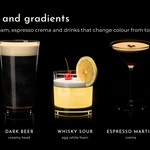
- Soft colour gradients instead of hard layers (Generator): the liquid carries the attribute "lg_liquid_height" (0 = bottom, 1 = surface) for an Attribute node in your material.
Credits
Barcane by Vertex Wizards (Colin Behrens). Garnish textures are made from my own photos. The world lighting in "Barcane 3 - Cocktails (live)" (Generator) is the HDRI "Kloofendal 48d Partly Cloudy (Pure Sky)" from Poly Haven (polyhaven.com, CC0).
 Included
Includes 12 months of
- Support from Vertex Wizards
- Product updates
Extend this product’s Support Period +12 months: 50% of product price
Have questions before purchasing?
Login to message
| Rating | 1 ratings |
| Dev Fund Contributor | |
| Published | about 1 hour ago |
| Blender Version | 4.2 - 5.3 |
| Render Engine Used | Cycles |
| License | Royalty Free |
Discover more products like this
droplets ice drinks cocktail foam geometry nodes product-visualization Glass procedural condensation liquid Generator