Barcane - Liquid & Ice Generator for Drinks
 Vertex Wizards
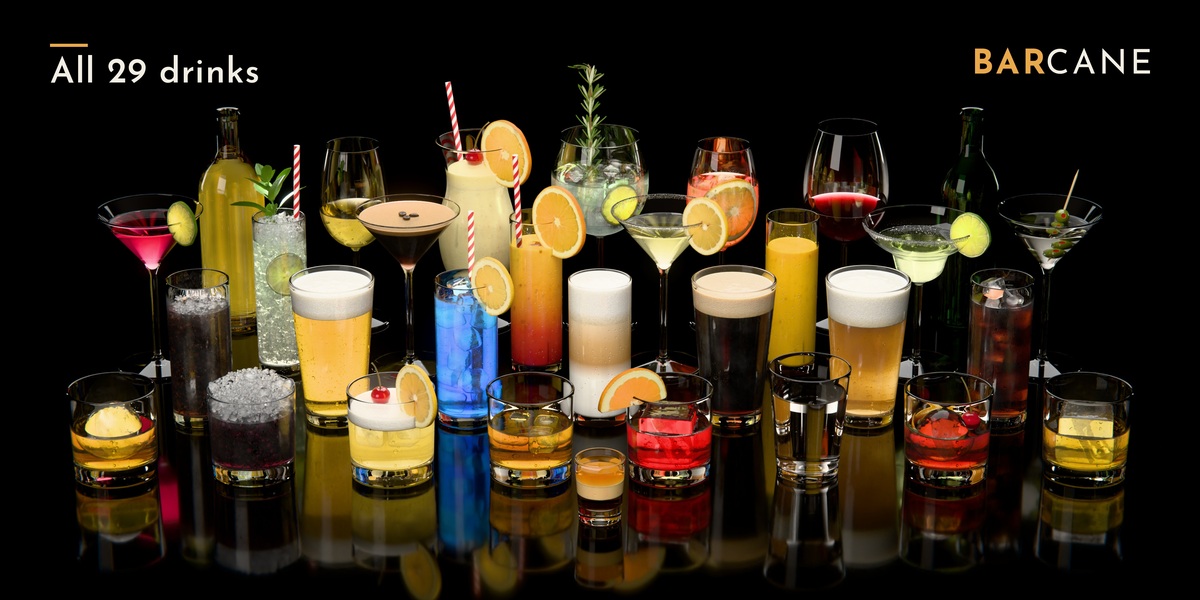
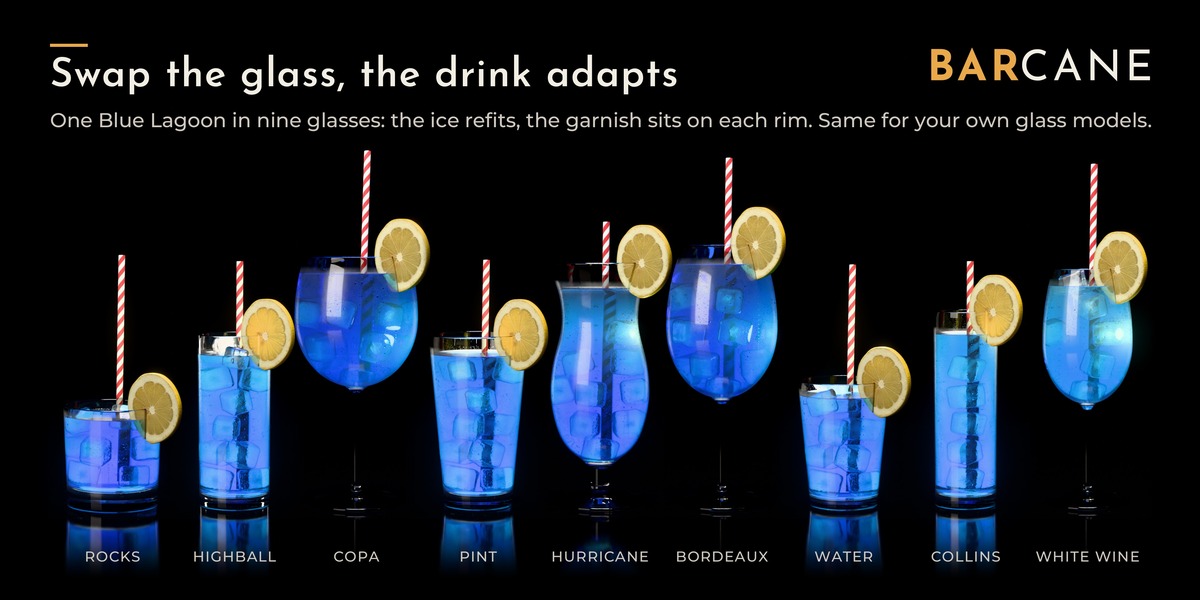
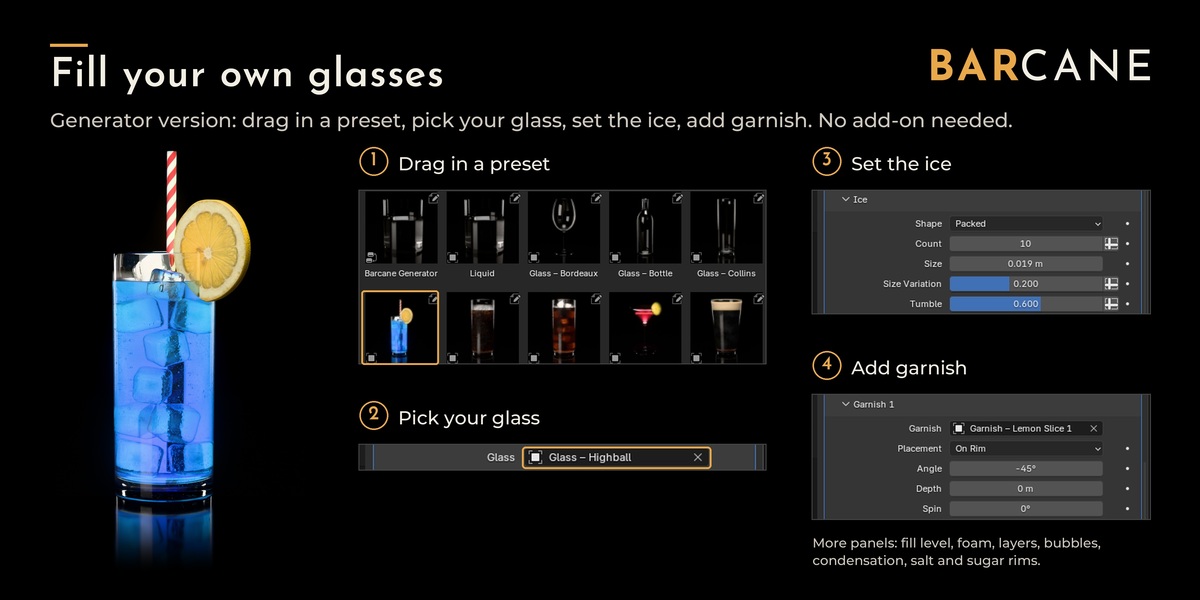
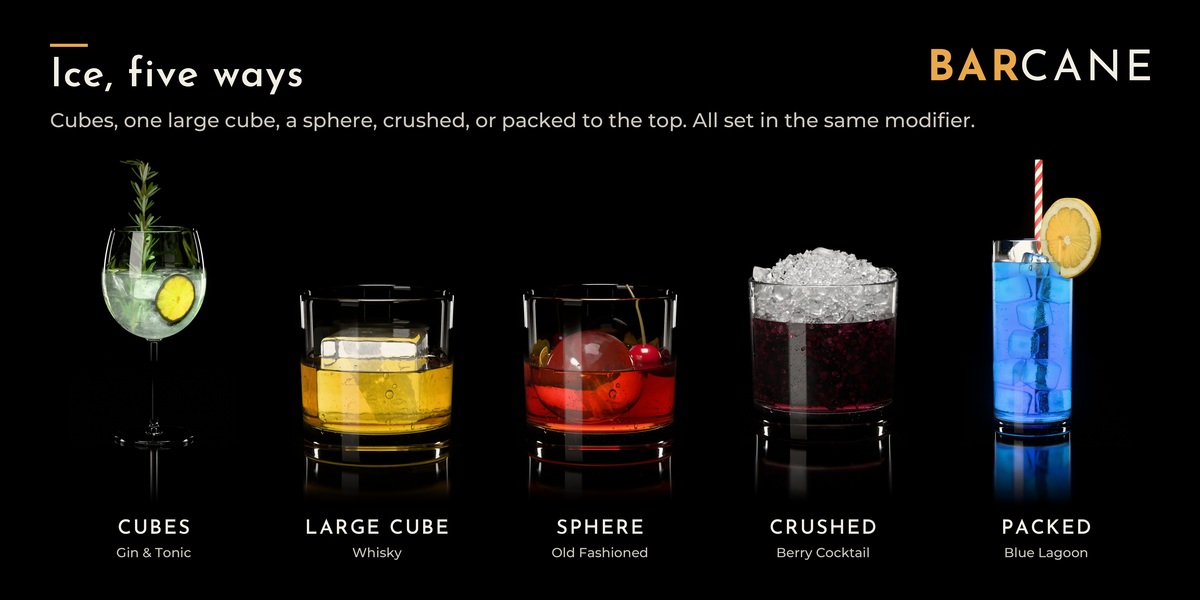
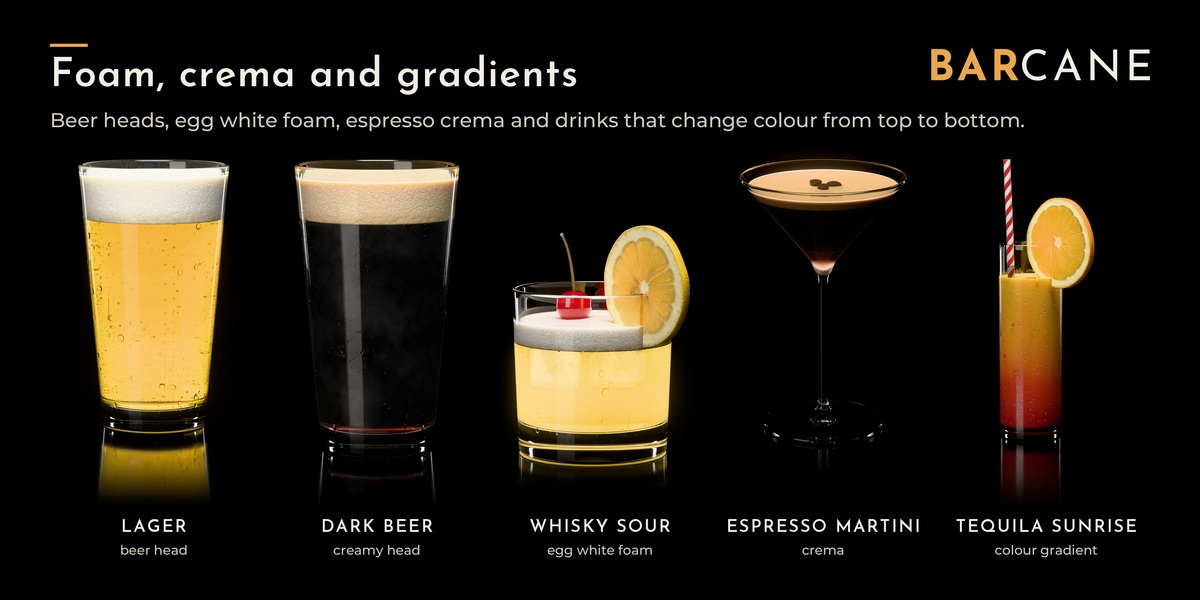
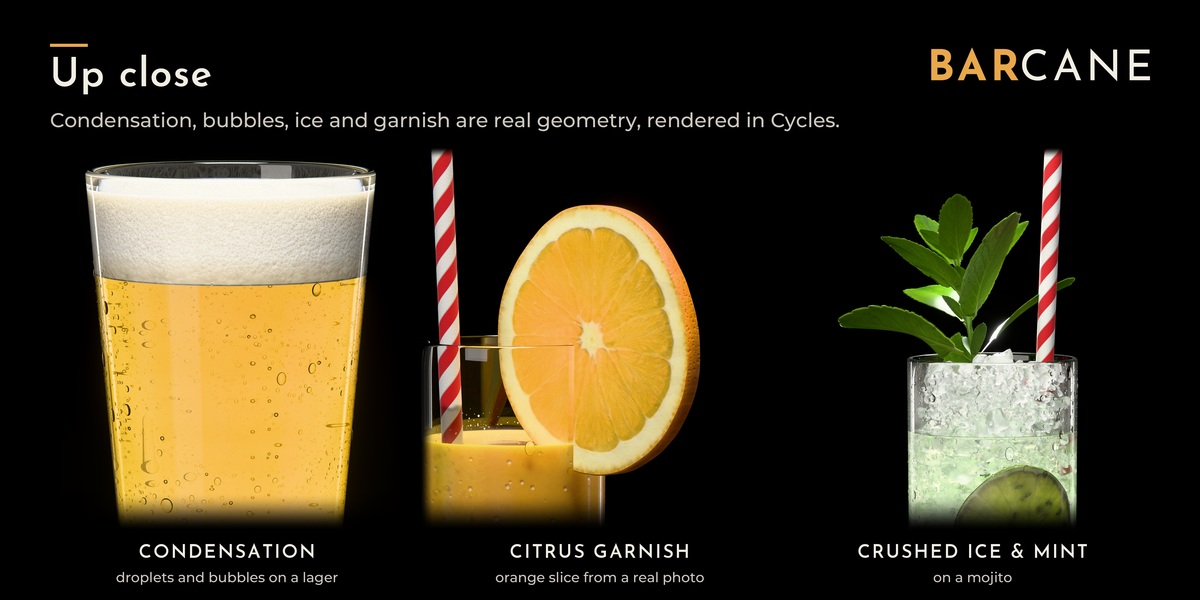
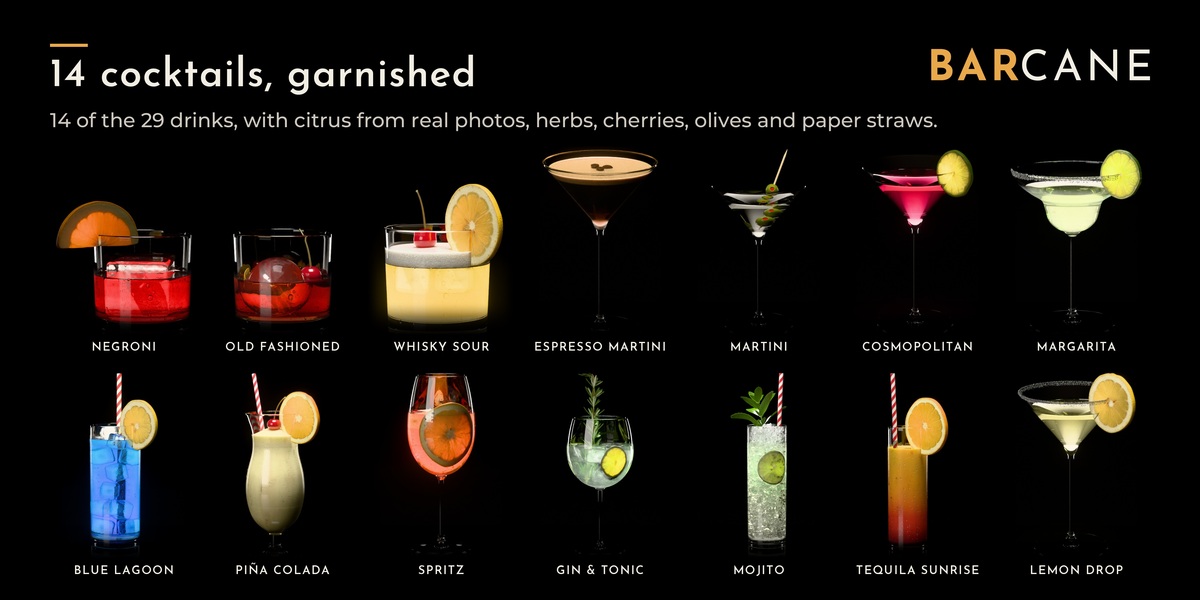
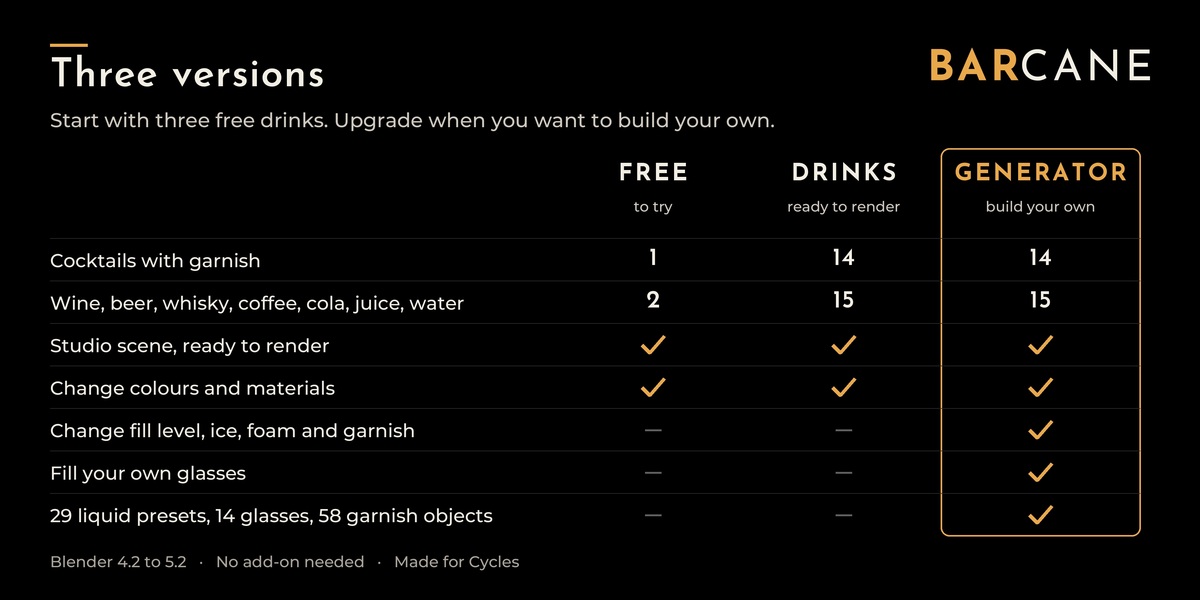
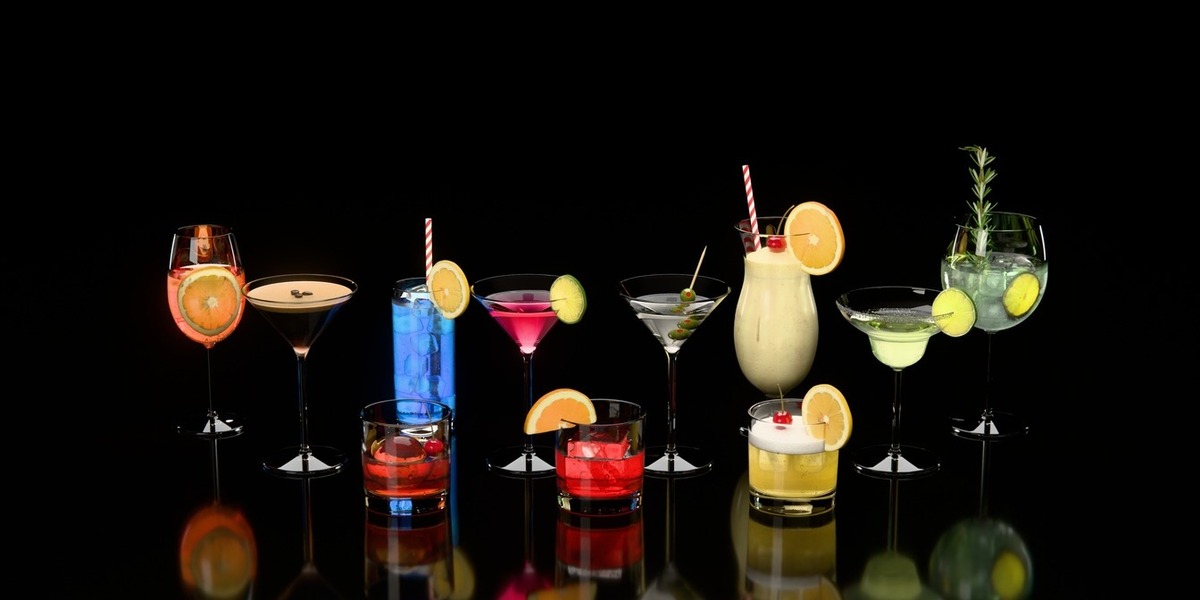
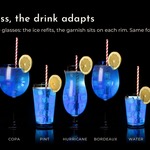
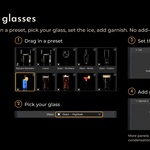
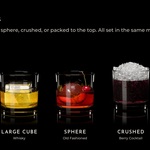
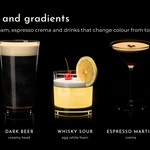
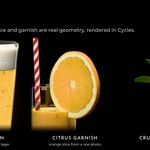
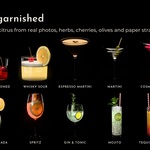
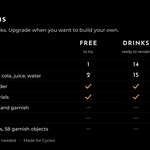
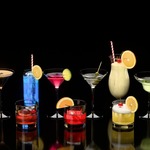
Free has three finished drinks to try (Espresso Martini, Whisky on the Rocks, Red Wine). Drinks has all 29 finished drinks with final geometry: you can change the materials (colours, ice clarity, condensation, glass) but not the shape. Generator contains the same 29 drinks in live form plus the generator itself, so you can change fill level, ice, foam and garnish and fill your own glasses.
Blender 4.2 LTS up to 5.3, tested in 4.2, 4.5, 5.0, 5.1, 5.2 and 5.3. No add-on is needed.
In Edit > Preferences, set "Default Import Method" of the Barcane library to "Append". Do this before you drag anything in. With the default "Pack" the assets arrive linked.
A drink arrives as one instance object. Untick "Instance" in the Adjust Last Operation panel (bottom left of the 3D Viewport, or F9) right after the drop. If you missed it, delete the drink and drag it in again.
In the Generator version, in the modifier panels of the liquid object. In Free and Drinks the geometry is final, so the fill level is fixed.
Yes, in the Generator version. Fill Level, Foam Height, Rising Phase (rising bubbles) and Wave Phase are normal modifier values, so you can keyframe them. Keep in mind:
- With animated values the drink is rebuilt on every frame. That adds some time per frame, more with crushed ice.
- The ice is packed again for every fill level, so with an animated Fill Level the ice can jump from frame to frame. Animated fills work best without ice. Check a few frames before a long render.
- The finished drinks in the Drinks version are fixed meshes and don't animate.
Camera moves and animated scenes work with every version.
The liquid stays empty when the glass can't hold a drink the way it is set up: the glass is closed at the top or isn't a glass shape at all (for example a cube or a flat plane), the glass is tilted so far that the floor can't be covered without spilling, or "Up Axis" is set to the wrong axis (try Auto, or the axis that points up in Edit Mode). If the Glass field is empty, the liquid shows in a placeholder glass.
Yes, as long as the liquid can still cover the floor without spilling. A tumbler works up to about 45 degrees, tall glasses further. "Up Axis" on Auto uses the glass axis closest to world up; set it by hand if the glass is tilted more than 45 degrees.
The included glass and drink materials let shadow rays pass through. A standard glass material blocks them, which makes cloudy drinks like juice or cream cocktails render darker. In your glass material, mix in a Transparent BSDF with "Is Shadow Ray" of a Light Path node as the factor.
Raise the light paths: the demo scene uses Max Bounces Total 48, Transmission 48, Transparent 32, Volume 2. Blender's defaults are too low for crushed ice and foam. For your own crushed-ice drinks, start from a crushed preset such as "Liquid – Cola with Crushed Ice"; it brings the crushed-ice material along.
Ice Count is an upper limit. Barcane only places as many pieces as fit into the glass.
For previews, yes. The drinks are made for Cycles, and glass and ice look right only there.
Yes. The Superhive Standard Royalty-Free License allows personal and commercial work: renders, animations, product visuals, ads. You may not pass on or resell the files themselves, and you may not use them to train, fine-tune or test AI or machine-learning models.
 Included
Includes 12 months of
- Support from Vertex Wizards
- Product updates
Extend this product’s Support Period +12 months: 50% of product price
Have questions before purchasing?
Login to message
| Rating | 1 ratings |
| Dev Fund Contributor | |
| Published | about 1 hour ago |
| Blender Version | 4.2 - 5.3 |
| Render Engine Used | Cycles |
| License | Royalty Free |
Discover more products like this
condensation Glass Generator product-visualization drinks liquid droplets ice cocktail foam procedural geometry nodes