 Menglow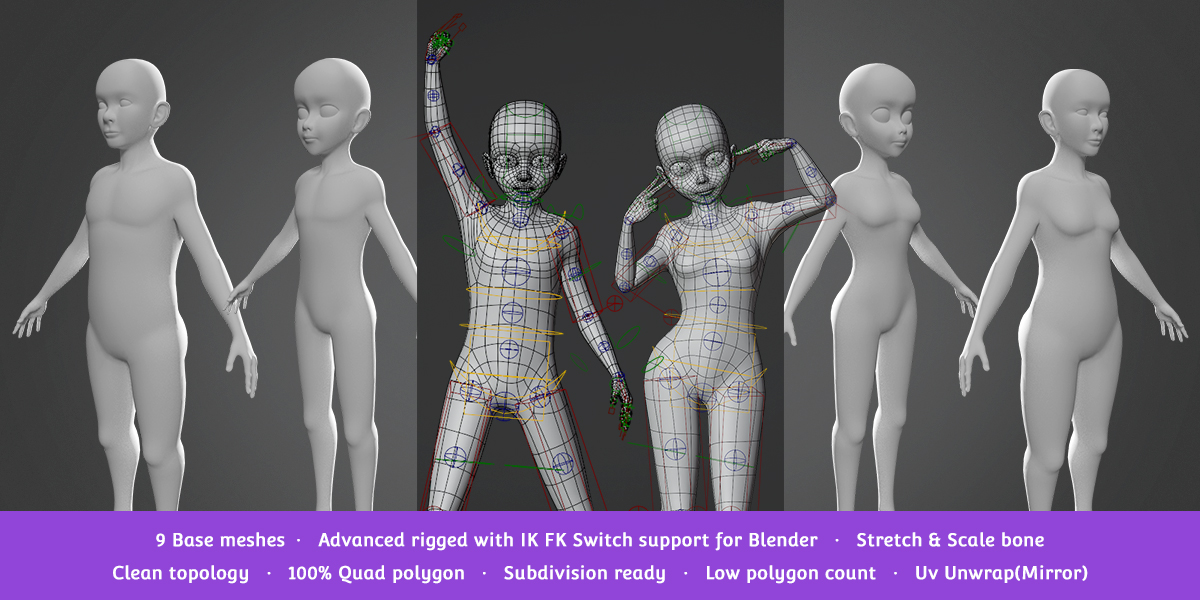

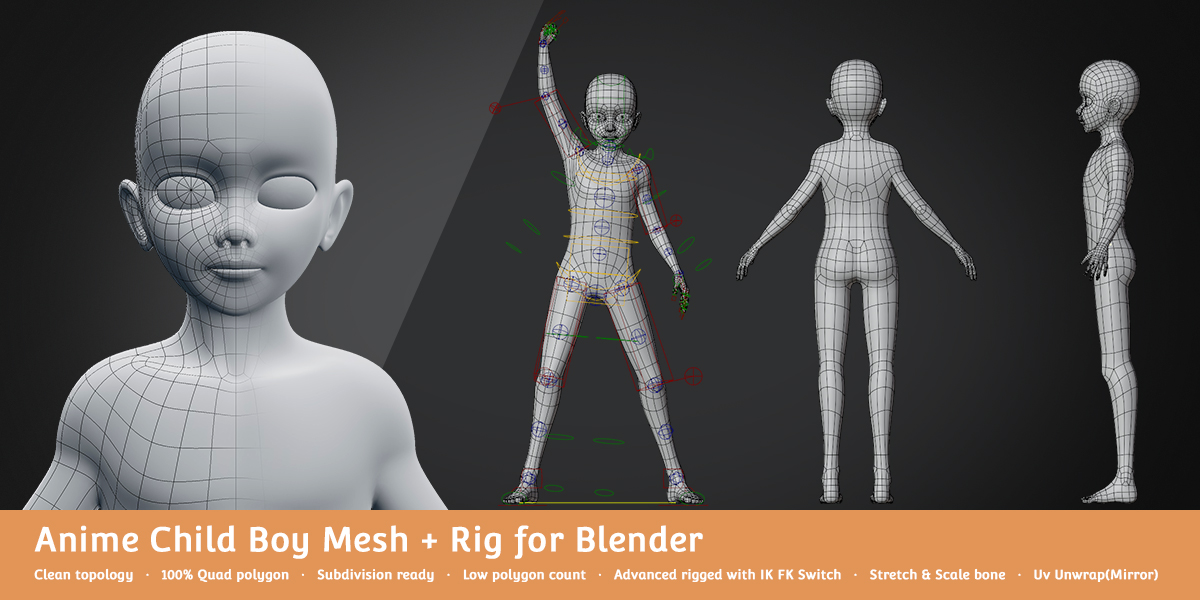


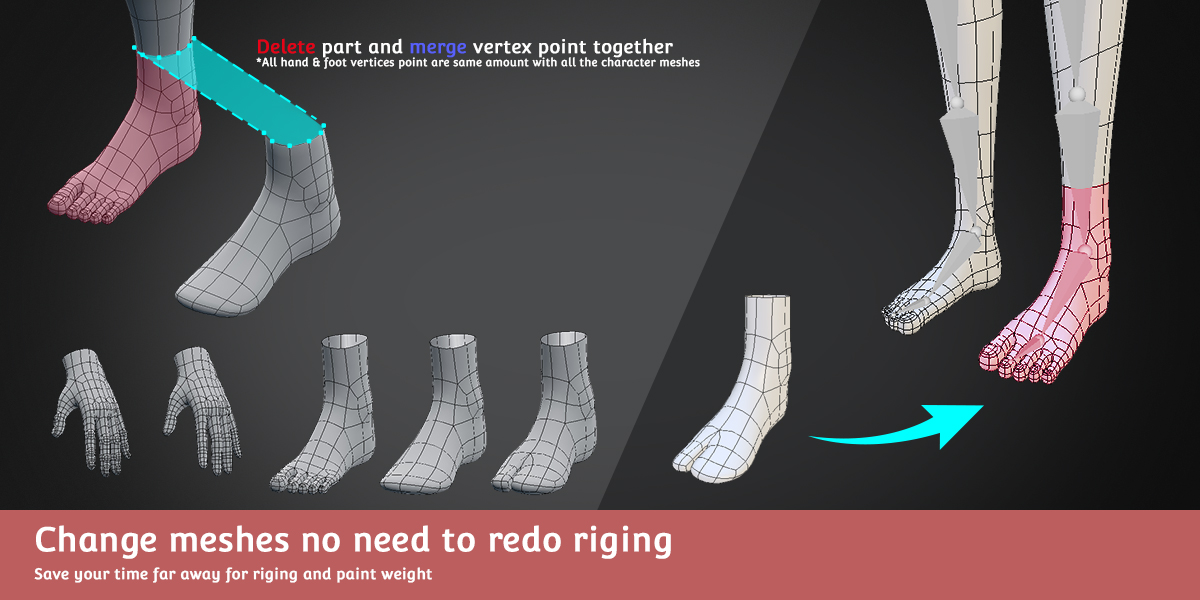

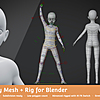
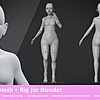
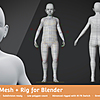
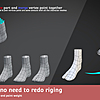
Tutorial Change Meshes:
1.Download and extract the Zip file, open the Blender file name “Anime_Child_Girl_A” as example.
2.Go to Edit Mode and select Material > Foot > Select and delete face (*make sure not selected wrong face) then back to Object Mode.
3.Select "_Pt_Foot" as example and snap “Cursor to Selected” with key “Shift+S”.
4.Select part meshes “Anime_Child_Girl_A_Foot02” as example and snap “Selection to Cursor” with key “Shift+S”.
5.Select “Anime_Child_Girl_A_Foot02” and ”Anime_Child_Girl_A” meshes together and make sure ”Anime_Child_Girl_A”as active meshes and Join together with key “Ctrl+J” or click at Tool tab.
6.Go Edit Mode and select both vertex and click “Remove Doubles” to remove duplicate vertex.
7.Changed Edit Mode to Object Mode and make sure Armature Modifier is correct. Done.

Have questions about this product?
Login to message
| Sales | 100+ |
| Dev Fund Contributor | |
| Published | about 7 years ago |
| Blender Version | 4.0, 3.6, 3.5, 3.4, 3.3, 3.2, 3.1, 3.0 |
| Misc Data | Uvs-Unwrapped, Rigged, Low-High-Resolution |
| License | Royalty Free |
Discover more products like this
beginner low poly rig topology meshes anime-male-base summer21 spring23 beginner-model kids winter24 Male spring24 quad summer24 boy-model spring21 Cartoon bfcm22 bcon22 child summer23 Sculpt summer22 children-base-mesh girl female anime loveblender children bfcm21 bfcm23 girl-model boy Basemesh kid bfcm24 anime female base mesh style Sculpt Base base mesh spring22 base low poly character