 one99addons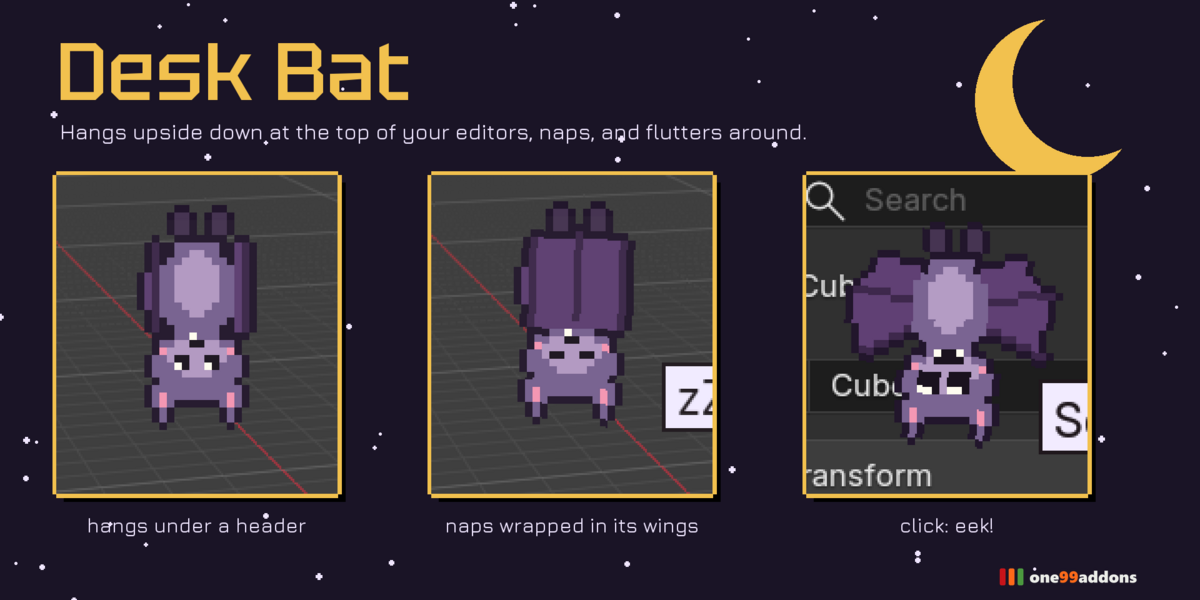
🦇 Desk Bat
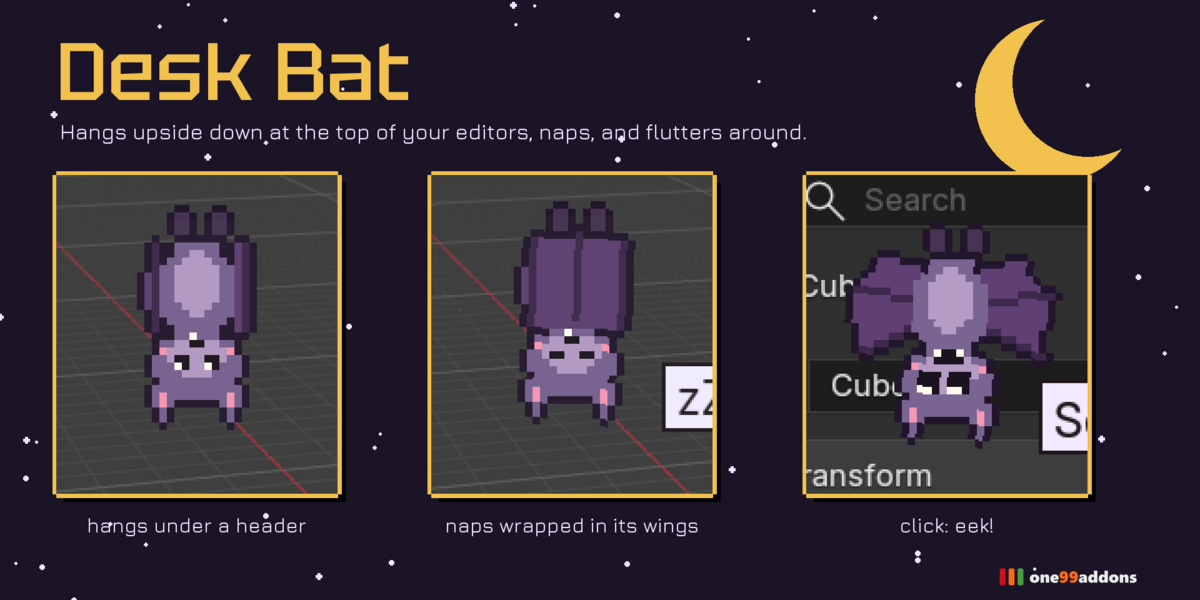
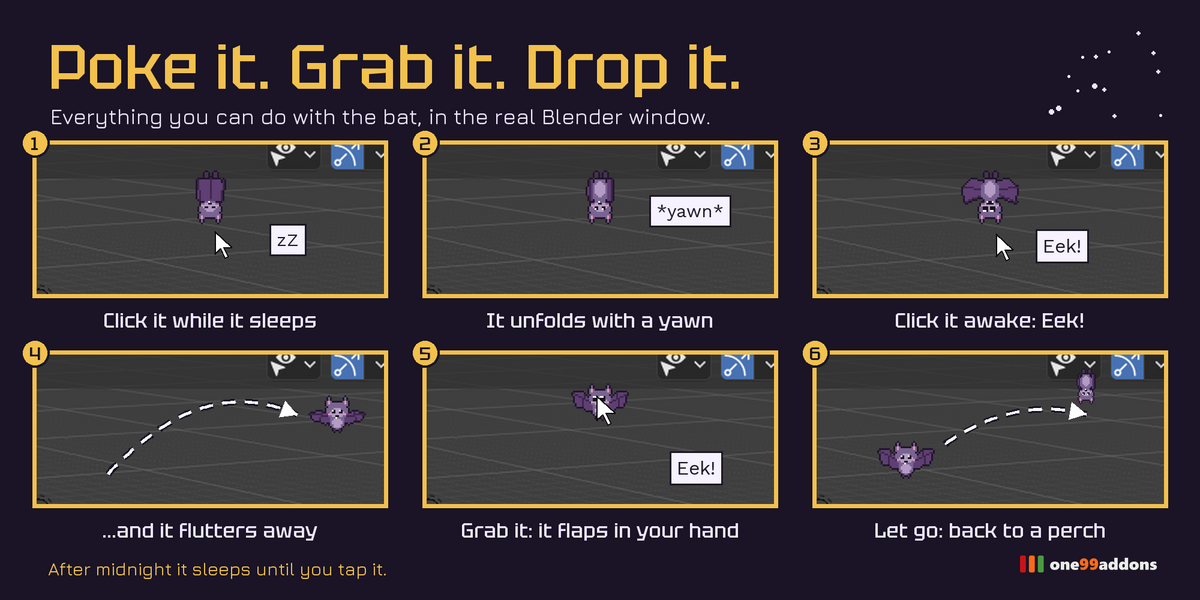
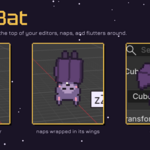
A pixel bat hangs upside down at the top of your editors, naps in its wings and flutters between them.
It sways gently, wraps itself in its wings to nap, wakes up with a yawn when you click it, and flutters from one editor to another. Squeak at it and it squeaks back.
The problem
Most desk pets walk along the bottom of the screen. The top of your editors is empty space: perfect for a bat.
What it does
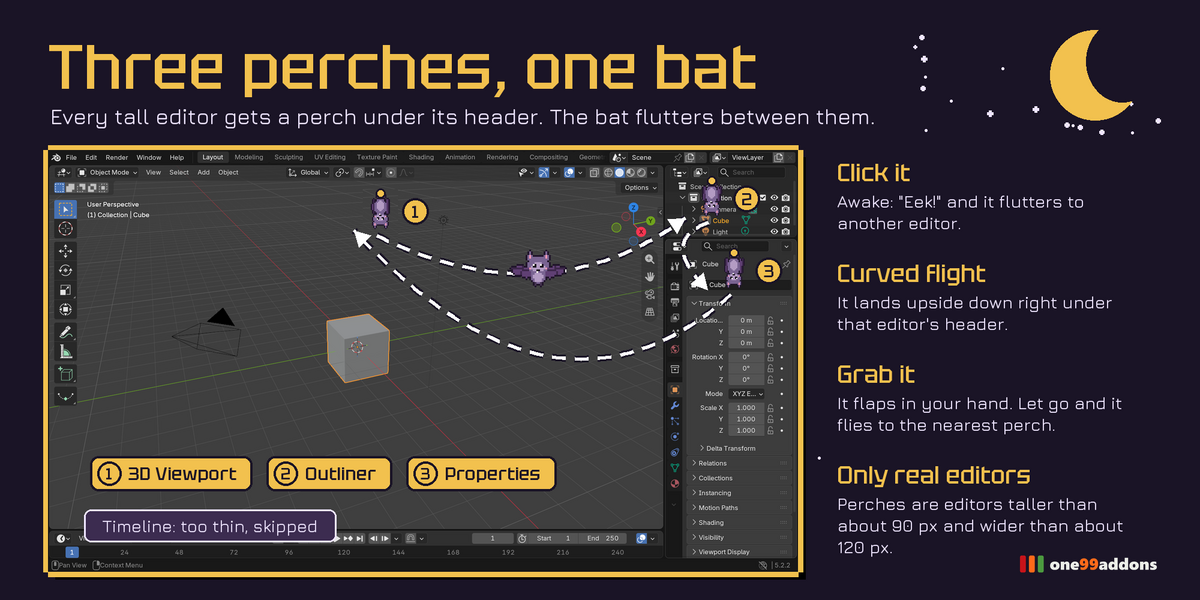
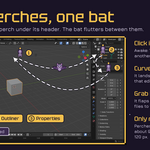
- Three perches, one bat. Every tall editor (3D Viewport, Outliner, Properties...) becomes a perch just below its header. The bat hangs there upside down, swaying on its feet.
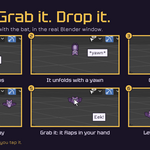
- Wing naps. It folds its wings around itself and sleeps upside down, breathing, z z z.
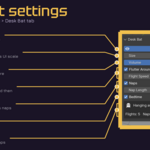
- Click it. Asleep: it unfolds with a yawn. Awake: "Eek!" and it flutters to another editor along a curved flight.
- Grab & drop. Grab it and it flaps in your hand. Let go and it flies back up to the nearest perch.
- Bedtime. After midnight it sleeps until you tap it.
Settings
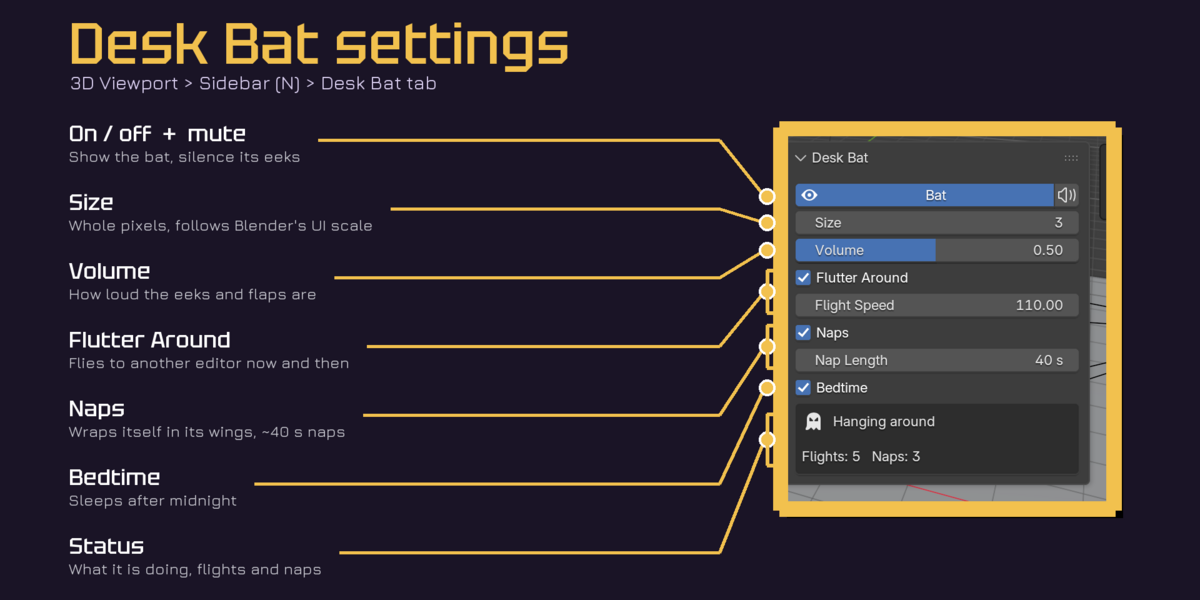
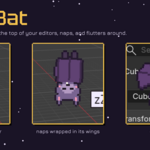
Settings are in 3D Viewport > Sidebar (N) > Desk Bat tab, with a quick toggle in the Window menu.
- Bat / Mute: show it, silence it.
- Size 1 to 8: whole pixels, multiplied by Blender's UI scale.
- Volume: for eeks, yawns and flaps.
- Flutter Around / Flight Speed: flies to another editor now and then.
- Naps / Nap Length: wraps itself in its wings (default 40 s naps).
- Bedtime: sleeps after midnight, tap to wake.
- Status: what it is doing, flights and naps this session.
Good to know
- 23 hand-made pixel frames, 7 animations and 3 original sounds.
- Default layout: 3 perches found (3D Viewport, Outliner, Properties); the thin Timeline and the top bar are skipped.
- Light: about 0.11 ms of Python per update. Playback of a 252,000-triangle animation: 18.2 fps with all our pixel pets on, 18.2 fps off.
- Tested together with Desk Duck, Desk Cat, Desk Frog and Desk Axolotl: no conflicts.
Tips
- Turn Flutter Around off to keep it in one spot.
- Shorten Nap Length for a more active bat.
- Perfect for spooky season and late-night sessions.
Requirements and install
Blender 5.2 or newer (tested on 5.2.2 LTS, Windows). No internet, no external libraries.
- Download desk_bat_v1.0.0.zip (do not unzip it).
- In Blender: Edit > Preferences > Add-ons, open the drop-down arrow at the top right, choose Install from Disk... and pick the zip.
- Tick Desk Bat. That's it.
Limits
Only editors taller than about 90 pixels and wider than 120 pixels are perches. It lives in the first (main) Blender window. While hanging it can cover a small part of an editor's top row; click it to send it elsewhere.
More pixel pets
Collect the whole family: Desk Cat, Desk Frog, Desk Axolotl, Pixel Sprout, Save Hamster, Timeline Snail, Undo Ghost, Desk Duck. They all live happily in the same Blender window.
Made by one99addons.