Batch Export Selected
 alexdepario
in Import & Export




Overview
Batch Export Selected eliminates the tedious task of manually exporting 3D objects one by one. Designed for game developers, 3D artists, and asset pack creators, this tool allows you to select multiple objects across your Blender viewport and batch-export them into individual files in seconds.
Installation
Download the
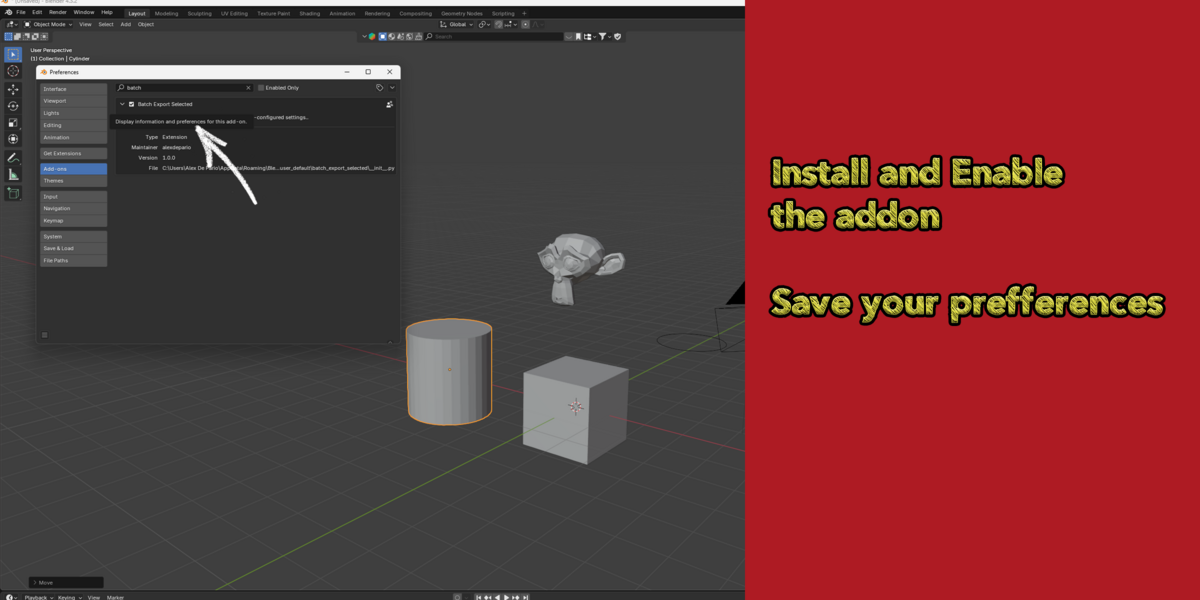
.zipfile after purchase.In Blender, go to Edit > Preferences > Add-ons.
Click Install... (or Get Add-ons menu in Blender 4.2+) and select the downloaded
.zipfile.Check the box to enable Batch Export Selected.
How to Use
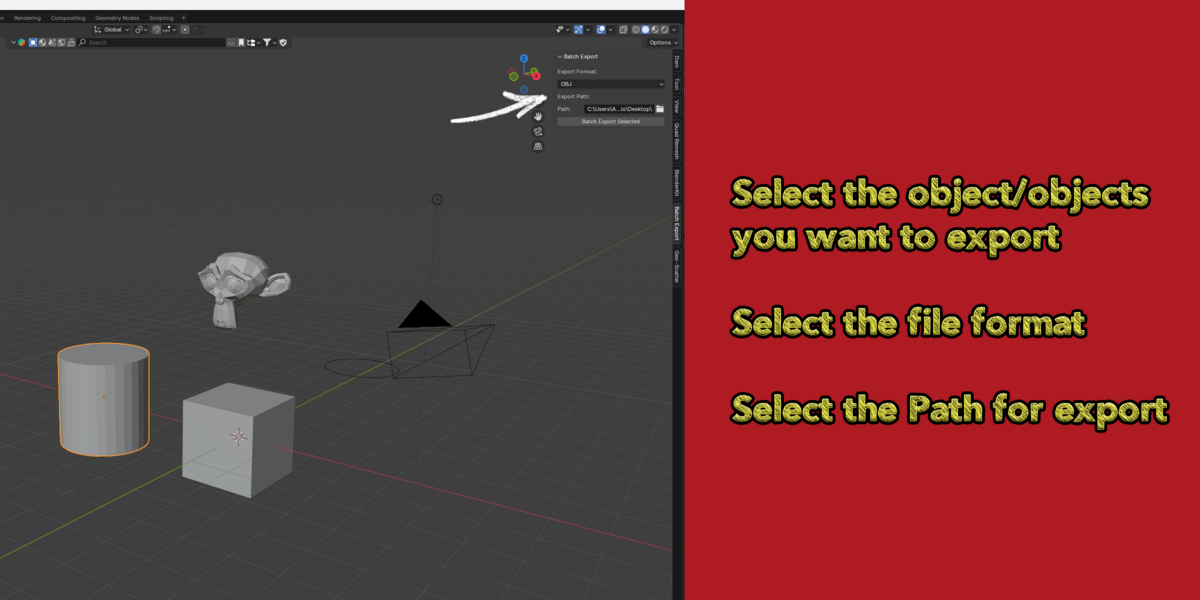
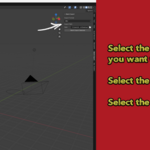
Select Objects: In the 3D Viewport, select all objects you want to export.
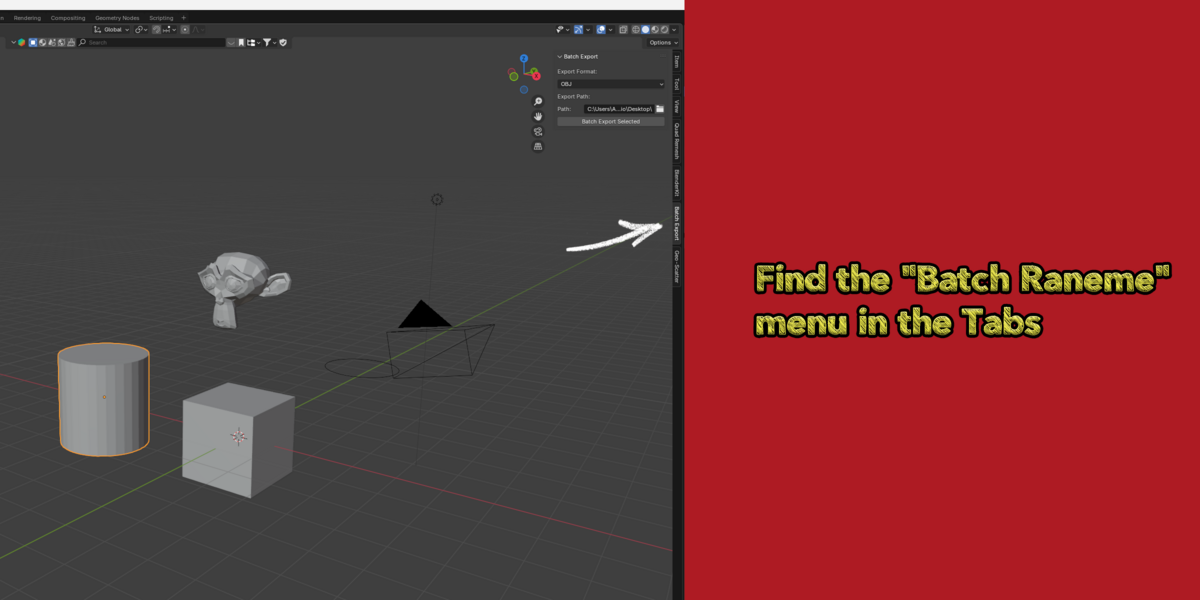
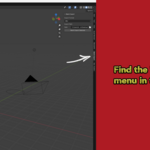
Open the Add-on Panel: Navigate to the Sidebar (
Npanel) or find the operator in File > Export > Batch Export Selected.Choose Export Path: Set your target destination folder where files should be saved.
Select Format: Pick your desired output format (
FBX,OBJ,STL,glTF,Collada, orPLY).Export: Click Batch Export. The add-on will process each selected object and write it directly to the designated folder.
Features & Supported Formats
-
Multi-Format Support:
FBX: Ideal for Unreal Engine, Unity, and Godot.
OBJ: Universal format for 3D modeling packages.
STL: Optimized for 3D printing workflows.
glTF / GLB: Modern web 3D standard and real-time graphics format.
Collada (.dae): Open format for interactive 3D applications.
PLY: Point cloud and polygon geometry format.
Automatic Naming: Files are automatically named after their respective Blender object names.
Clean Workflow: Automatically ignores hidden objects or unselected scene elements.
Have questions about this product?
Login to message
| Blender Extension Compatible | Yes |
| Published | almost 2 years ago |
| Blender Version | 4.3, 4.2, 4.1, 4.0, 3.6, 3.5, 3.4, 3.3, 3.2, 3.1, 3.0 |
| Extension Type | Add-on |
| License | GPL |

alexdepario
Discover more products like this
export selected gltf exporter batch-export multi-export asset exporter pipeline automation bulk-export fbx exporter game asset export