 Dani K Daniel


Batch FileR: render a queue of .blend files, one after another
Stop opening files one by one just to press Render.
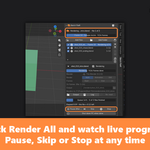
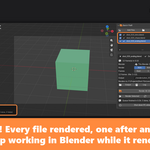
Batch FileR lets you line up all your .blend files, set how each one should render, and click Render All. Every file is rendered in the background, one after another, while you keep working in Blender.
Built for animators, look-dev and product artists, and anyone who ends the day with a stack of shots to render overnight.
✨ Features
📂 Build your render queue in seconds
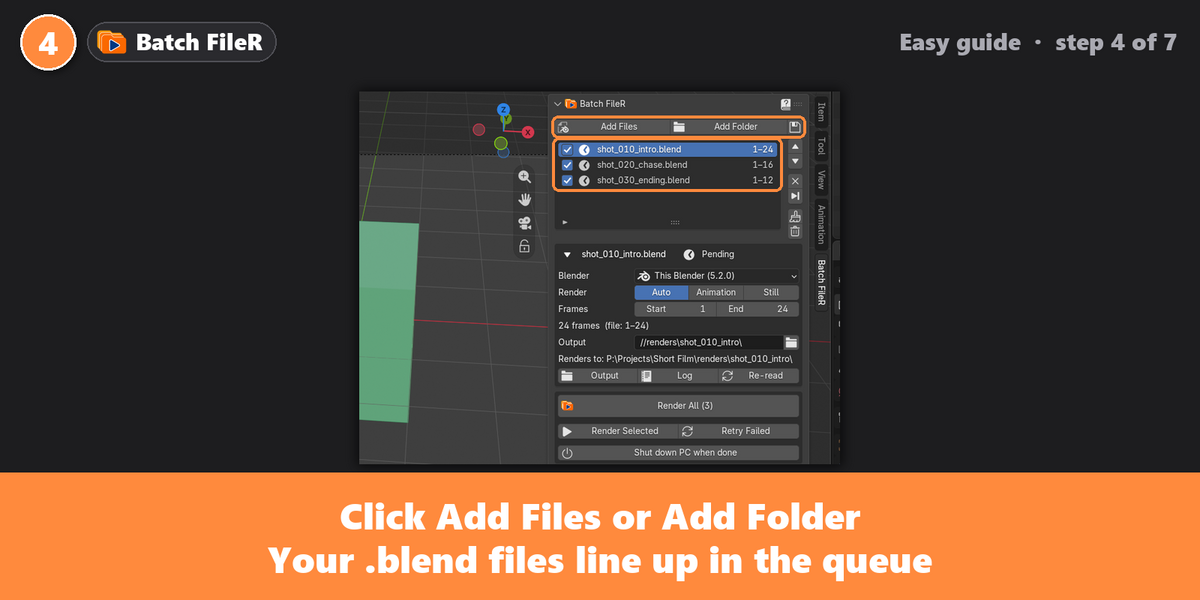
- Add files one by one, a whole folder (subfolders included), or the file you have open.
- Backup files (.blend1, .blend2 …) are ignored automatically, and a file can't be added twice.
- Reorder, skip, untick or remove files at any time.
⚙️ Settings for every file
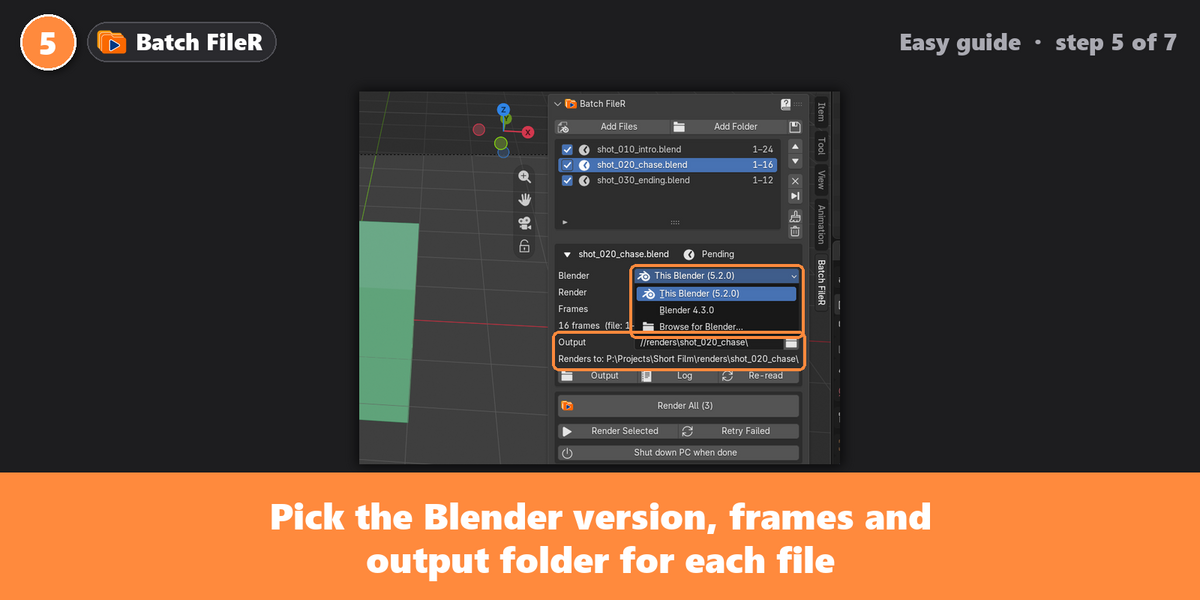
- Blender version per file: render each shot with the right Blender. Installed versions are found automatically, or browse for another.
- Frame range: Start and End are read from each .blend file, and you can change them.
- Render mode: Auto, Animation or Still.
- Output folder: pre-filled from the file. Pick another folder with one click, or reset to the file's own path.
- Your .blend files are never modified. Changes only apply to the render.
▶️ Render in the background
- Each file renders in its own background Blender, so your Blender stays free to use.
- Render All, or Render Selected for just one file (or add it to a queue that's already running).
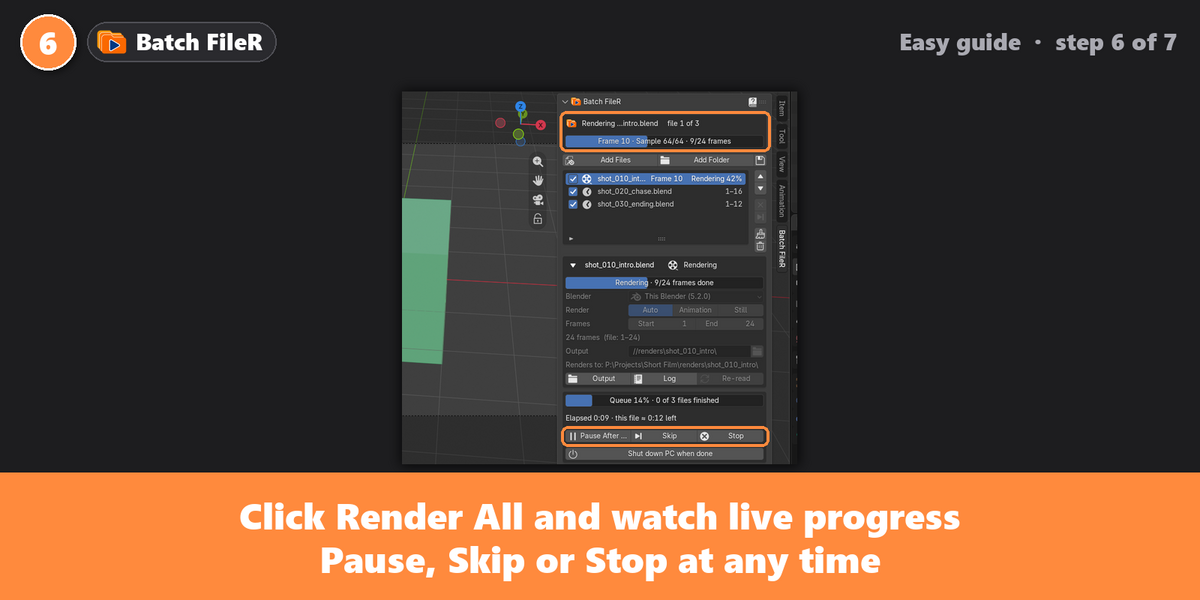
- Pause after current, Skip or Stop at any time.
- Retry Failed puts failed files back in the queue.
- Low CPU priority by default, so your PC stays responsive.
📊 Always know what's happening
- A banner shows which file is rendering, the current frame, samples and frames done.
- Progress bars for the current file and the whole queue, with elapsed time and time left.
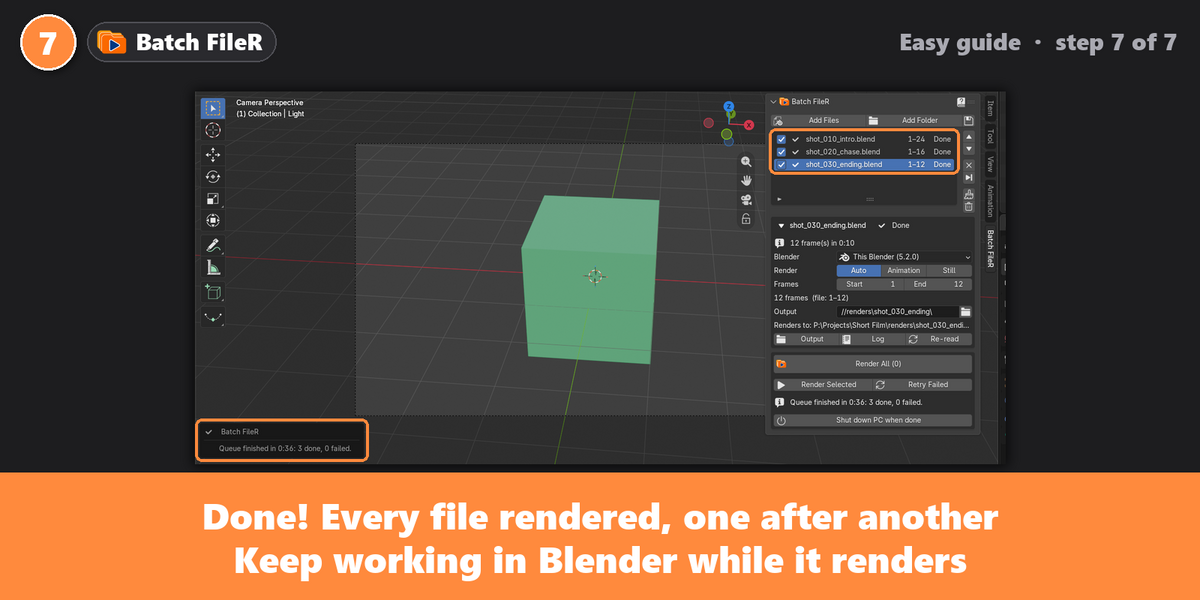
- Clear results for every file: Done, Failed, Skipped, Stopped, with the reason.
- A full log for every render and one-click access to the output folder.
🔔 When the queue finishes
- A sound and a popup tell you how many files are done and how many failed.
- Optional Shut down PC when done (Windows), with 60 seconds to cancel. Perfect for overnight renders.
💾 Safe and reliable
- The queue is saved automatically and survives restarts and opening other files.
- Problems are caught early: a missing output drive, a missing file, or a file from a newer Blender version gets a clear message instead of a silent failure.
🚀 How it works
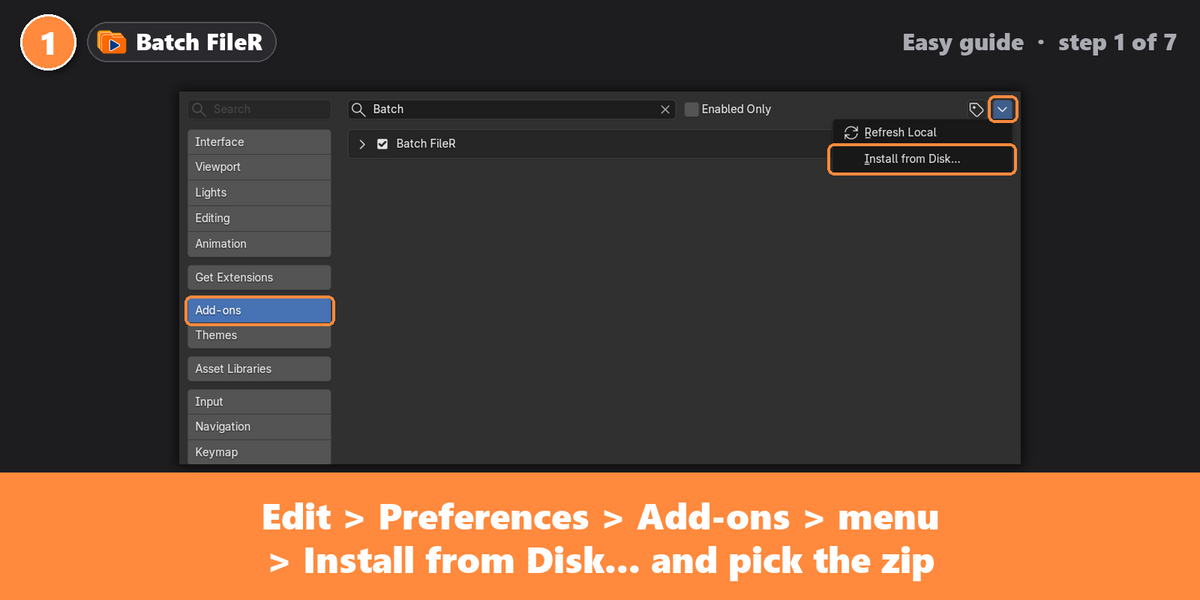
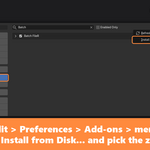
- Install the zip: Edit > Preferences > Add-ons > Install from Disk.
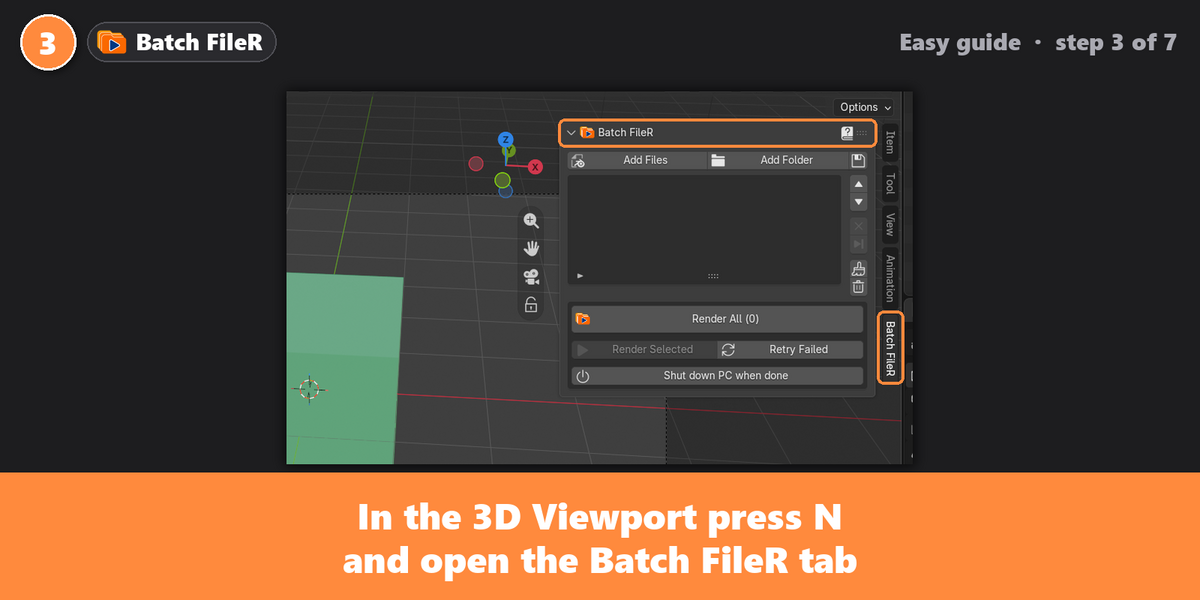
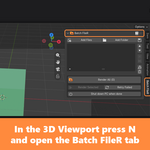
- In the 3D Viewport, press N and open the Batch FileR tab.
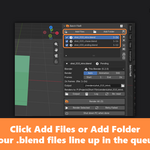
- Click Add Files or Add Folder.
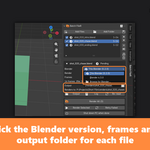
- Check each file's Blender version, frames and output folder.
- Click Render All, and keep working.
📦 What's included
- batch_filer-1.0.0.zip: the add-on, ready to install. Don't unzip it.
- User Guide (PDF): installation, every feature, and troubleshooting. Open it from the ? button in the panel.
🖥️ Requirements
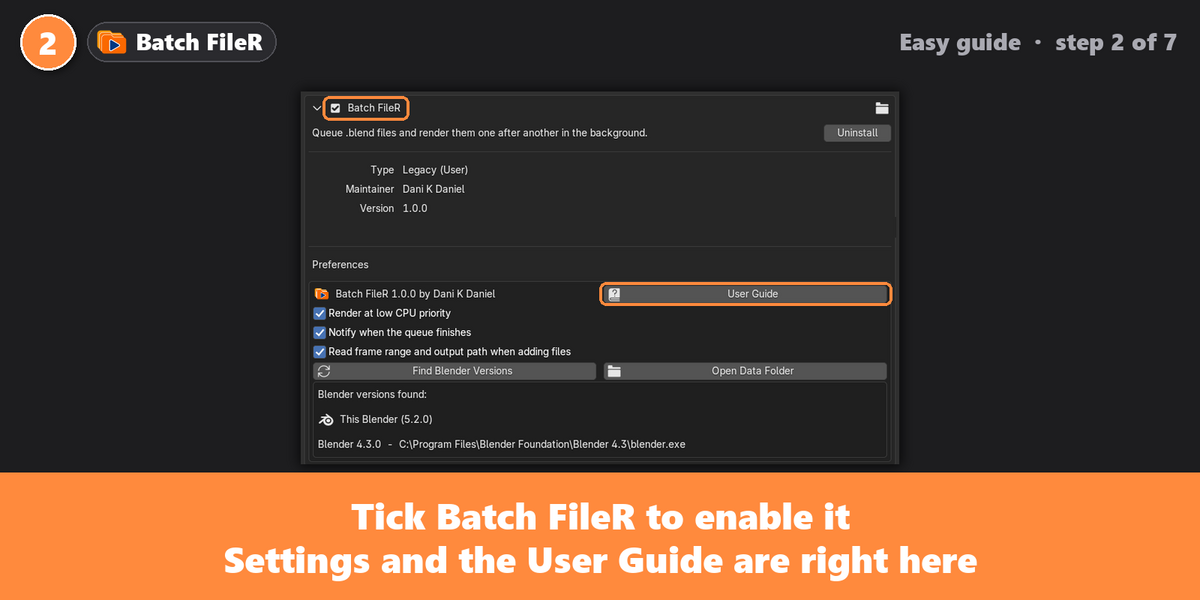
- Blender 4.2 or newer. Tested with Blender 4.3 and 5.2.
- Tested on Windows 10/11.
❓ FAQ
Can I keep working while it renders?
Yes. Rendering happens in separate background Blender processes. You can model, animate or even open other files.
Does it change my .blend files?
No. Frame range, output and version settings only apply to the render.
Can different files use different Blender versions?
Yes. Pick the version per file. Just remember an older Blender can't open a file saved in a newer one.
Does it render the latest changes of the file I have open?
It renders the saved file, so save first, then add it or click Re-read.
Which render engines are supported?
Any engine set in your .blend file (Cycles, EEVEE, Workbench). Each file renders with its own saved settings.
🛟 Support and updates
Questions, bugs or feature ideas? Message me through Superhive and I'll be happy to help. All future updates are included with your purchase.
Batch FileR is licensed under the GNU GPL v3, like all Blender add-ons. Blender is a trademark of the Blender Foundation; this add-on is not made or endorsed by the Blender Foundation.