Batch Print Exporter (STL, 3MF, OBJ)
 Sonneblom Digitaal
Version 1.0.1 · Blender 4.2 or newer · tested on 4.2 LTS and 5.1
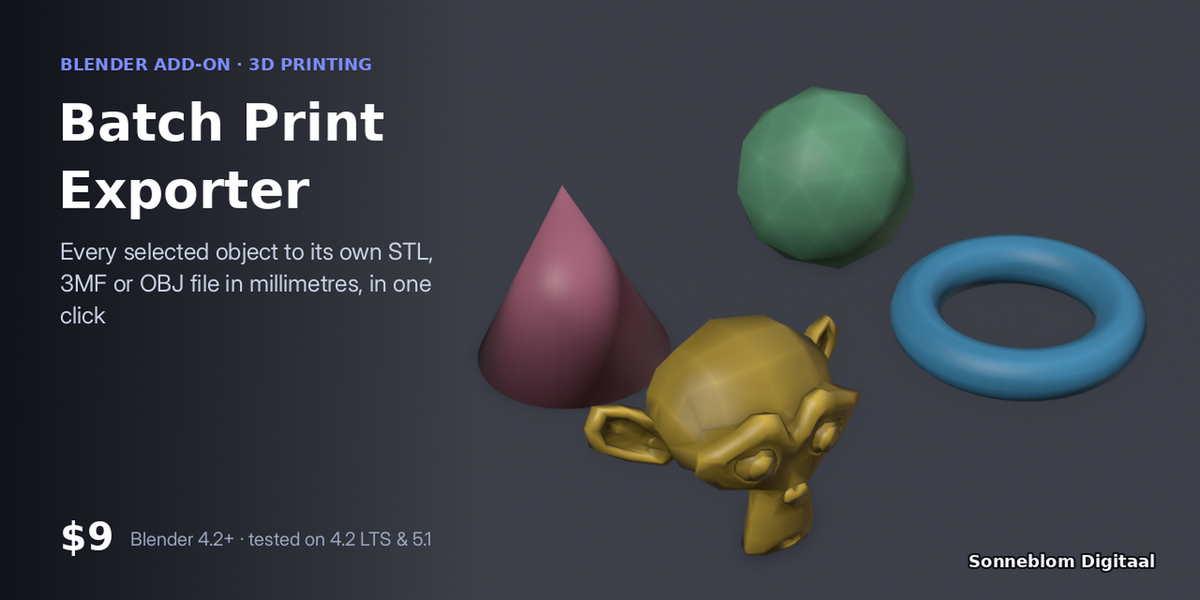
Stop exporting parts one by one. Select a plate of parts (or a collection) and each becomes its own file, in mm, with modifiers applied, dropped onto the bed and centred, named the way you want. Your scene stays untouched.
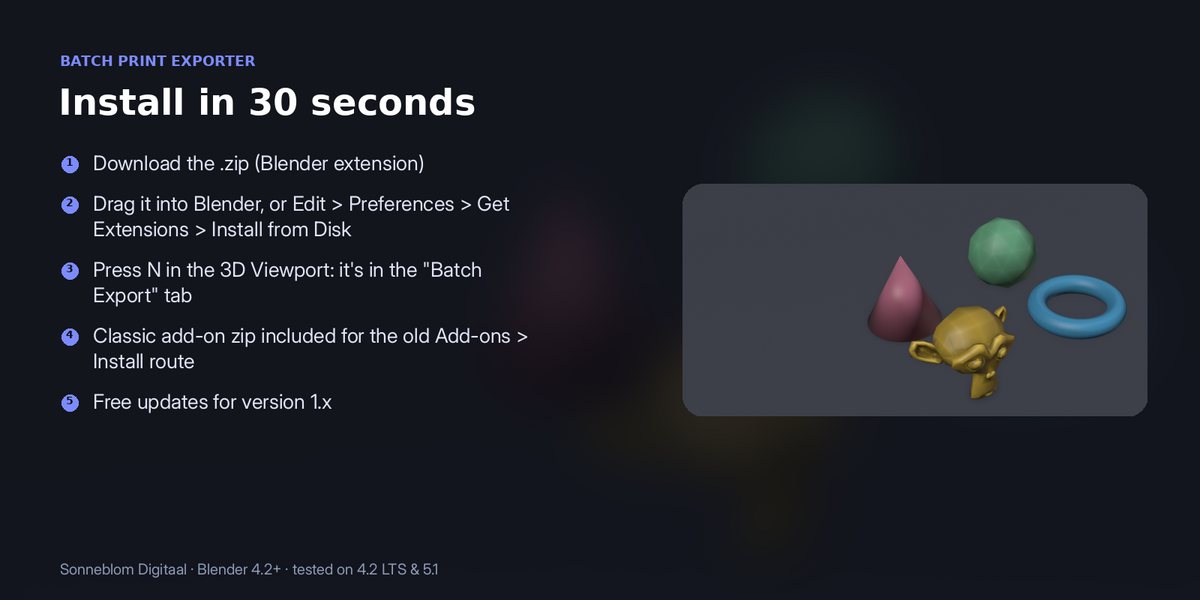
1. Install
The download contains two files. Use the one that matches how you install add-ons:
- batch_print_export-1.0.1.zip (Blender extension, recommended): drag it into Blender, or go to Edit > Preferences > Get Extensions, open the drop-down arrow at the top right, choose Install from Disk… and pick the zip. Do not unzip it.
- batch_print_export-1.0.1-legacy.zip (classic add-on folder): Edit > Preferences > Add-ons, drop-down arrow, Install from Disk…. Use this one if you manage add-ons as folders.
Make sure it is enabled, then in the 3D Viewport press N and open the Batch Export tab. It has no extra dependencies.
2. How to use it
- Press N in the 3D Viewport and open the Batch Export tab.
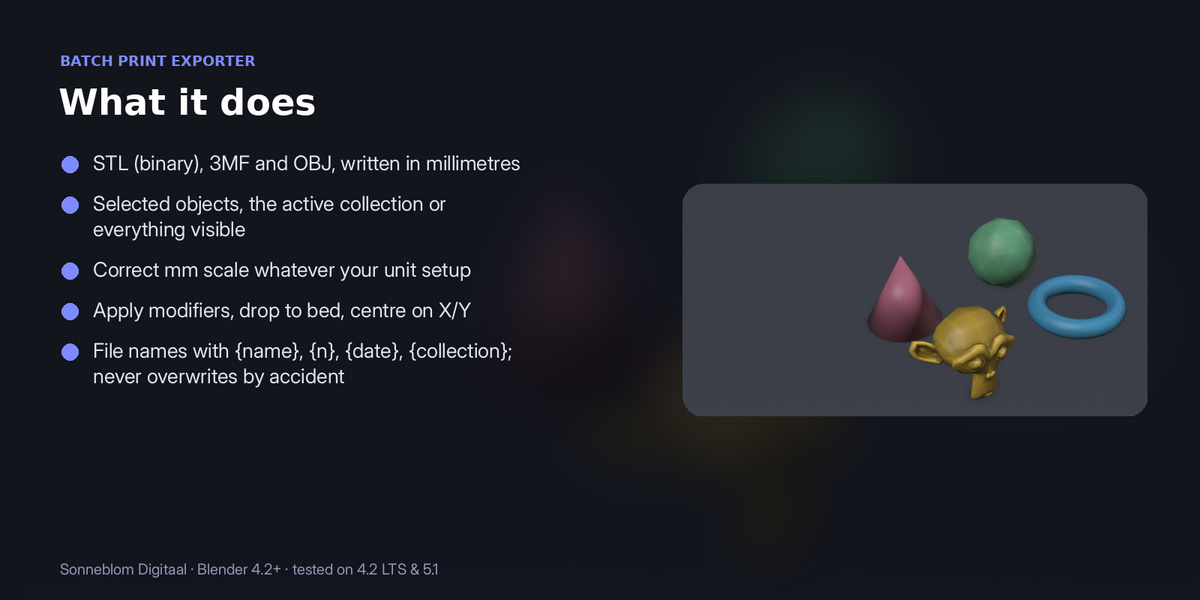
- Choose what to export (selected objects, the active collection or everything visible) and the format: STL, 3MF or OBJ.
- Set the folder and the file name pattern ({name}, {n}, {date}, {collection}).
- Leave Apply modifiers, Drop to bed and Centre on X/Y on for print-ready files, then click Export N object(s).
3. Settings
| Setting | Default | What it does |
|---|---|---|
| Export | Selected objects | Selected, active collection (with child collections) or all visible. |
| Format | STL | STL (binary), 3MF or OBJ. |
| Folder | //exports/ | Next to the .blend file; for an unsaved file it is exports in your home folder. Created if missing. |
| File name | {name} | {name}, {n} (01, 02…), {date}, {collection}. |
| Model units | Scene | Files are always written in mm. |
| Apply modifiers / Drop to bed / Centre on X/Y | On / On / On | |
| Overwrite files | Off | When off, existing files are kept and new ones get _2, _3 and so on. |
Model units: STL files have no units and are almost always in millimetres, while Blender's default scene counts 1 unit as 1 metre. Set Model units to 1 unit = 1 mm for imported STLs, or leave it on Scene to follow Scene > Units.
4. Limits
One file per object (no merging). Exports geometry only: no colours, materials or UVs.
5. Support and licence
Questions or a model that doesn't work? Message us through Superhive (Contact the creator) with what happened, and the model if you can, and we'll help. Free updates for version 1.x.
Batch Print Exporter (STL, 3MF, OBJ) is made by Sonneblom Digitaal and released under the GNU General Public License v3 or later (GPL-3.0-or-later), like other Blender add-ons. You may use it commercially.
Have questions about this product?
Login to message
| Blender Extension Compatible | Yes |
| Published | 13 days ago |
| Blender Version | 4.2 - 5.2 |
| Extension Type | Add-on |
| License | GPL |