Batch Render Manager
 N00dle & D00dle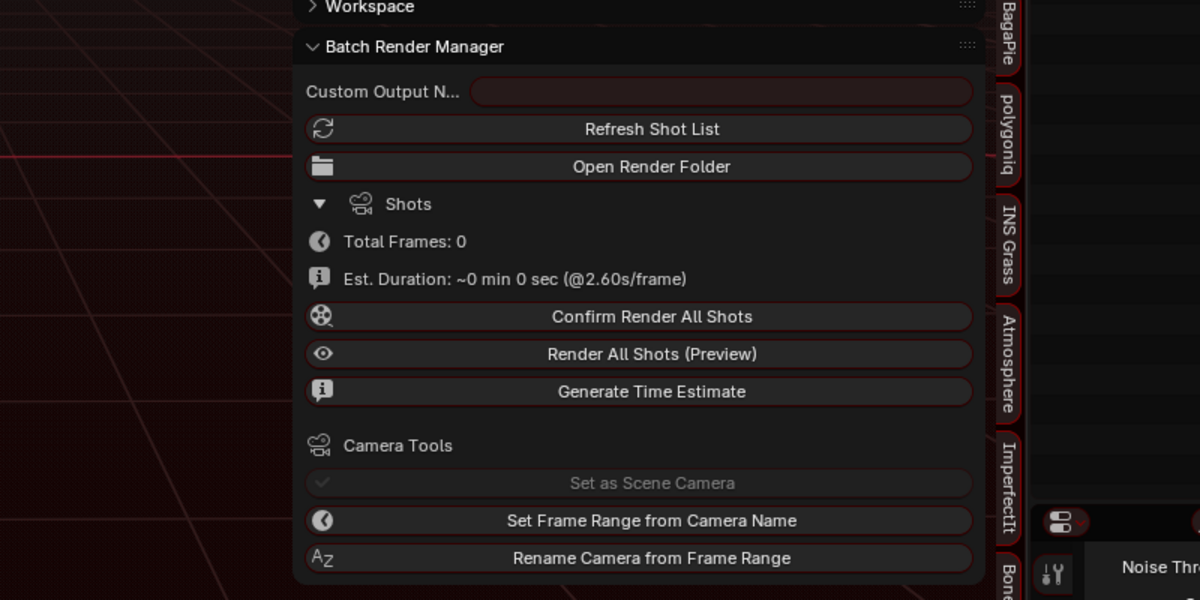
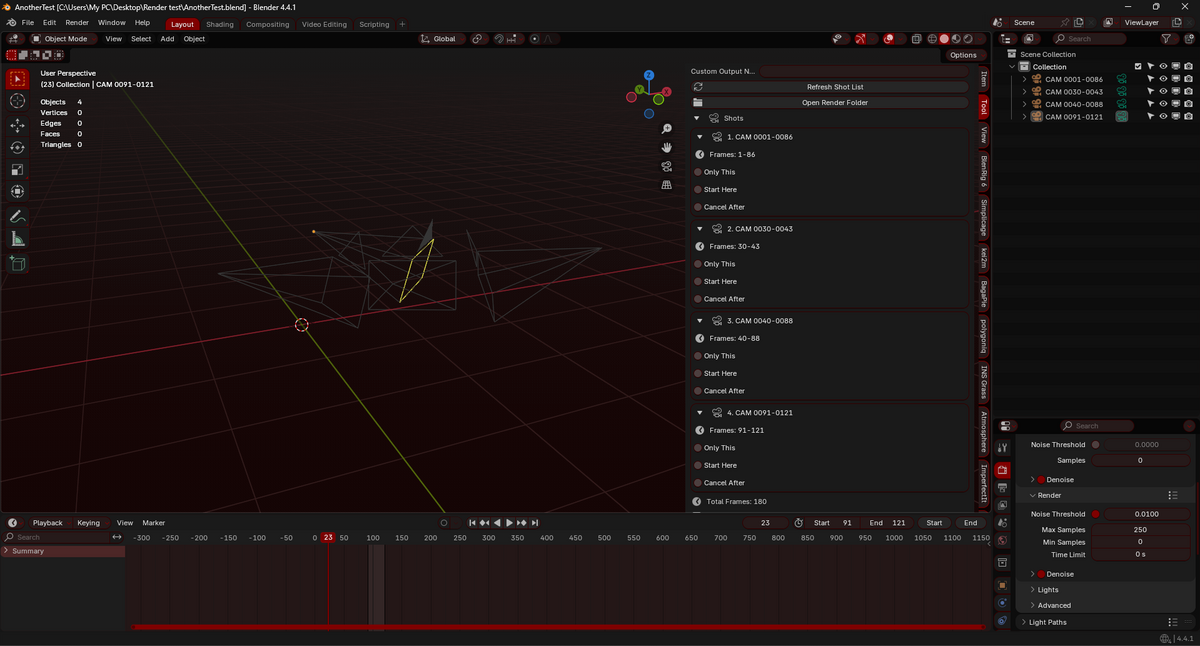
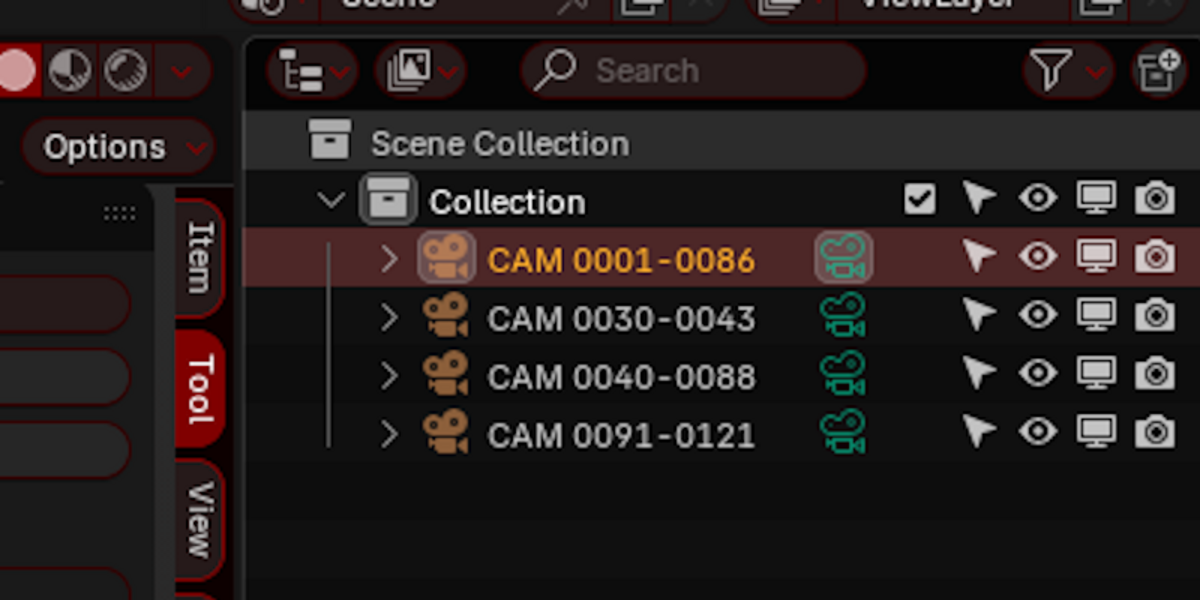
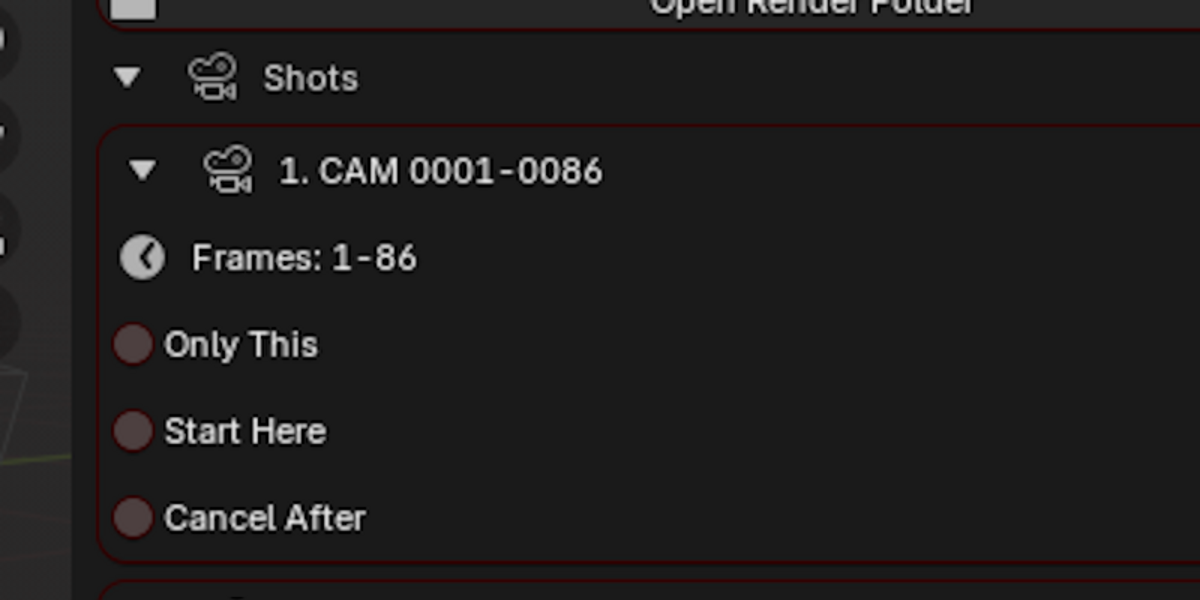

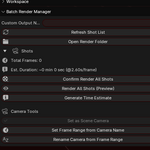
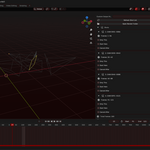

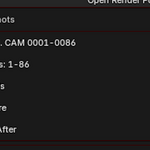
Added a visual indicator in the shots list to see which camera is currently active (Scene camera)
If the scene camera is not part of the shots list, nothing is shown.
* Updated the "Preview Camera" button in the shot lists to apply their frame range into the timeline and jump the timeline to the shot's first frame.
Changed the text in a few places to make it more consistent.
1. Time Estimation Overhaul
Added Addon Preferences for flexible time-estimate settings:
Choose between Single, Fixed Count, Percent, or Adaptive frame sampling.
Control min/max samples for Adaptive mode.
Pick which render engine to use for estimates (match, always current, always Workbench).
Option to temporarily lower resolution for faster estimates.
Option to show sampled frames in dialogs and/or log them to file.
Render time estimates are now logged in a unified file:
//Renders/render_estimates.log (previously render_times.log).
Log uses blocks (“Latest run”) so the addon can always show the latest estimate.
Automatic estimation can run when confirming a render, instead of requiring a manual benchmark step.
Added Addon Preferences for flexible time-estimate settings:
Choose between Single, Fixed Count, Percent, or Adaptive frame sampling.
Control min/max samples for Adaptive mode.
Pick which render engine to use for estimates (match, always current, always Workbench).
Option to temporarily lower resolution for faster estimates.
Option to show sampled frames in dialogs and/or log them to file.
Render time estimates are now logged in a unified file:
//Renders/render_estimates.log (previously render_times.log).
Log uses blocks (“Latest run”) so the addon can always show the latest estimate.
Automatic estimation can run when confirming a render, instead of requiring a manual benchmark step.
2. Shot Management Improvements
Each shot now has an extra toggle: “Skip This”, allowing exclusion without deleting.
Refreshing the shot list remembers shot options (Only This, Start Here, Cancel After, Expanded, Skip This).
Frame range detection is more robust (supports extra spaces and dashes like –/—).
Each shot now has an extra toggle: “Skip This”, allowing exclusion without deleting.
Refreshing the shot list remembers shot options (Only This, Start Here, Cancel After, Expanded, Skip This).
Frame range detection is more robust (supports extra spaces and dashes like –/—).
3. Render Workflow
New unified operator: Estimate & Confirm Render:
Runs (or re-uses) a time estimate.
Shows a confirmation dialog with duration, shot count, and optional shot/sample details.
User then confirms to proceed with either Final or Preview render.
Removed the old “Generate Time Estimate” button (manual benchmark operator).
Batch rendering is now centralized through a helper (run_batch_render) that handles both preview and final.
New unified operator: Estimate & Confirm Render:
Runs (or re-uses) a time estimate.
Shows a confirmation dialog with duration, shot count, and optional shot/sample details.
User then confirms to proceed with either Final or Preview render.
Removed the old “Generate Time Estimate” button (manual benchmark operator).
Batch rendering is now centralized through a helper (run_batch_render) that handles both preview and final.
4. Camera Tools Enhancements
Set as Scene Camera operator:
Works with explicit camera name or a single selected camera.
Automatically switches the viewport to that camera.
Preview Selected Camera operator:
Lets you quickly preview a single selected camera in viewport.
Set Frame Range from Camera:
Can now use multiple selected cameras and combines their ranges (min start, max end).
Still falls back to active scene camera if none selected.
Set as Scene Camera operator:
Works with explicit camera name or a single selected camera.
Automatically switches the viewport to that camera.
Preview Selected Camera operator:
Lets you quickly preview a single selected camera in viewport.
Set Frame Range from Camera:
Can now use multiple selected cameras and combines their ranges (min start, max end).
Still falls back to active scene camera if none selected.
5. UI / Panel Updates
Per-shot UI now includes:
A “Preview Camera” button next to each shot.
The new “Skip This” checkbox.
Render section:
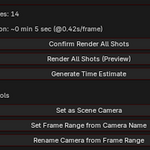
Shows total frames and estimated duration (from latest log).
Render buttons updated:
Confirm Render All Shots (Final).
Render All Shots (Preview).
Old time estimate button removed (estimation happens automatically or via dialog).
Camera Tools section:
Added “Preview Selected Camera”.
Per-shot UI now includes:
A “Preview Camera” button next to each shot.
The new “Skip This” checkbox.
Render section:
Shows total frames and estimated duration (from latest log).
Render buttons updated:
Confirm Render All Shots (Final).
Render All Shots (Preview).
Old time estimate button removed (estimation happens automatically or via dialog).
Camera Tools section:
Added “Preview Selected Camera”.
Have questions about this product?
Login to message
| Published | over 1 year ago |
| Blender Version | 4.4 - 4.5 |
| Extension Type | N/A |
| Render Engine Used | Blender-Internal, Cycles, Eevee |
| License | Mit |