 N00dle & D00dle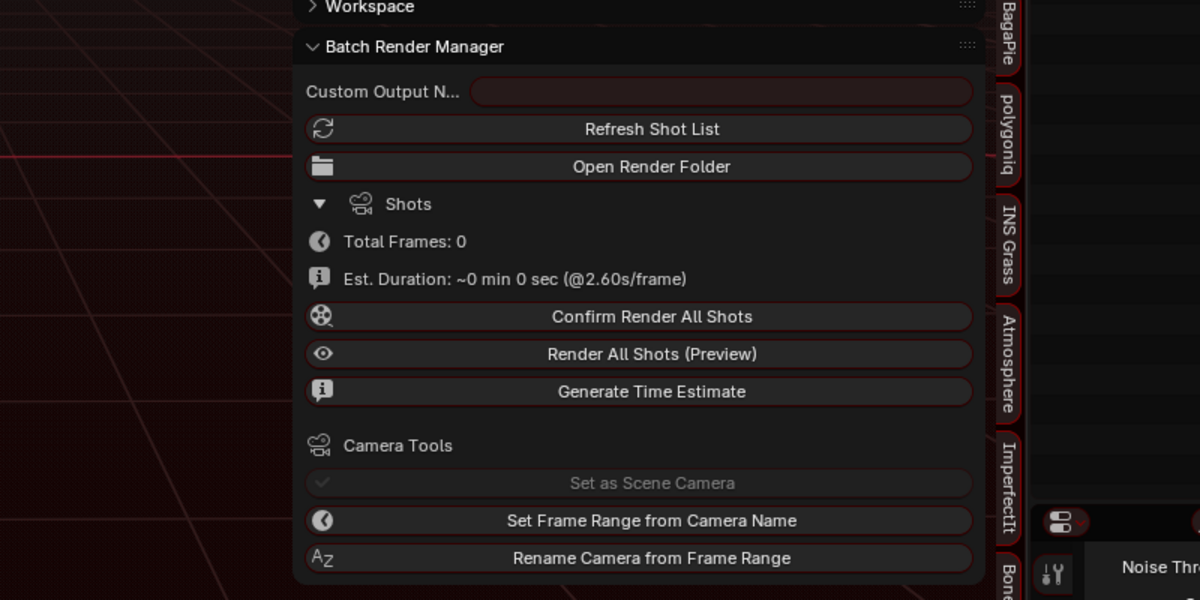
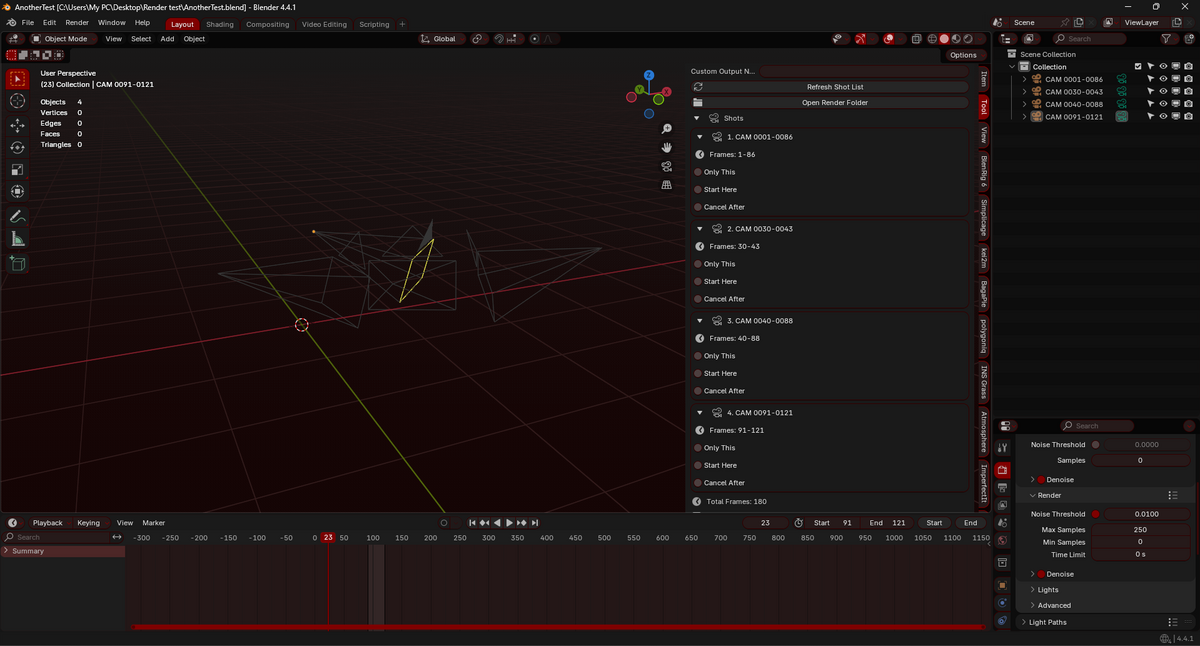

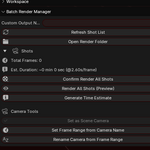
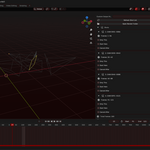

Batch Render Manager [BRM] is a simple Blender 3D addon that allows users to set and render automatically all the cameras in their scenes

How it works:
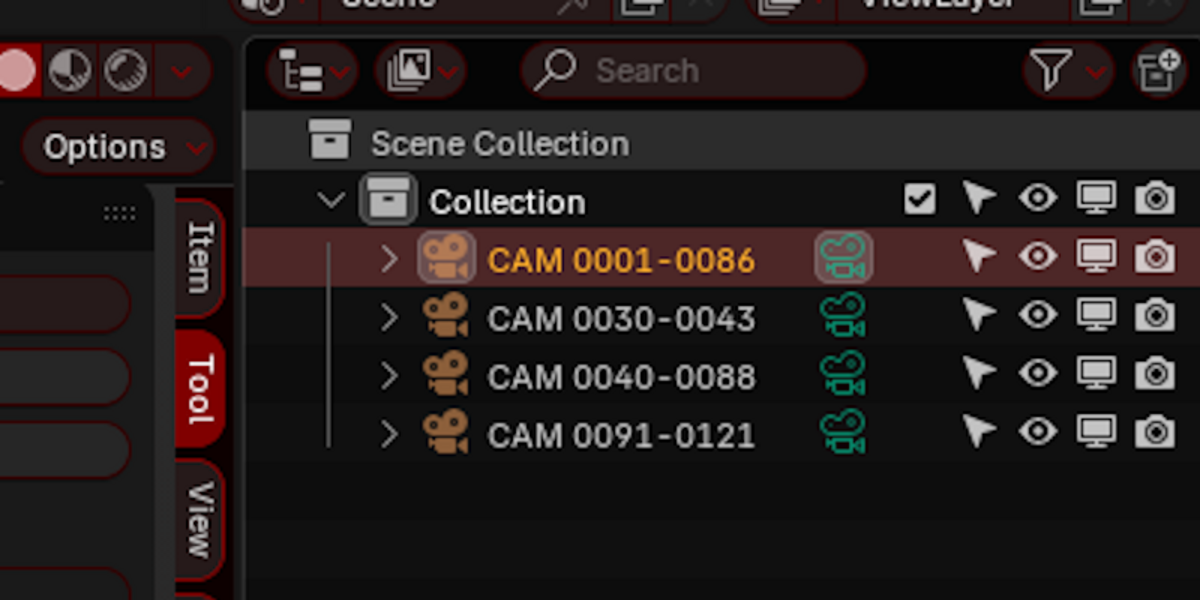
The addon will look for cameras whose name ends with 2 sets of numbers. For instance CAM 0005-0095
These will be defined as the Camera's frame range.
The addon can also rename the Scene Camera with the current timeline frame range following this nomenclature "CAM XXXX-XXXX"
The addon can also set any selected camera as the Scene Camera, which makes previewing a scene much faster.
The idea for this addon is to automate the process of rendering multiple shots. No longer needing to manually set up scene cameras and their frame ranges.
[Priorities]
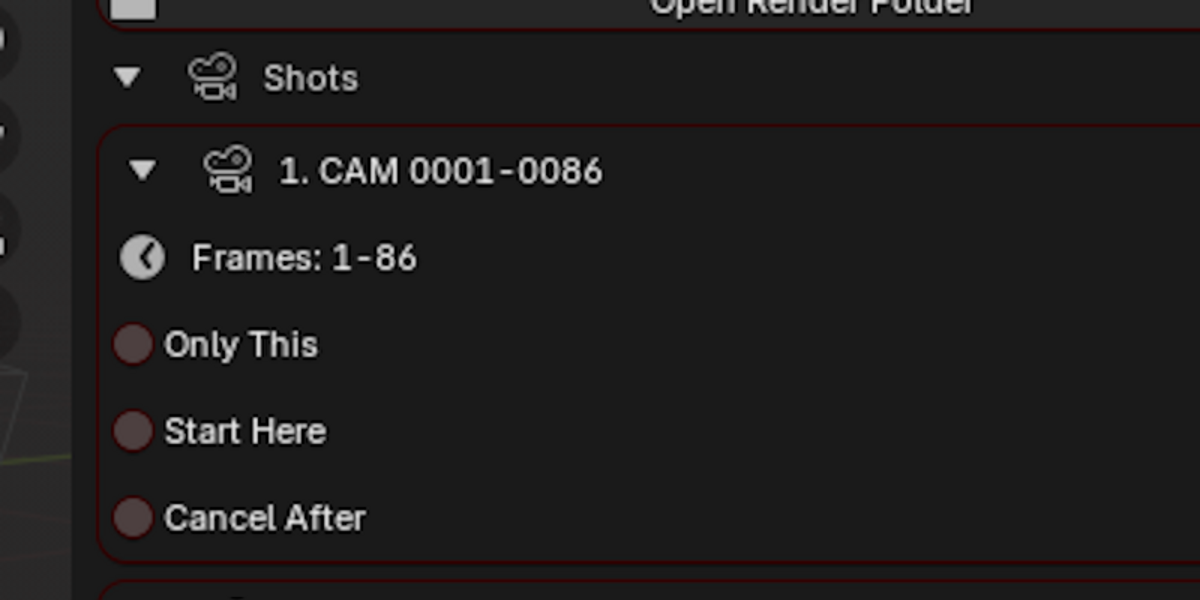
Each camera will be visible in the Addon's UI.
You can refresh the shot list using the "refresh shot list" button or preview a camera using the “Preview Camera” button
"Only this" will overwrite the default render order and only go with the cameras that have it checked.
“Skip this” will overwrite the default render order and skip the cameras that have it checked
"Start here" will overwrite the default render priority and start from this point, then proceed as normal.
"Cancel After" will stop the batch rendering after rendering all the frame in a given shot
If none are checked, it will go through the entire list in alphabetical order.

[Render]
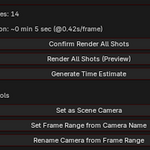
"Render All Shots (Final)" Will prompt the user to render all valid shots using the current rendering engine.
"Render All Shots (Preview)" Will prompt the user to render all valid shots using the Workbench render engine.

[Camera Tools]
"Set Frame Range from Camera Name" Will set the timeline frame range using the Camera's name.
"Rename Camera from Frame Range" Will rename the current scene camera using the timeline frame range.
"Preview Selected Camera" Will set the selected camera as the scene camera.

[Other features & infos]
The addon has a frame count which follows the shot's priorities
The batch render happens in the background which will cause Blender to become unresponsive while rendering.You can change some settings in the Addon page to customize your workflow
Sampling mode: Defines the amount of sampled frames for estimating rendering time
Engine for estimate: Defines the engine used for time estimation
Resolution scale: Defines the scale of the resolution used for time estimation
Dialog shot preview: Defines how many shots can be seen before collapsing the list in the render prompt window
Show sampled frames in confirmation: Toggles the list of sampled frames in the Prompt window
Log sampled frames to file: Toggle the sampled frames in the log file
Automatic Time Estimation: Will run the time estimation automatically when pressing the either of the render button. If turned off, a button will appear in the prompt window to manually run the time estimation.
The addon will create a "Render" folder local to your blender project file, inside it there will be a log file containing each shots list and informations such as the median render time for the sampled frames and which frames were sampled on each shots it will read it in order to give a time estimate to render the entire project. (keep in mind the time estimate is also affected by the shots priorities)
You can select a desired folder path and name to output your project's renders.
Each shot will be saved in a unique folder to ensure overlapping shots aren't overwritten.

Special thanks to Chat GPT for helping me out writing this addon.
[How to install]
The same way you would install any other addons
- Edit > Preferences > Add-ons > Instal from disk > -Addon zip file here-