 MST-9 Tools
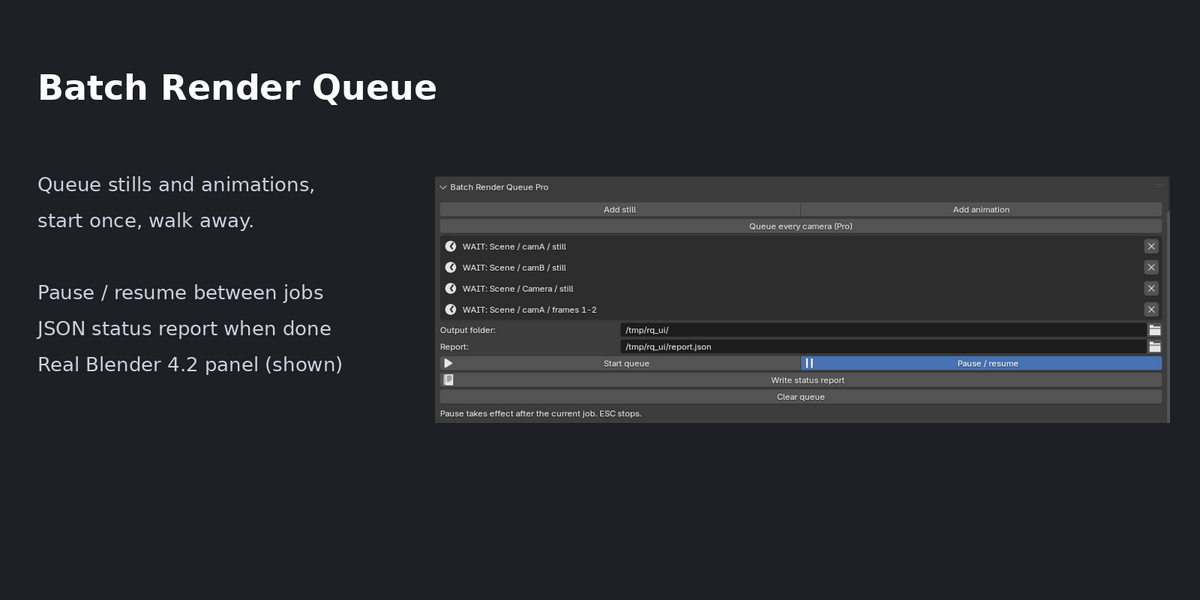
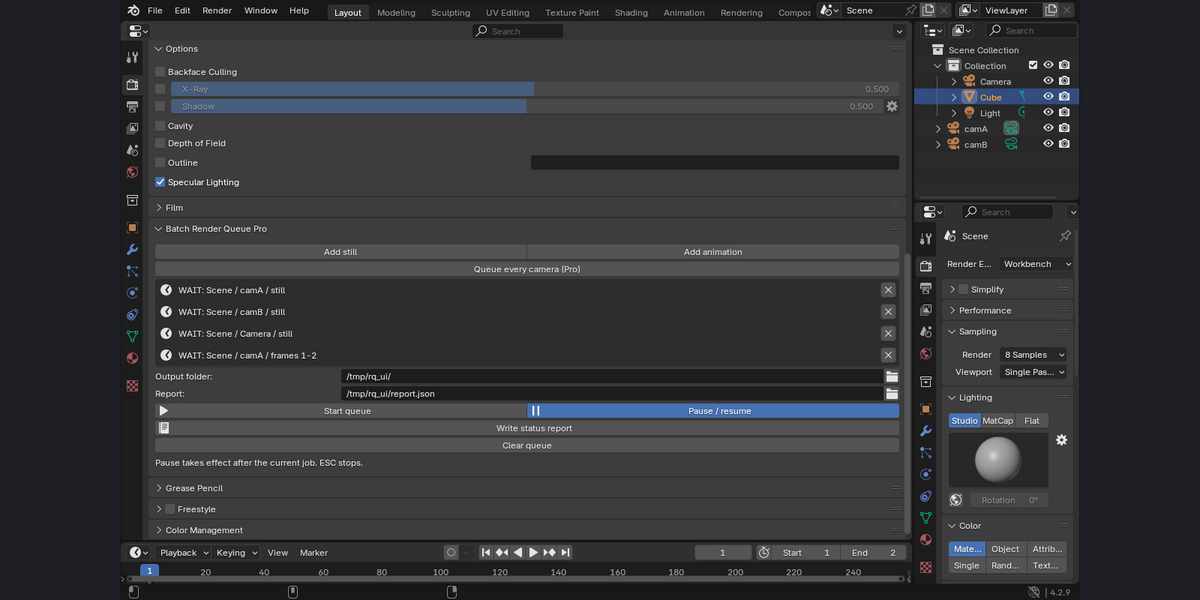
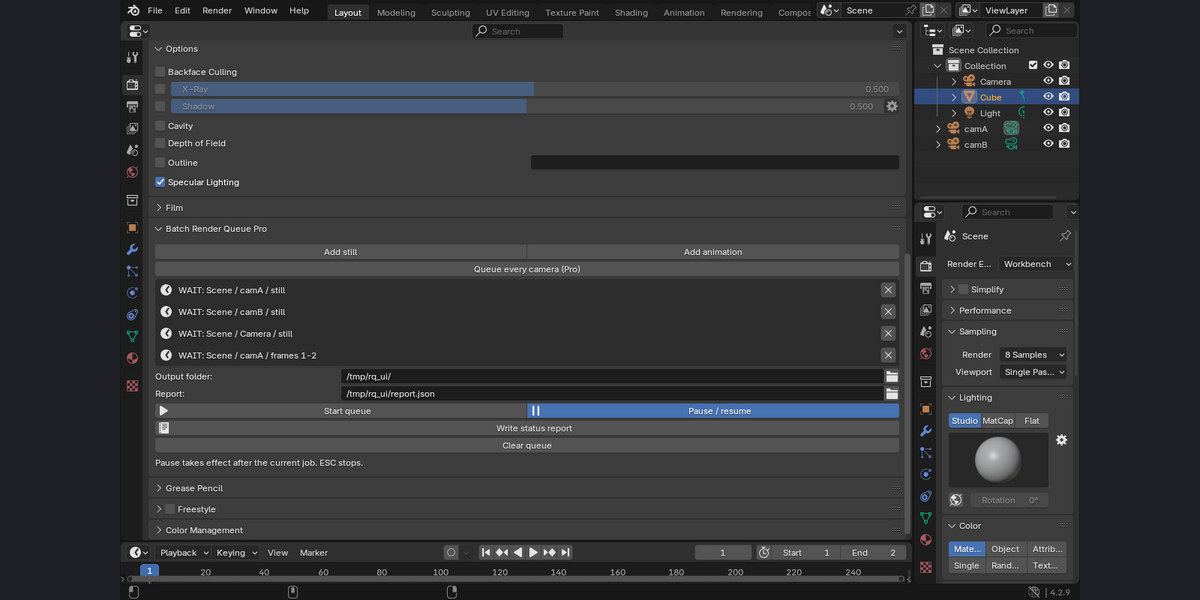
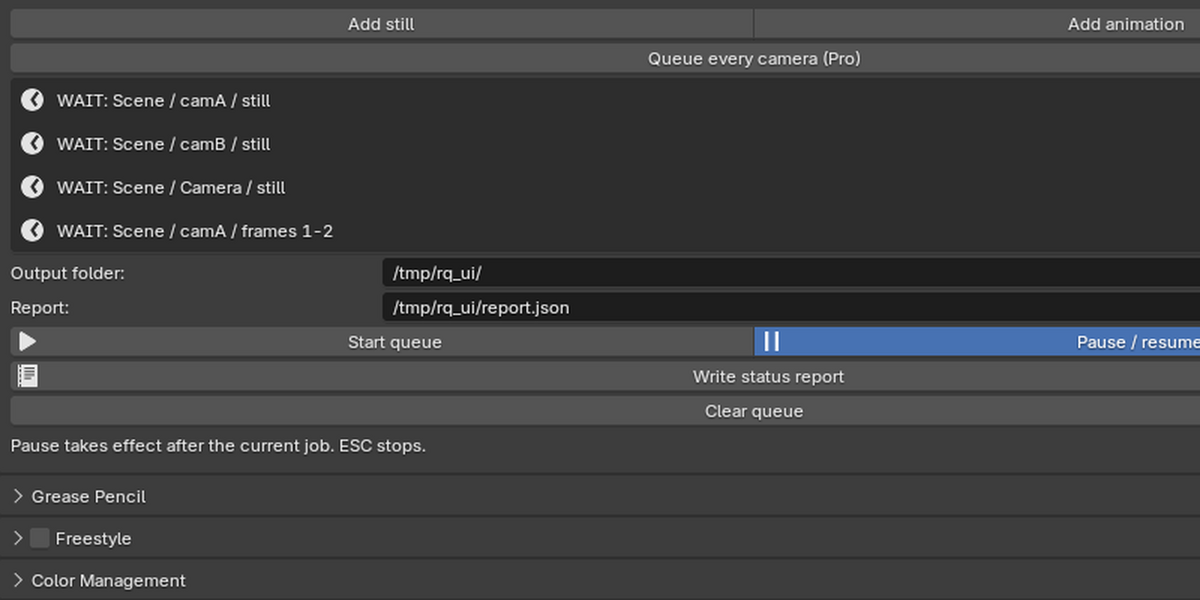
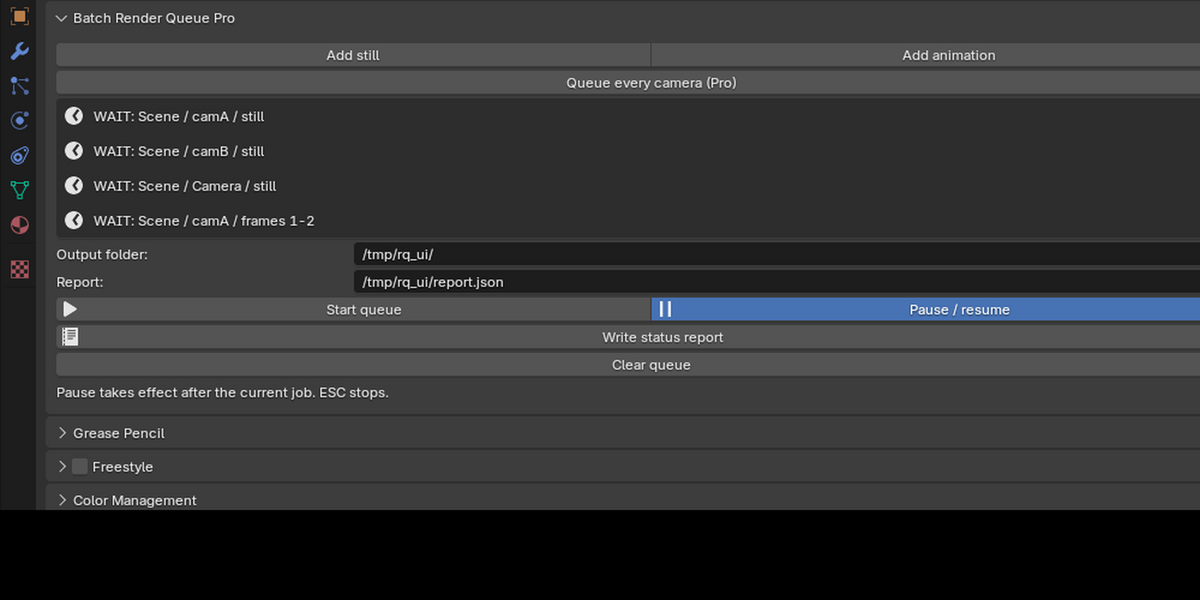
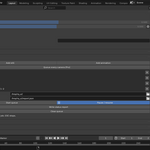
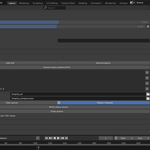
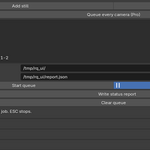
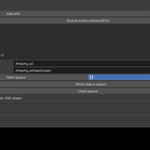
Queue several renders, press Start once and leave. Batch Render Queue adds a panel in Properties > Render.
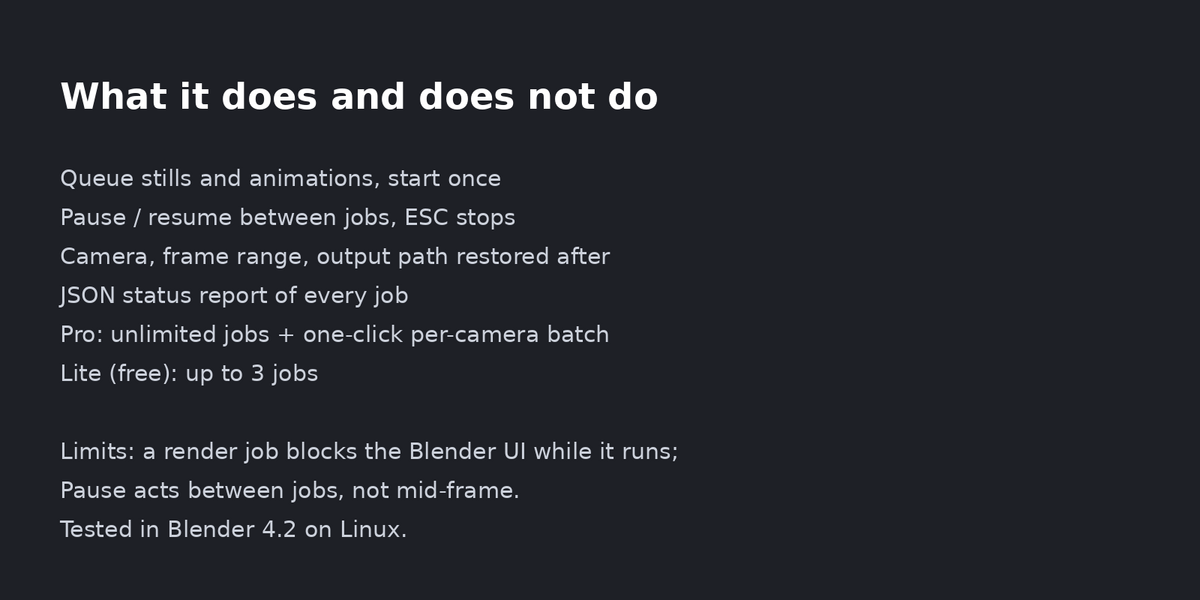
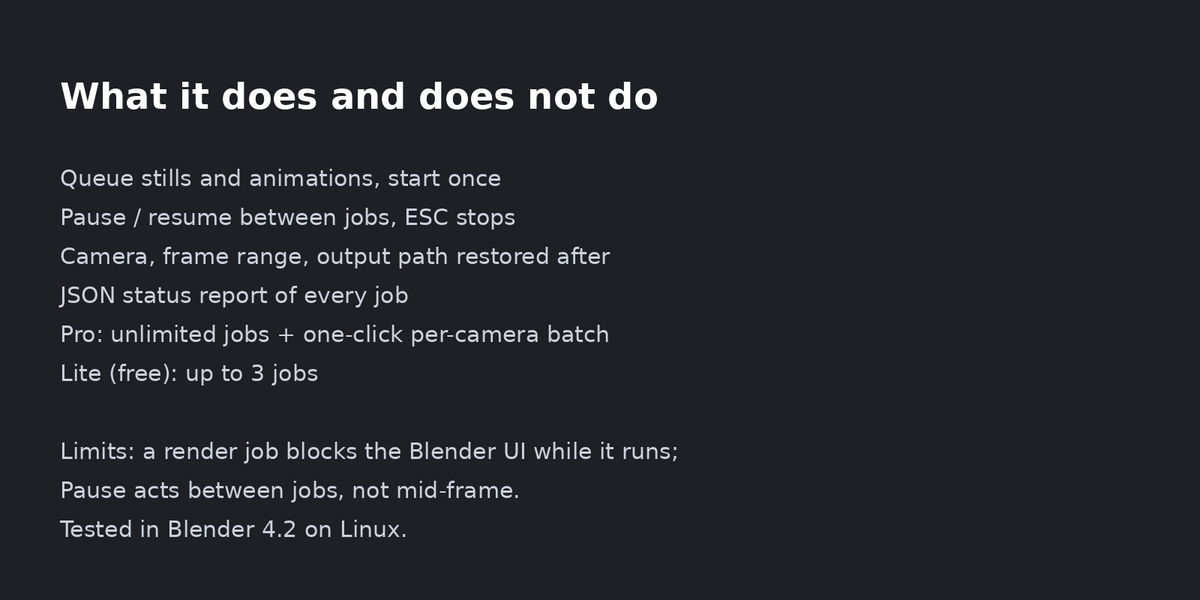
Add still or animation jobs from the current scene, camera, frame range and output folder. Pause and resume between jobs (ESC stops). After the queue the camera, frame range and output path are restored. A JSON status report lists every job (DONE / WAIT / failed).
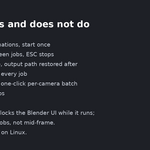
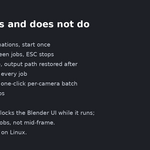
Pro: unlimited jobs and Queue every camera (one job per camera in the scene).
Free Lite edition (3 jobs, no per-camera batch) is available as Batch Render Queue Lite.
Limits (honest): a render job blocks the Blender UI while it runs; Pause and ESC act between jobs, not in the middle of a frame. Tested in Blender 4.2 on Linux; Cycles on GPU, macOS and Windows not tested.
Installation: download the zip (do not unzip). Blender 4.2+: Edit > Preferences > Get Extensions > top-right menu > Install from Disk... > pick the zip. Enable it; the panel is in Properties > Render.
Licence: GPL-3.0-or-later. Support: message me here; answers within 72 hours.
Disclosure: this add-on was written with AI assistance (Claude) and tested by automated scripts and in the real Blender UI; I stand behind it and answer support myself.
